Calhoun County Mineral Deed Form
Last validated October 26, 2026 by our Forms Development TeamFormatted for recording in Calhoun County, for property anywhere in the county: rural and unincorporated areas as well as Arnoldsburg, Big Bend, Big Springs, Chloe, Grantsville, Millstone, Mount Zion, Munday and 1 more.
- 3 documents included
- Immediate PDF download
- Formatting guarantee
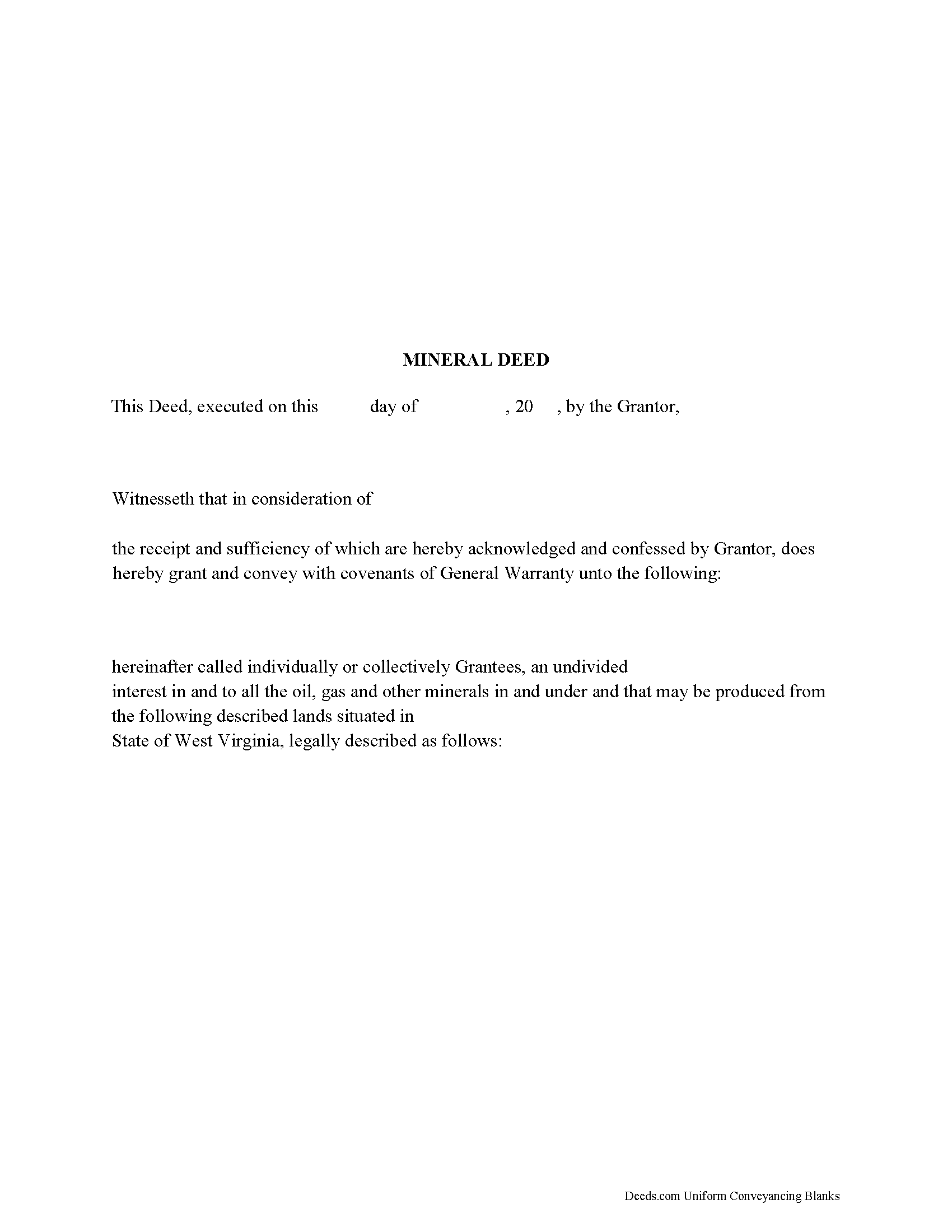
Calhoun County Mineral Deed Form
Fill in the blank form formatted to comply with all recording and content requirements.
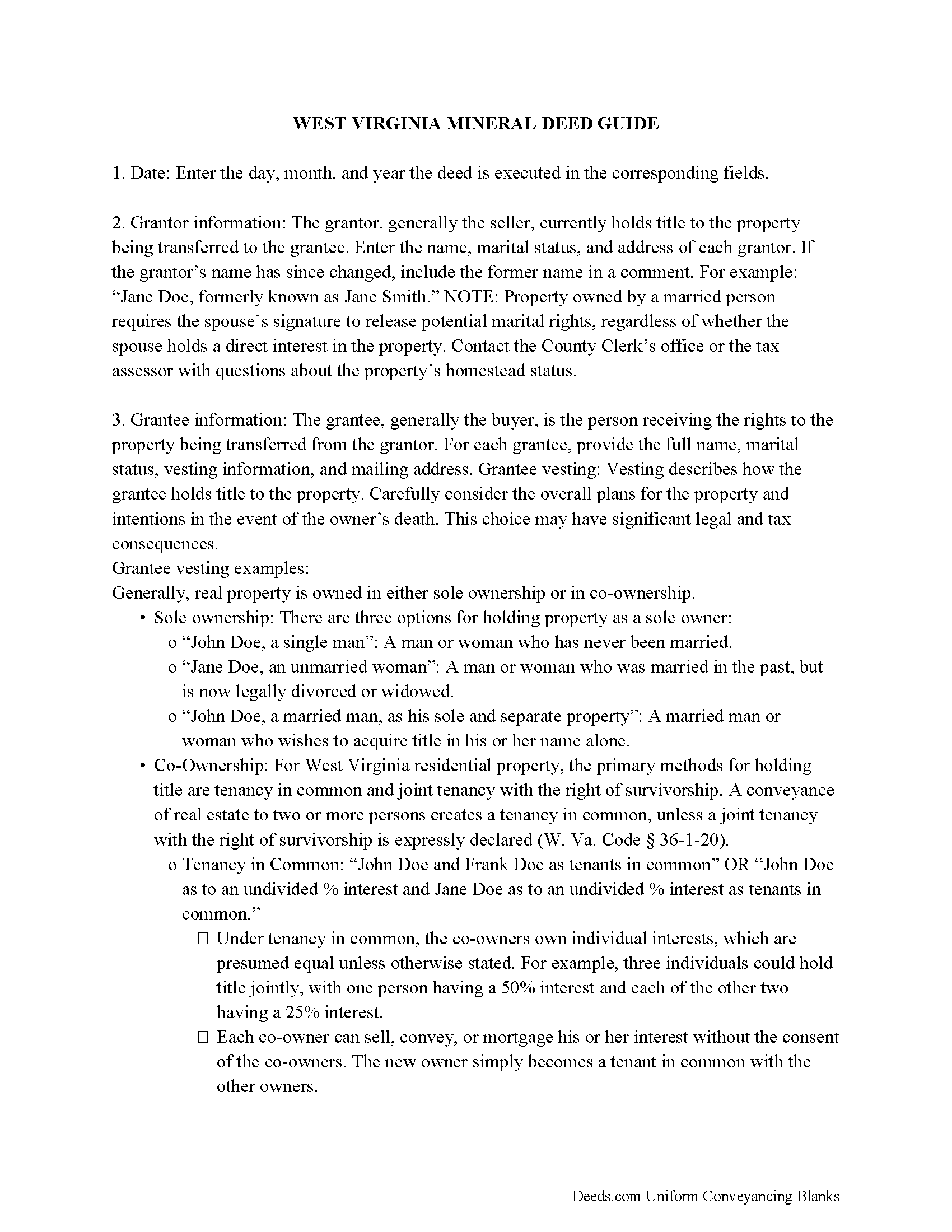
Calhoun County Guidelines for Mineral Deed
Line by line guide explaining every blank on the form.
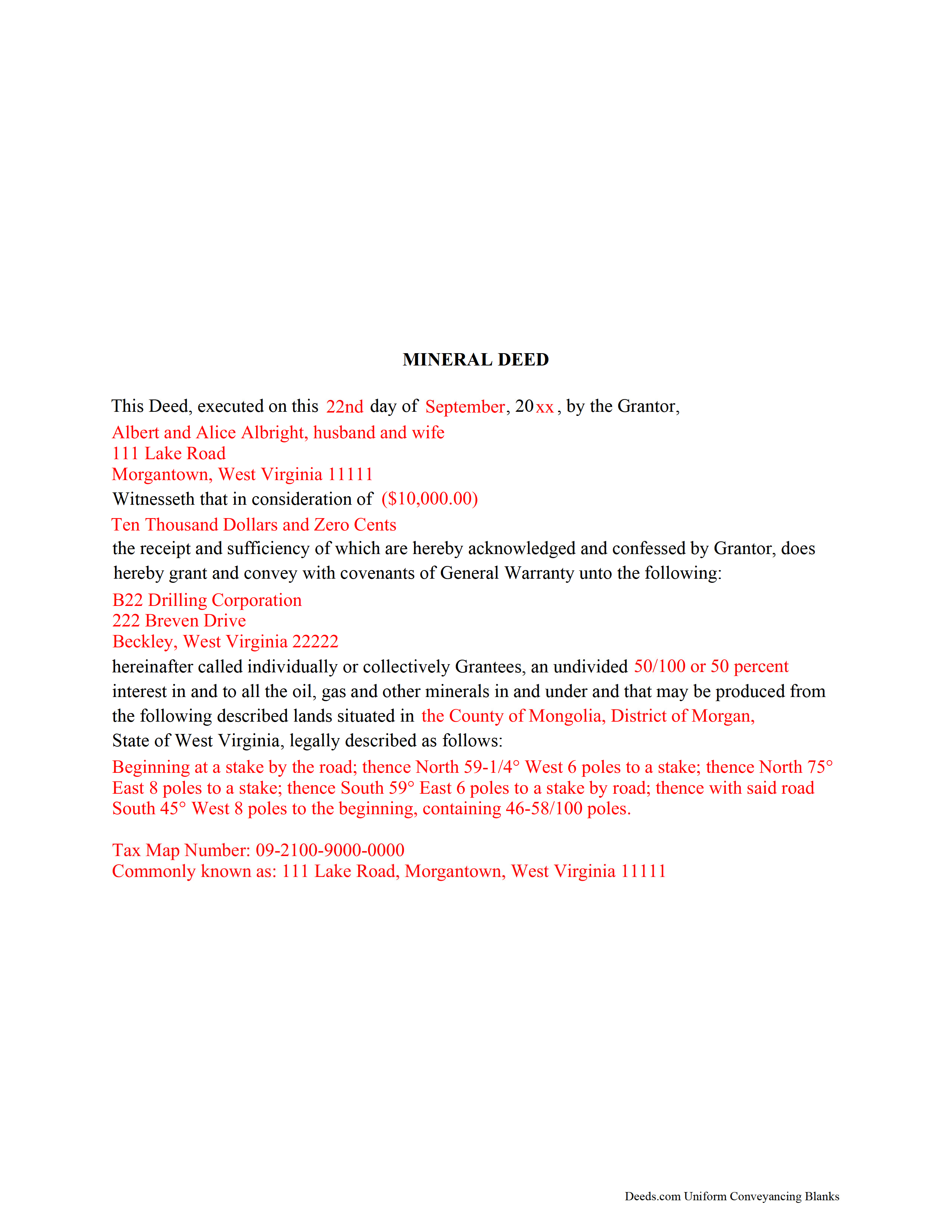
Calhoun County Completed Example of a Mineral Deed Document
Example of a properly completed form for reference.
All 3 documents above included • One-time purchase • No recurring fees
Immediate Download • Secure Checkout
Additional West Virginia and Calhoun County documents included at no extra charge:
Where to Record Your Documents
Calhoun County Clerk
Grantsville, West Virginia 26147
Hours: 8:00 to 4:00 M-F
Phone: (304) 354-6725
Recording Tips for Calhoun County:
- Bring your driver's license or state-issued photo ID
- Ensure all signatures are in blue or black ink
- Avoid the last business day of the month when possible
- Both spouses typically need to sign if property is jointly owned
- Bring extra funds - fees can vary by document type and page count
Cities and Jurisdictions in Calhoun County
Properties in any of these areas use Calhoun County forms:
- Arnoldsburg
- Big Bend
- Big Springs
- Chloe
- Grantsville
- Millstone
- Mount Zion
- Munday
- Orma
Hours, fees, requirements, and more for Calhoun County
How do I get my forms?
Forms are available for immediate download after payment. The Calhoun County forms will be in your account ready to download to your computer. An account is created for you during checkout if you don't have one. Forms are NOT emailed.
Are these forms guaranteed to be recordable in Calhoun County?
Yes. Our form blanks are guaranteed to meet or exceed the applicable formatting requirements used for recording in Calhoun County, including margin requirements, font requirements, and other layout standards. This guarantee applies to formatting, not to the legal sufficiency of information entered by the user or the suitability of a form for a particular transaction.
Can I reuse these forms?
Yes. You can reuse the forms for your personal use. For example, if you have multiple properties in Calhoun County you only need to order once.
What do I need to use these forms?
The forms are PDFs that you fill out on your computer. The free Adobe Acrobat Reader is recommended, and most PDF apps also work. You do NOT enter your property information online - you download the blank forms and complete them privately on your own computer.
Are there any recurring fees?
No. This is a one-time purchase. Nothing to cancel, no memberships, no recurring fees.
How much does it cost to record in Calhoun County?
Recording fees in Calhoun County vary. Contact the recorder's office at (304) 354-6725 for current fees.
Questions answered? Let's get started!
The General Mineral Deed in West Virginia transfers oil, gas, and mineral rights from the grantor to the grantee. THIS IS NOT A LEASE. There are no Exceptions or Reservations included.
The transfer includes the oil, gas and other minerals of every kind and nature. It also transfers any and all rights to receive royalties, overriding royalties, net profits interests or other payments out of or with respect to those oil, gas and other minerals. The Grantor can stipulate the percentage of Mineral Rights the Grantee will receive and is made subject to any rights existing under any valid and subsisting oil and gas lease or leases of record.
This general mineral deed gives the grantee the right to access, for the purpose of mining, drilling, exploring, operating and developing said lands for oil, gas, and other minerals, and storing handling, transporting and marketing of such.
In this document the Grantor Warrants and will defend said Title to Grantee. Use of this document has a permanent effect on your rights to the property, if you are not completely sure of what you are executing seek the advice of a legal professional.
(West Virginia MD Package includes form, guidelines, and completed example)
Important: Your property must be located in Calhoun County to use these forms. Documents should be recorded at the county recording office listed above.
This Mineral Deed meets all recording requirements specific to Calhoun County.
Our Promise
The documents you receive here are guaranteed to meet or exceed the applicable Calhoun County recording format requirements. If there is a rejection caused by our formatting, we will correct the issue or refund your payment. This guarantee applies to document formatting only and does not extend to information entered by the user, the selection of the form, or the legal effect of the completed document.
Save Time and Money
Get your Calhoun County Mineral Deed form done right the first time with Deeds.com Uniform Conveyancing Blanks. At Deeds.com, we understand that your time and money are valuable resources, and we don't want you to face a penalty fee or rejection imposed by a county recorder for submitting nonstandard documents. We constantly review and update our forms to meet rapidly changing state and county recording requirements for roughly 3,500 counties and local jurisdictions.
4.8 out of 5 - ( 4,836 Reviews )
Pamela B. 5 out of 5 stars
The process was not difficult but I don't think that it suited my needs. There were several fields that were not applicable to me but I had to enter something to proceed. I also filled out the other form and mailed it in with some documentation that the electronic service did not ask for. Questions of my attempt are still unanswered. I hope I didn't waste time with this process. We shall see. Thank you.
Thank you!
Kenneth D. 5 out of 5 stars
I was very pleased with the service and the product. All the extras were a nice addition to my order. With the example and instructions, I was able to fill out my correction deed correctly. I filed it and it was accepted with zero reservations by my clerk and recorder's office. The expected result (which was to remove a name from the current deed) happened almost immediately. I definitely recommend deeds.com .
We appreciate your business and value your feedback. Thank you. Have a wonderful day!
Patricia W. 2 out of 5 stars
The "Trustee's Deed" should have been labeled a Deed of Trust because that's what it really is. So now I just wasted $19.97 getting something I can't use.
Thank you for your feedback. Sorry to hear of your confusion. We have canceled your order and payment for the trustee's deed document.
alex b. 5 out of 5 stars
I appreciate the very quick response that I received and I am very impressed with the access that you provide to records. I'm still in the process of trying to find out what's there but that will take a bit of time. All in all, you are to be commended for a first class operation.
Thank you!
Deanie F. 5 out of 5 stars
Very happy with the product and really appreciated being able to get it on line.
Thanks for the kind words Deanie. We appreciate you, glad we could help!
Richard A. 5 out of 5 stars
Great product. It would be better if the document files were not embedded within other files. It made downloading a little confusing. The titles of the forms did not match exactly word for word, which required a lot of back and forth to make sure I had downloaded the proper document. What would be great is if once you download a document, the hyperlink changed color, or somehow denoted the document had been downloaded. Just a suggestion. You have my email address if you have questions. STILL! Five stars for you guys. I would not let that hiccup dissuade me from buying any form package from you guys. Thanks!
Thank you for your feedback. We really appreciate it. Have a great day!
Sharon L H. 3 out of 5 stars
The forms were good enough, hard to get excited about legal forms... The information was very thorough and helpful.
Thank you!
SheRon F. 5 out of 5 stars
It was a quick and easy process and deeds.com was very helpful and dealt with a very stressful situation, painless.
We appreciate your business and value your feedback. Thank you. Have a wonderful day!
Vicky M. 5 out of 5 stars
I would give Deeds.com 10 stars if I could!! The staff were super friendly and easy to work with. They kept me constantly updated during the process of uploading and forwarding my deeds for recording. And, the price was extremely reasonable. I look forward to utilizing Deeds.com every time I need to record a deed no matter what U.S. State. I wholeheartedly recommend them!
Thank you for your feedback. We really appreciate it. Have a great day!
MARILEE S. 5 out of 5 stars
A very easy website....consumer friendly, which is what is so important to me. I will be using your service again. Thank you
Thank you!
Herbert R. 5 out of 5 stars
Your website was very helpful. Hopefully, I will have it completed correctly prior to use.
Thank you for your feedback. We really appreciate it. Have a great day!
Carol M. 5 out of 5 stars
Very user friendly. Glad I found your site.
Thank you!
Dorothy B. 5 out of 5 stars
Love your deed service. Simple and easy.
Thank you!
John G. 5 out of 5 stars
Great on line help with the recording process!
We appreciate your business and value your feedback. Thank you. Have a wonderful day!
SANTTINA W. 5 out of 5 stars
IT WAS SO VERY HELPFUL AND EASY TO DO WILL RETUN TO THE SITE AGAIN.
Thank you for your feedback. We really appreciate it. Have a great day!