Waukesha County Quitclaim Deed (Divorce) Form
Last validated October 6, 2026 by our Forms Development TeamFormatted for recording in Waukesha County, for property anywhere in the county: rural and unincorporated areas as well as Big Bend, Brookfield, Butler, Delafield, Dousman, Eagle, Elm Grove, Genesee Depot and 16 more.
- 3 documents included
- Immediate PDF download
- Formatting guarantee
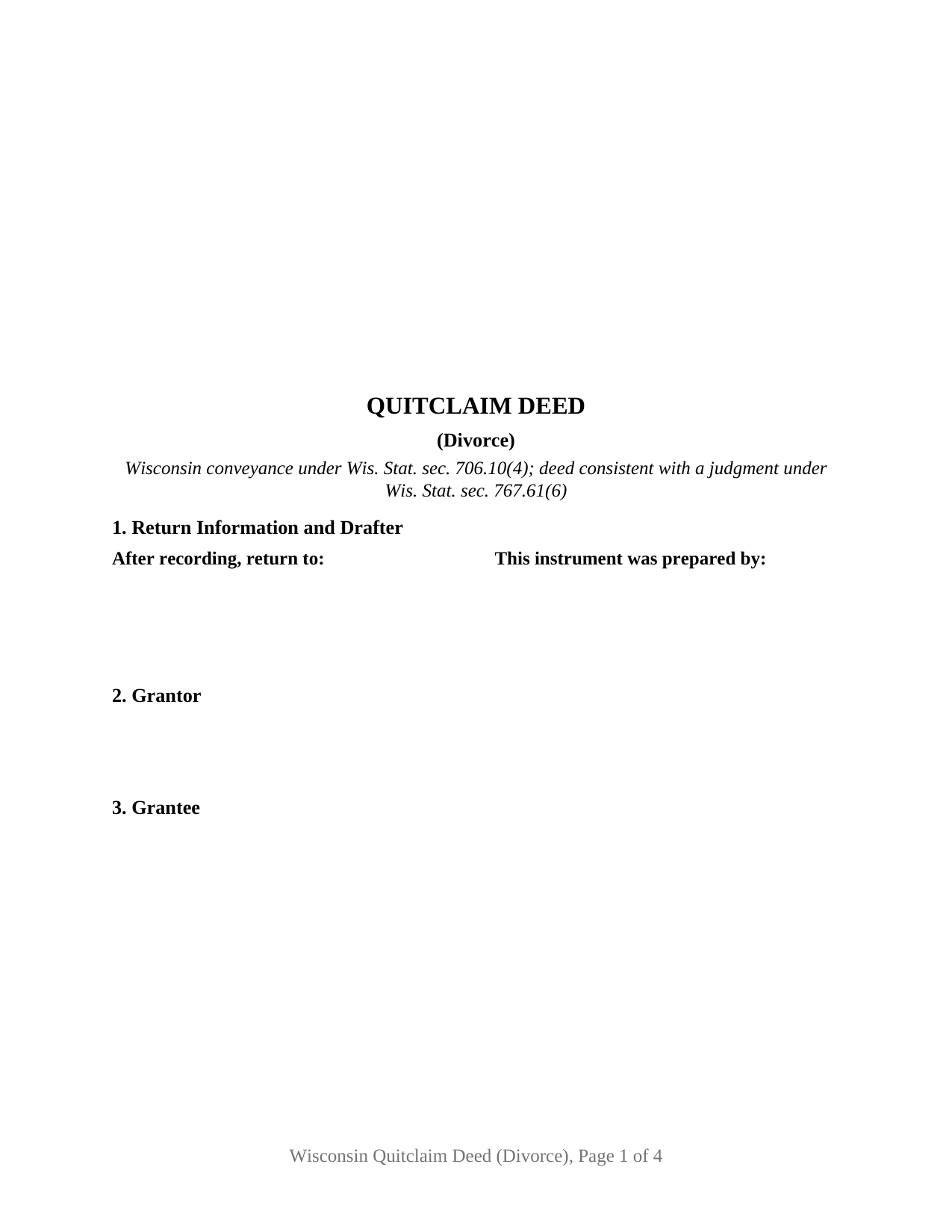
Waukesha County Quitclaim Deed (Divorce) Form
Fill in the blank Quitclaim Deed (Divorce) form formatted to comply with all Wisconsin recording and content requirements.
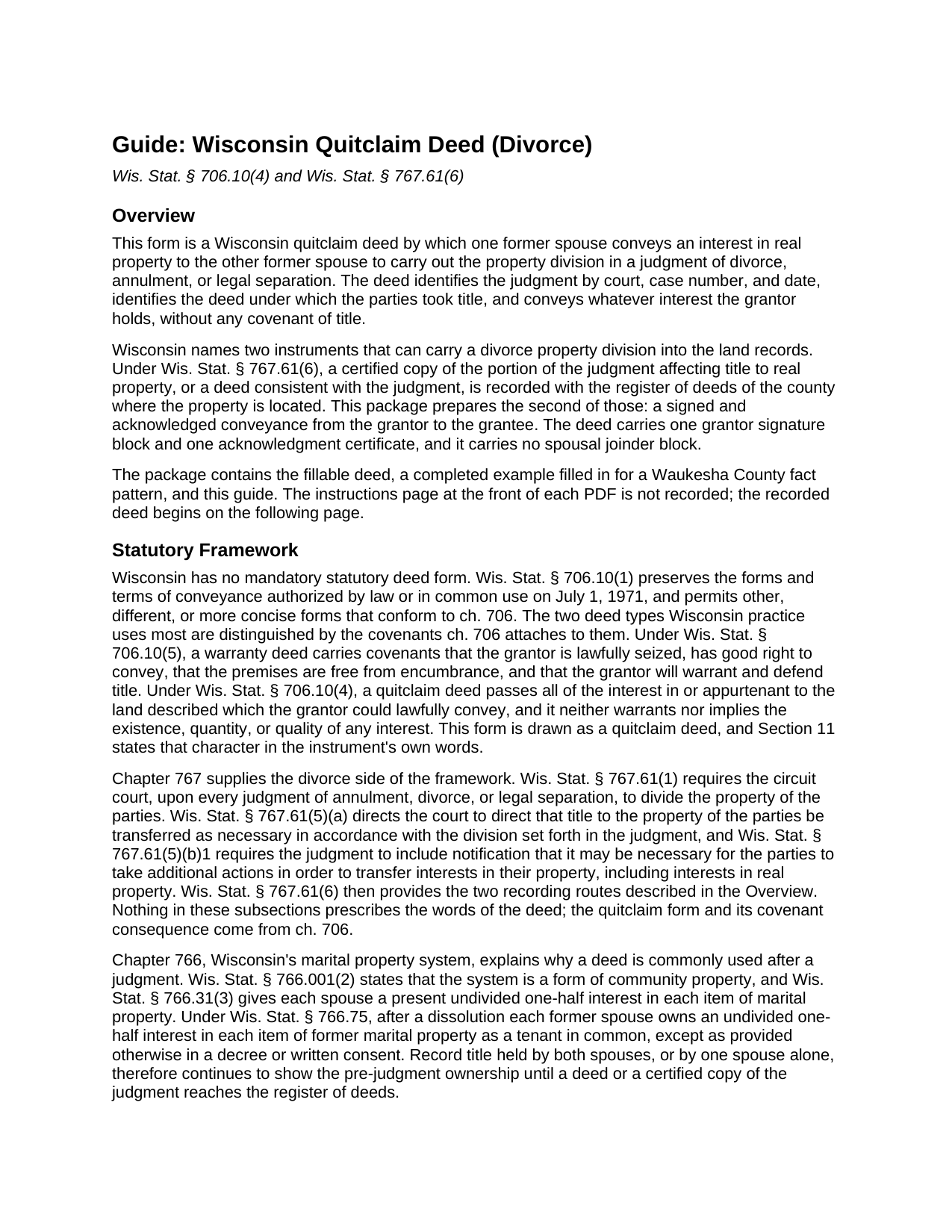
Waukesha County Quitclaim Deed (Divorce) Guide
Line by line guide explaining every blank on the Quitclaim Deed (Divorce) form.
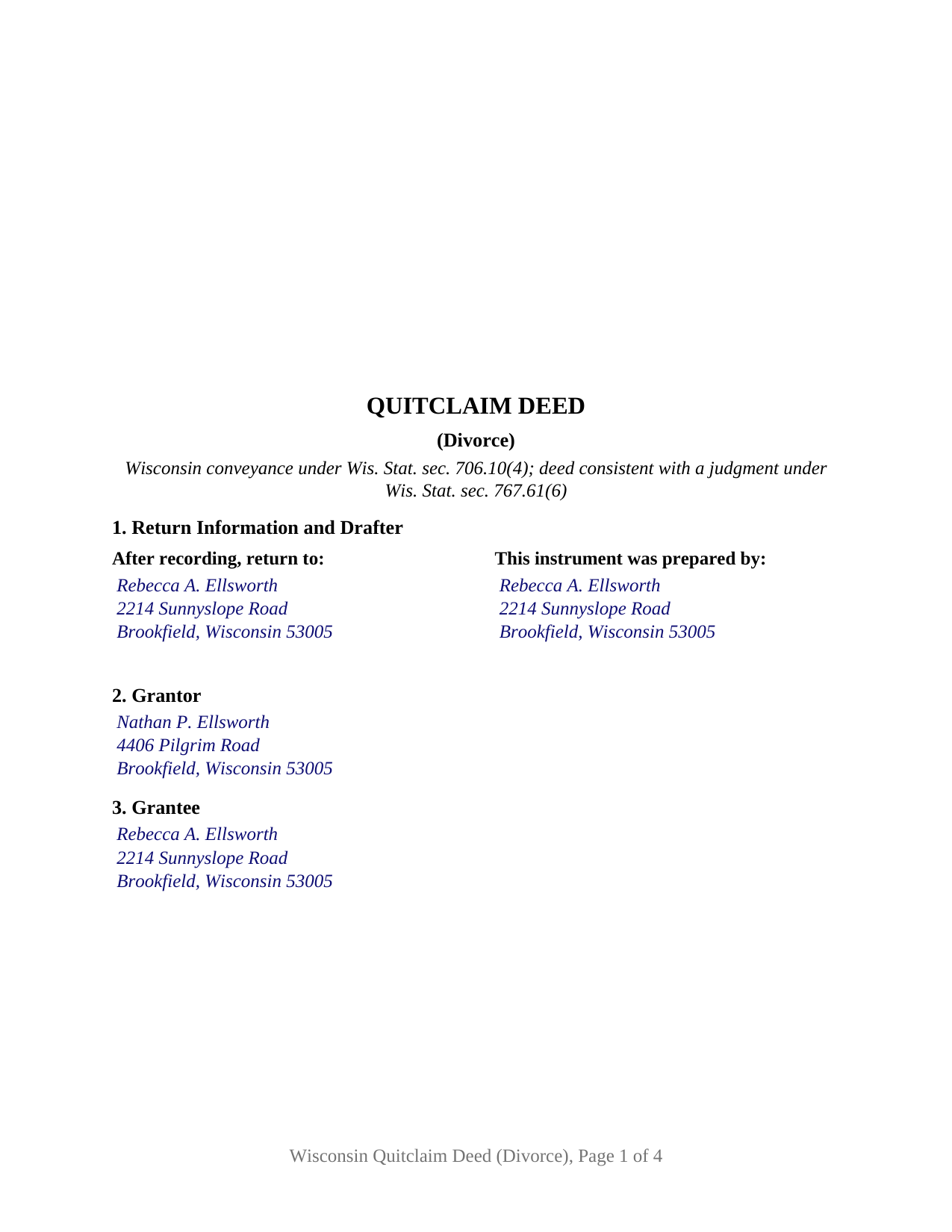
Waukesha County Completed Example of the Quitclaim Deed (Divorce) Document
Example of a properly completed Wisconsin Quitclaim Deed (Divorce) document for reference.
All 3 documents above included • One-time purchase • No recurring fees
Immediate Download • Secure Checkout
Additional Wisconsin and Waukesha County documents included at no extra charge:
Where to Record Your Documents
Waukesha County Register of Deeds
Waukesha, Wisconsin 53188-2428
Hours: 8:00 am - 4:30 pm M-F Central Standard Time. Recording 8:00 - 4:00
Phone: (262) 548-7583
Recording Tips for Waukesha County:
- Bring your driver's license or state-issued photo ID
- Ensure all signatures are in blue or black ink
- Documents must be on 8.5 x 11 inch white paper
- Double-check legal descriptions match your existing deed
- Verify all names are spelled correctly before recording
Cities and Jurisdictions in Waukesha County
Properties in any of these areas use Waukesha County forms:
- Big Bend
- Brookfield
- Butler
- Delafield
- Dousman
- Eagle
- Elm Grove
- Genesee Depot
- Hartland
- Lannon
- Menomonee Falls
- Merton
- Mukwonago
- Muskego
- Nashotah
- New Berlin
- North Lake
- North Prairie
- Oconomowoc
- Okauchee
- Pewaukee
- Sussex
- Wales
- Waukesha
Hours, fees, requirements, and more for Waukesha County
How do I get my forms?
Forms are available for immediate download after payment. The Waukesha County forms will be in your account ready to download to your computer. An account is created for you during checkout if you don't have one. Forms are NOT emailed.
Are these forms guaranteed to be recordable in Waukesha County?
Yes. Our form blanks are guaranteed to meet or exceed the applicable formatting requirements used for recording in Waukesha County, including margin requirements, font requirements, and other layout standards. This guarantee applies to formatting, not to the legal sufficiency of information entered by the user or the suitability of a form for a particular transaction.
Can I reuse these forms?
Yes. You can reuse the forms for your personal use. For example, if you have multiple properties in Waukesha County you only need to order once.
What do I need to use these forms?
The forms are PDFs that you fill out on your computer. The free Adobe Acrobat Reader is recommended, and most PDF apps also work. You do NOT enter your property information online - you download the blank forms and complete them privately on your own computer.
Are there any recurring fees?
No. This is a one-time purchase. Nothing to cancel, no memberships, no recurring fees.
How much does it cost to record in Waukesha County?
Recording fees in Waukesha County vary. Contact the recorder's office at (262) 548-7583 for current fees.
Questions answered? Let's get started!
Wisconsin names two instruments that can carry a divorce property division into the land records, and this package prepares the second. Wis. Stat. § 767.61(6) directs that a certified copy of the portion of the judgment affecting title to real property, or a deed consistent with the judgment, be recorded with the register of deeds where the property lies. The deed route puts a signed, acknowledged conveyance in the chain rather than a court document, and this form draws it for one former spouse conveying to the other.
What the judgment settles, and what the deed moves
The court does the dividing. Wis. Stat. § 767.61(1) requires the circuit court to divide the property of the parties upon every judgment of annulment, divorce, or legal separation, and § 767.61(5)(a) directs the court to order title transferred as necessary in accordance with that division. Section 767.61(5)(b)1 then has the judgment notify the parties that moving those interests may take further action of their own. Chapter 766 explains why. Under Wis. Stat. § 766.75, after a dissolution each former spouse owns an undivided one-half interest in the former marital property as a tenant in common unless a decree or later agreement says otherwise, so both names can sit on the record until one of them signs a conveyance.
Why no joinder line appears
Wis. Stat. § 706.02(1)(f) invalidates a conveyance alienating a married person's homestead interest unless each spouse signs or joins, then excepts a conveyance between spouses in the same paragraph. A divorce deed sits clear of that rule from either side of the judgment: signed while the two are still married to each other, it lands inside the express exception; signed after the judgment has ended the marriage, it comes from a grantor with no spouse whose signature the paragraph could reach. So the form carries one signature line and one certificate in the Wis. Stat. § 140.16(1) short form, with no conditional block to leave blank.
An exemption written in the present tense of marriage
The transfer fee line is where this deed parts company with an ordinary family conveyance. Wisconsin's between-spouses exemption reads, in its entirety, Between husband and wife, at Wis. Stat. § 77.25(8m), and no subsection of § 77.25 names divorce or former spouses. Availability follows the parties' status on the date of the conveyance rather than the reason behind it, and Wisconsin courts read these exemptions strictly, as Wolter v. DOR, 231 Wis. 2d 651, records. Wis. Stat. § 77.22(1) makes the stated reason a recording condition and, in the same breath, relieves the register of deeds of any duty to judge an exemption's validity, so the entry is reviewed afterward by the Department of Revenue. The Department's own rule, Wis. Admin. Code § Tax 15.05(4), states that conveyances between husband and wife pursuant to a divorce decree are not subject to the fee but a return must be submitted. Section 9 is that labeled line.
What this configuration carries
Twelve numbered sections run from first page return information and the drafting statement of Wis. Stat. § 59.43(5)(a) to the signature. Between them sit one grantor and one grantee; a judgment section taking the circuit court county, case number, and date; the earlier recorded deed with its document number, which Wis. Stat. § 59.43(2s)(b)1 makes a condition of recording any document referring to a recorded one; the legal description, parcel identification number, and address; consideration; the transfer fee line; a marital status line; and the conveyance section, which quitclaims in one sentence. A former spouse releasing a half interest in the family residence, and one clearing a name off a rental parcel awarded outright, both present the pattern this deed recites; it is searched for as a divorce quit claim deed. It is not drawn for two grantors, a grantee side naming two people, an entity or fiduciary, an agent under a power of attorney, or a grantor married to someone other than the grantee.
Nothing promised, and one flat charge
Wis. Stat. § 706.10(4) fixes what moves: whatever interest the grantor could lawfully convey, and no promise about it, so a mortgage, docketed judgment lien, or easement of record rides through untouched. The register of deeds collects $30 under Wis. Stat. § 59.43(2)(ag)1 whatever the page count, and the state's electronic transfer return travels with the conveyance under Wis. Stat. § 706.05(12).
Three files arrive: the deed as a fillable PDF, a completed example filled in for a Waukesha County conveyance following a Brookfield property division, and a plain language guide taking the numbered sections in turn, with the execution and recording rules. It states Wisconsin law in general terms for information and is not legal advice.
Important: Your property must be located in Waukesha County to use these forms. Documents should be recorded at the county recording office listed above.
This Quitclaim Deed (Divorce) meets all recording requirements specific to Waukesha County.
Our Promise
The documents you receive here are guaranteed to meet or exceed the applicable Waukesha County recording format requirements. If there is a rejection caused by our formatting, we will correct the issue or refund your payment. This guarantee applies to document formatting only and does not extend to information entered by the user, the selection of the form, or the legal effect of the completed document.
Save Time and Money
Get your Waukesha County Quitclaim Deed (Divorce) form done right the first time with Deeds.com Uniform Conveyancing Blanks. At Deeds.com, we understand that your time and money are valuable resources, and we don't want you to face a penalty fee or rejection imposed by a county recorder for submitting nonstandard documents. We constantly review and update our forms to meet rapidly changing state and county recording requirements for roughly 3,500 counties and local jurisdictions.
4.8 out of 5 - ( 4,836 Reviews )
Suzanne A. 5 out of 5 stars
The purchase and download from Deeds.com were pleasantly straightforward. The actual of filing not so obvious in our case.
Your insights are invaluable to us and help us strive for better service. Thank you for taking the time to share your thoughts.
Johnnie W. 5 out of 5 stars
Five stars for quick retrieval/no hassle of forms. Will review them again once I have completed the forms and they have been accepted.
Thank you for your feedback. We really appreciate it. Have a great day!
tim r. 5 out of 5 stars
easy sight and extra forms that I can use any time
We appreciate your business and value your feedback. Thank you. Have a wonderful day!
Jerri S. 5 out of 5 stars
Very helpful. Print out go to court house spent less then 15 minutes there and done! Thanks will use again.
Thank you Jerri, we appreciate your feedback.
Craig L. 5 out of 5 stars
So far so good. I will let you know after a successful recordation of the deed.
Thank you!
James C. 4 out of 5 stars
Worked well.
Thank you!
Deabra A. 4 out of 5 stars
Your Quitdeed form was easy to understand with the guidelines provided and an example of an already completed form to see how you should complete your form. The price is reasonable for a do it yourself.
Thank you, Deabra. We’re glad the form and examples made the process clear and that you found it a good value for a do-it-yourself option.
Marcia D. 5 out of 5 stars
Excellent... This website was awesome. Exactly what I was looking for.
Thank you!
Jim H. 5 out of 5 stars
Well written form, and the guidance document and example supplied were very helpful.
Thank you!
Sara M. 5 out of 5 stars
This makes work so much easier now that I don't have to drive to each county to record. Thank you.
It was a pleasure serving you. Thank you for the positive feedback!
Doug C. 5 out of 5 stars
Great Job guys! I would not even have thought to look for this service. The county recorder's office and kiosks are all closed because of covid. I was directed to you because of a referral on the county site. I wish I had known you had forms available as well. I searched for a day to find the appropriate form.
Thank you for your feedback. We really appreciate it. Have a great day!
Karl H. 5 out of 5 stars
Still in process, but it is well explained. I would recommend it to anyone in Texas.
Thank you for your feedback. We really appreciate it. Have a great day!
A R M. 5 out of 5 stars
Great so far. Just downloaded all the documents, and they seem to be easy to save and are fillable. A R M
Thank you for your feedback. We really appreciate it. Have a great day!
Vicki J. 5 out of 5 stars
Reasonably priced and Extremely easy to use.
We appreciate your business and value your feedback. Thank you. Have a wonderful day!
Robert B. 5 out of 5 stars
Very easy to use.
Thank you for your feedback. We really appreciate it. Have a great day!