Waukesha County Transfer on Death Deed Form
Last validated October 7, 2026 by our Forms Development TeamFormatted for recording in Waukesha County, for property anywhere in the county: rural and unincorporated areas as well as Big Bend, Brookfield, Butler, Delafield, Dousman, Eagle, Elm Grove, Genesee Depot and 16 more.
- 3 documents included
- Immediate PDF download
- Formatting guarantee
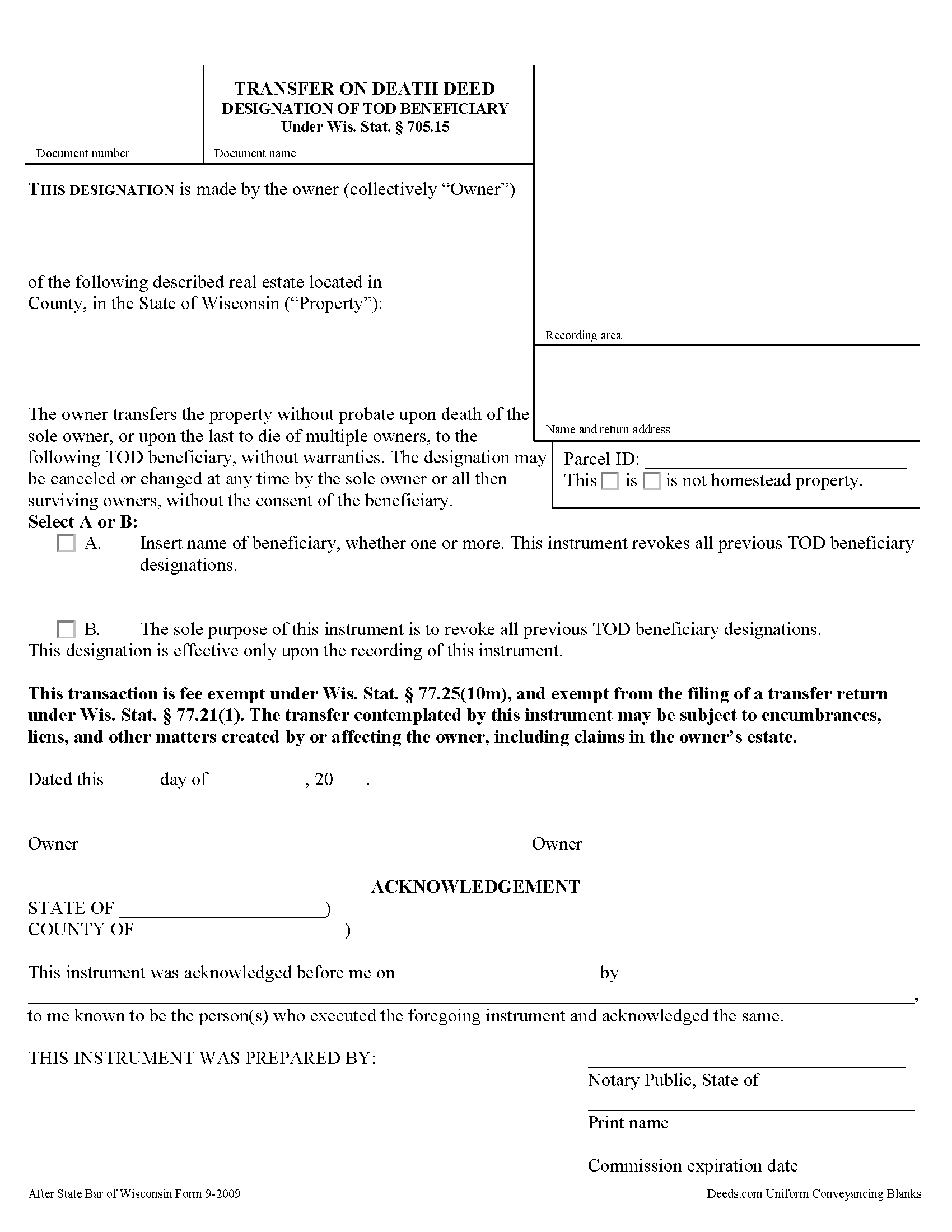
Waukesha County Transfer on Death Deed Form
Fill in the blank form formatted to comply with all recording and content requirements.
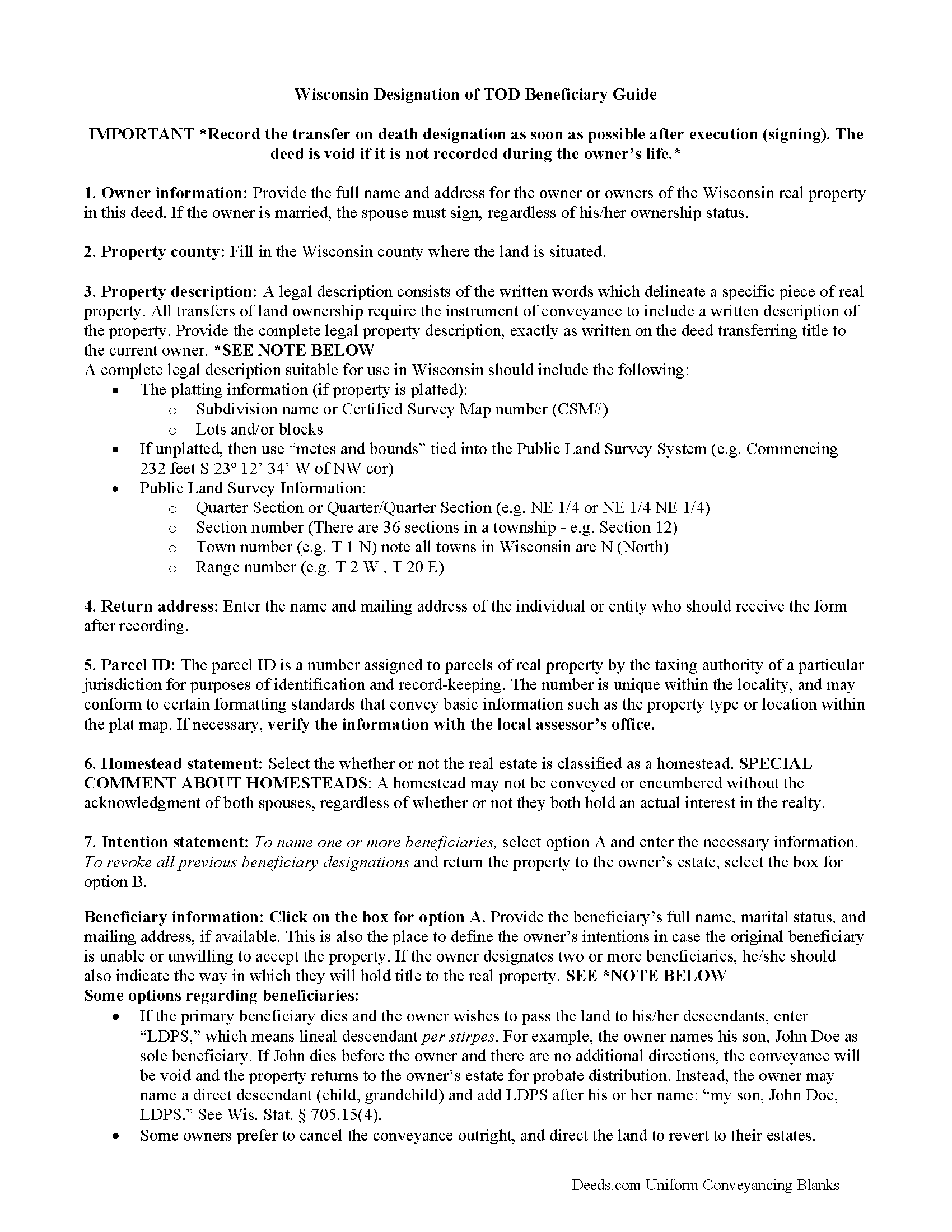
Waukesha County Transfer on Death Deed Guide
Line by line guide explaining every blank on the form.
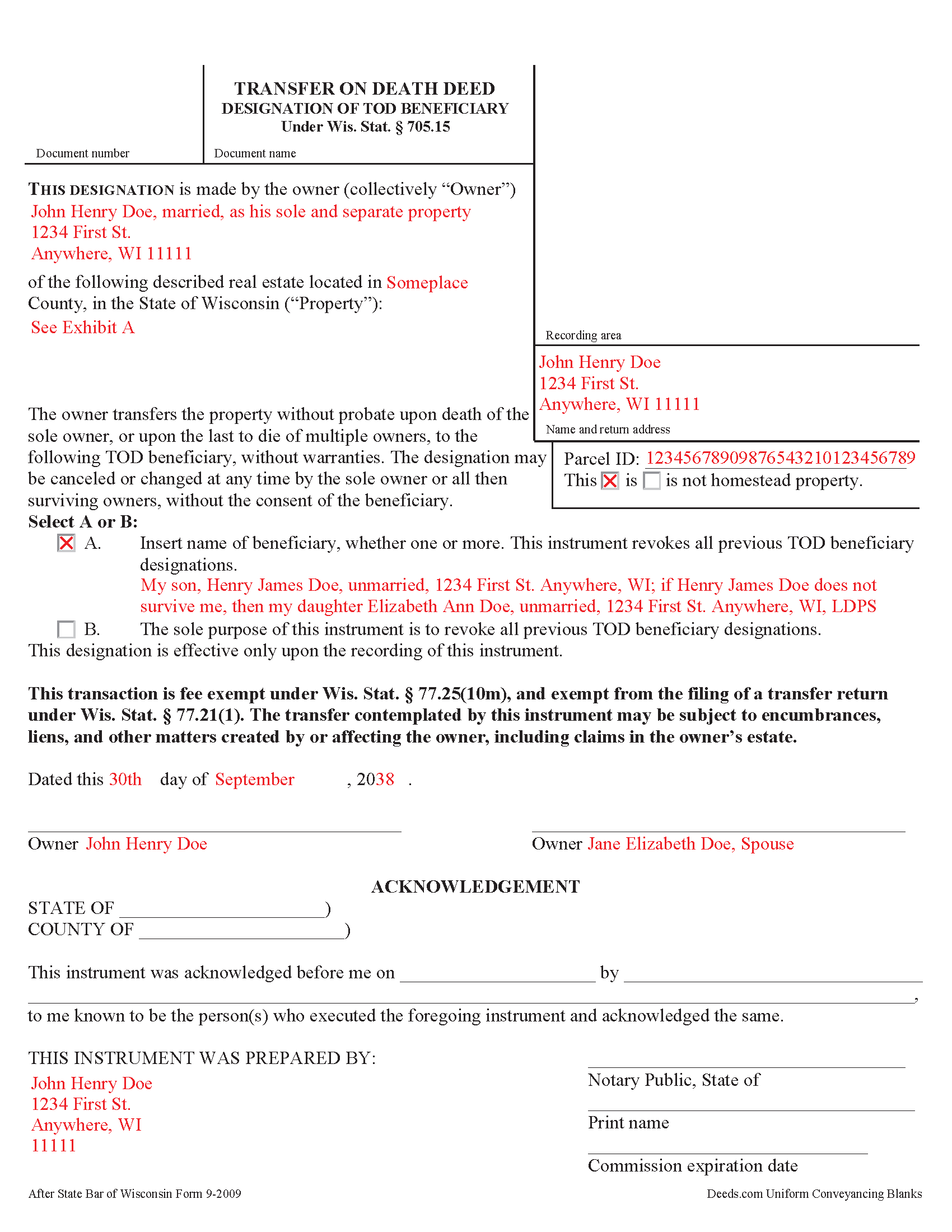
Waukesha County Completed Example of the Transfer on Death Deed Document
Example of a properly completed form for reference.
All 3 documents above included • One-time purchase • No recurring fees
Immediate Download • Secure Checkout
Additional Wisconsin and Waukesha County documents included at no extra charge:
Where to Record Your Documents
Waukesha County Register of Deeds
Waukesha, Wisconsin 53188-2428
Hours: 8:00 am - 4:30 pm M-F Central Standard Time. Recording 8:00 - 4:00
Phone: (262) 548-7583
Recording Tips for Waukesha County:
- Bring your driver's license or state-issued photo ID
- Ensure all signatures are in blue or black ink
- Verify all names are spelled correctly before recording
- White-out or correction fluid may cause rejection
- Ask about their eRecording option for future transactions
Cities and Jurisdictions in Waukesha County
Properties in any of these areas use Waukesha County forms:
- Big Bend
- Brookfield
- Butler
- Delafield
- Dousman
- Eagle
- Elm Grove
- Genesee Depot
- Hartland
- Lannon
- Menomonee Falls
- Merton
- Mukwonago
- Muskego
- Nashotah
- New Berlin
- North Lake
- North Prairie
- Oconomowoc
- Okauchee
- Pewaukee
- Sussex
- Wales
- Waukesha
Hours, fees, requirements, and more for Waukesha County
How do I get my forms?
Forms are available for immediate download after payment. The Waukesha County forms will be in your account ready to download to your computer. An account is created for you during checkout if you don't have one. Forms are NOT emailed.
Are these forms guaranteed to be recordable in Waukesha County?
Yes. Our form blanks are guaranteed to meet or exceed the applicable formatting requirements used for recording in Waukesha County, including margin requirements, font requirements, and other layout standards. This guarantee applies to formatting, not to the legal sufficiency of information entered by the user or the suitability of a form for a particular transaction.
Can I reuse these forms?
Yes. You can reuse the forms for your personal use. For example, if you have multiple properties in Waukesha County you only need to order once.
What do I need to use these forms?
The forms are PDFs that you fill out on your computer. The free Adobe Acrobat Reader is recommended, and most PDF apps also work. You do NOT enter your property information online - you download the blank forms and complete them privately on your own computer.
Are there any recurring fees?
No. This is a one-time purchase. Nothing to cancel, no memberships, no recurring fees.
How much does it cost to record in Waukesha County?
Recording fees in Waukesha County vary. Contact the recorder's office at (262) 548-7583 for current fees.
Questions answered? Let's get started!
Under Wisconsin Statutes section 705.15, owners of real property in Wisconsin may designate one or more people to gain ownership of their property outside of the probate process. The transfer on death deed form contains the designation and must be recorded, DURING THE OWNER'S NATURAL LIFE, for validity.
By executing and recording a transfer on death beneficiary designation, the owner retains absolute control over the real estate, and may sell, mortgage, or use the property in any legal manner, and change or revoke the beneficiary designation without penalty or obligation to inform the beneficiary.
Because the transfer does not occur until after the owner's death, there is no transfer tax due when recording the deed under 77.21(1) and 77.25(10m). While the change in ownership happens as a function of law when the owner dies, when the beneficiary claims the land, he or she must record form TOD-110 to make the transfer official and enter the updated information into the public records.
Wisconsin's transfer on death deeds are useful estate planning tools. Even so, carefully consider the potential impact of a non-probate transfer of property on taxes, as well as eligibility for local, state, and federal benefits. Each case is unique, so contact an attorney with questions or for complex situations.
(Wisconsin TODD Package includes form, guidelines, and completed example)
Important: Your property must be located in Waukesha County to use these forms. Documents should be recorded at the county recording office listed above.
This Transfer on Death Deed meets all recording requirements specific to Waukesha County.
Our Promise
The documents you receive here are guaranteed to meet or exceed the applicable Waukesha County recording format requirements. If there is a rejection caused by our formatting, we will correct the issue or refund your payment. This guarantee applies to document formatting only and does not extend to information entered by the user, the selection of the form, or the legal effect of the completed document.
Save Time and Money
Get your Waukesha County Transfer on Death Deed form done right the first time with Deeds.com Uniform Conveyancing Blanks. At Deeds.com, we understand that your time and money are valuable resources, and we don't want you to face a penalty fee or rejection imposed by a county recorder for submitting nonstandard documents. We constantly review and update our forms to meet rapidly changing state and county recording requirements for roughly 3,500 counties and local jurisdictions.
4.8 out of 5 - ( 4,816 Reviews )
Deborah G. 5 out of 5 stars
Great website and very easy to use
Thank you for your feedback Deborah, we really appreciate it. Have a great day!
Chuck M. 5 out of 5 stars
Easy to use service. However, the product that I purchased did not meet my needs. No fault of the company.
Thank you for your feedback Chuck. We certainly don't want you to purchase something you can not use. We have canceled your order and payment. Have a wonderful day.
Christine S. 5 out of 5 stars
Very good site! I found everything I needed right here on Deeds.com. Excellent quality forms, easy access, perfect delivery, reasonable price
We appreciate your business and value your feedback. Thank you. Have a wonderful day!
Cliff S. 5 out of 5 stars
Worked great. Count Clerk and Recorder liked them and we got the job done.
We’re always here to help. Thank you for your feedback.
Brian J. 5 out of 5 stars
make filing doc so simple and fast saves time and money
We appreciate your business and value your feedback. Thank you. Have a wonderful day!
Kurt P. 5 out of 5 stars
I like the basics. The one thing I would recommend changing would be, something that tells me I have actually have submitted my package, or that I can leave at any time without needing to click on a "Submit" button.
Thank you for your feedback. We really appreciate it. Have a great day!
Linda E. 5 out of 5 stars
Forms were perfect, guide was very helpful. Passed recording official's scrutiny with flying colors. Will be back should the need arise.
Thank you!
ROBERT D. 5 out of 5 stars
VERY HAPPY WITH YOUR SERVICE !
We appreciate your business and value your feedback. Thank you. Have a wonderful day!
Kenneth H. 5 out of 5 stars
The deeds.com website is incredibly easy to navigate and the nearly instantaneous chat function allowed me to quickly correct an entry error I made uploading a document. The day after enrolling and uploading the document I had a copy of the document properly filed. Very efficient; very effective.
Thank you for your feedback. We really appreciate it. Have a great day!
David S. 3 out of 5 stars
I downloaded the quit claim deed form and saved it on my computer. I opened it with Adobe and filled it out. The space for the legal description was too small (2 lines only) which did not allow enough room for the long property description that I had.
Thank you for your feedback. We really appreciate it. Have a great day!
Terrance S. 5 out of 5 stars
I'd say 5 stars. Thank you.
Thank you!
Vicki L. 5 out of 5 stars
Quick results with accurate information and thorough information.
Thank you!
Cynthia M. 5 out of 5 stars
I wanted the Lady Bird Deed for my estate, and it was very easy to download, fill out and file. My county records department accepted it with no issue. Thank you Deeds.com! You saved me over $500.00!
We appreciate your business and value your feedback. Thank you. Have a wonderful day!
Debbi B. 4 out of 5 stars
The deeds were a very reasonable price. However, it was made to seem like it was part of Jefferson County, and I didn't love the deceptiveness.
Debbi, we understand that you came away with the impression that Deeds.com was part of Jefferson County, but we respectfully disagree with the characterization of our website as deceptive. Deeds.com is an independent document provider and does not represent itself as affiliated with Jefferson County or any other government agency. Jefferson County is identified because customers need forms and recording information appropriate for the correct jurisdiction. If a particular page or statement caused confusion, please contact Deeds.com Customer Care so we can review it.
Lesley B. 5 out of 5 stars
It was so quick and easy to access.. Thank you!!
Thank you for your feedback. We really appreciate it. Have a great day!