Bayfield County Quitclaim Deed (Trustee Grantee) Form
Last validated October 6, 2026 by our Forms Development TeamFormatted for recording in Bayfield County, for property anywhere in the county: rural and unincorporated areas as well as Bayfield, Benoit, Cable, Cornucopia, Drummond, Grand View, Herbster, Iron River and 3 more.
- 3 documents included
- Immediate PDF download
- Formatting guarantee
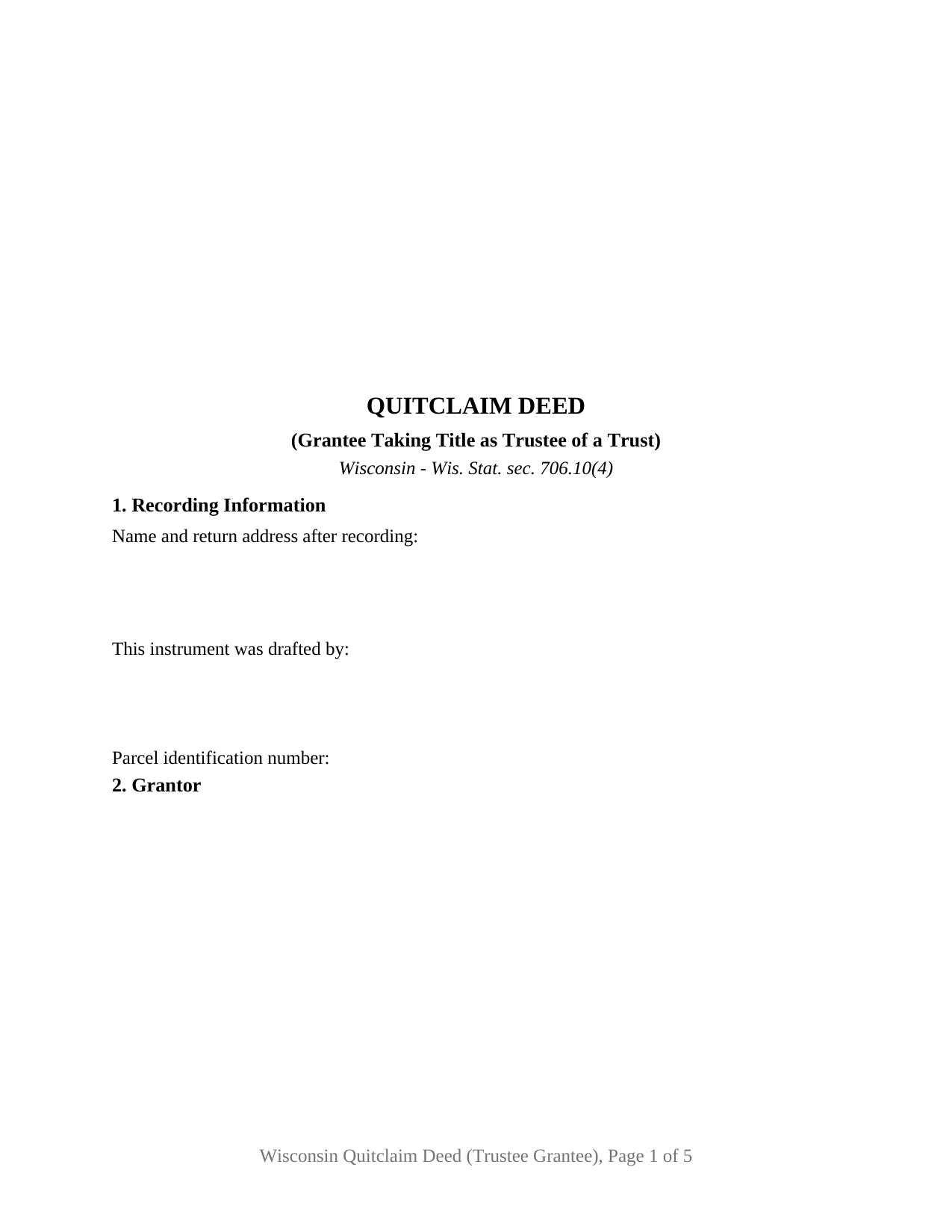
Bayfield County Quitclaim Deed (Trustee Grantee) Form
Fill in the blank Quitclaim Deed (Trustee Grantee) form formatted to comply with all Wisconsin recording and content requirements.
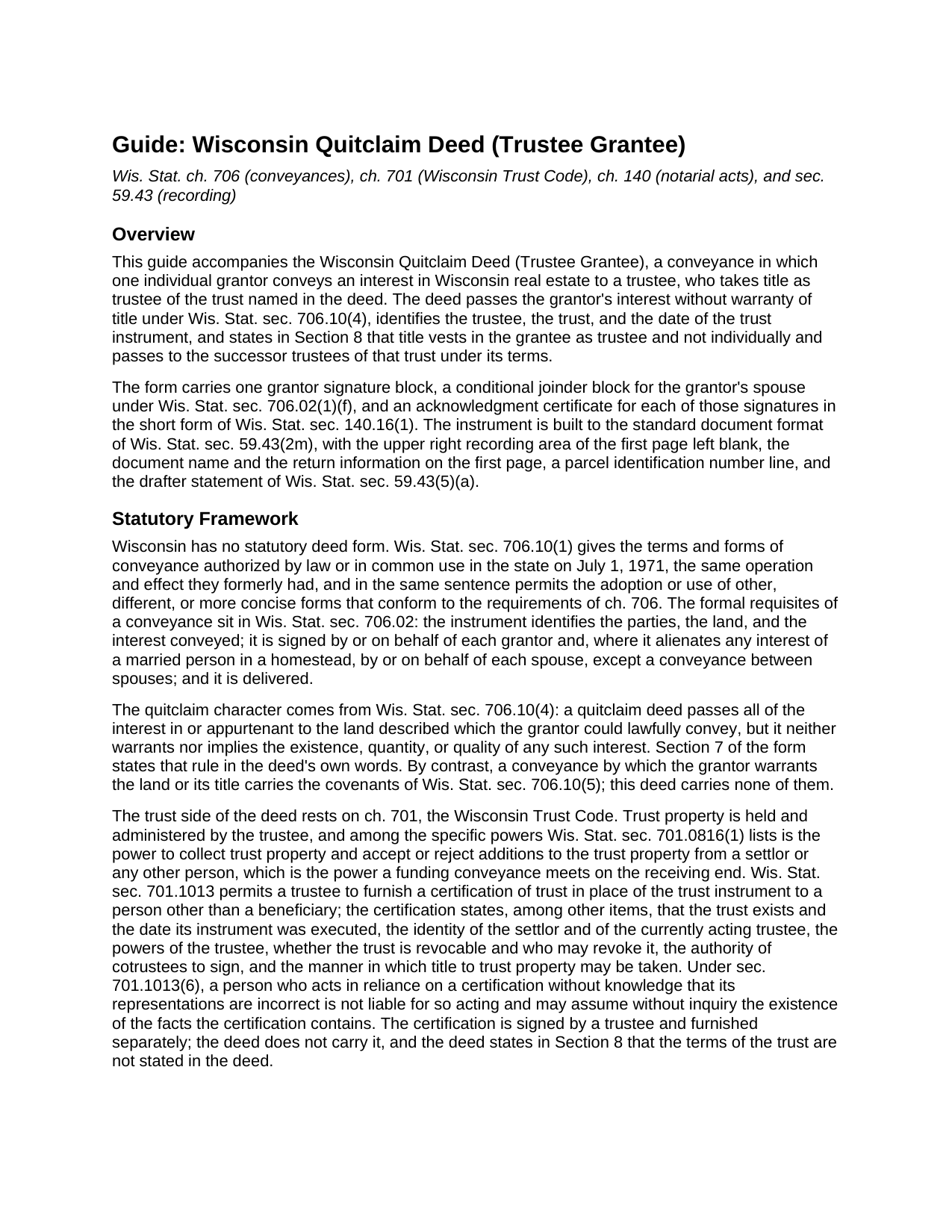
Bayfield County Quitclaim Deed (Trustee Grantee) Guide
Line by line guide explaining every blank on the Quitclaim Deed (Trustee Grantee) form.
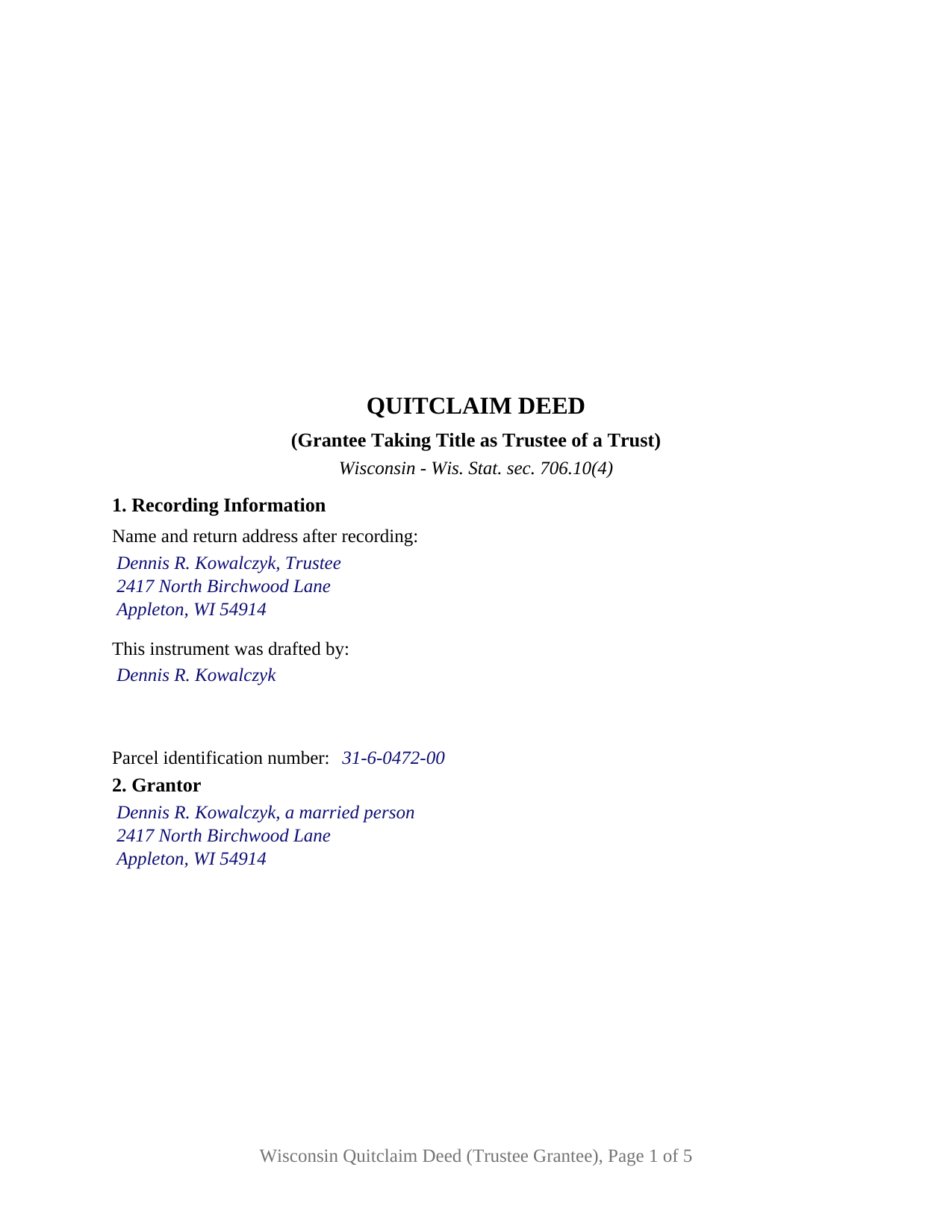
Bayfield County Completed Example of the Quitclaim Deed (Trustee Grantee) Document
Example of a properly completed Wisconsin Quitclaim Deed (Trustee Grantee) document for reference.
All 3 documents above included • One-time purchase • No recurring fees
Immediate Download • Secure Checkout
Additional Wisconsin and Bayfield County documents included at no extra charge:
Where to Record Your Documents
Bayfield County Register of Deeds
Washburn, Wisconsin 54891
Hours: Monday - Friday 8:00am - 4:00pm
Phone: (715) 373-6119
Recording Tips for Bayfield County:
- Bring your driver's license or state-issued photo ID
- Ensure all signatures are in blue or black ink
- Ask if they accept credit cards - many offices are cash/check only
- Check that your notary's commission hasn't expired
- Documents must be on 8.5 x 11 inch white paper
Cities and Jurisdictions in Bayfield County
Properties in any of these areas use Bayfield County forms:
- Bayfield
- Benoit
- Cable
- Cornucopia
- Drummond
- Grand View
- Herbster
- Iron River
- Mason
- Port Wing
- Washburn
Hours, fees, requirements, and more for Bayfield County
How do I get my forms?
Forms are available for immediate download after payment. The Bayfield County forms will be in your account ready to download to your computer. An account is created for you during checkout if you don't have one. Forms are NOT emailed.
Are these forms guaranteed to be recordable in Bayfield County?
Yes. Our form blanks are guaranteed to meet or exceed the applicable formatting requirements used for recording in Bayfield County, including margin requirements, font requirements, and other layout standards. This guarantee applies to formatting, not to the legal sufficiency of information entered by the user or the suitability of a form for a particular transaction.
Can I reuse these forms?
Yes. You can reuse the forms for your personal use. For example, if you have multiple properties in Bayfield County you only need to order once.
What do I need to use these forms?
The forms are PDFs that you fill out on your computer. The free Adobe Acrobat Reader is recommended, and most PDF apps also work. You do NOT enter your property information online - you download the blank forms and complete them privately on your own computer.
Are there any recurring fees?
No. This is a one-time purchase. Nothing to cancel, no memberships, no recurring fees.
How much does it cost to record in Bayfield County?
Recording fees in Bayfield County vary. Contact the recorder's office at (715) 373-6119 for current fees.
Questions answered? Let's get started!
The grantee line on this deed names a person and a capacity, because a Wisconsin trust holds no title of its own. Chapter 701 puts trust property in the hands of the trustee, so the instrument that funds a trust with real estate runs to the trustee, identifies the trust behind that trustee, and says on its face that the grantee takes as trustee rather than personally. This form prepares that conveyance under Wis. Stat. § 706.10(4), with one individual grantor and no warranty of title.
Naming the trustee, the trust, and the date
Section 3 gathers four entries: the trustee named as trustee, the name of the trust, the date of the trust instrument, and a mailing address for the grantee. Wis. Stat. § 701.0816 lists the specific powers of a trustee, among them collecting trust property and accepting additions to the trust property from a settlor or any other person, the power a funding conveyance meets on the receiving end. Section 8 then puts the capacity into the deed's own text: title vests in the grantee as trustee and not individually, and it passes to the successor trustees of the named trust under the terms of that trust. A reader of the record years later finds that sentence beside the grantee's name.
What the deed leaves to the certification of trust
The trust's terms stay out of the deed. Wisconsin's certification of trust under Wis. Stat. § 701.1013 is what a title company, lender, or counterparty reads instead: it recites that the trust exists and the date its instrument was executed, the settlor and the acting trustee, whether the trust is revocable and who may revoke it, the authority of cotrustees, and the manner in which title to trust property may be taken. A person who acts in reliance on a certification without knowledge that its representations are incorrect is protected under § 701.1013(6). A certification of trust is signed by a trustee and furnished separately; it is not part of this package.
Exemption 16, and the return filed anyway
Funding a trust usually costs no transfer fee in Wisconsin. Wis. Stat. § 77.25(16) covers a conveyance to a trust where a transfer from the grantor straight to the beneficiary of that trust would itself be exempt, so the question runs through who the beneficiaries are, reaching the spouse exemption at § 77.25(8m) or the family exemption at § 77.25(8). Section 6 of the form is the printed exemption sentence with the subsection left open, because § 77.22(1) makes the stated reason a condition of recording an exempt conveyance. The electronic transfer return is filed regardless: § 77.255 excuses only conveyances exempt under § 77.25(1) or (10m), and a trust conveyance is in neither class. The register of deeds collects the flat $30 document charge set by § 59.43(2)(ag)1.
One grantor signs, and Wisconsin sometimes wants a second name
The grantor side is deliberately narrow: one individual, signing personally, with a marital status entry in Section 9 and a named spouse who joins in Section 11. That joinder answers Wis. Stat. § 706.02(1)(f), which invalidates a conveyance alienating a married person's homestead interest without the signature or joinder of each spouse, and a trustee stands outside the interspousal carve-out in that paragraph. Two short form certificates under Wis. Stat. § 140.16(1) follow the signatures, so the signers may appear before different notarial officers on different days. A settlor moving a homestead into a revocable living trust, an owner adding a rental parcel to a trust funded with other assets, and a relative releasing a fractional interest into a family trust all present the pattern this deed recites. The form is not set up for two grantors, for cotrustees named together on the grantee side, for a corporate or limited liability company grantor, or for a conveyance running the other direction, out of a trust to a beneficiary or a buyer, which is a different instrument entirely. Customers search for it as a quit claim deed to a trust, a deed transferring property into a trust, or a trust funding deed.
The download holds three files: the fillable trustee grantee quitclaim deed, a completed example filled in for an Outagamie County funding transfer with a joining spouse, and a plain language guide to every blank, the signing rules, and the recording package. These materials describe Wisconsin law in general terms, for information only, and are not legal advice.
Important: Your property must be located in Bayfield County to use these forms. Documents should be recorded at the county recording office listed above.
This Quitclaim Deed (Trustee Grantee) meets all recording requirements specific to Bayfield County.
Our Promise
The documents you receive here are guaranteed to meet or exceed the applicable Bayfield County recording format requirements. If there is a rejection caused by our formatting, we will correct the issue or refund your payment. This guarantee applies to document formatting only and does not extend to information entered by the user, the selection of the form, or the legal effect of the completed document.
Save Time and Money
Get your Bayfield County Quitclaim Deed (Trustee Grantee) form done right the first time with Deeds.com Uniform Conveyancing Blanks. At Deeds.com, we understand that your time and money are valuable resources, and we don't want you to face a penalty fee or rejection imposed by a county recorder for submitting nonstandard documents. We constantly review and update our forms to meet rapidly changing state and county recording requirements for roughly 3,500 counties and local jurisdictions.
4.8 out of 5 - ( 4,829 Reviews )
Tawnya P. 5 out of 5 stars
I can't believe I haven't found Deeds.com sooner. They made my job so much easier!! They make recording documents effortless. I'm so grateful.
Thank you for your feedback. We really appreciate it. Have a great day!
Thomas T. 5 out of 5 stars
Amazing site, been using it since 2018 for forms and never an issue.
Thank you for your feedback. We really appreciate it. Have a great day!
Samantha S. 5 out of 5 stars
I really appreciated Deeds.com. It was quick and easy to use. Saved me substantial time completing my deed recording.
Thank you for your feedback. We really appreciate it. Have a great day!
chris a. 5 out of 5 stars
It was easy to complete the deed but on the third page I only need one signature in stead of 3 I need to delete 2 or put n//a in those blocks I will continue to use your services and have recommended it to others
Thank you for your feedback. We really appreciate it. Have a great day!
Roberta H. 5 out of 5 stars
Awesome service, amazing speed Thanks
We appreciate your business and value your feedback. Thank you. Have a wonderful day!
Shirley G. 5 out of 5 stars
Excellent so far. Quick response!
Thank you!
Lisa C. 5 out of 5 stars
Thank you. Very easy!
We are delighted to have been of service. Thank you for the positive review!
Veronica F. 5 out of 5 stars
Fabulous service team. VERY responsive with any issue I encountered. Preparing forms out of state to record in another is never easy but this team assists expeditiously.
Your feedback is greatly appreciated. Thank you for taking the time to share your experience!
Don M. 5 out of 5 stars
ONCE A PERSON STARTS THE PROCESS, IT IS QUITE EASY, THE PROCESS THAT IS.
We appreciate your business and value your feedback. Thank you. Have a wonderful day!
Goran L. 5 out of 5 stars
Fast and convenient.
Thank you for your feedback. We really appreciate it. Have a great day!
John W. 5 out of 5 stars
Wow, I wish that I would have found Deeds.com before! Great service!
Thank you!
James B. 5 out of 5 stars
Does everything I expected it to do. Very helpful. It is in compliance with applicable Nevada State regulations
Thank you for your feedback. We really appreciate it. Have a great day!
Erik G. 5 out of 5 stars
Great...
Thank you!
Ronene T. 5 out of 5 stars
I cannot believe how fast your service is! Thank you!
Thank you!
Pamela L. 5 out of 5 stars
Fast efficient informative. Thank you.
Thank you for your feedback. We really appreciate it. Have a great day!