Gila County Conditional Lien Waiver on Final Payment Form
Last validated October 12, 2026 by our Forms Development TeamFormatted for recording in Gila County, for property anywhere in the county: rural and unincorporated areas as well as Claypool, Globe, Hayden, Miami, Payson, Peridot, Pine, Roosevelt and 4 more.
- 3 documents included
- Immediate PDF download
- Formatting guarantee
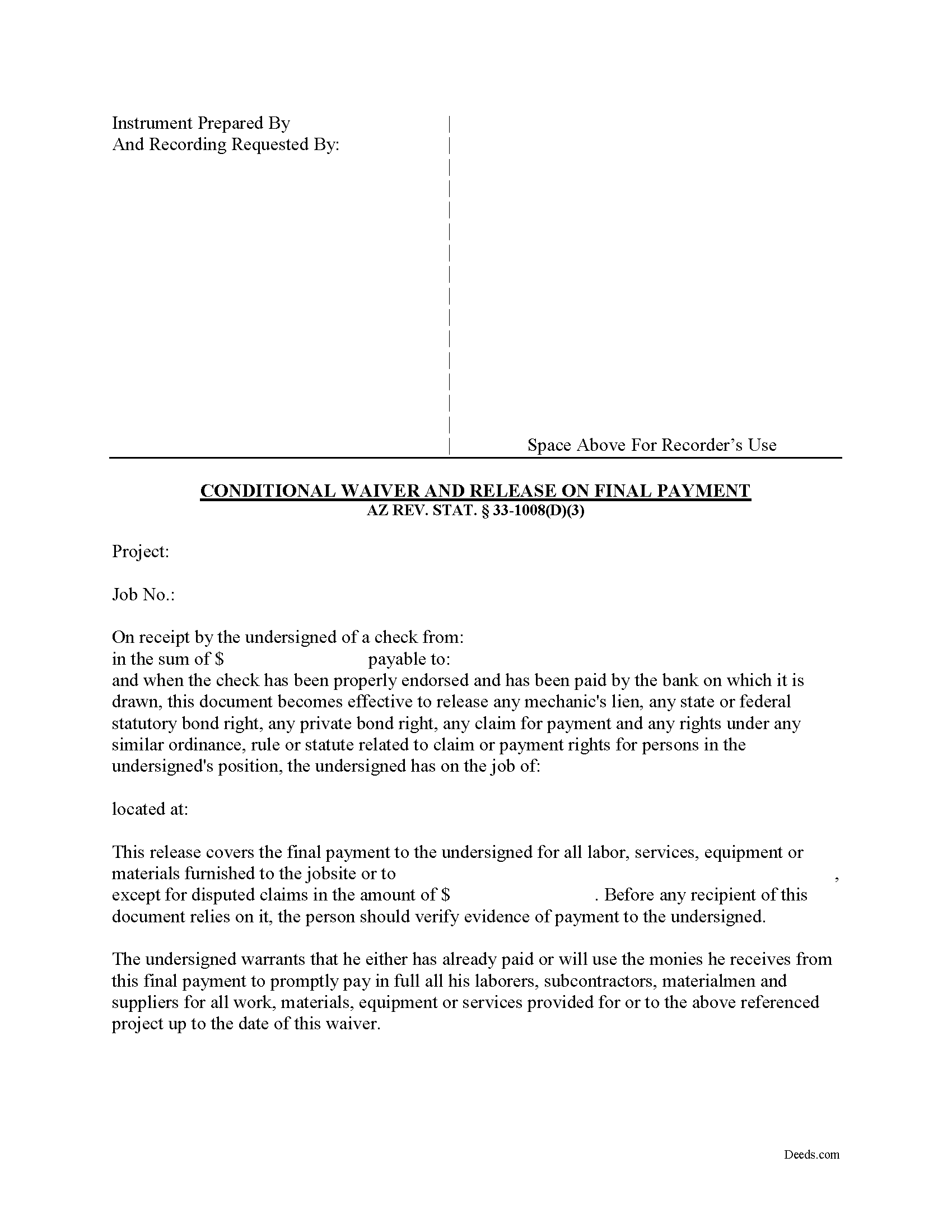
Gila County Conditional Lien Waiver on Final Payment Form
Fill in the blank form formatted to comply with all recording and content requirements.
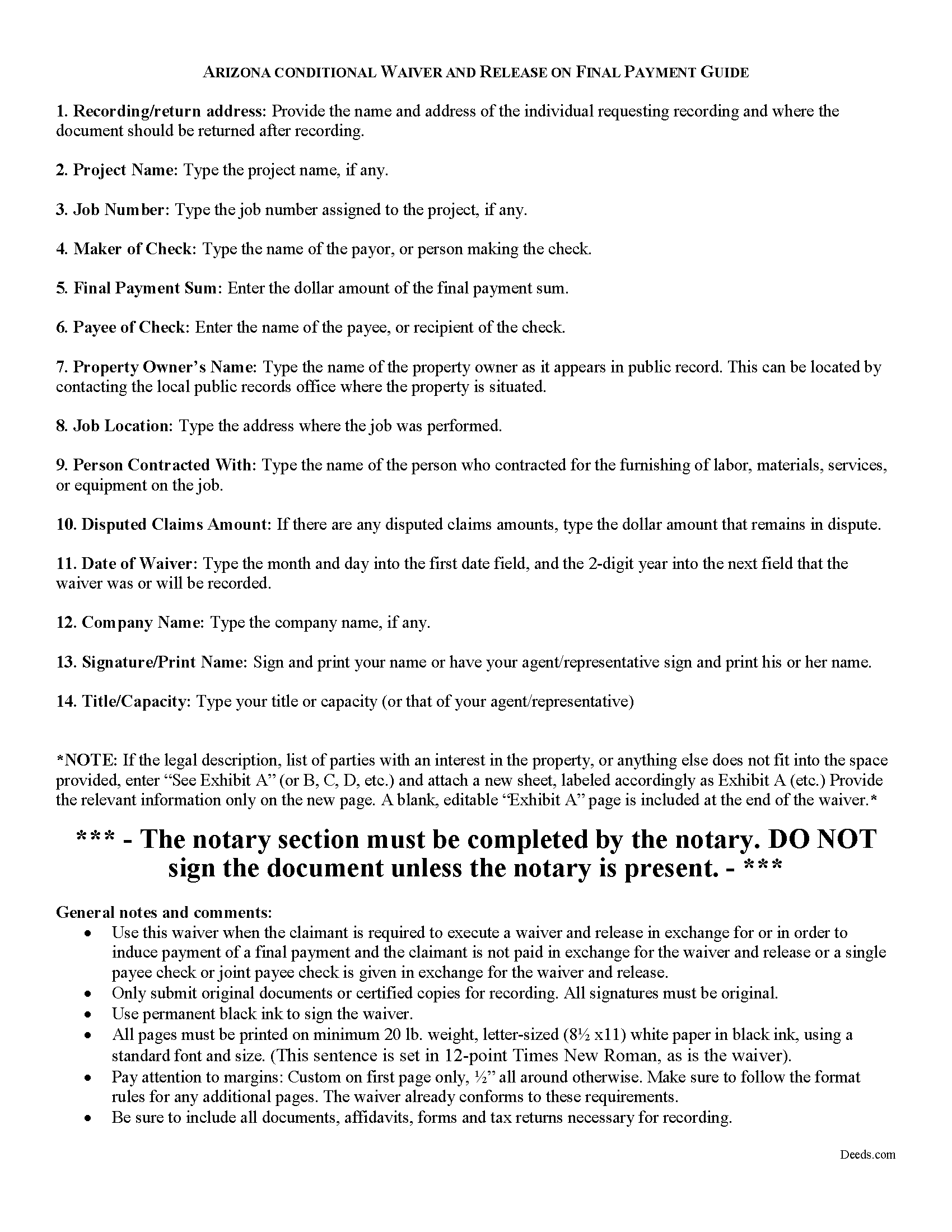
Gila County Conditional Lien Waiver on Final Payment Guide
Line by line guide explaining every blank on the form.
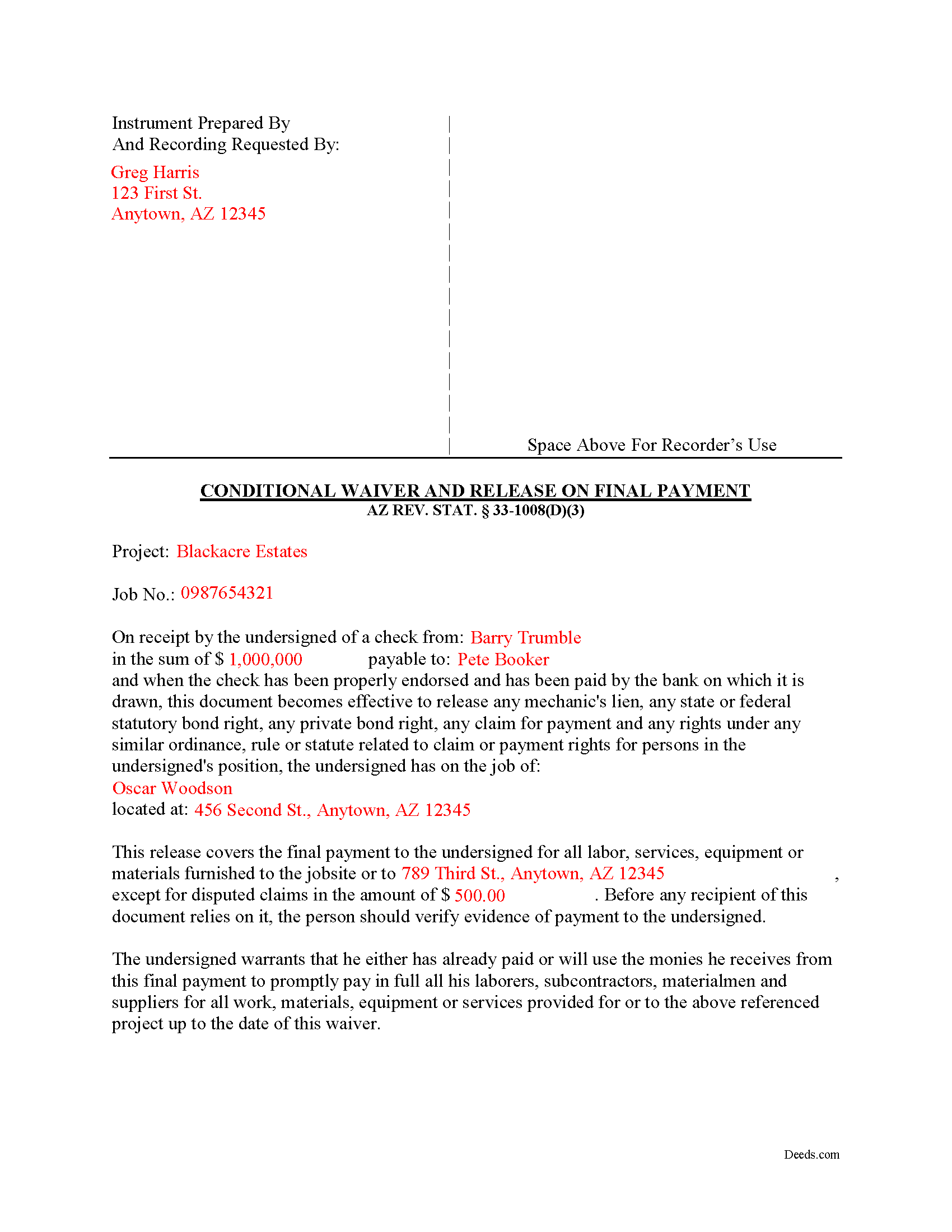
Gila County Completed Example of the Conditional Lien Waiver on Final Payment Document
Example of a properly completed form for reference.
All 3 documents above included • One-time purchase • No recurring fees
Immediate Download • Secure Checkout
Additional Arizona and Gila County documents included at no extra charge:
Where to Record Your Documents
Recorder: Main Office
Globe, Arizona 85501
Hours: 8:00 - 5:00 Monday through Friday
Phone: 928-402-8740
Satellite Office
Payson, Arizona 85541
Hours: 8:00 - 12:00 & 1:00 - 5:00 Monday through Friday
Phone: 928-474-7198
Recording Tips for Gila County:
- Bring your driver's license or state-issued photo ID
- Ensure all signatures are in blue or black ink
- Double-check legal descriptions match your existing deed
- Verify all names are spelled correctly before recording
- White-out or correction fluid may cause rejection
Cities and Jurisdictions in Gila County
Properties in any of these areas use Gila County forms:
- Claypool
- Globe
- Hayden
- Miami
- Payson
- Peridot
- Pine
- Roosevelt
- San Carlos
- Tonto Basin
- Winkelman
- Young
Hours, fees, requirements, and more for Gila County
How do I get my forms?
Forms are available for immediate download after payment. The Gila County forms will be in your account ready to download to your computer. An account is created for you during checkout if you don't have one. Forms are NOT emailed.
Are these forms guaranteed to be recordable in Gila County?
Yes. Our form blanks are guaranteed to meet or exceed the applicable formatting requirements used for recording in Gila County, including margin requirements, font requirements, and other layout standards. This guarantee applies to formatting, not to the legal sufficiency of information entered by the user or the suitability of a form for a particular transaction.
Can I reuse these forms?
Yes. You can reuse the forms for your personal use. For example, if you have multiple properties in Gila County you only need to order once.
What do I need to use these forms?
The forms are PDFs that you fill out on your computer. The free Adobe Acrobat Reader is recommended, and most PDF apps also work. You do NOT enter your property information online - you download the blank forms and complete them privately on your own computer.
Are there any recurring fees?
No. This is a one-time purchase. Nothing to cancel, no memberships, no recurring fees.
How much does it cost to record in Gila County?
Recording fees in Gila County vary. Contact the recorder's office at 928-402-8740 for current fees.
Questions answered? Let's get started!
Lien waivers are part of the Arizona mechanic's lien process.
The waiver, given by a contractor, subcontractor, materials supplier or other party to the construction project (the claimant) acknowledging receipt of payment and waiving any future lien rights to the owner's property. Lien waivers are governed under Arizona Revised Statute 33-1008.
In Arizona, lien waivers require strict compliance with the statute and any document purported to waive a lien must follow the statutory format. AZ REV. STAT. 33-1008(A). Any contract or other form attempting to waive lien rights is void as a matter of law. Id. Additionally, lien waivers filed in the state require evidence of actual payment when the waiver is conditioned on receipt of payment. Id.
There are two classifications of lien waivers: conditional and unconditional. Within either class, there are subcategories of "partial" and "final" waivers. Unconditional waivers take effect without payment confirmation, but conditional waivers are effective only when payment is received, usually verified by a check clearing the bank. So, a conditional waiver given after the final payment releases the claimant's right to lien, but only after any check used to pay the bill clears the bank.
The waiver must contain
- details identifying the job/project,
- the amount and type of payment, including the name of the person who wrote any checks,
- the property owner,
- the location and a description of the work,
- relevant dates,
- and the claimant's signature. 33-1008(D)(3).
This article is provided for informational purposes only and should not be relied on as a substitute for the advice of an attorney. Please contact an Arizona attorney with questions about mechanic's lien waivers.
Important: Your property must be located in Gila County to use these forms. Documents should be recorded at the county recording office listed above.
This Conditional Lien Waiver on Final Payment meets all recording requirements specific to Gila County.
Our Promise
The documents you receive here are guaranteed to meet or exceed the applicable Gila County recording format requirements. If there is a rejection caused by our formatting, we will correct the issue or refund your payment. This guarantee applies to document formatting only and does not extend to information entered by the user, the selection of the form, or the legal effect of the completed document.
Save Time and Money
Get your Gila County Conditional Lien Waiver on Final Payment form done right the first time with Deeds.com Uniform Conveyancing Blanks. At Deeds.com, we understand that your time and money are valuable resources, and we don't want you to face a penalty fee or rejection imposed by a county recorder for submitting nonstandard documents. We constantly review and update our forms to meet rapidly changing state and county recording requirements for roughly 3,500 counties and local jurisdictions.
4.8 out of 5 - ( 4,847 Reviews )
Michael J. 5 out of 5 stars
Great site, very easy to use. Thanks
Thank you for your feedback. We really appreciate it. Have a great day!
Sandra H. 5 out of 5 stars
I am a retired attorney. I chanced upon this website while looking for a Florida Lady Bird Deed Form. It conforms to Florida Law and was exactly what I needed. The forms are easy to obtain and even easier to use and print out.
Thank you so much Sandra, we really appreciate your feedback.
Lisa B. 5 out of 5 stars
Awesome service. User friendly, simple, easy and quick to fill out with instructions and sample copy and print.
Thank you Lisa, we appreciate your feedback.
Eileen D. 5 out of 5 stars
Very easy to use. The example form was a big help in making sure I had the forms filled out correctly.
Thank you!
Jerry B. 5 out of 5 stars
Easy to use and fully comprehensive.
Thank you for your feedback Jerry, we appreciate you.
Lara T. 5 out of 5 stars
Made recording my document so much easier and faster. First attempt failed due to illegible blue ink, got that fixed and deeds.com resubmitted and doc was recorded within a couple of hours, all from the comfort of my home.
Thank you for your feedback. We really appreciate it. Have a great day!
MARK S. 5 out of 5 stars
I filed my beneficiary deed today and it went off without a hitch. I really appreciated the guidelines and the example that came with the form The guide lines cleared up some questions I had regarding tenancy by the entirety which I had been trying to figure out.
We appreciate your business and value your feedback. Thank you. Have a wonderful day!
samantha b. 5 out of 5 stars
excellent instructions and the examples made completing the forms so very simple. thanks so much.
Thank you Samantha.
Charles C. 5 out of 5 stars
This was my first experience with e-recording. Deeds.com was AWESOME! Within one hour, I signed up with Deeds.com, recorded a deed in a neighboring county and had access to a copy of the recorded deed. I also appreciate the fact that there are no monthly or annual fees. Thanks Deeds.com!
Thank you for your feedback. We really appreciate it. Have a great day!
Suzanne M. 5 out of 5 stars
Easy to download this form. I will use it when the time comes to transfer title of my house.
Thank you for your feedback. We really appreciate it. Have a great day!
Connie J L. 5 out of 5 stars
Fast and easy to use. Easy to print.
Thank you!
Veronica F. 5 out of 5 stars
Fabulous service team. VERY responsive with any issue I encountered. Preparing forms out of state to record in another is never easy but this team assists expeditiously.
Your feedback is greatly appreciated. Thank you for taking the time to share your experience!
jen k. 5 out of 5 stars
I tried to use the free stuff you find on the internet. You quickly find out that free is rarely ever (never) free. Even worse, the long term cost can be immeasurable. Glad I realized that before I got too far in. Do yourself a favor, spend a few bucks up front to get the right forms.
Thank you!
victoria r. 5 out of 5 stars
Easiest and most efficient process awesome online communication
Thank you!
Thomas D. 2 out of 5 stars
The documents themselves are fine and the information provided with them is helpful. I find the actual processing of the documents, however, to be difficult particularly once the document has been saved. First, I note that the box for the date only allows entry of the last 2 digits of the year. Unfortunately, my download only allows me to enter one of the 2 digits required. When I delete it repeatedly, it eventually allows both digits to be entered but puts them in extremely small text and in superscrypt. I have not found a solution to this problem and am not sure the deed can even be recorded with this problem. Another problem is that if you try to revise the document after you have saved it the curser goes to the end of the line after each key entry. This means that there basically is no way to efficiently save the document for reworking later since you will have to delete everything you have entered in the text box unless you only need to make a single keystroke change or are willing to replace the curser after each entry. Try that with a long property description! Please note that I am using a Mac to prepare my documents and perhaps this is part of an "incompatibility problem". However, I didn't see a disclaimer regarding Mac use and so would expect the documents to perform correctly. Overall, I give the program a "2 star" rating because I am experiencing significant difficulties in entering dates in the documents even before saving them and because saving your work for later revision appears to be basically unworkable.
Thank you for your feedback Thomas, we appreciate you being specific about the issues you encountered. Adobe and Mac have a fairly long history of issues working together.