Colusa County Release of Notice of Pending Action Form
Last validated September 8, 2026 by our Forms Development TeamFormatted for recording in Colusa County, for property anywhere in the county: rural and unincorporated areas as well as Arbuckle, Colusa, Grimes, Maxwell, Princeton, Stonyford, Williams.
- 3 documents included
- Immediate PDF download
- Formatting guarantee
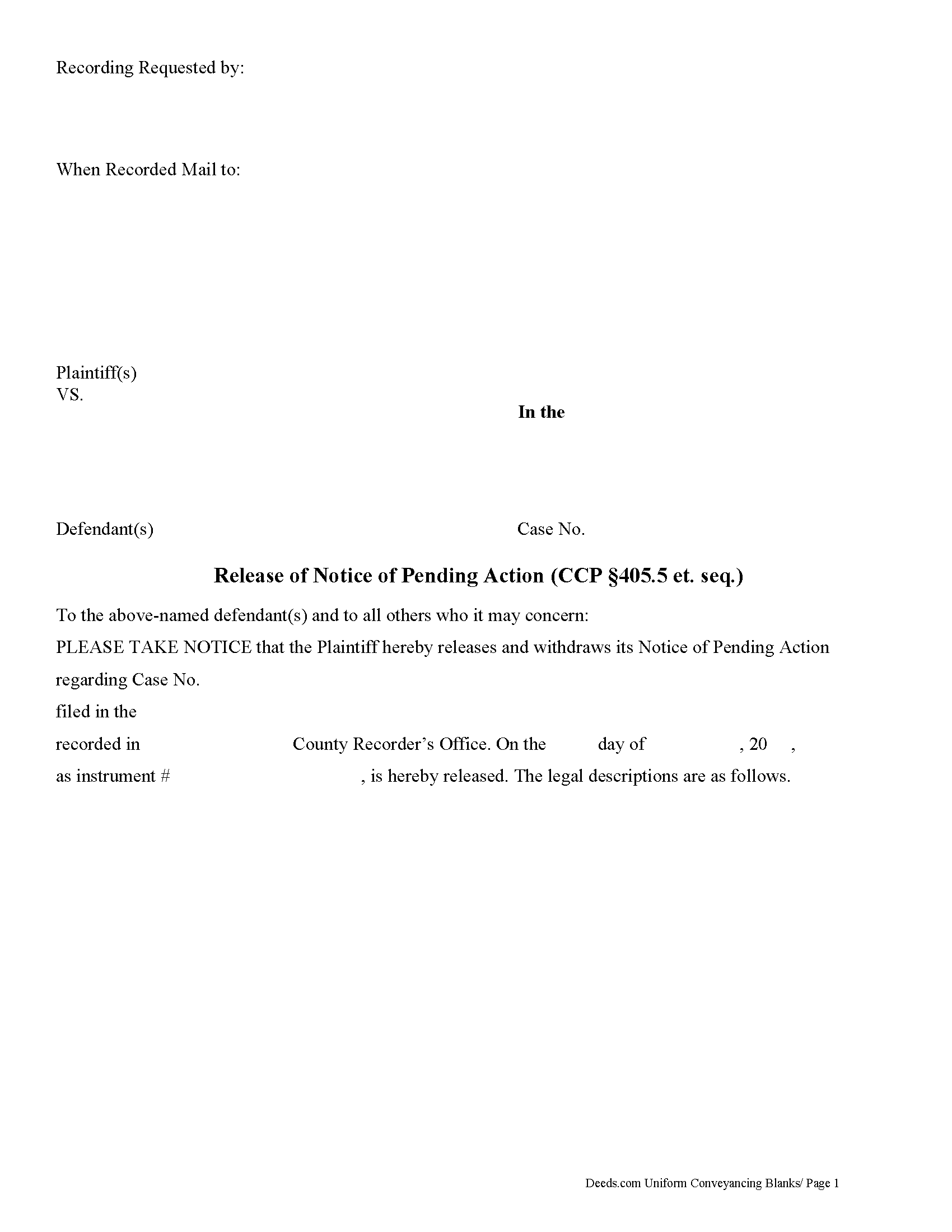
Colusa County Release of Notice of Pending Action Form
Fill in the blank form formatted to comply with all recording and content requirements.
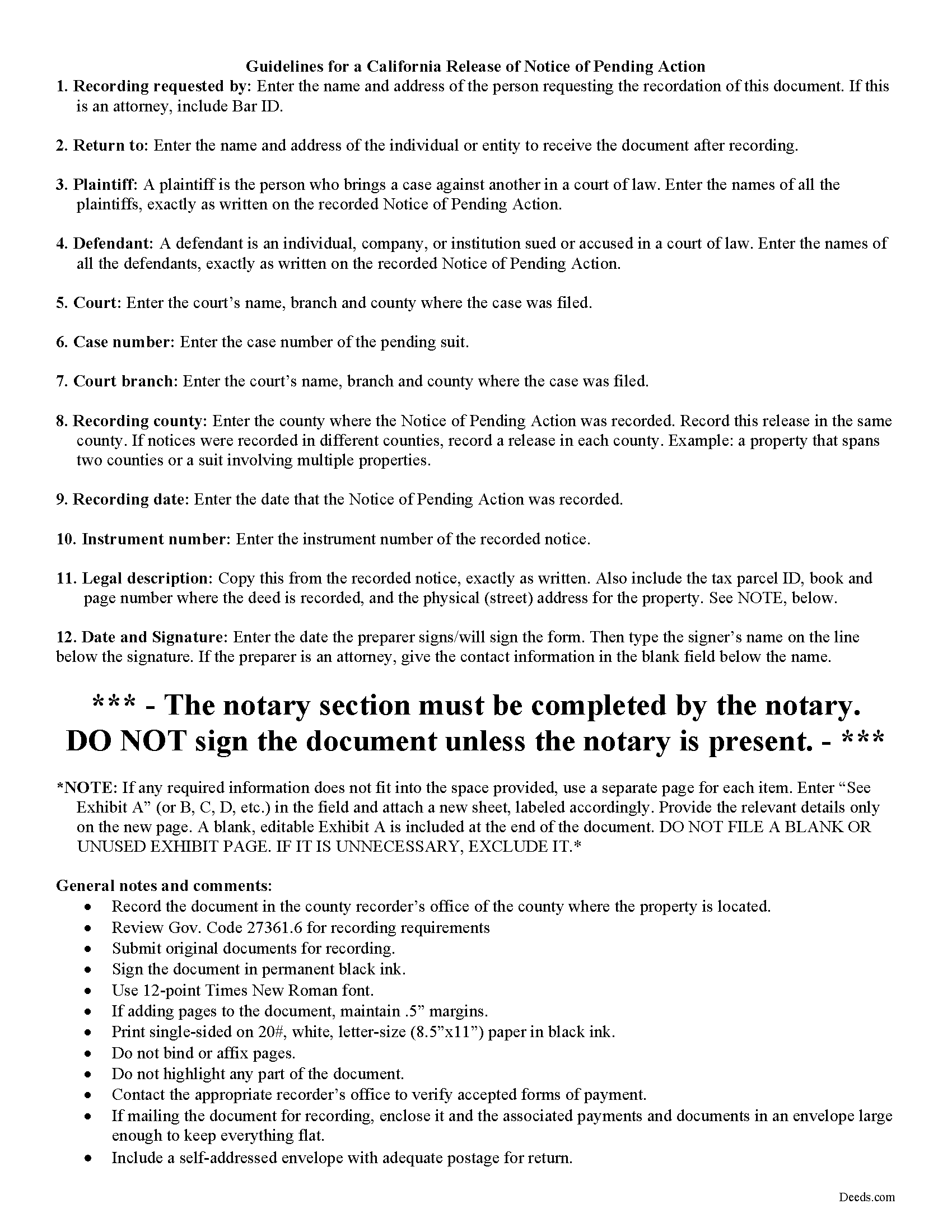
Colusa County Release of Notice of Pending Action Guide
Line by line guide explaining every blank on the form.
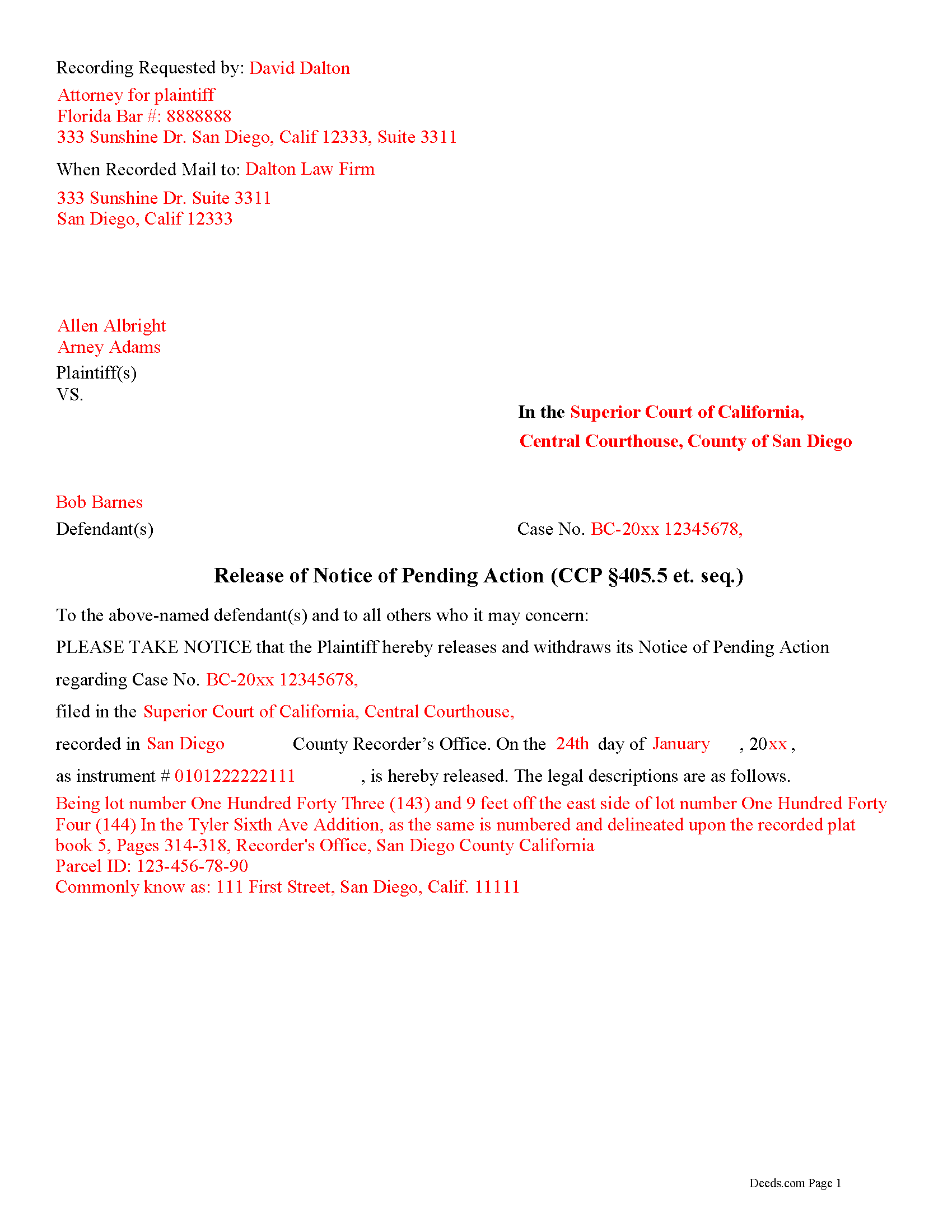
Colusa County Completed Example of the Release of Notice of Pending Action Document
Example of a properly completed form for reference.
All 3 documents above included • One-time purchase • No recurring fees
Immediate Download • Secure Checkout
Additional California and Colusa County documents included at no extra charge:
Where to Record Your Documents
Colusa County Clerk & Recorder
Colusa, California 95932
Hours: 8:30 - 4:00 Monday to Friday
Phone: 530-458-0500
Recording Tips for Colusa County:
- Bring your driver's license or state-issued photo ID
- Ensure all signatures are in blue or black ink
- Make copies of your documents before recording - keep originals safe
- Recorded documents become public record - avoid including SSNs
- Recording fees may differ from what's posted online - verify current rates
Cities and Jurisdictions in Colusa County
Properties in any of these areas use Colusa County forms:
- Arbuckle
- Colusa
- Grimes
- Maxwell
- Princeton
- Stonyford
- Williams
Hours, fees, requirements, and more for Colusa County
How do I get my forms?
Forms are available for immediate download after payment. The Colusa County forms will be in your account ready to download to your computer. An account is created for you during checkout if you don't have one. Forms are NOT emailed.
Are these forms guaranteed to be recordable in Colusa County?
Yes. Our form blanks are guaranteed to meet or exceed the applicable formatting requirements used for recording in Colusa County, including margin requirements, font requirements, and other layout standards. This guarantee applies to formatting, not to the legal sufficiency of information entered by the user or the suitability of a form for a particular transaction.
Can I reuse these forms?
Yes. You can reuse the forms for your personal use. For example, if you have multiple properties in Colusa County you only need to order once.
What do I need to use these forms?
The forms are PDFs that you fill out on your computer. The free Adobe Acrobat Reader is recommended, and most PDF apps also work. You do NOT enter your property information online - you download the blank forms and complete them privately on your own computer.
Are there any recurring fees?
No. This is a one-time purchase. Nothing to cancel, no memberships, no recurring fees.
How much does it cost to record in Colusa County?
Recording fees in Colusa County vary. Contact the recorder's office at 530-458-0500 for current fees.
Questions answered? Let's get started!
In California, the document notifying a property owner and the public about a pending lawsuit regarding that property, is called a Notice of Pending Action. The statutes primarily governing the recording of a notice of pendency of action are found at Code Civil Procedure, sections 405--405.61.
What happens, though, when the case is resolved? At that point, the plaintiff (individual who filed the suit) files a release. This action serves as notice of the resolution and clears the title. The Release of Notice of Pending Action in California is governed by the provisions of Code of Civ. Proc. section 405.50.
The release form identifies the parties and the property. It includes references to the pending lawsuit and the relevant dates. Before recording, the release form must be signed, in the presence of a notary public or other authorized official, by the party that recorded the original notice of pending action, or their successor in interest. Submit the release to the office of the recorder for the county in which the original lis pendens was recorded.
Lawsuits can be complicated, and even small errors can affect the outcome of a case. Please contact an attorney with questions about using the Release of Notice of Pending Action, or for any other issues related to real property in California.
(California Release of Pending Action Package includes form, guidelines, and completed example)
Important: Your property must be located in Colusa County to use these forms. Documents should be recorded at the county recording office listed above.
This Release of Notice of Pending Action meets all recording requirements specific to Colusa County.
Our Promise
The documents you receive here are guaranteed to meet or exceed the applicable Colusa County recording format requirements. If there is a rejection caused by our formatting, we will correct the issue or refund your payment. This guarantee applies to document formatting only and does not extend to information entered by the user, the selection of the form, or the legal effect of the completed document.
Save Time and Money
Get your Colusa County Release of Notice of Pending Action form done right the first time with Deeds.com Uniform Conveyancing Blanks. At Deeds.com, we understand that your time and money are valuable resources, and we don't want you to face a penalty fee or rejection imposed by a county recorder for submitting nonstandard documents. We constantly review and update our forms to meet rapidly changing state and county recording requirements for roughly 3,500 counties and local jurisdictions.
4.8 out of 5 - ( 4,837 Reviews )
Sharon H. 5 out of 5 stars
I was able to print the deed and follow the instructions and sample deed quite easily. Thank you
We appreciate your business and value your feedback. Thank you. Have a wonderful day!
Daniel L. 5 out of 5 stars
so far appears to meet my needs!
Thank you for your feedback. We really appreciate it. Have a great day!
Willard V. 3 out of 5 stars
While it's nice to get all the forms and info in one package for a reasonable cost, the fixed format of the form does not allow for a lengthy meet and bounds property description for real property. Also, the Cover Sheet has big fillable sections with no instructions about what's supposed to go there. I tried the "Contact Us" link, but all it does is spin saying it's trying verify the security of my connection. Looks like I;m going to have to create my own deed in MS Word instead of just filling in the blacks of the PDF file that I downloaded. Bummer!
Your feedback is a crucial part of our dedication to ongoing improvement. Thank you for your insightful comments.
Kimberly M. 5 out of 5 stars
Love Deeds.com. Fast turnaround and easy to work with.
We appreciate your business and value your feedback. Thank you. Have a wonderful day!
curtice c. 5 out of 5 stars
I bought the Transfer on Death Deed documents. Great product and the accompanying example and guides were great.
Thank you for your feedback. We really appreciate it. Have a great day!
J Samuel B. 4 out of 5 stars
Good, but make your PDFs convertible to Word or RTF.
Thank you for your feedback. It helps us continue improving.
Josephine H. 5 out of 5 stars
Wonderful site. Pretty complete and super easy to use. Thank you.
Thank you for your feedback. We really appreciate it. Have a great day!
Lucinda E. 5 out of 5 stars
I thought this form was great and easy to complete but the instructions were unclear as to whether the grantee- beneficiaries needed to sign and notarize their signatures as well. It did not appear to be the case but it would be helpful if the instructions spelled this out better.
Thank you for your feedback. We really appreciate it. Have a great day!
Jeffrey W. 5 out of 5 stars
You should add a button to cancel a package. I uploaded a document for e-recording, but wanted to cancel because I got a more clear copy.
Thank you!
Robert B. 5 out of 5 stars
Found this sight on the internet looking for information to add my fiance' to the house deed. Looks like the right place to be. Looking forward to getting the forms I need.
Thank you!
Linda G. 5 out of 5 stars
I like it so far- now I just need to complete my filing in the County seat!
We appreciate your business and value your feedback. Thank you. Have a wonderful day!
Deborah P. 5 out of 5 stars
Very good information. Easy access and easy to download. All the forms needed for TOD to be notarized and recorded with the county office. Much better than working with a Trust and the expense of lawyers, especially when several parties are involved and the owner of said property knows exactly to whom the property should go. Having forms and instructions available for the public to have their wishes recorded and confirmed makes handling final planning much easier and prevents family members from having the unnecessary task of going through court to solve property distribution issues. Thank you for this site and the forms you provide. I will recommend Deeds.com to those I know who are making final plans.
We appreciate your business and value your feedback. Thank you. Have a wonderful day!
Janice S. 5 out of 5 stars
All instructions and forms are very easy to read and fill-out. Thank you
Thank you for your feedback. We really appreciate it. Have a great day!
Brenda D. 5 out of 5 stars
Very easy to use once I found it.
Thank you!
Michael K. 5 out of 5 stars
I haven't used them yet. So far so good.
Thank you!