Colusa County Quitclaim Deed Form
Last validated October 14, 2026 by our Forms Development TeamFormatted for recording in Colusa County, for property anywhere in the county: rural and unincorporated areas as well as Arbuckle, Colusa, Grimes, Maxwell, Princeton, Stonyford, Williams.
- 3 documents included
- Immediate PDF download
- Formatting guarantee
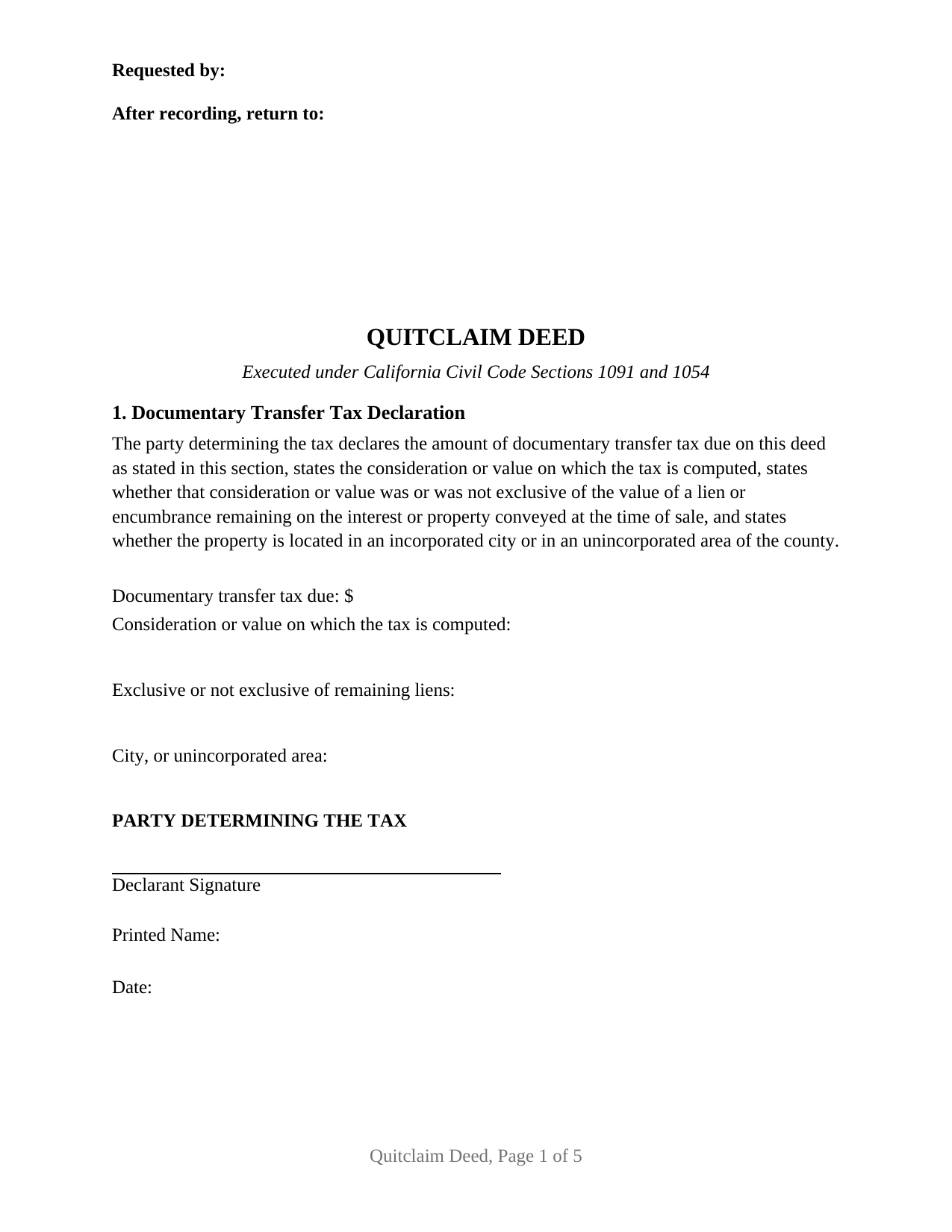
Colusa County Quitclaim Deed Form
Fill in the blank Quitclaim Deed form formatted to comply with all California recording and content requirements.
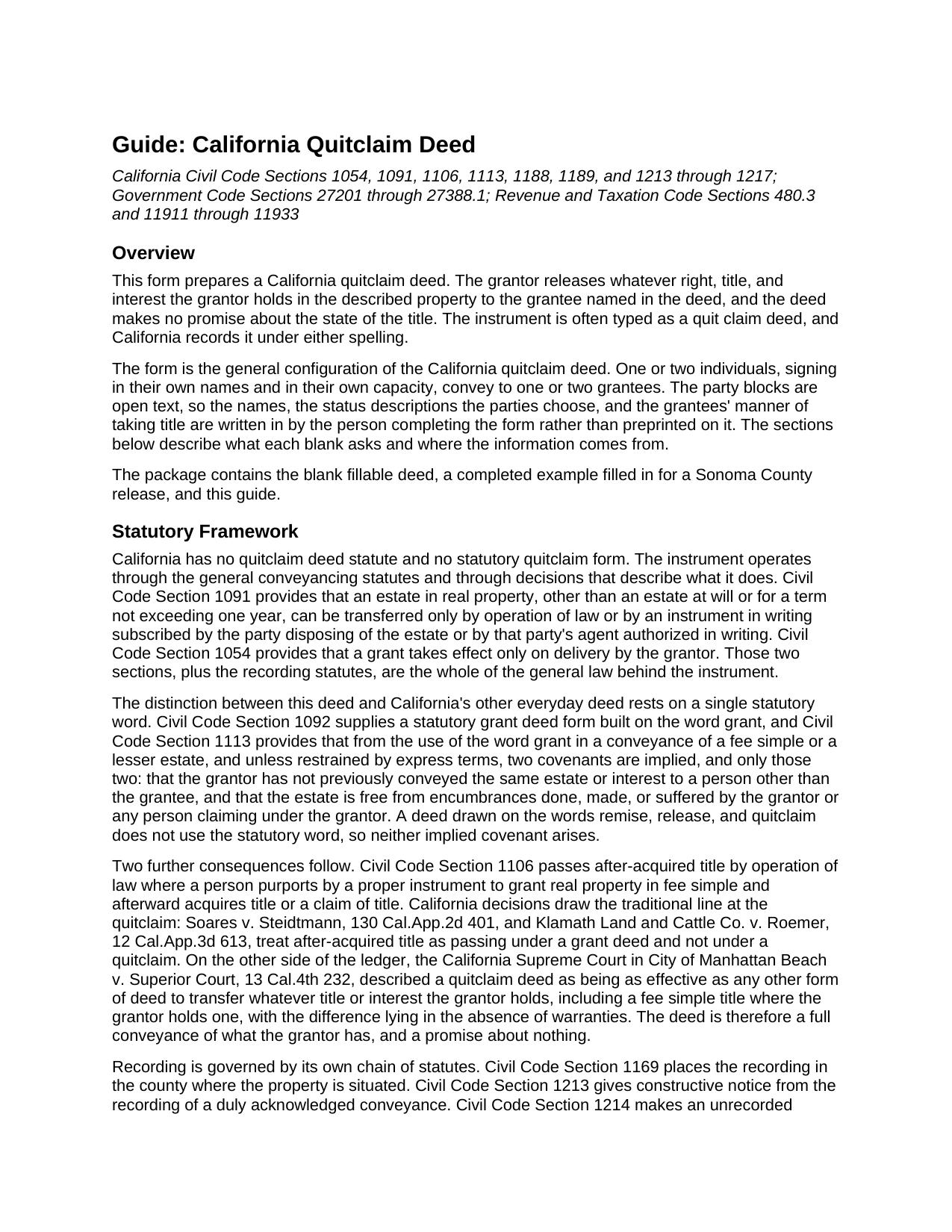
Colusa County Quitclaim Deed Guide
Line by line guide explaining every blank on the Quitclaim Deed form.
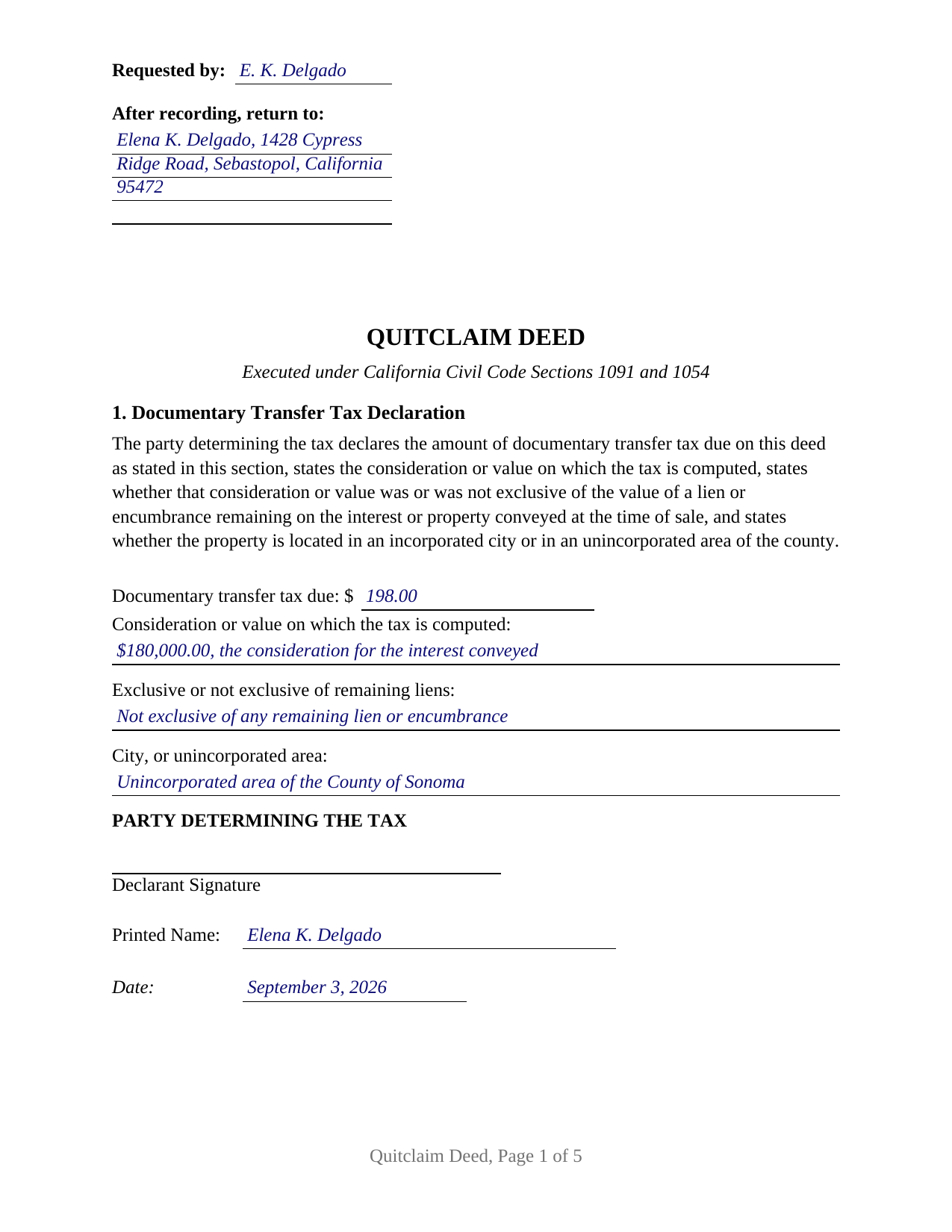
Colusa County Completed Example of the Quitclaim Deed Document
Example of a properly completed California Quitclaim Deed document for reference.
All 3 documents above included • One-time purchase • No recurring fees
Immediate Download • Secure Checkout
Additional California and Colusa County documents included at no extra charge:
Where to Record Your Documents
Colusa County Clerk & Recorder
Colusa, California 95932
Hours: 8:30 - 4:00 Monday to Friday
Phone: 530-458-0500
Recording Tips for Colusa County:
- Bring your driver's license or state-issued photo ID
- Ensure all signatures are in blue or black ink
- Avoid the last business day of the month when possible
- Both spouses typically need to sign if property is jointly owned
- Bring extra funds - fees can vary by document type and page count
Cities and Jurisdictions in Colusa County
Properties in any of these areas use Colusa County forms:
- Arbuckle
- Colusa
- Grimes
- Maxwell
- Princeton
- Stonyford
- Williams
Hours, fees, requirements, and more for Colusa County
How do I get my forms?
Forms are available for immediate download after payment. The Colusa County forms will be in your account ready to download to your computer. An account is created for you during checkout if you don't have one. Forms are NOT emailed.
Are these forms guaranteed to be recordable in Colusa County?
Yes. Our form blanks are guaranteed to meet or exceed the applicable formatting requirements used for recording in Colusa County, including margin requirements, font requirements, and other layout standards. This guarantee applies to formatting, not to the legal sufficiency of information entered by the user or the suitability of a form for a particular transaction.
Can I reuse these forms?
Yes. You can reuse the forms for your personal use. For example, if you have multiple properties in Colusa County you only need to order once.
What do I need to use these forms?
The forms are PDFs that you fill out on your computer. The free Adobe Acrobat Reader is recommended, and most PDF apps also work. You do NOT enter your property information online - you download the blank forms and complete them privately on your own computer.
Are there any recurring fees?
No. This is a one-time purchase. Nothing to cancel, no memberships, no recurring fees.
How much does it cost to record in Colusa County?
Recording fees in Colusa County vary. Contact the recorder's office at 530-458-0500 for current fees.
Questions answered? Let's get started!
California wrote a statutory form for the grant deed and none at all for this one. The quitclaim deed lives on practice and decision instead, and what marks it is a word it never uses. This form prepares that instrument in its general configuration: one or two people, signing in their own names, releasing whatever interest they hold to one or two grantees, with nothing promised about the title.
The Word This Deed Leaves Out
Civil Code Section 1092 supplies a statutory deed built on the word grant, and Civil Code Section 1113 attaches two implied covenants to that word and, in its own terms, no others: against a prior conveyance of the same estate by the grantor, and against encumbrances the grantor made or suffered. Drop the word and both covenants fall away, and Section 1106, which carries after-acquired title where an instrument purports to grant a fee simple, stays on the far side of that line too. What the deed does convey is not small: the California Supreme Court has described a quitclaim as being as effective as any other deed to pass whatever title the grantor holds, fee simple included, the difference lying in the absence of warranties.
Open Blanks Instead of Preprinted Status
The form decides as little as possible for the parties. The grantor block is open text sized for two names, and the words beside a name, whether an owner writes an unmarried woman, a married man as separate property, or nothing at all, are the filler's own. The grantee block works the same way and holds the manner of taking title where the grantees state one, whether that reads as joint tenants, tenants in common, or community property with right of survivorship. Four count patterns fit those blocks: one grantor to one grantee, one to two, two to one, and two to two, all of them individuals signing in their own capacity. Two signature blocks follow, each under its own Civil Code Section 1189 acknowledgment certificate headed by the boxed identity notice that section requires; where one person conveys, the second block and its certificate stay blank. What it is not set up for is a signer acting through a corporate office, a management title, a partnership name, a fiduciary capacity, or a power of attorney.
A First Page Built Around Reserved Space
California recorders read page one before anything else, and Government Code Section 27361.6 tells a drafter where to stay out of the way: the top 2.5 inches belong to recording information, with the requester line and return address in the left 3.5 inches of that band. The form places both there and puts the document title immediately below, where Government Code Section 27324 puts the title the recorder indexes. Two more entries follow: the assessor's parcel number, and the address for future tax statements Government Code Section 27321.5 asks for before a fee title deed is accepted.
The Tax Line, and the Signature Under It
Section 1 carries the documentary transfer tax declaration. Revenue and Taxation Code Section 11911 sets the county rate at 55 cents for each 500 dollars of consideration or value above one hundred dollars, exclusive of liens remaining at sale, and Sections 11932 and 11933 want the amount on the face of the document over a declaration signed by the party who determined it, stating whether the taxed amount was or was not exclusive of those liens. Charter cities layer taxes of their own above that rate. Where an exemption applies, county practice enters its code section on the amount line instead of a figure, and the guide walks through the exemptions a quitclaim commonly meets.
What Recording Settles
Government Code Section 27287 makes the notarial acknowledgment the condition of recording, with subscribing witness proof unavailable for deeds. California then runs a race-notice rule: the deed binds the parties without recording under Civil Code Section 1217, while an unrecorded conveyance loses to a later good faith purchaser who records first. Recording proves nothing about the underlying title: Government Code Section 27201 keeps legal sufficiency out of what the recorder examines.
Three files arrive together: the quitclaim deed as a fillable PDF, a completed example worked through a Sonoma County release, and a plain language guide covering every section, the vesting choices on the grantee side, the certificates, and the fees. All of it sets out what California law provides in general terms, and none of it is legal advice about a particular parcel or title.
Important: Your property must be located in Colusa County to use these forms. Documents should be recorded at the county recording office listed above.
This Quitclaim Deed meets all recording requirements specific to Colusa County.
Our Promise
The documents you receive here are guaranteed to meet or exceed the applicable Colusa County recording format requirements. If there is a rejection caused by our formatting, we will correct the issue or refund your payment. This guarantee applies to document formatting only and does not extend to information entered by the user, the selection of the form, or the legal effect of the completed document.
Save Time and Money
Get your Colusa County Quitclaim Deed form done right the first time with Deeds.com Uniform Conveyancing Blanks. At Deeds.com, we understand that your time and money are valuable resources, and we don't want you to face a penalty fee or rejection imposed by a county recorder for submitting nonstandard documents. We constantly review and update our forms to meet rapidly changing state and county recording requirements for roughly 3,500 counties and local jurisdictions.
4.8 out of 5 - ( 4,828 Reviews )
Beverly A. 5 out of 5 stars
The forms are incredibly easy to fill out. Thanks for the examples!
We appreciate your business and value your feedback. Thank you. Have a wonderful day!
Barbara B. 5 out of 5 stars
Great forms and instructions!
Thank you Barbara.
JOYCE R. 5 out of 5 stars
I am a tax attorney and had worked as a Valuation Engineer with Internal Revenue Service. I can access (almost immediately) complete title reports and transactions history of real estate transfers. It is a joy to have access to your valuable service. JOYCE REBHUN,JD,MBA,PhD,EA
Thank you for your feedback. We really appreciate it. Have a great day!
REBECCA E. 5 out of 5 stars
Very easy process from you so far, thanks! i don't hav a computer, only an apple iphone, so on a day very soon i'll need to go to my Fayetteville library to download and complete the forms. thanks for any suggestions/advice you may have...
We appreciate your business and value your feedback. Thank you. Have a wonderful day!
Koko H. 5 out of 5 stars
Five star. Prompt and easy way to obtain information. Good value.
We appreciate your business and value your feedback. Thank you. Have a wonderful day!
Iva R. 5 out of 5 stars
Great service. Fast, got everything done (form, recording) done in a couple of hours, lightning speed in the real estate world. Thanks!
Thank you for your feedback. We really appreciate it. Have a great day!
Charles R. 5 out of 5 stars
Pleased with the forms and their ease of use. No complaints.
Thank you Charles, we appreciate you.
Roy B. 3 out of 5 stars
Convenient yes, expensive "big YES" and with what I paid to record a lien it cost me close to $50. That seems quite exorbitant in my estimation!!
Thank you for your feedback. We really appreciate it. Have a great day!
Adan S. 5 out of 5 stars
Five star
Thank you!
Jennifer T. 5 out of 5 stars
I got instant access to the exact forms I needed! The guide to completing the form was very thorough and easy to understand. I am very thankful for this service!
Thank you for the kind words Jennifer. We appreciate you!
Alfred J. H. 5 out of 5 stars
Excellent resource for legal forms. Very satisfied. Instructions and caveats explained clearly. Thank You!
Thank you!
Linda M. 5 out of 5 stars
Happy with the forms and the service, would recommend to others.
We appreciate your business and value your feedback. Thank you. Have a wonderful day!
Lynda D S. 5 out of 5 stars
Sorry, I did not see that I was in the wrong review and just sent a review of a "product" I ordered online. As for Deeds.com I was very happy with the process and speed of getting the forms. I have used this site before. Highly recommend.
We appreciate your business and value your feedback. Thank you. Have a wonderful day!
Michael F. 5 out of 5 stars
I'm not too bright and I made a mess of things when I tried to create my own deed. It was lucky that I found the forms here after so many of my personal failures. It's good that the pros know what they are doing.
Such kind words Michael, thank you.
Marcus V. 5 out of 5 stars
Awesome and perfect.
We are thankful for your continued support and feedback, which inspire us to continuously improve. Thank you..