Douglas County Quitclaim Deed (Married Grantor with Non-Owner Spouse Joinder) Form
Last validated October 14, 2026 by our Forms Development TeamFormatted for recording in Douglas County, for property anywhere in the county: rural and unincorporated areas as well as Castle Rock, Franktown, Larkspur, Littleton, Louviers, Parker, Sedalia.
- 3 documents included
- Immediate PDF download
- Formatting guarantee
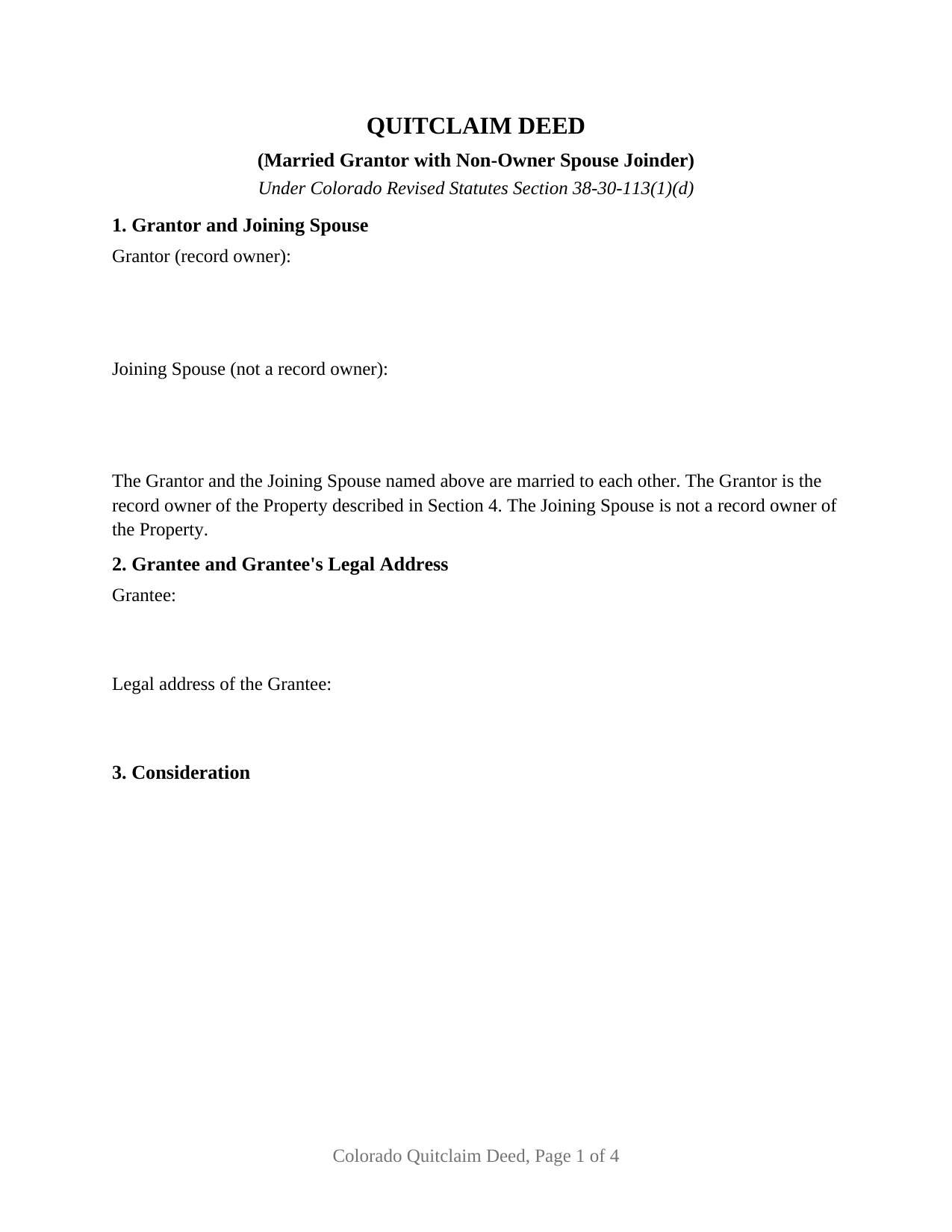
Douglas County Quitclaim Deed (Married Grantor with Non-Owner Spouse Joinder) Form
Fill in the blank Quitclaim Deed (Married Grantor with Non-Owner Spouse Joinder) form formatted to comply with all Colorado recording and content requirements.
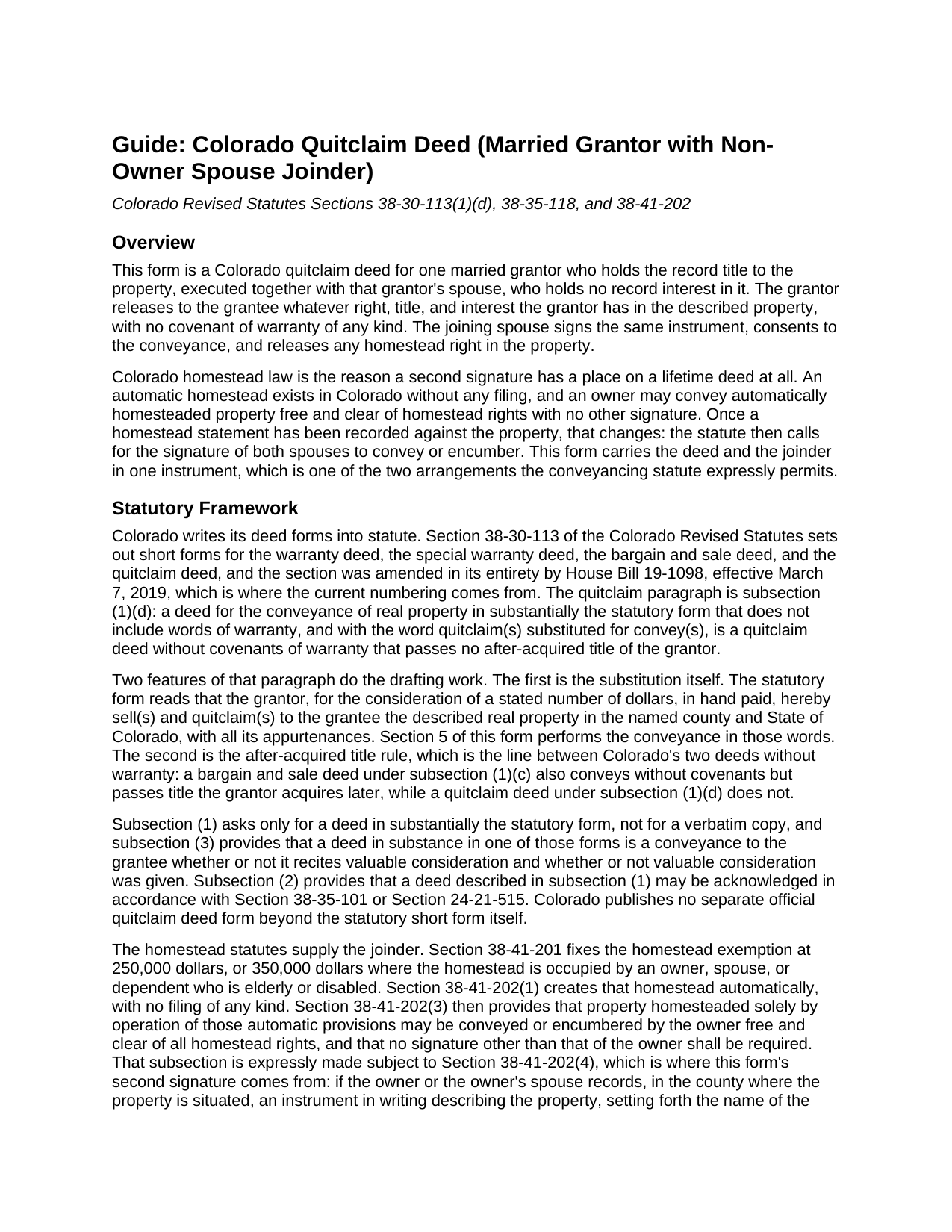
Douglas County Quitclaim Deed (Married Grantor with Non-Owner Spouse Joinder) Guide
Line by line guide explaining every blank on the Quitclaim Deed (Married Grantor with Non-Owner Spouse Joinder) form.
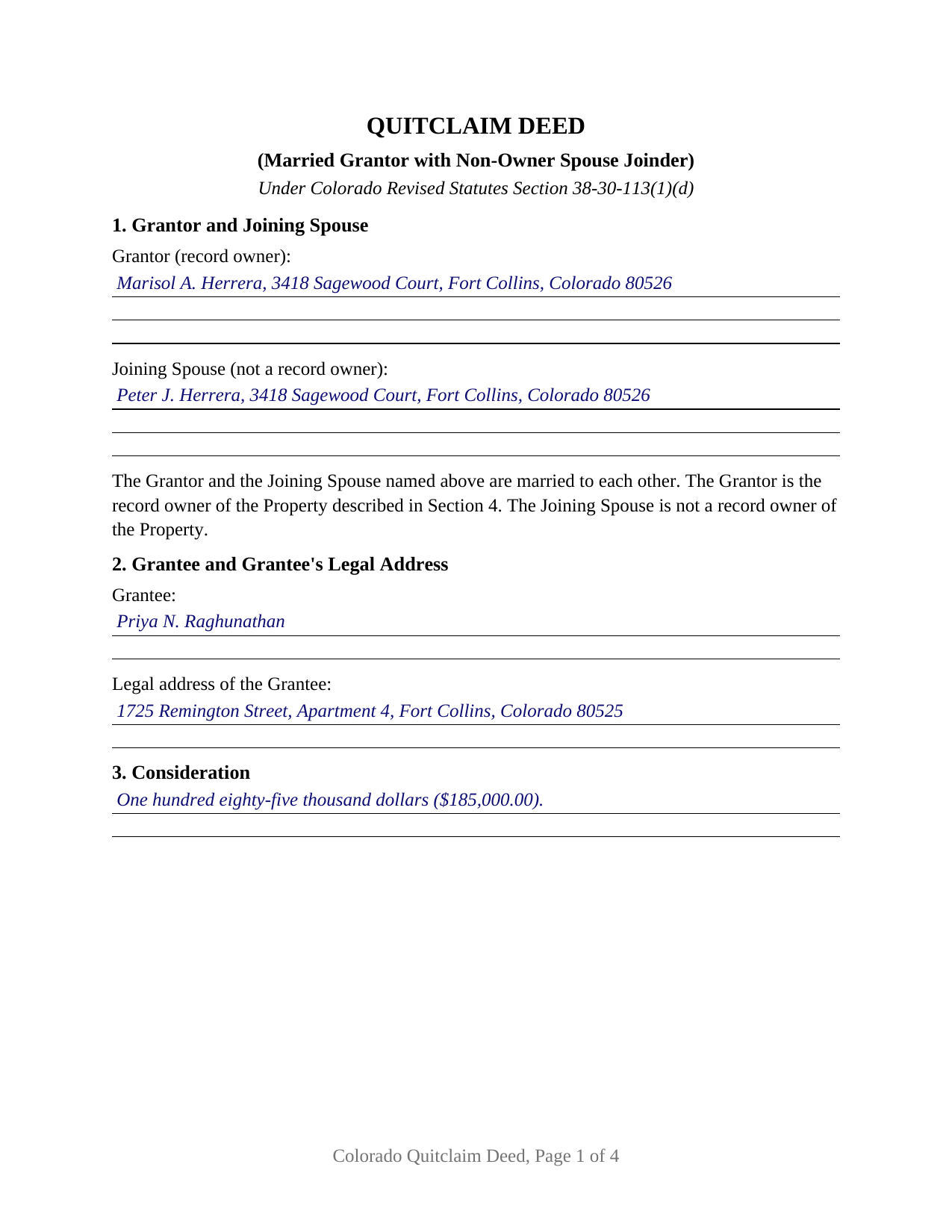
Douglas County Completed Example of the Quitclaim Deed (Married Grantor with Non-Owner Spouse Joinder) Document
Example of a properly completed Colorado Quitclaim Deed (Married Grantor with Non-Owner Spouse Joinder) document for reference.
All 3 documents above included • One-time purchase • No recurring fees
Immediate Download • Secure Checkout
Additional Colorado and Douglas County documents included at no extra charge:
Where to Record Your Documents
Douglas County Clerk and Recorder
Castle Rock, Colorado 80104
Hours: 8:00am to 5:00pm Monday through Friday
Phone: (303) 660-7446
Recording Tips for Douglas County:
- Bring your driver's license or state-issued photo ID
- Ensure all signatures are in blue or black ink
- Ask about accepted payment methods when you call ahead
- Ask for certified copies if you need them for other transactions
- Ask if they accept credit cards - many offices are cash/check only
Cities and Jurisdictions in Douglas County
Properties in any of these areas use Douglas County forms:
- Castle Rock
- Franktown
- Larkspur
- Littleton
- Louviers
- Parker
- Sedalia
Hours, fees, requirements, and more for Douglas County
How do I get my forms?
Forms are available for immediate download after payment. The Douglas County forms will be in your account ready to download to your computer. An account is created for you during checkout if you don't have one. Forms are NOT emailed.
Are these forms guaranteed to be recordable in Douglas County?
Yes. Our form blanks are guaranteed to meet or exceed the applicable formatting requirements used for recording in Douglas County, including margin requirements, font requirements, and other layout standards. This guarantee applies to formatting, not to the legal sufficiency of information entered by the user or the suitability of a form for a particular transaction.
Can I reuse these forms?
Yes. You can reuse the forms for your personal use. For example, if you have multiple properties in Douglas County you only need to order once.
What do I need to use these forms?
The forms are PDFs that you fill out on your computer. The free Adobe Acrobat Reader is recommended, and most PDF apps also work. You do NOT enter your property information online - you download the blank forms and complete them privately on your own computer.
Are there any recurring fees?
No. This is a one-time purchase. Nothing to cancel, no memberships, no recurring fees.
How much does it cost to record in Douglas County?
Recording fees in Douglas County vary. Contact the recorder's office at (303) 660-7446 for current fees.
Questions answered? Let's get started!
When a Colorado home stands in one spouse's name alone and a homestead statement has been recorded against it, the deed stops being a one-signature document: the statute calls for both spouses to execute the instrument that conveys the property. This fillable quitclaim deed is configured for that posture. One married grantor holds the record title and releases it, the other spouse owns nothing of record and signs anyway on a separately labeled joinder line, and the deed prints a recital of the marriage that ties the two together.
Why a spouse who owns nothing has a signature line
Colorado hands every qualifying homestead its exemption automatically, with no filing at all, and while the homestead rests on those provisions alone, C.R.S. 38-41-202(3) lets the owner convey free and clear of all homestead rights with no signature but the owner's. Recording a homestead statement changes that. Under C.R.S. 38-41-202(4), once the owner or the owner's spouse records an instrument describing the property, naming the owner, setting out the nature and source of that interest, and stating that it is being homesteaded, the signature of both spouses becomes necessary to convey or encumber it. C.R.S. 38-35-118(1) states the rule from the conveyancing side and adds that the signatures may arrive on one instrument or on separate ones. This deed is the one-instrument version.
What the joinder releases, and where it stops
Section 6 performs the joinder in operative words rather than by implication. The joining spouse joins in the deed, consents to the conveyance so that both spouses have executed it, and releases and quitclaims every homestead right arising under C.R.S. 38-41-201 and 38-41-202. The same section draws the line: the joining spouse conveys no other right, title, or interest, gives no covenant of warranty, and passes no after-acquired title. A blank follows for the recording reference of the homestead statement, and an entry reading that none is of record answers it equally well.
Statutory release wording, and a recital that carries evidentiary weight
The conveyance runs on C.R.S. 38-30-113(1)(d): a deed in substantially the statutory form, warranty words omitted and quitclaim(s) put in the place of convey(s), is a quitclaim deed without covenants of warranty that passes no after-acquired title. The grantee takes the interest the grantor holds at delivery with nothing promised about it, which is what separates a quit claim deed from the warranty forms in the same statute. The marriage recital in Section 1 is doing real work too: under C.R.S. 38-35-118(1) a recital of the marital status of the party executing a recorded conveyance stands as prima facie evidence of the fact stated, rebuttable, but sitting in the chain of title where a later examiner reads it.
One owner, one joining spouse, two certificates
The form recites exactly one grantor, a married natural person holding record title in an individual capacity, and exactly one joining spouse who is not a record owner. Each gets a signature and date block, the joinder block labeled so no reader takes the spouse for a co-grantor, and each gets its own acknowledgment certificate. Separate certificates let the two appear before different notarial officers on different dates in different counties, which the completed example demonstrates. A spouse who is the only name on the vesting deed releasing that property while married, and a conveyance of land against which a homestead statement stands recorded, present the record posture this deed recites. The form is not built for two record owners, for a sole owner conveying alone, or for an entity, trustee, or attorney-in-fact signer.
Recording the deed and the paper beside it
The finished deed goes to the clerk and recorder in the county holding the land, and C.R.S. 38-35-109 is why prompt recording counts in a race-notice state. Since July 1, 2025 the recording charge has been a flat statutory amount per document, quoted as 43 dollars on county fee schedules. The state documentary fee is separate, attaching at a penny per hundred dollars once total consideration passes 500 dollars. A Real Property Transfer Declaration is handed in alongside the deed, and the deed face needs the grantee's legal address and a street address next to the legal description.
The package delivers this deed as a fillable PDF, a completed example filled in for a Larimer County fact pattern with both signatures and both certificates finished, and a guide covering every numbered section, the joinder, the notarization, and the recording steps. The materials are informational and are not legal advice.
Important: Your property must be located in Douglas County to use these forms. Documents should be recorded at the county recording office listed above.
This Quitclaim Deed (Married Grantor with Non-Owner Spouse Joinder) meets all recording requirements specific to Douglas County.
Our Promise
The documents you receive here are guaranteed to meet or exceed the applicable Douglas County recording format requirements. If there is a rejection caused by our formatting, we will correct the issue or refund your payment. This guarantee applies to document formatting only and does not extend to information entered by the user, the selection of the form, or the legal effect of the completed document.
Save Time and Money
Get your Douglas County Quitclaim Deed (Married Grantor with Non-Owner Spouse Joinder) form done right the first time with Deeds.com Uniform Conveyancing Blanks. At Deeds.com, we understand that your time and money are valuable resources, and we don't want you to face a penalty fee or rejection imposed by a county recorder for submitting nonstandard documents. We constantly review and update our forms to meet rapidly changing state and county recording requirements for roughly 3,500 counties and local jurisdictions.
4.8 out of 5 - ( 4,839 Reviews )
Paul V. 5 out of 5 stars
Easy to use , so far
Thank you!
Hinz H. 4 out of 5 stars
Prompt accurate service
Thank you!
Rene S. 5 out of 5 stars
Amazing forms and great value. That may sound like hyperbole talking about legal forms but it's not, you really are getting way more than you pay for here.
Thank you for your feedback. We really appreciate it. Have a great day!
Joseph R. 5 out of 5 stars
Wonderful service! Things changed for me on my side and the company saw this and closed my account with ease.
Thank you!
Michael K. 5 out of 5 stars
I haven't used them yet. So far so good.
Thank you!
Thomas W. 5 out of 5 stars
Very quick and responsive. Faster than finding out by mail if you've done something incorrectly. Very satisfied with offerings and service.
Thank you for your feedback. We really appreciate it. Have a great day!
TAMARA B. 5 out of 5 stars
Great service
We appreciate your business and value your feedback. Thank you. Have a wonderful day!
Teresa F. 5 out of 5 stars
Great! Received documents to download immediately and was able to do the needed with the information and instructions. Thank you
Thank you!
Richard L. 5 out of 5 stars
very useful
Thank you!
Alberta W. 5 out of 5 stars
Deeds.com was user-friendly, clear, specific and complete. I used the site to create and submit a Notice of Termination form, and was able to walk it to my local county court with no major issues. It worked out perfectly.
We appreciate your business and value your feedback. Thank you. Have a wonderful day!
Glenda T. 5 out of 5 stars
you made this so easy,user friendly
Thank you for your feedback. We really appreciate it. Have a great day!
JAMES E. 5 out of 5 stars
Easy to use and excellent software.
Thank you!
Dennis K. 5 out of 5 stars
Easily downloaded and filled out form for quit claim deed was approved as soon as i dropped it off.
Thank you for your feedback. We really appreciate it. Have a great day!
Maree W. 5 out of 5 stars
I am so impress with the forms that is needed for your state. It makes your task so easy and no worries. This was a big help in taking care of business. Thank you so much.
We appreciate your business and value your feedback. Thank you. Have a wonderful day!
AKILAH S. 4 out of 5 stars
It was a little challenging and I had to call to speak to someone a few time but I got it done and and over with so I'm happy.
It was a pleasure serving you. Thank you for the positive feedback!