Pinellas County Quitclaim Deed (Divorce) Form
Last validated October 9, 2026 by our Forms Development TeamFormatted for recording in Pinellas County, for property anywhere in the county: rural and unincorporated areas as well as Bay Pines, Belleair Beach, Clearwater, Clearwater Beach, Crystal Beach, Dunedin, Indian Rocks Beach, Largo and 8 more.
- 3 documents included
- Immediate PDF download
- Formatting guarantee
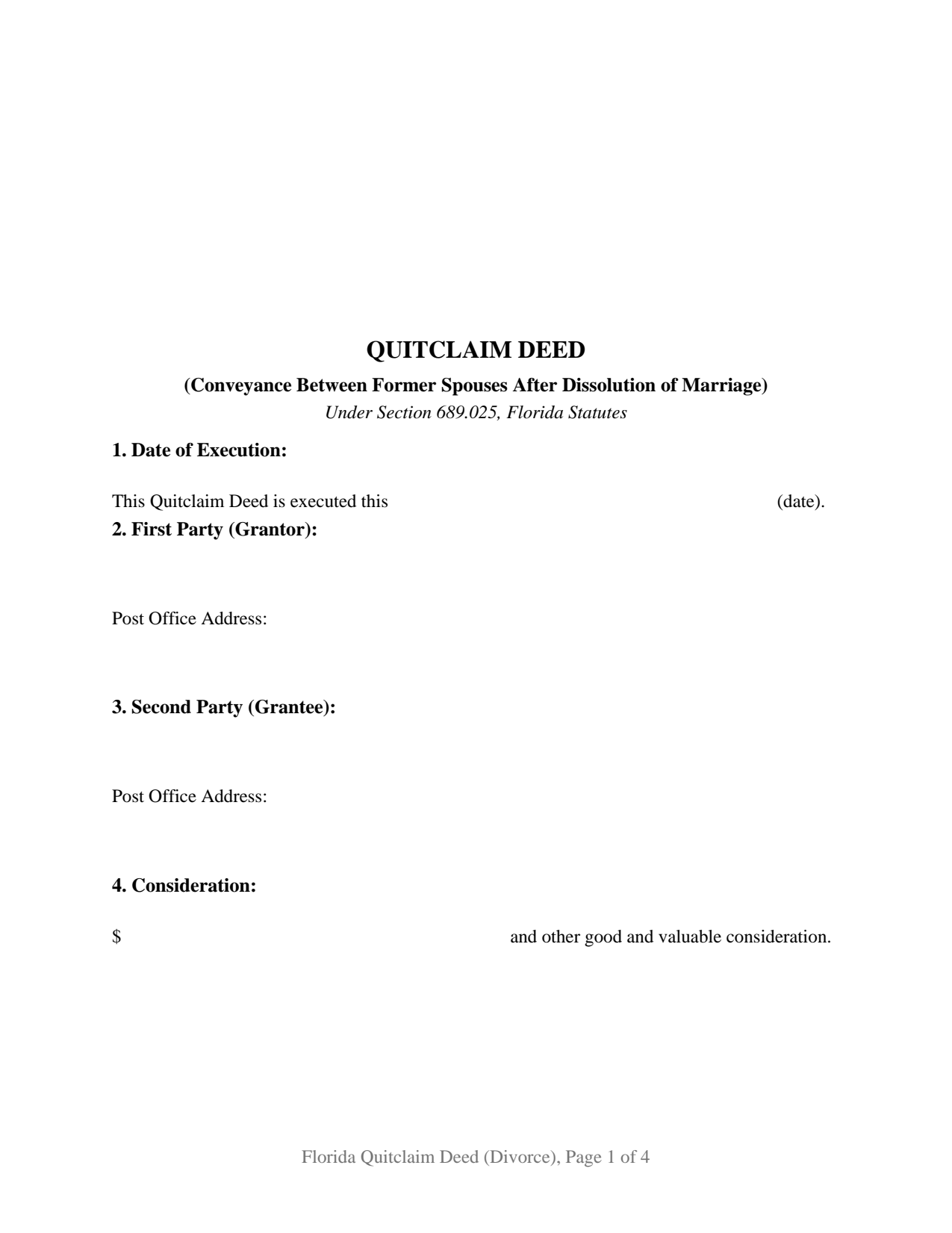
Pinellas County Quitclaim Deed (Divorce) Form
Fill in the blank Quitclaim Deed (Divorce) form formatted to comply with all Florida recording and content requirements.
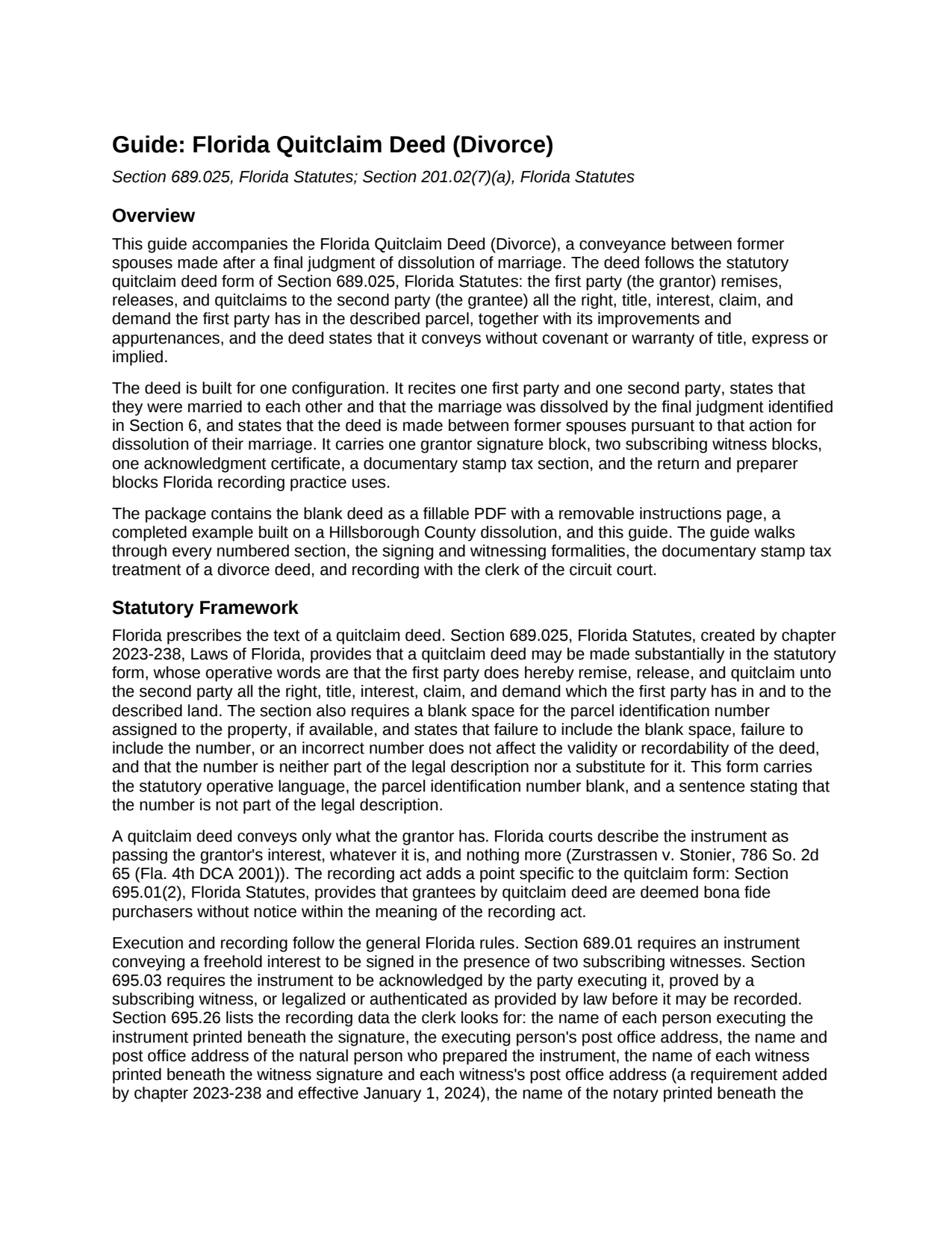
Pinellas County Quitclaim Deed (Divorce) Guide
Line by line guide explaining every blank on the Quitclaim Deed (Divorce) form.
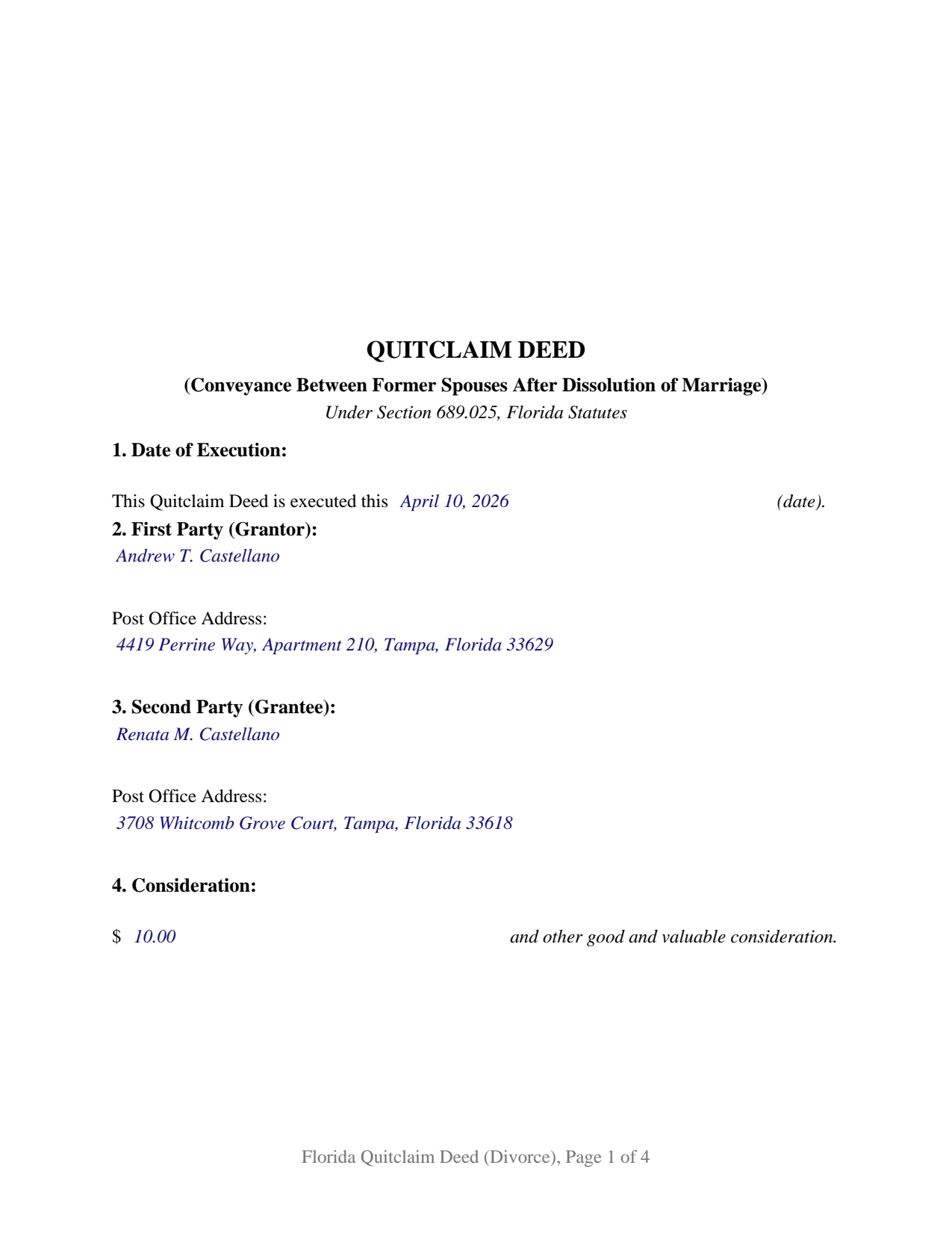
Pinellas County Completed Example of the Quitclaim Deed (Divorce) Document
Example of a properly completed Florida Quitclaim Deed (Divorce) document for reference.
All 3 documents above included • One-time purchase • No recurring fees
Immediate Download • Secure Checkout
Additional Florida and Pinellas County documents included at no extra charge:
Where to Record Your Documents
Recording Services Dept - Clearwater Courthouse
Clearwater, Florida 33756
Hours: 8:30 to 4:30 M-F
Phone: (727) 464-7000
St. Petersburg Branch Office
St. Petersburg, Florida 33701
Hours: 8:30 to 4:30 M-F
Phone: (727) 464-7000
North County Branch Office
Clearwater, Florida 33761
Hours: 8:30 to 4:30 M-F / Document drop-off only
Phone: (727) 464-7000
Clerk's Tyrone Branch Office
St. Petersburg, Florida 33710
Hours: 8:30 - 4:30 M-F / Document drop-off only
Phone: (727) 464-7000
Recording Tips for Pinellas County:
- Bring your driver's license or state-issued photo ID
- Ensure all signatures are in blue or black ink
- Bring extra funds - fees can vary by document type and page count
- Check margin requirements - usually 1-2 inches at top
- Leave recording info boxes blank - the office fills these
Cities and Jurisdictions in Pinellas County
Properties in any of these areas use Pinellas County forms:
- Bay Pines
- Belleair Beach
- Clearwater
- Clearwater Beach
- Crystal Beach
- Dunedin
- Indian Rocks Beach
- Largo
- Oldsmar
- Ozona
- Palm Harbor
- Pinellas Park
- Safety Harbor
- Saint Petersburg
- Seminole
- Tarpon Springs
Hours, fees, requirements, and more for Pinellas County
How do I get my forms?
Forms are available for immediate download after payment. The Pinellas County forms will be in your account ready to download to your computer. An account is created for you during checkout if you don't have one. Forms are NOT emailed.
Are these forms guaranteed to be recordable in Pinellas County?
Yes. Our form blanks are guaranteed to meet or exceed the applicable formatting requirements used for recording in Pinellas County, including margin requirements, font requirements, and other layout standards. This guarantee applies to formatting, not to the legal sufficiency of information entered by the user or the suitability of a form for a particular transaction.
Can I reuse these forms?
Yes. You can reuse the forms for your personal use. For example, if you have multiple properties in Pinellas County you only need to order once.
What do I need to use these forms?
The forms are PDFs that you fill out on your computer. The free Adobe Acrobat Reader is recommended, and most PDF apps also work. You do NOT enter your property information online - you download the blank forms and complete them privately on your own computer.
Are there any recurring fees?
No. This is a one-time purchase. Nothing to cancel, no memberships, no recurring fees.
How much does it cost to record in Pinellas County?
Recording fees in Pinellas County vary. Contact the recorder's office at (727) 464-7000 for current fees.
Questions answered? Let's get started!
A final judgment of dissolution of marriage ends the marriage, and section 689.15, Florida Statutes, rewrites the title in the same instant: what the couple held as tenants by the entirety becomes an undivided half interest in each of them, held as tenants in common. This quitclaim deed finishes that story in the county Official Records, with the departing former spouse releasing to the other whatever interest still stands in the departing party's name.
What the judgment leaves in the record
Florida divorce judgments can move real property on their own. Section 61.075(4) gives a judgment distributing assets the effect of a duly executed instrument of conveyance once the judgment, or a certified copy, is recorded where the land lies. Even so, a deed usually follows, and for practical reasons: a deed states the platted legal description in conveyancing form, is indexed as a conveyance between two named parties, and spares a title examiner the work of reading a family law judgment. The two coexist in one chain, and this form prepares the deed.
One signature, and no joinder line
The architecture follows the fact pattern. The form recites one first party and one second party, describes them as former spouses, and identifies the judgment that dissolved the marriage by court, case number, and date, so the record shows on its face why a deed of this kind is being filed. It carries one grantor signature block, two subscribing witness blocks with printed name and post office address lines, and a single acknowledgment certificate for the single signature the deed collects. What it omits is a joining spouse block. Article X, section 4(c) of the Florida Constitution reaches the homestead of an owner who is married, and once the judgment has dissolved the marriage between these two parties, that joinder no longer belongs on a deed between them. Records presenting this configuration include a departing former spouse releasing the house the other keeps under the judgment, and a release of an interest in an investment property awarded to one party. A deed signed while the marriage still exists, whether before a petition or while one is pending, is a conveyance between spouses rather than former spouses, and the homestead joinder rule still reaches it; that is a configuration this deed does not recite. It does not recite an entity, a trustee, or an agent signing under a power of attorney.
The tax line at the recording counter
Documentary stamp tax is where a divorce deed differs most from an ordinary transfer. Chapter 201 measures consideration to include a mortgage riding on the property whether or not the grantee assumes it, which turns many no-money family transfers taxable at 70 cents per 100 dollars, or Miami-Dade's own rate and surtax. Section 201.02(7)(a) lifts that burden for this configuration: the tax does not reach a deed between spouses or former spouses pursuant to an action for dissolution of their marriage where the property is or was their marital home. The Florida Department of Revenue applies the same rule to divorce deeds, notes that a refund may be sought within a year of the dissolution where tax was paid, and states that tax follows the consideration, mortgage included, when the property was not the marital home. The deed carries a dedicated documentary stamp tax section for the amount tendered or the exemption claimed with its citation.
Statutory words, statutory blanks
Underneath the divorce configuration sits Florida's prescribed quitclaim form, section 689.025, enacted in 2023. Its operative words, remise, release, and quitclaim, pass the right, title, interest, claim, and demand the signer holds, with improvements and appurtenances, and promise nothing about any of it. The statute also calls for the parcel identification number blank, which the form places with the legal description. Recording data comes from section 695.26: printed names under signatures, a post office address for each witness since January 1, 2024, the grantee's address, and the preparer named as a natural person, all with the clerk's 3 inch square kept clear at the top right of page one.
The download holds the blank deed as a fillable PDF with a removable instructions page, a completed example built on a Hillsborough County dissolution, and a plain language guide covering every numbered entry, the signing formalities, the stamp tax, and recording with the clerk of the circuit court. The materials are informational and are not legal advice; a Florida attorney can apply these statutes to a particular judgment and title.
Important: Your property must be located in Pinellas County to use these forms. Documents should be recorded at the county recording office listed above.
This Quitclaim Deed (Divorce) meets all recording requirements specific to Pinellas County.
Our Promise
The documents you receive here are guaranteed to meet or exceed the applicable Pinellas County recording format requirements. If there is a rejection caused by our formatting, we will correct the issue or refund your payment. This guarantee applies to document formatting only and does not extend to information entered by the user, the selection of the form, or the legal effect of the completed document.
Save Time and Money
Get your Pinellas County Quitclaim Deed (Divorce) form done right the first time with Deeds.com Uniform Conveyancing Blanks. At Deeds.com, we understand that your time and money are valuable resources, and we don't want you to face a penalty fee or rejection imposed by a county recorder for submitting nonstandard documents. We constantly review and update our forms to meet rapidly changing state and county recording requirements for roughly 3,500 counties and local jurisdictions.
4.8 out of 5 - ( 4,836 Reviews )
Amy S. 5 out of 5 stars
Fast and easy access.
Thank you!
Marcus W. 5 out of 5 stars
I was very pleased and satisfied with the ease of use, expeditious turnaround and costs involved to eRecord my documentation to the Probate Court. I live in another city and state and your service allowed me to get what I needed done. in a matter of a few hours from the time I submitted my package for filing, within an hour. I received noted and stamped confirmation from the county clerks office the document was now on file with them. I highly recommend Deeds.com and will be utilizing your online services for any future legal documentation.
We appreciate your business and value your feedback. Thank you. Have a wonderful day!
Tom L. 5 out of 5 stars
Excellent same day service. Will use for future ones in several states!
Happy we could assist. Thank you for sharing your experience.
Shirley L. 5 out of 5 stars
I am very happy with the results of my service received from Deeds.com. I found exactly what I needed in short order. Thanks
Thank you for your feedback. We really appreciate it. Have a great day!
Robert L. 5 out of 5 stars
Fairly easy to use process and somewhat reasonably priced. Printed guide and sample filled in can be very helpful, too.
Thank you for your feedback. We really appreciate it. Have a great day!
Charles C. 4 out of 5 stars
While most of the material is available elsewhere, this puts it all together and can save a lot of time. It included some additional information on California SB2 exemptions that was a big help.
We appreciate your business and value your feedback. Thank you. Have a wonderful day!
Wanda W. 5 out of 5 stars
Terrific!!!
Thank you!
Regina W. 5 out of 5 stars
So glad I found this form. Very easy to download and looks like all the instructions are there to correctly fill out my paperwork. Thanks.
We appreciate your business and value your feedback. Thank you. Have a wonderful day!
Andrea H. 5 out of 5 stars
Easy! Reasonable cost over and above the actual recording cost. Will save me the time I would have spent driving to the county offices.
We appreciate your business and value your feedback. Thank you. Have a wonderful day!
Paul M. 5 out of 5 stars
Great site! Got what I needed and I'm not the brightest bulb in the box when it comes to this interwebz stuff.
Thank you!
Patricia W. 2 out of 5 stars
The "Trustee's Deed" should have been labeled a Deed of Trust because that's what it really is. So now I just wasted $19.97 getting something I can't use.
Thank you for your feedback. Sorry to hear of your confusion. We have canceled your order and payment for the trustee's deed document.
Jeremy C. 5 out of 5 stars
Really impressed with the speed and professionalism of the service. I would recommend putting a grey background on the form field inputs as I had trouble seeing them in the user interface, but otherwise I was really impressed and would happily return as a customer.
Thank you for your feedback. We really appreciate it. Have a great day!
George S. 5 out of 5 stars
Excellent product- very easy to use. Will use again...
Thank you for your feedback. We really appreciate it. Have a great day!
Ronald S. 5 out of 5 stars
got what i wanted
Thank you for your feedback. We really appreciate it. Have a great day!
Della M. 5 out of 5 stars
Very easy to purchase with immediate use of all of the forms that you need for probate of property. My parents had died and left equal shares of their home to my 2 brothers and I.
Thank you!