Calhoun County Warranty Deed (Two Grantors) Form
Last validated October 10, 2026 by our Forms Development TeamFormatted for recording in Calhoun County, for property anywhere in the county: rural and unincorporated areas as well as Altha, Blountstown, Clarksville, Wewahitchka.
- 3 documents included
- Immediate PDF download
- Formatting guarantee
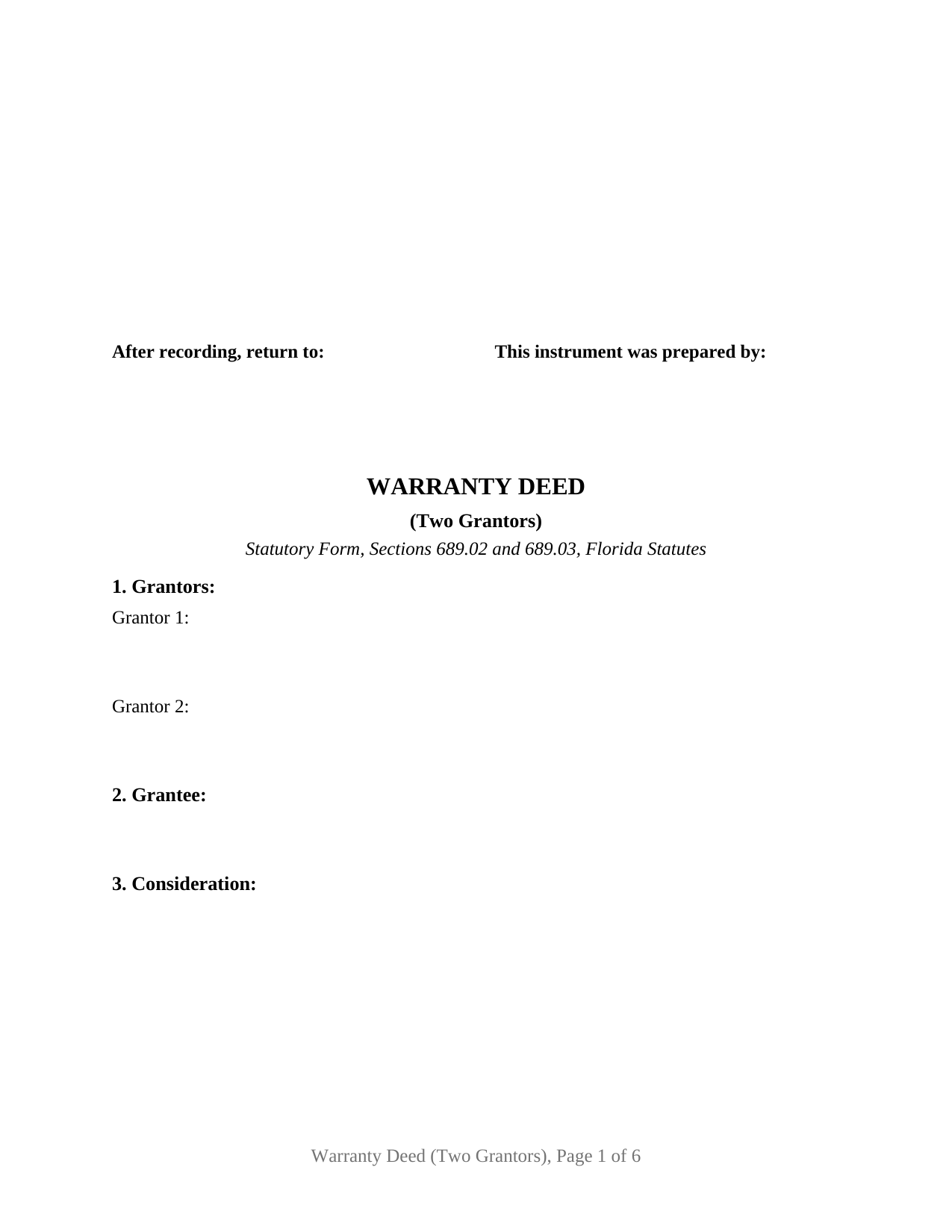
Calhoun County Warranty Deed (Two Grantors) Form
Fill in the blank Warranty Deed (Two Grantors) form formatted to comply with all Florida recording and content requirements.
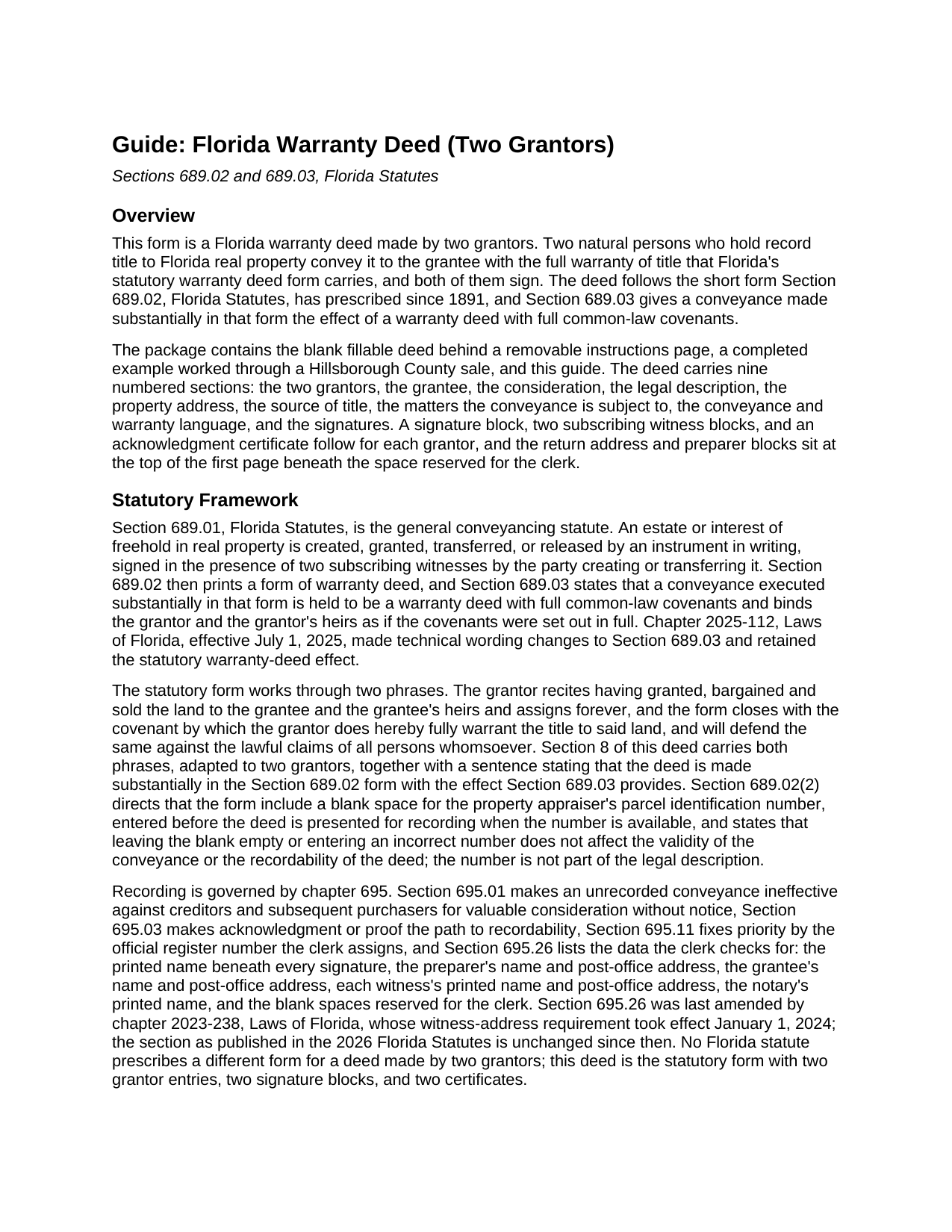
Calhoun County Warranty Deed (Two Grantors) Guide
Line by line guide explaining every blank on the Warranty Deed (Two Grantors) form.
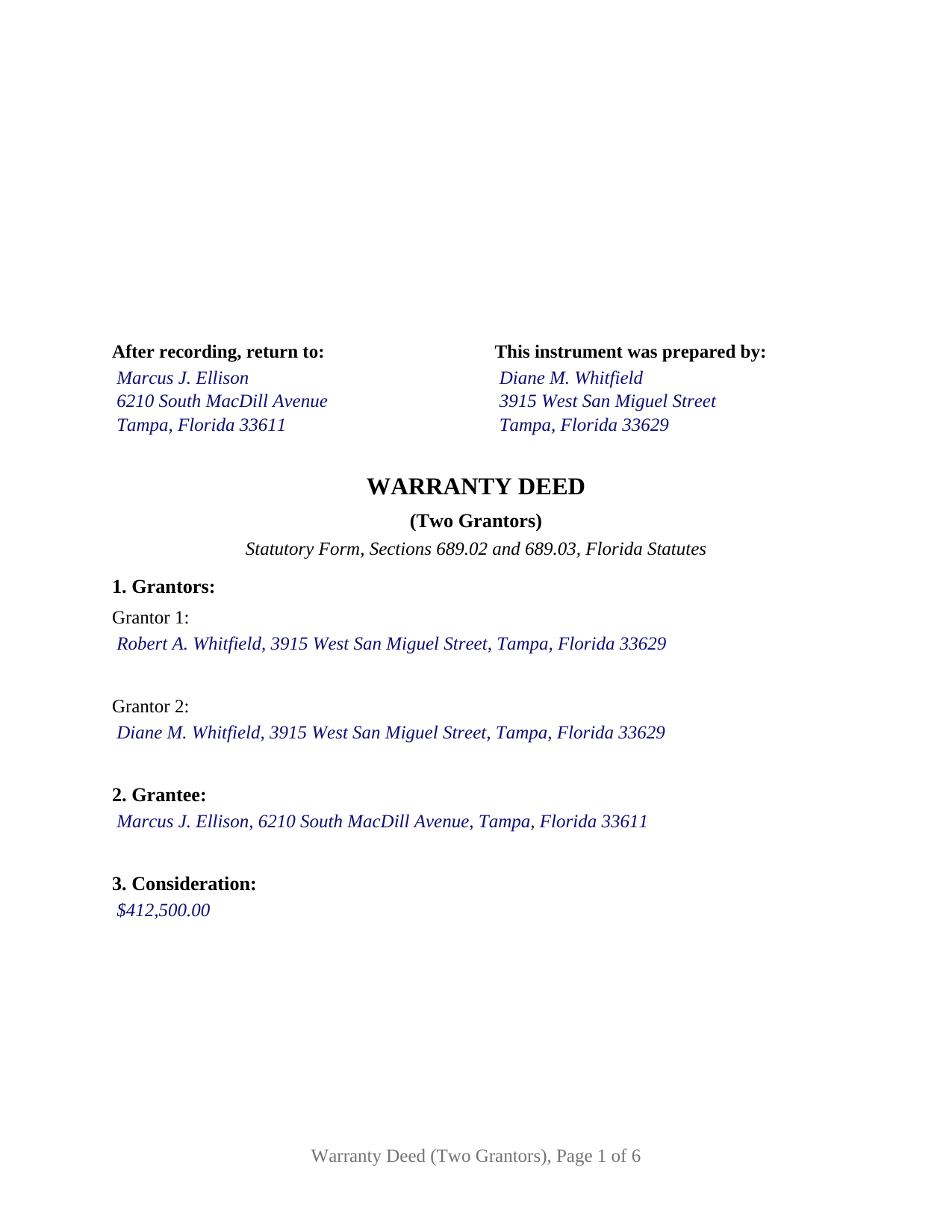
Calhoun County Completed Example of the Warranty Deed (Two Grantors) Document
Example of a properly completed Florida Warranty Deed (Two Grantors) document for reference.
All 3 documents above included • One-time purchase • No recurring fees
Immediate Download • Secure Checkout
Additional Florida and Calhoun County documents included at no extra charge:
Where to Record Your Documents
Calhoun County Clerk of the Court
Blountstown, Florida 32424
Hours: 8:00am to 4:00pm M-F
Phone: (850) 674-4545
Recording Tips for Calhoun County:
- Bring your driver's license or state-issued photo ID
- Ensure all signatures are in blue or black ink
- Leave recording info boxes blank - the office fills these
- Make copies of your documents before recording - keep originals safe
- Recorded documents become public record - avoid including SSNs
Cities and Jurisdictions in Calhoun County
Properties in any of these areas use Calhoun County forms:
- Altha
- Blountstown
- Clarksville
- Wewahitchka
Hours, fees, requirements, and more for Calhoun County
How do I get my forms?
Forms are available for immediate download after payment. The Calhoun County forms will be in your account ready to download to your computer. An account is created for you during checkout if you don't have one. Forms are NOT emailed.
Are these forms guaranteed to be recordable in Calhoun County?
Yes. Our form blanks are guaranteed to meet or exceed the applicable formatting requirements used for recording in Calhoun County, including margin requirements, font requirements, and other layout standards. This guarantee applies to formatting, not to the legal sufficiency of information entered by the user or the suitability of a form for a particular transaction.
Can I reuse these forms?
Yes. You can reuse the forms for your personal use. For example, if you have multiple properties in Calhoun County you only need to order once.
What do I need to use these forms?
The forms are PDFs that you fill out on your computer. The free Adobe Acrobat Reader is recommended, and most PDF apps also work. You do NOT enter your property information online - you download the blank forms and complete them privately on your own computer.
Are there any recurring fees?
No. This is a one-time purchase. Nothing to cancel, no memberships, no recurring fees.
How much does it cost to record in Calhoun County?
Recording fees in Calhoun County vary. Contact the recorder's office at (850) 674-4545 for current fees.
Questions answered? Let's get started!
Two owners of record selling one Florida parcel produce a deed with two of everything: two signatures, two pairs of subscribing witnesses, and two notary certificates. This Florida Warranty Deed (Two Grantors) is built as that instrument: two natural persons who hold title together convey it to the grantee with the full statutory warranty of Sections 689.02 and 689.03, Florida Statutes, each with a complete signing set of their own.
Each grantor signs on a separate set of pages
Under Section 689.01, a deed of a freehold estate is signed in the presence of two subscribing witnesses, and on a deed with two grantors that rule runs twice. Grantor 1 signs above a printed-name line and a date, followed by two witness blocks headed as witnesses to Grantor 1; Grantor 2 signs above the same arrangement with two witness blocks of their own. The same two people may witness both signatures when the grantors sign together, as the completed example shows, but the blocks are separate so that a grantor who signs on another day or in another state has witnesses at that signing. Each grantor then takes a separate acknowledgment certificate in the statutory short form of Section 695.25(1), with the physical presence or online notarization boxes the notary marks, the identification clause the notary completes, and a reserved area for the rubber-stamp seal Section 117.05 places below or beside the notary's signature. The separate certificates are a feature of the form's design, so two grantors can acknowledge before different notaries on different dates.
What two grantors promise together
Section 8 of the deed carries the statutory words in the plural: the Grantors have granted, bargained and sold the land to the grantee and the grantee's heirs and assigns forever, and the Grantors fully warrant the title and will defend it against the lawful claims of all persons whomsoever. A conveyance made substantially in that form takes effect, under Section 689.03, as a warranty deed carrying full common-law covenants, binding on each grantor and each grantor's heirs, and the covenant looks back through the whole chain of title rather than stopping at the years the two of them owned the parcel. Section 7 lists what stands outside the promise, and the parcel identification number blank of Section 689.02(2) sits beneath the legal description.
Exactly two grantors, in their own right
The deed recites two grantors, each a natural person conveying in his or her own right, with a labeled entry for each in Section 1 and both named as the Grantors throughout. The grantee section is free-form and takes one grantee, or two grantees followed by the words that describe how they hold title, which the guide covers under Section 689.15. Spouses who hold their home as tenants by the entirety and sell it, two co-owners conveying a parcel they bought together, and two siblings passing an inherited lot to a purchaser present the two-grantor pattern this deed recites. Because both owners sign, a married couple's conveyance of their homestead carries on its face the joinder Article X, Section 4(c) of the Florida Constitution calls for; the form prints no marital-status recital. The form is not set up for a single grantor, for a company, trustee, or attorney in fact as the conveying party, for a nonowner spouse joining to release a homestead interest, or for three or more owners on either side of the deed.
What the clerk checks for
Since January 1, 2024, Section 695.26 has made each witness's printed name and post-office address recording data, alongside the printed name under every signature, the grantee's address, and the name and post-office address of the natural person who prepared the deed; the form carries a labeled line for each item and leaves the clerk's 3-inch by 3-inch space clear at the top right of page one. Recording protects the grantee against creditors and later purchasers under Section 695.01, with priority fixed by official register number under Section 695.11. Documentary stamp tax under Chapter 201 is collected at recording, at 70 cents per $100 of consideration everywhere except Miami-Dade, which has its own rate and surtax structure.
The download includes the blank fillable deed behind a removable instructions page, a completed example worked through a Hillsborough County sale by two grantors, and a plain-language guide covering every numbered section, the signing for each grantor, and the recording and tax steps. The materials describe Florida law in general terms and are not legal advice.
Important: Your property must be located in Calhoun County to use these forms. Documents should be recorded at the county recording office listed above.
This Warranty Deed (Two Grantors) meets all recording requirements specific to Calhoun County.
Our Promise
The documents you receive here are guaranteed to meet or exceed the applicable Calhoun County recording format requirements. If there is a rejection caused by our formatting, we will correct the issue or refund your payment. This guarantee applies to document formatting only and does not extend to information entered by the user, the selection of the form, or the legal effect of the completed document.
Save Time and Money
Get your Calhoun County Warranty Deed (Two Grantors) form done right the first time with Deeds.com Uniform Conveyancing Blanks. At Deeds.com, we understand that your time and money are valuable resources, and we don't want you to face a penalty fee or rejection imposed by a county recorder for submitting nonstandard documents. We constantly review and update our forms to meet rapidly changing state and county recording requirements for roughly 3,500 counties and local jurisdictions.
4.8 out of 5 - ( 4,828 Reviews )
Debra M. 5 out of 5 stars
Since the recorder's office is closed, due to Covid, this worked well to submit my Quit Claim Deed. I was a bit confused with the direction and download. But, I think I got her done! We'll see if I get recorded and confirmation is received. I may be back
Thank you for your feedback. We really appreciate it. Have a great day!
Kevin L. 5 out of 5 stars
All the paperwork I need......Great service
We appreciate your business and value your feedback. Thank you. Have a wonderful day!
Justin F. 5 out of 5 stars
Provided the template and guide I was looking for. Reasonable pricing,
Thank you!
Turto T. 5 out of 5 stars
The documents were accurate and event well packaged. They contained all the information that was needed to establish revocable trusts and transfer the property into the trusts. All of this with decent price.
Thank you for your feedback. We really appreciate it. Have a great day!
Judi W. 5 out of 5 stars
Great website! Well organized, easy to navigate and put to practical use. Would use again.
Thank you!
Erlinda M. 5 out of 5 stars
Very convenient & easy to use this website. Information was helpful.
Thank you for your feedback. We really appreciate it. Have a great day!
Paul D. 5 out of 5 stars
Easy to use! The forms were perfect and everything was explained well! Will use again!
We appreciate your business and value your feedback. Thank you. Have a wonderful day!
Eileen B. 5 out of 5 stars
I was quoted $525 to do the exact same thing from Deeds.com for only $25. Seems like a no brainer to me!
Thank you for your feedback. We really appreciate it. Have a great day!
Robert F. 5 out of 5 stars
Breeze.... It feels silly to hire an attorney to do this for just one beneficiary. Thanks.
Thank you for your feedback. We really appreciate it. Have a great day!
Joseph B. 5 out of 5 stars
All very good
Thank you!
William P. 1 out of 5 stars
VERY difficult to work with. Nice people. But difficult system. Ask for MANY changes. Why dont you do that as a
Sorry to hear of your struggle William. We do hope that you found something more suitable to your needs elsewhere.
Sharon D. 5 out of 5 stars
Very easy to understand forms...
We appreciate your business and value your feedback. Thank you. Have a wonderful day!
Benjamin B. 5 out of 5 stars
Your software was beneficial; facilitating preparation of a legal document and cover page in a state where I had limited legal experience.
Thank you for your feedback. We really appreciate it. Have a great day!
Charles H. 5 out of 5 stars
Website is user-friendly and very helpful, butI will have to wait until I submit my documents to the Clerk of Court to see if they are acceptable.
Thank you for your feedback. We really appreciate it. Have a great day!
Thomas H. 5 out of 5 stars
I received every form I requested, immediately upon payment. All forms were up to date and easy to edit as needed. I'll come back here for all my future needs of this nature.
We appreciate your business and value your feedback. Thank you. Have a wonderful day!