Gallatin County Quitclaim Deed (Trustee Grantor) Form
Last validated September 11, 2026 by our Forms Development TeamFormatted for recording in Gallatin County, for property anywhere in the county: rural and unincorporated areas as well as Equality, Junction, New Haven, Omaha, Ridgway, Shawneetown.
- 3 documents included
- Immediate PDF download
- Formatting guarantee
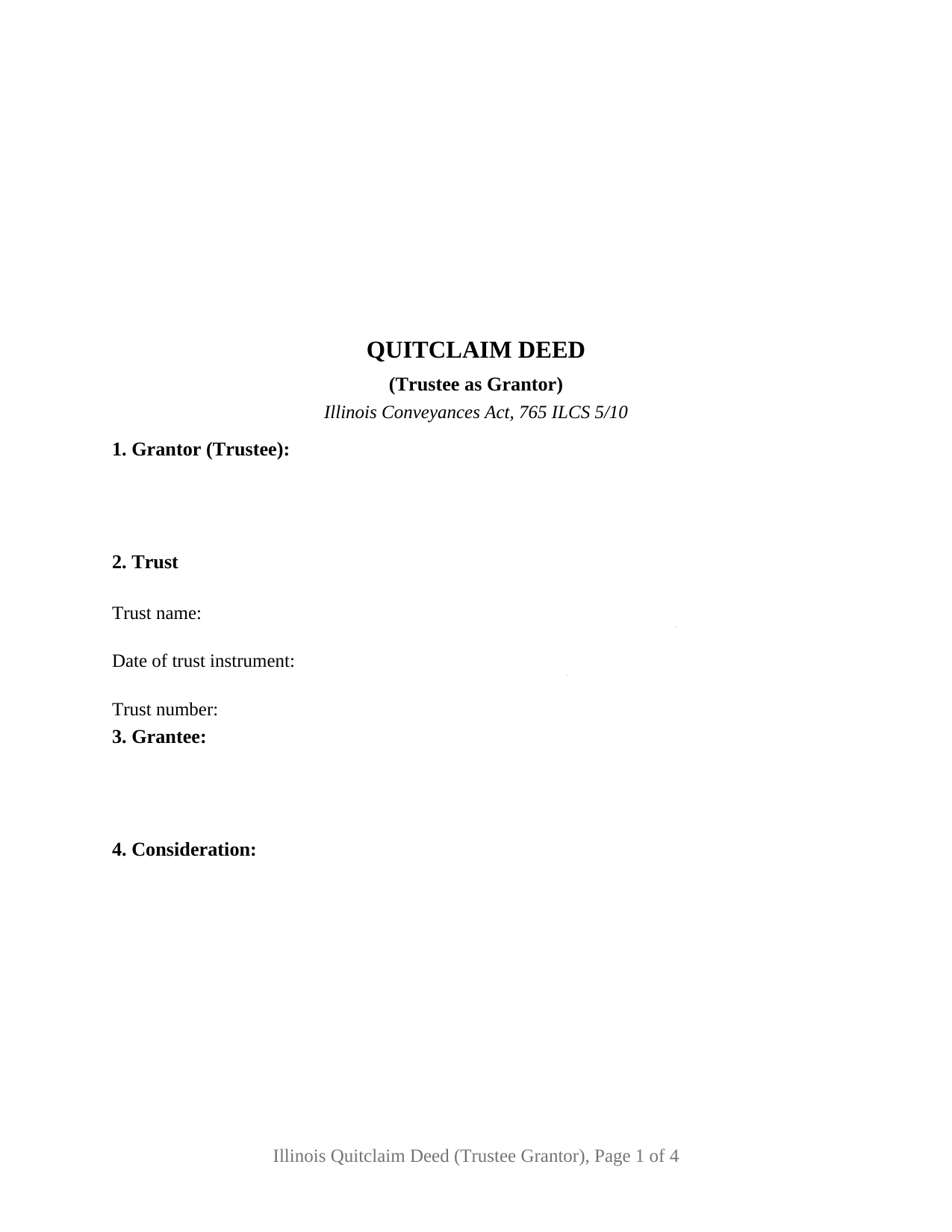
Gallatin County Quitclaim Deed (Trustee Grantor) Form
Fill in the blank Quitclaim Deed (Trustee Grantor) form formatted to comply with all Illinois recording and content requirements.
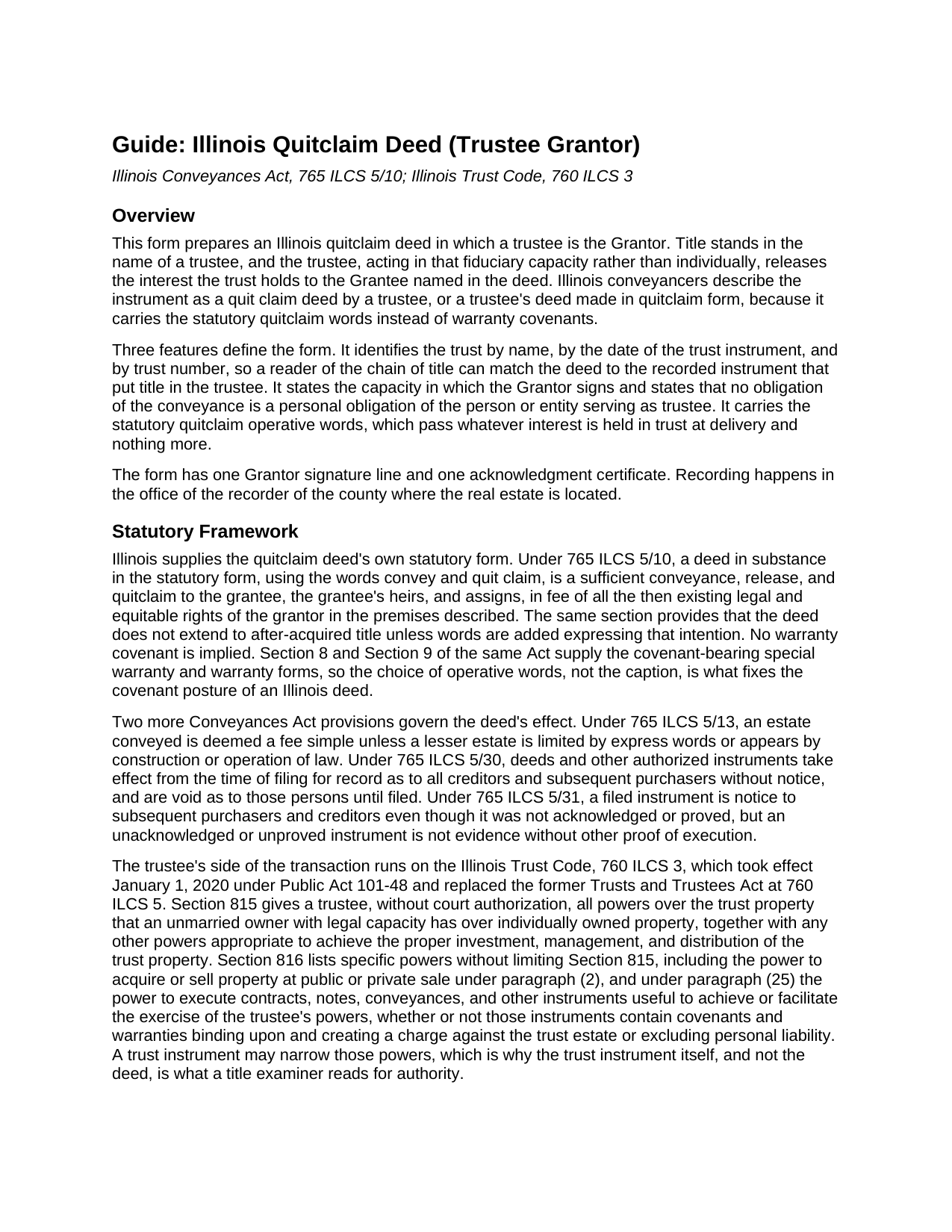
Gallatin County Quitclaim Deed (Trustee Grantor) Guide
Line by line guide explaining every blank on the Quitclaim Deed (Trustee Grantor) form.
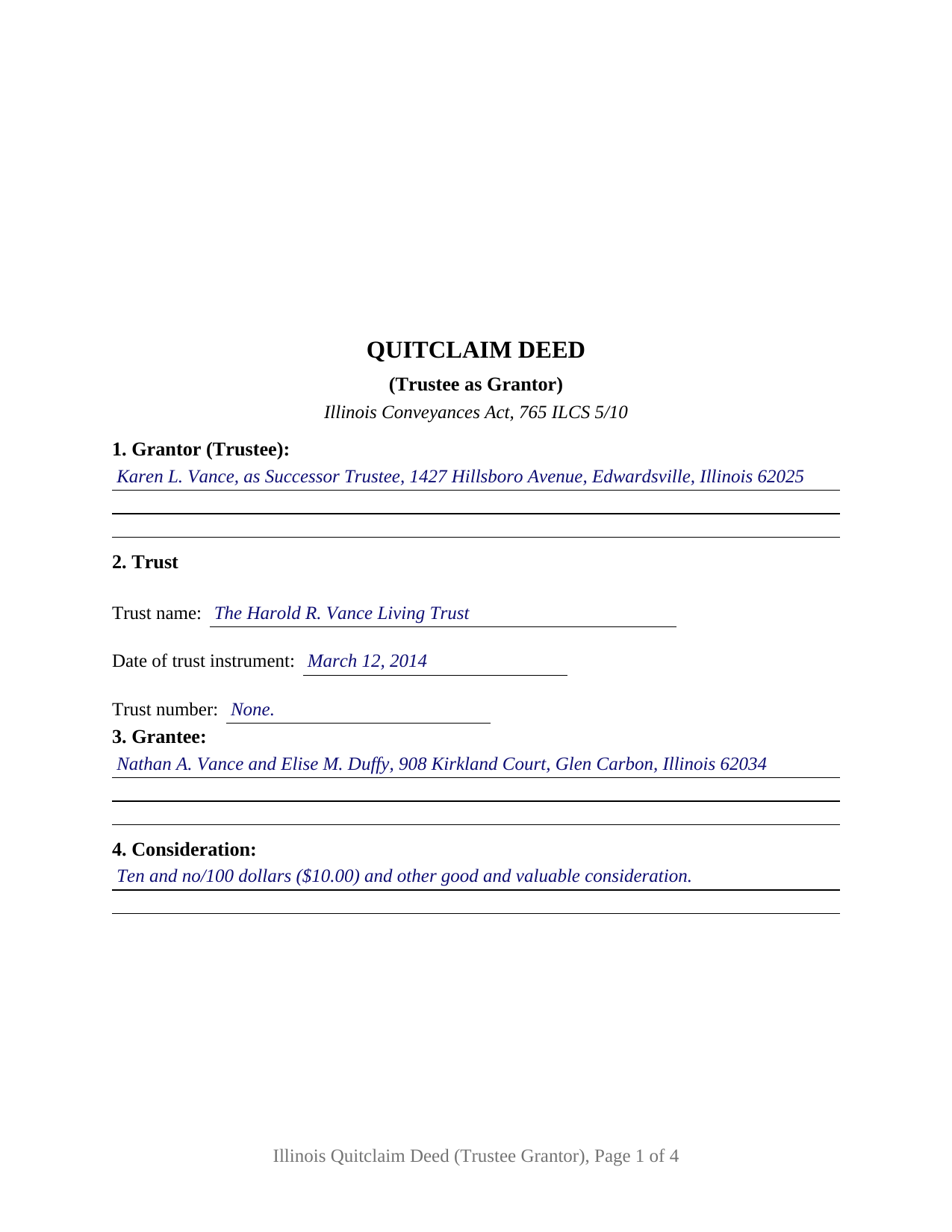
Gallatin County Completed Example of the Quitclaim Deed (Trustee Grantor) Document
Example of a properly completed Illinois Quitclaim Deed (Trustee Grantor) document for reference.
All 3 documents above included • One-time purchase • No recurring fees
Immediate Download • Secure Checkout
Additional Illinois and Gallatin County documents included at no extra charge:
Where to Record Your Documents
Gallatin County Clerk / Recorder - Courthouse
Shawneetown, Illinois 62984
Hours: 8:00 to 4:00 Monday through Friday
Phone: (618) 269-3025
Recording Tips for Gallatin County:
- Bring your driver's license or state-issued photo ID
- Ensure all signatures are in blue or black ink
- Recorded documents become public record - avoid including SSNs
- Recording fees may differ from what's posted online - verify current rates
- Request a receipt showing your recording numbers
Cities and Jurisdictions in Gallatin County
Properties in any of these areas use Gallatin County forms:
- Equality
- Junction
- New Haven
- Omaha
- Ridgway
- Shawneetown
Hours, fees, requirements, and more for Gallatin County
How do I get my forms?
Forms are available for immediate download after payment. The Gallatin County forms will be in your account ready to download to your computer. An account is created for you during checkout if you don't have one. Forms are NOT emailed.
Are these forms guaranteed to be recordable in Gallatin County?
Yes. Our form blanks are guaranteed to meet or exceed the applicable formatting requirements used for recording in Gallatin County, including margin requirements, font requirements, and other layout standards. This guarantee applies to formatting, not to the legal sufficiency of information entered by the user or the suitability of a form for a particular transaction.
Can I reuse these forms?
Yes. You can reuse the forms for your personal use. For example, if you have multiple properties in Gallatin County you only need to order once.
What do I need to use these forms?
The forms are PDFs that you fill out on your computer. The free Adobe Acrobat Reader is recommended, and most PDF apps also work. You do NOT enter your property information online - you download the blank forms and complete them privately on your own computer.
Are there any recurring fees?
No. This is a one-time purchase. Nothing to cancel, no memberships, no recurring fees.
How much does it cost to record in Gallatin County?
Recording fees in Gallatin County vary. Contact the recorder's office at (618) 269-3025 for current fees.
Questions answered? Let's get started!
A trust cannot hold a pen. When Illinois real estate stands in a trustee's name and the time comes to move it back out, the deed is signed by whoever occupies that office, in the capacity the office carries. This quitclaim deed is arranged for exactly that conveyance: one trustee as the sole Grantor, with the trust identified by name, date, and number.
The office signs, not the trust
Section 1 names the person or entity serving as trustee, and Section 12 gives that signer a single signature line, because the power to convey belongs to the office. 760 ILCS 3/815 gives a trustee, without court authorization, all powers over trust property that an unmarried owner with legal capacity has over individually owned property, and 760 ILCS 3/816 adds specific powers, among them sale and the execution of conveyances. A successor trustee named years later conveys under that same authority. What narrows it is the trust instrument, which is why this deed identifies the trust instead of reprinting its terms, and why underwriters read the instrument or a certification of trust under 760 ILCS 3/1013, prepared separately and not included here.
Capacity stated, personal liability disclaimed
The operative section says the Grantor acts as trustee and not individually, and adds that no obligation arising from the conveyance is personal to the person or entity serving as trustee. That answers 760 ILCS 3/1010(a): a trustee escapes personal liability on a contract properly entered into in the fiduciary capacity where that capacity was disclosed. The other side of the relationship is 760 ILCS 3/1012, which protects someone dealing with a trustee in good faith and for value, without knowledge that the trustee is exceeding its powers.
Express trust or land trust, on the grantor side
Illinois keeps two title-holding regimes, and the trust entries accept either. A revocable or irrevocable trust is an express trust under the Illinois Trust Code, in force since January 1, 2020. A land trust sits outside that Code by the terms of 760 ILCS 3/102, leaving the trust agreement and Illinois common law to govern the land trustee, whose beneficiaries hold personal property under In re Estate of Alpert. The difference shows on the grantor side: a land trustee ordinarily conveys at its beneficiaries' written direction, and the trust number blank is how a numbered land trust is recognized in a chain of title.
What the trustee grantor configuration carries
The form recites one Grantor block, three trust entries, one signature line whose printed name states the capacity, and one acknowledgment certificate tracking the substance of 765 ILCS 5/26. Patterns presenting this configuration include a successor trustee distributing a parcel to the beneficiaries once a revocable trust turns distributive, a trustee releasing a fractional interest to the co-owner buying it out, and a land trustee closing a numbered trust. The form is not set up for two cotrustees signing together, and it is not the receiving side of the relationship, where a grantee clause runs to a trustee and to successors in trust. Homestead property carrying the entirety statement 765 ILCS 1005/1c permits inside a revocable trust is its own case, because that section makes a deed effective only on both tenants' signatures.
Only what the trust held
765 ILCS 5/10 makes a deed in quitclaim form a release in fee of the legal and equitable rights the grantor holds at delivery, carrying no covenant of title, and after-acquired title stays outside unless words are added reaching it. Mortgages, judgments, tax liens, easements, and plat restrictions of record follow the parcel into the Grantee's hands.
At the recorder's counter
The deed gathers the face-of-document items Illinois conditions recording on, then settles transfer tax either way. A taxable trustee's deed travels with the PTAX-203 declaration or its MyDec electronic equivalent and the revenue stamps; an exempt one records on the signed and dated notation the form prints, with a blank for the paragraph of 35 ILCS 200/31-45 relied on. Page geometry follows the statewide format standards, so the printed deed lands in the standard class.
Three files arrive with the purchase: the fillable trustee quitclaim deed, an example completed from the trust entries through the notary's commission date for a Madison County distribution, and a guide walking every numbered section, the trust and homestead questions, notarization, and recording. None of this is legal advice; it describes Illinois law in general terms, and a question about one particular trust or title belongs with an Illinois attorney.
Important: Your property must be located in Gallatin County to use these forms. Documents should be recorded at the county recording office listed above.
This Quitclaim Deed (Trustee Grantor) meets all recording requirements specific to Gallatin County.
Our Promise
The documents you receive here are guaranteed to meet or exceed the applicable Gallatin County recording format requirements. If there is a rejection caused by our formatting, we will correct the issue or refund your payment. This guarantee applies to document formatting only and does not extend to information entered by the user, the selection of the form, or the legal effect of the completed document.
Save Time and Money
Get your Gallatin County Quitclaim Deed (Trustee Grantor) form done right the first time with Deeds.com Uniform Conveyancing Blanks. At Deeds.com, we understand that your time and money are valuable resources, and we don't want you to face a penalty fee or rejection imposed by a county recorder for submitting nonstandard documents. We constantly review and update our forms to meet rapidly changing state and county recording requirements for roughly 3,500 counties and local jurisdictions.
4.8 out of 5 - ( 4,830 Reviews )
Maribeth M. 5 out of 5 stars
Usually I have trouble registering things online, even though people tell me it's easy. This time, it WAS easy and fast, and I'm grateful I didn't have to drive somewhere and stand in line. Thank you!
We appreciate your business and value your feedback. Thank you. Have a wonderful day!
A. S. 3 out of 5 stars
First, I am glad that you gave a blank copy, an example copy, and a 'guide'. It made it much easier to do. Overall I was very happy with your products and organization... however, things got pretty confusing and I have a pretty 'serious' law background in Real Estate and Civil law. With that said, I spent about 10+ hours getting my work done, using the Deed of Trust and Promissory note from you and there were a few problems: First, it would be FANTASTIC if you actually aligned your guide to actually match the Deed or Promissory Note. What I mean is that if the Deed says 'section (E)' then your guide shouldn't be 'randomly' numbered as 1,2,3, for advice/instructions, but should EXACTLY match 'section (E)'. Some places you have to 'hunt' for what you are looking for, and if you did it based on my suggestion, you wouldn't need to 'hunt' and it would avoid confusion. 2nd: This one really 'hurt'... you had something called the 'Deed of Trust Master Form' yet you had basically no information on what it was or how to use it. The only information you had was a small section at the top of the 'Short Form Deed of Trust Guide'. Holy Cow, was that 'section' super confusing. I still don't know if I did it correctly, but your guide says only put a return address on it and leave the rest of the 16 or so page Deed of Trust beneath it blank... and then include your 'Deed of Trust' (I had to assume the short form deed that I had just created) as part of it. I had to assume that I had to print off the entire 17 page or so title page and blank deed. I also had to assume that the promissory note was supposed to be EXHIBIT A or B on the Short Form Deed. It would be great if someone would take a serious look at that short section in your 'Short Form Deed of Trust Guide' and realize that those of us using your products are seriously turning this into a county clerk to file and that most of us, probably already have a property that has an existing Deed... or at least can find one in the county records if necessary... and make sure that you make a distinction between the Deed for the property that already exists, versus the Deed of Trust and Promissory note that we are trying to file. Thanks.
Thank you for your feedback. We'll have staff review the document for clarity. Have a great day!
Brian O. 5 out of 5 stars
It's an instant download. I was very pleased that it included instructions and any necessary additional forms. Much easier than spending 3 hours on a county assessor's website searching for every single form. A good deal and I don't know how Deeds.com keeps up with thousands of counties. The fillable .pdf capability is a great enhancement.
Thank you for your feedback. We really appreciate it. Have a great day!
JOHN H. 5 out of 5 stars
It was simple and fast thanks so much.
We appreciate your business and value your feedback. Thank you. Have a wonderful day!
Laurie S. 5 out of 5 stars
This was super easy and fast!
We appreciate your business and value your feedback. Thank you. Have a wonderful day!
Shihei W. 5 out of 5 stars
Loved every step of the process, from the detail explanation of the services/products provided, to the inclusive packet that comes with my purchase of the trust certification form.
Your feedback is greatly appreciated. Thank you for taking the time to share your experience!
STANLEY F. 5 out of 5 stars
Forms were spot on and able to save over $100 by not going to an attorney to complete the same documents. There were templates on how forms are supposed to be completed. You just need a notary to sign.
Thank you Stanley, we really appreciate your feedback.
Diane D. 5 out of 5 stars
. I purchased 3 different items yesterday. Truthfully, it was a bit annoying, I could not figure out how to put them in a cart and had to do 3 transactions. I'm in the process of reviewing my purchases. Thank you! .
Thank you for your feedback. We really appreciate it. Have a great day!
Katherin K. 4 out of 5 stars
Helpful, but some of the blanks aren't large enough, particularly when the grantor is an affiant under a small estate affidavit, and that's the reason for $0 consideration.
Thanks, Katherin — we appreciate the helpful feedback. We’re reviewing the blank sizing and ways to better support small estate affidavit situations, including explanations for $0 consideration.
Kathy L. 3 out of 5 stars
Review: There are 10 PDFs in this warranty deed package. I don't even know what to do with them all. I don't think the directions are clear enough on how to put it all together. I probably won't use it, and feel I have wasted my money.
Sorry to hear that the volume of documents required to complete your task was more than you anticipated. It is rare that we get complaints about providing everything needed. We certainly don't want you to be overwhelmed or feel like you have wasted your money. Your order and payment has been canceled and we do hope that you find something more suitable to your needs elsewhere. Have a wonderful day.
Theodore K. 2 out of 5 stars
This does the job but we are not able to save this in our account and if you don't pay for Adobe and only have Adobe reader, I cannot save any information on the form online in my account. I do understand why they do this because they would lose money. A huge issue is that when I got to the end of the document and was adding an Exhibit A, as I typed, the page kept jumping back up the to top and I couldn't see what I was typing. I had to type a little then scroll back down and when I would type more, it would jump up again. This was a real problem.
Thank you for your feedback. We really appreciate it. Have a great day!
Peter M. 5 out of 5 stars
Quick and complete. Thanks!
Thank you!
Daniel F. 4 out of 5 stars
It was convenient to be able to download the deed template, instructions, and a completed sample deed all from deeds.com. I was able to complete my deed with little effort. My only complaint is that the editable fields in the pdf document are of fixed size, leaving some large spaces within a sentence, for example: Executed on this 1st day of July ,2020. This makes the printed document look a little peculiar.
Thank you for your feedback. We really appreciate it. Have a great day!
Bakul W. 5 out of 5 stars
You guys did a great job for us yday. With the strim coming and the registry being closed to visitors I didn't know how I was going to get my work done and I found your website and in less than a day everything was done. Thank you.
Thank you!
Juanita G. 5 out of 5 stars
Easy and efficient service. The communication is on point. Thank you!
Thank you for your positive words! We’re thrilled to hear about your experience.