Hancock County Quitclaim Deed Form
Last validated October 15, 2026 by our Forms Development TeamFormatted for recording in Hancock County, for property anywhere in the county: rural and unincorporated areas as well as Augusta, Basco, Bowen, Carthage, Colusa, Dallas City, Elvaston, Ferris and 8 more.
- 3 documents included
- Immediate PDF download
- Formatting guarantee
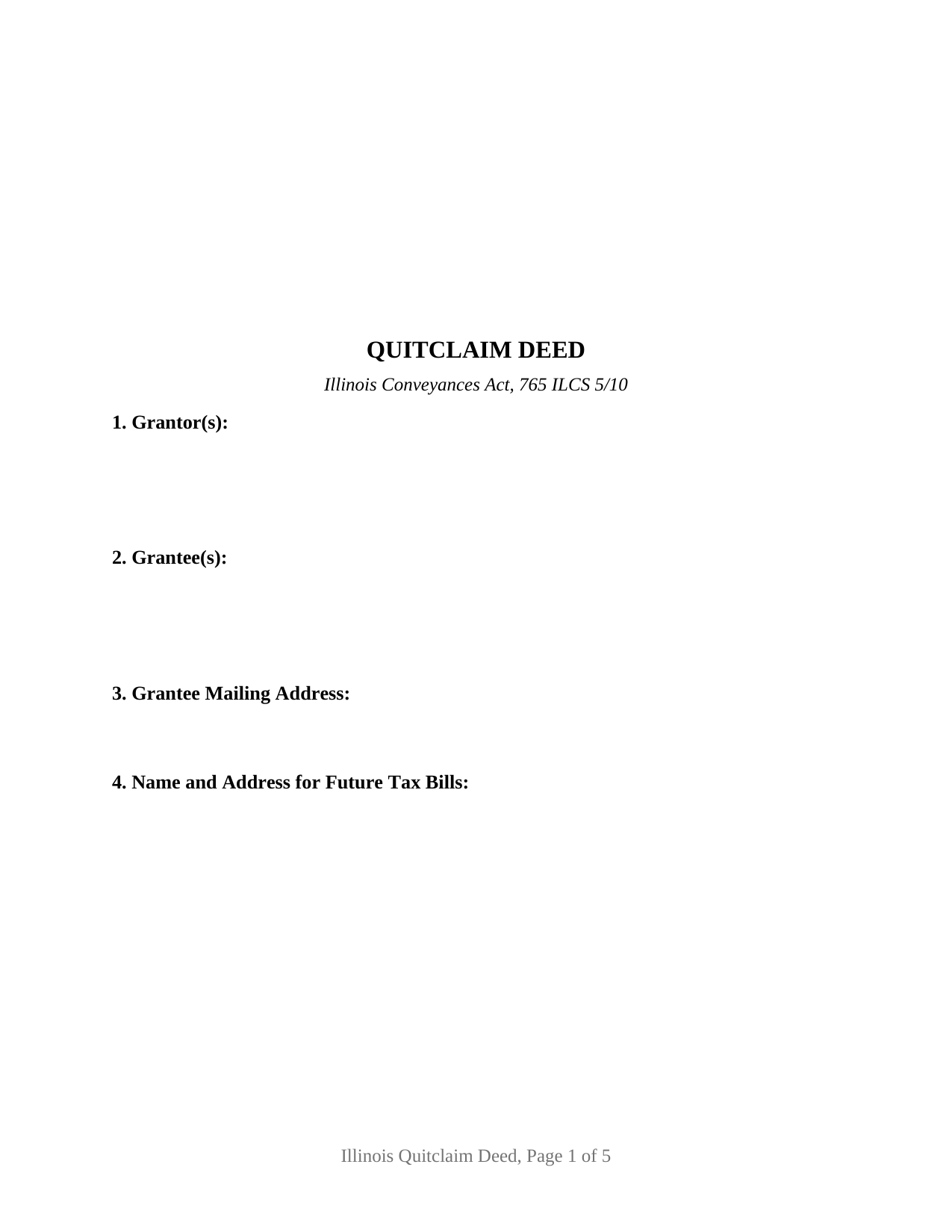
Hancock County Quitclaim Deed Form
Fill in the blank Quitclaim Deed form formatted to comply with all Illinois recording and content requirements.
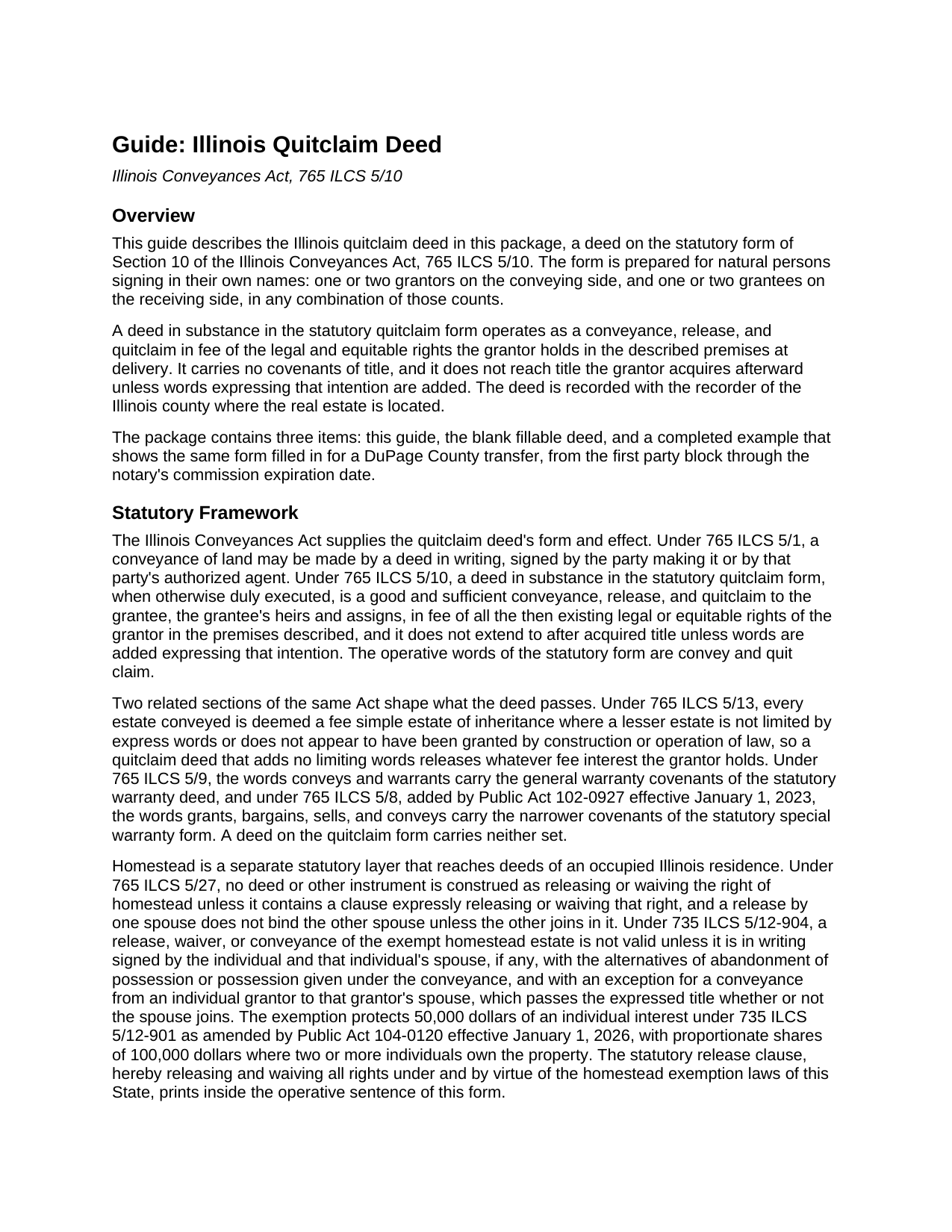
Hancock County Quitclaim Deed Guide
Line by line guide explaining every blank on the Quitclaim Deed form.
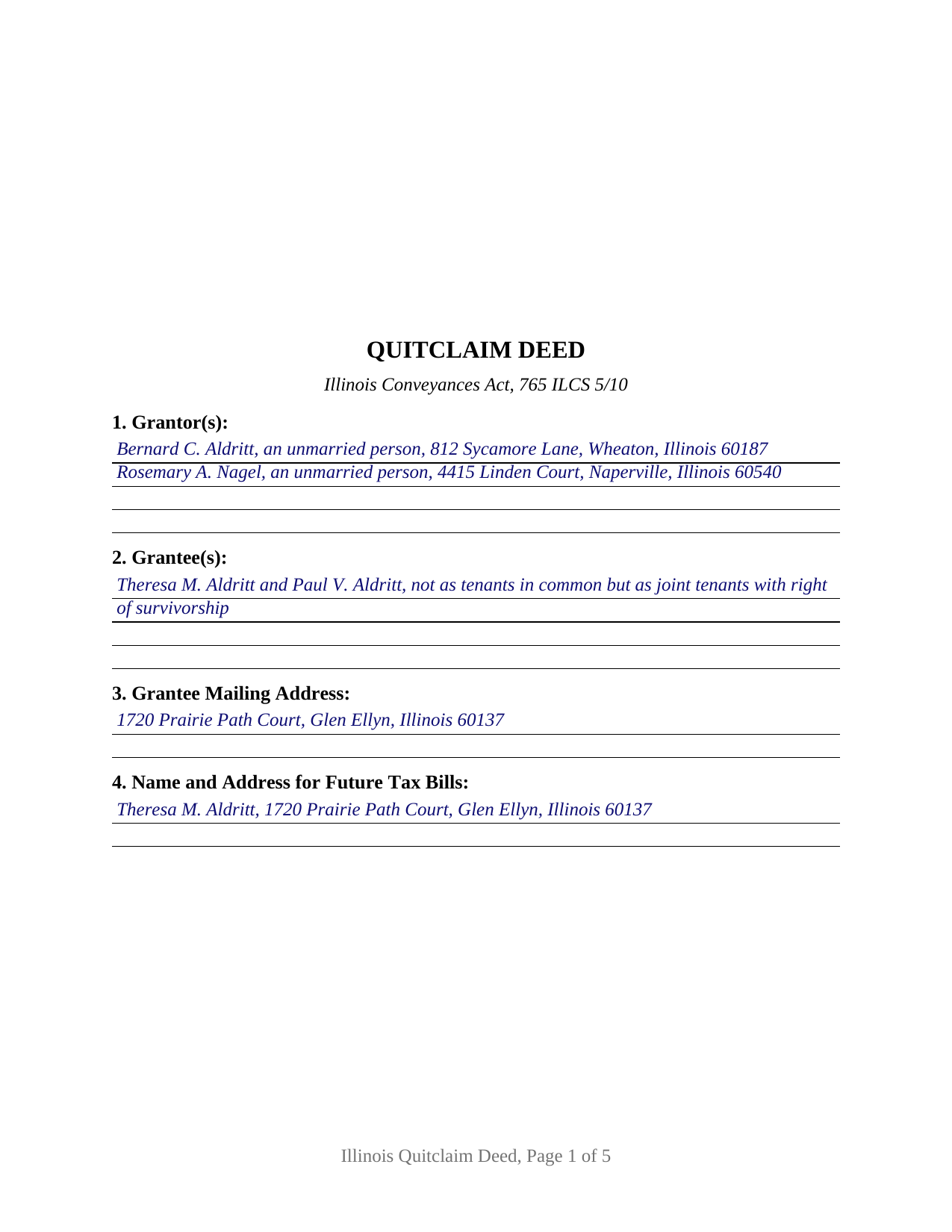
Hancock County Completed Example of the Quitclaim Deed Document
Example of a properly completed Illinois Quitclaim Deed document for reference.
All 3 documents above included • One-time purchase • No recurring fees
Immediate Download • Secure Checkout
Additional Illinois and Hancock County documents included at no extra charge:
Where to Record Your Documents
Hancock County Clerk & Recorder
Carthage, Illinois 62321
Hours: 8:00 to 4:00 Monday through Friday
Phone: (217) 357-3911
Recording Tips for Hancock County:
- Bring your driver's license or state-issued photo ID
- Ensure all signatures are in blue or black ink
- Request a receipt showing your recording numbers
- Ask about accepted payment methods when you call ahead
- Ask for certified copies if you need them for other transactions
Cities and Jurisdictions in Hancock County
Properties in any of these areas use Hancock County forms:
- Augusta
- Basco
- Bowen
- Carthage
- Colusa
- Dallas City
- Elvaston
- Ferris
- Hamilton
- La Harpe
- Nauvoo
- Niota
- Plymouth
- Sutter
- Warsaw
- West Point
Hours, fees, requirements, and more for Hancock County
How do I get my forms?
Forms are available for immediate download after payment. The Hancock County forms will be in your account ready to download to your computer. An account is created for you during checkout if you don't have one. Forms are NOT emailed.
Are these forms guaranteed to be recordable in Hancock County?
Yes. Our form blanks are guaranteed to meet or exceed the applicable formatting requirements used for recording in Hancock County, including margin requirements, font requirements, and other layout standards. This guarantee applies to formatting, not to the legal sufficiency of information entered by the user or the suitability of a form for a particular transaction.
Can I reuse these forms?
Yes. You can reuse the forms for your personal use. For example, if you have multiple properties in Hancock County you only need to order once.
What do I need to use these forms?
The forms are PDFs that you fill out on your computer. The free Adobe Acrobat Reader is recommended, and most PDF apps also work. You do NOT enter your property information online - you download the blank forms and complete them privately on your own computer.
Are there any recurring fees?
No. This is a one-time purchase. Nothing to cancel, no memberships, no recurring fees.
How much does it cost to record in Hancock County?
Recording fees in Hancock County vary. Contact the recorder's office at (217) 357-3911 for current fees.
Questions answered? Let's get started!
A quitclaim deed measures what it moves at a single moment. Under 765 ILCS 5/10 the words convey and quit claim release the rights a grantor holds in the premises described when the deed is delivered, and the statute stops there: title arriving afterward stays with the grantor unless the deed adds words expressing that intention. This Illinois form prints those statutory words above party blocks that stay open, one or two individuals on either side.
Released at delivery, and no further
A deed in substance in the statutory form is a good and sufficient conveyance, release, and quitclaim in fee of the grantor's then existing rights, and it promises nothing about what those rights are worth. No covenant of seisin, none against encumbrances, no defense of the title afterward: that is the distance between this instrument and the conveys and warrants form of 765 ILCS 5/9. What the Act does supply sits a few sections over, in 765 ILCS 5/13: absent express words of limitation, whatever the grantor holds passes in fee simple.
Party blocks the form leaves open
Sections 1 and 2 take one or two individuals each, with the residence, status, or co-ownership wording the parties themselves supply, and nothing marital, capacity, or vesting related is printed in advance. Four count patterns run through the one instrument: one grantor to one grantee, one to two, two to one, and two to two. Below them sit two signature blocks headed GRANTOR and SECOND GRANTOR (if applicable), each with an acknowledgment certificate carrying the substance of 765 ILCS 5/26, so two signers may appear before different notaries on different days; a conveyance by one grantor leaves the second block and its certificate empty. Where two grantees are named, the wording in Section 2 fixes how they take, and 765 ILCS 1005/1 answers a clause silent on the point by leaving them as tenants in common. A deed executed for a company, a corporation, a partnership, a trustee, or an agent under a power of attorney recites authority these blocks do not collect, and three or more owners on a side exceed their two-party capacity.
Homestead, stated and never assumed
The homestead estate moves on express words alone. 765 ILCS 5/27 construes no instrument as releasing or waiving that right unless a clause expressly does so, which is why the operative sentence here carries the statutory phrase releasing and waiving all rights under and by virtue of the homestead exemption laws of this State. Signatures are the second half of the question, and they answer to the statute: on an occupied residence 735 ILCS 5/12-904 measures a valid release of the exempt estate by a writing the owner and the owner's spouse have both signed, a signature the second block carries.
What a recorder reads before taking the deed
Illinois conditions recording on content printed on the face of the instrument, and each item occupies a numbered section: the grantee's name and address under 55 ILCS 5/3-5026, the tax bill endorsement of 765 ILCS 5/35c, the return entry and the prior document number under 55 ILCS 5/3-5020.5, and the preparer statement 55 ILCS 5/3-5022 makes a condition of recording. Geometry answers 55 ILCS 5/3-5018.2 and 55 ILCS 5/4-12002.3, down to the blank 3 by 5 inch space at the upper right corner of page one. One rule is this instrument's own: in a county of 3,000,000 or more inhabitants, 55 ILCS 5/3-5046 has the recorder mail notice to the owners of record whenever a quitclaim deed is filed.
One of two transfer tax routes
State tax under 35 ILCS 200/31-10 runs at 50 cents for each $500 of value, a county board may add up to 25 cents, and a municipality that has certified a home rule ordinance to the recorder stops the filing until its own tax is shown paid. A taxable transfer reaches the counter with the PTAX-203 declaration or its MyDec equivalent and the stamps. An exempt transfer instead carries the signed and dated notation Section 12 prints, naming the paragraph of 35 ILCS 200/31-45 the transfer rests on.
The download holds three files: the fillable Illinois quit claim deed form, a completed example filled in for a DuPage County transfer through the notary's commission expiration date, and a guide covering each numbered section along with signing, homestead, notarization, and county recording. These pages describe Illinois law in general terms and are not legal advice; an Illinois attorney or title company can speak to one particular title.
Important: Your property must be located in Hancock County to use these forms. Documents should be recorded at the county recording office listed above.
This Quitclaim Deed meets all recording requirements specific to Hancock County.
Our Promise
The documents you receive here are guaranteed to meet or exceed the applicable Hancock County recording format requirements. If there is a rejection caused by our formatting, we will correct the issue or refund your payment. This guarantee applies to document formatting only and does not extend to information entered by the user, the selection of the form, or the legal effect of the completed document.
Save Time and Money
Get your Hancock County Quitclaim Deed form done right the first time with Deeds.com Uniform Conveyancing Blanks. At Deeds.com, we understand that your time and money are valuable resources, and we don't want you to face a penalty fee or rejection imposed by a county recorder for submitting nonstandard documents. We constantly review and update our forms to meet rapidly changing state and county recording requirements for roughly 3,500 counties and local jurisdictions.
4.8 out of 5 - ( 4,839 Reviews )
Gwenevere J. 5 out of 5 stars
Website is very informative and user friendly!
Thank you!
Grace V. 5 out of 5 stars
Easy to use
Thank you!
Victor K. 3 out of 5 stars
The form I needed was correct and paginated as required. It was accepted w/o penalties. I was not happy about the information which I found way too scant. One sample form does not cover enough possibilities, more would be helpful. The instruction page is a bit better but sometimes it is not clear enough - sometimes it is not clear what the numbered items in the form correspond to. There is no guidance about the process and it would take very little to provide it. Example about "description", say where to find. There is a bunch of "free forms" attached but no guide on which are needed and when. Example: at the counter I was given a paper "conveyance" form and asked to fill it - I did not know it was needed and what it did and so I had not d
Thank you for your feedback. We really appreciate it. Have a great day!
Bobette B. 5 out of 5 stars
Worked well with clear guide!
Thank you!
Michael W. 5 out of 5 stars
Excellent product. I am so happy I found Deeds.com!
Thank you for your feedback. We really appreciate it. Have a great day!
Keri C. 5 out of 5 stars
It was confusing at first, but the customer service was excellent and fast and I got everything taken care of right away. I'll use Deeds.com even after the recorder's office is open to the public.
Thank you for your feedback. We really appreciate it. Have a great day!
Frank K. 5 out of 5 stars
One thing I suggest is use the nomenclature Borrower / Lender / instead of Mortgatator / Mortgatee… Had to google which is which ? !
Thank you for your feedback. We really appreciate it. Have a great day!
Shelleen A. 5 out of 5 stars
Very helpful.
We appreciate your business and value your feedback. Thank you. Have a wonderful day!
Sammy K. 5 out of 5 stars
A very streamlined, easy-yo-follow process of recording documents during the COVID-19 era. There was no delay in reviewing and submitting the uploaded documents to the deed office in the jurisdiction. Thanks!
We appreciate your business and value your feedback. Thank you. Have a wonderful day!
Joanne H. 5 out of 5 stars
easy to download and use. this document. thank you
Thank you!
Roger S. 1 out of 5 stars
status was canceled. said i needed to record directly. would be 5 stars if it worked.
Sorry for the inconvenience Roger. Unfortunately, not all jurisdictions in the country have progressed to the point of being able to accept all document types for e-recording.
Thomas N. 5 out of 5 stars
Great service, truly helpful & saves time!!
Thank you!
Sven S. 5 out of 5 stars
great experience so far! Im using Deeds.com for e-recording. Easy to use website, document upload is a snap, you are walked through and reminded if theres something missing.
We appreciate your business and value your feedback. Thank you. Have a wonderful day!
Robert H. 4 out of 5 stars
I was surprised that how comprehensive your website is. I quickly found what I was looking for, and it was just what I needed.
Thank you!
Mark S. 5 out of 5 stars
Very easy site to navigate. The quit claim deed I downloaded was perfect for my needs. Would like to see a (Deed in Lieu of Foreclosure) added to the forms list.
We appreciate your business and value your feedback. Thank you. Have a wonderful day!