Itasca County Transfer on Death Revocation Form
Last validated September 14, 2026 by our Forms Development TeamFormatted for recording in Itasca County, for property anywhere in the county: rural and unincorporated areas as well as Bigfork, Bovey, Bowstring, Calumet, Cohasset, Coleraine, Deer River, Effie and 16 more.
- 3 documents included
- Immediate PDF download
- Formatting guarantee
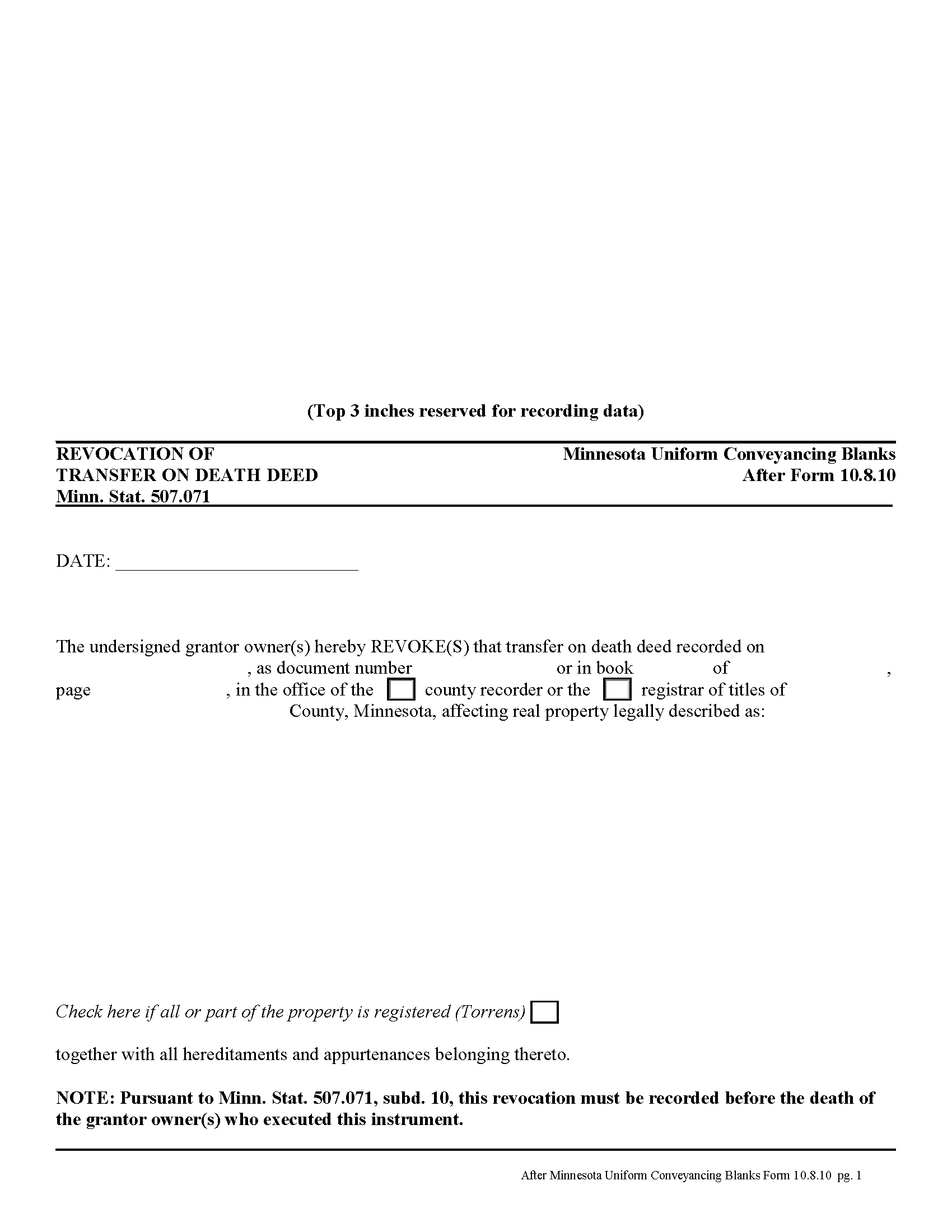
Itasca County Transfer on Death Revocation Form
Fill in the blank form formatted to comply with all recording and content requirements.
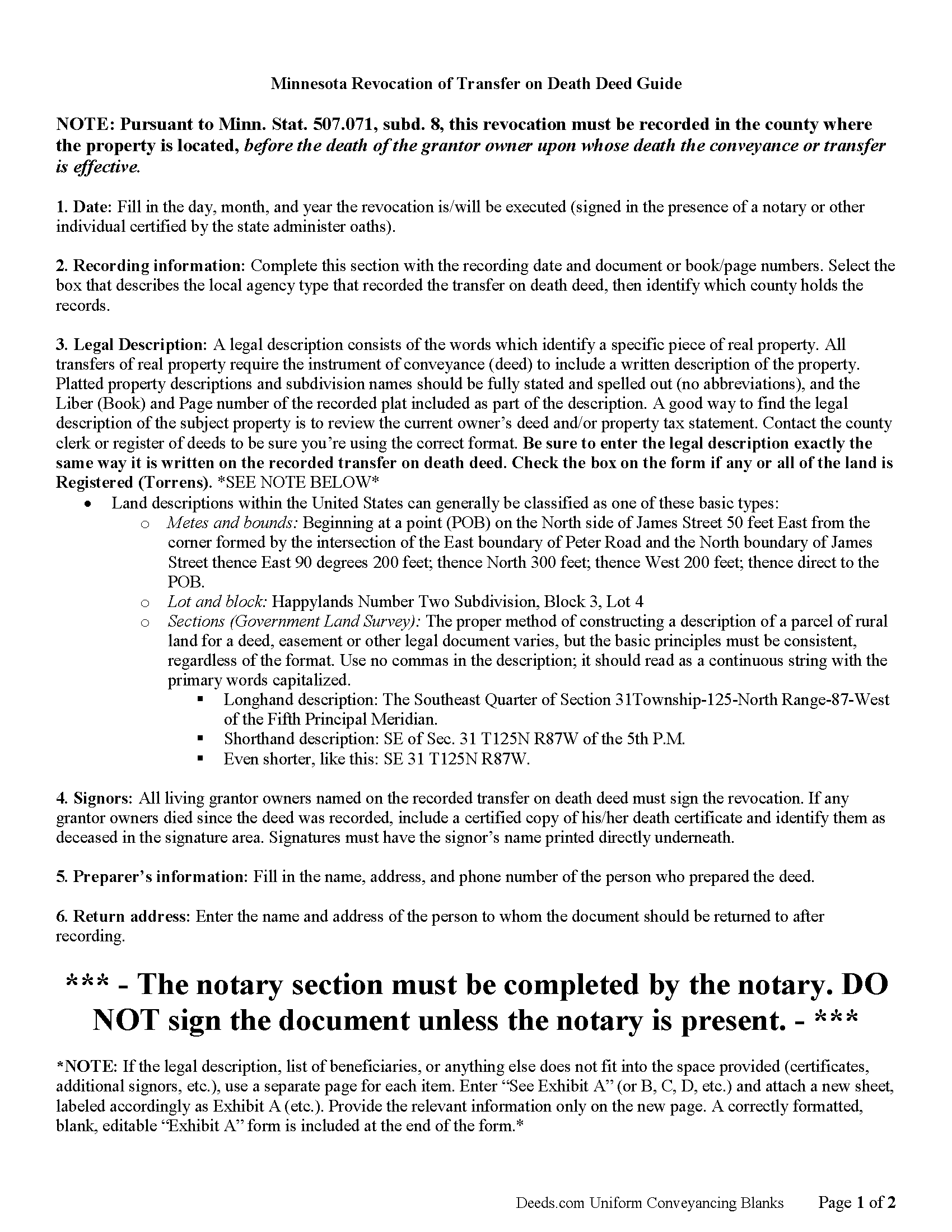
Itasca County Transfer on Death Revocation Guide
Line by line guide explaining every blank on the form.
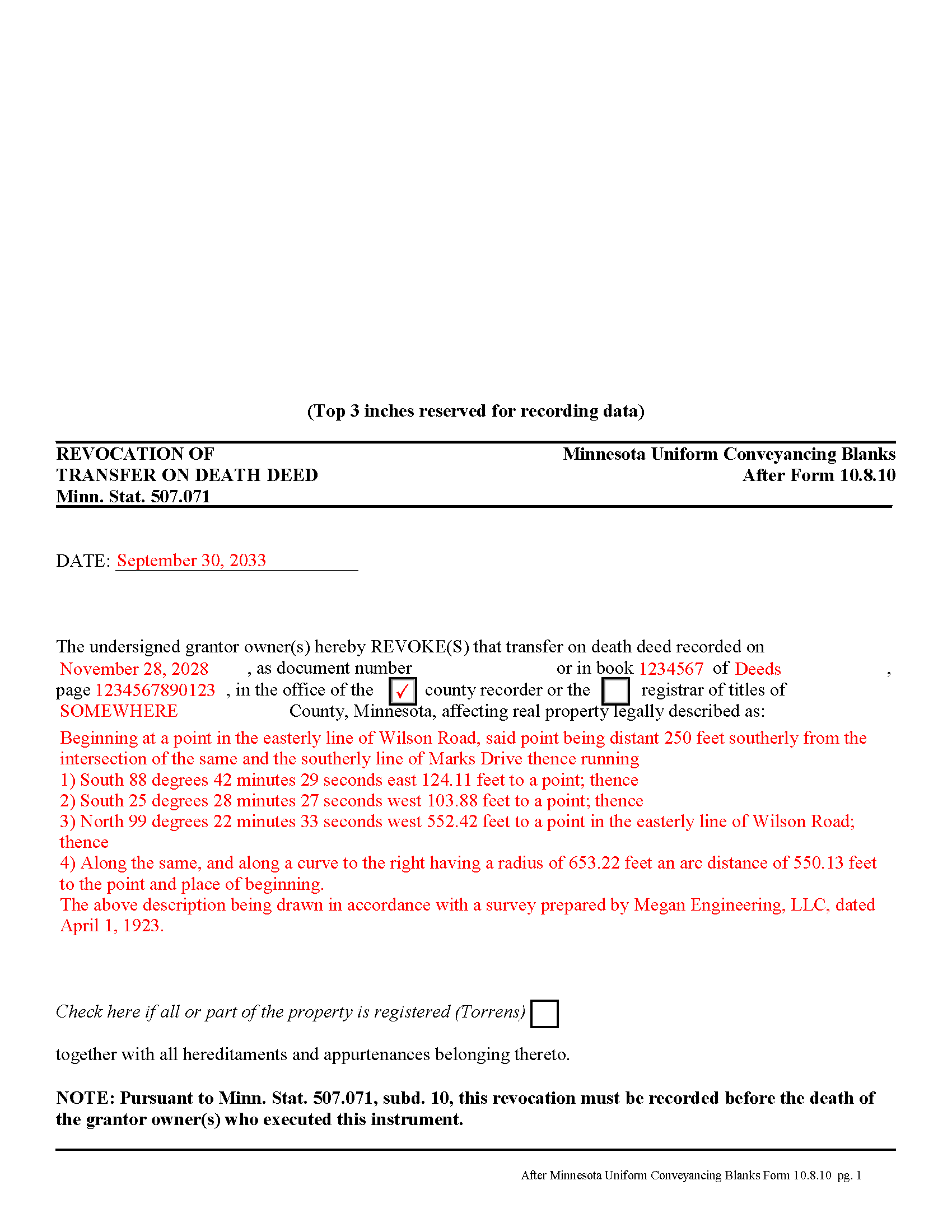
Itasca County Completed Example of the Transfer on Death Revocation Document
Example of a properly completed form for reference.
All 3 documents above included • One-time purchase • No recurring fees
Immediate Download • Secure Checkout
Additional Minnesota and Itasca County documents included at no extra charge:
Where to Record Your Documents
Itasca County Recorder
Grand Rapids, Minnesota 55744-2600
Hours: 8:00 to 4:30 M-F
Phone: (218) 327-2856
Recording Tips for Itasca County:
- Bring your driver's license or state-issued photo ID
- Ensure all signatures are in blue or black ink
- White-out or correction fluid may cause rejection
- Ask about their eRecording option for future transactions
- Avoid the last business day of the month when possible
Cities and Jurisdictions in Itasca County
Properties in any of these areas use Itasca County forms:
- Bigfork
- Bovey
- Bowstring
- Calumet
- Cohasset
- Coleraine
- Deer River
- Effie
- Goodland
- Grand Rapids
- Jacobson
- Keewatin
- Marble
- Marcell
- Max
- Nashwauk
- Pengilly
- Spring Lake
- Squaw Lake
- Swan River
- Taconite
- Talmoon
- Warba
- Wirt
Hours, fees, requirements, and more for Itasca County
How do I get my forms?
Forms are available for immediate download after payment. The Itasca County forms will be in your account ready to download to your computer. An account is created for you during checkout if you don't have one. Forms are NOT emailed.
Are these forms guaranteed to be recordable in Itasca County?
Yes. Our form blanks are guaranteed to meet or exceed the applicable formatting requirements used for recording in Itasca County, including margin requirements, font requirements, and other layout standards. This guarantee applies to formatting, not to the legal sufficiency of information entered by the user or the suitability of a form for a particular transaction.
Can I reuse these forms?
Yes. You can reuse the forms for your personal use. For example, if you have multiple properties in Itasca County you only need to order once.
What do I need to use these forms?
The forms are PDFs that you fill out on your computer. The free Adobe Acrobat Reader is recommended, and most PDF apps also work. You do NOT enter your property information online - you download the blank forms and complete them privately on your own computer.
Are there any recurring fees?
No. This is a one-time purchase. Nothing to cancel, no memberships, no recurring fees.
How much does it cost to record in Itasca County?
Recording fees in Itasca County vary. Contact the recorder's office at (218) 327-2856 for current fees.
Questions answered? Let's get started!
Minnesota's transfer on death deeds are governed by Minn. Stat. 507.071.
Transfer on death deeds offer an excellent alternative for people who wish to designate a beneficiary for their real estate, while remaining outside the complexity of the probate process. Life is unpredictable, however, and the grantor owner of the property might wish to change or revoke the previously recorded transfer on death deed. The same statute covering the deed also includes a section about revoking it (subd. 10).
There are several ways to revoke a transfer on death deed in Minnesota:
1. Complete and record a statutory revocation form (subd. 25). This is the source for the general revocation form. The statute states that a transfer on death deed "may be revoked at any time by the grantor owner or, if there is more than one grantor owner, by any of the grantor owners. To be effective, the revocation must be recorded in the county in which at least a part of the real property is located before the death of the grantor owner or owners who execute the revocation." The revocation is not effective . . . until the revocation is recorded in the county in which the real property is located.
2. Minnesota transfer on death deeds allow grantor owners full use of and control over the property to be conveyed. If the grantor owner who executed and recorded a transfer on death deed decides to convey the same property to a third party using anything "other than a transfer on death deed, all or a part of such grantor owner's interest in the property described in the transfer on death deed, no transfer of the conveyed interest shall occur on such grantor owner's death and the transfer on death deed shall be ineffective as to the conveyed or transferred interests, but the transfer on death deed remains effective with respect to the conveyance or transfer on death of any other interests described in the transfer on death deed owned by the grantor owner at the time of the grantor owner's death."
3. "If a grantor owner executes and records more than one transfer on death deed conveying the same interest in real property or a greater interest in the real property, the transfer on death deed that has the latest acknowledgment date and that is recorded before the death of the grantor owner upon whose death the conveyance or transfer is conditioned is the effective transfer on death deed and all other transfer on death deeds, if any, executed by the grantor owner or the grantor owners are ineffective to transfer any interest and are void." (subd. 13)
NOTE: a correctly executed, acknowledged, and recorded transfer on death deed cannot be revoked by a will. (subd. 19)
To summarize, once a transfer on death deed is recorded, there are three primary ways to revoke it: a revocation form, conveying the property to a third party by another kind of deed (warranty, quitclaim, etc.), or by executing and recording a new transfer on death deed with a different beneficiary. They may also be invalidated as part of a final divorce decree, but that is part of a different process. To maintain the most clarity in the chain of title (ownership history), however, it makes sense to record a revocation before changing anything else about the status of real estate covered by a transfer on death deed.
Remember that the revocation must be recorded, DURING THE GRANTOR OWNER'S LIFE, in the county where the property is located.
(Minnesota TOD Revocation Package includes form, guidelines, and completed example)
Important: Your property must be located in Itasca County to use these forms. Documents should be recorded at the county recording office listed above.
This Transfer on Death Revocation meets all recording requirements specific to Itasca County.
Our Promise
The documents you receive here are guaranteed to meet or exceed the applicable Itasca County recording format requirements. If there is a rejection caused by our formatting, we will correct the issue or refund your payment. This guarantee applies to document formatting only and does not extend to information entered by the user, the selection of the form, or the legal effect of the completed document.
Save Time and Money
Get your Itasca County Transfer on Death Revocation form done right the first time with Deeds.com Uniform Conveyancing Blanks. At Deeds.com, we understand that your time and money are valuable resources, and we don't want you to face a penalty fee or rejection imposed by a county recorder for submitting nonstandard documents. We constantly review and update our forms to meet rapidly changing state and county recording requirements for roughly 3,500 counties and local jurisdictions.
4.8 out of 5 - ( 4,836 Reviews )
Brenda E. 5 out of 5 stars
This is a great tool to use. It makes recording documents so easy and convenient. The website is very user-friendly. The only suggestion I would have is if the website could email me directly when I have a message so I don't have to keep checking back to see if my document is ready.
Thank you for your feedback. We really appreciate it. Have a great day!
Cynthia H. 5 out of 5 stars
Thank you for having these forms so reasonable and easy to access. I only WISH I would have looked here 1st, spent way to much valuable time trying to get help with this deed. This was so EASY and quick... THANK YOU THANK YOU Highly Recommend
Thank you!
MIMI T. 5 out of 5 stars
Awesome great service!
Fantastic! Thanks for the feedback Mimi.
David W. 5 out of 5 stars
Thanks to all of you. You provide a great service! Dave in Ca.
Thank you for your feedback. We really appreciate it. Have a great day!
William P. 5 out of 5 stars
I was very pleased with the end results regarding Quitclaim deeds.
Thank you!
Ed C. 5 out of 5 stars
I purchased the DIY quitclaim deed forms for Florida and couldn’t be happier. The forms were clear, professional, and easy to follow. I had everything filled out and recorded without a single issue. Worth every penny — the site is great, and the forms are exactly what I needed. Highly recommend!
Thanks so much, Ed! We’re thrilled to hear that the Florida quitclaim deed forms worked perfectly for you and that the recording process went smoothly. We appreciate your trust and recommendation!
DONALD S. 5 out of 5 stars
Using the Administrators Deed, pay attention to "Exhibit A". The blank will allow you to type a full legal description BUT it will not save it. Use "Exhibit A" to type the legal description. The form was great and I filed it this morning with no problems.
Thank you for your feedback. We really appreciate it. Have a great day!
MARY LACEY M. 5 out of 5 stars
The recording process was done perfectly. We much appreciate your communication, prompt service and highly professional assistance. Thank you.
Thank you so much for the kind words. We're glad the recording went smoothly and that our team kept you informed along the way. Keeping things prompt and professional is exactly what we aim for, so it means a lot to hear it landed. We appreciate you taking the time to share this, and we're here whenever you need us again.
Carlene J. 5 out of 5 stars
Great way to do business with Dc Government! I submitted my documents and received everything back and approved on the same day! No wait , no line! Lol
Thank you for your feedback. We really appreciate it. Have a great day!
Dennis D. 5 out of 5 stars
Thanks for the efficient process and instructions.
Thank you for your feedback. We really appreciate it. Have a great day!
Rebecca K. 5 out of 5 stars
I was able to find EXACTLY what I was looking for in just a couple minutes, plus a helpful guide, all for less than $30. I was very impressed.
We appreciate your business and value your feedback. Thank you. Have a wonderful day!
LeRoy E. 5 out of 5 stars
So thankful I found this. I was feeling stressed out and reluctant about doing this on my own.
Thank you!
Valerie W. 5 out of 5 stars
I haven't gotten around to filling out the forms yet, but they look fine to me on the surface. looking forward to getting to them as soon as I can!
Thank you, Valerie. When you’re ready, everything will be available in your account.
Joseph R. 5 out of 5 stars
Deeds.com has saved me quite a bit in attorney fees by making legal forms available on line. Easy to use, just fill in the blanks.
Thank you for your feedback. We really appreciate it. Have a great day!
Tuesday G. 5 out of 5 stars
This was a great site to use. They responded quickly when needed. And with i 24 hours the deed was filed. Very happy with with site and company! Thank you!
We appreciate your business and value your feedback. Thank you. Have a wonderful day!