Butler County Easement Deed Form
Last validated October 13, 2026 by our Forms Development TeamFormatted for recording in Butler County, for property anywhere in the county or independent city: rural and unincorporated areas as well as Broseley, Fagus, Fisk, Harviell, Neelyville, Poplar Bluff, Qulin, Rombauer.
- 4 documents included
- Immediate PDF download
- Formatting guarantee
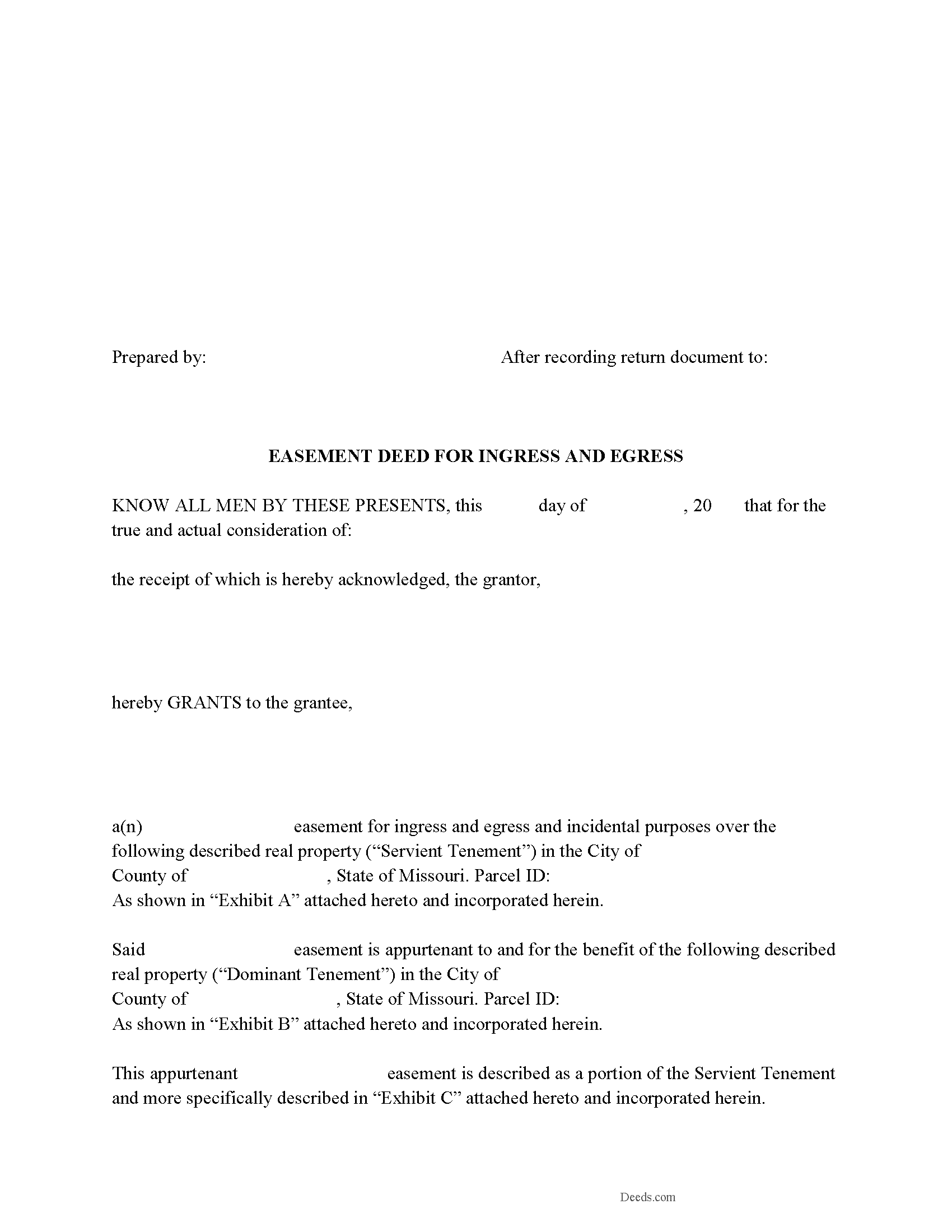
Butler County Easement Deed Form
Fill in the blank form formatted to comply with all recording and content requirements.
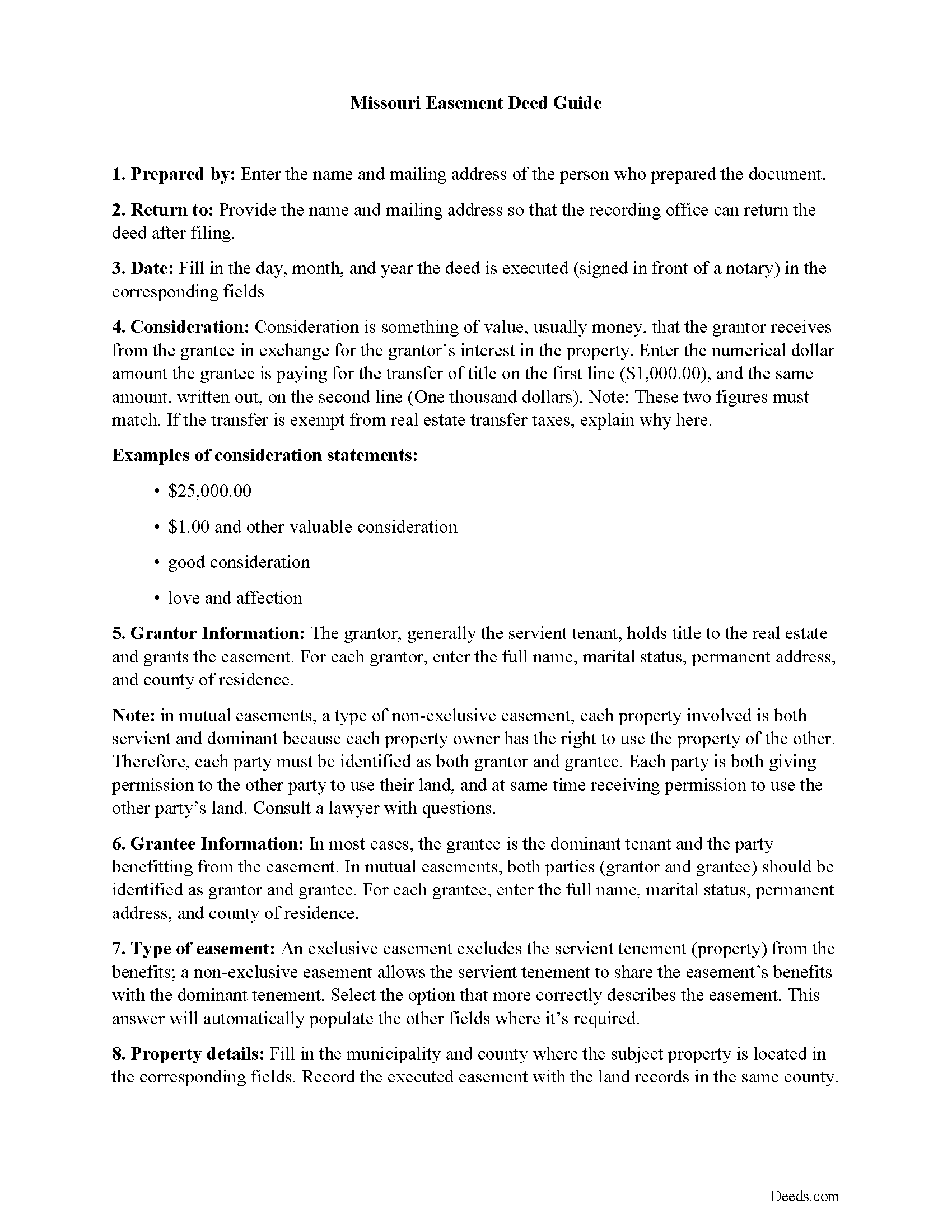
Butler County Easement Deed Guide
Line by line guide explaining every blank on the form.
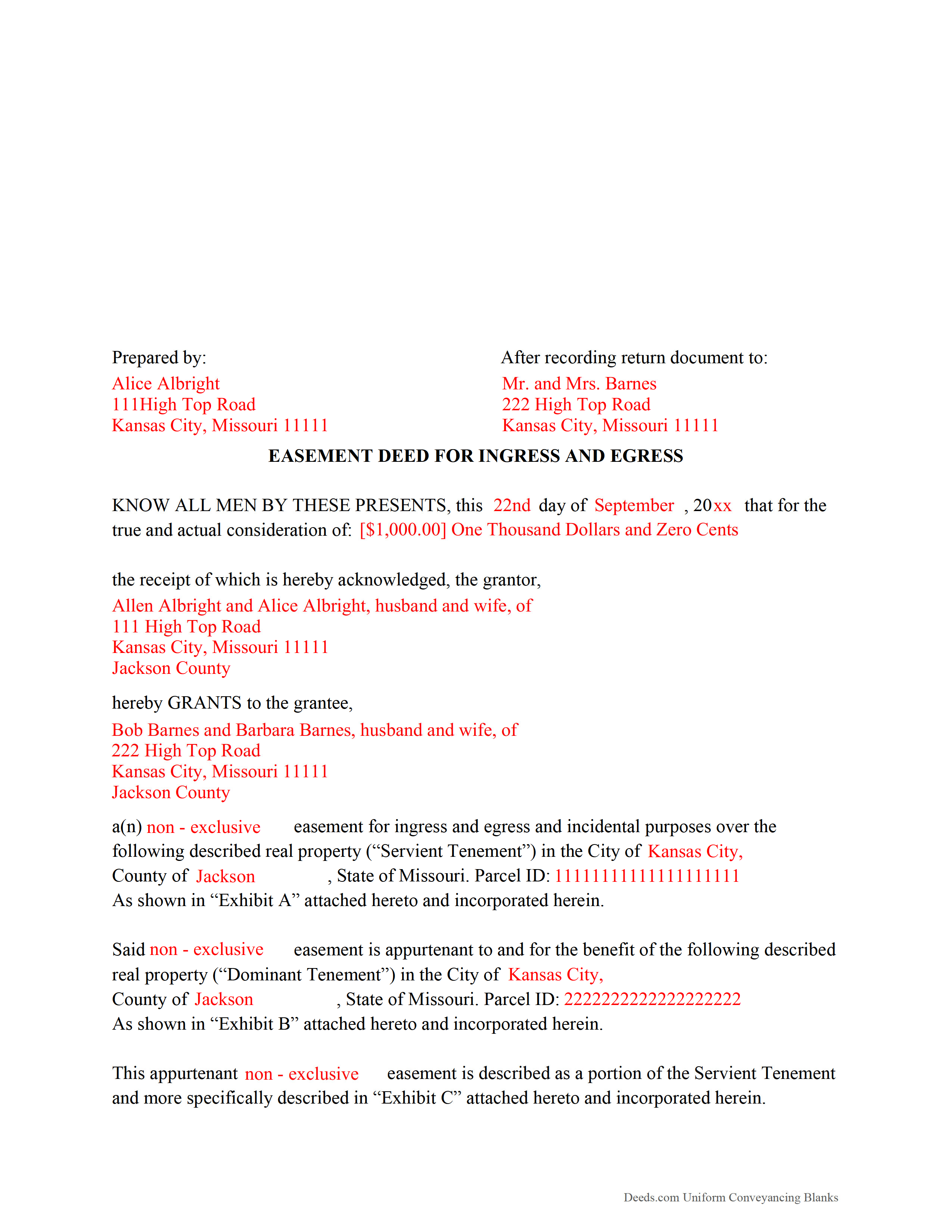
Butler County Completed Example of the Easement Deed Document
Example of a properly completed form for reference.
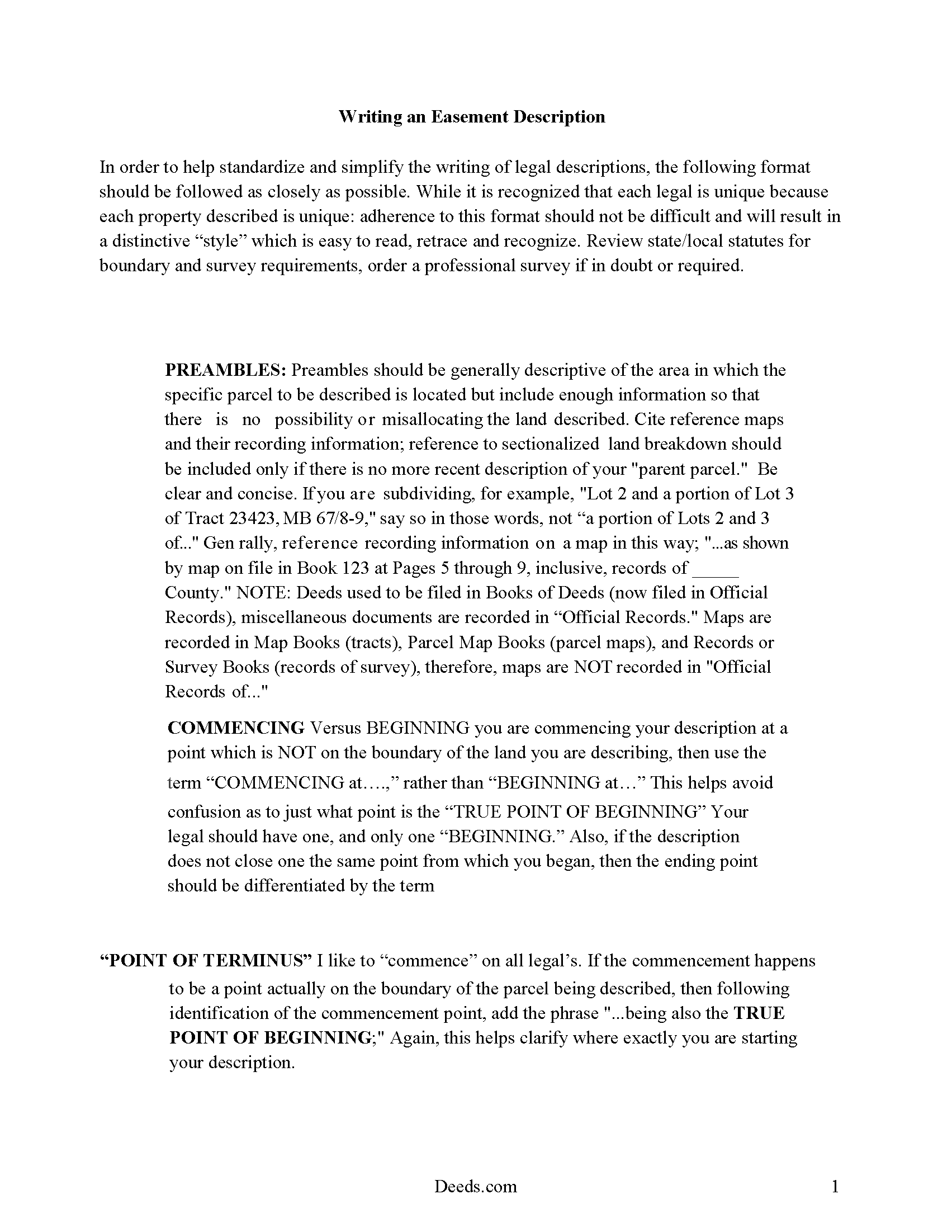
Butler County Guide to Writing an Easement Description
A Description of the Easement will be required. This will show how to write an acceptable description for a Right of Way Easement, which gives access, to and from - point A to point B.
All 4 documents above included • One-time purchase • No recurring fees
Immediate Download • Secure Checkout
Additional Missouri and Butler County documents included at no extra charge:
Where to Record Your Documents
Butler County Recorder of Deeds
Poplar Bluff, Missouri 63901
Hours: 8:00 to 4:00 M-F
Phone: (573) 686-8086
Recording Tips for Butler County:
- Bring your driver's license or state-issued photo ID
- Ensure all signatures are in blue or black ink
- Double-check legal descriptions match your existing deed
- Verify all names are spelled correctly before recording
- White-out or correction fluid may cause rejection
Cities and Jurisdictions in Butler County
Properties in any of these areas use Butler County forms:
- Broseley
- Fagus
- Fisk
- Harviell
- Neelyville
- Poplar Bluff
- Qulin
- Rombauer
Hours, fees, requirements, and more for Butler County
How do I get my forms?
Forms are available for immediate download after payment. The Butler County forms will be in your account ready to download to your computer. An account is created for you during checkout if you don't have one. Forms are NOT emailed.
Are these forms guaranteed to be recordable in Butler County?
Yes. Our form blanks are guaranteed to meet or exceed the applicable formatting requirements used for recording in Butler County, including margin requirements, font requirements, and other layout standards. This guarantee applies to formatting, not to the legal sufficiency of information entered by the user or the suitability of a form for a particular transaction.
Can I reuse these forms?
Yes. You can reuse the forms for your personal use. For example, if you have multiple properties in Butler County you only need to order once.
What do I need to use these forms?
The forms are PDFs that you fill out on your computer. The free Adobe Acrobat Reader is recommended, and most PDF apps also work. You do NOT enter your property information online - you download the blank forms and complete them privately on your own computer.
Are there any recurring fees?
No. This is a one-time purchase. Nothing to cancel, no memberships, no recurring fees.
How much does it cost to record in Butler County?
Recording fees in Butler County vary. Contact the recorder's office at (573) 686-8086 for current fees.
Questions answered? Let's get started!
An easement is the right to use another person's real property for a specific purpose. This is a property interest, but is non-ownership and non-possessory. An easement can be created to benefit a dominant estate and run with the land, or it can benefit an individual or legal entity. Easements are affirmative or negative in nature. The rights created by an easement are contained in an easement deed, which should specify the terms and duration of the agreement.
An easement obtained for the purpose of construction, reconstruction, acquisition, or remodeling of a solar energy devise is required to be created in writing and is subject to the same conveyancing and recording requirements as other easements in this state. This type of easement is considered to be negative and cannot be acquired by prescription (442.012). Conservation easements are also created, assigned, conveyed, recorded, released, modified, terminated, or otherwise altered in the same manner as other easements (442.014). Conservation easements are not appurtenant to an interest in real property.
In order to be eligible for recording, an easement deed should be signed by the party granting the easement and should also be acknowledged or proved and certified in the manner prescribed by Missouri Statutes. Easement deeds that are recorded in St. Louis City should be signed by all parties. If an easement deed is acknowledged or proved in the state of Missouri, the proof or acknowledgment can be taken before a court, judge, justice or clerk of a court having seal, or by a notary public. Acknowledgments or proof taken outside Missouri but within the United States can be taken before any of the officers listed in 442.150 of the Missouri Revised Statutes (442.150). A certificate of acknowledgment or proof should be endorsed on the deed by the officer taking such acknowledgment or proof (442.180).
An easement deed whereby real estate is affected, in law or in equity, that has been duly proved or acknowledged and certified in the manner prescribed by statute should be recorded in the office of the county recorder in the county where the real estate is located (442.380). After the easement deed is filed for record, it will serve as notice to all persons of the content thereof, and all subsequent purchasers and mortgagees are deemed, in law and in equity, to purchase with notice (442.390).
(Missouri ED Package includes form, guidelines, and completed example)
Important: Your property must be located in Butler County to use these forms. Documents should be recorded at the county or independent city recording office listed above.
This Easement Deed meets all recording requirements specific to Butler County.
Our Promise
The documents you receive here are guaranteed to meet or exceed the applicable Butler County recording format requirements. If there is a rejection caused by our formatting, we will correct the issue or refund your payment. This guarantee applies to document formatting only and does not extend to information entered by the user, the selection of the form, or the legal effect of the completed document.
Save Time and Money
Get your Butler County Easement Deed form done right the first time with Deeds.com Uniform Conveyancing Blanks. At Deeds.com, we understand that your time and money are valuable resources, and we don't want you to face a penalty fee or rejection imposed by a county recorder for submitting nonstandard documents. We constantly review and update our forms to meet rapidly changing state and county recording requirements for roughly 3,500 counties and local jurisdictions.
4.8 out of 5 - ( 4,864 Reviews )
catherine c. 5 out of 5 stars
very efficient with communication and follow-up(s) will be using again, thank you!:)
Thank you!
Richard P. 5 out of 5 stars
Excellent source and easy to use site.
Thank you!
Emanuel W. 5 out of 5 stars
Excellent service! We surely use again
Thank you for your feedback. We really appreciate it. Have a great day!
Thomas T. 5 out of 5 stars
Amazing site, been using it since 2018 for forms and never an issue.
Thank you for your feedback. We really appreciate it. Have a great day!
Joseph R. 3 out of 5 stars
The form and instructions were easy enough to follow if you had all the information.
The only drawback to the form was the length of text allowed for the name of the document (#4). The form self populates in multiple locations but when printed truncated the name if too many characters were used. I kept having to update the name of the document to allow for proper printing.
Your insights are invaluable to us and help us strive for better service. Thank you for taking the time to share your thoughts.
ronald s. 5 out of 5 stars
easy to use site, directions well laid out
Thank you for your feedback. We really appreciate it. Have a great day!
Stephen D. 5 out of 5 stars
The service was very helpful and fast saving me time. I am sure I will use it again. Thank you
Thanks Stephen! Have a fantastic day.
Scott G. 5 out of 5 stars
Frankly, if our tax dollars were being used to run government "services" correctly, we wouldn't need Deeds.com Since the sun will burn out before government is run correctly, Deeds.com provides an important, efficient, time-saving service that, all things considered, offers big savings over time-and-soul-draining struggles with government agencies.
Your feedback is greatly appreciated. Thank you for taking the time to share your experience!
Melody L. 3 out of 5 stars
Beware, you cannot save the information you typed and change it later. It will be a PDF upon saving. So if you need corrections...you have to start all over!
Thank you for your feedback. We really appreciate it. Have a great day!
Jack B. 5 out of 5 stars
The service was fast, but I didn't learn about the results until I logged in. I would have liked to get email when the report was finished.
Thank you for your feedback. We really appreciate it. Have a great day!
A. S. 3 out of 5 stars
First, I am glad that you gave a blank copy, an example copy, and a 'guide'. It made it much easier to do. Overall I was very happy with your products and organization... however, things got pretty confusing and I have a pretty 'serious' law background in Real Estate and Civil law. With that said, I spent about 10+ hours getting my work done, using the Deed of Trust and Promissory note from you and there were a few problems: First, it would be FANTASTIC if you actually aligned your guide to actually match the Deed or Promissory Note. What I mean is that if the Deed says 'section (E)' then your guide shouldn't be 'randomly' numbered as 1,2,3, for advice/instructions, but should EXACTLY match 'section (E)'. Some places you have to 'hunt' for what you are looking for, and if you did it based on my suggestion, you wouldn't need to 'hunt' and it would avoid confusion. 2nd: This one really 'hurt'... you had something called the 'Deed of Trust Master Form' yet you had basically no information on what it was or how to use it. The only information you had was a small section at the top of the 'Short Form Deed of Trust Guide'. Holy Cow, was that 'section' super confusing. I still don't know if I did it correctly, but your guide says only put a return address on it and leave the rest of the 16 or so page Deed of Trust beneath it blank... and then include your 'Deed of Trust' (I had to assume the short form deed that I had just created) as part of it. I had to assume that I had to print off the entire 17 page or so title page and blank deed. I also had to assume that the promissory note was supposed to be EXHIBIT A or B on the Short Form Deed. It would be great if someone would take a serious look at that short section in your 'Short Form Deed of Trust Guide' and realize that those of us using your products are seriously turning this into a county clerk to file and that most of us, probably already have a property that has an existing Deed... or at least can find one in the county records if necessary... and make sure that you make a distinction between the Deed for the property that already exists, versus the Deed of Trust and Promissory note that we are trying to file. Thanks.
Thank you for your feedback. We'll have staff review the document for clarity. Have a great day!
Frank E. 5 out of 5 stars
Download, entry of forms very straightforward. The example was of great help to make sure that I followed the requirements
Thanks, Frank. We're glad everything went smoothly for you. We appreciate you taking the time to leave a review.
Susan H. 5 out of 5 stars
Best idea ever for completing an on-line government form. And it came with instructions!!!!! Thank you, Gadsden County.
Thank you!
Joseph H. 5 out of 5 stars
Form needed was accessed easily and printed for use
We appreciate your business and value your feedback. Thank you. Have a wonderful day!
Sara R. 5 out of 5 stars
Worked well for me to create a deed for a house I inherited. It was very thorough and easy to use. I have no experience with the law so I just googled terms I didn't understand and was fine. I also called land records a lot and ended up not needing a lot of the material included, but it was still good to have it.
We appreciate your business and value your feedback. Thank you. Have a wonderful day!