Butler County Revocation of Beneficiary Deed Form
Last validated September 28, 2026 by our Forms Development TeamFormatted for recording in Butler County, for property anywhere in the county or independent city: rural and unincorporated areas as well as Broseley, Fagus, Fisk, Harviell, Neelyville, Poplar Bluff, Qulin, Rombauer.
- 3 documents included
- Immediate PDF download
- Formatting guarantee
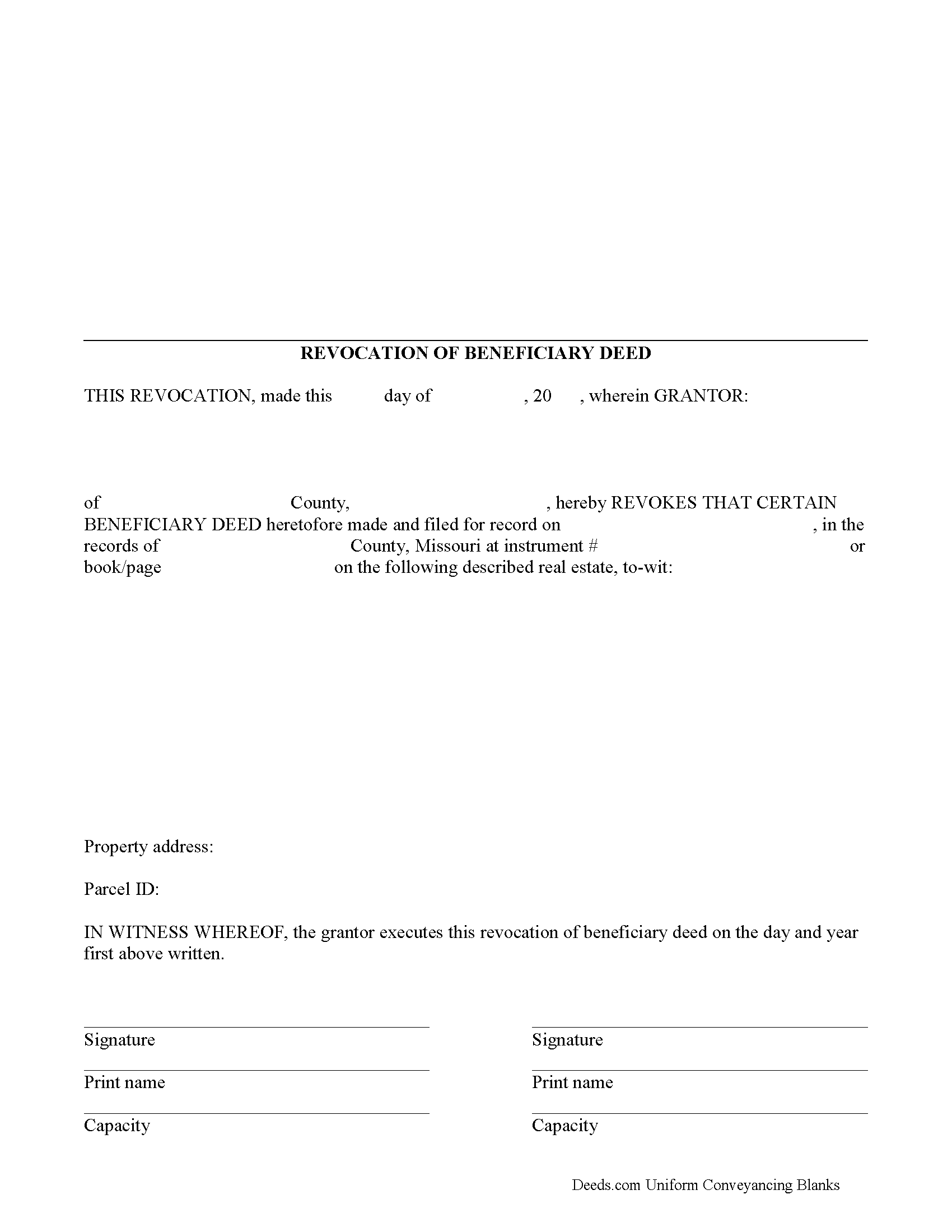
Butler County Revocation of Beneficiary Deed Form
Fill in the blank form formatted to comply with all recording and content requirements.
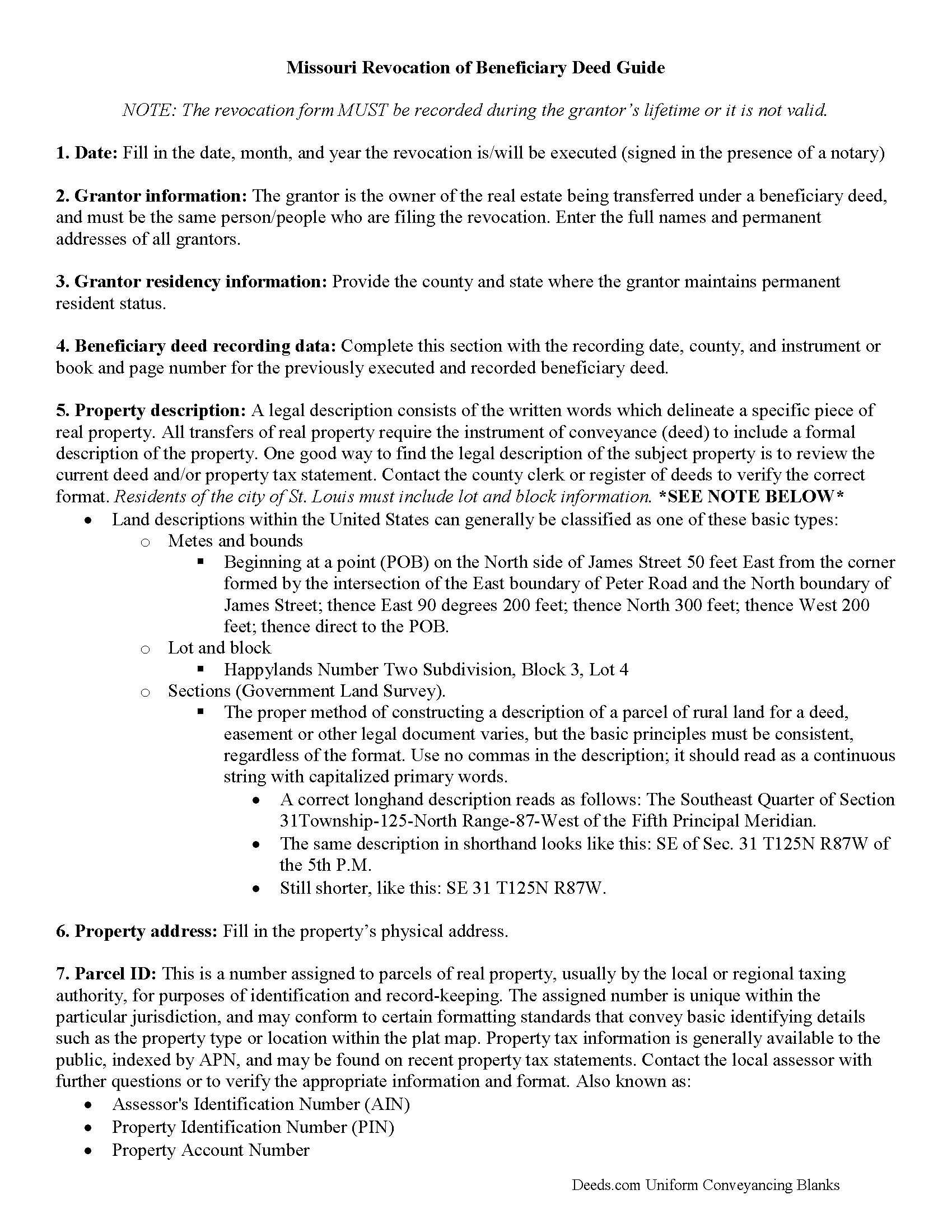
Butler County Revocation of Beneficiary Deed Guide
Line by line guide explaining every blank on the form.
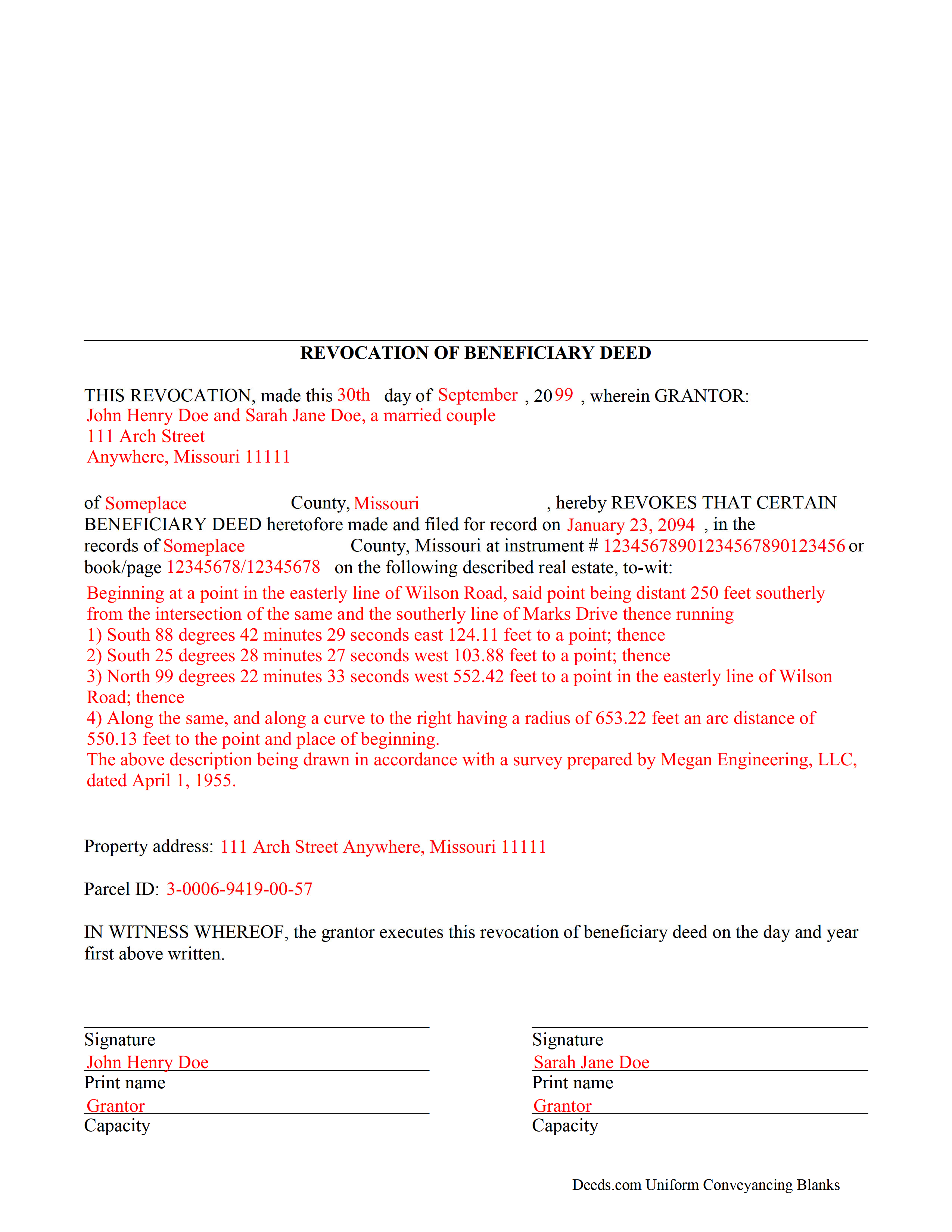
Butler County Completed Example of the Revocation of Beneficiary Deed Document
Example of a properly completed form for reference.
All 3 documents above included • One-time purchase • No recurring fees
Immediate Download • Secure Checkout
Additional Missouri and Butler County documents included at no extra charge:
Where to Record Your Documents
Butler County Recorder of Deeds
Poplar Bluff, Missouri 63901
Hours: 8:00 to 4:00 M-F
Phone: (573) 686-8086
Recording Tips for Butler County:
- Bring your driver's license or state-issued photo ID
- Ensure all signatures are in blue or black ink
- Ask if they accept credit cards - many offices are cash/check only
- Check that your notary's commission hasn't expired
- Documents must be on 8.5 x 11 inch white paper
Cities and Jurisdictions in Butler County
Properties in any of these areas use Butler County forms:
- Broseley
- Fagus
- Fisk
- Harviell
- Neelyville
- Poplar Bluff
- Qulin
- Rombauer
Hours, fees, requirements, and more for Butler County
How do I get my forms?
Forms are available for immediate download after payment. The Butler County forms will be in your account ready to download to your computer. An account is created for you during checkout if you don't have one. Forms are NOT emailed.
Are these forms guaranteed to be recordable in Butler County?
Yes. Our form blanks are guaranteed to meet or exceed the applicable formatting requirements used for recording in Butler County, including margin requirements, font requirements, and other layout standards. This guarantee applies to formatting, not to the legal sufficiency of information entered by the user or the suitability of a form for a particular transaction.
Can I reuse these forms?
Yes. You can reuse the forms for your personal use. For example, if you have multiple properties in Butler County you only need to order once.
What do I need to use these forms?
The forms are PDFs that you fill out on your computer. The free Adobe Acrobat Reader is recommended, and most PDF apps also work. You do NOT enter your property information online - you download the blank forms and complete them privately on your own computer.
Are there any recurring fees?
No. This is a one-time purchase. Nothing to cancel, no memberships, no recurring fees.
How much does it cost to record in Butler County?
Recording fees in Butler County vary. Contact the recorder's office at (573) 686-8086 for current fees.
Questions answered? Let's get started!
One of the many useful aspects of the Nonprobate Transfers Law of Missouri (RSMo Sections 461.003 to 461.081) is the option to revoke a previously recorded beneficiary deed. Revocation is specifically addressed in RSMo 431.033. The option to revoke is possible for several reasons: the grantor is not required to notify the beneficiary of the potential future interest; there is no consideration given in exchange for property rights; and the transfer of ownership is not completed until the grantor or grantors have all died. As a result, the named beneficiary has no actual interest in the real estate.
A grantor on a beneficiary deed may change or revoke beneficiary designations at will, and with no obligation to the individuals named as beneficiaries on the deed. To accomplish this, the original grantor (or grantors) may record a signed, notarized notice of revocation with the same office that accepted the original beneficiary deed. While effective, real estate that is not re-conveyed under a new beneficiary deed reverts back to the grantor's estate at his/her death, and is then distributed via the probate process. Alternately, the grantor may execute a new beneficiary deed, designating someone else as the beneficiary. Recording the new deed removes the prior beneficiary's name and replaces it, identifying the current beneficiary's information.
Note that any change in beneficiary designation must be executed and submitted for recordation during the grantor's lifetime.
(Missouri Revocation of BD Package includes form, guidelines, and completed example)
Important: Your property must be located in Butler County to use these forms. Documents should be recorded at the county or independent city recording office listed above.
This Revocation of Beneficiary Deed meets all recording requirements specific to Butler County.
Our Promise
The documents you receive here are guaranteed to meet or exceed the applicable Butler County recording format requirements. If there is a rejection caused by our formatting, we will correct the issue or refund your payment. This guarantee applies to document formatting only and does not extend to information entered by the user, the selection of the form, or the legal effect of the completed document.
Save Time and Money
Get your Butler County Revocation of Beneficiary Deed form done right the first time with Deeds.com Uniform Conveyancing Blanks. At Deeds.com, we understand that your time and money are valuable resources, and we don't want you to face a penalty fee or rejection imposed by a county recorder for submitting nonstandard documents. We constantly review and update our forms to meet rapidly changing state and county recording requirements for roughly 3,500 counties and local jurisdictions.
4.8 out of 5 - ( 4,824 Reviews )
Robert K. 5 out of 5 stars
This document was exactly what I needed and with the corresponding sample I was easily able to complete it. This saved me a lot of money by not having to hire an attorney to fill out a form. Thank you!
Thank you for your feedback. We really appreciate it. Have a great day!
Ismael T. 5 out of 5 stars
I was surprised and how quickly you guys process documents and helped on a mistake I had. Thank so much. I will definitely keep using Deeds.com
Thank you!
KAREN I. 5 out of 5 stars
it worked. fantastic. thanks!
Your insights are invaluable to us and help us strive for better service. Thank you for taking the time to share your thoughts.
Sherry C. 5 out of 5 stars
more than 5 stars really! best company to do business with. I was helped and got everything I needed, then helped again by this company when I asked for a refund. their response was our office took care of it and you got your refund! what kind of professional company is this! they are very helpful!
Your review means a lot to us. Thank you for taking the time.
Crystal W. 5 out of 5 stars
This is the easiest process.
Thank you for your feedback. We really appreciate it. Have a great day!
Ronney O. 5 out of 5 stars
Great Experience
We appreciate your business and value your feedback. Thank you. Have a wonderful day!
Erik H. 5 out of 5 stars
tl;dr - Bookmarked and anticipating using this site for years to come. My justification for rating 5/5 1. Provide intuitive method for requesting property records. 2. Cost for records *seems reasonable. 3. They clearly state that interested parties could gather these records at more affordable costs through the county (which was more confusing for an inexperienced person such as myself). I mean, I appreciate and respect this level of honesty. *I didn't shop around too much because it was difficult for me to find other services that could deliver CA property records.
We appreciate your business and value your feedback. Thank you. Have a wonderful day!
Carolyn N. 5 out of 5 stars
It worked! It was exactly what I needed and was easily understood.
Thank you!
John M. 5 out of 5 stars
Easy to use site with a good selection of documents
Thank you!
Donald P. 4 out of 5 stars
Very fast and efficient. Easy to fill out but was upset the latest tax exemptions ruled in 2014 did not seem to be included. Exclusion of sale to blood relatives, etc. _ the one I needed.
Thank you for your feedback. We really appreciate it. Have a great day!
ARTHEMEASE B. 5 out of 5 stars
You made a very confusing process very easy. Your response was timely. I will definitely use you again.
We appreciate your business and value your feedback. Thank you. Have a wonderful day!
Michael A. 2 out of 5 stars
Customer service was poor. I felt like I had to debate the representative to provide guidance and assistance. They acted as though I knew the process, the documents involved, etc. At the same time, they asked me to confirm which documents or at least pages needed to be filed. I was leaning of Deeds.com for their expertise.
Thank you!
Charlene H. 5 out of 5 stars
Deeds.com is a wonderful website. I highly recommend them and would use them again in the future.
Thank you, Charlene! We're so glad to hear you had a great experience. We truly appreciate your recommendation and look forward to helping you again in the future.
Dirmarcus S. 5 out of 5 stars
I say I really do love Deed.com! Super easy to navigate and easy to get what you need for paperwork without spending a lot of money
Thank you for your positive words! We’re thrilled to hear about your experience.
Edward E. 5 out of 5 stars
Easy to use.
Your feedback is valuable to us and helps us improve. Thank you for sharing your thoughts!