Judith Basin County Quitclaim Deed (Corrective) Form
Last validated October 8, 2026 by our Forms Development TeamFormatted for recording in Judith Basin County, for property anywhere in the county: rural and unincorporated areas as well as Geyser, Hobson, Moccasin, Raynesford, Stanford.
- 3 documents included
- Immediate PDF download
- Formatting guarantee
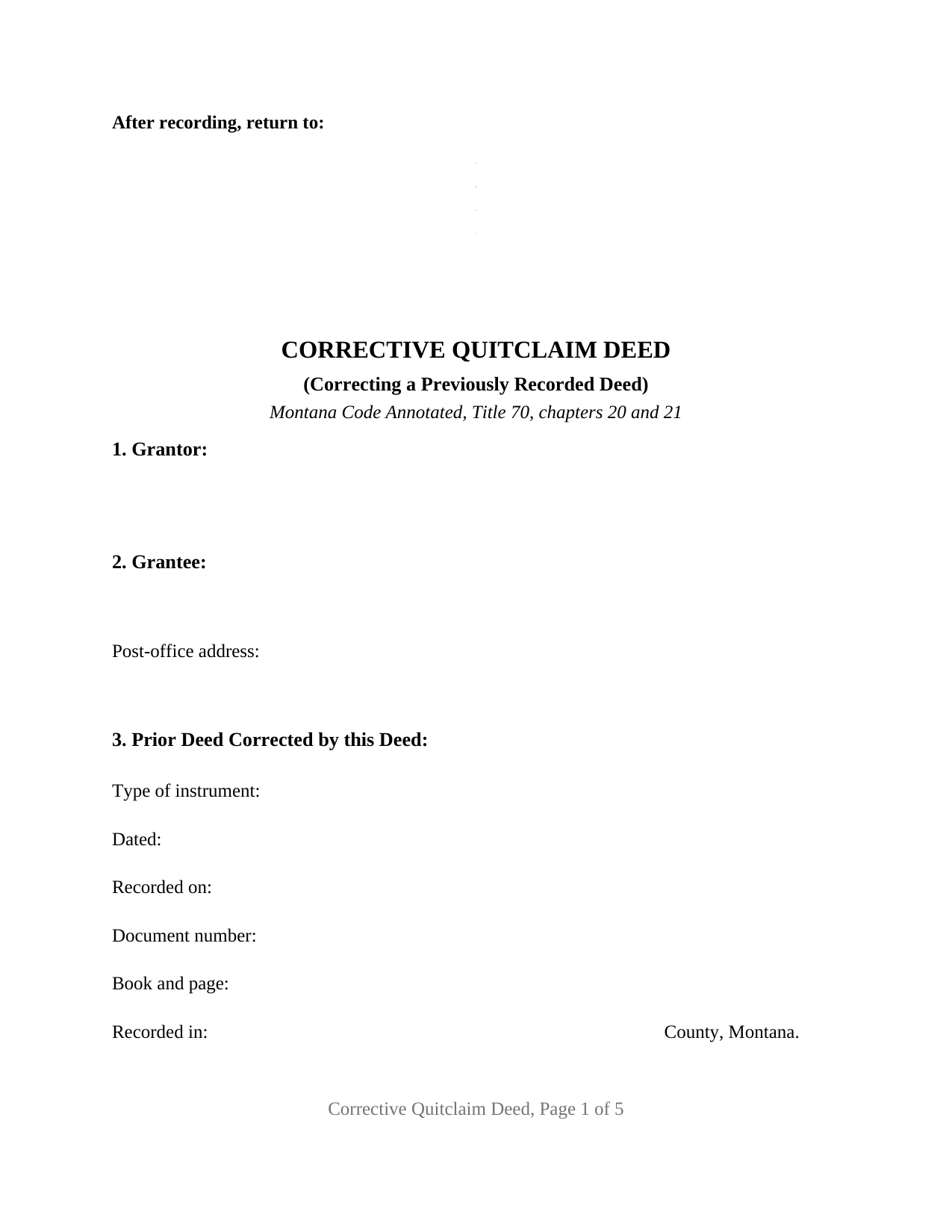
Judith Basin County Quitclaim Deed (Corrective) Form
Fill in the blank Quitclaim Deed (Corrective) form formatted to comply with all Montana recording and content requirements.
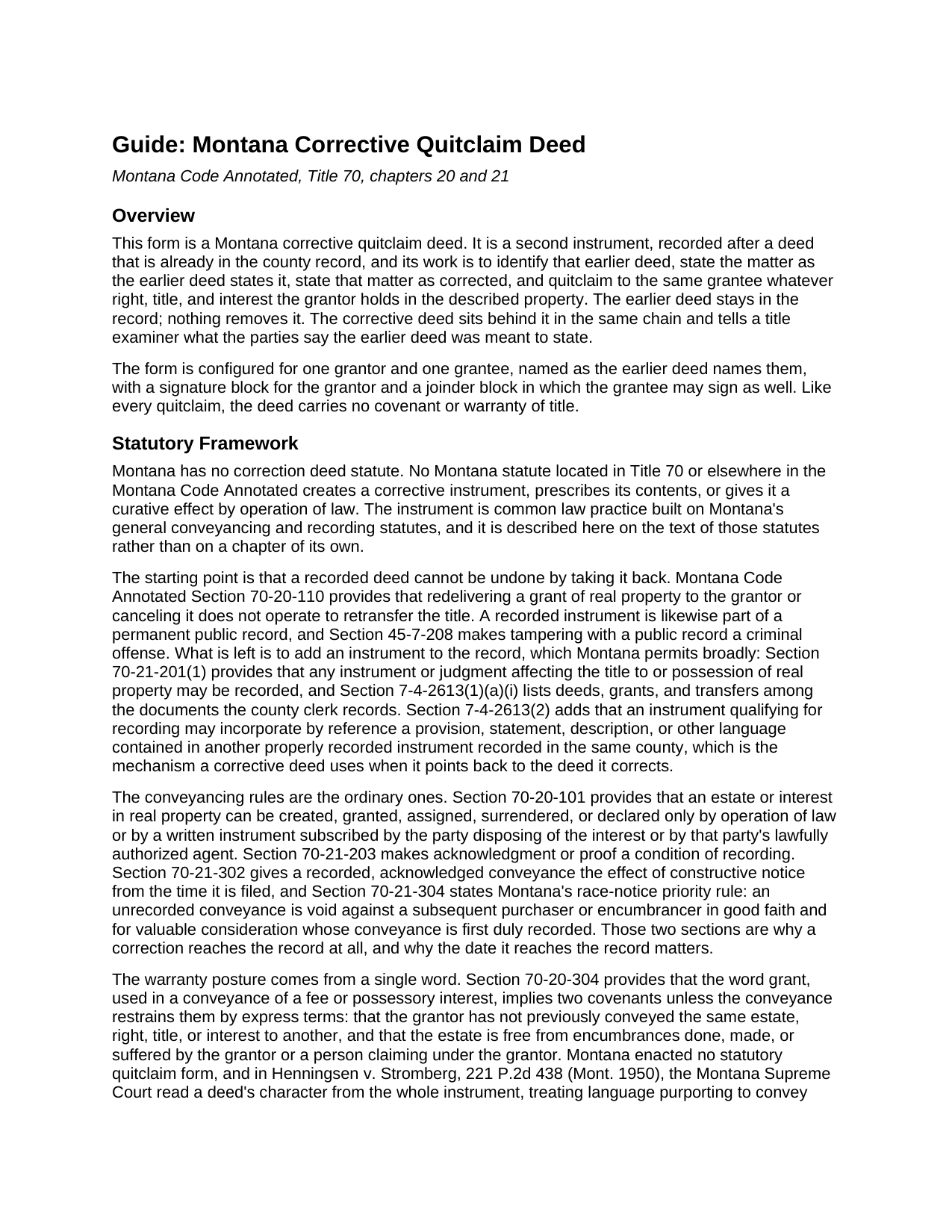
Judith Basin County Quitclaim Deed (Corrective) Guide
Line by line guide explaining every blank on the Quitclaim Deed (Corrective) form.
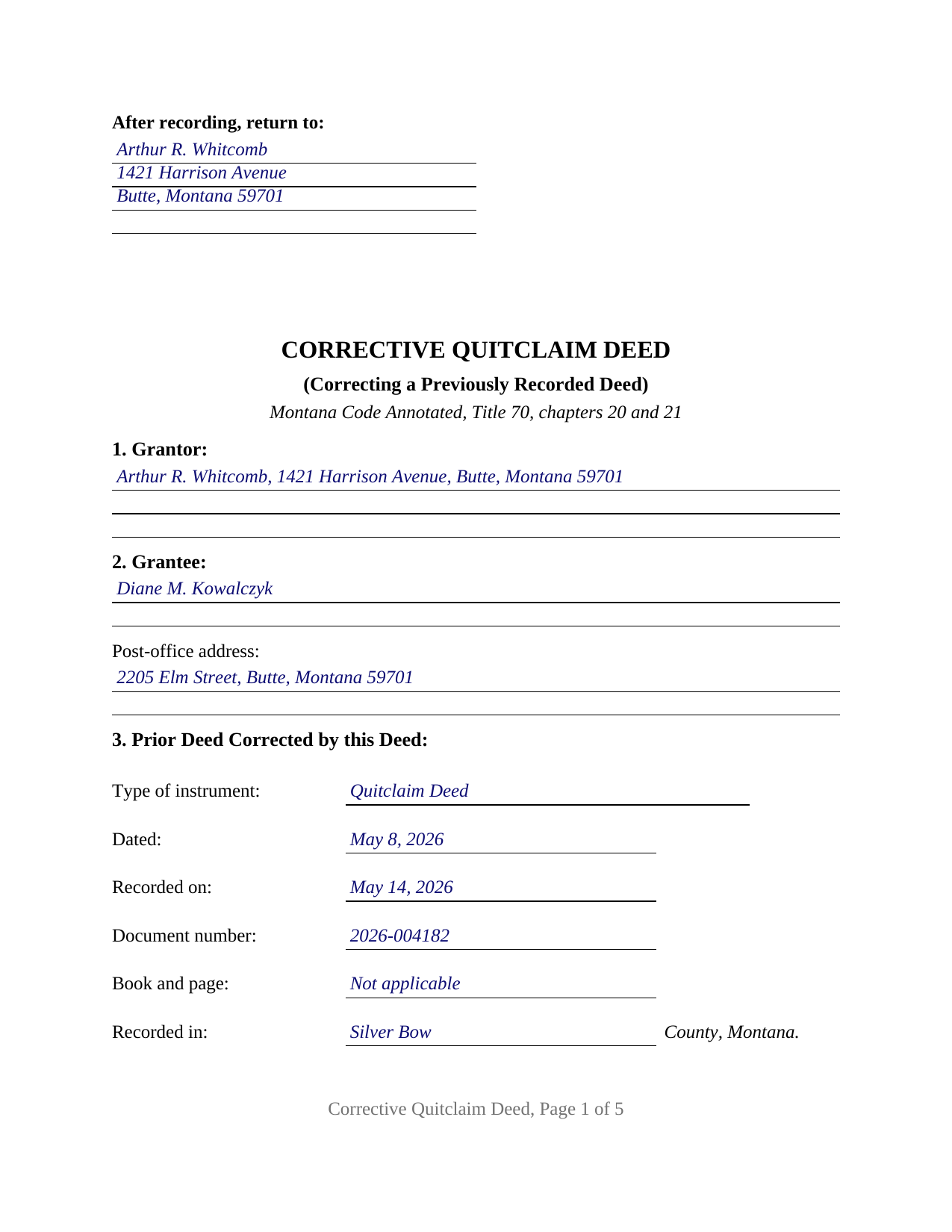
Judith Basin County Completed Example of the Quitclaim Deed (Corrective) Document
Example of a properly completed Montana Quitclaim Deed (Corrective) document for reference.
All 3 documents above included • One-time purchase • No recurring fees
Immediate Download • Secure Checkout
Additional Montana and Judith Basin County documents included at no extra charge:
Where to Record Your Documents
Judith Basin County Clerk / Recorder
Stanford, Montana 59479
Hours: 8:00 to 12:00 & 1:00 to 5:00 Mon-Fri
Phone: (406) 566-2277 Ext 109 or 110
Recording Tips for Judith Basin County:
- Bring your driver's license or state-issued photo ID
- Ensure all signatures are in blue or black ink
- Leave recording info boxes blank - the office fills these
- Make copies of your documents before recording - keep originals safe
- Recorded documents become public record - avoid including SSNs
Cities and Jurisdictions in Judith Basin County
Properties in any of these areas use Judith Basin County forms:
- Geyser
- Hobson
- Moccasin
- Raynesford
- Stanford
Hours, fees, requirements, and more for Judith Basin County
How do I get my forms?
Forms are available for immediate download after payment. The Judith Basin County forms will be in your account ready to download to your computer. An account is created for you during checkout if you don't have one. Forms are NOT emailed.
Are these forms guaranteed to be recordable in Judith Basin County?
Yes. Our form blanks are guaranteed to meet or exceed the applicable formatting requirements used for recording in Judith Basin County, including margin requirements, font requirements, and other layout standards. This guarantee applies to formatting, not to the legal sufficiency of information entered by the user or the suitability of a form for a particular transaction.
Can I reuse these forms?
Yes. You can reuse the forms for your personal use. For example, if you have multiple properties in Judith Basin County you only need to order once.
What do I need to use these forms?
The forms are PDFs that you fill out on your computer. The free Adobe Acrobat Reader is recommended, and most PDF apps also work. You do NOT enter your property information online - you download the blank forms and complete them privately on your own computer.
Are there any recurring fees?
No. This is a one-time purchase. Nothing to cancel, no memberships, no recurring fees.
How much does it cost to record in Judith Basin County?
Recording fees in Judith Basin County vary. Contact the recorder's office at (406) 566-2277 Ext 109 or 110 for current fees.
Questions answered? Let's get started!
Montana closes the shortest route to fixing a recorded deed. Under Montana Code Annotated Section 70-20-110, redelivering a grant of real property to the grantor or canceling it does not operate to retransfer the title. The deed with the mistake in it stays where it is; what changes is that a second instrument goes in behind it. This Montana corrective quitclaim deed, also searched as a correction deed, is that second instrument: it identifies the recorded deed being corrected, sets the matter that deed states beside the matter as corrected, and quitclaims to the same grantee whatever right, title, and interest the grantor holds.
Two versions of the same line, in one place
Three sections do the corrective work. Section 3 pins the earlier deed down by six entries: instrument type, date signed, date recorded, document number, book and page, and county. Section 6 states the matter as the recorded deed states it, Section 7 states that matter as corrected, and Section 4 carries the legal description in corrected form. Nothing is quietly swapped; both versions sit in the record. Section 7-4-2613(2) is what lets one recorded instrument point at another, allowing an instrument that qualifies for recording to incorporate by reference language contained in another properly recorded instrument in the same county.
The grantor signs, and the grantee gets a line too
The form is configured for the two people the earlier deed named: one grantor and one grantee, repeated as that deed wrote them, which keeps both instruments in one chain. Section 10 carries a signature block for the grantor and a second, labeled joinder block for the grantee, each followed by its own acknowledgment certificate on the Montana short form at Section 1-5-610. The joinder conveys nothing, and the deed says so; it puts the grantee's agreement with the stated correction into the record beside the grantor's. Corrections appearing on Montana instruments of this kind include a grantee surname misspelled by a letter, a missing suffix or middle initial, and a plat or certificate of survey reference typed wrongly. The form is not set up for a correction to a deed signed by two co-owners, by an entity through an officer or manager, by a trustee, or by an attorney-in-fact.
Nothing promised about the title
Montana loads its implied deed covenants onto one verb. Section 70-20-304 attaches two of them to a fee conveyance made with the word grant unless express terms restrain them, and the operative section here never uses that verb: the grantor remises, releases, and forever quitclaims, the implied covenants are restrained in terms, and the after-acquired title provision at Section 70-20-302 is closed off. Montana enacted no quitclaim form of its own.
Where a correction stops and a court starts
A corrective deed states what the parties agree about; it adjudicates nothing, because no Montana statute gives one a curative effect by operation of law. That boundary shows in what the form leaves alone. Land cannot be taken back out of the description, since an interest that reached the grantee returns only by a conveyance from the grantee. Parties cannot be added or dropped, and the manner in which grantees hold title cannot be switched. Where the parties do not agree that the earlier deed misstates their intention, Section 28-2-1611 sends the question to a court, which may revise a written instrument so far as that can be done without prejudice to rights acquired by third persons in good faith and for value.
The certificate that need not name a price
Section 15-7-305 keeps the clerk and recorder from accepting an instrument evidencing a transfer until the Realty Transfer Certificate has been received. Corrective instruments have their own line in that statute: Section 15-7-307(5) covers an instrument that, without added consideration, confirms, corrects, modifies, or supplements a previously recorded instrument, and the certificate filed for it need not disclose consideration. A deed recorded on or after October 1, 2025 costs twenty dollars for its first page and ten for every page behind it. One body entry is an acceptance condition rather than a formality: under Section 7-4-2618, an instrument that omits the grantee's post-office address is not received for recording at all.
The package delivers this corrective quitclaim deed as a fillable PDF, a completed example worked through on a Silver Bow County misspelling, and a plain language guide that takes the numbered sections one at a time. The materials are informational and are not legal advice.
Important: Your property must be located in Judith Basin County to use these forms. Documents should be recorded at the county recording office listed above.
This Quitclaim Deed (Corrective) meets all recording requirements specific to Judith Basin County.
Our Promise
The documents you receive here are guaranteed to meet or exceed the applicable Judith Basin County recording format requirements. If there is a rejection caused by our formatting, we will correct the issue or refund your payment. This guarantee applies to document formatting only and does not extend to information entered by the user, the selection of the form, or the legal effect of the completed document.
Save Time and Money
Get your Judith Basin County Quitclaim Deed (Corrective) form done right the first time with Deeds.com Uniform Conveyancing Blanks. At Deeds.com, we understand that your time and money are valuable resources, and we don't want you to face a penalty fee or rejection imposed by a county recorder for submitting nonstandard documents. We constantly review and update our forms to meet rapidly changing state and county recording requirements for roughly 3,500 counties and local jurisdictions.
4.8 out of 5 - ( 4,837 Reviews )
Kimberly R. 5 out of 5 stars
Very easy to use. Very informative. I think this is a very good service and is worth the $19 especially if you value time.
Thank you for your feedback. We really appreciate it. Have a great day!
Ralph E. 5 out of 5 stars
I wish I had found this site earlier!!! Not only was it helpful and just what I needed but I got my information so fast AND on the weekend. I would recommend this site to everyone. I plan on using it more. Its cheap and I can get my information while sitting at home. Very impressed!
Thank you for the kinds words Ralph. Have a great day!
Laurie S. 5 out of 5 stars
This was amazingly easy to access.
We appreciate your business and value your feedback. Thank you. Have a wonderful day!
Robert B. 5 out of 5 stars
Very easy to use.
Thank you for your feedback. We really appreciate it. Have a great day!
Martin L. 5 out of 5 stars
Deeds.com is a lifesaver! They are fast and not too expensive. I highly recommend them!
Recognizing the value of your feedback helps us to enhance our services continually. Thank you for sharing your experience with us.
Clifford B. 5 out of 5 stars
I appreciate the formatting to match the expectations of the specific Registry of Deeds that I will be filing with. That is very helpful. In my case the easement is for septic disposal field and sample wording for different purposes would be helpful.
Thank you!
STEPHANIE S. 5 out of 5 stars
The documents received and information provided to assist with the recording was exactly what was needed for a successful title transfer. I would highly recommend this site and will continue using it for future transactions.
We appreciate your business and value your feedback. Thank you. Have a wonderful day!
Robert H. 4 out of 5 stars
I was surprised that how comprehensive your website is. I quickly found what I was looking for, and it was just what I needed.
Thank you!
Sandra T. 5 out of 5 stars
I hope this will address all I need to make sure my father is not being taken for granted by my siblings and a nephew and his wife. thank you
Thank you!
Cynthia W. 5 out of 5 stars
Fantastic forms, thanks for making them available.
We appreciate your business and value your feedback. Thank you. Have a wonderful day!
Lutz P. 5 out of 5 stars
Your forms are great but I couldn’t use them with my computer and acrobats reader didn’t work. And then my thermal printer would only print 1/3 size pages with no way to fix it. I ordered a new color printer and we’ll see what happens.
Thank you, Lutz. We're glad you like the forms, and we're sorry getting them working turned into such a hassle. That shrunken page is typical of thermal printers: most use narrow receipt or label paper, so a full page gets scaled down to fit, and no setting can change that. Thermal paper also fades over time, which you don't want on a document you're recording, so the new printer is the right call. When it arrives, print on plain white paper with “Actual size” selected in the print settings so the page comes out full size with its margins intact. If Acrobat Reader gives you trouble again, save the form to your computer first and open the saved file in Acrobat Reader rather than in your web browser. Still stuck? Contact our support team and we'll walk you through it.
Hussein A. 5 out of 5 stars
Very satisfied with Deeds.com’s services—fast, efficient, and professional.
Your feedback is appreciated. Thank you for letting us know how we did.
SUSAN R. 5 out of 5 stars
So easy to download and print. Also the examples are very helpful.
Thank you for your feedback. We really appreciate it. Have a great day!
William S. 5 out of 5 stars
Contents were well done. Could not remove and replace the "Deeds/" footer, rendering the form unusable for filing with a court and county deed records. This should be corrected.
Thank you for your feedback. We really appreciate it. Have a great day!
Dawn M. 5 out of 5 stars
So helpful and quick! The response time and kindness was amazing! The steps were easy to follow as well. We will definitely be using Deeds.com in the future!
Thank you for your feedback. We really appreciate it. Have a great day!