Clermont County Conditional Lien Waiver Form
Last validated October 30, 2026 by our Forms Development TeamFormatted for recording in Clermont County, for property anywhere in the county: rural and unincorporated areas as well as Amelia, Batavia, Bethel, Chilo, Cincinnati, Felicity, Goshen, Loveland and 9 more.
- 3 documents included
- Immediate PDF download
- Formatting guarantee
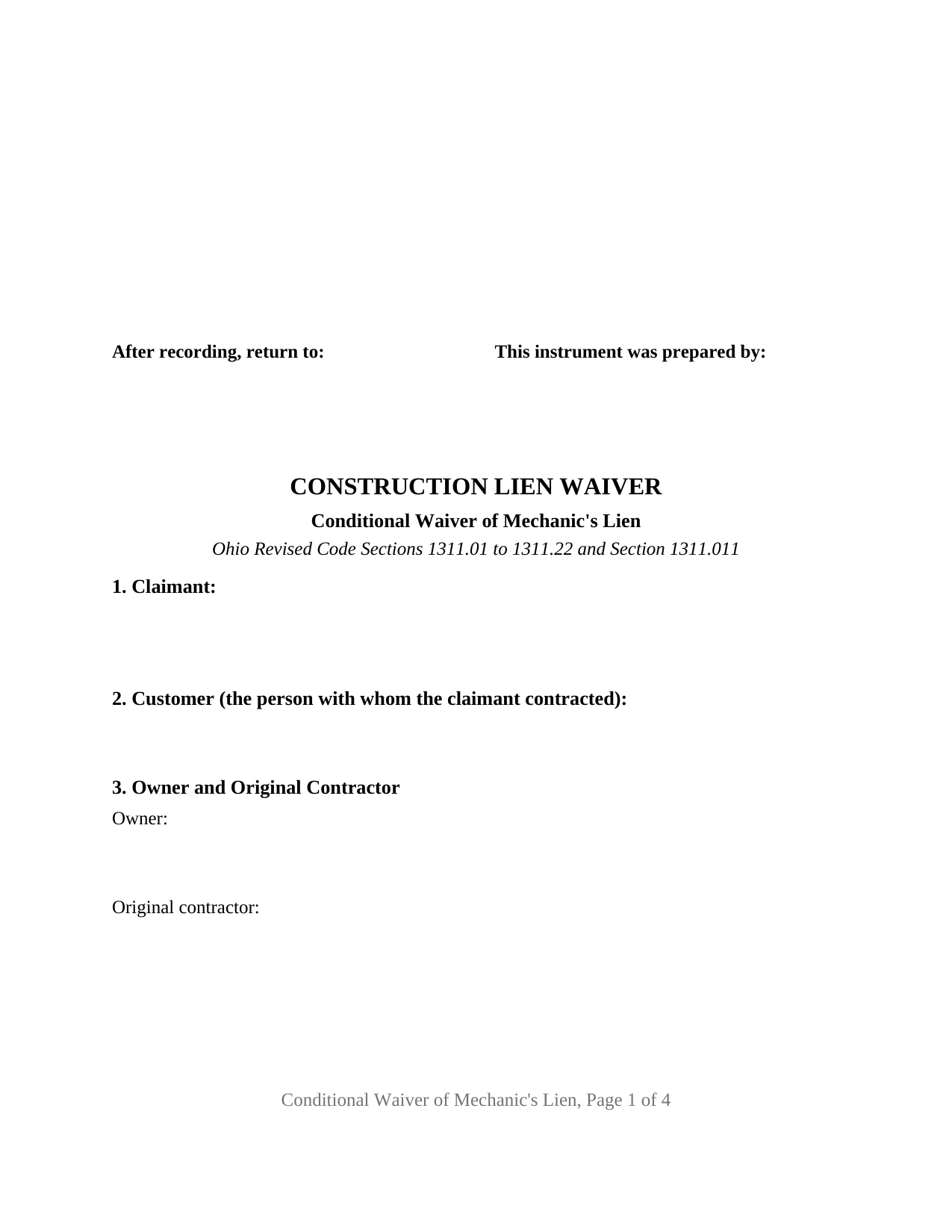
Clermont County Conditional Lien Waiver Form
Fill in the blank Conditional Lien Waiver form formatted to comply with all Ohio recording and content requirements.
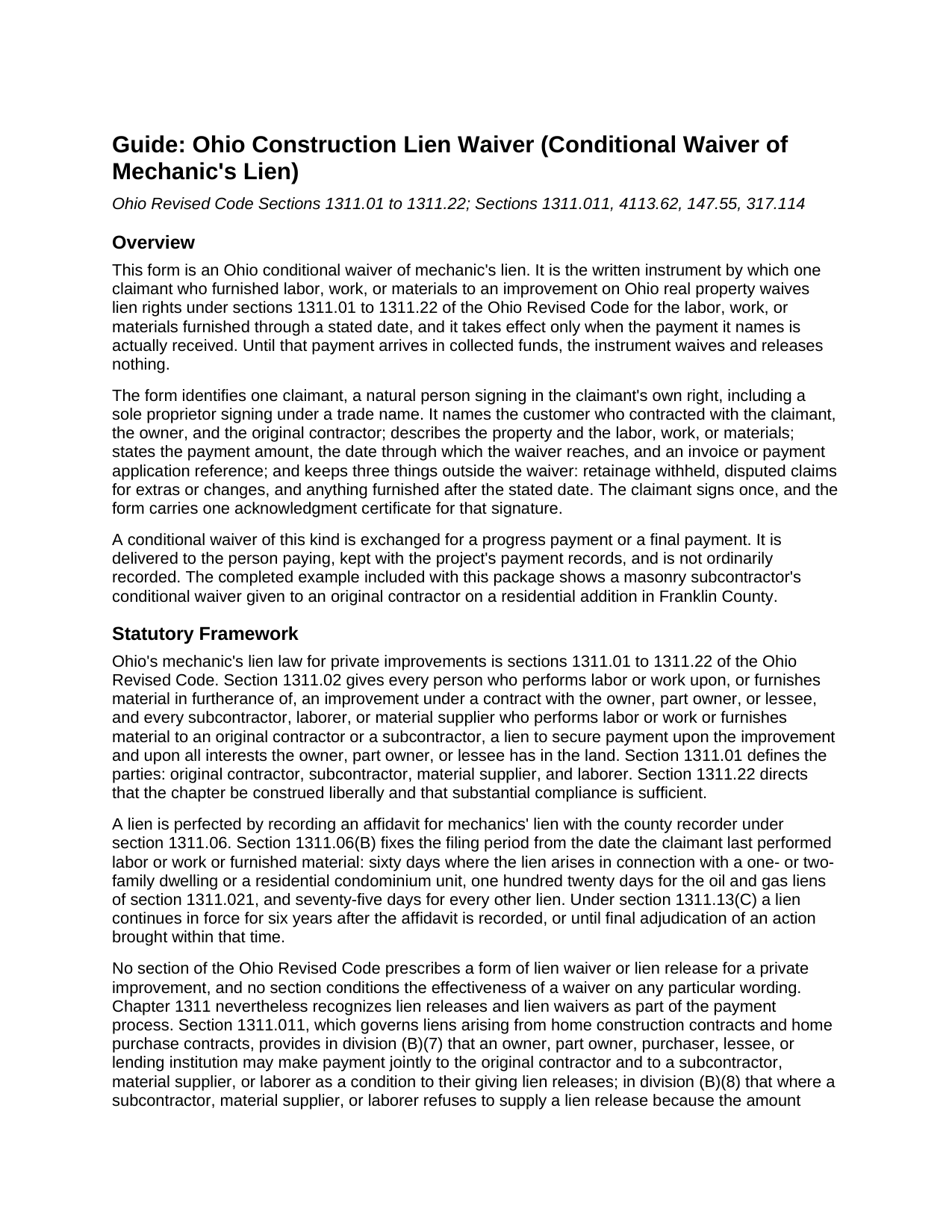
Clermont County Conditional Lien Waiver Guide
Line by line guide explaining every blank on the Conditional Lien Waiver form.
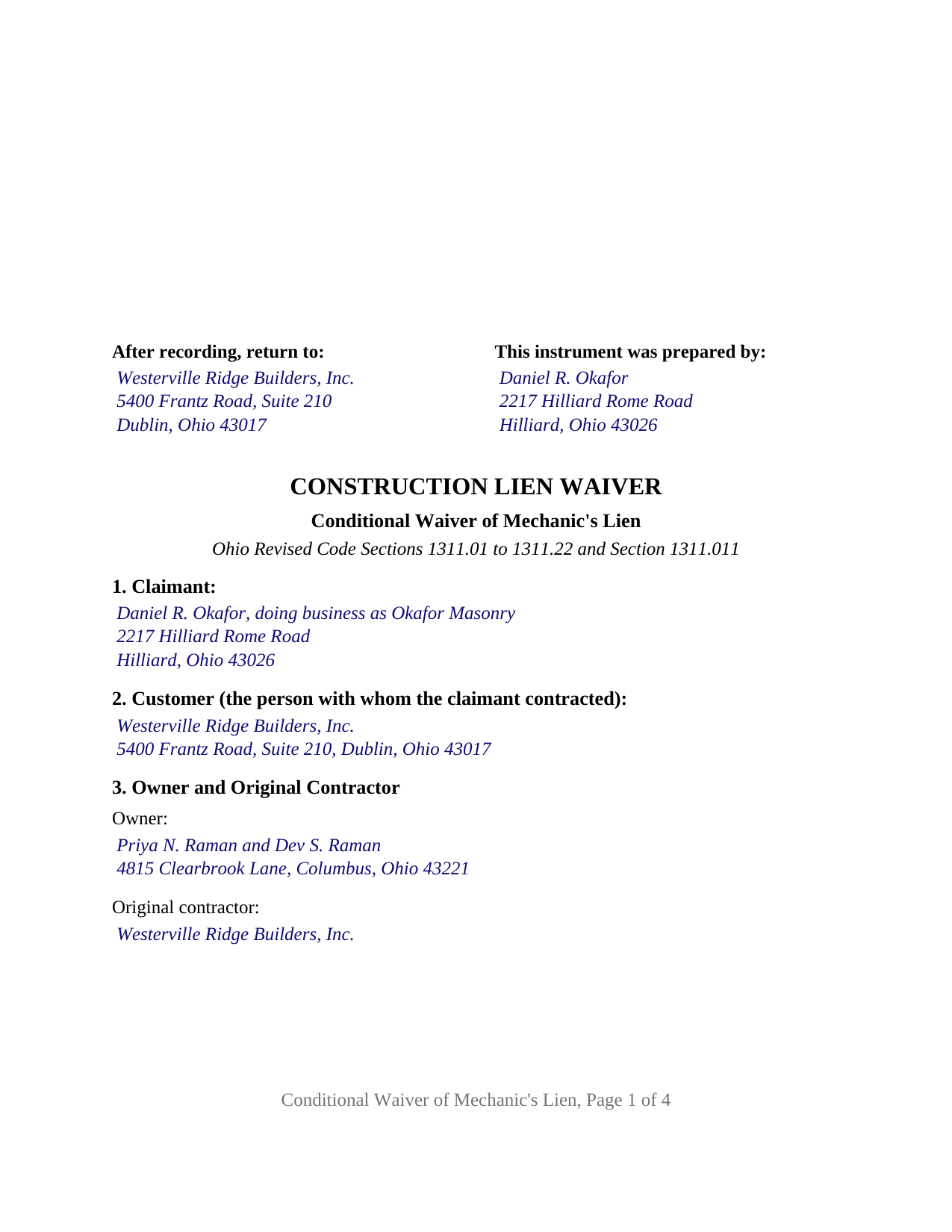
Clermont County Completed Example of the Conditional Lien Waiver Document
Example of a properly completed Ohio Conditional Lien Waiver document for reference.
All 3 documents above included • One-time purchase • No recurring fees
Immediate Download • Secure Checkout
Additional Ohio and Clermont County documents included at no extra charge:
Where to Record Your Documents
Clermont County Recorder
Batavia, Ohio 45103-2958
Hours: 8:00am to 4:30pm M-F / Same-day recording until 4:15 PM
Phone: 513-732-7236
Recording Tips for Clermont County:
- Bring your driver's license or state-issued photo ID
- Ensure all signatures are in blue or black ink
- Recording fees may differ from what's posted online - verify current rates
- Request a receipt showing your recording numbers
- Ask about accepted payment methods when you call ahead
Cities and Jurisdictions in Clermont County
Properties in any of these areas use Clermont County forms:
- Amelia
- Batavia
- Bethel
- Chilo
- Cincinnati
- Felicity
- Goshen
- Loveland
- Marathon
- Miamiville
- Milford
- Moscow
- Neville
- New Richmond
- Newtonsville
- Owensville
- Williamsburg
Hours, fees, requirements, and more for Clermont County
How do I get my forms?
Forms are available for immediate download after payment. The Clermont County forms will be in your account ready to download to your computer. An account is created for you during checkout if you don't have one. Forms are NOT emailed.
Are these forms guaranteed to be recordable in Clermont County?
Yes. Our form blanks are guaranteed to meet or exceed the applicable formatting requirements used for recording in Clermont County, including margin requirements, font requirements, and other layout standards. This guarantee applies to formatting, not to the legal sufficiency of information entered by the user or the suitability of a form for a particular transaction.
Can I reuse these forms?
Yes. You can reuse the forms for your personal use. For example, if you have multiple properties in Clermont County you only need to order once.
What do I need to use these forms?
The forms are PDFs that you fill out on your computer. The free Adobe Acrobat Reader is recommended, and most PDF apps also work. You do NOT enter your property information online - you download the blank forms and complete them privately on your own computer.
Are there any recurring fees?
No. This is a one-time purchase. Nothing to cancel, no memberships, no recurring fees.
How much does it cost to record in Clermont County?
Recording fees in Clermont County vary. Contact the recorder's office at 513-732-7236 for current fees.
Questions answered? Let's get started!
An Ohio conditional waiver of mechanic's lien gives up lien rights only when the money actually arrives. This form prepares that waiver for one claimant who furnished labor, work, or materials to an Ohio improvement: it names the payment and the through date, and states that until the payment is received in collected funds the instrument waives and releases nothing.
A waiver that waits for collected funds
The operative section ties everything to one event. Upon, and only upon, the claimant's receipt of the stated payment in collected funds, the claimant waives and releases any mechanic's lien, right to a mechanic's lien, and claim of lien under sections 1311.01 to 1311.22 of the Ohio Revised Code against the described property for the labor, work, or materials furnished through the stated date. A check or draft counts as payment only when the bank on which it is drawn has paid it. A subcontractor or supplier can therefore hand over the signed waiver as the check changes hands without giving up anything if the check later fails. An Ohio lien waiver written this way is also searched for as a conditional lien release or a progress payment lien waiver.
What stays outside the waiver
The form prints its exceptions as fixed text. The waiver does not extend to retainage withheld, in an amount the form states; to disputed claims for extras or changes, in an amount the form states; or to labor, work, or materials furnished after the through date. The instrument also says that it waives lien rights only and releases no one from the obligation to pay the stated amount. Section 4113.62(B) of the Revised Code makes void any construction contract provision that waives a pending or asserted claim on the basis of final payment once the payer has notice of the claim, and a waiver that carves disputed claims out by amount records what was and was not released.
Ohio has no statutory waiver form
Ohio's mechanic's lien chapter prescribes forms for the notice of commencement, the notice of furnishing, and the affidavit for mechanics' lien, but no form of lien waiver, though it treats lien releases as part of paying for a job. On a home construction contract, section 1311.011 lets an owner or lender pay the original contractor and a subcontractor jointly as a condition of getting lien releases, directs the owner or lender to withhold a disputed amount when a subcontractor refuses to sign a release, and makes a lien release given under that section valid without separate consideration. This form is the written release that framework contemplates, with the condition and the exceptions spelled out.
One claimant, one signature, one certificate
The form identifies exactly one claimant, a natural person signing in the claimant's own right, including a sole proprietor signing under a trade name. The instrument records the claimant's place in the contract chain by naming the customer who hired the claimant, the owner, and the original contractor, so it carries an original contractor's waiver toward the owner as readily as a subcontractor's or supplier's waiver toward the party above it. The claimant signs once under the heading CLAIMANT, and the form carries one acknowledgment certificate for that signature in the Ohio statutory short form of section 147.55(A). The form is not set up as a waiver by a corporation, limited liability company, or partnership signing through an officer or member, as a waiver by two or more claimants on one instrument, as an unconditional waiver that operates on delivery, or as a release of record of a lien affidavit already recorded, which Ohio treats as a separate instrument under section 1311.20.
Delivered, not usually recorded
A conditional waiver is delivered to the person paying and kept with the project's payment records; it is not an instrument the county recorder's list in section 317.08 names, and it is not ordinarily recorded. It is nonetheless laid out to the standard recording format of section 317.114, with the three inch first page margin and one inch side and bottom margins, and carries the preparer block of section 317.111, so it conforms if presented with a related instrument.
The package contains the fillable conditional waiver form, a completed example showing a masonry subcontractor's progress waiver on a Franklin County residential addition, and a guide that walks through each section and the Ohio statutes behind the instrument. This description and the guide describe the form and the law in general terms and are not legal advice.
Important: Your property must be located in Clermont County to use these forms. Documents should be recorded at the county recording office listed above.
This Conditional Lien Waiver meets all recording requirements specific to Clermont County.
Our Promise
The documents you receive here are guaranteed to meet or exceed the applicable Clermont County recording format requirements. If there is a rejection caused by our formatting, we will correct the issue or refund your payment. This guarantee applies to document formatting only and does not extend to information entered by the user, the selection of the form, or the legal effect of the completed document.
Save Time and Money
Get your Clermont County Conditional Lien Waiver form done right the first time with Deeds.com Uniform Conveyancing Blanks. At Deeds.com, we understand that your time and money are valuable resources, and we don't want you to face a penalty fee or rejection imposed by a county recorder for submitting nonstandard documents. We constantly review and update our forms to meet rapidly changing state and county recording requirements for roughly 3,500 counties and local jurisdictions.
4.8 out of 5 - ( 4,845 Reviews )
Candace K. 5 out of 5 stars
I was able to find the Certificate of Trust after a little searching. Once found, the remainder of the process was easy. My task was done in no time. It's a great site.
Thank you for your feedback. We really appreciate it. Have a great day!
Raymond C. 5 out of 5 stars
Very convenient
We appreciate your business and value your feedback. Thank you. Have a wonderful day!
Harry C. 3 out of 5 stars
Sign up was rocky. Tried to access documents and msg. said did not recognize my email (even though it had sent me an email). Contacted support and it was resolved. House transfer affidavit straight forward and easy to fill out.
Thank you for your feedback. We really appreciate it. Have a great day!
Mary B. 5 out of 5 stars
Thank you for making these forms available at affordable prices and with lots of information.
Thank you for your positive words! We’re thrilled to hear about your experience.
Ronald T H. 5 out of 5 stars
Wow ! Easy to use. Thanks Ron Holt
We appreciate your business and value your feedback. Thank you. Have a wonderful day!
samantha b. 5 out of 5 stars
excellent instructions and the examples made completing the forms so very simple. thanks so much.
Thank you Samantha.
David W. 5 out of 5 stars
The forms were exactly the ones required by that New Jersey county, and were very easy to fill out. I would use this site again, and highly recommend it.
We appreciate your business and value your feedback. Thank you. Have a wonderful day!
Melody P. 5 out of 5 stars
Thanks for such great service!
Thank you for your feedback. We really appreciate it. Have a great day!
Ondina S. 5 out of 5 stars
Am very happy with the wealth of forms that were available with my purchase! This site is an awesome resource which I plan to use in the future.
We appreciate your business and value your feedback. Thank you. Have a wonderful day!
Jin L. 5 out of 5 stars
Your service is pretty awesome! I needed to get my docs recorded before year end, and you guys were on it. Thank you very much for the quick turnaround!
We appreciate your business and value your feedback. Thank you. Have a wonderful day!
Robert P. 5 out of 5 stars
excellent reference
Thank you for your feedback. We really appreciate it. Have a great day!
ALICIA G. 5 out of 5 stars
To set the service was incredibly easy and the results came back very fast. Very reasonable price.
Thank you for your feedback. We really appreciate it. Have a great day!
JAY W. 5 out of 5 stars
ok
Thank you!
Susan J. 5 out of 5 stars
very fast service. immediate response and kept me informed along the way. the county was not cooperating and this was communicated to me and my fee was refunded, just like that. will definitely use this company again
Thank you!
John D. 5 out of 5 stars
I was quite impressed by the quality of your documents and the ease of the download.
Thank you for your feedback. We really appreciate it. Have a great day!