Hocking County Correction Deed (Individual Grantor) Form
Last validated November 3, 2026 by our Forms Development TeamFormatted for recording in Hocking County, for property anywhere in the county: rural and unincorporated areas as well as Carbon Hill, Haydenville, Laurelville, Logan, Murray City, Rockbridge, South Bloomingville, Union Furnace.
- 3 documents included
- Immediate PDF download
- Formatting guarantee
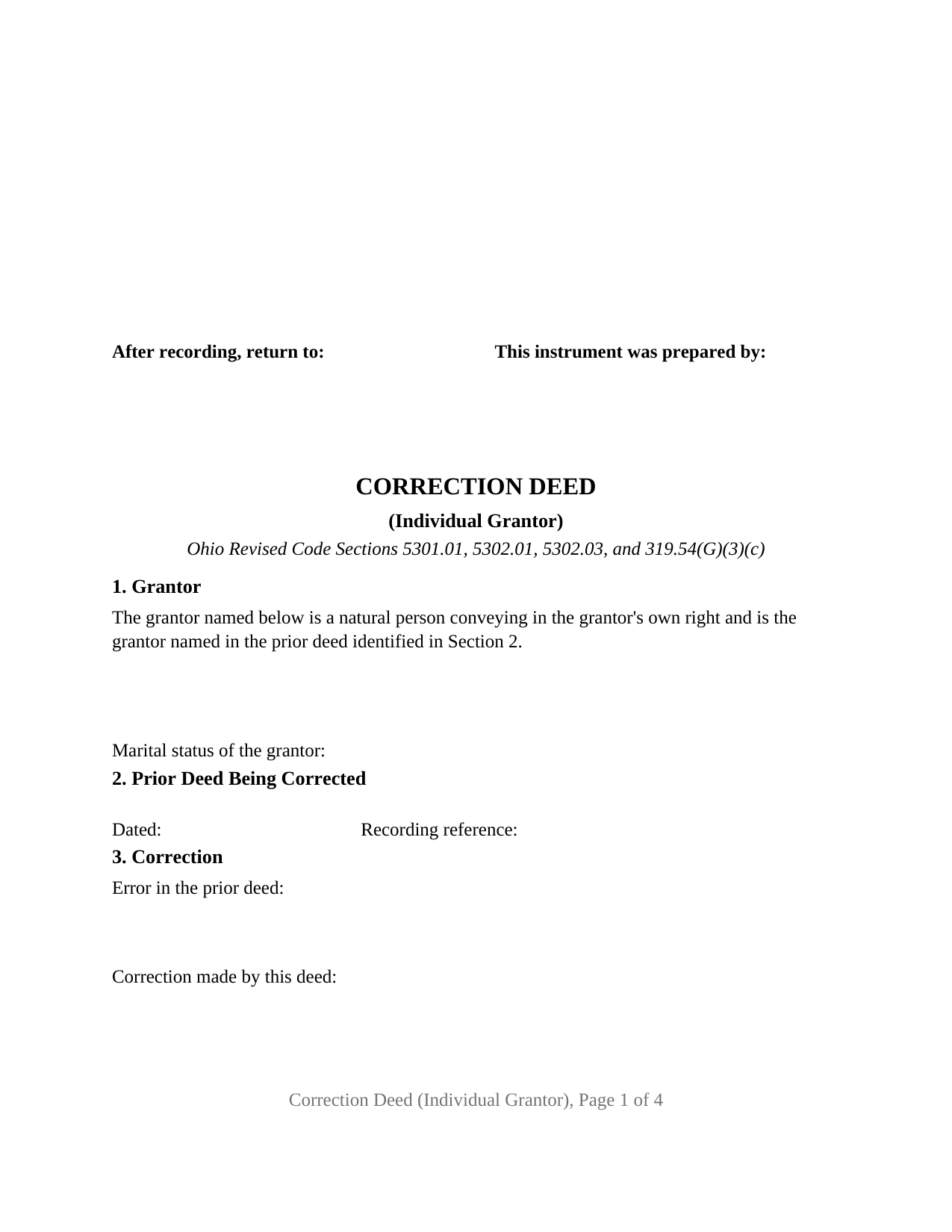
Hocking County Correction Deed (Individual Grantor) Form
Fill in the blank Correction Deed (Individual Grantor) form formatted to comply with all Ohio recording and content requirements.
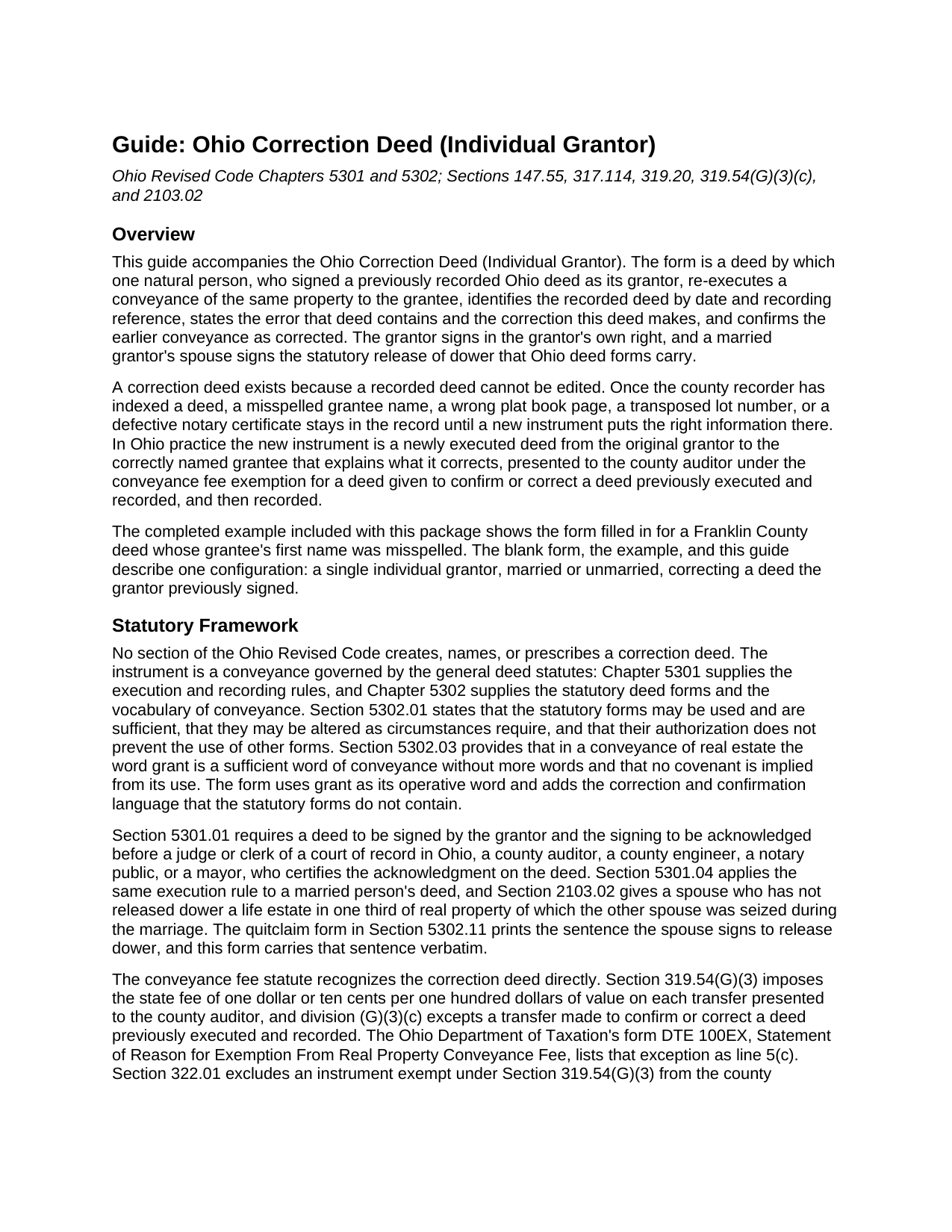
Hocking County Correction Deed (Individual Grantor) Guide
Line by line guide explaining every blank on the Correction Deed (Individual Grantor) form.
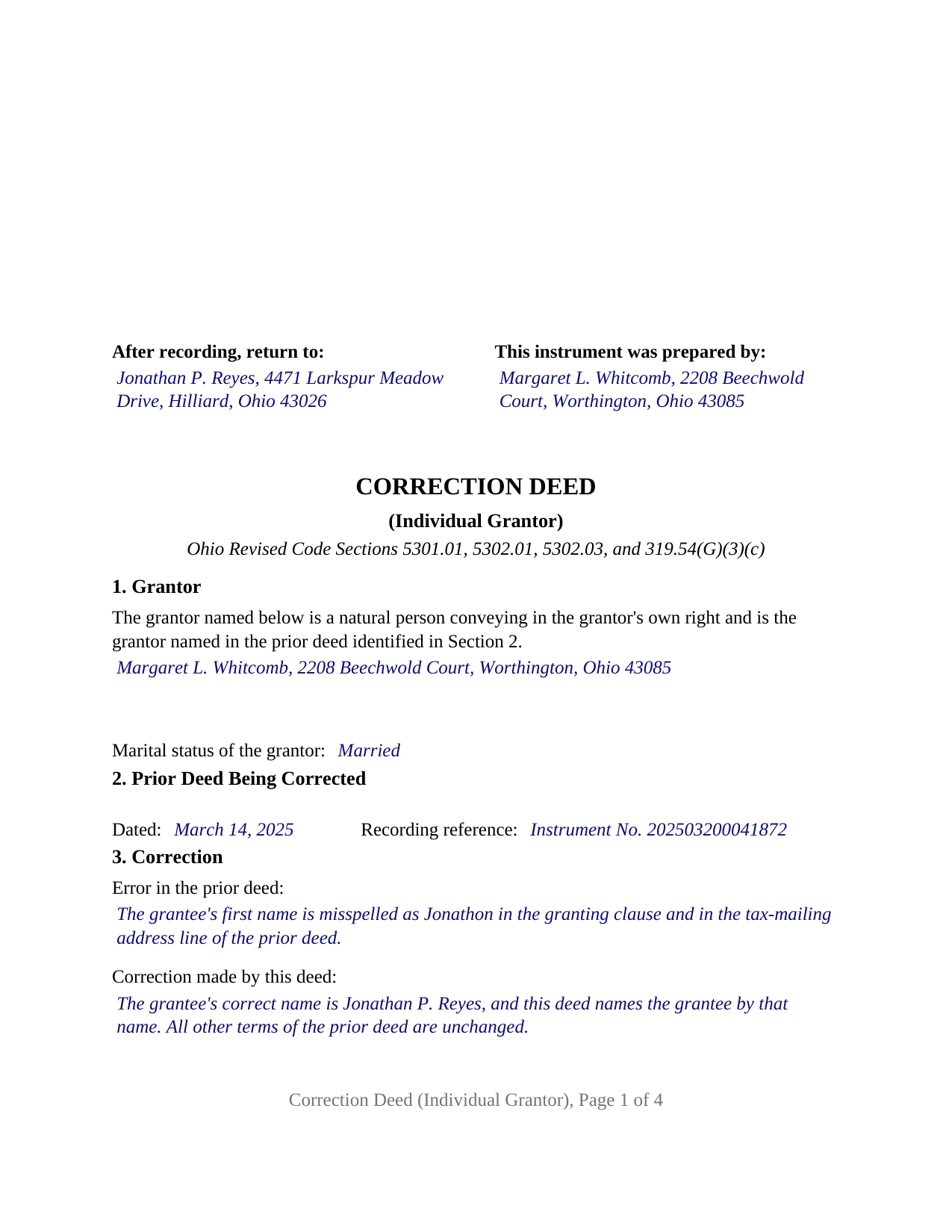
Hocking County Completed Example of the Correction Deed (Individual Grantor) Document
Example of a properly completed Ohio Correction Deed (Individual Grantor) document for reference.
All 3 documents above included • One-time purchase • No recurring fees
Immediate Download • Secure Checkout
Additional Ohio and Hocking County documents included at no extra charge:
Where to Record Your Documents
Hocking County Recorder
Logan, Ohio 43138
Hours: 8:30 a.m. - 4:00 p.m. Monday - Friday
Phone: 740-385-2031
Recording Tips for Hocking County:
- Bring your driver's license or state-issued photo ID
- Ensure all signatures are in blue or black ink
- Bring extra funds - fees can vary by document type and page count
- Check margin requirements - usually 1-2 inches at top
- Leave recording info boxes blank - the office fills these
Cities and Jurisdictions in Hocking County
Properties in any of these areas use Hocking County forms:
- Carbon Hill
- Haydenville
- Laurelville
- Logan
- Murray City
- Rockbridge
- South Bloomingville
- Union Furnace
Hours, fees, requirements, and more for Hocking County
How do I get my forms?
Forms are available for immediate download after payment. The Hocking County forms will be in your account ready to download to your computer. An account is created for you during checkout if you don't have one. Forms are NOT emailed.
Are these forms guaranteed to be recordable in Hocking County?
Yes. Our form blanks are guaranteed to meet or exceed the applicable formatting requirements used for recording in Hocking County, including margin requirements, font requirements, and other layout standards. This guarantee applies to formatting, not to the legal sufficiency of information entered by the user or the suitability of a form for a particular transaction.
Can I reuse these forms?
Yes. You can reuse the forms for your personal use. For example, if you have multiple properties in Hocking County you only need to order once.
What do I need to use these forms?
The forms are PDFs that you fill out on your computer. The free Adobe Acrobat Reader is recommended, and most PDF apps also work. You do NOT enter your property information online - you download the blank forms and complete them privately on your own computer.
Are there any recurring fees?
No. This is a one-time purchase. Nothing to cancel, no memberships, no recurring fees.
How much does it cost to record in Hocking County?
Recording fees in Hocking County vary. Contact the recorder's office at 740-385-2031 for current fees.
Questions answered? Let's get started!
A recorded Ohio deed cannot be edited, so a misspelled grantee name or a wrong plat book page stays in the record until a new instrument replaces it. This Ohio Correction Deed (Individual Grantor) is that instrument for one natural person who signed the earlier deed as its grantor: the same grantor signs again, in the grantor's own right, re-conveying the property to the grantee with the error identified and corrected on the face of the deed.
One grantor, signing a second time
Section 1 prints the configuration as fixed text: the grantor is a natural person conveying in the grantor's own right and is the grantor named in the prior deed. Ohio county auditors review every deed before the recorder accepts it, and the Franklin County conveyance standards effective March 2, 2026 describe a corrective deed as a newly executed deed with the original grantors as grantor and the correct grantees as grantee, explaining on its first page what is corrected and citing the defective deed. The form places the prior deed's date and recording reference, the error, and the correction on recorded page one.
A married grantor's spouse signs too. Ohio dower under Revised Code Section 2103.02 gives the spouse a life interest in one third of real property the grantor owned during the marriage, so the Section 5302.11 form carries a release sentence for the spouse, and this deed carries it verbatim in Section 9 with its own signature block and acknowledgment certificate. An unmarried grantor leaves that section blank.
Correct and confirm, without a new warranty
The operative paragraph conveys and confirms. To correct the prior deed as stated and to confirm the conveyance it made, the grantor GRANTS the described property to the grantee; under Section 5302.03 the word grant is a sufficient word of conveyance and implies no covenant. Except as corrected, the prior deed remains in effect according to its terms, its covenants, if any, are neither released nor diminished, and this deed creates no covenant of title in addition to them. A grantee holding a general warranty deed with a typo keeps the warranty that deed gave; a grantee holding a quitclaim deed gains none.
No conveyance fee for a correction
Ohio charges a state conveyance fee of ten cents per hundred dollars of value on most deeds, and a county may add a permissive fee. Section 319.54(G)(3)(c) excepts a transfer made to confirm or correct a deed previously executed and recorded, and the Department of Taxation's exemption statement, form DTE 100EX, lists that reason as line 5(c). The grantee files the DTE 100EX with the county auditor, the auditor stamps the deed and endorses it under Section 317.22, and the deed then goes to the county recorder.
What this deed is and is not set up as
The form is set up for a single individual grantor correcting a deed that grantor signed, with one or more grantees named as corrected and the vesting words the prior deed carried. It is not set up as a deed from two or more original grantors, from a corporation, limited liability company, or trustee, or from an attorney in fact, each of which signs in a capacity with its own statutory acknowledgment form. It does not perform a major correction, a deed of the wrong parcel or to the wrong person, which runs from the grantee back to the grantor, and it is not the affidavit of facts relating to title under Section 5301.252, which records evidence rather than conveying; those instruments are prepared separately and are not included in this package.
Built to Ohio's recording format
The deed is letter size with the three inch blank top margin Section 317.114 reserves on the first page for the auditor's and recorder's endorsements, the statutory side, bottom, and continuation margins, and twelve point type above the ten point minimum, so it records without a format fee. It carries the preparer statement of Section 317.111, the grantee's tax mailing address and prior instrument reference of Section 319.20, and the survey statement of Section 5301.25(B), and each signature block sits on the same page as its acknowledgment certificate.
The package includes the fillable correction deed form, a completed example filled in for a Franklin County deed whose grantee's first name was misspelled, and a guide that walks through each section and the recording process. The example and the guide describe the form and the governing Ohio law in general terms; they are not legal advice.
Important: Your property must be located in Hocking County to use these forms. Documents should be recorded at the county recording office listed above.
This Correction Deed (Individual Grantor) meets all recording requirements specific to Hocking County.
Our Promise
The documents you receive here are guaranteed to meet or exceed the applicable Hocking County recording format requirements. If there is a rejection caused by our formatting, we will correct the issue or refund your payment. This guarantee applies to document formatting only and does not extend to information entered by the user, the selection of the form, or the legal effect of the completed document.
Save Time and Money
Get your Hocking County Correction Deed (Individual Grantor) form done right the first time with Deeds.com Uniform Conveyancing Blanks. At Deeds.com, we understand that your time and money are valuable resources, and we don't want you to face a penalty fee or rejection imposed by a county recorder for submitting nonstandard documents. We constantly review and update our forms to meet rapidly changing state and county recording requirements for roughly 3,500 counties and local jurisdictions.
4.8 out of 5 - ( 4,864 Reviews )
Susan S. 4 out of 5 stars
Great forms, easy to understand and use (the guide helped a lot). Recorded with no issues. Will be back when needed.
We appreciate your business and value your feedback. Thank you. Have a wonderful day!
MARY LACEY M. 5 out of 5 stars
Excellent service! From setting up an account to successfully recording, the instructions were clear and easy to follow. I am very pleased to have this service available, and favorably impressed by our current Maricopa County Recorder for pursuing its availability. Thank you.
We appreciate your business and value your feedback. Thank you. Have a wonderful day!
Keith L. 5 out of 5 stars
Great to have a downloadable form, rather than a cloud solution that gives no guarantee of privacy. Appreciated the sample.......but all of that still left me with open issues about how to tweak the form to serve my particular needs......for example: how to ensure that survivor rights were properly characterized; how far back I should go with the "Source" section + how I should layer my own additions to the chain of ownership, etc. Nonetheless, an overall happy experience. Thank you for your help
Thank you for your feedback. We really appreciate it. Have a great day!
JOHN L. 5 out of 5 stars
Not just good, very good. Very intuitive and very responsive. It just works!
Thank you for your feedback. We really appreciate it. Have a great day!
Everette W. 5 out of 5 stars
This form was very helpful ... I wish I had run across your before it would have saved me a lot of money.
Thank you!
Jim D. 5 out of 5 stars
A bit pricey for someone on a fixed income.
Thank you!
A. S. 3 out of 5 stars
First, I am glad that you gave a blank copy, an example copy, and a 'guide'. It made it much easier to do. Overall I was very happy with your products and organization... however, things got pretty confusing and I have a pretty 'serious' law background in Real Estate and Civil law. With that said, I spent about 10+ hours getting my work done, using the Deed of Trust and Promissory note from you and there were a few problems: First, it would be FANTASTIC if you actually aligned your guide to actually match the Deed or Promissory Note. What I mean is that if the Deed says 'section (E)' then your guide shouldn't be 'randomly' numbered as 1,2,3, for advice/instructions, but should EXACTLY match 'section (E)'. Some places you have to 'hunt' for what you are looking for, and if you did it based on my suggestion, you wouldn't need to 'hunt' and it would avoid confusion. 2nd: This one really 'hurt'... you had something called the 'Deed of Trust Master Form' yet you had basically no information on what it was or how to use it. The only information you had was a small section at the top of the 'Short Form Deed of Trust Guide'. Holy Cow, was that 'section' super confusing. I still don't know if I did it correctly, but your guide says only put a return address on it and leave the rest of the 16 or so page Deed of Trust beneath it blank... and then include your 'Deed of Trust' (I had to assume the short form deed that I had just created) as part of it. I had to assume that I had to print off the entire 17 page or so title page and blank deed. I also had to assume that the promissory note was supposed to be EXHIBIT A or B on the Short Form Deed. It would be great if someone would take a serious look at that short section in your 'Short Form Deed of Trust Guide' and realize that those of us using your products are seriously turning this into a county clerk to file and that most of us, probably already have a property that has an existing Deed... or at least can find one in the county records if necessary... and make sure that you make a distinction between the Deed for the property that already exists, versus the Deed of Trust and Promissory note that we are trying to file. Thanks.
Thank you for your feedback. We'll have staff review the document for clarity. Have a great day!
Debra W. 5 out of 5 stars
I was trying to get a lien released for the last 3 month with Maricopa County and once I utilized your system it was complete within 24 hours of my filing. Great company and customer service, thank you!
Thank you for your feedback. We really appreciate it. Have a great day!
Dakota H. 5 out of 5 stars
Brilliant idea. Beats working with an attorney who charges $250+ per hour. Thanks.
Thank you!
Patricia J. 5 out of 5 stars
Easy quick process to download at a reasonable price. Some good info provided.
We appreciate your business and value your feedback. Thank you. Have a wonderful day!
Michael E. 5 out of 5 stars
First time user and my experience was just great! Great people to work with and would recommend to others!
Thank you!
Donna S. 5 out of 5 stars
Very easy forms to fill out and convenient since my county does not carry these forms , great service .
Thank you for your feedback. We really appreciate it. Have a great day!
Caroline E. 5 out of 5 stars
Very easy!
Thank you for your feedback. We really appreciate it. Have a great day!
Shabaz W. 5 out of 5 stars
Very convenient
Thank you!
Gene J. 4 out of 5 stars
Easy to pay for, hard to download. A zip file containing all the forms would be a great addition. Your warning under the Review box needs help: see Your review may displayed publicly so please do not include any personal information.
Thank you for your feedback. We really appreciate it. Have a great day!