Allen County Memorandum and Notice of Agreement Form
Last validated November 3, 2026 by our Forms Development TeamFormatted for recording in Allen County, for property anywhere in the county: rural and unincorporated areas as well as Beaverdam, Bluffton, Cairo, Delphos, Gomer, Harrod, Lafayette, Lima and 1 more.
- 3 documents included
- Immediate PDF download
- Formatting guarantee
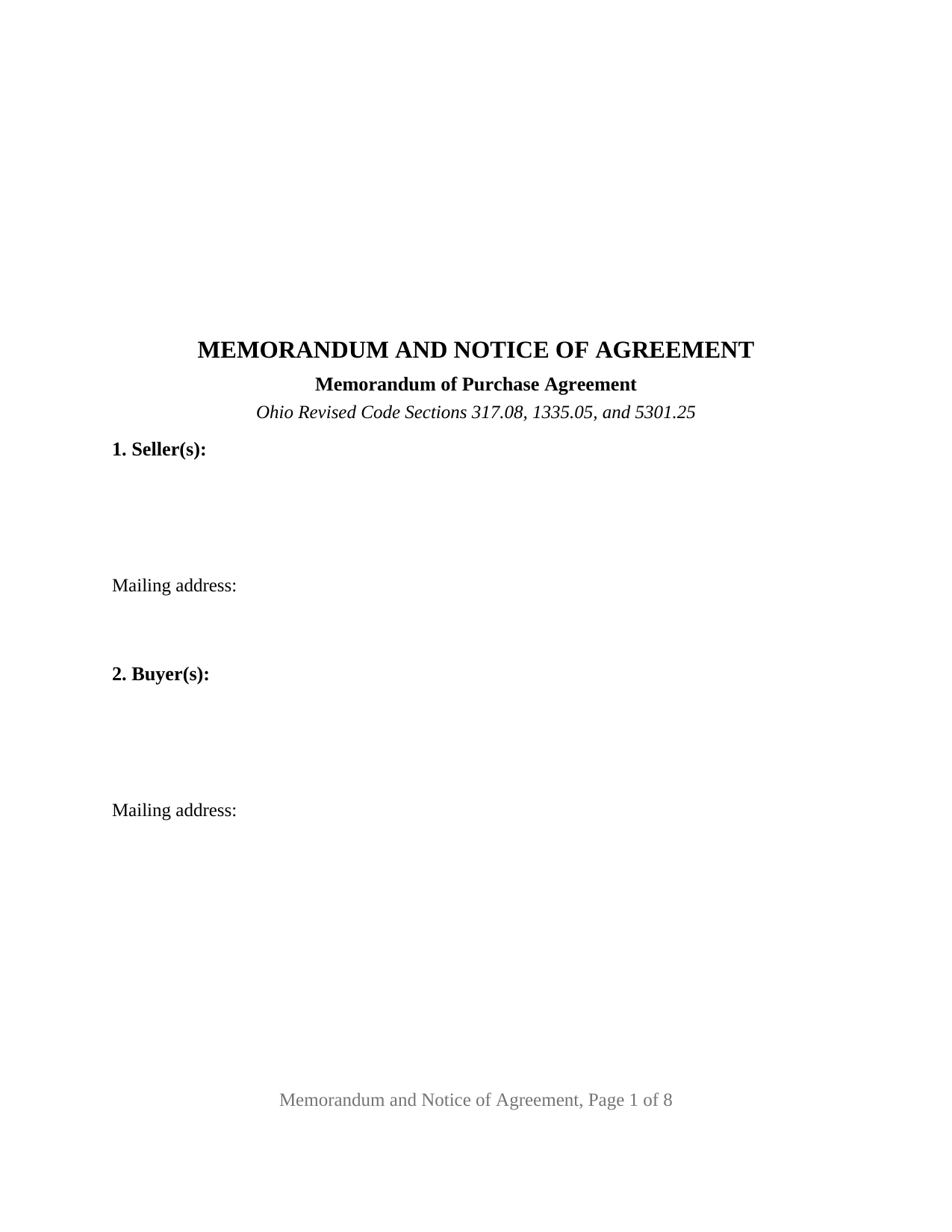
Allen County Memorandum and Notice of Agreement Form
Fill in the blank Memorandum and Notice of Agreement form formatted to comply with all Ohio recording and content requirements.
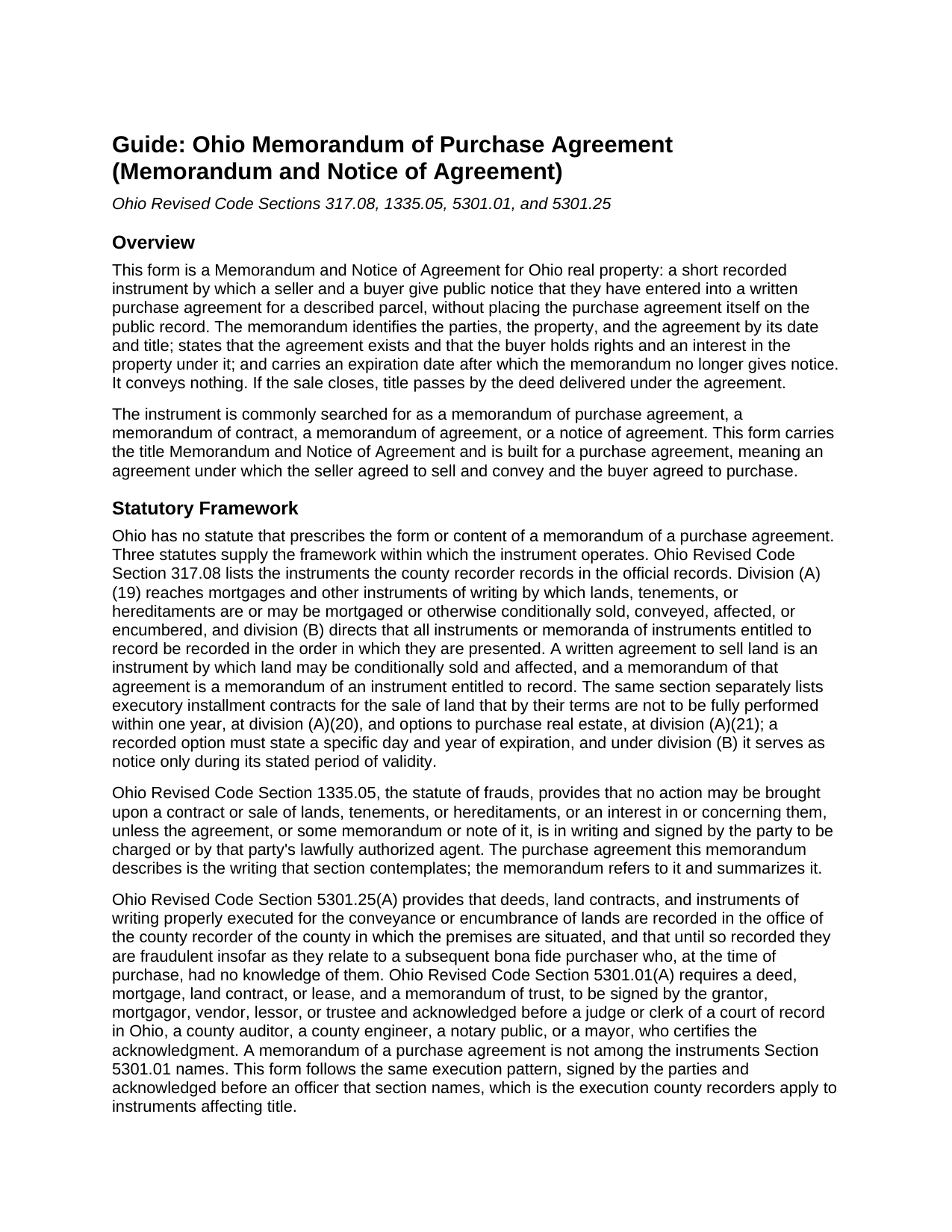
Allen County Memorandum and Notice of Agreement Guide
Line by line guide explaining every blank on the Memorandum and Notice of Agreement form.
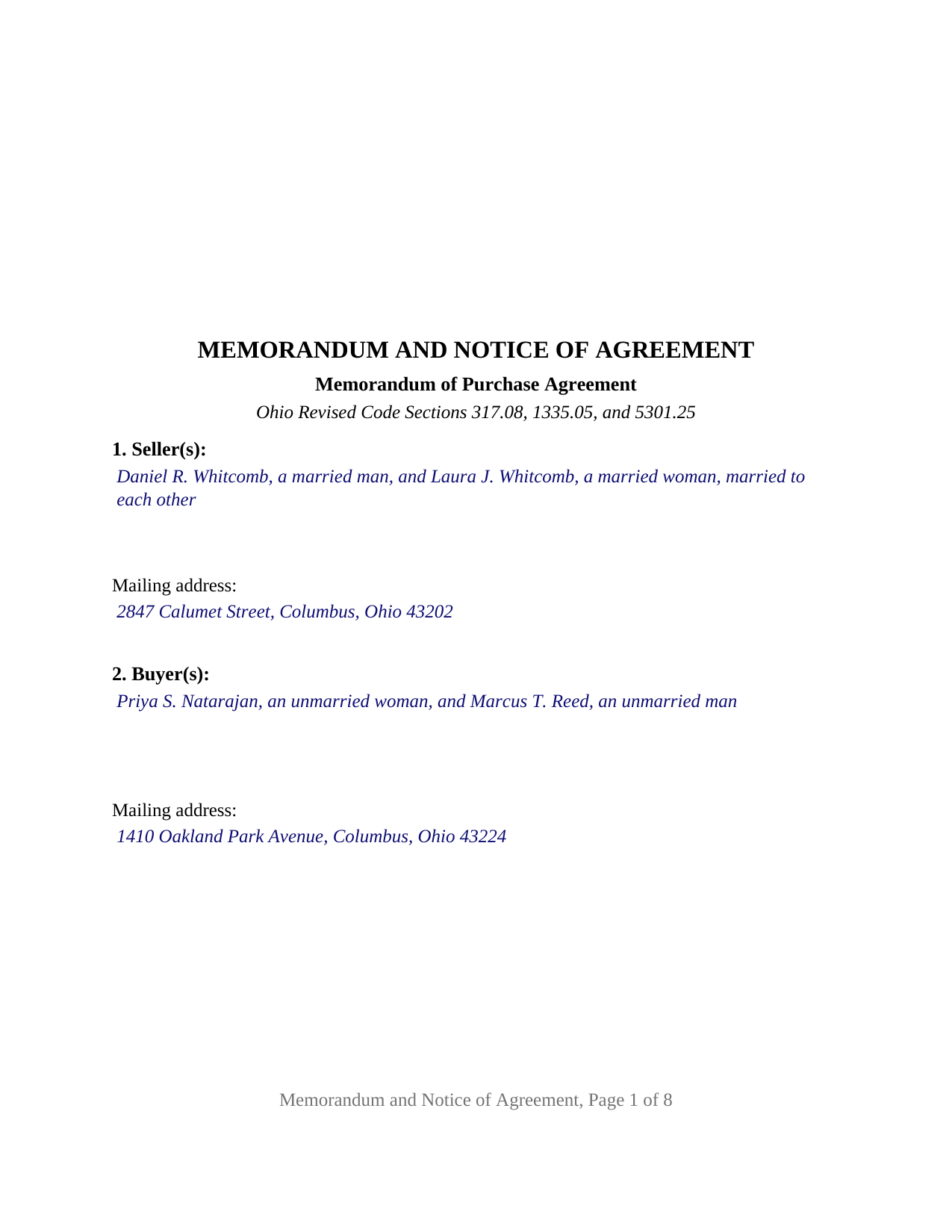
Allen County Completed Example of the Memorandum and Notice of Agreement Document
Example of a properly completed Ohio Memorandum and Notice of Agreement document for reference.
All 3 documents above included • One-time purchase • No recurring fees
Immediate Download • Secure Checkout
Additional Ohio and Allen County documents included at no extra charge:
Where to Record Your Documents
Allen County Recorder
Lima, Ohio 45801 / 45802
Hours: 8:00am to 4:30pm M-F
Phone: (419) 223-8517
Recording Tips for Allen County:
- Bring your driver's license or state-issued photo ID
- Ensure all signatures are in blue or black ink
- Make copies of your documents before recording - keep originals safe
- Recorded documents become public record - avoid including SSNs
- Recording fees may differ from what's posted online - verify current rates
Cities and Jurisdictions in Allen County
Properties in any of these areas use Allen County forms:
- Beaverdam
- Bluffton
- Cairo
- Delphos
- Gomer
- Harrod
- Lafayette
- Lima
- Spencerville
Hours, fees, requirements, and more for Allen County
How do I get my forms?
Forms are available for immediate download after payment. The Allen County forms will be in your account ready to download to your computer. An account is created for you during checkout if you don't have one. Forms are NOT emailed.
Are these forms guaranteed to be recordable in Allen County?
Yes. Our form blanks are guaranteed to meet or exceed the applicable formatting requirements used for recording in Allen County, including margin requirements, font requirements, and other layout standards. This guarantee applies to formatting, not to the legal sufficiency of information entered by the user or the suitability of a form for a particular transaction.
Can I reuse these forms?
Yes. You can reuse the forms for your personal use. For example, if you have multiple properties in Allen County you only need to order once.
What do I need to use these forms?
The forms are PDFs that you fill out on your computer. The free Adobe Acrobat Reader is recommended, and most PDF apps also work. You do NOT enter your property information online - you download the blank forms and complete them privately on your own computer.
Are there any recurring fees?
No. This is a one-time purchase. Nothing to cancel, no memberships, no recurring fees.
How much does it cost to record in Allen County?
Recording fees in Allen County vary. Contact the recorder's office at (419) 223-8517 for current fees.
Questions answered? Let's get started!
An Ohio Memorandum and Notice of Agreement puts the existence of a signed purchase agreement into the county land records while the agreement itself stays private. The seller and the buyer sign a short summary that names them, describes the parcel, identifies the agreement by date and title, and states that it was recorded to give notice of the agreement and of the buyer's rights under it. The price never reaches the public record. This form prepares that memorandum, also searched for as a memorandum of purchase agreement or memorandum of contract, for Ohio property.
Notice without disclosure
Between the signing of a purchase agreement and the delivery of the deed, the buyer's position rests on a contract nobody else can see. Ohio equity treats a binding contract to sell land as vesting equitable title in the buyer, with the seller holding legal title for the purchaser until closing, a rule the Supreme Court of Ohio stated in Gilbert v. Port in 1876 and the Eleventh District restated in Estate of Hovanick in October 2026. Ohio Revised Code Section 317.08 directs the recorder to record instruments by which land may be conditionally sold or affected, together with memoranda of instruments entitled to record, and Section 5301.25 protects a subsequent bona fide purchaser against an unrecorded instrument. The memorandum places the agreement in the chain of title and gives notice of what it contains; the terms it leaves out stay in the unrecorded contract.
A notice that clears itself
A recorded memorandum clouds the seller's title until something removes it. Section 6 of this form fixes an expiration date, chosen by the parties, after which the memorandum no longer gives notice unless a deed from the seller to the buyer or an acknowledged extension was recorded first, the same idea Ohio applies by statute to recorded options. The buyer signs alongside the seller, so both parties' assent to that date goes on the record with it.
What the memorandum recites
The instrument identifies the parties with their mailing addresses; the property by county, legal description, parcel number, street address, and the seller's deed of record; and the agreement by date, title, and stated closing date. Its operative section recites that the parties entered into the agreement and record the memorandum to give notice of it, then states the limits: it is not a conveyance and transfers no title, the agreement controls over any summary of it, and information about the agreement may be obtained from the buyer. The memorandum releases no dower and does not stop the seller from signing a later deed; its work is to put the buyer's claim of record so that anyone who takes afterward takes with notice.
Two parties, up to four signers
The form carries one or two sellers and one or two buyers, each a natural person signing in that person's own right, in free-form party blocks that preprint no vesting, status, or capacity language. Four signature blocks follow, the second on each side left blank when one person signs, each with its own acknowledgment certificate in the Ohio statutory short form. A married couple selling the home they own together and two unmarried buyers present the pattern the completed example recites. An entity party, a fiduciary, a signer acting under a power of attorney, and three or more parties on a side are configurations this form is not set up as.
Built for the Ohio recorder
The memorandum is recorded with the county recorder where the property lies, at 34 dollars for the first two pages and 8 dollars for each additional page before any county surcharge, and it meets the Section 317.114 format standard, including the three inch blank top margin on the first page. Because it conveys nothing, the auditor's transfer stamp and conveyance fee statement that precede a deed do not attach to it under state law, though county intake practice varies. Once the sale closes, the deed supersedes the notice; if it does not close, a separately prepared release, not included in this package, clears the record before the expiration date.
The package includes the fillable Memorandum and Notice of Agreement form, a completed example filled in for a Franklin County fact pattern with two sellers and two buyers, and a guide that walks through every section, the signing and acknowledgment rules, and the recording process. The description and the guide describe the form and the governing Ohio law in general terms; they are not legal advice.
Important: Your property must be located in Allen County to use these forms. Documents should be recorded at the county recording office listed above.
This Memorandum and Notice of Agreement meets all recording requirements specific to Allen County.
Our Promise
The documents you receive here are guaranteed to meet or exceed the applicable Allen County recording format requirements. If there is a rejection caused by our formatting, we will correct the issue or refund your payment. This guarantee applies to document formatting only and does not extend to information entered by the user, the selection of the form, or the legal effect of the completed document.
Save Time and Money
Get your Allen County Memorandum and Notice of Agreement form done right the first time with Deeds.com Uniform Conveyancing Blanks. At Deeds.com, we understand that your time and money are valuable resources, and we don't want you to face a penalty fee or rejection imposed by a county recorder for submitting nonstandard documents. We constantly review and update our forms to meet rapidly changing state and county recording requirements for roughly 3,500 counties and local jurisdictions.
4.8 out of 5 - ( 4,845 Reviews )
Shari N. 5 out of 5 stars
Deeds.com provides a valuable resource to efficiently file documents for recordation.
We are grateful for your feedback and looking forward to serving you again. Thank you!
Gloria R. 5 out of 5 stars
The website was easy.
Thank you!
Thomas D. 2 out of 5 stars
The documents themselves are fine and the information provided with them is helpful. I find the actual processing of the documents, however, to be difficult particularly once the document has been saved. First, I note that the box for the date only allows entry of the last 2 digits of the year. Unfortunately, my download only allows me to enter one of the 2 digits required. When I delete it repeatedly, it eventually allows both digits to be entered but puts them in extremely small text and in superscrypt. I have not found a solution to this problem and am not sure the deed can even be recorded with this problem. Another problem is that if you try to revise the document after you have saved it the curser goes to the end of the line after each key entry. This means that there basically is no way to efficiently save the document for reworking later since you will have to delete everything you have entered in the text box unless you only need to make a single keystroke change or are willing to replace the curser after each entry. Try that with a long property description! Please note that I am using a Mac to prepare my documents and perhaps this is part of an "incompatibility problem". However, I didn't see a disclaimer regarding Mac use and so would expect the documents to perform correctly. Overall, I give the program a "2 star" rating because I am experiencing significant difficulties in entering dates in the documents even before saving them and because saving your work for later revision appears to be basically unworkable.
Thank you for your feedback Thomas, we appreciate you being specific about the issues you encountered. Adobe and Mac have a fairly long history of issues working together.
Cary C. 5 out of 5 stars
I am very grateful for this service! But I was quite surprised to see the fees went up over 50%! The last 5 or 6 recordings I have done we each only $25.00. Thank you, Sally Center
Thank you for your feedback. We really appreciate it. Have a great day!
Beth O. 5 out of 5 stars
Easy peasy! Thank y'all so much.
Thank you!
Daniel S. 5 out of 5 stars
Easy to access documents.
Thank you for your feedback. We really appreciate it. Have a great day!
CAROL C. 5 out of 5 stars
Deeds.com is very user friendly and quite simple to use. Customer service is also prompt in responding to any inquiry. I have been pleased with them since I began using them over 3-years ago.
We appreciate your business and value your feedback. Thank you. Have a wonderful day!
Sara M. 5 out of 5 stars
Love these docs, and so does the recorder's office. Recording always goes so smooth, no issues ever. THANKS!!!
Awesome! Thanks for the kind words Sara.
Richard C. 5 out of 5 stars
Fast, effective, and good communication. I have no complaints at all.
Thank you for your positive words! We’re thrilled to hear about your experience.
Melissa H. 5 out of 5 stars
Amazing forms! Order the quitclaim deed forms, got the form and lots of extra forms which is good because I needed a few of them and didn't even know it. Very happy, will be back if needed.
We appreciate your business and value your feedback. Thank you. Have a wonderful day!
Dee S. 5 out of 5 stars
This was easy and much cheaper than getting a lawyer. Thanks! - From alabama
We appreciate your business and value your feedback. Thank you. Have a wonderful day!
Michelle J. 5 out of 5 stars
I believe this is great! It protects the residents from theft of property. Proud of what Wayne County is doing.
Thank you!
Equity S. 5 out of 5 stars
I love the service you provide. Very helpful and saves a ton of time.
We appreciate your business and value your feedback. Thank you. Have a wonderful day!
Michael S. 4 out of 5 stars
So far, I'm happy with my experience. I'm still reviewing the guide for the docs I downloaded. Including the guide for the docs is indeed a plus.
Thank you Michael, we really appreciate your feedback.
Douglas A. 5 out of 5 stars
So far so good once we got the initial problems worked out.
Thank you!