Allen County Transfer on Death Designation Affidavit Form
Last validated November 8, 2026 by our Forms Development TeamFormatted for recording in Allen County, for property anywhere in the county: rural and unincorporated areas as well as Beaverdam, Bluffton, Cairo, Delphos, Gomer, Harrod, Lafayette, Lima and 1 more.
- 6 documents included
- Immediate PDF download
- Formatting guarantee
Transfer on Death Designation Affidavit
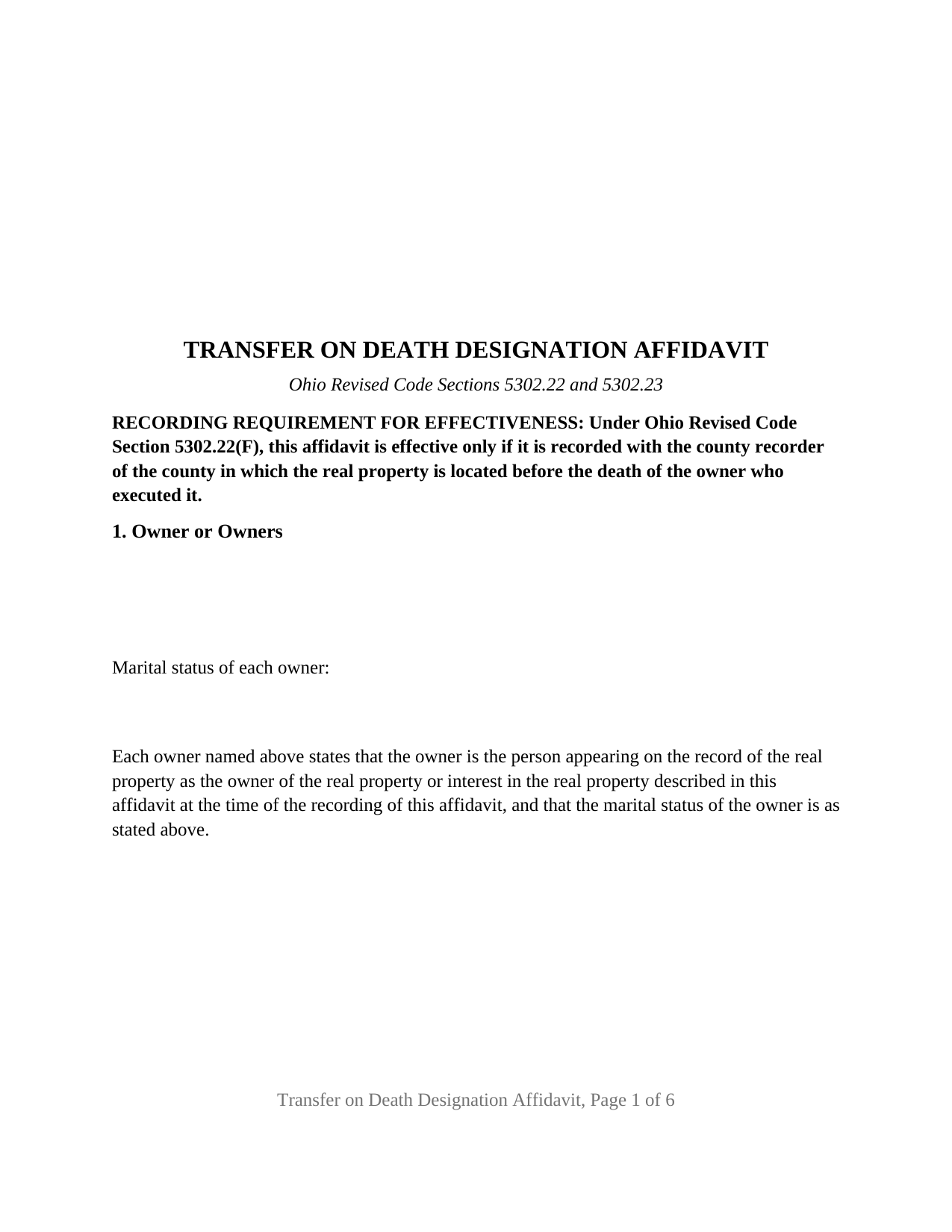
Allen County Transfer on Death Designation Affidavit Form
Fill in the blank Transfer on Death Designation Affidavit form formatted to comply with all Ohio recording and content requirements.
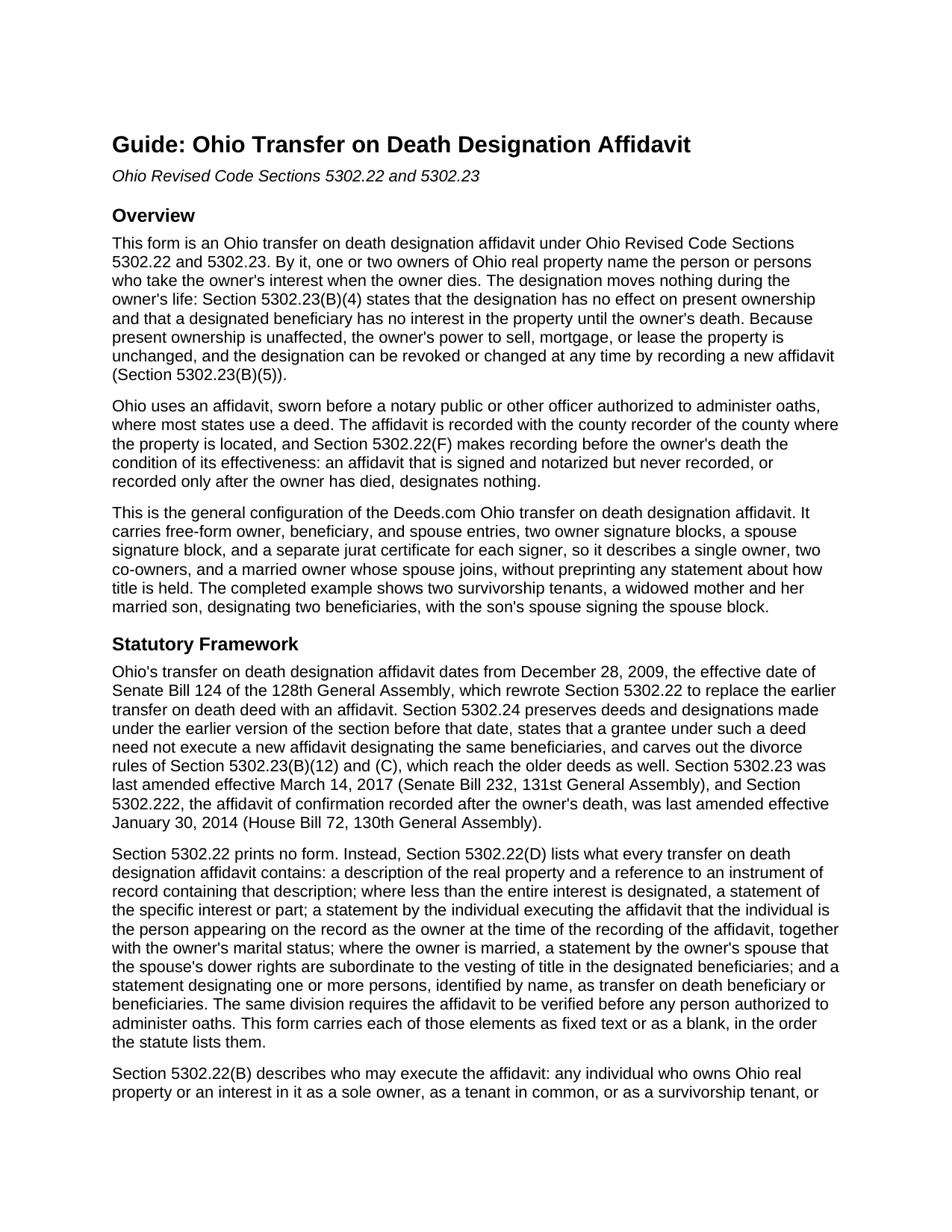
Allen County Transfer on Death Designation Affidavit Guide
Line by line guide explaining every blank on the Transfer on Death Designation Affidavit form.
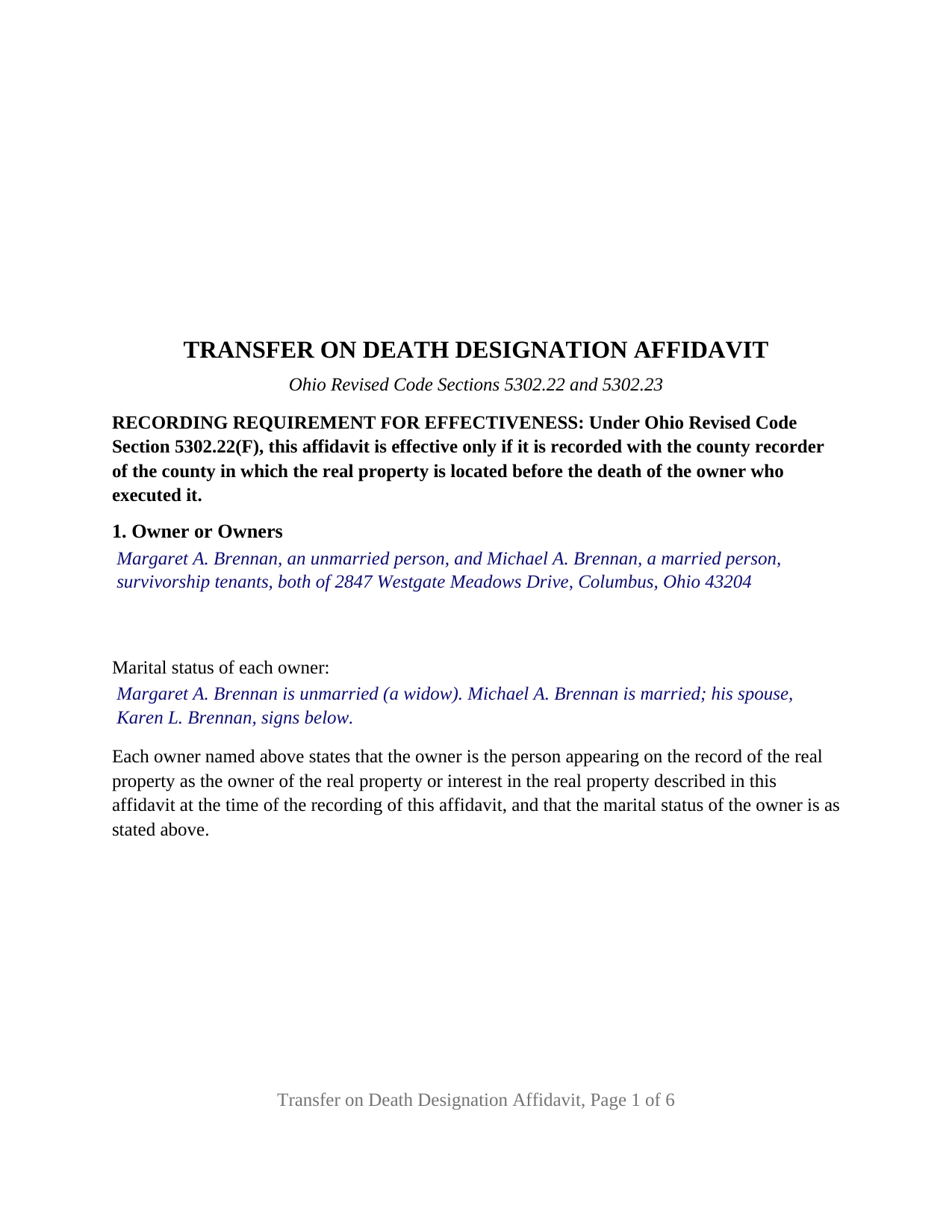
Allen County Completed Example of the Transfer on Death Designation Affidavit Document
Example of a properly completed Ohio Transfer on Death Designation Affidavit document for reference.
Transfer on Death Designation Affidavit — Revocation or Change
Variant (alternative form). Review the guides and choose the version that fits your situation.
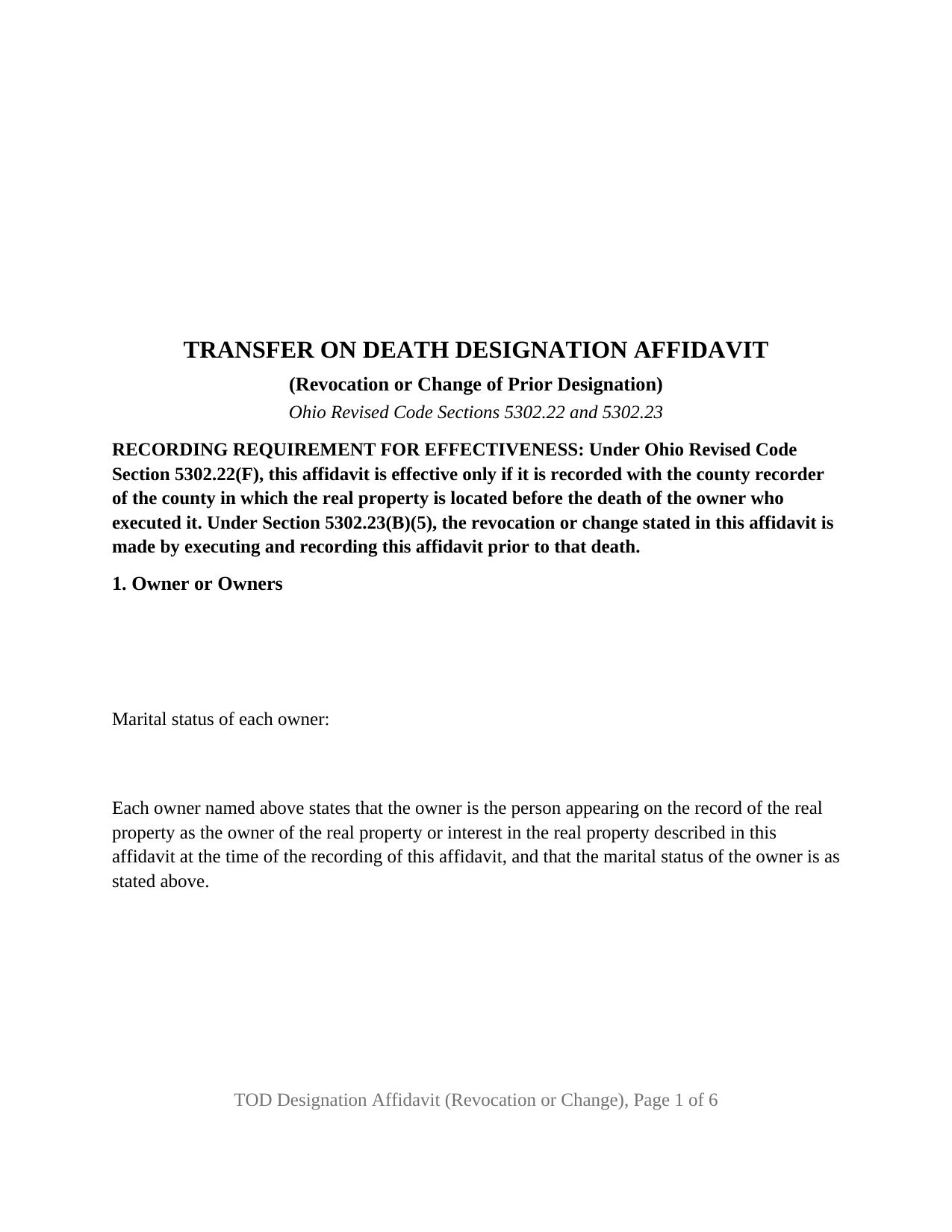
Allen County Transfer on Death Designation Affidavit — Revocation or Change Form
Fill-in-the-blank Transfer on Death Designation Affidavit — Revocation or Change form. Variant (alternative form) for the configuration described in its guide.
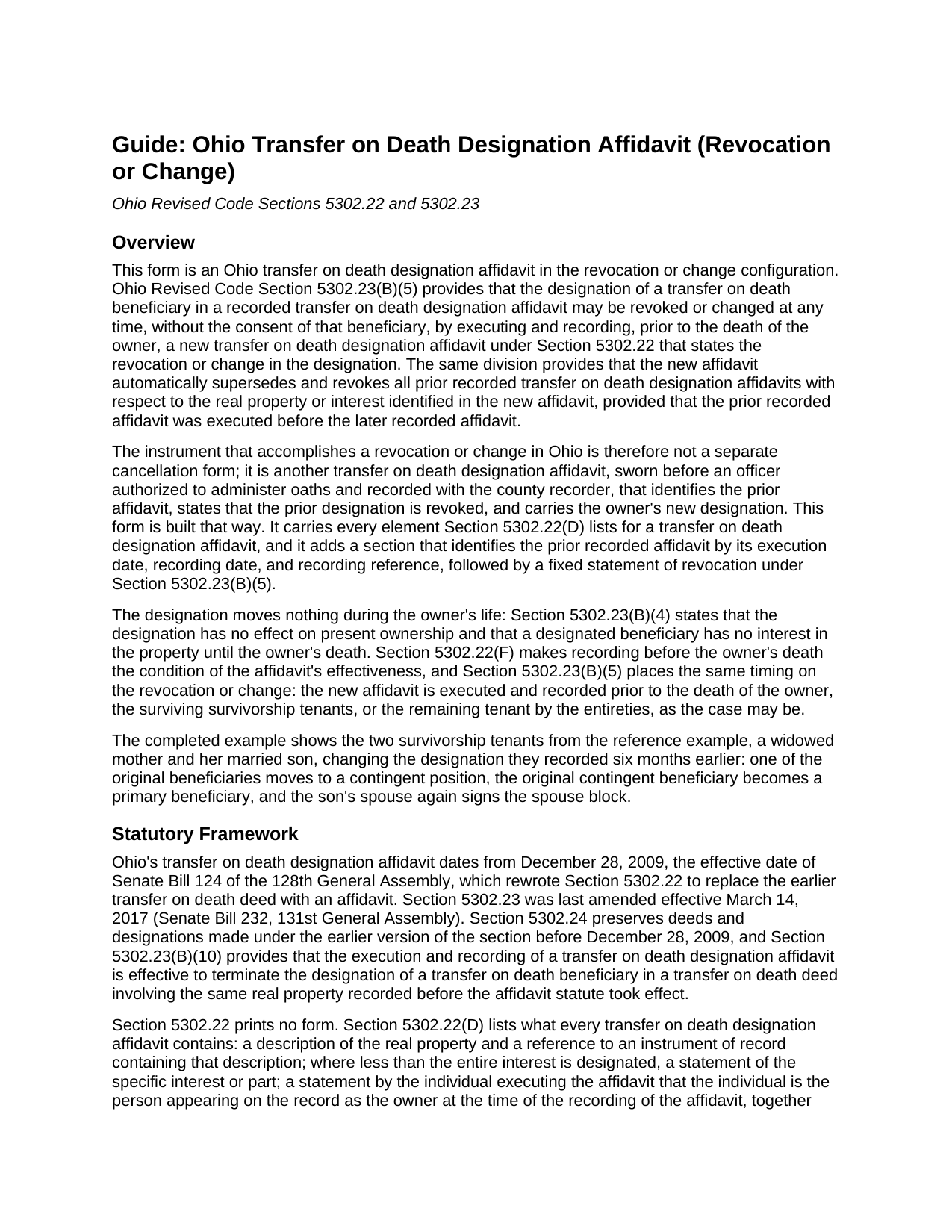
Allen County Transfer on Death Designation Affidavit — Revocation or Change Guide
Instructions for completing the Transfer on Death Designation Affidavit — Revocation or Change form.
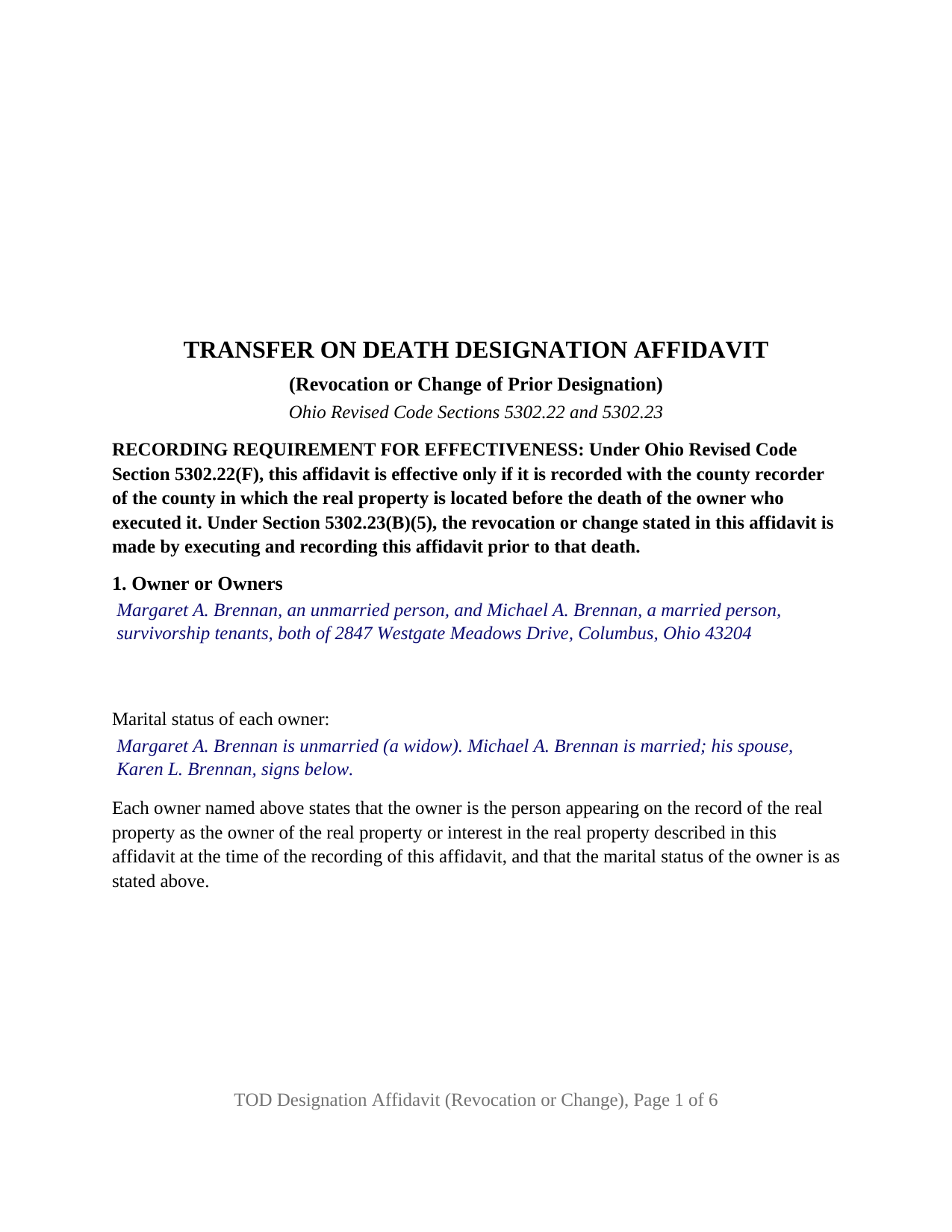
Allen County Transfer on Death Designation Affidavit — Revocation or Change Completed Example
A fictional completed example of the Transfer on Death Designation Affidavit — Revocation or Change for reference.
All 6 documents above included • One-time purchase • No recurring fees
Immediate Download • Secure Checkout
Additional Ohio and Allen County documents included at no extra charge:
Where to Record Your Documents
Allen County Recorder
Lima, Ohio 45801 / 45802
Hours: 8:00am to 4:30pm M-F
Phone: (419) 223-8517
Recording Tips for Allen County:
- Bring your driver's license or state-issued photo ID
- Ensure all signatures are in blue or black ink
- Ask about accepted payment methods when you call ahead
- Ask for certified copies if you need them for other transactions
- Ask if they accept credit cards - many offices are cash/check only
Cities and Jurisdictions in Allen County
Properties in any of these areas use Allen County forms:
- Beaverdam
- Bluffton
- Cairo
- Delphos
- Gomer
- Harrod
- Lafayette
- Lima
- Spencerville
Hours, fees, requirements, and more for Allen County
How do I get my forms?
Forms are available for immediate download after payment. The Allen County forms will be in your account ready to download to your computer. An account is created for you during checkout if you don't have one. Forms are NOT emailed.
Are these forms guaranteed to be recordable in Allen County?
Yes. Our form blanks are guaranteed to meet or exceed the applicable formatting requirements used for recording in Allen County, including margin requirements, font requirements, and other layout standards. This guarantee applies to formatting, not to the legal sufficiency of information entered by the user or the suitability of a form for a particular transaction.
Can I reuse these forms?
Yes. You can reuse the forms for your personal use. For example, if you have multiple properties in Allen County you only need to order once.
What do I need to use these forms?
The forms are PDFs that you fill out on your computer. The free Adobe Acrobat Reader is recommended, and most PDF apps also work. You do NOT enter your property information online - you download the blank forms and complete them privately on your own computer.
Are there any recurring fees?
No. This is a one-time purchase. Nothing to cancel, no memberships, no recurring fees.
How much does it cost to record in Allen County?
Recording fees in Allen County vary. Contact the recorder's office at (419) 223-8517 for current fees.
Questions answered? Let's get started!
This download supplies a fill-in Ohio Transfer on Death Designation Affidavit prepared under Ohio Revised Code Sections 5302.22 and 5302.23, together with a section-by-section guide and a completed example. The instrument is a sworn affidavit, not a deed; Ohio uses an affidavit where most states use a transfer on death deed. Through it, one or two individual owners of Ohio real property name, by name, the person or persons who take the owner's interest when the owner dies. The affidavit prints the recording notice from Section 5302.22(F): it is effective only if recorded with the county recorder of the county where the property is located before the death of the owner who signed it. The statute requires no consideration and no delivery to the beneficiary.
The purchase also includes an alternative configuration, the Transfer on Death Designation Affidavit (Revocation or Change), with its own blank form, guide, and completed example. The two configurations are versions of the same statutory affidavit: the general form establishes a designation, and the Revocation or Change form replaces a designation already on record. The same statewide forms are delivered for every Ohio county.
What the download contains
- Transfer on Death Designation Affidavit: fillable blank form (a removable instructions page followed by six recorded pages), a seven-page guide, and a completed example.
- Transfer on Death Designation Affidavit (Revocation or Change): fillable blank form in the same six-page layout, its own guide, and a completed example.
All six files are PDFs with fillable fields, built to the margin and type-size standards of Section 317.114 for recorded instruments. The guides also cover printing the forms and continuing an entry that outgrows its field on an attached exhibit page recorded with the affidavit.
How the affidavit form is built
The blank form carries each element Section 5302.22(D) requires in a transfer on death designation affidavit: the owner's identity and marital status with a fixed statement that the signer is the owner of record, a description of the real property with a reference to the recorded instrument containing it, the interest designated (the entire interest unless a lesser interest is stated), the beneficiary designation with a separate box for contingent beneficiaries, and a married owner's spouse's statement that dower rights are subordinate to the vesting of title in the beneficiaries. The statutory statements are fixed text; the owner, property, beneficiary, and spouse entries are free-form boxes, and nothing about how title is held is preprinted.
Because Section 5302.22(D) requires the affidavit to be verified before an officer authorized to administer oaths, each of the form's three signature blocks (owner, second owner, and spouse) is followed by its own jurat certificate (sworn to and subscribed before me) rather than an acknowledgment. The separate spouse block is provided for the spouse of a married owner who does not hold record title; the guide explains that a spouse who is also an owner makes the dower statement by signing as an owner. The guide notes that one certificate per signer is the form's design rather than a separate statutory requirement, and that the certificates print no online-notarization statement.
Owners the form is set up for
The guide describes four ownership patterns that fit the form's blanks: a sole owner, a tenant in common, two survivorship tenants completing one affidavit together, and spouses holding as tenants by the entireties under a deed recorded between February 9, 1972 and April 3, 1985. It also addresses one survivorship tenant signing alone and the consequence Section 5302.23(B)(7)(b) attaches to a designation made without the last surviving tenant's joinder. The form carries two owner blocks and one spouse block, following the statute's language of an individual executing together with the individual's spouse. Both guides state that the forms are not set up for an owner that is a corporation, limited liability company, or other entity, for a trustee holding title to a trust, for a person signing under a power of attorney, or for three or more owners on one affidavit.
What the guide explains
The guide works through the form section by section, identifying the source document each entry is drawn from (the recorded vesting deed or the county auditor's parcel record) and quoting the completed example's entry for that section, so every blank can be read alongside one filled-in version. In general terms it explains that the designation has no effect on present ownership and gives the beneficiary no interest until the owner's death; that multiple beneficiaries take equal shares as tenants in common unless the affidavit specifies otherwise, with contingent beneficiaries taking the share of a beneficiary who does not survive; that a survivorship tenant's designation made without the last surviving tenant's joinder is nullified automatically when that tenant dies first; and why dower is the reason a married owner's spouse joins. Its signing, printing, and recording sections cover the jurat certificates, recording fees and the Section 317.114 format, and the varying county practice on whether the affidavit is reviewed by the county auditor before recording, describing published practice in several county offices and noting that each office's current instructions govern.
What the completed example shows
The completed example fills every section of the general form for a two-owner survivorship scenario: a widowed mother and her married son, holding as survivorship tenants, designate their entire interest in a platted Franklin County lot to two beneficiaries in equal shares as tenants in common, name a contingent beneficiary for one of those shares and none for the other, and the son's spouse signs the spouse block. All three jurats are completed. The example demonstrates an owner entry for survivorship tenants with different marital statuses, a legal description with parcel number and prior-deed reference, a contingent designation tied to a single share, and a spouse joining without holding title.
The Revocation or Change configuration
Under Section 5302.23(B)(5), a recorded designation is revoked or changed by executing and recording, before the owner's death, a new transfer on death designation affidavit stating the revocation or change; the new affidavit automatically supersedes prior recorded designation affidavits for the same property, provided the prior affidavit was executed before the later one. The Revocation or Change form is that new affidavit. It carries the same owner, property, interest, beneficiary, spouse, and signature sections and the same per-signer jurats as the general form, and adds a section identifying the prior recorded affidavit (date executed, date recorded, and recording reference) with a fixed statement of revocation under Section 5302.23(B)(5). Its recording notice adds one sentence on that section's timing.
This form is not a stand-alone cancellation that leaves the property with no designation. It carries the Section 5302.22(D)(4) designating statement and a beneficiary box for the new designation; its guide notes that the chapter prints no form of affidavit stating a revocation without a designation, and that a beneficiary from the prior affidavit who continues is named again because the prior designation is revoked in full. The guide also states that the fixed text of the prior-affidavit section names a prior designation affidavit, so the form is not set up to identify a transfer on death deed recorded before December 28, 2009. The variant's completed example reuses the parties, property, and vesting deed of the general example and changes the designation recorded six months earlier: one original beneficiary moves to a contingent position, the original contingent beneficiary becomes a primary beneficiary, and the son's spouse again signs the spouse block. The two examples read as one sequence of recordings on a single parcel.
What the affidavit does not do
The guides explain that the affidavit transfers nothing during the owner's life, creates no survivorship between signing owners, reaches only the real property it describes, does not clear liens or encumbrances (a beneficiary takes the interest subject to all encumbrances, and no lienholder's rights are affected), is not a will and does not revoke one, and does not release dower for a lifetime sale or mortgage or substitute for a spouse's signature on a later deed or mortgage. If no designated or contingent beneficiary survives the owner, the interest passes through the probate estate.
The affidavit also does not itself move title at death. Under Section 5302.222, the transfer is recorded after the owner's death through an affidavit of confirmation executed by a beneficiary, verified before an officer authorized to administer oaths and accompanied by a certified copy of the death certificate. That instrument and the Medicaid estate recovery form described in Section 5302.221 are prepared after the owner's death and are not included in this package.
This description and the included guides provide general information about the forms and the statutes they follow; they do not apply the law to any particular situation and are not legal advice.
Important: Your property must be located in Allen County to use these forms. Documents should be recorded at the county recording office listed above.
This Transfer on Death Designation Affidavit meets all recording requirements specific to Allen County.
Our Promise
The documents you receive here are guaranteed to meet or exceed the applicable Allen County recording format requirements. If there is a rejection caused by our formatting, we will correct the issue or refund your payment. This guarantee applies to document formatting only and does not extend to information entered by the user, the selection of the form, or the legal effect of the completed document.
Save Time and Money
Get your Allen County Transfer on Death Designation Affidavit form done right the first time with Deeds.com Uniform Conveyancing Blanks. At Deeds.com, we understand that your time and money are valuable resources, and we don't want you to face a penalty fee or rejection imposed by a county recorder for submitting nonstandard documents. We constantly review and update our forms to meet rapidly changing state and county recording requirements for roughly 3,500 counties and local jurisdictions.
4.8 out of 5 - ( 4,847 Reviews )
Francis L. 2 out of 5 stars
You have duplicate documents in your listing of documents. please clean up.
Thank you!
Alex Q. 5 out of 5 stars
10 STARS! Deeds.com never fails! Thank you so much!
Thank you!
ROBERET D. 5 out of 5 stars
after a poor start was able to get to the forms page and find what I was looking for and every thing worked good. Just getting to the right area was a struggle but we made thanks Bob
Thank you for your feedback. We really appreciate it. Have a great day!
Susan B. 4 out of 5 stars
I guess I got what I paid for. The site said I would be able to download blank PDF forms that I could fill out on my computer. I expected fillable forms, like I download for taxes. Instead the forms I got could only be completed by using Adobe Sign and Fill tools. These are much harder to use than fillable forms.
Thank you for your feedback. We really appreciate it. Have a great day!
KIMBER M. 5 out of 5 stars
It took me a while to locate my documents. Check out was a breeze.
Thank you!
Maria D. 5 out of 5 stars
Deeds.com has done a great job. I really recommend to everyone who needs this service, fast & reliable. Thank you
We appreciate your business and value your feedback. Thank you. Have a wonderful day!
ELIZABETH A P. 5 out of 5 stars
THE FORMS WERE GOOD, EASY TO UNDERSTAND. NICE TO BE ABLE TO DOWNLOAD THEM INSTANTLY. LIKED THAT I DID NOT HAVE TO JOIN ANYTHING WITH ONGOING FEES.
Thank you Elizabeth, have a great day!
Ellen O K. 5 out of 5 stars
Good experience. Easy peasy. :)
Thank you Ellen, have a wonderful day!
ALAN C. 5 out of 5 stars
Everything was as advertised, and easily downloaded.
We appreciate your business and value your feedback. Thank you. Have a wonderful day!
Dana Y. 5 out of 5 stars
Purchased and used the quitclaim form. I have no complaints with any aspect. The forms, instructions, and example all came together to make the process very easy.
Thank you Dana. Have a great day!
James H. 5 out of 5 stars
Clear and easy instructions. Prompt processing and confirmation. I am still in the middle of submitting my document for recording, but I am confident that the Deeds.com service will deliver as promised. Definitely a valuable tool with important legal doucments.
We appreciate your business and value your feedback. Thank you. Have a wonderful day!
Charles W. 5 out of 5 stars
in one of the reviews, the person said they wished that there was more room allowed for use in the grantor section. the reply was that they were sorry but there was only enough room for what was there considering margins, etc. that is not true. on the forms i downloaded there was plenty of extra room at the top of the page (about 2 inches) that was not being used.
Thank you!
Peggy L. 5 out of 5 stars
Download worked exactly as portrayed - will definitely use service again when needed.
Thank you, Peggy. Glad everything worked as expected. We will be here whenever you need us again.
Myrna P. 5 out of 5 stars
Easy to download, form very user friendly, and its customized to our county. Very much worth the money.
Thank you Myrna. Have a fantastic day!
Casey S. 5 out of 5 stars
I had a really good experience. I bought two forms from a different website and they didn’t help me at all. Granted, I only paid the minimum here I bought the upgrade and they showed me how to fill it out and what it should look like I went and had it notarized and took it to the county recorder and everything went smoothly. Highly suggest.
Glad it all came together smoothly for you, Casey. Appreciate you giving us a shot and taking the time to share your experience.