Miami County Mineral Deed (Quitclaim) (Entity to Entity) Form
Last validated October 27, 2026 by our Forms Development TeamFormatted for recording in Miami County, for property anywhere in the county: rural and unincorporated areas as well as Bradford, Casstown, Conover, Covington, Fletcher, Laura, Ludlow Falls, Piqua and 5 more.
- 3 documents included
- Immediate PDF download
- Formatting guarantee
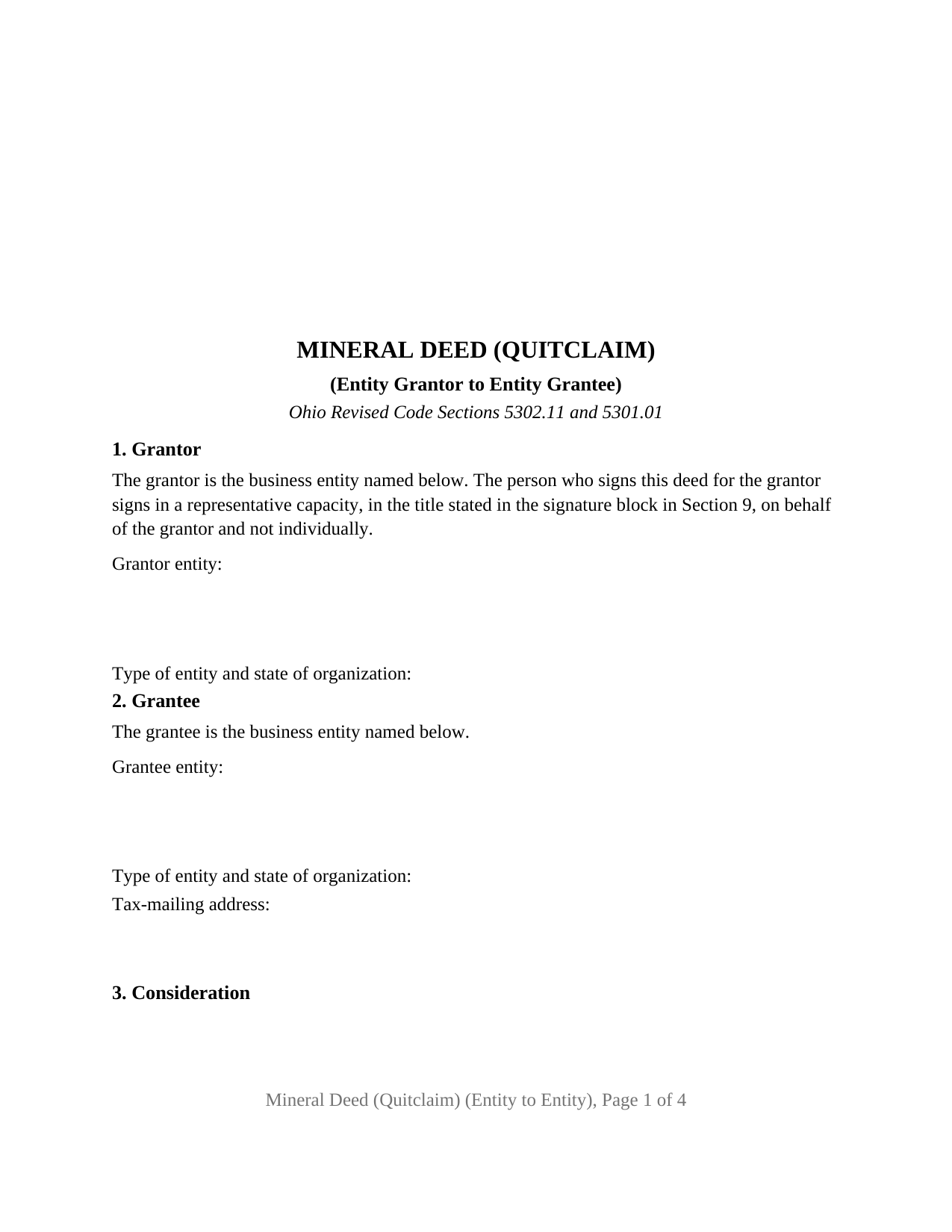
Miami County Mineral Deed (Quitclaim) (Entity to Entity) Form
Fill in the blank Mineral Deed (Quitclaim) (Entity to Entity) form formatted to comply with all Ohio recording and content requirements.
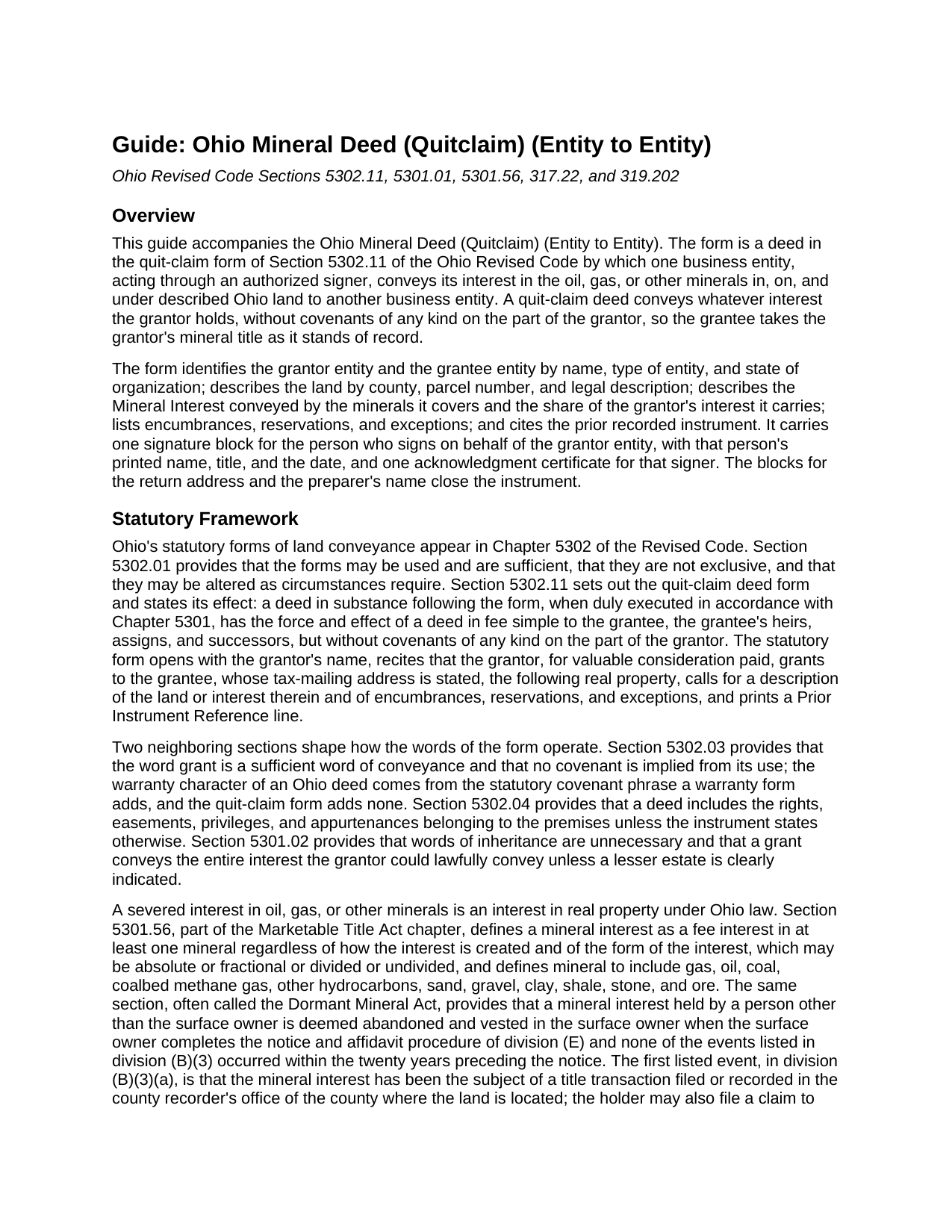
Miami County Mineral Deed (Quitclaim) (Entity to Entity) Guide
Line by line guide explaining every blank on the Mineral Deed (Quitclaim) (Entity to Entity) form.
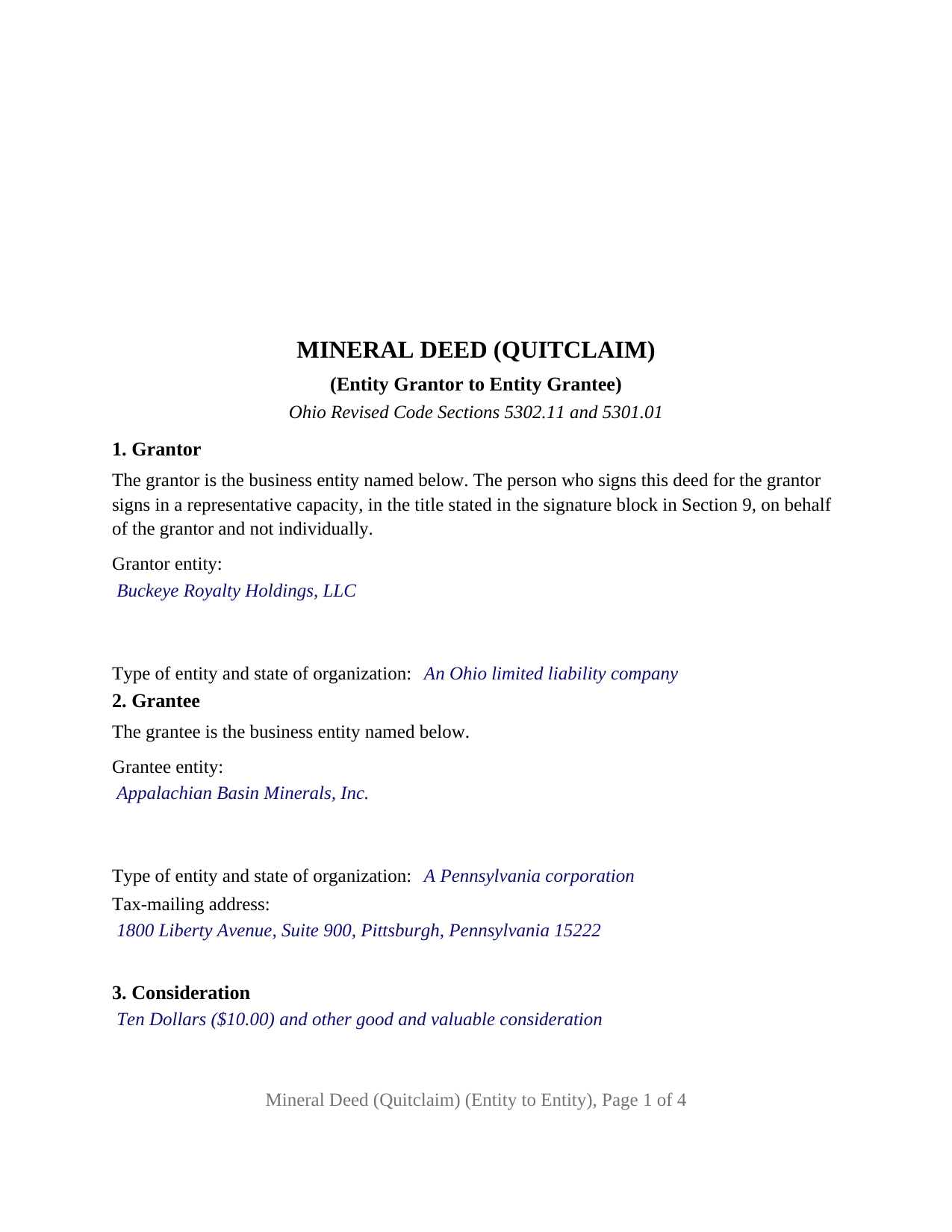
Miami County Completed Example of the Mineral Deed (Quitclaim) (Entity to Entity) Document
Example of a properly completed Ohio Mineral Deed (Quitclaim) (Entity to Entity) document for reference.
All 3 documents above included • One-time purchase • No recurring fees
Immediate Download • Secure Checkout
Additional Ohio and Miami County documents included at no extra charge:
Where to Record Your Documents
Miami County Recorder
Troy, Ohio 45373
Hours: 8:00am and 4:00pm.M-F
Phone: 937-440-6040
Recording Tips for Miami County:
- Bring your driver's license or state-issued photo ID
- Ensure all signatures are in blue or black ink
- White-out or correction fluid may cause rejection
- Ask about their eRecording option for future transactions
- Avoid the last business day of the month when possible
Cities and Jurisdictions in Miami County
Properties in any of these areas use Miami County forms:
- Bradford
- Casstown
- Conover
- Covington
- Fletcher
- Laura
- Ludlow Falls
- Piqua
- Pleasant Hill
- Potsdam
- Tipp City
- Troy
- West Milton
Hours, fees, requirements, and more for Miami County
How do I get my forms?
Forms are available for immediate download after payment. The Miami County forms will be in your account ready to download to your computer. An account is created for you during checkout if you don't have one. Forms are NOT emailed.
Are these forms guaranteed to be recordable in Miami County?
Yes. Our form blanks are guaranteed to meet or exceed the applicable formatting requirements used for recording in Miami County, including margin requirements, font requirements, and other layout standards. This guarantee applies to formatting, not to the legal sufficiency of information entered by the user or the suitability of a form for a particular transaction.
Can I reuse these forms?
Yes. You can reuse the forms for your personal use. For example, if you have multiple properties in Miami County you only need to order once.
What do I need to use these forms?
The forms are PDFs that you fill out on your computer. The free Adobe Acrobat Reader is recommended, and most PDF apps also work. You do NOT enter your property information online - you download the blank forms and complete them privately on your own computer.
Are there any recurring fees?
No. This is a one-time purchase. Nothing to cancel, no memberships, no recurring fees.
How much does it cost to record in Miami County?
Recording fees in Miami County vary. Contact the recorder's office at 937-440-6040 for current fees.
Questions answered? Let's get started!
When an Ohio company transfers its oil, gas, or other mineral rights to another company, the deed is signed by a person who owns nothing in the minerals personally: an officer, manager, member, or partner acting for the entity. This Ohio Mineral Deed (Quitclaim) (Entity to Entity) is built around that fact. It names a business entity as grantor and as grantee, carries one signature block headed GRANTOR (by its authorized signer) with lines for the signer's printed name, date, and title, and carries one acknowledgment certificate whose by-line holds the representative wording Ohio's notarial short forms print for a corporation, a limited liability company, or a partnership.
A signature that belongs to the entity, not the signer
Section 5301.01 of the Ohio Revised Code requires a deed to be signed by the grantor and acknowledged before a notary public or another officer the section names. For an entity grantor, the deed's fixed text recites that the person signing signs in a representative capacity, in the title stated in the signature block, on behalf of the grantor and not individually. The deed prints no marital-status recital and no dower release, because the statutory quit-claim form prints those for a married individual and an entity has no spouse.
Every acknowledgment short form in Section 147.55 opens with the words The foregoing instrument was acknowledged before me this (date) by, and the forms for a corporation, a limited liability company, and a partnership differ only in what follows by. The certificate prints that shared opening, and the by-line carries the rest in the applicable pattern: the signer's name and title, the entity's name, its type and state of organization, and the words on behalf of the entity.
What a quitclaim mineral deed conveys in Ohio
Ohio has no separate statutory form for a mineral deed. This form applies the quit-claim deed form of Section 5302.11 to a mineral interest, using the form's own operative words: for valuable consideration paid, the grantor grants to the grantee, whose tax-mailing address is stated, the following real property. Section 5302.03 provides that the word grant implies no covenant, and Section 5302.11 gives the deed the effect of a fee simple conveyance without covenants of any kind on the part of the grantor. The grantee takes whatever mineral title the grantor holds, subject to the recorded leases, reservations, and easements the deed lists. The deed describes the Mineral Interest by the minerals it covers and the share of the grantor's interest it carries, describes the land by county, parcel number, and legal description, and cites the prior recorded instrument as Section 319.20 calls for.
Why recording a mineral deed matters twice
A recorded deed gives notice under Section 5301.25, which makes an unrecorded deed fraudulent as to a later bona fide purchaser without knowledge of it. For a severed mineral interest the record has a second role: Section 5301.56, Ohio's Dormant Mineral Act, lets a surface owner have a severed interest declared abandoned when none of the events the section lists occurred in the twenty years before the surface owner's notice, and the first listed event is a title transaction concerning the interest filed or recorded with the county recorder. A recorded mineral deed is such a transaction. Ohio recording runs through two offices: the county auditor first, with the DTE 100 conveyance fee statement, for the endorsement and transfer stamp Section 317.22 requires before a conveyance of minerals is recorded, and then the county recorder.
The entity-to-entity configuration
The form recites exactly one grantor entity and one grantee entity. A royalty company selling a mineral tract to an operator's land-holding affiliate, a family limited liability company passing its oil and gas rights to a successor company, and two corporations settling a mineral interest between them present the pattern this deed recites. It is not set up as a deed by an individual owner, which carries a marital-status recital and a dower release line; by a trustee, attorney-in-fact, or estate fiduciary, each of which carries a different capacity recital and acknowledgment form; or by two or more grantors or to two or more grantees.
The package includes the fillable mineral deed, a completed example filled in for a Carroll County fact pattern, and the guide that walks through every numbered section, the acknowledgment pattern for each entity type, and the auditor and recorder steps. This description and the guide describe the form and the governing Ohio statutes in general terms; they are not legal advice.
Important: Your property must be located in Miami County to use these forms. Documents should be recorded at the county recording office listed above.
This Mineral Deed (Quitclaim) (Entity to Entity) meets all recording requirements specific to Miami County.
Our Promise
The documents you receive here are guaranteed to meet or exceed the applicable Miami County recording format requirements. If there is a rejection caused by our formatting, we will correct the issue or refund your payment. This guarantee applies to document formatting only and does not extend to information entered by the user, the selection of the form, or the legal effect of the completed document.
Save Time and Money
Get your Miami County Mineral Deed (Quitclaim) (Entity to Entity) form done right the first time with Deeds.com Uniform Conveyancing Blanks. At Deeds.com, we understand that your time and money are valuable resources, and we don't want you to face a penalty fee or rejection imposed by a county recorder for submitting nonstandard documents. We constantly review and update our forms to meet rapidly changing state and county recording requirements for roughly 3,500 counties and local jurisdictions.
4.8 out of 5 - ( 4,857 Reviews )
Larry H. 5 out of 5 stars
Nice
Thank you!
Jon G. 5 out of 5 stars
Excellent service and professionalism
Thank you!
Kimberly J H. 5 out of 5 stars
The Washington State Transfer on Death Deed I purchased worked perfectly.
Thank you for your feedback. We really appreciate it. Have a great day!
George A. M. 5 out of 5 stars
User friendly and fast to use. I was pleased with experience.
We appreciate your business and value your feedback. Thank you. Have a wonderful day!
Claude F. 5 out of 5 stars
quick and easy to use, thank you
Thank you!
Philip C. 5 out of 5 stars
The product I purchased looks great and I added Adobe to be able to copy it, but for some reason I can't,so I will delete Adobe and then try again to copy what i paid for. I have all the PDFS' and my computer and printer are fairly new (windows 10),I should have tried to copy it first, I'll get it! Thanks
Thank you for your feedback. We really appreciate it. Have a great day!
Kimberly M. 5 out of 5 stars
Great service. Very helpful and quick. Love Deeds.com and will be using their services again.
Thank you for your feedback Kimberly, we really appreciate it!
Brett B. 5 out of 5 stars
easy to use
Thank you!
Gordon J. 5 out of 5 stars
The experience was generally very satisfactory. I was able to fill out the Trust Deed and send it via email no problem. However, I was not able to send the filled out form of the Note. It always erased my fill-ins when it was sent. I found that very frustrating.
Thank you, Gordon. Glad the Trust Deed worked well. Issues like the one you reported with the Note can sometimes be related to how the file is opened or sent. Using Adobe Reader to fill, save, and send the form is recommended. We also pass along all feedback like this to our team to confirm there are no issues.
Susan J. 5 out of 5 stars
I was pleased that I could send the documents this way rather than having to mail it or take time out of my day to go down to the records office.
Thank you for taking the time to leave your feedback Susan, we really appreciate you. Have an amazing day.
Darlo M. 5 out of 5 stars
The process for getting the forms I needed was easy through Deeds.com I would use them again!
We appreciate your business and value your feedback. Thank you. Have a wonderful day!
Rhonda P. 5 out of 5 stars
Very quick and easy! Didn't even have to leave the house and I didn't have to send via USPS which is nice since we are in a pandemic. The convenience of this site is worth the extra money. Would definitely use this site again.
We appreciate your business and value your feedback. Thank you. Have a wonderful day!
Noble Mikhail F. 5 out of 5 stars
The system is wonderful, and makes recording and searching simple, thanks a lot
Thank you!
Russell R. 5 out of 5 stars
This a seamless way to get a beneficiary deed recorded. Everything was easier than I imagined including the visit to the county. The website and downloads work well and I have no complaints.
Thank you for your kind words and for choosing us.
Heidi J. 3 out of 5 stars
The form was useful, however the formatting is terrible once completed. A lot of white space with no option to remove extra spacing or to improve the overall formatting.
Thank you for your feedback, Heidi. We’re glad to hear the form itself was useful. We also understand your concern about the formatting and extra spacing once completed. Our forms are designed to meet strict county recording requirements, which can sometimes result in additional white space. That said, we’re always working to improve usability and presentation without compromising acceptance. Your input helps us identify where refinements are possible, and we’ll keep it in mind as we continue updating our templates.