Washington County Quitclaim Deed (Interspousal) Form
Last validated October 21, 2026 by our Forms Development TeamFormatted for recording in Washington County, for property anywhere in the county: rural and unincorporated areas as well as Barlow, Bartlett, Belpre, Beverly, Coal Run, Cutler, Fleming, Graysville and 13 more.
- 3 documents included
- Immediate PDF download
- Formatting guarantee
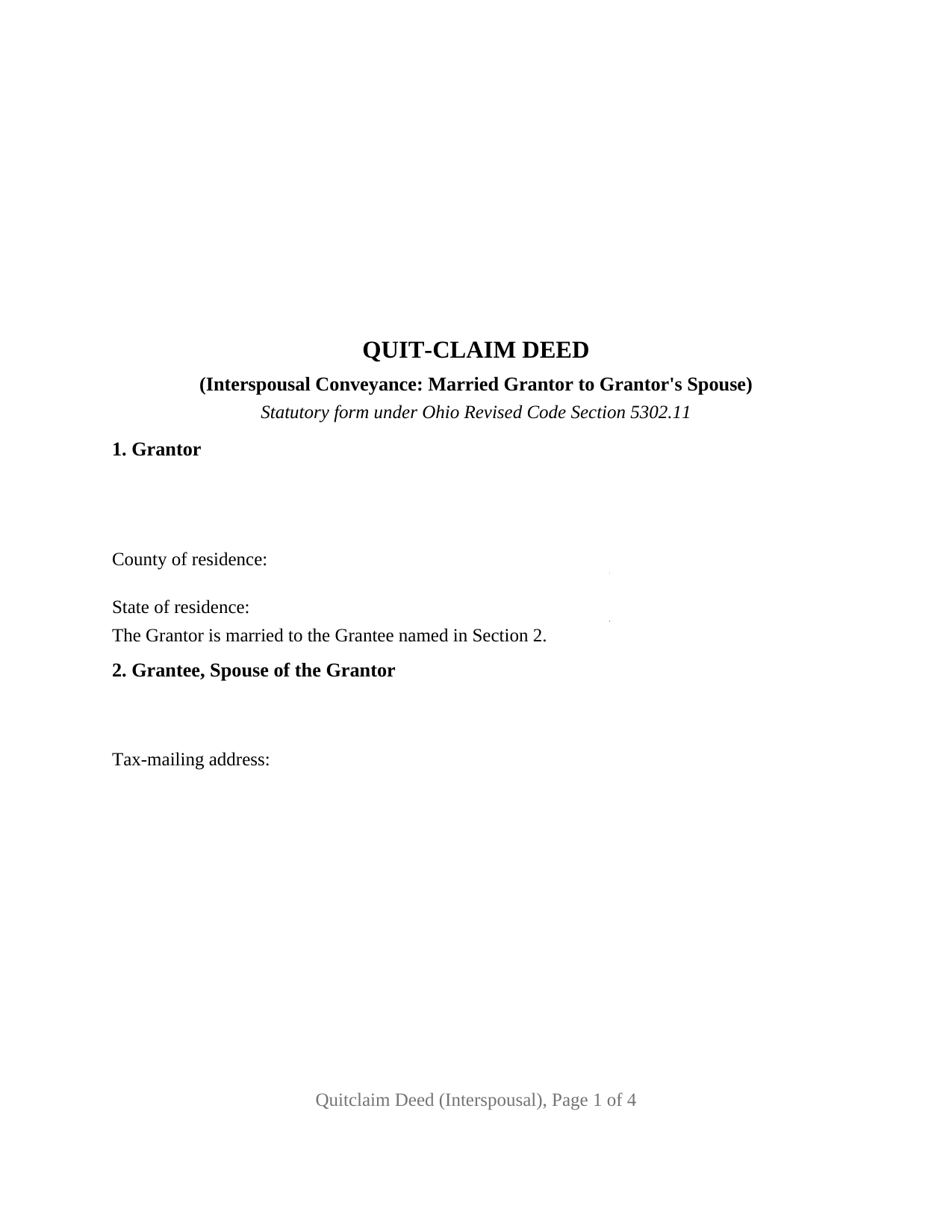
Washington County Quitclaim Deed (Interspousal) Form
Fill in the blank Quitclaim Deed (Interspousal) form formatted to comply with all Ohio recording and content requirements.
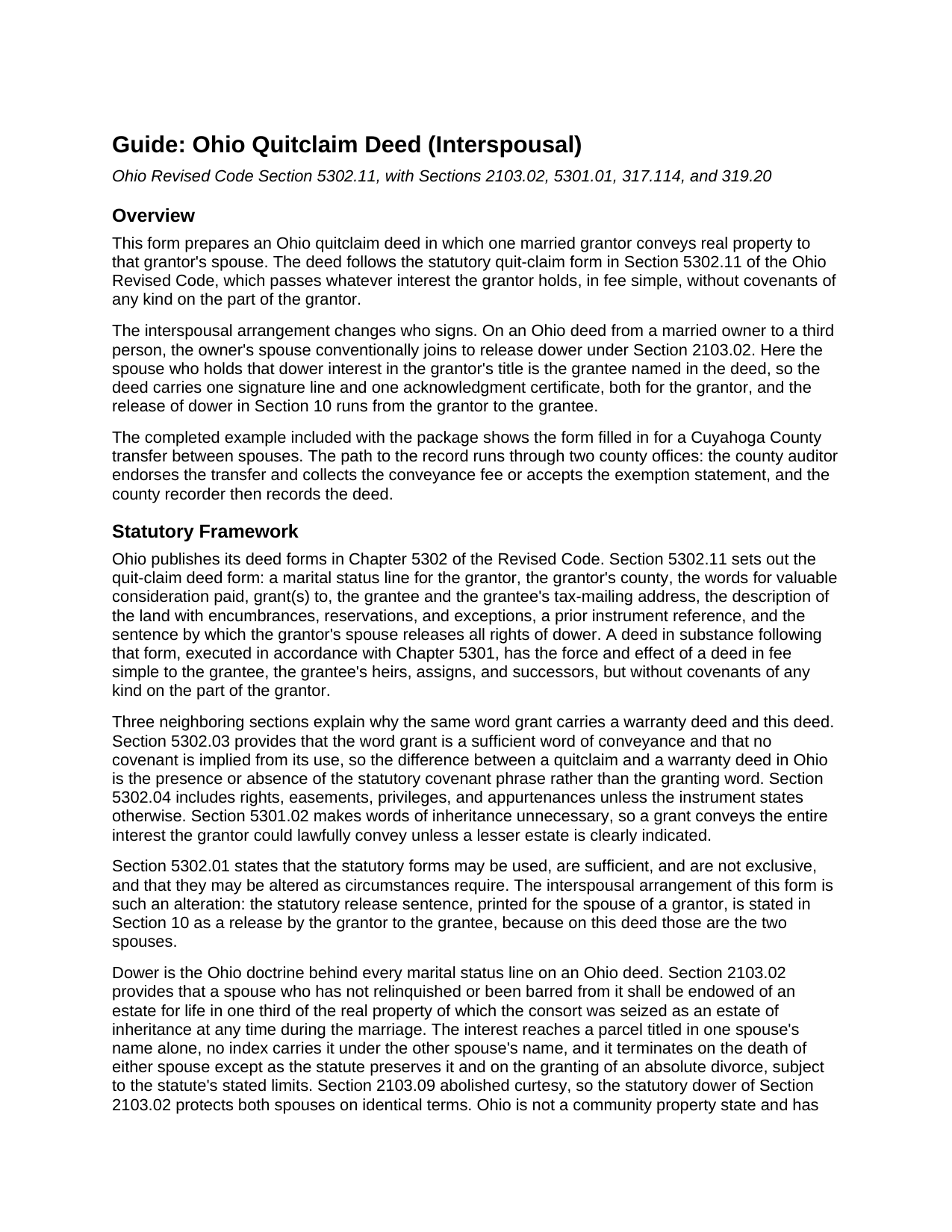
Washington County Quitclaim Deed (Interspousal) Guide
Line by line guide explaining every blank on the Quitclaim Deed (Interspousal) form.
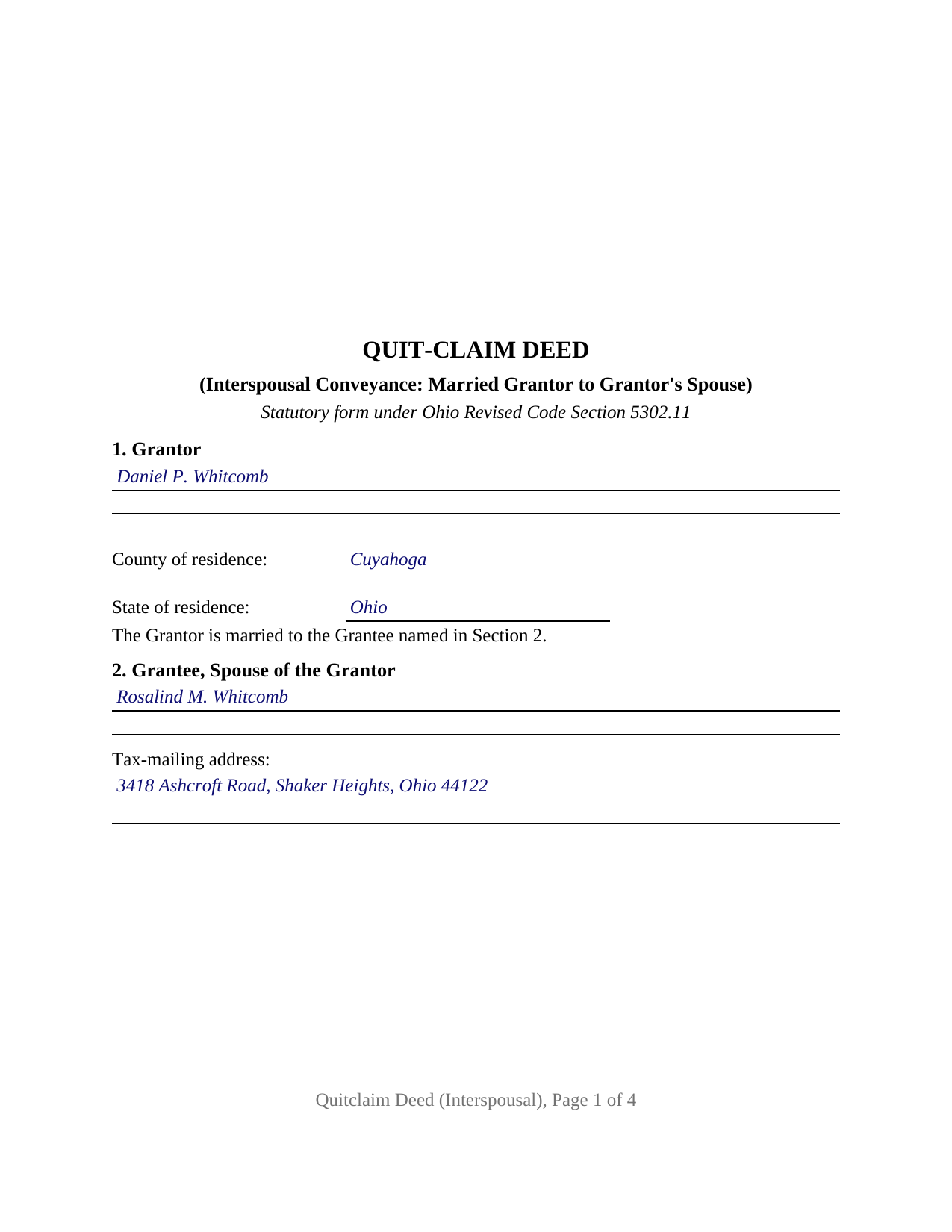
Washington County Completed Example of the Quitclaim Deed (Interspousal) Document
Example of a properly completed Ohio Quitclaim Deed (Interspousal) document for reference.
All 3 documents above included • One-time purchase • No recurring fees
Immediate Download • Secure Checkout
Additional Ohio and Washington County documents included at no extra charge:
Where to Record Your Documents
Washington County Recorder
Marietta, Ohio 45750
Hours: 8:00am to 5:00pm Monday through Friday / Recording until 4:15pm
Phone: 740-373-6623 Ext 235 or 236
Recording Tips for Washington County:
- Bring your driver's license or state-issued photo ID
- Ensure all signatures are in blue or black ink
- Check margin requirements - usually 1-2 inches at top
- Leave recording info boxes blank - the office fills these
- Make copies of your documents before recording - keep originals safe
Cities and Jurisdictions in Washington County
Properties in any of these areas use Washington County forms:
- Barlow
- Bartlett
- Belpre
- Beverly
- Coal Run
- Cutler
- Fleming
- Graysville
- Little Hocking
- Lowell
- Lower Salem
- Macksburg
- Marietta
- New Matamoras
- Newport
- Reno
- Vincent
- Waterford
- Watertown
- Whipple
- Wingett Run
Hours, fees, requirements, and more for Washington County
How do I get my forms?
Forms are available for immediate download after payment. The Washington County forms will be in your account ready to download to your computer. An account is created for you during checkout if you don't have one. Forms are NOT emailed.
Are these forms guaranteed to be recordable in Washington County?
Yes. Our form blanks are guaranteed to meet or exceed the applicable formatting requirements used for recording in Washington County, including margin requirements, font requirements, and other layout standards. This guarantee applies to formatting, not to the legal sufficiency of information entered by the user or the suitability of a form for a particular transaction.
Can I reuse these forms?
Yes. You can reuse the forms for your personal use. For example, if you have multiple properties in Washington County you only need to order once.
What do I need to use these forms?
The forms are PDFs that you fill out on your computer. The free Adobe Acrobat Reader is recommended, and most PDF apps also work. You do NOT enter your property information online - you download the blank forms and complete them privately on your own computer.
Are there any recurring fees?
No. This is a one-time purchase. Nothing to cancel, no memberships, no recurring fees.
How much does it cost to record in Washington County?
Recording fees in Washington County vary. Contact the recorder's office at 740-373-6623 Ext 235 or 236 for current fees.
Questions answered? Let's get started!
On most Ohio deeds from a married owner, the release of dower is a second person's signature. On a deed between spouses it is not: the spouse whose dower attaches to the grantor's title is the one receiving the property. This form is set up for that record, a married grantor conveying Ohio real property to the grantor's own spouse under Ohio Revised Code Section 5302.11, with one signature line, one certificate, and a numbered dower release running toward the grantee.
The release that points at the grantee
Ohio still keeps dower. Under Section 2103.02 a married owner's spouse holds a one third life estate in property the owner was seized of as an estate of inheritance during the marriage, unless that spouse relinquished it or is barred, and the interest attaches even where the deed carries one name. The statutory quit-claim form answers dower with a release sentence printed for the grantor's spouse to sign. On an interspousal conveyance that sentence has nowhere else to go, since the grantor's spouse is the grantee: Section 10 states the release grantor to grantee, and no third signature or second certificate appears. Dower runs both ways, so the release also reaches the mirror image interest arising in the grantor once the grantee holds title.
What a quitclaim moves between spouses
The operative words belong to the statute. Section 5302.11 gives a deed following its form the effect of a fee simple conveyance carrying no covenant of any kind from the grantor, and Section 5302.03 says the word grant implies no covenant. The grantee takes the interest as it stands: a recorded mortgage keeps encumbering the property, and the note obligation stays with whoever signed the note. Section 5302.01 makes the statutory forms alterable as circumstances require, the authority for printing the dower sentence in the interspousal direction. Searches for a quit claim deed, the hyphenated quit-claim spelling the Revised Code uses, or an interspousal transfer deed reach this one.
One grantor, one grantee, and the marriage between them
The form recites exactly one grantor and one grantee who are married to each other. Section 1 states the grantor's name, residence, and the marriage to the grantee; Section 2 heads the grantee entry as the spouse of the grantor and takes that spouse's tax-mailing address. A spouse who bought an Ohio house before the wedding and moves it into the other spouse's name alone, and one who took title by inheritance and conveys to the other spouse, present the record this deed recites. Its edges: one grantee means no joint lives and remainder to the survivor language from Section 5302.17, and one signer means every blank below the conveyance belongs to the grantor and the notarial officer.
A gift between spouses at the auditor's window
Ohio deeds answer to the county auditor before the county recorder, and the fee arithmetic is where a spousal transfer parts company with a sale. Section 319.54(G)(3) has the auditor charge ten cents per hundred dollars of value and lists the exemptions, among them (d), a conveyance to evidence a gift, in trust or otherwise and whether revocable or irrevocable, between husband and wife. Form DTE 100EX carries that line as item (d) and calls for an affidavit of facts alongside it; those auditor filings are prepared separately and are not part of this package. Section 322.01 keeps an exempt instrument outside the county permissive transfer tax, and Section 317.22 holds the deed back from the record until the auditor's stamp and transfer endorsement appear on it.
The page geometry answers Section 317.114: page one keeps its top three inches clear for the recorder's endorsement, the sides and bottom hold an inch, later pages open an inch and a half down, and the print sits above 10 point. A covered instrument missing those numbers is not turned away; the recorder accepts it and collects twenty dollars more. Section 319.20 accounts for two further entries, the address for the grantee's tax bills and the reference identifying the instrument through which the grantor claims title, and Section 317.111 for the preparer statement.
The download holds three items: the interspousal Ohio quitclaim deed as a fillable PDF, a completed example for a Cuyahoga County conveyance between spouses, and a plain language guide covering the numbered sections, the dower mechanics, the ownership forms an Ohio grantee may take, and the recording path. The materials describe Ohio law and this form in general terms; they are not legal advice.
Important: Your property must be located in Washington County to use these forms. Documents should be recorded at the county recording office listed above.
This Quitclaim Deed (Interspousal) meets all recording requirements specific to Washington County.
Our Promise
The documents you receive here are guaranteed to meet or exceed the applicable Washington County recording format requirements. If there is a rejection caused by our formatting, we will correct the issue or refund your payment. This guarantee applies to document formatting only and does not extend to information entered by the user, the selection of the form, or the legal effect of the completed document.
Save Time and Money
Get your Washington County Quitclaim Deed (Interspousal) form done right the first time with Deeds.com Uniform Conveyancing Blanks. At Deeds.com, we understand that your time and money are valuable resources, and we don't want you to face a penalty fee or rejection imposed by a county recorder for submitting nonstandard documents. We constantly review and update our forms to meet rapidly changing state and county recording requirements for roughly 3,500 counties and local jurisdictions.
4.8 out of 5 - ( 4,845 Reviews )
Jerry C. 5 out of 5 stars
NIce job Guys! Helped me with my recordings and slight errors. Submitted Perfectly Good Communication. Thanks. Will use again.
Happy we could assist. Thank you for sharing your experience.
christopher c. 5 out of 5 stars
Everything was professionally, handled and the process was simple and easy. I appreciated the responsiveness and recommendations from the reviewer of my package and look forward to getting my other submissions done. Wish I knew about this process sooner, thanks
Thanks, Christopher! We're glad the process was smooth and our team could help. Looking forward to assisting with your future submissions!
ian a. 3 out of 5 stars
Your website advertising was somewhat deceptive regarding doing a quitclaim on a name change. "If you are transferring the property to yourself under your new name, all you have to do is update the deed from your former name to your current one." This made this sound easy. But when I downloaded the material for my state, expecting to find an example, there was no example of how to do a name change quitclaim deed! I therefore had to figure this out myself. You might have provided a warning about certain uses that were not covered in the material so that people know ahead of time that the use they needed to know about wasn't covered in the material.
Thank you for your feedback. We really appreciate it. Have a great day!
Lisa M. 5 out of 5 stars
Awesome and so easy to use!
We appreciate your business and value your feedback. Thank you. Have a wonderful day!
Pamela J. 5 out of 5 stars
The form was short, and explainable.. so that is my feed back on that...but we have not received anything back to actually see if we filled the form out correctly. So I definitely can not say if I'm satisfied with it or not until I know that it is approved. I would recommend Coos County web site for Forms to people. Thank you.
Thank you for your feedback. We really appreciate it. Have a great day!
Kevin V. 5 out of 5 stars
This is an option for recording that worked flawlessly with my county government. Given Covid19 has closed county offices to the public as well as the personal kiosks options to record shrunk dramatically. I recommend Deeds.Com for your recording needs.
Thank you for your feedback. We really appreciate it. Have a great day!
Rose H. 5 out of 5 stars
I am so glad I found this resource! As the Executor of a family members estate I wanted to save money by bypassing a lawyer as it seemed pretty straight forward to tranfer a Life Estate to the remainderman. (I had original deeds). But talking with 3 different states and 4 different counties - none of which seemed to need the same documents, I was almost ready to dump this in a lawyer's lap. This resource makes it simple!
We appreciate your business and value your feedback. Thank you. Have a wonderful day!
Tamara H. 5 out of 5 stars
Absolutely awesome! Quick, easy and efficient. I will definitely be using again!
Thank you Tamara. We really appreciate you taking the time to leave your comments. Have an amazing day!
Seth T. 5 out of 5 stars
THE BEST WEBSITE I HAVE EVER SEEN FOR LEGAL DOCUMENTS!!! THANKS
Thanks Seth, we appreciate your feedback.
Claudia S. 5 out of 5 stars
The site is very user friendly. Where can I get a copy of all the invoices that were paid? Thank you. Claudia
Thank you for your feedback. We really appreciate it. Have a great day!
STEPHEN C. 5 out of 5 stars
Excellent service. Easy to use. Thank you.
We appreciate your business and value your feedback. Thank you. Have a wonderful day!
Daniel L. 4 out of 5 stars
You could make instructions clearer on the download process and when download is complete. You could also group things together for 1 or 2 "big" downloads.
Thank you for your feedback. We really appreciate it. Have a great day!
Tamra L. 5 out of 5 stars
excellent instructions and clear forms. Thank you for your service!
Glad everything was clear and easy to follow. We appreciate you taking the time to share this.
Jeanette S. 5 out of 5 stars
Your site was easy to figure out after a few mistakes on my part. Messages were returned quickly. Very convenient for our recording of documents. I will recommend using this method for recording in future. Thank you for working fast in our recording.
Thank you for your feedback. We really appreciate it. Have a great day!
Wayne T. 5 out of 5 stars
I was skeptical when I first came upon this website. Not sure why I had such a negative feeling, but after I received the printed deed I felt relieved and completely satisfied. This is a great website for everyone who wouldn't want to retrieve their deed in person and worth the reasonable fee.
We appreciate your business and value your feedback. Thank you. Have a wonderful day!