Greene County Trustee Deed (LLC Grantee) Form
Last validated October 23, 2026 by our Forms Development TeamFormatted for recording in Greene County, for property anywhere in the county: rural and unincorporated areas as well as Alpha, Bellbrook, Bowersville, Cedarville, Clifton, Dayton, Fairborn, Jamestown and 4 more.
- 3 documents included
- Immediate PDF download
- Formatting guarantee
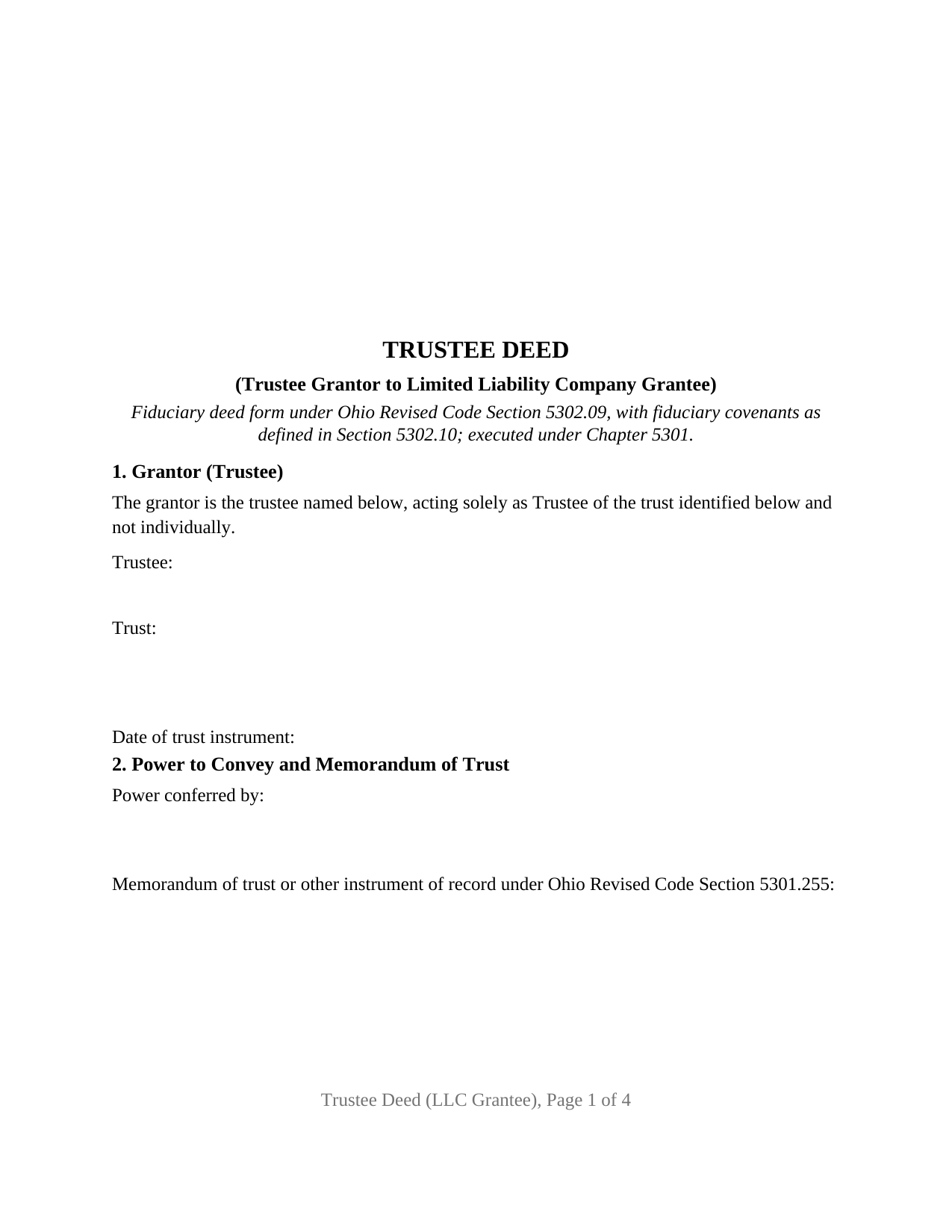
Greene County Trustee Deed (LLC Grantee) Form
Fill in the blank Trustee Deed (LLC Grantee) form formatted to comply with all Ohio recording and content requirements.
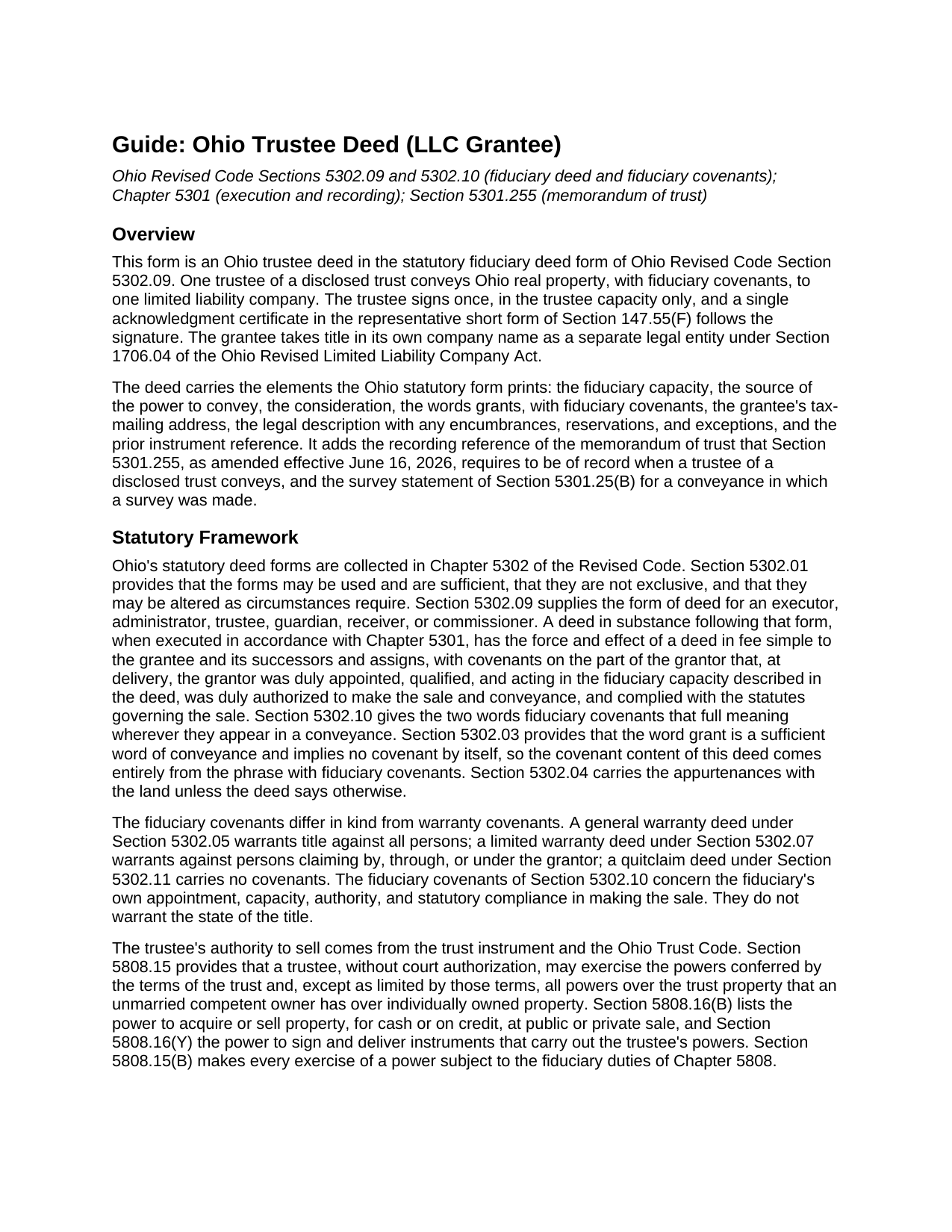
Greene County Trustee Deed (LLC Grantee) Guide
Line by line guide explaining every blank on the Trustee Deed (LLC Grantee) form.
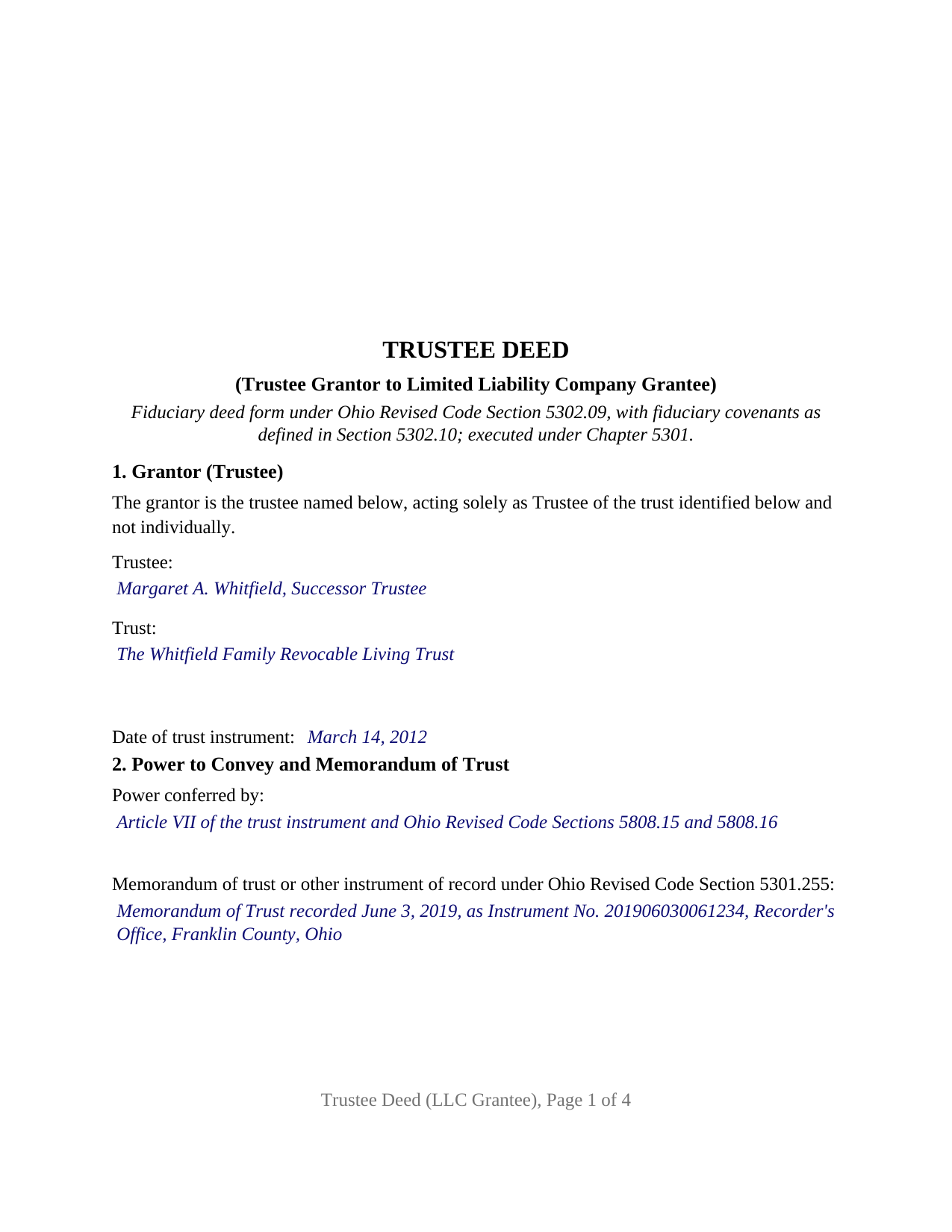
Greene County Completed Example of the Trustee Deed (LLC Grantee) Document
Example of a properly completed Ohio Trustee Deed (LLC Grantee) document for reference.
All 3 documents above included • One-time purchase • No recurring fees
Immediate Download • Secure Checkout
Additional Ohio and Greene County documents included at no extra charge:
Where to Record Your Documents
Greene County Recorder
Xenia, Ohio 45385
Hours: 7:30 to 4:30 M-F / Recording until 3:30 only
Phone: 937-562-5270
Recording Tips for Greene County:
- Bring your driver's license or state-issued photo ID
- Ensure all signatures are in blue or black ink
- Leave recording info boxes blank - the office fills these
- Make copies of your documents before recording - keep originals safe
- Recorded documents become public record - avoid including SSNs
Cities and Jurisdictions in Greene County
Properties in any of these areas use Greene County forms:
- Alpha
- Bellbrook
- Bowersville
- Cedarville
- Clifton
- Dayton
- Fairborn
- Jamestown
- Spring Valley
- Wilberforce
- Xenia
- Yellow Springs
Hours, fees, requirements, and more for Greene County
How do I get my forms?
Forms are available for immediate download after payment. The Greene County forms will be in your account ready to download to your computer. An account is created for you during checkout if you don't have one. Forms are NOT emailed.
Are these forms guaranteed to be recordable in Greene County?
Yes. Our form blanks are guaranteed to meet or exceed the applicable formatting requirements used for recording in Greene County, including margin requirements, font requirements, and other layout standards. This guarantee applies to formatting, not to the legal sufficiency of information entered by the user or the suitability of a form for a particular transaction.
Can I reuse these forms?
Yes. You can reuse the forms for your personal use. For example, if you have multiple properties in Greene County you only need to order once.
What do I need to use these forms?
The forms are PDFs that you fill out on your computer. The free Adobe Acrobat Reader is recommended, and most PDF apps also work. You do NOT enter your property information online - you download the blank forms and complete them privately on your own computer.
Are there any recurring fees?
No. This is a one-time purchase. Nothing to cancel, no memberships, no recurring fees.
How much does it cost to record in Greene County?
Recording fees in Greene County vary. Contact the recorder's office at 937-562-5270 for current fees.
Questions answered? Let's get started!
An Ohio trustee deed to a limited liability company moves real property out of a trust and into a company name in one recorded instrument: the trustee signs once, in the trustee capacity only, and the deed carries the fiduciary covenants of Ohio Revised Code Section 5302.10 rather than a warranty of title. This form prepares that deed, in the statutory fiduciary deed form of Section 5302.09, for one trustee of a disclosed trust conveying to one limited liability company organized in Ohio or elsewhere.
Covenants about the trustee, not about the title
The words that do the legal work in this deed are grants, with fiduciary covenants. Section 5302.10 gives fiduciary covenants a fixed meaning: the grantor covenants that the grantor is duly appointed, qualified, and acting in the fiduciary capacity the deed describes, is duly authorized to make the sale and conveyance, and has complied with the statutes governing the sale. Those covenants concern the trustee's office and authority, not liens or competing claims, which is what separates a trustee deed, sometimes searched as a fiduciary deed, from a warranty deed.
One trustee signing, one company taking title
The form fixes its configuration as deed text. Section 1 recites that the grantor acts solely as Trustee of the identified trust and not individually. Section 3 recites that the grantee is a limited liability company organized under the laws of the jurisdiction stated, taking title in its own name as the separate legal entity Section 1706.04 makes it, with the company's exact registered name and tax-mailing address as entries. One signature block and one acknowledgment certificate, in the Section 147.55(F) short form for a trustee, follow. A trust selling a rental property to a buyer that holds real estate in a company, a family trust contributing a parcel to a newly formed family LLC, and a trustee selling commercial land to an investor's acquisition entity each present the single-trustee, company-grantee pattern this deed recites. The form is not set up as a deed by two co-trustees, a deed to natural persons, or a deed to a series of a company.
The memorandum of trust the 2026 amendment requires
Ohio changed the trustee's recording obligation on June 16, 2026. Senate Bill 101 amended Section 5301.255 so that a memorandum of trust, or another instrument meeting that section, shall be of record when any interest in real property is conveyed by the trustee of a disclosed trust. The memorandum states the trustee's name and address, the trust's execution date, and the trust's powers over selling or conveying real property, with any restrictions. Section 2 of this deed identifies the trustee's power to convey, drawn from the trust instrument and Sections 5808.15 and 5808.16 of the Trust Code, and carries the recording reference of the memorandum of trust. A certification of trust under Section 5810.13 is prepared separately and is not included in this package.
Why no spouse signs a trustee deed
Ohio still has dower, and most Ohio deeds by a married individual carry a spouse's release. A trustee holds title for beneficiaries. Section 2103.021 provides that where the word trustee followed the grantee's name in the deed into the trustee, a conveyance by that trustee to a bona fide purchaser passes title free of any dower claim of the trustee's spouse unless the spouse recorded an affidavit claiming the interest first, and Section 5301.03 frees the same conveyance from the claims of undisclosed beneficiaries. The statutory fiduciary deed form prints no dower release, and this deed carries no spouse line and no marital status entry.
Auditor first, then recorder
A trustee deed to a company is, in the ordinary case, a sale for consideration, so it passes through the county auditor with a DTE 100 conveyance fee statement and the state fee of ten cents per hundred dollars of value, plus any county transfer tax, before Section 317.22 lets the recorder accept it. The deed carries the tax-mailing address and prior instrument reference Section 319.20 requires and is built to the Section 317.114 format across four recorded pages.
The package includes the fillable trustee deed, a completed example filled in for a Franklin County trust selling a Worthington lot to an Ohio limited liability company, and the guide that walks through every numbered section and the auditor and recorder steps. This description and the guide describe the form and the governing Ohio statutes in general terms; they are not legal advice.
Important: Your property must be located in Greene County to use these forms. Documents should be recorded at the county recording office listed above.
This Trustee Deed (LLC Grantee) meets all recording requirements specific to Greene County.
Our Promise
The documents you receive here are guaranteed to meet or exceed the applicable Greene County recording format requirements. If there is a rejection caused by our formatting, we will correct the issue or refund your payment. This guarantee applies to document formatting only and does not extend to information entered by the user, the selection of the form, or the legal effect of the completed document.
Save Time and Money
Get your Greene County Trustee Deed (LLC Grantee) form done right the first time with Deeds.com Uniform Conveyancing Blanks. At Deeds.com, we understand that your time and money are valuable resources, and we don't want you to face a penalty fee or rejection imposed by a county recorder for submitting nonstandard documents. We constantly review and update our forms to meet rapidly changing state and county recording requirements for roughly 3,500 counties and local jurisdictions.
4.8 out of 5 - ( 4,829 Reviews )
James W. 5 out of 5 stars
Easy access to forms saving lots of time researching reqmts from a State/Municipal Govt website. I saved 400-500 in lawyer fees but getting these forms, and coordinating with the Property recorders office in another state. Will use you again.
Thank you James. We really appreciate your feedback.
Dean L. 3 out of 5 stars
The template isn't that easy to work with, with you have to type out large amounts of text. Also copy and paste doesn't seem to work. Furthermore, the code listed on the guide is out of date. However, the DQC is decent in that it has all the required fields you need.
Thank you for your feedback. We really appreciate it. Have a great day!
Priscilla Z. 5 out of 5 stars
Very user friendly and easy. I appreciated the sample deed that was provided. Definitely recommend!
Thank you!
Herbert L. 5 out of 5 stars
Creating my enhanced lifde estate deed was rather easy but I am not happy. After buying the 3 form package for about $29 and crating my legal form... was not happy with your disclaimer than you cannot guarantee the form will meet required legal standards. I was convinced you all knew what you're doing since the forms are supposedly specific to Polk county, Florida.
Herbert, thank you for your feedback.
Our deed forms are prepared to meet the statutory and recording requirements for the state listed, including common formatting and content requirements used by county recorders.
The disclaimer exists because we are not acting as your attorney and cannot evaluate each customer’s specific facts, property history, or intended use of the document. For that reason, we cannot guarantee that a document will meet every possible legal need or circumstance.
Many customers successfully prepare and record their deeds using these materials, but anyone needing legal advice about their particular situation should consult a licensed attorney.
MARIZON M. 5 out of 5 stars
This site/service is amazing! The response is almost real-time and the fees are super reasonable. I will be using this again in the future should I need to file any other documents with the county and will also recommend it to others! Thank you!
Thank you for your feedback. We really appreciate it. Have a great day!
Viola G. 4 out of 5 stars
no as easy as anticipated but convenient.
We are grateful for your feedback and looking forward to serving you again. Thank you!
Maria S. 3 out of 5 stars
The paperwork/forms are fine, but there isn't enough explanation for me to figure out how to file the extra forms (which I do need in my case). The main form, Deed Upon Death is fine. I think the price is pretty high for these forms. I wouldn't have purchased it because there are places to get them for much cheaper (about 6 dollars), but this site had the extra forms I wanted (property in a trust and another form). Unfortunately these were included as a "courtesy" and there are no instructions for them. So three stars for being clear about what was in the package, having the right forms that I need, but instructions for putting them to use and price took a couple of stars off. Downloading was easy and once you download you can type the info into the PDF--that makes working with the forms much easier.
Thank you for the feedback Maria. Regarding the supplement documents, it is best to get assistance from the agency that requires them. These are not legal documents, they should provide full support and guidance for them.
Brian O. 5 out of 5 stars
It's an instant download. I was very pleased that it included instructions and any necessary additional forms. Much easier than spending 3 hours on a county assessor's website searching for every single form. A good deal and I don't know how Deeds.com keeps up with thousands of counties. The fillable .pdf capability is a great enhancement.
Thank you for your feedback. We really appreciate it. Have a great day!
Michael M. 5 out of 5 stars
Deeds.com had what I needed at the time that I needed it. Thank you very much.
We appreciate your business and value your feedback. Thank you. Have a wonderful day!
Ena D. 5 out of 5 stars
Very easy process. great customer service
We appreciate your business and value your feedback. Thank you. Have a wonderful day!
Denise B. 5 out of 5 stars
Quick and easy!
Thank you Denise. We appreciate you.
barbara s. 5 out of 5 stars
I was in a rush to record a quit claim deed, however due to covid 19 Miami dade county recorders office are not open to public. According to staff I would have to mail in the quit claim deed and wait approximately two weeks for the deed to get recorded. Thanks to Deeds.com I got my document recorded in less than one day. You guys are awesome, I will use this company anytime I need something like this again. Very reliable.
We appreciate your business and value your feedback. Thank you. Have a wonderful day!
Lois B. 5 out of 5 stars
It works pretty well, had trouble with the word December. It printed out Decedmber with weird spacing but I think it will be ok.
Thank you for the feedback. We will take a look at the date field to see if there are any issues. Have a great day!
Craig H. 5 out of 5 stars
Worked exactly like it was supposed to. No glitches
Thank you for your feedback. We really appreciate it. Have a great day!
cosmin B. 5 out of 5 stars
It's all good!!!!
Thank you!