Greene County Trustee Deed (Corporate Trustee) Form
Last validated October 23, 2026 by our Forms Development TeamFormatted for recording in Greene County, for property anywhere in the county: rural and unincorporated areas as well as Alpha, Bellbrook, Bowersville, Cedarville, Clifton, Dayton, Fairborn, Jamestown and 4 more.
- 3 documents included
- Immediate PDF download
- Formatting guarantee
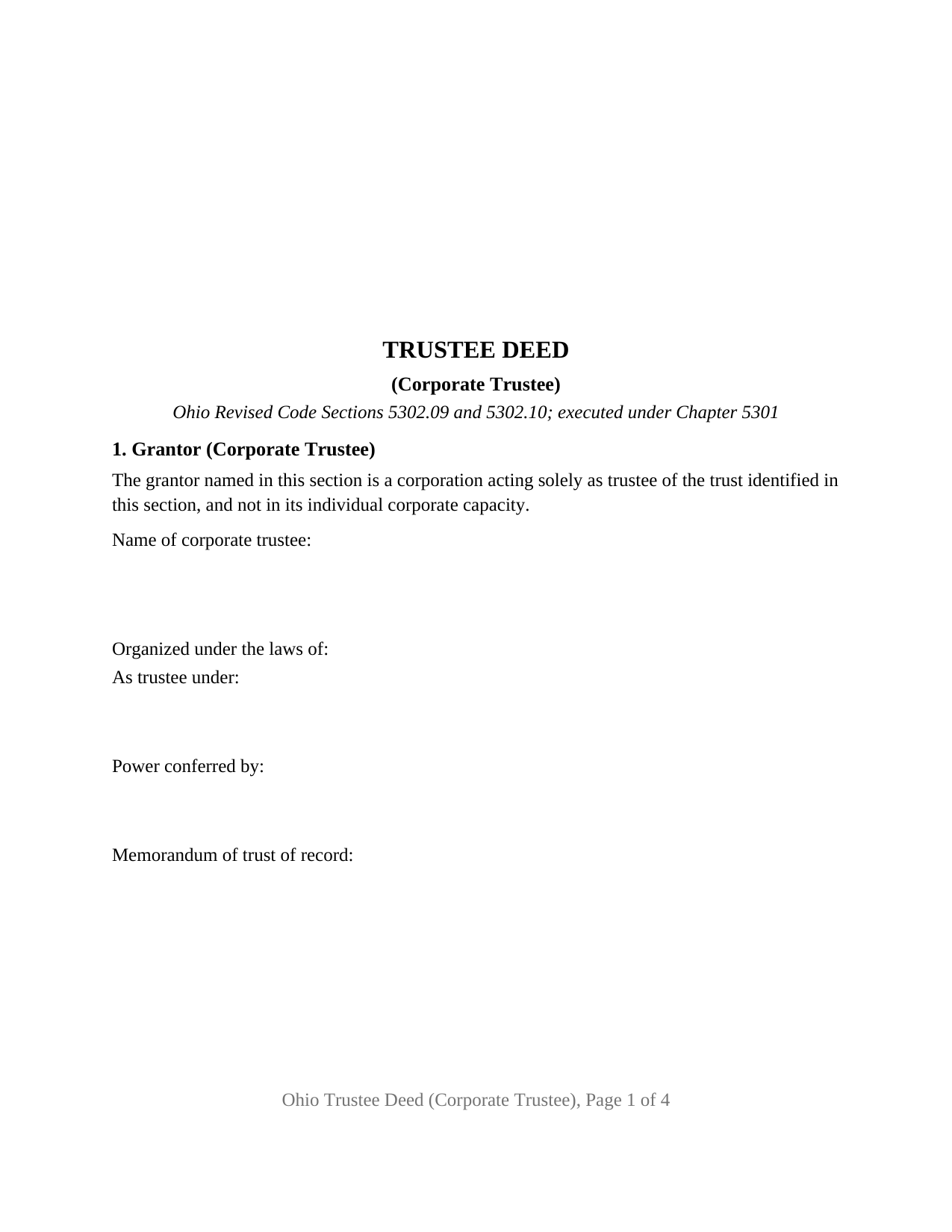
Greene County Trustee Deed (Corporate Trustee) Form
Fill in the blank Trustee Deed (Corporate Trustee) form formatted to comply with all Ohio recording and content requirements.
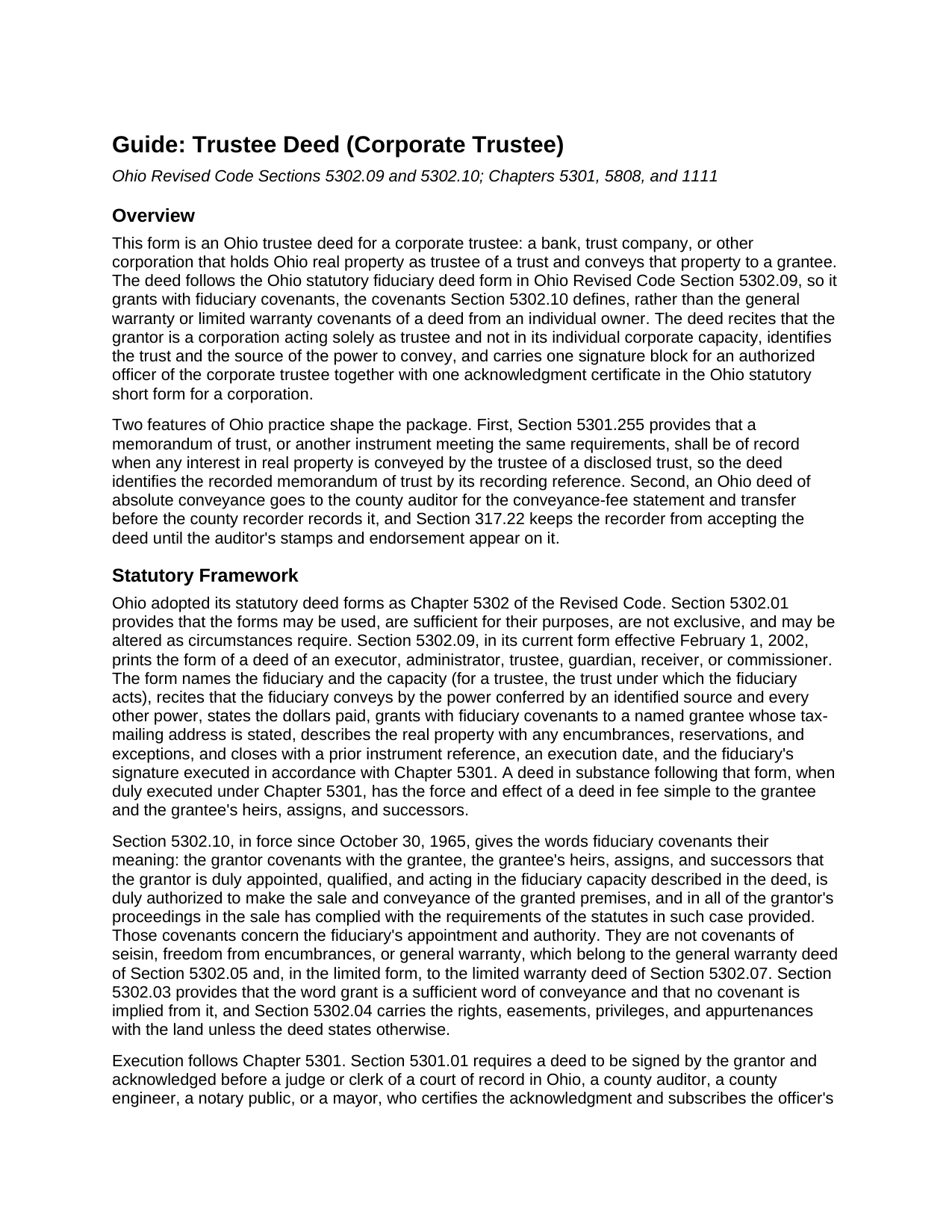
Greene County Trustee Deed (Corporate Trustee) Guide
Line by line guide explaining every blank on the Trustee Deed (Corporate Trustee) form.
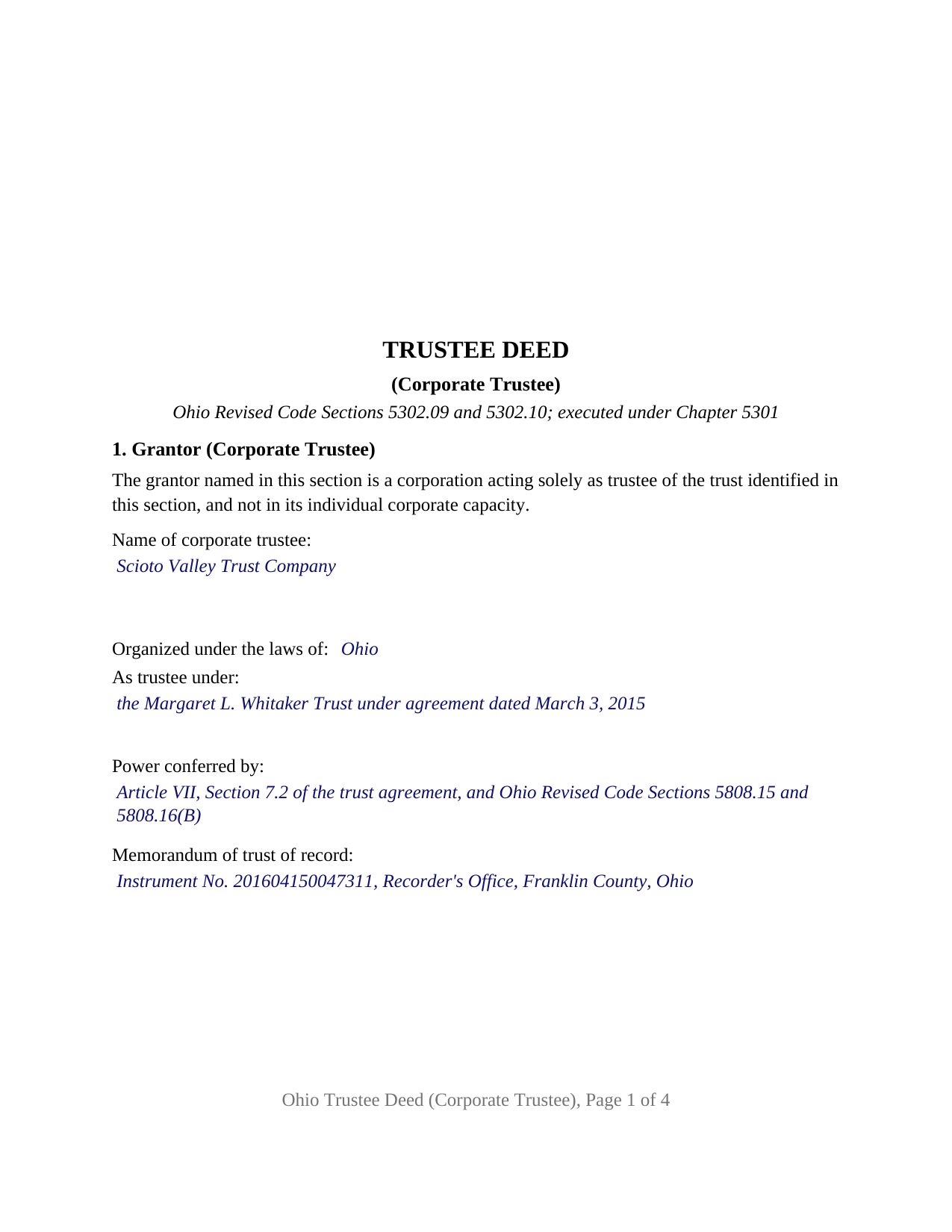
Greene County Completed Example of the Trustee Deed (Corporate Trustee) Document
Example of a properly completed Ohio Trustee Deed (Corporate Trustee) document for reference.
All 3 documents above included • One-time purchase • No recurring fees
Immediate Download • Secure Checkout
Additional Ohio and Greene County documents included at no extra charge:
Where to Record Your Documents
Greene County Recorder
Xenia, Ohio 45385
Hours: 7:30 to 4:30 M-F / Recording until 3:30 only
Phone: 937-562-5270
Recording Tips for Greene County:
- Bring your driver's license or state-issued photo ID
- Ensure all signatures are in blue or black ink
- Check margin requirements - usually 1-2 inches at top
- Leave recording info boxes blank - the office fills these
- Make copies of your documents before recording - keep originals safe
Cities and Jurisdictions in Greene County
Properties in any of these areas use Greene County forms:
- Alpha
- Bellbrook
- Bowersville
- Cedarville
- Clifton
- Dayton
- Fairborn
- Jamestown
- Spring Valley
- Wilberforce
- Xenia
- Yellow Springs
Hours, fees, requirements, and more for Greene County
How do I get my forms?
Forms are available for immediate download after payment. The Greene County forms will be in your account ready to download to your computer. An account is created for you during checkout if you don't have one. Forms are NOT emailed.
Are these forms guaranteed to be recordable in Greene County?
Yes. Our form blanks are guaranteed to meet or exceed the applicable formatting requirements used for recording in Greene County, including margin requirements, font requirements, and other layout standards. This guarantee applies to formatting, not to the legal sufficiency of information entered by the user or the suitability of a form for a particular transaction.
Can I reuse these forms?
Yes. You can reuse the forms for your personal use. For example, if you have multiple properties in Greene County you only need to order once.
What do I need to use these forms?
The forms are PDFs that you fill out on your computer. The free Adobe Acrobat Reader is recommended, and most PDF apps also work. You do NOT enter your property information online - you download the blank forms and complete them privately on your own computer.
Are there any recurring fees?
No. This is a one-time purchase. Nothing to cancel, no memberships, no recurring fees.
How much does it cost to record in Greene County?
Recording fees in Greene County vary. Contact the recorder's office at 937-562-5270 for current fees.
Questions answered? Let's get started!
When a bank or trust company holds Ohio real estate as trustee and conveys it, a corporate officer signs the deed, and the deed carries the fiduciary covenants of Ohio Revised Code Section 5302.09 rather than the warranties of an owner's deed. This Ohio trustee deed is set up for exactly that configuration: one corporate trustee, one authorized officer signing on its behalf, and one acknowledgment certificate in the Ohio statutory short form for a corporation.
A deed signed by an officer, given by a trustee
The form recites that the grantor is a corporation acting solely as trustee of the identified trust and not in its individual corporate capacity. Section 1 names the corporate trustee, its state or place of incorporation, the trust under which it acts, the source of its power to convey, and the recorded memorandum of trust. Section 7 separates the two identities the way a corporate signature block does: the corporation is named as the grantor, as Trustee, and the signature, printed name, and title lines belong to the trust officer who signs for it. The record patterns that present this configuration include a trust department selling a parcel after a settlor's death and a corporate successor trustee conveying property an individual trustee once managed.
Fiduciary covenants, not title warranties
Ohio's statutory fiduciary deed grants with fiduciary covenants, and Section 5302.10 says what those words mean: the grantor covenants that it is duly appointed, qualified, and acting in the fiduciary capacity the deed describes, that it is duly authorized to make the sale and conveyance, and that it has complied with the statutes governing its proceedings in the sale. Those covenants speak to the trustee's authority, not to the state of the title. Section 3 of the deed therefore lists the encumbrances, reservations, and exceptions the conveyance is subject to, and the operative section follows the statutory form's own sequence.
The memorandum of trust of record
Section 5301.255, as amended effective June 16, 2026, provides that a memorandum of trust or an equivalent instrument shall be of record when any interest in real property is conveyed by the trustee of a disclosed trust. The memorandum is prepared and recorded separately and is not included in this package. The deed carries a line for the memorandum's recording reference, so the two instruments read together in the recorder's index.
Who may serve as a corporate trustee in Ohio
Chapter 1111 of the Revised Code limits trust business in Ohio to corporations: a licensed state bank, a bank or corporation of another state or country authorized to accept and execute trusts, or a national bank or federal savings association with fiduciary powers from the Office of the Comptroller of the Currency. The corporation form of acknowledgment on this deed, under Section 147.55(B), fits each of them. A natural person serving as a family trustee is outside Chapter 1111 and outside the configuration this form recites.
Auditor first, then recorder
An Ohio deed of absolute conveyance goes to the county auditor before the recorder will accept it. The grantee files the conveyance-fee statement, DTE 100, or the DTE 100EX exemption statement, and the auditor endorses the deed and transfers the parcel. The state conveyance fee is ten cents for each one hundred dollars of value, with a county permissive transfer tax of up to thirty cents more; a trustee's sale to a purchaser pays the fee on the price, while Section 319.54(G)(3) exempts transfers into a revocable trust, back to the settlor, and out to beneficiaries. The layout follows Section 317.114: a three-inch blank top margin on the first recorded page for the county stamps, one-inch side and bottom margins, and a one and one-half inch top margin on later pages.
The package includes the fillable trustee deed, a completed example filled in for a realistic Franklin County sale by a trust company, and the guide that walks through every numbered section, the acknowledgment, the memorandum of trust, and the auditor and recorder steps. This description and the guide describe the form and the governing Ohio statutes in general terms; they are not legal advice.
Important: Your property must be located in Greene County to use these forms. Documents should be recorded at the county recording office listed above.
This Trustee Deed (Corporate Trustee) meets all recording requirements specific to Greene County.
Our Promise
The documents you receive here are guaranteed to meet or exceed the applicable Greene County recording format requirements. If there is a rejection caused by our formatting, we will correct the issue or refund your payment. This guarantee applies to document formatting only and does not extend to information entered by the user, the selection of the form, or the legal effect of the completed document.
Save Time and Money
Get your Greene County Trustee Deed (Corporate Trustee) form done right the first time with Deeds.com Uniform Conveyancing Blanks. At Deeds.com, we understand that your time and money are valuable resources, and we don't want you to face a penalty fee or rejection imposed by a county recorder for submitting nonstandard documents. We constantly review and update our forms to meet rapidly changing state and county recording requirements for roughly 3,500 counties and local jurisdictions.
4.8 out of 5 - ( 4,852 Reviews )
John H. 5 out of 5 stars
This was pretty easy especially for a old guy like me.
Thanks John, glad we could help!
Maria H. 5 out of 5 stars
Great job. Helped me through some technical difficulties and got it done!
Thank you for your feedback. We really appreciate it. Have a great day!
Lois B. 5 out of 5 stars
It works pretty well, had trouble with the word December. It printed out Decedmber with weird spacing but I think it will be ok.
Thank you for the feedback. We will take a look at the date field to see if there are any issues. Have a great day!
Jennifer L L. 5 out of 5 stars
So far this has been a great experience. Very easy to use the deeds.com website and download the forms. Very nice that they give example forms and guides to help you fill out the forms. I just have to wait to make sure that the forms are accepted and recorded with no issues.
Your insights are invaluable to us and help us strive for better service. Thank you for taking the time to share your thoughts.
Jason B. 5 out of 5 stars
You saved me $275.00 perfect! Thank you!!
We appreciate your business and value your feedback. Thank you. Have a wonderful day!
Tracy B. 5 out of 5 stars
I was happy with the way this worked and the quick responses. Unfortunately, my documents could not be pulled. I will use this service again in the future.
Thank you for your feedback. We really appreciate it. Have a great day!
Keri C. 5 out of 5 stars
It was confusing at first, but the customer service was excellent and fast and I got everything taken care of right away. I'll use Deeds.com even after the recorder's office is open to the public.
Thank you for your feedback. We really appreciate it. Have a great day!
GARY S. 5 out of 5 stars
sweet & easy
Thank you!
Lori W. 5 out of 5 stars
Timely, efficient and easy to use.
We appreciate your business and value your feedback. Thank you. Have a wonderful day!
Beverly A. 5 out of 5 stars
The forms are incredibly easy to fill out. Thanks for the examples!
We appreciate your business and value your feedback. Thank you. Have a wonderful day!
Monica M. 5 out of 5 stars
I was very impressed with the quick responses I received from my questions. Usually when forced to communicate via email, responses aren't received right away. Thank you for being on top of things.
Thank you!
Cynthia B. 5 out of 5 stars
So simple to e-record my two documents. The communication was fast and very helpful. Thank you so much!
Thank you for your feedback. We really appreciate it. Have a great day!
Christopher B. 5 out of 5 stars
great
Thanks for your feedback. We’re glad we could help.
Paul R. 5 out of 5 stars
Worked very quickly and smoothly. Helps if you know what documents you need. Thanks.
Thank you for your feedback. We really appreciate it. Have a great day!
Michael M. 5 out of 5 stars
I downloaded the gift deed and I can not type my info onto it what am I doing wrong. Please advise
Sounds like you may be trying to complete the form in your browser. The document needs to be downloaded and saved to you computer, then opened in Adobe.