Dauphin County Assignment of Mortgage Form
Last validated October 28, 2026 by our Forms Development TeamFormatted for recording in Dauphin County, for property anywhere in the county: rural and unincorporated areas as well as Berrysburg, Dauphin, Elizabethville, Grantville, Gratz, Halifax, Harrisburg, Hershey and 8 more.
- 6 documents included
- Immediate PDF download
- Formatting guarantee
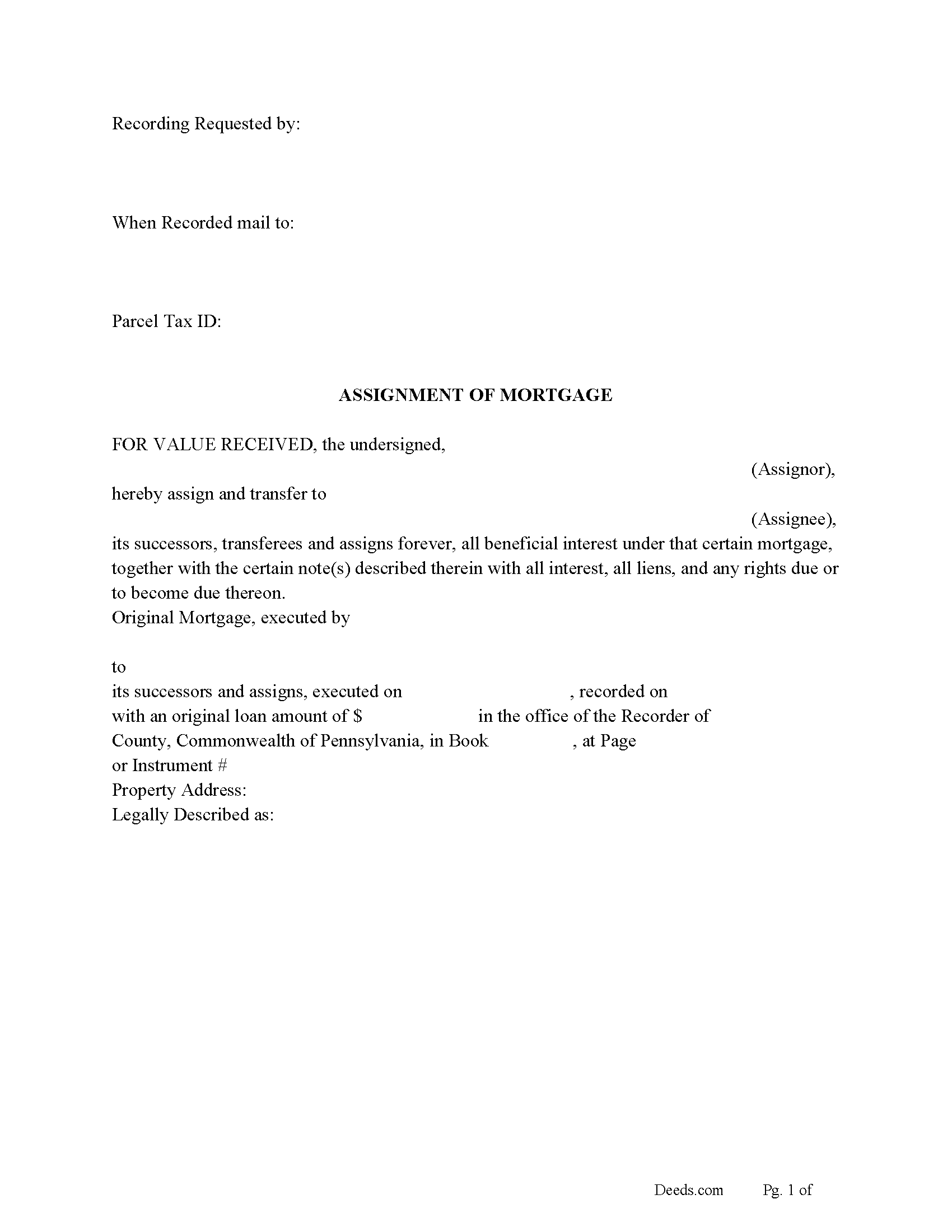
Dauphin County Assignment of Mortgage Form
Fill in the blank form formatted to comply with all recording and content requirements.
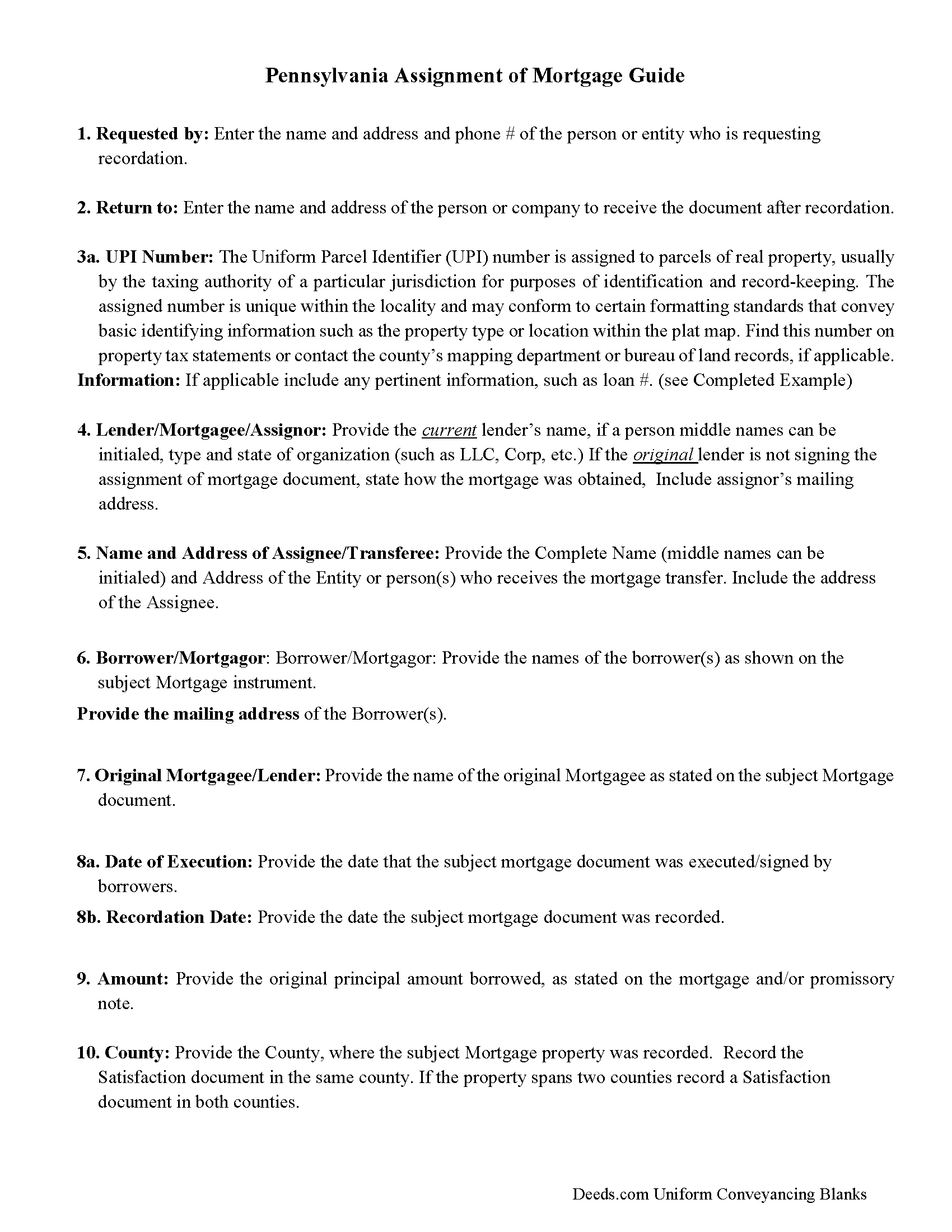
Dauphin County Assignment of Mortgage Guidelines
Line by line guide explaining every blank on the form.
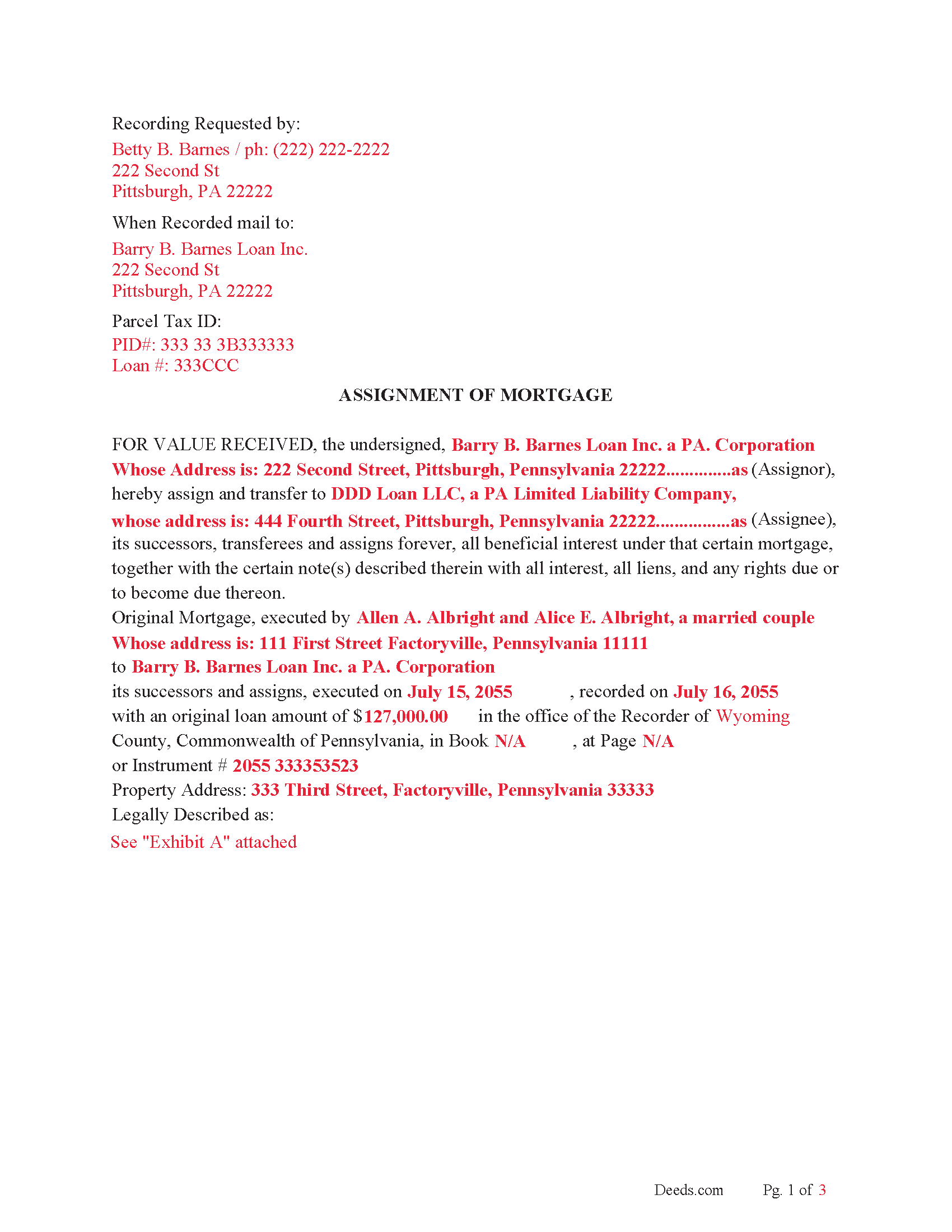
Dauphin County Completed Example of the Assignment of Mortgage Document
Example of a properly completed form for reference.
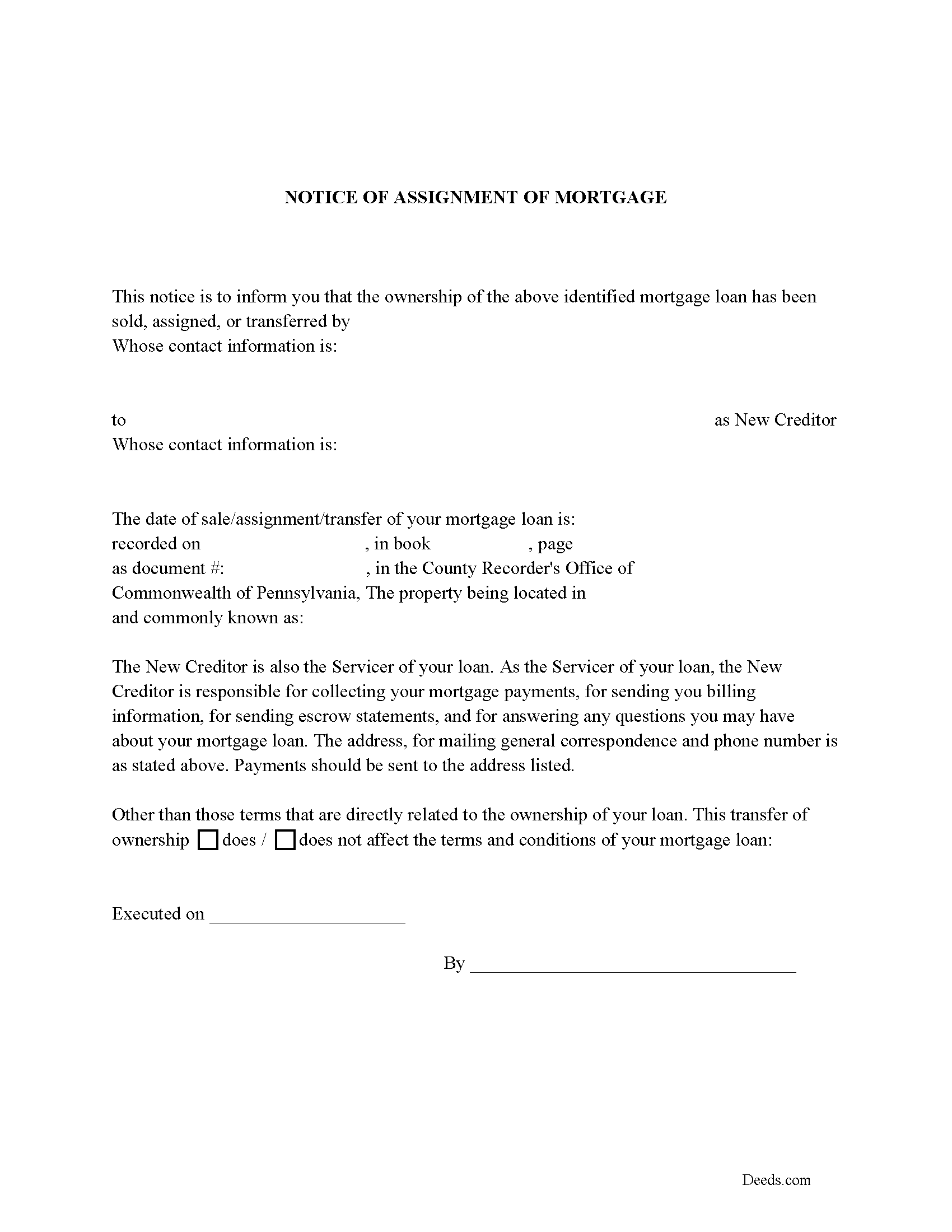
Dauphin County Notice of Assignment of Mortgage Form
Fill in the blank form formatted to comply with all content requirements.
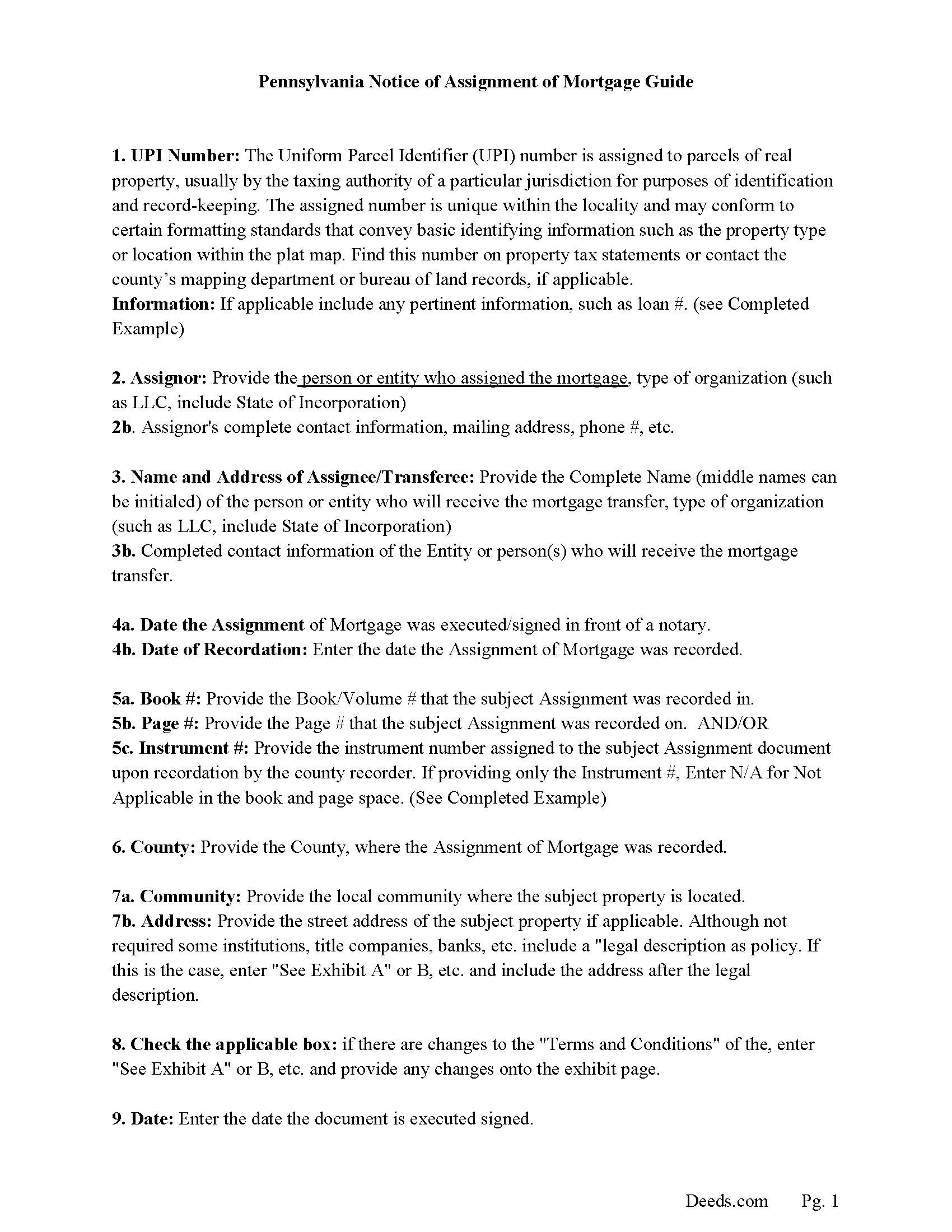
Dauphin County Notice of Assignment Guidelines
Line by line guide explaining every blank on the form.
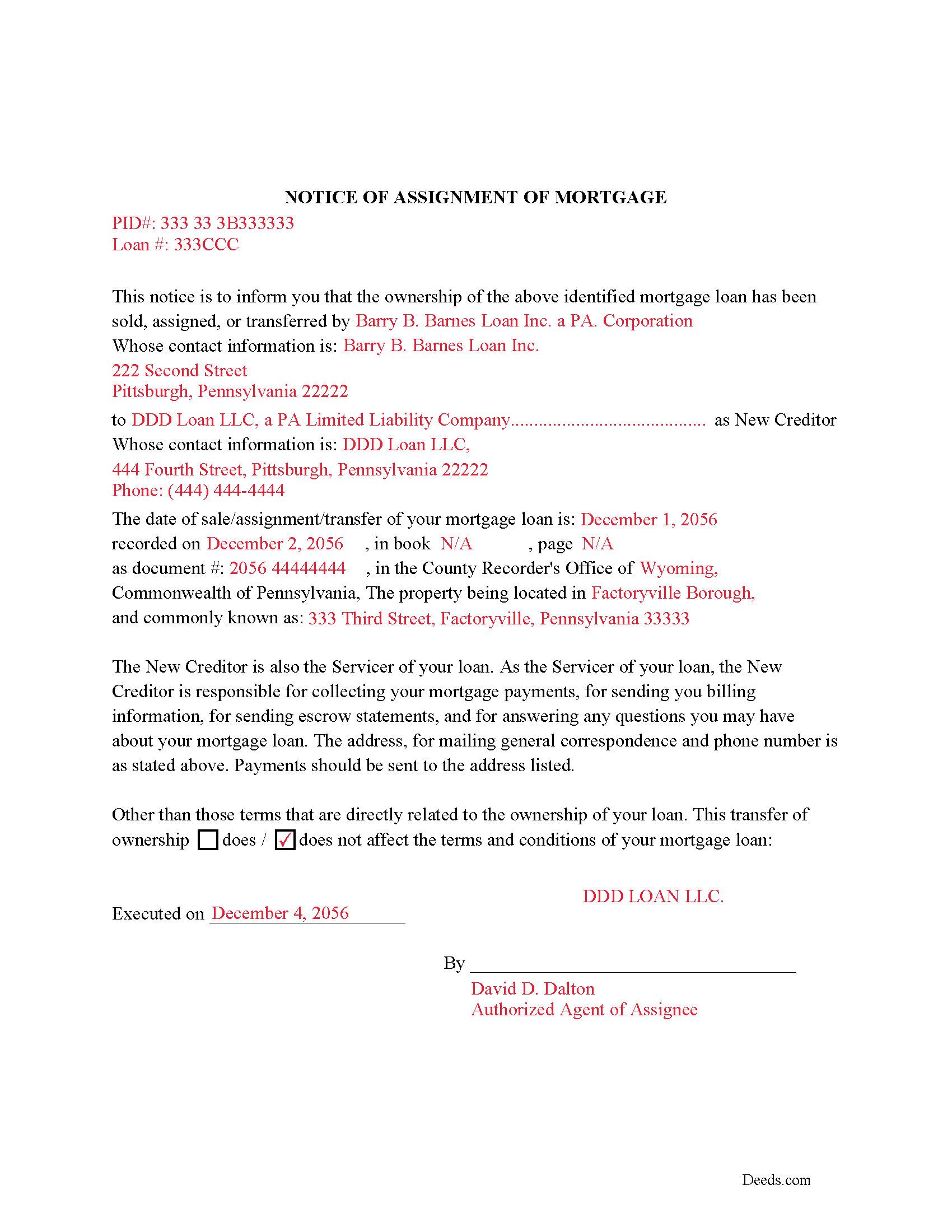
Dauphin County Completed Example of Notice of Assignment Document
Example of a properly completed form for reference.
All 6 documents above included • One-time purchase • No recurring fees
Immediate Download • Secure Checkout
Additional Pennsylvania and Dauphin County documents included at no extra charge:
Where to Record Your Documents
Recorder of Deeds - County Courthouse
Harrisburg, Pennsylvania 17101
Hours: 8:00 to 4:30 M-F
Phone: (717) 780-6560
Recording Tips for Dauphin County:
- Bring your driver's license or state-issued photo ID
- Ensure all signatures are in blue or black ink
- Recorded documents become public record - avoid including SSNs
- Recording fees may differ from what's posted online - verify current rates
- Request a receipt showing your recording numbers
Cities and Jurisdictions in Dauphin County
Properties in any of these areas use Dauphin County forms:
- Berrysburg
- Dauphin
- Elizabethville
- Grantville
- Gratz
- Halifax
- Harrisburg
- Hershey
- Highspire
- Hummelstown
- Lykens
- Middletown
- Millersburg
- Pillow
- Wiconisco
- Williamstown
Hours, fees, requirements, and more for Dauphin County
How do I get my forms?
Forms are available for immediate download after payment. The Dauphin County forms will be in your account ready to download to your computer. An account is created for you during checkout if you don't have one. Forms are NOT emailed.
Are these forms guaranteed to be recordable in Dauphin County?
Yes. Our form blanks are guaranteed to meet or exceed the applicable formatting requirements used for recording in Dauphin County, including margin requirements, font requirements, and other layout standards. This guarantee applies to formatting, not to the legal sufficiency of information entered by the user or the suitability of a form for a particular transaction.
Can I reuse these forms?
Yes. You can reuse the forms for your personal use. For example, if you have multiple properties in Dauphin County you only need to order once.
What do I need to use these forms?
The forms are PDFs that you fill out on your computer. The free Adobe Acrobat Reader is recommended, and most PDF apps also work. You do NOT enter your property information online - you download the blank forms and complete them privately on your own computer.
Are there any recurring fees?
No. This is a one-time purchase. Nothing to cancel, no memberships, no recurring fees.
How much does it cost to record in Dauphin County?
Recording fees in Dauphin County vary. Contact the recorder's office at (717) 780-6560 for current fees.
Questions answered? Let's get started!
Use this form to assign all beneficial interests in a previously recorded Mortgage document.
An Assignment of Mortgage (to be in writing) (and acknowledged by the assignor or assignors before an officer or person duly authorized to take such acknowledgments.)
(Title 21 P.S. Deeds and Mortgages 623-1.)
Included is the required - Certificate of Residence of Assignee
(For the purpose of obtaining with accuracy the precise residence of all mortgagees, assignees, and persons to whom interest is payable on articles of agreement, it shall be the duty of the recorder of deeds in each county, whenever a mortgage, assignment, or agreement given to secure the payment of money, shall be presented to him for record, to refuse the same, unless the said mortgage, assignment, or agreement has attached thereto, and made part of said mortgage, assignment, or agreement, a certificate signed by said mortgagee, assignee, or person entitled to interest, or his, her or their duly authorized attorney or agent, setting forth the precise residence of such mortgagee, assignee, or person entitled to interest; said certificate to be recorded with said mortgage, assignment, or agreement; and therefrom the said recorder shall prepare and deliver, at stated intervals, to the proper Board of Revision of Taxes, or other officials charged with the assessment of State tax, a list of said mortgages, assignments, and agreements, with the names and residences of said mortgagees, assignees, or persons entitled to interest, with the amount and date of said mortgages, assignments, and articles of agreement, with the date of recording and the properties upon which the debts are secured.) (625. Certificate of residence of mortgagee or assignee)
Current Borrowers must be notified of the assignment. Notification consists of contact information of the new creditor, recording dates, recording instrument numbers, changes in loan, etc. Included are "Notice of Assignment of Mortgage" forms.
The Truth and lending act requires that borrowers be notified when their Mortgage has been sold, transferred, or assigned to a new creditor. Generally, within 30 days to avoid up to $2,000.00 in statutory damages, plus reasonable attorney's fees. Systematic violations can reach up $500,000.00.
(Pennsylvania AOM Package includes form, guidelines, and completed example) For use in the Commonwealth of Pennsylvania only.
Important: Your property must be located in Dauphin County to use these forms. Documents should be recorded at the county recording office listed above.
This Assignment of Mortgage meets all recording requirements specific to Dauphin County.
Our Promise
The documents you receive here are guaranteed to meet or exceed the applicable Dauphin County recording format requirements. If there is a rejection caused by our formatting, we will correct the issue or refund your payment. This guarantee applies to document formatting only and does not extend to information entered by the user, the selection of the form, or the legal effect of the completed document.
Save Time and Money
Get your Dauphin County Assignment of Mortgage form done right the first time with Deeds.com Uniform Conveyancing Blanks. At Deeds.com, we understand that your time and money are valuable resources, and we don't want you to face a penalty fee or rejection imposed by a county recorder for submitting nonstandard documents. We constantly review and update our forms to meet rapidly changing state and county recording requirements for roughly 3,500 counties and local jurisdictions.
4.8 out of 5 - ( 4,860 Reviews )
Patricia U. 5 out of 5 stars
Quick and easy document recording from home! Wish I knew about this before!
Thank you for your feedback. We really appreciate it. Have a great day!
Kristopher K. 3 out of 5 stars
Process is easy but system would not accept 3 different credit cards on first day. No phone number to call. Sent message and response was all 3 cards must have been declined. However, next day one of those cards went through with no problem.
Thank you for your feedback. Unfortunately we have no control over which payment get approved or declined.
Mark B. 5 out of 5 stars
Simply to use. Excellent communication.
Thank you for taking a moment to share your thoughts.
JoAnn S. 5 out of 5 stars
Easy to process orders.
Thank you!
Wendy C. 3 out of 5 stars
I purchased a Warranty Deed "package" on Friday and found that the Main download was a working document, but the secondary document (which is required) was not. In other words, I was able to use the fill-in feature on the main document, but not on the second document. I used the portal on the website to report my issue the same day. That was Friday. This is Wednesday. I have not heard a word from them and I have to use my documents in 2 days. I will probably have to resort to pen and ink for that document, but I have already tried filling it out twice and have to keep reprinting and starting over. You can't white out or cross out. I would really prefer to have the complete service that I paid for.
Thank you for your feedback. As is noted on the site, supplemental forms are provided as a courtesy with your order. They are not our forms, we did not create them. They are created and provided by the jurisdiction/agency that requires them. Have a wonderful day.
Michael L. 5 out of 5 stars
Perfect timely service! Will use again!
Thank you!
Darrell P. 5 out of 5 stars
My legal description exceeds the avaiable space in the one page Exhibit A...any way to add a second page as 'Exhibit A (continued)'?
It is not required to use the included exhibit page. Simply label your printed legal description as the appropriate exhibit.
David P. 5 out of 5 stars
This service and company are THE best. We are out of State and needed to efile, and we got it done for the closing. Thanks Deeds.com
We appreciate your business and value your feedback. Thank you. Have a wonderful day!
Kelli M. 5 out of 5 stars
It is easy to use but difficult to know when the document has been reviewed for recording and when the invoice is ready. It would be helpful for the website to send an email automatically once the document(s) are ready to be recorded to let you know what the time line is.....Thank you for your help.
Thank you for your feedback. We really appreciate it. Have a great day!
Juanita G. 5 out of 5 stars
This was so easy to use, quick turnaround and I will continue to use this service. Thank you!
Thanks you Juanita for taking the time to leave your feedback. We really appreciate it. Have a fantastic day!
Roy W. 5 out of 5 stars
It's fine
Thank you!
CARRIE T. 5 out of 5 stars
Thought it was pretty simple to use.
Thank you!
Yvette B. 5 out of 5 stars
Efficient
Thank you!
Jeannine G. 5 out of 5 stars
Very helpful and just what I needed for the job I was doing.
Thank you!
Gary Steve N. 5 out of 5 stars
Very user-friendly and easy to understand directions.
Thank you for your feedback. We really appreciate it. Have a great day!