Dauphin County Notice of Commencement Form
Last validated October 9, 2026 by our Forms Development TeamFormatted for recording in Dauphin County, for property anywhere in the county: rural and unincorporated areas as well as Berrysburg, Dauphin, Elizabethville, Grantville, Gratz, Halifax, Harrisburg, Hershey and 8 more.
- 3 documents included
- Immediate PDF download
- Formatting guarantee
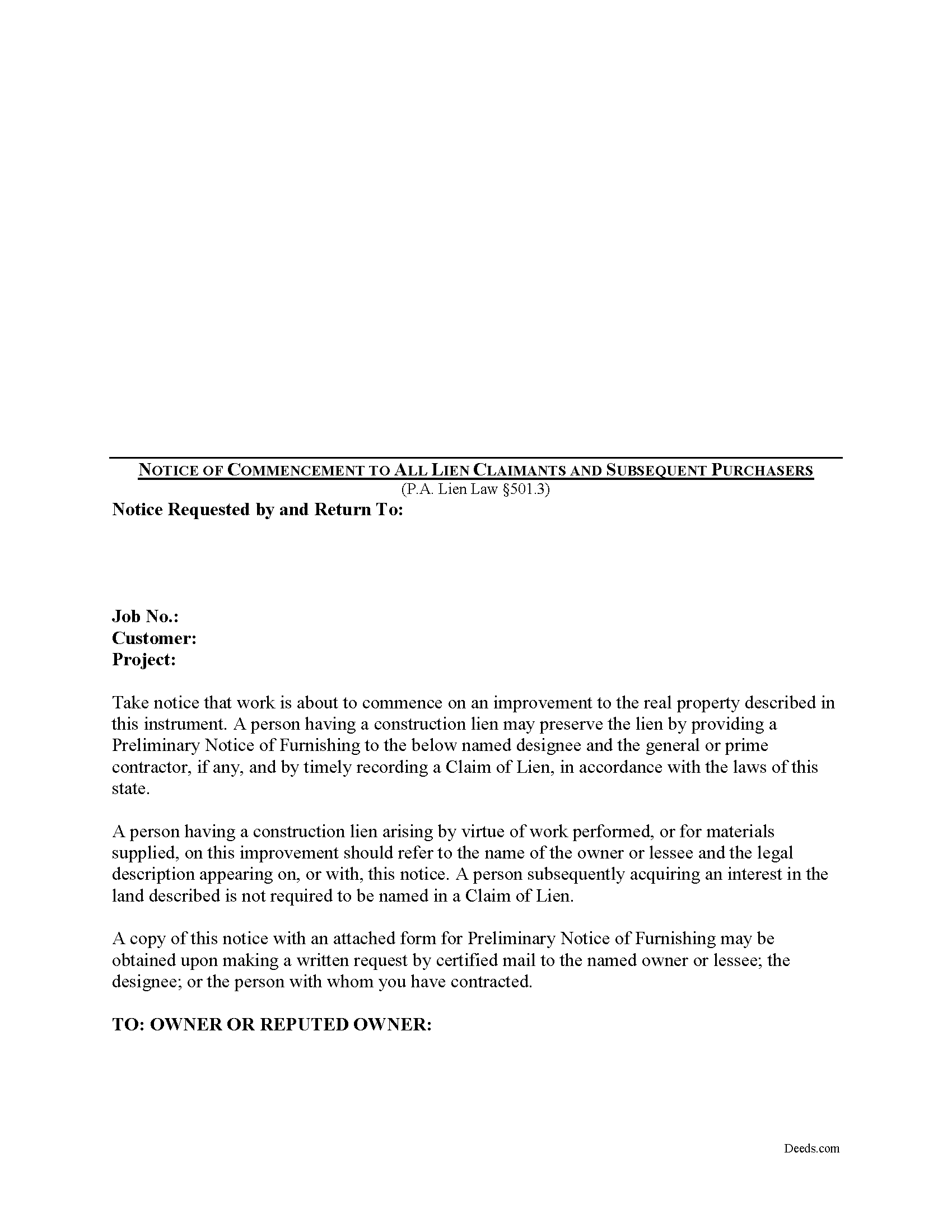
Dauphin County Notice of Commencement Form
Fill in the blank Notice of Commencement form formatted to comply with all Pennsylvania recording and content requirements.
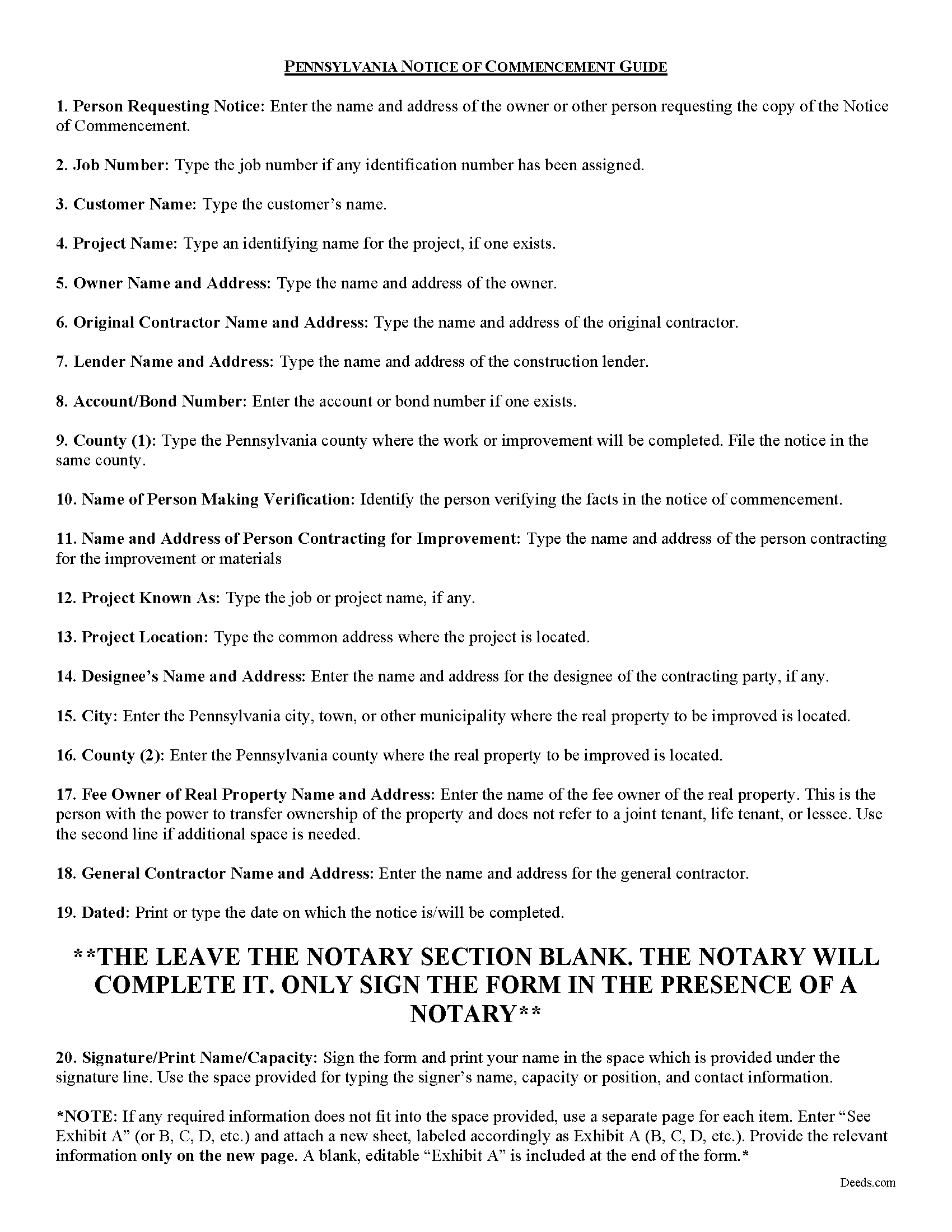
Dauphin County Notice of Commencement Guide
Line by line guide explaining every blank on the form.
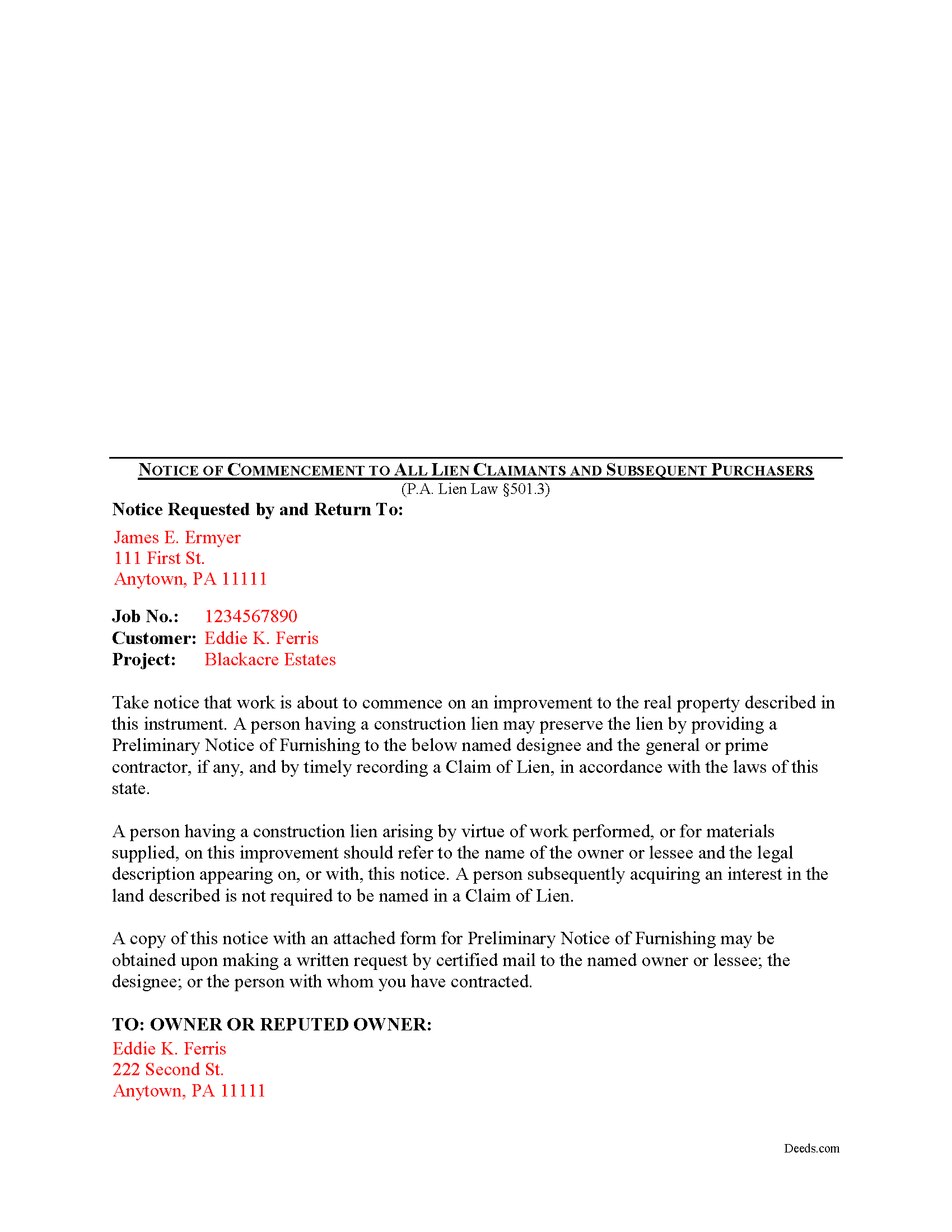
Dauphin County Completed Example of the Notice of Commencement Document
Example of a properly completed form for reference.
All 3 documents above included • One-time purchase • No recurring fees
Immediate Download • Secure Checkout
Additional Pennsylvania and Dauphin County documents included at no extra charge:
Where to Record Your Documents
Recorder of Deeds - County Courthouse
Harrisburg, Pennsylvania 17101
Hours: 8:00 to 4:30 M-F
Phone: (717) 780-6560
Recording Tips for Dauphin County:
- Bring your driver's license or state-issued photo ID
- Ensure all signatures are in blue or black ink
- Leave recording info boxes blank - the office fills these
- Make copies of your documents before recording - keep originals safe
- Recorded documents become public record - avoid including SSNs
Cities and Jurisdictions in Dauphin County
Properties in any of these areas use Dauphin County forms:
- Berrysburg
- Dauphin
- Elizabethville
- Grantville
- Gratz
- Halifax
- Harrisburg
- Hershey
- Highspire
- Hummelstown
- Lykens
- Middletown
- Millersburg
- Pillow
- Wiconisco
- Williamstown
Hours, fees, requirements, and more for Dauphin County
How do I get my forms?
Forms are available for immediate download after payment. The Dauphin County forms will be in your account ready to download to your computer. An account is created for you during checkout if you don't have one. Forms are NOT emailed.
Are these forms guaranteed to be recordable in Dauphin County?
Yes. Our form blanks are guaranteed to meet or exceed the applicable formatting requirements used for recording in Dauphin County, including margin requirements, font requirements, and other layout standards. This guarantee applies to formatting, not to the legal sufficiency of information entered by the user or the suitability of a form for a particular transaction.
Can I reuse these forms?
Yes. You can reuse the forms for your personal use. For example, if you have multiple properties in Dauphin County you only need to order once.
What do I need to use these forms?
The forms are PDFs that you fill out on your computer. The free Adobe Acrobat Reader is recommended, and most PDF apps also work. You do NOT enter your property information online - you download the blank forms and complete them privately on your own computer.
Are there any recurring fees?
No. This is a one-time purchase. Nothing to cancel, no memberships, no recurring fees.
How much does it cost to record in Dauphin County?
Recording fees in Dauphin County vary. Contact the recorder's office at (717) 780-6560 for current fees.
Questions answered? Let's get started!
As a Pennsylvania property owner, should I file a Notice of Commencement?
Mechanic's Liens are governed by Title 49 of the Pennsylvania Consolidated Statutes.
In Pennsylvania, an owner may file an OPTIONAL Notice of Commencement with the Directory of General Services (DGS) registry. The purpose of filing the Notice of Commencement is to provide all the relevant information necessary for a subcontractor or supplier to file a Notice of Furnishing. 501.3.
Prior to the commencement of labor or the furnishing of materials for a searchable project that may give rise to a mechanics' lien under the mechanic's lien code, the searchable project owner or agent of the searchable project owner may file a Notice of Commencement with the directory. 501.3(a)(1). The contractor can also act as the owner's agent and file the Notice of Commencement if the contract provides. 501.3(a)(2).
Filing a Notice of Commencement triggers the requirement for a subcontractor or supplier on the job to serve you with a Notice of Furnishing within 45 days. 501.3(b)(1).
Section 501.3(a)(3) states that the Notice of Commencement must include the following information:
1) Name, street address, and e-mail address of the general contractor.
2) Name and location of the project.
3) County in which the project is located.
4) Legal description of the property, including all its tax-parcel identifying numbers.
5) Name, address, and e-mail address of the owner of the property and (if different) of the project.
6) If applicable, the name, address, and e-mail address of a surety for performance and payment bonds.
Upon receipt of a Notice of Commencement, the Directory will assign a unique identifying notice to it. 501.1(e)(1). Additionally, the Notice must be posted at the worksite and the owner must take reasonable steps during construction to ensure the notice remains posted and available for view. 501.3(a)(4). The project owner and contractor must also make reasonable efforts to ensure that a copy of the Notice of Commencement is included in all contract documents that are provided to subcontractors who awarded work on the project. 501.3(a)(5).
This article is provided for informational purposes only and is not intended to substitute for the advice of an attorney. If you have any questions about filing a Notice of Commencement or any other issue with Pennsylvania mechanic's liens, contact an attorney familiar with construction or lien law.
Important: Your property must be located in Dauphin County to use these forms. Documents should be recorded at the county recording office listed above.
This Notice of Commencement meets all recording requirements specific to Dauphin County.
Our Promise
The documents you receive here are guaranteed to meet or exceed the applicable Dauphin County recording format requirements. If there is a rejection caused by our formatting, we will correct the issue or refund your payment. This guarantee applies to document formatting only and does not extend to information entered by the user, the selection of the form, or the legal effect of the completed document.
Save Time and Money
Get your Dauphin County Notice of Commencement form done right the first time with Deeds.com Uniform Conveyancing Blanks. At Deeds.com, we understand that your time and money are valuable resources, and we don't want you to face a penalty fee or rejection imposed by a county recorder for submitting nonstandard documents. We constantly review and update our forms to meet rapidly changing state and county recording requirements for roughly 3,500 counties and local jurisdictions.
4.8 out of 5 - ( 4,827 Reviews )
Catherine M. 5 out of 5 stars
Great service, very efficient and super fast.
Thank you!
Mary H. 5 out of 5 stars
I have downloaded all the forms and the guidelines. The information provided is very helpful and easy to access. Thank you
Thank you for your feedback. We really appreciate it. Have a great day!
Jason B. 5 out of 5 stars
KVH provided excellent customer service (great communication was provided). I would differently use this service if needed in the further.
We appreciate your business and value your feedback. Thank you. Have a wonderful day!
John M. 5 out of 5 stars
Amazing customer service, I greatly appreciate their help and understanding. Will always come back to this site for form needs.
Your feedback is greatly appreciated. Thank you for taking the time to share your experience!
Juston P. 5 out of 5 stars
The service provided was exactly what I needed. The downloadable deed and supporting documents allowed me to move forward with the days project. Everything I needed to file my documents from two states away and at two in the morning! I highly recommend this site. I found it to be the easiest, most expedient and cost effective method to get up to date legal forms for filing land deeds.
We appreciate your business and value your feedback. Thank you. Have a wonderful day!
Dana H. 5 out of 5 stars
Thanks for making this process a seamless one! I love Deeds.com and will recommend it to others!
Thank you for your feedback. We really appreciate it. Have a great day!
Sandra T. 5 out of 5 stars
I hope this will address all I need to make sure my father is not being taken for granted by my siblings and a nephew and his wife. thank you
Thank you!
irene w. 5 out of 5 stars
Just found this site, what a great resource ! Thank you so much for providing affordable help to those of us navigating estate planning mazes. The forms were all very easy to download, even on our rather ancient computer, and the accompanying explanations were in clear, understandable English designed to explain, with appropriate cautions to avoid problems.
Thank you for your feedback. We really appreciate it. Have a great day!
Dominick D. 5 out of 5 stars
Deed.com was easy to work with, not just a website, they have real people that speak to you. They were extremely helpful with a VERY difficult Northeast county. They made the process smooth and effortless.
We appreciate your business and value your feedback. Thank you. Have a wonderful day!
Pauline G. 5 out of 5 stars
Found just what I needed!!! Instructions were easy to follow and I accomplished the task like a professional. Thank you Deeds.com!!!!
We appreciate your business and value your feedback. Thank you. Have a wonderful day!
bruce t. 5 out of 5 stars
Much good information provided. Forms easy to use. Price is a bargain.
We appreciate your business and value your feedback. Thank you. Have a wonderful day!
janet H. 5 out of 5 stars
easy to download and print. came with instructions also. very helpful.
Thank you, Janet. We’re happy to hear the download and instructions made the process straightforward. We appreciate you taking the time to share your experience.
Charles F. 5 out of 5 stars
I found the information easy to understand, and the forms to be correct for my needs.
Your insights are invaluable to us and help us strive for better service. Thank you for taking the time to share your thoughts.
Janette C. 5 out of 5 stars
Love the service !!
Your appreciative words mean the world to us. Thank you.
Andre W. 5 out of 5 stars
I was truly impress with the customer service. The young lady that assisted me was AWESOME. She was very professional,patienc was extraordinary and very knowledgable. Thank you thank you
Thank you for your feedback. We really appreciate it. Have a great day!