Philadelphia County Quitclaim Deed (Corrective) Form
Last validated October 19, 2026 by our Forms Development TeamFormatted for recording in Philadelphia County, for property anywhere in the county: rural and unincorporated areas as well as Philadelphia.
- 3 documents included
- Immediate PDF download
- Formatting guarantee
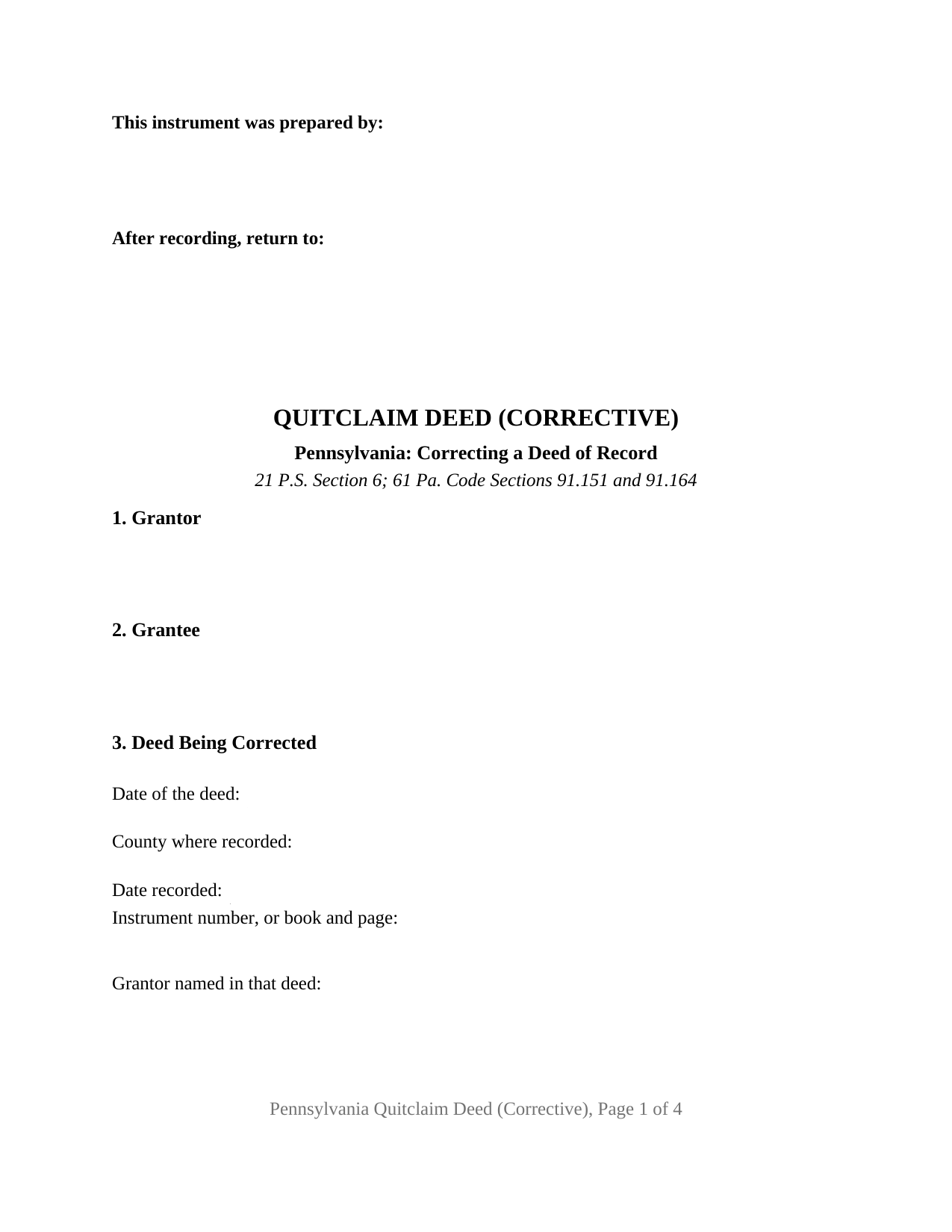
Philadelphia County Quitclaim Deed (Corrective) Form
Fill in the blank Quitclaim Deed (Corrective) form formatted to comply with all Pennsylvania recording and content requirements.
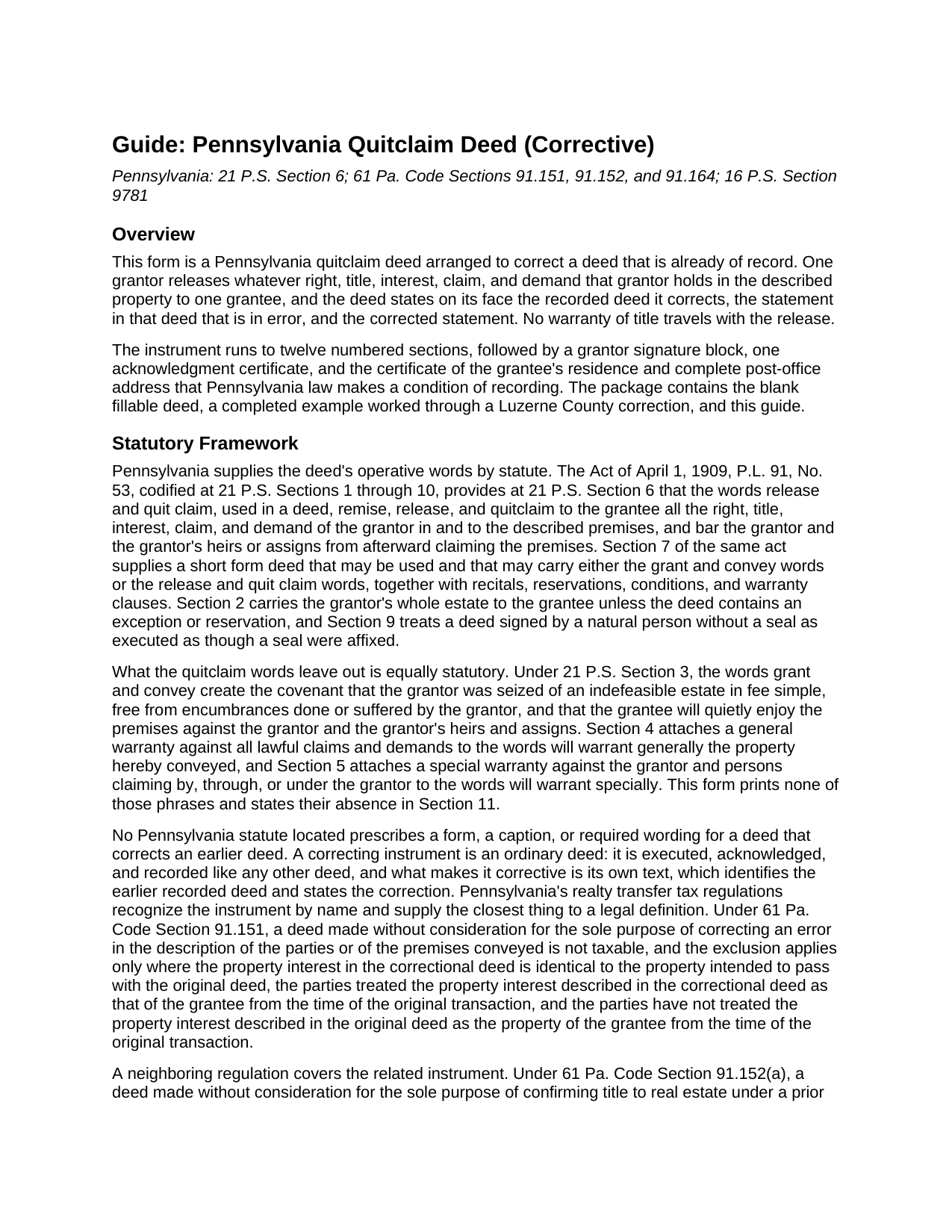
Philadelphia County Quitclaim Deed (Corrective) Guide
Line by line guide explaining every blank on the Quitclaim Deed (Corrective) form.
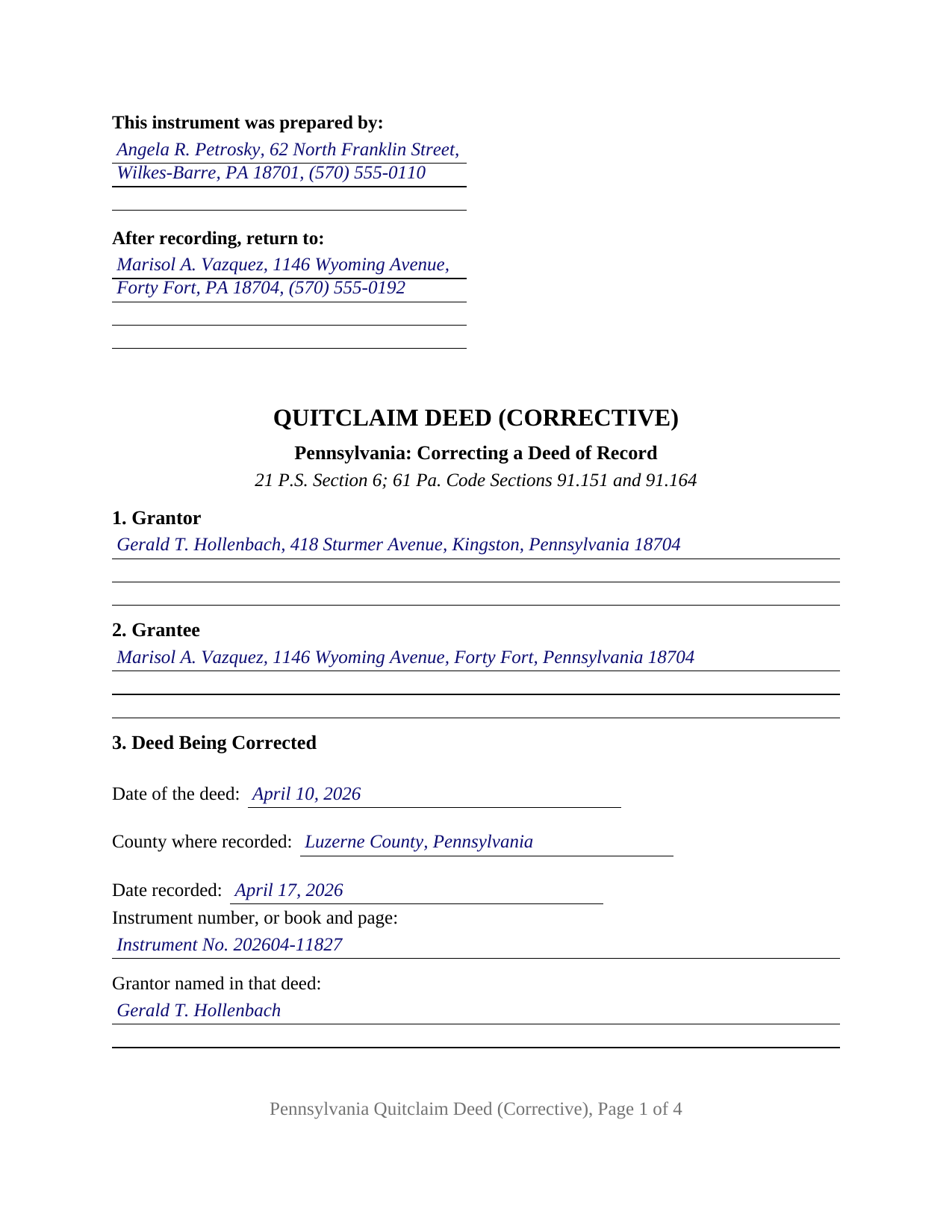
Philadelphia County Completed Example of the Quitclaim Deed (Corrective) Document
Example of a properly completed Pennsylvania Quitclaim Deed (Corrective) document for reference.
All 3 documents above included • One-time purchase • No recurring fees
Immediate Download • Secure Checkout
Additional Pennsylvania and Philadelphia County documents included at no extra charge:
Where to Record Your Documents
Records Dept - Recording Div
Philadelphia, Pennsylvania 19129
Hours: 8:00 to 2:00 M-F
Phone: (215) 686-2260
Recording Tips for Philadelphia County:
- Bring your driver's license or state-issued photo ID
- Ensure all signatures are in blue or black ink
- Bring extra funds - fees can vary by document type and page count
- Check margin requirements - usually 1-2 inches at top
- Leave recording info boxes blank - the office fills these
Cities and Jurisdictions in Philadelphia County
Properties in any of these areas use Philadelphia County forms:
- Philadelphia
Hours, fees, requirements, and more for Philadelphia County
How do I get my forms?
Forms are available for immediate download after payment. The Philadelphia County forms will be in your account ready to download to your computer. An account is created for you during checkout if you don't have one. Forms are NOT emailed.
Are these forms guaranteed to be recordable in Philadelphia County?
Yes. Our form blanks are guaranteed to meet or exceed the applicable formatting requirements used for recording in Philadelphia County, including margin requirements, font requirements, and other layout standards. This guarantee applies to formatting, not to the legal sufficiency of information entered by the user or the suitability of a form for a particular transaction.
Can I reuse these forms?
Yes. You can reuse the forms for your personal use. For example, if you have multiple properties in Philadelphia County you only need to order once.
What do I need to use these forms?
The forms are PDFs that you fill out on your computer. The free Adobe Acrobat Reader is recommended, and most PDF apps also work. You do NOT enter your property information online - you download the blank forms and complete them privately on your own computer.
Are there any recurring fees?
No. This is a one-time purchase. Nothing to cancel, no memberships, no recurring fees.
How much does it cost to record in Philadelphia County?
Recording fees in Philadelphia County vary. Contact the recorder's office at (215) 686-2260 for current fees.
Questions answered? Let's get started!
A correcting quitclaim deed is one of the few Pennsylvania instruments whose subject is another instrument. Three numbered sections do that work: one identifies the recorded deed being corrected by date, county, and instrument number or book and page; the next sets out the statement in it that is wrong; the third states it as it belongs. Underneath sits an ordinary quitclaim, passing to one grantee whatever the single grantor holds, with no warranty of title.
The regulation that names this deed
Pennsylvania statutes prescribe no form, caption, or wording for a deed that fixes an earlier one. The instrument is an ordinary deed whose own text makes it corrective, and the nearest thing to a definition sits in the realty transfer tax regulations. Under 61 Pa. Code Section 91.151, a deed made without consideration for the sole purpose of correcting an error in the description of the parties or of the premises conveyed is not taxable, on three stated conditions, among them that the property interest in the correctional deed is identical to the property intended to pass with the original deed. Section 91.193(b)(4) carries both the correctional deed and the confirmatory deed into the list of excluded transactions, and Section 91.152 supplies separate conditions for a deed made solely to render a grantee's record title sure and unavoidable. Because an exclusion is claimed, a REV-183 Statement of Value goes to the counter under Section 91.112.
What the three correction sections collect
Section 3 takes six entries: the date of the deed being corrected, the county and date of recording, the instrument number or book and page, and the grantor and grantee as named there. Holding those names apart from the current party blocks is what lets a misspelled name be fixed without ambiguity: Section 3 preserves the name the county index carries, and Sections 1, 2, and 5 carry the corrected one. Section 11 then performs the release in the words 21 P.S. Section 6 supplies and adds the sentence a title examiner reads first: the property interest described here is the interest the earlier deed was made to pass, and no other term of that deed is changed.
One grantor, one grantee, one certificate
The architecture is narrow: one grantor block, one grantee block, one signature line with a printed name and date, and one acknowledgment certificate printing the short form wording of 57 Pa.C.S. Section 316, so the grantor may appear before a notarial officer in any state, or remotely under 57 Pa.C.S. Section 306.1. Corrections of this shape reach Pennsylvania record rooms constantly: a surname misspelled in the earlier deed and caught when the next transaction is searched, a transposed lot number in a platted description, and an identifier carried over from the adjoining lot. The form recites one grantor releasing to one grantee; entireties property is a single indivisible estate that both spouses convey together, and a signature made for a company, a trustee, or an agent rests on capacity and authority entries this quit claim deed does not print.
Where correcting stops and reforming begins
A correcting deed is a consensual instrument, and it settles nothing that is contested. Where the parties disagree about what the earlier deed was meant to say, the question goes to court: the Supreme Court in Regions Mortgage, Inc. v. Muthler, 889 A.2d 39 (Pa. 2005), traced the rule that equity reforms a written instrument for fraud, accident, or mistake, the mistake ordinarily required to be mutual. The later deed also leaves the earlier record standing: both instruments sit in the chain under their own recording dates, and 21 P.S. Section 351 protects anyone who acquired an interest for value between the two filings without notice.
At the county recorder of deeds
The correcting deed goes back to the office that recorded the first one. It closes with the certificate of the grantee's precise residence and complete post-office address that 16 P.S. Section 9781 makes a condition of recording, and carries a parcel identifier entry for the ordinance counties. Counties differ on whether a correction travels as a newly recorded deed or as the earlier deed re-recorded; this form takes the first route.
The download holds the blank corrective quitclaim deed as a fillable PDF, a completed example worked through a Luzerne County correction of a misspelled grantee name, and a guide covering the twelve sections, notarization, the transfer tax regulations, and county recording. These materials describe Pennsylvania law in general terms and are not legal advice.
Important: Your property must be located in Philadelphia County to use these forms. Documents should be recorded at the county recording office listed above.
This Quitclaim Deed (Corrective) meets all recording requirements specific to Philadelphia County.
Our Promise
The documents you receive here are guaranteed to meet or exceed the applicable Philadelphia County recording format requirements. If there is a rejection caused by our formatting, we will correct the issue or refund your payment. This guarantee applies to document formatting only and does not extend to information entered by the user, the selection of the form, or the legal effect of the completed document.
Save Time and Money
Get your Philadelphia County Quitclaim Deed (Corrective) form done right the first time with Deeds.com Uniform Conveyancing Blanks. At Deeds.com, we understand that your time and money are valuable resources, and we don't want you to face a penalty fee or rejection imposed by a county recorder for submitting nonstandard documents. We constantly review and update our forms to meet rapidly changing state and county recording requirements for roughly 3,500 counties and local jurisdictions.
4.8 out of 5 - ( 4,832 Reviews )
Karen C. 5 out of 5 stars
Easily find and print forms necessary for peace of mind.
Thank you for your feedback. We really appreciate it. Have a great day!
Erika M. 5 out of 5 stars
Received the forms I ordered, found them to be easy to complete with the guide and example that was included. Had no issues recording them, smooth as silk from start to finish.
Thank you for your feedback. We really appreciate it. Have a great day!
SHEDDRICK H. 5 out of 5 stars
I got exactly what I paid for. No fraudulent transaction on my card. I like that. This is an excellent service. Straight and to the point help. That e-recording process looks like a winner. When I get my forms filled out I might use that.
We appreciate your business and value your feedback. Thank you. Have a wonderful day!
Janet M. 5 out of 5 stars
Deed.com is an amazing site. After calling many places and going on many websites to figure out what I needed to submit (most counties cannot help with questions and the place I needed to turn the documents into could not help either, they are not allowed to give legal advice) I came across Deeds.com. It has been so helpful and I was able to research what documents I needed. I purchased one document and after more research I realized I needed a different document. Deed.com refunded my first purchase. I then purchased an Affidavit of Death and a Deed for the county and state I needed them for. Both the example and guide were very helpful and I will be submitting my documents after I have them notarized. I give five stars
Your feedback is greatly appreciated. Thank you for taking the time to share your experience!
Shannon T. 5 out of 5 stars
Very easy to use. Was able to fill out the forms on my phone.
Thank you for your kind words and for choosing us.
Renata L. 3 out of 5 stars
Was a bit difficult to navigate. I feel a fee to access the site and a fee to print is a bit much. I am in the real estate business and find the deeds very useful
Thank you for your feedback. We really appreciate it. Have a great day!
Tommie G. 5 out of 5 stars
I saved 225.00 with this purchase.Make sure you have an updated property description from your county tax collectors' office.In Bay county,Florida the tax office will email you an updated property description.I attached the email to the the deed.I had to change the date and they accepted a white out and ink correction on your form.
Thank you for your feedback. We really appreciate it. Have a great day!
Eduardo A. 5 out of 5 stars
Perfect, blank forms, just what I ordered. Easy to download, understand, and complete.
Thank you!
Meredith B. 5 out of 5 stars
Clean and easy process. Super attentive and helpful.
Thank you!
KAREN S. 5 out of 5 stars
Easy to use this app and I was able to print my forms immediately! Great service and I would use it again.
Thank you for your feedback. We really appreciate it. Have a great day!
Ann H. 5 out of 5 stars
Excellent program, easy to access and download.
Thank you!
David D. 5 out of 5 stars
Two thumbs up!
Thank you!
David M. 5 out of 5 stars
Best $20 ever spent. I'm a bit of an idiot with these things, thankfully there are professionals who know what they are doing so I don't screw things up...
Thank you!
John G. 5 out of 5 stars
I was actually quite pleased with the ease of use of this site. I really, really liked the step by step instructions and examples of the finished product !!
Thank you!
Kris D. 5 out of 5 stars
The Executor's Guide needs more info about what to put for grantee (estate of deceased or my name as executor?) and the price (something nominal like $10?) before there is a buyer. The guide seems to use only one example.
Thank you for your feedback. We really appreciate it. Have a great day!