Mifflin County Subcontractor Preliminary Notice Form
Last validated November 2, 2026 by our Forms Development TeamFormatted for recording in Mifflin County, for property anywhere in the county: rural and unincorporated areas as well as Allensville, Belleville, Burnham, Granville, Lewistown, Mattawana, Mc Clure, Mc Veytown and 4 more.
- 3 documents included
- Immediate PDF download
- Formatting guarantee
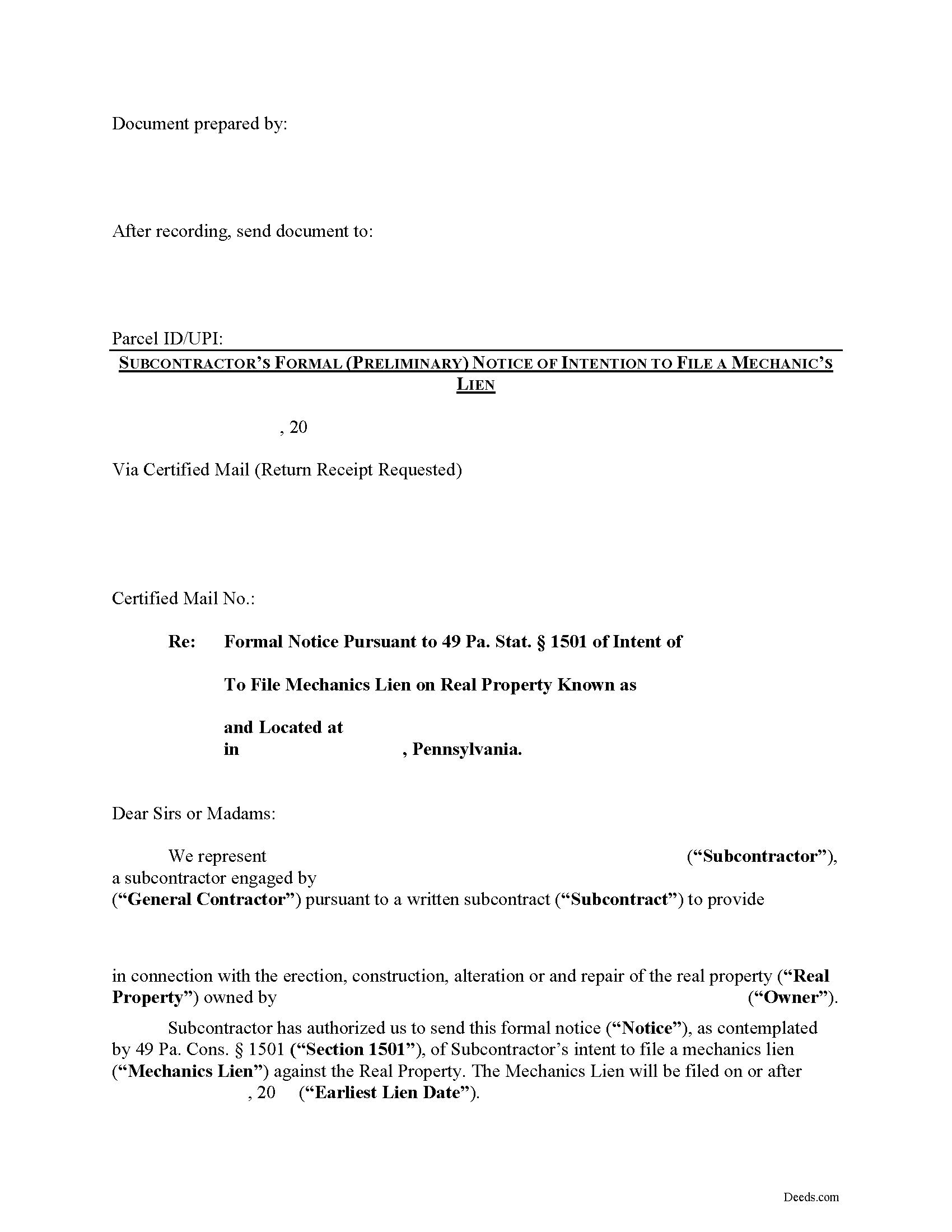
Mifflin County Subcontractor Preliminary Notice Form
Fill in the blank Subcontractor Preliminary Notice form formatted to comply with all Pennsylvania recording and content requirements.
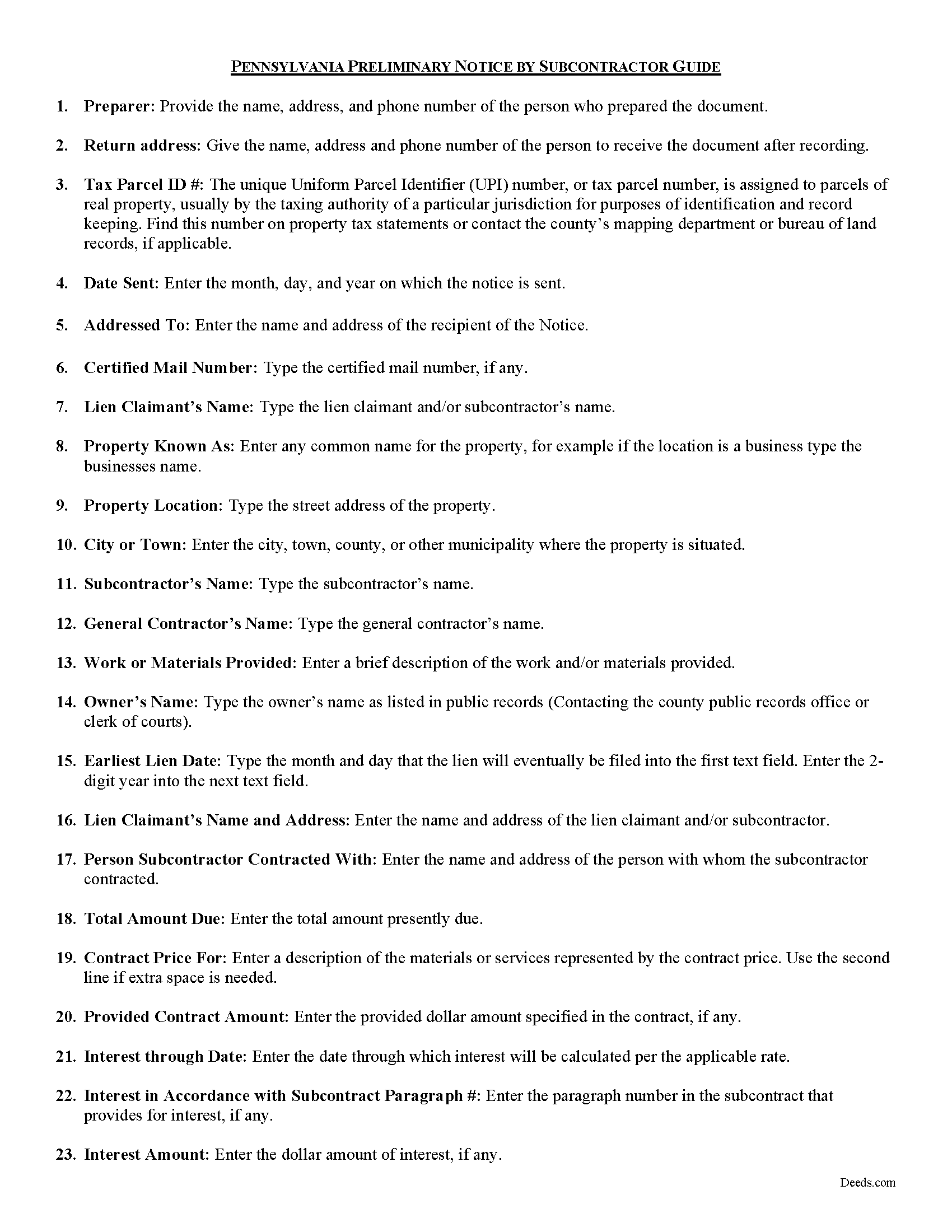
Mifflin County Preliminary Notice Guide
Line by line guide explaining every blank on the form.
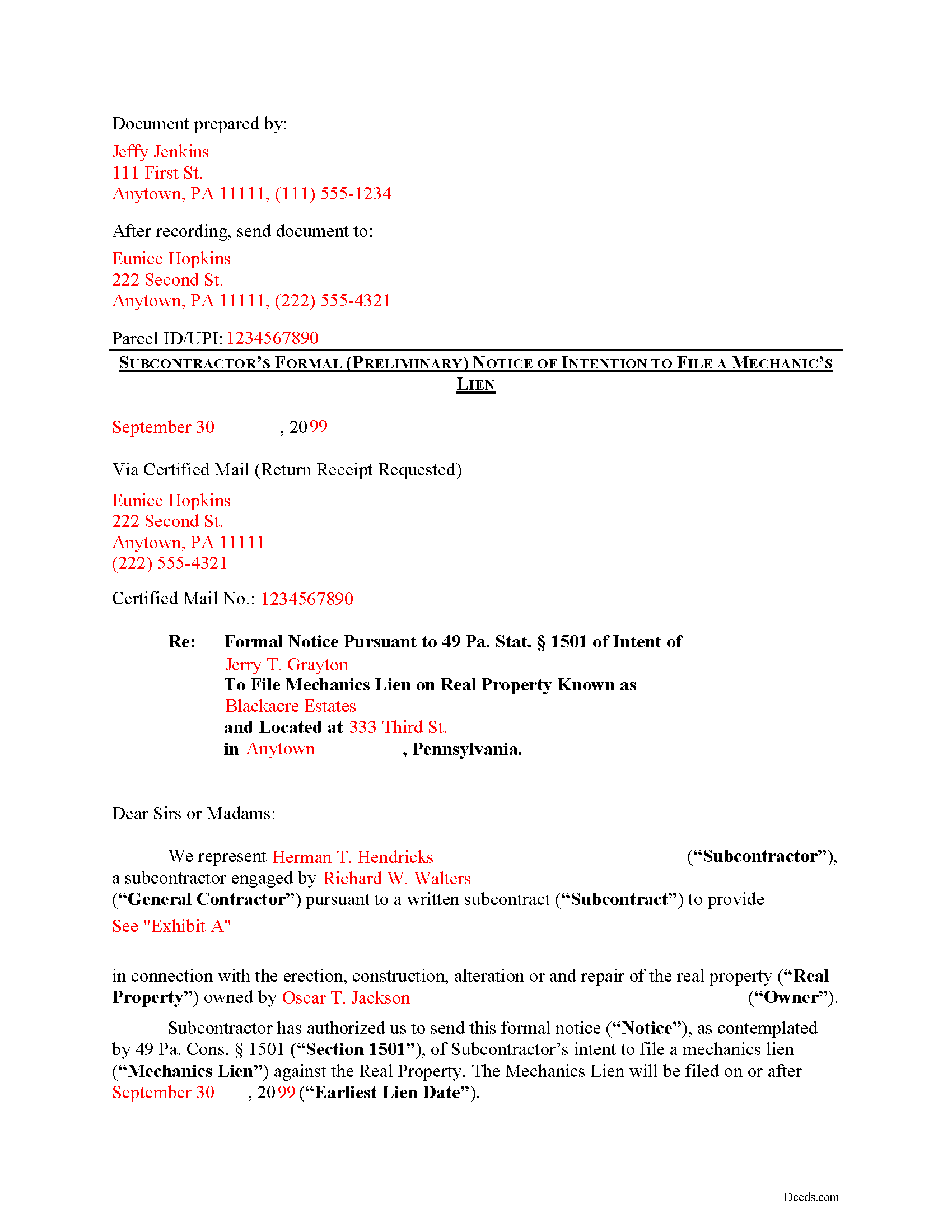
Mifflin County Completed Example of the Preliminary Notice Document
Example of a properly completed form for reference.
All 3 documents above included • One-time purchase • No recurring fees
Immediate Download • Secure Checkout
Additional Pennsylvania and Mifflin County documents included at no extra charge:
Where to Record Your Documents
Recorder of Deeds/Register of Wills - Courthouse
Lewistown, Pennsylvania 17044
Hours: 8:00am to 4:30pm Monday through Friday
Phone: (717) 242-1449
Recording Tips for Mifflin County:
- Bring your driver's license or state-issued photo ID
- Ensure all signatures are in blue or black ink
- Request a receipt showing your recording numbers
- Ask about accepted payment methods when you call ahead
- Ask for certified copies if you need them for other transactions
Cities and Jurisdictions in Mifflin County
Properties in any of these areas use Mifflin County forms:
- Allensville
- Belleville
- Burnham
- Granville
- Lewistown
- Mattawana
- Mc Clure
- Mc Veytown
- Milroy
- Newton Hamilton
- Reedsville
- Yeagertown
Hours, fees, requirements, and more for Mifflin County
How do I get my forms?
Forms are available for immediate download after payment. The Mifflin County forms will be in your account ready to download to your computer. An account is created for you during checkout if you don't have one. Forms are NOT emailed.
Are these forms guaranteed to be recordable in Mifflin County?
Yes. Our form blanks are guaranteed to meet or exceed the applicable formatting requirements used for recording in Mifflin County, including margin requirements, font requirements, and other layout standards. This guarantee applies to formatting, not to the legal sufficiency of information entered by the user or the suitability of a form for a particular transaction.
Can I reuse these forms?
Yes. You can reuse the forms for your personal use. For example, if you have multiple properties in Mifflin County you only need to order once.
What do I need to use these forms?
The forms are PDFs that you fill out on your computer. The free Adobe Acrobat Reader is recommended, and most PDF apps also work. You do NOT enter your property information online - you download the blank forms and complete them privately on your own computer.
Are there any recurring fees?
No. This is a one-time purchase. Nothing to cancel, no memberships, no recurring fees.
How much does it cost to record in Mifflin County?
Recording fees in Mifflin County vary. Contact the recorder's office at (717) 242-1449 for current fees.
Questions answered? Let's get started!
Pennsylvania Preliminary Notice Requirements for Subcontractors
Mechanic's Liens are governed by Title 49 of the Pennsylvania Consolidated Statutes.
Preliminary notice by subcontractors is a required step to obtaining any lien. Notice also provides the owner with information regarding who is working on the property and to what extent they may claim a lien.
As with most other states, the mechanic's lien law in Pennsylvania requires subcontractors to serve preliminary notice on the property owner or general contractor unless the parties are under a direct contract. According to Section 501, no claim by a subcontractor, whether for erection or construction or for alterations or repairs, shall be valid unless, at least thirty (30) days before the filing, he shall have given to the owner a formal written notice of his intention to file a claim. 49 P.S. 501(c). The formal notice must state: (1) the name of the party claimant; (2) the name of the person with whom he contracted; (3) the amount claimed to be due; (4) the general nature and character of the labor or materials furnished; (5) the date of completion of the work for which his claim is made; (6) a brief description sufficient to identify the property claimed to be subject to the lien. Id.
The notice does not have to be verified or notarized, but the claimant or an authorized representative must sign it. There is no requirement to record the Notice either. It's advisable, however, to keep a copy, and deliver the original notice via USPS certified mail with delivery confirmation, to verify with the court or anyone else that notice was provided.
This article is provided for informational purposes only and does not constitute legal advice. Contact an attorney with questions about the Subcontractor's Preliminary Notice, or any other issues related to mechanic's liens in Pennsylvania.
Important: Your property must be located in Mifflin County to use these forms. Documents should be recorded at the county recording office listed above.
This Subcontractor Preliminary Notice meets all recording requirements specific to Mifflin County.
Our Promise
The documents you receive here are guaranteed to meet or exceed the applicable Mifflin County recording format requirements. If there is a rejection caused by our formatting, we will correct the issue or refund your payment. This guarantee applies to document formatting only and does not extend to information entered by the user, the selection of the form, or the legal effect of the completed document.
Save Time and Money
Get your Mifflin County Subcontractor Preliminary Notice form done right the first time with Deeds.com Uniform Conveyancing Blanks. At Deeds.com, we understand that your time and money are valuable resources, and we don't want you to face a penalty fee or rejection imposed by a county recorder for submitting nonstandard documents. We constantly review and update our forms to meet rapidly changing state and county recording requirements for roughly 3,500 counties and local jurisdictions.
4.8 out of 5 - ( 4,845 Reviews )
Daniel L. 4 out of 5 stars
You could make instructions clearer on the download process and when download is complete. You could also group things together for 1 or 2 "big" downloads.
Thank you for your feedback. We really appreciate it. Have a great day!
FE P. 5 out of 5 stars
Looked into a good number of DIY deeds on the internet. Very glad that I chose Deeds.com. They made it easy to make your own deed based on your state and the process based on the sample included was easy to follow. Also the cost was very reasonable. Great company.
We appreciate your business and value your feedback. Thank you. Have a wonderful day!
Michael R. 5 out of 5 stars
This was just TOO easy to do and use!! Thank you so much for your service!
Thank you!
Janet M. 5 out of 5 stars
This site is amazing! What a time saver from driving somewhere and standing around waiting.
Thank you!
Susan V. 5 out of 5 stars
With a little assist from the customer service department-- who was extremely nice and professional- I was able to get my documents printed. I was pleased with the process and hope that the forms will work out for me. Thank you deeds.com for saving me $250 in lawyers fees.
Thank you for your feedback. We really appreciate it. Have a great day!
Rebecca W. 5 out of 5 stars
Very easy to find and download.
Thank you!
Melody P. 5 out of 5 stars
Thank you for always providing great service!
We appreciate your business and value your feedback. Thank you. Have a wonderful day!
Frank B. 5 out of 5 stars
Great website, super easy to use, user friendly to navigate. Will definitely use for future needs, and will definitely refer to other customers. F. Betancourt Texas
Thank you!
Annette L. 5 out of 5 stars
Wow -- amazingly fast turnaround and excellent customer service and communication. Thank you for saving me hours of time and effort!
We appreciate your business and value your feedback. Thank you. Have a wonderful day!
JAMES V. 5 out of 5 stars
I initiated an order at 8:30PM on a Tuesday. I already had a response waiting for me when I opened my email the next morning. Very responsive. I'm very happy with this service.
We appreciate your business and value your feedback. Thank you. Have a wonderful day!
Michael W. 5 out of 5 stars
I needed a quitclaim deed to transfer ownership of a home. An attorney wanted $400.00 to file the deed. I downloaded a blank deed for my area from deeds.com. I received it instantly. (Small fee) it came with instructions and a template. I filled it out and submitted it to the County Clerks office.it was simple and I saved a lot of money. There may be other forms you need, check with whoever you are submitting the deed. You'll have additional fees, but that is up to the municipality in which you reside. It will be helpful if you have the latest deed on file. It was much easier than I thought. This is an easy website to navigate through and it is 100% legitimate. I recommend Deeds.com.
Thank you for your feedback. We really appreciate it. Have a great day!
Michelle J. 5 out of 5 stars
I believe this is great! It protects the residents from theft of property. Proud of what Wayne County is doing.
Thank you!
William P. 1 out of 5 stars
VERY difficult to work with. Nice people. But difficult system. Ask for MANY changes. Why dont you do that as a
Sorry to hear of your struggle William. We do hope that you found something more suitable to your needs elsewhere.
Larry J. 5 out of 5 stars
we are hoping this is what we need. Thanks
Thank you!
Nancy W. 5 out of 5 stars
This was very easy to use to record my NOC. With the new COVID restrictions, I can't record my NOC in person and I'm working from home. This was a huge convenience and easy to use. I submitted the NOC late in the day and had the recorded NOC the next day.
Thank you!