Stewart County Notice of Completion Form
Last validated November 3, 2026 by our Forms Development TeamFormatted for recording in Stewart County, for property anywhere in the county: rural and unincorporated areas as well as Big Rock, Bumpus Mills, Cumberland City, Dover, Indian Mound.
- 3 documents included
- Immediate PDF download
- Formatting guarantee
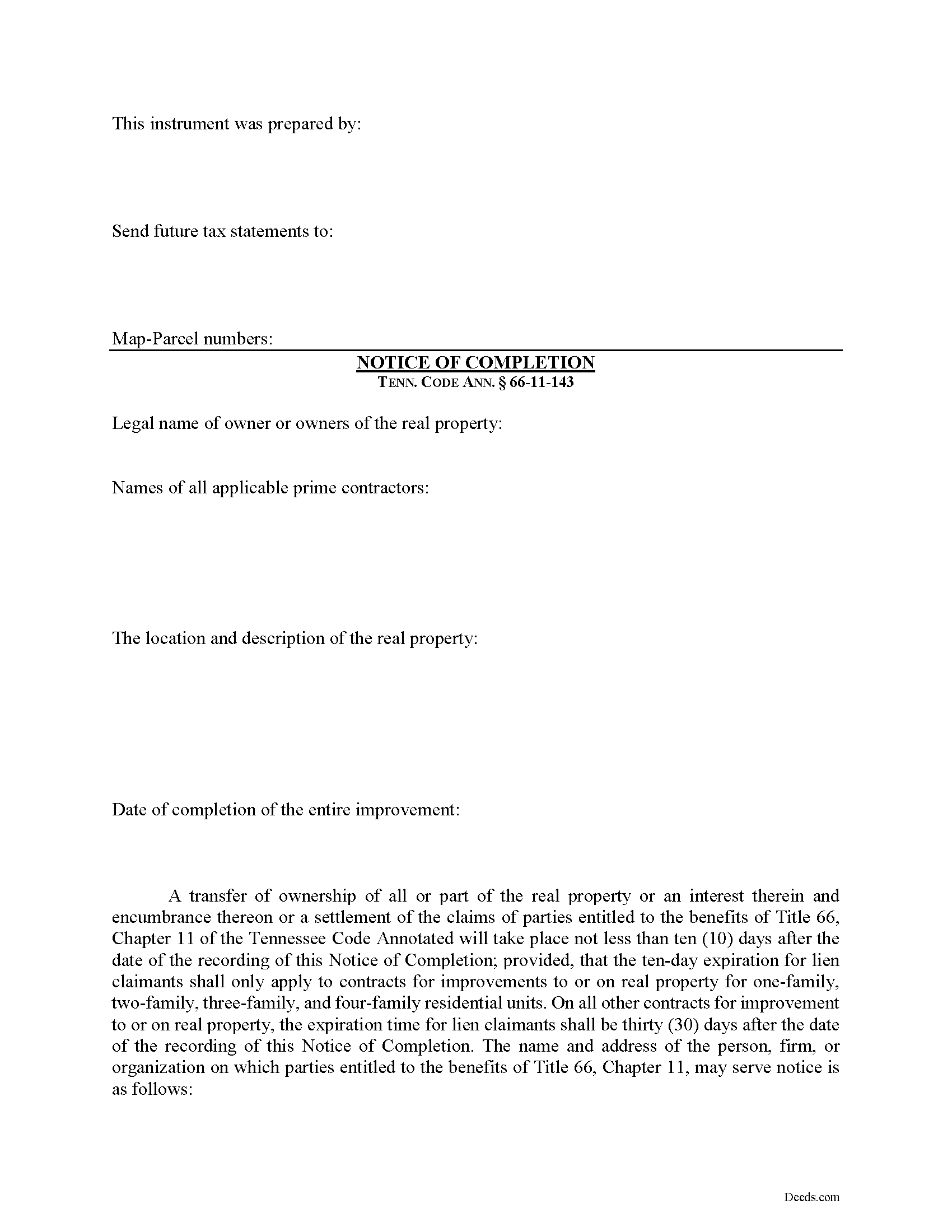
Stewart County Notice of Completion Form
Fill in the blank Notice of Completion form formatted to comply with all Tennessee recording and content requirements.
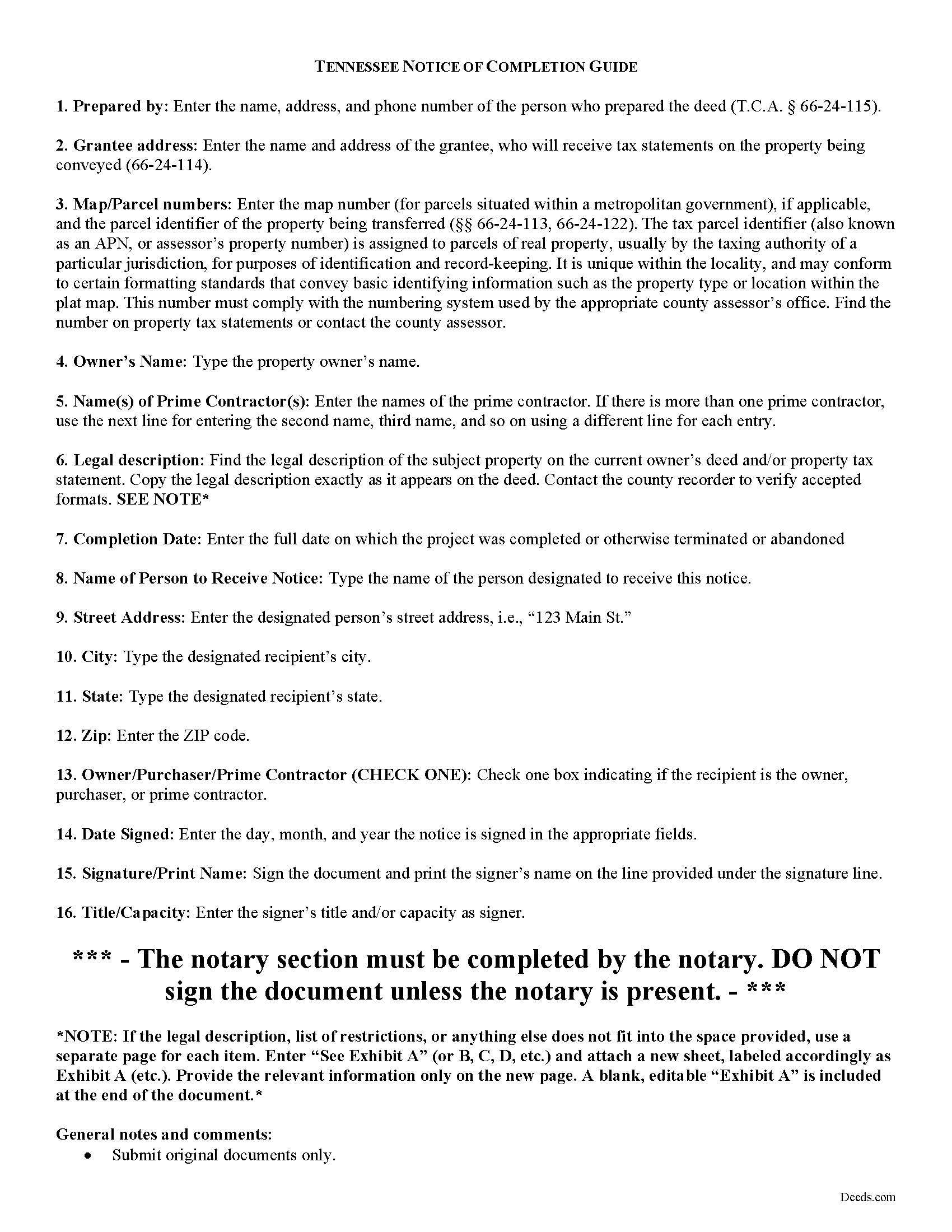
Stewart County Notice of Completion Guide
Line by line guide explaining every blank on the form.
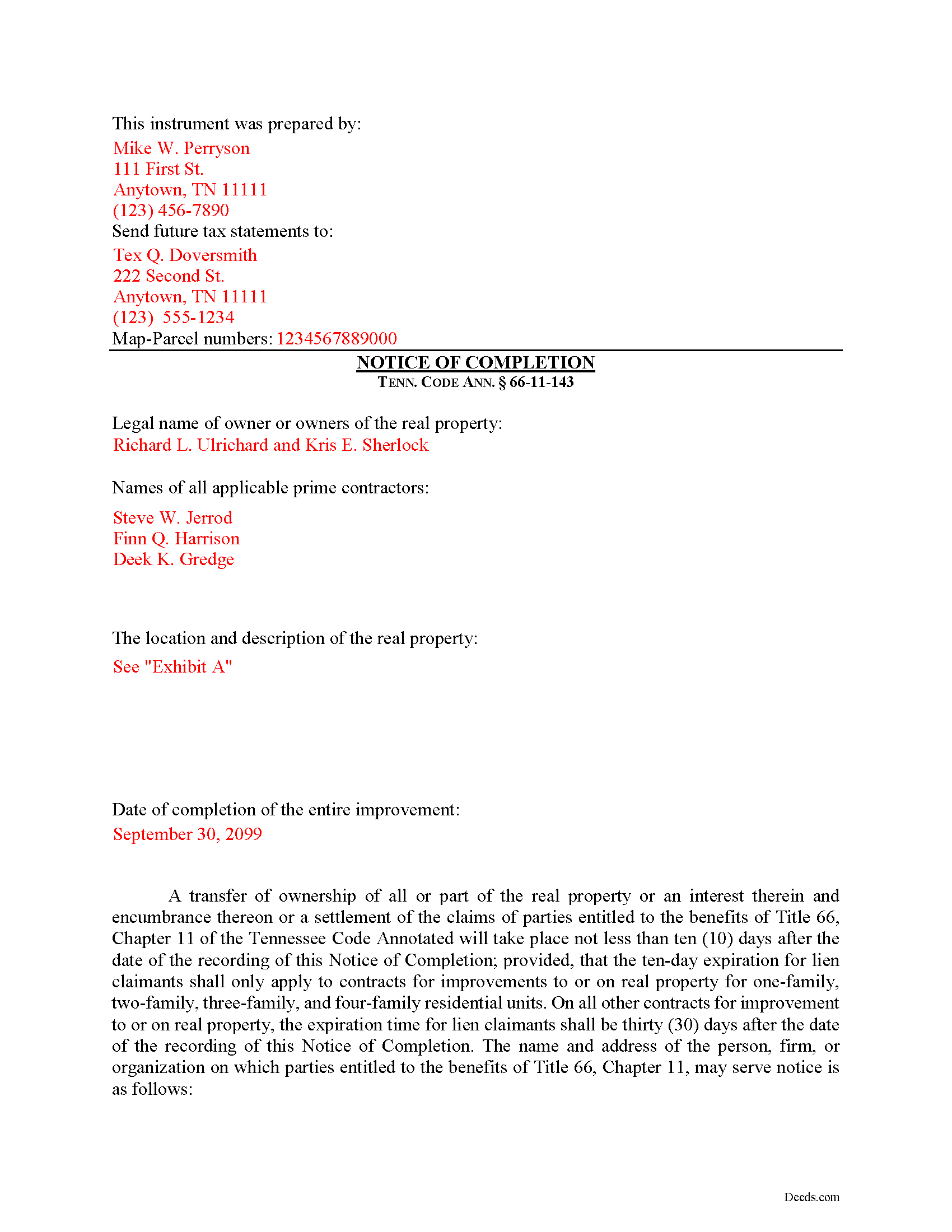
Stewart County Completed Example of the Notice of Completion Document
Example of a properly completed form for reference.
All 3 documents above included • One-time purchase • No recurring fees
Immediate Download • Secure Checkout
Additional Tennessee and Stewart County documents included at no extra charge:
Where to Record Your Documents
Stewart County Register of Deeds
Dover, Tennessee 37058
Hours: 8:00am to 4:30pm M-F
Phone: (931) 232-5990
Recording Tips for Stewart County:
- Bring your driver's license or state-issued photo ID
- Ensure all signatures are in blue or black ink
- White-out or correction fluid may cause rejection
- Ask about their eRecording option for future transactions
- Avoid the last business day of the month when possible
Cities and Jurisdictions in Stewart County
Properties in any of these areas use Stewart County forms:
- Big Rock
- Bumpus Mills
- Cumberland City
- Dover
- Indian Mound
Hours, fees, requirements, and more for Stewart County
How do I get my forms?
Forms are available for immediate download after payment. The Stewart County forms will be in your account ready to download to your computer. An account is created for you during checkout if you don't have one. Forms are NOT emailed.
Are these forms guaranteed to be recordable in Stewart County?
Yes. Our form blanks are guaranteed to meet or exceed the applicable formatting requirements used for recording in Stewart County, including margin requirements, font requirements, and other layout standards. This guarantee applies to formatting, not to the legal sufficiency of information entered by the user or the suitability of a form for a particular transaction.
Can I reuse these forms?
Yes. You can reuse the forms for your personal use. For example, if you have multiple properties in Stewart County you only need to order once.
What do I need to use these forms?
The forms are PDFs that you fill out on your computer. The free Adobe Acrobat Reader is recommended, and most PDF apps also work. You do NOT enter your property information online - you download the blank forms and complete them privately on your own computer.
Are there any recurring fees?
No. This is a one-time purchase. Nothing to cancel, no memberships, no recurring fees.
How much does it cost to record in Stewart County?
Recording fees in Stewart County vary. Contact the recorder's office at (931) 232-5990 for current fees.
Questions answered? Let's get started!
Protecting Your Property against Lien Claims in Tennessee with a Notice of Completion
Property owners must vigilantly protect against lien claims, especially from a lower-tiered claimant with whom they may not have directly contracted, or even been aware of their participation on the job for which the claim arose.
Tennessee's Property Code 66-11-143(a) offers a tool for this purpose. The owner or purchaser of improved real property, or their agent or attorney may, upon the completion of the improvement, record a Notice of Completion in the office of the register of deeds in the county where the real property is located. The owner or purchaser may also require a person or organization with whom the owner or purchaser has contracted for the improvement to record a notice of completion as well, upon the completion of the improvement. Id.
Along with recording, the owner or purchaser of improved real property or any other authorized party must simultaneously serve a copy of the notice of completion recorded with the register of deeds on the prime contractor and any other entitled parties. Id. Otherwise, the lien rights of the prime contractor who is not served a copy shall not be affected by the notice of completion. Id. The point of this is to make sure all relevant parties understand the status of their lien rights.
Service should be accomplished by registered or certified mail that allows for a return receipt. However, the notice requirement does not apply when the owner, or an entity controlled by the owner, also acts as the general contractor, in furtherance of the improvement to the property. Id.
The notice of completion contains: (1) The legal name of the owner or owners of the real property; (2) The name of the prime contractor or prime contractors; (3) The location and description of the real property; (4) Date of the completion of the improvement; (5) A statement that a transfer of ownership of all or a part of the real property or an interest in the real property and encumbrance on the real property, or a settlement of the claims of parties entitled to the benefits of this part, will take place not less than ten (10) days after the date of the recording of the notice of completion; provided, that the ten-day expiration for lien claimants shall only apply to contracts for improvement to or on real property, for one-family, two-family, three-family and four-family residential units. On all other contracts for improvement to or on real property, the expiration time for lien claimants shall be thirty (30) days after the date of the recording of the notice of completion in the register's office; (6) The name and address of the person, firm, or organization on which parties entitled to the benefits of this chapter may serve notice of claim; (7) Acknowledgment by the person filing the notice, or by that person's agent or attorney; and (8) The name and address of the preparer of the instrument in compliance with Tenn. Prop. Code 66-24-115. Tenn. Prop Code 66-11-143(b).
The register of deeds shall make a permanent record of all notices of completion filed in the office of the register and the records shall be available for public examination. Tenn. Prop Code 66-11-143(c). The register of deeds is also entitled to the fees for the register's services in receiving and maintaining notices of completion. Id. Check with the local office where the notice will be filed to inquire about any fees.
If a remote contractor has served a required notice of nonpayment pursuant to 66-11-145, then any party recording a notice of completion shall simultaneously serve a copy of the notice on the remote contractor. Tenn. Prop Code 66-11-143(d). The remote contractor shall have thirty (30) days from the date of the recording of the notice of completion to serve a written notice in response. Id. The lien rights of a remote contractor who has not been served a copy, shall not be affected by the notice of completion. Id.
Any prime contractor or remote contractor claiming a lien on the property described in the notice of completion, who has not previously registered the person's contract as provided in 66-11-111, or registered a sworn statement as provided in 66-11-112 and served a copy of the registration to the owner, shall serve written notice, to the person, firm or organization and at the address designated for receiving notice of claim, stating the amount of the claim and certifying that the claim does not include any amount owed to the claimant on any other job or under any other contract. Tenn. Prop Code 66-11-143(e)(1).
For improvements to or on real property for one-family, two-family, three-family and four-family residential units, the written notice shall be served not more than ten (10) days from the date of the recording of the notice of completion in the register's office. If the notice is not served within that time, the lien rights of the claimant shall expire. Tenn. Prop Code 66-11-143(e)(2)(A). For all other contracts for improvements to or on real property, the written notice shall be served not more than thirty (30) days from the date of the recording of the notice of completion in the register's office, and if notice is not served within that time, the lien rights of the claimant shall expire. Tenn. Prop Code 66-11-143(e)(2)(B).
The notice is only effective after completion has occurred. Any notice of completion recorded before the completion of the improvement or the demolition is void and of no effect whatsoever. Tenn. Prop Code 66-11-143(f).
This article is provided for informational purposes only and should not be considered legal advice or relied upon as any substitute for speaking with an attorney. Please consult a Tennessee attorney familiar with construction law for any issues regarding mechanic's liens.
Important: Your property must be located in Stewart County to use these forms. Documents should be recorded at the county recording office listed above.
This Notice of Completion meets all recording requirements specific to Stewart County.
Our Promise
The documents you receive here are guaranteed to meet or exceed the applicable Stewart County recording format requirements. If there is a rejection caused by our formatting, we will correct the issue or refund your payment. This guarantee applies to document formatting only and does not extend to information entered by the user, the selection of the form, or the legal effect of the completed document.
Save Time and Money
Get your Stewart County Notice of Completion form done right the first time with Deeds.com Uniform Conveyancing Blanks. At Deeds.com, we understand that your time and money are valuable resources, and we don't want you to face a penalty fee or rejection imposed by a county recorder for submitting nonstandard documents. We constantly review and update our forms to meet rapidly changing state and county recording requirements for roughly 3,500 counties and local jurisdictions.
4.8 out of 5 - ( 4,845 Reviews )
Jonny C. 5 out of 5 stars
Easy and fast
Thank you!
Tong B. 5 out of 5 stars
hi, It is very easy to do it. tanks.
Thank you!
Jon I. 5 out of 5 stars
I liked the information I download. Just what I was looking for.
We appreciate your business and value your feedback. Thank you. Have a wonderful day!
Bobette B. 5 out of 5 stars
Worked well with clear guide!
Thank you!
JENNIE W. 5 out of 5 stars
This is so much easier than going downtown to file paperwork! Thanks deeds.com!
Thank you!
kelly W. 5 out of 5 stars
Your customer service person was very professional and polite and helpful.
Thank you!
Cheryl S. 5 out of 5 stars
quick response
Thank you!
Christine S. 5 out of 5 stars
Very good site! I found everything I needed right here on Deeds.com. Excellent quality forms, easy access, perfect delivery, reasonable price
We appreciate your business and value your feedback. Thank you. Have a wonderful day!
Laurie R. 5 out of 5 stars
FIVE STARS !!! Clear instructions Easy to navigate Thanks for making this easy for those of us who are not tech savvy
We appreciate your business and value your feedback. Thank you. Have a wonderful day!
Elizabeth M. 5 out of 5 stars
So fare easy and straight forward
Thank you for your feedback. We really appreciate it. Have a great day!
James K. 5 out of 5 stars
Gave me exactly what i needed
Thank you for your feedback. We really appreciate it. Have a great day!
Emili C. 5 out of 5 stars
Thank you! I received my forms promptly and they are easy to follow along for filling out. The examples gave me confidence that they were done correctly.
Thank you for your feedback. We really appreciate it. Have a great day!
Steven M. 5 out of 5 stars
Happy with your service. Everything as advertised.
Your feedback is greatly appreciated. Thank you for taking the time to share your experience!
Elliot M V. 5 out of 5 stars
Easy to use
Thank you!
april m. 2 out of 5 stars
Could not give me any deed history prior to 1986, when our company bought the property, so this was a bust.
Thank you for your feedback April. Have a great day.