Calhoun County Trustees Deed (Two Cotrustees) Form
Last validated October 14, 2026 by our Forms Development TeamFormatted for recording in Calhoun County, for property anywhere in the county: rural and unincorporated areas as well as Point Comfort, Port Lavaca, Port O Connor, Seadrift.
- 3 documents included
- Immediate PDF download
- Formatting guarantee
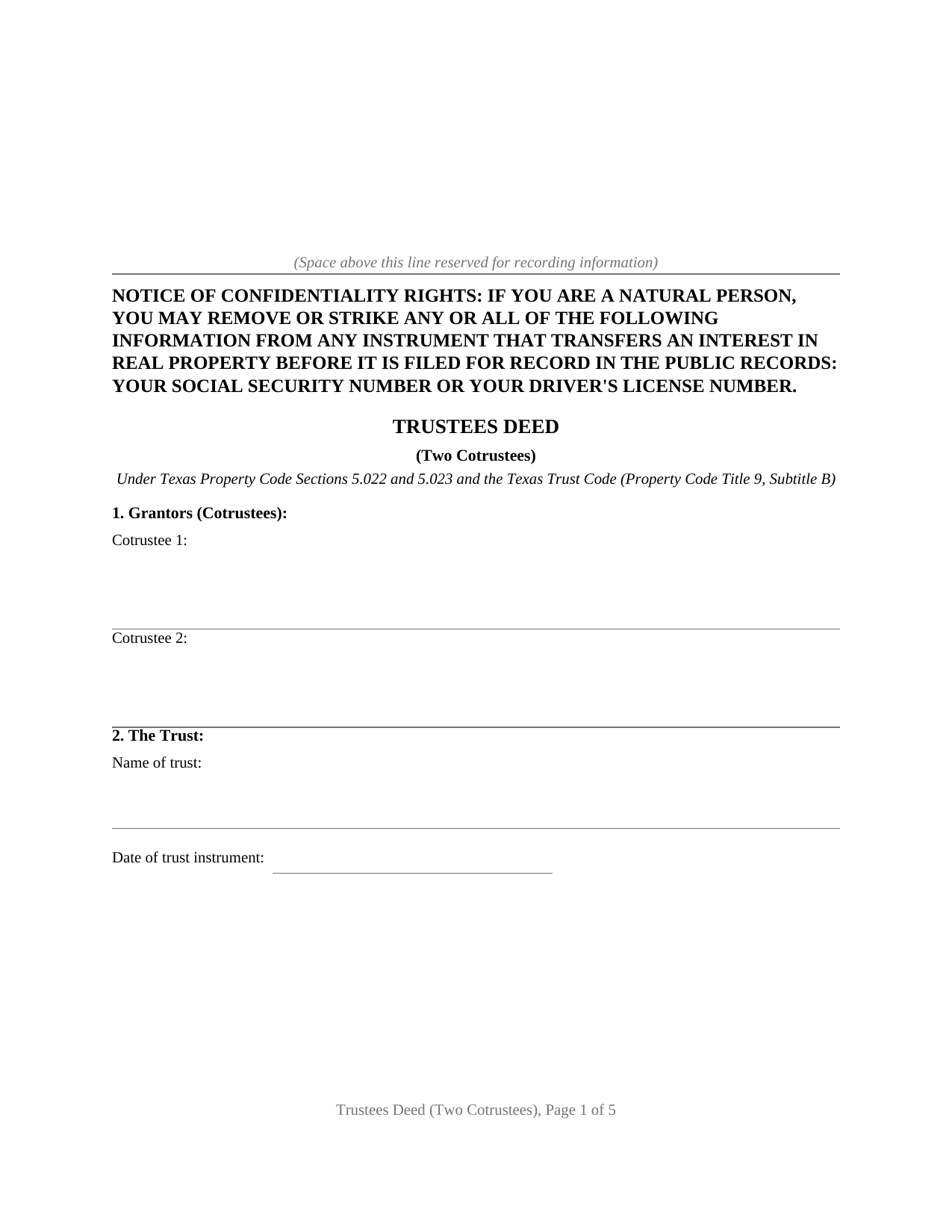
Calhoun County Trustees Deed (Two Cotrustees) Form
Fill in the blank Trustees Deed (Two Cotrustees) form formatted to comply with all Texas recording and content requirements.
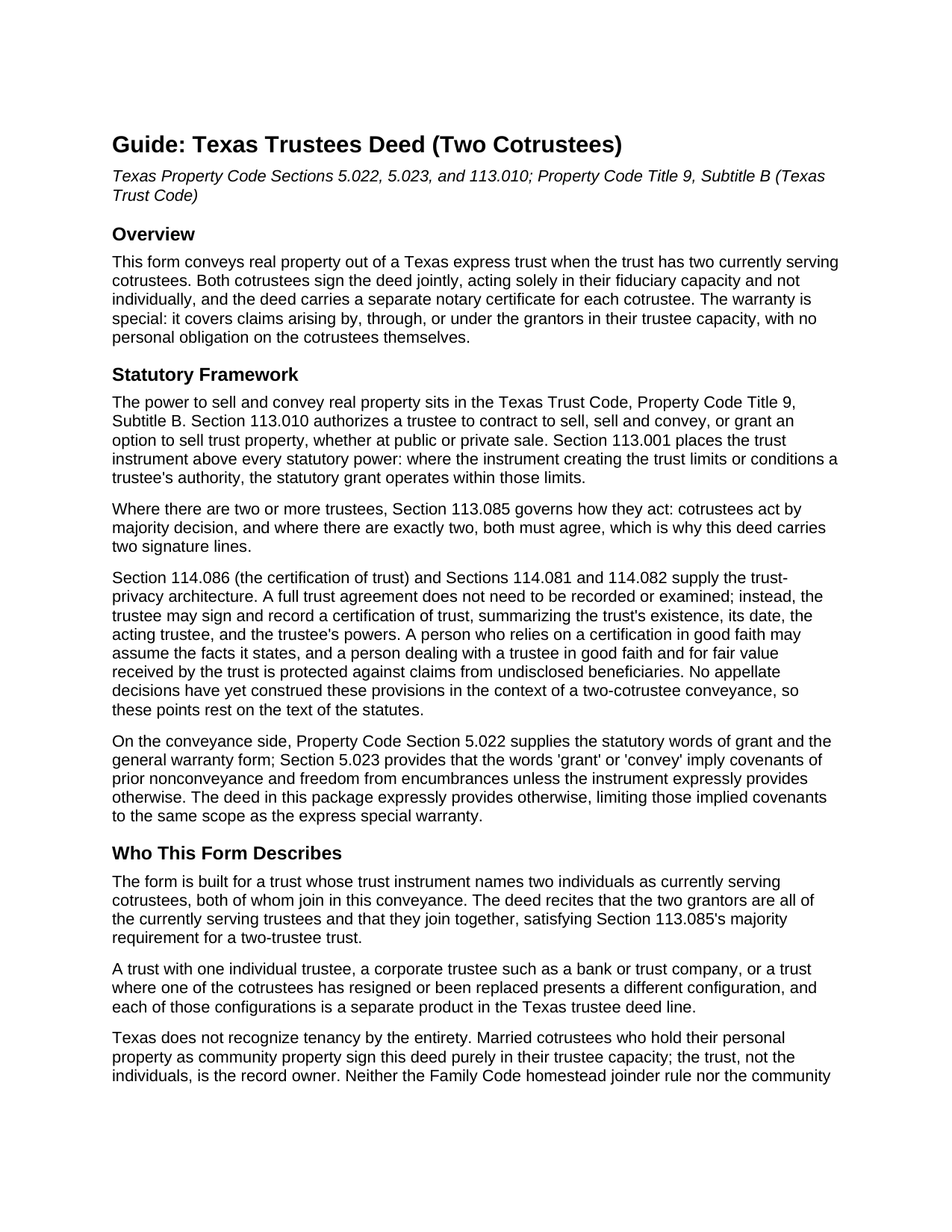
Calhoun County Trustees Deed (Two Cotrustees) Guide
Line by line guide explaining every blank on the Trustees Deed (Two Cotrustees) form.
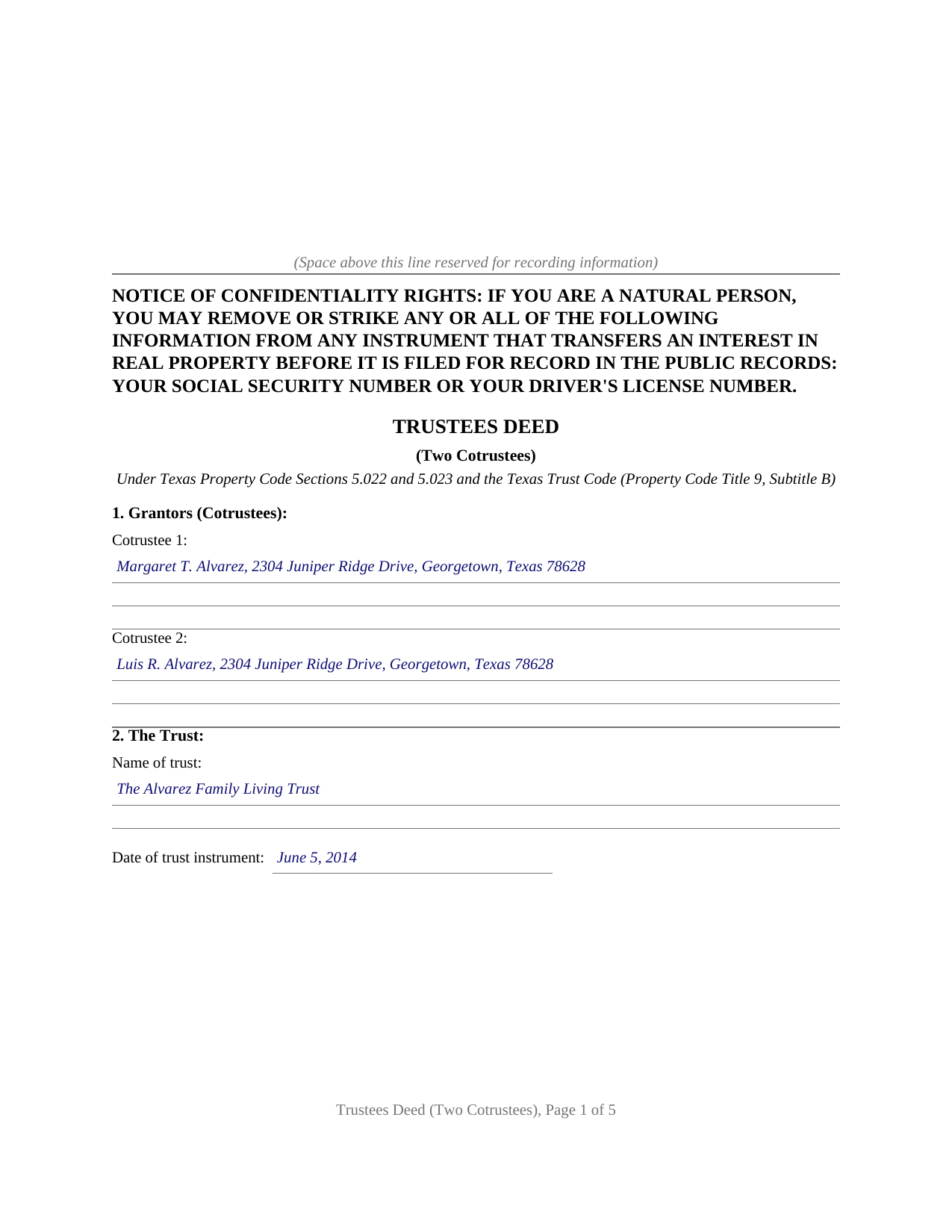
Calhoun County Completed Example of the Trustees Deed (Two Cotrustees) Document
Example of a properly completed Texas Trustees Deed (Two Cotrustees) document for reference.
All 3 documents above included • One-time purchase • No recurring fees
Immediate Download • Secure Checkout
Additional Texas and Calhoun County documents included at no extra charge:
Where to Record Your Documents
Calhoun County Clerk
Port Lavaca, Texas 77979
Hours: Monday - Thursday 8:00 to 5:00 / Friday 8:30 to 5:00
Phone: 361-553-4411
Recording Tips for Calhoun County:
- Bring your driver's license or state-issued photo ID
- Ensure all signatures are in blue or black ink
- Check margin requirements - usually 1-2 inches at top
- Leave recording info boxes blank - the office fills these
- Make copies of your documents before recording - keep originals safe
Cities and Jurisdictions in Calhoun County
Properties in any of these areas use Calhoun County forms:
- Point Comfort
- Port Lavaca
- Port O Connor
- Seadrift
Hours, fees, requirements, and more for Calhoun County
How do I get my forms?
Forms are available for immediate download after payment. The Calhoun County forms will be in your account ready to download to your computer. An account is created for you during checkout if you don't have one. Forms are NOT emailed.
Are these forms guaranteed to be recordable in Calhoun County?
Yes. Our form blanks are guaranteed to meet or exceed the applicable formatting requirements used for recording in Calhoun County, including margin requirements, font requirements, and other layout standards. This guarantee applies to formatting, not to the legal sufficiency of information entered by the user or the suitability of a form for a particular transaction.
Can I reuse these forms?
Yes. You can reuse the forms for your personal use. For example, if you have multiple properties in Calhoun County you only need to order once.
What do I need to use these forms?
The forms are PDFs that you fill out on your computer. The free Adobe Acrobat Reader is recommended, and most PDF apps also work. You do NOT enter your property information online - you download the blank forms and complete them privately on your own computer.
Are there any recurring fees?
No. This is a one-time purchase. Nothing to cancel, no memberships, no recurring fees.
How much does it cost to record in Calhoun County?
Recording fees in Calhoun County vary. Contact the recorder's office at 361-553-4411 for current fees.
Questions answered? Let's get started!
When two cotrustees hold title to Texas real property on behalf of a trust, both must sign the deed that conveys it. Property Code Section 113.085 states why: cotrustees act by majority, and a majority of two is both. This trustees deed is built around that arithmetic, naming both currently serving cotrustees as grantors, identifying the trust by name and date, and carrying separate signature blocks and a separate notary certificate for each signer so the cotrustees may execute on different dates, before different notaries, or in different states.
A conveyance from trust to grantee
The deed conveys with the Texas words of grant, the language Property Code Section 5.022 associates with a deed that carries the property itself rather than merely releasing whatever interest the grantors hold. The distinction matters because Geodyne Energy Income Production Partnership v. Newton Corp., 161 S.W.3d 482 (Tex. 2005), drew a line between a true conveyance and a quitclaim based on whether the language, read as a whole, transfers the property or only the grantor's rights. This deed uses grant, sell, and convey, keeping it on the conveyance side of that line. The habendum clause follows the same pattern, and the return address and grantee address blocks serve the Property Code Section 11.003 address requirement at the recording counter.
The two-cotrustee configuration
The form recites exactly two currently serving cotrustees of the same trust. Both must sign, and the conveyance language states that they join together in the conveyance, satisfying Section 113.085's majority standard for a trust with two trustees. The granting clause and the warranty both run in the cotrustee capacity expressly, so the county records carry a complete fiduciary conveyance from the vesting deed in to this deed out. The conveyance authority rests on Property Code Section 113.010, subject always to Section 113.001, which makes the trust instrument the first word on any trustee's power to sell or convey. A trust whose instrument names only one trustee, or a trust company acting through an officer, presents a configuration that a different form in the Texas trustee deed line addresses.
A warranty scoped to fiduciary tenure
The warranty is special: the grantors bind themselves, solely in their fiduciary capacity and not individually, and the trust estate, to defend the title against claims arising by, through, or under them in that capacity. An express provision under Property Code Section 5.023 limits every covenant implied from the words of grant to the same scope, so no personal obligation reaches the cotrustees' own assets. The trust agreement ordinarily stays private. Property Code Section 114.086 provides for a certification of trust, a trustee-signed summary of the trust's existence, its date, the acting trustees, and their powers, which title examiners review in place of the full instrument. Section 114.081 protects a person dealing with a trustee in good faith and for fair value received by the trust, and Section 114.082 addresses the position of undisclosed beneficiaries whose interest the vesting deed never identified.
Inside the package
The download includes the blank deed as a fillable PDF, a completed example showing the deed filled in for a fictional Williamson County sale by the two cotrustees of a family living trust, and a guide covering every numbered section of the form from the trust identification fields through the recording steps. The deed is formatted for Texas recording, with reserved space for the clerk's recording stamp, the Property Code Section 11.008 confidentiality notice in boldfaced capitals at the top of the instrument page, and the source of title and encumbrances sections that help a subsequent title examiner trace the chain. Texas imposes no transfer tax on deeds, so the instrument and any attached exhibits are the complete recording package. The materials are informational and are not legal advice.
Important: Your property must be located in Calhoun County to use these forms. Documents should be recorded at the county recording office listed above.
This Trustees Deed (Two Cotrustees) meets all recording requirements specific to Calhoun County.
Our Promise
The documents you receive here are guaranteed to meet or exceed the applicable Calhoun County recording format requirements. If there is a rejection caused by our formatting, we will correct the issue or refund your payment. This guarantee applies to document formatting only and does not extend to information entered by the user, the selection of the form, or the legal effect of the completed document.
Save Time and Money
Get your Calhoun County Trustees Deed (Two Cotrustees) form done right the first time with Deeds.com Uniform Conveyancing Blanks. At Deeds.com, we understand that your time and money are valuable resources, and we don't want you to face a penalty fee or rejection imposed by a county recorder for submitting nonstandard documents. We constantly review and update our forms to meet rapidly changing state and county recording requirements for roughly 3,500 counties and local jurisdictions.
4.8 out of 5 - ( 4,864 Reviews )
Edward Z. 5 out of 5 stars
Very easy to do. Will use them in the future.
We appreciate your business and value your feedback. Thank you. Have a wonderful day!
Johnnye G. 5 out of 5 stars
I appreciate being able to find the forms needed for my Gift Deed. It was simple to understand and complete. Now, if Utah will accept this form, I will be thrilled. Mailing today. It remains to be seen if it will be accepted.
We appreciate your business and value your feedback. Thank you. Have a wonderful day!
Jubal T. 5 out of 5 stars
This is the most comprehensive, helpful real estate tool I have seen. I was at first worried because the 330# didn’t have live operators but I received messages in my account as quickly as a conversation had by text and was able to download a deed and record it the same day in a county 1,300 miles away. Highly recommended!
We are sincerely grateful for your feedback and are committed to providing the highest quality service. Thank you for your trust in us.
JAMES D. 5 out of 5 stars
Slick as can be and so convenient. Worked like a charm
Thank you for your feedback. We really appreciate it. Have a great day!
DON O. 2 out of 5 stars
needs to be more user friendly
Thank you for your feedback. We really appreciate it. Have a great day!
Nick A. 5 out of 5 stars
Easy to use website. Found what I was looking for.
Thank you for your feedback. We really appreciate it. Have a great day!
Richard O. 4 out of 5 stars
It has an easy-to-use interface and well-formatted, detailed forms. Consider adding AI agents to assist in completing these forms from data provided or available from public sources. Overall, I am very satisfied!
Your feedback is greatly appreciated. Thank you for taking the time to share your experience!
Michael W. 5 out of 5 stars
Easy to use and fast
Thank you!
Catherine B. 5 out of 5 stars
Wow absolutely amazing service. So quick and easy and makes what would be such a hassel a piece of cake. Outstanding value for money way cheaper than I expected. Will use again and highly recommend.
Your appreciative words mean the world to us. Thank you.
Luwana C. 5 out of 5 stars
I think the Website takes out a lot of leg work, Makes it easier to take care of paperwork 10 times faster.
We appreciate your business and value your feedback. Thank you. Have a wonderful day!
Pam B. 4 out of 5 stars
This form really helped me out a lot could be a little more explanatory in some areas but all and all it works.
Thanks Pam, we appreciate your feedback.
Scott W. 5 out of 5 stars
Finding and downloading necessary forms, and especially the example forms, were tremendously easy and trouble free, and the fact the forms were updated recently was a big selling point. If other forms are needed, this is were I'm coming.
We appreciate your business and value your feedback. Thank you. Have a wonderful day!
Rysta W. 5 out of 5 stars
Very easy to use and great price.
Thank you for your feedback. We really appreciate it. Have a great day!
Michael L. 5 out of 5 stars
Professional, simple. Very good.
We appreciate your business and value your feedback. Thank you. Have a wonderful day!
Paul R. 5 out of 5 stars
Worked very quickly and smoothly. Helps if you know what documents you need. Thanks.
Thank you for your feedback. We really appreciate it. Have a great day!