Suffolk City Quitclaim Deed (Interspousal) Form
Last validated October 27, 2026 by our Forms Development TeamFormatted for recording in Suffolk City, for property anywhere in the county or independent city: rural and unincorporated areas as well as Suffolk.
- 3 documents included
- Immediate PDF download
- Formatting guarantee
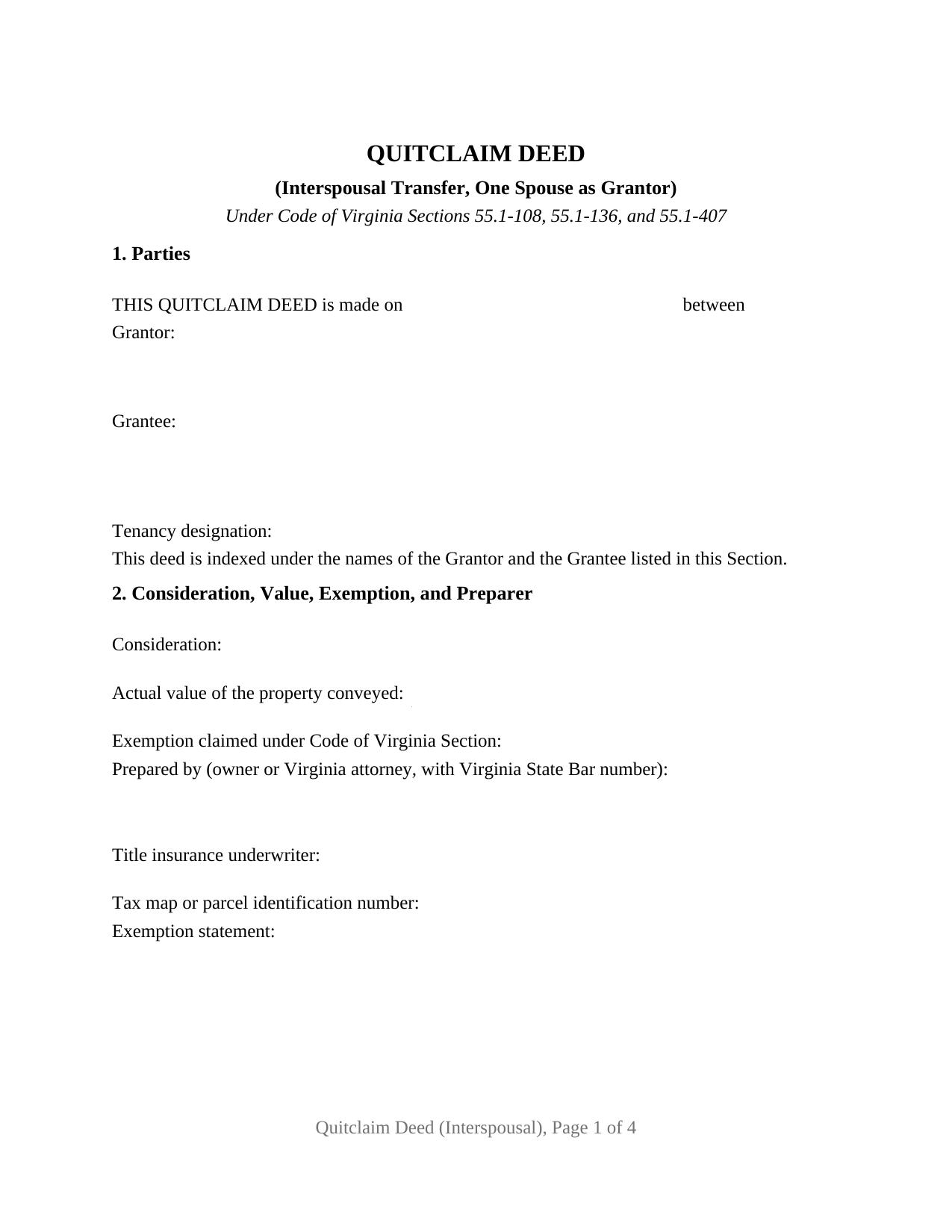
Suffolk City Quitclaim Deed (Interspousal) Form
Fill in the blank Quitclaim Deed (Interspousal) form formatted to comply with all Virginia recording and content requirements.
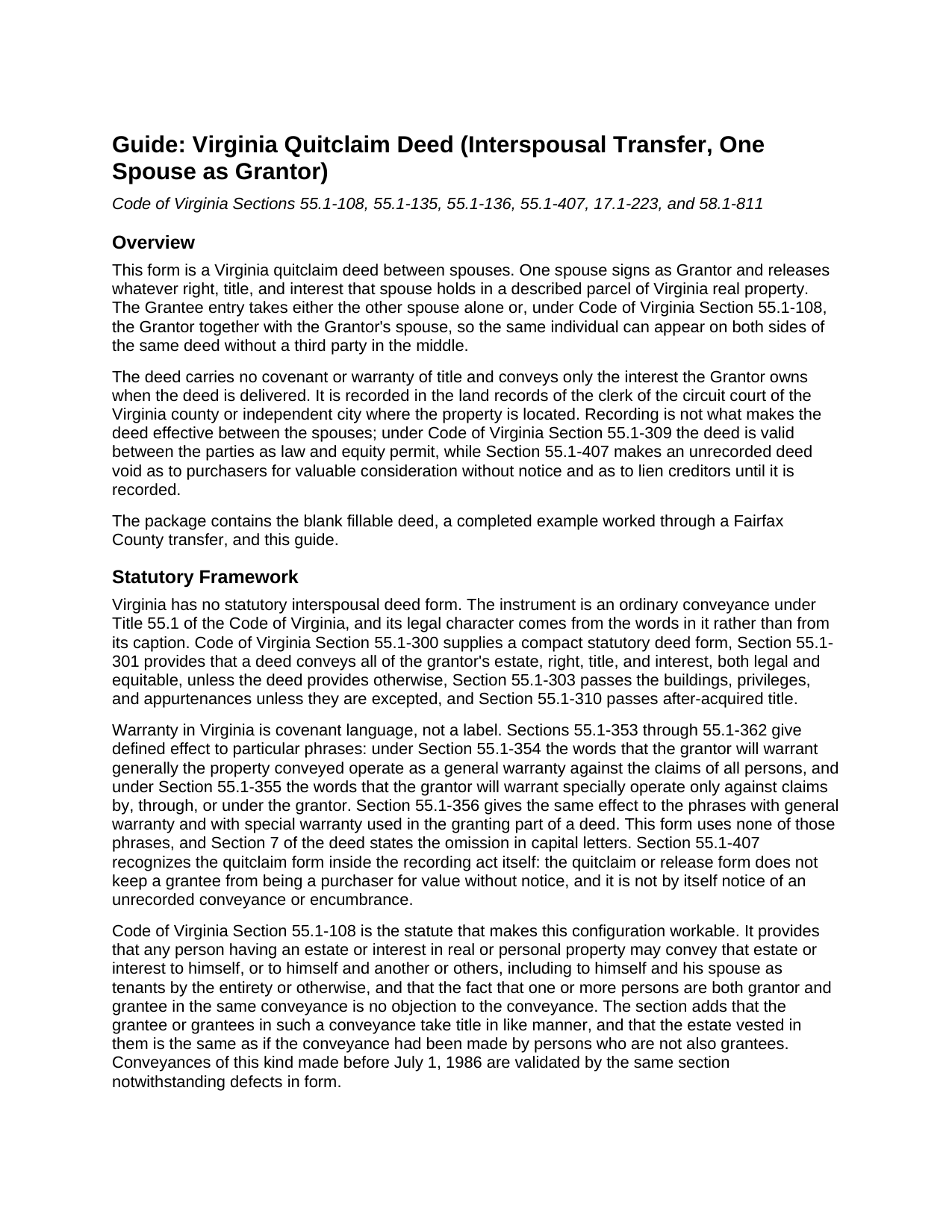
Suffolk City Quitclaim Deed (Interspousal) Guide
Line by line guide explaining every blank on the Quitclaim Deed (Interspousal) form.
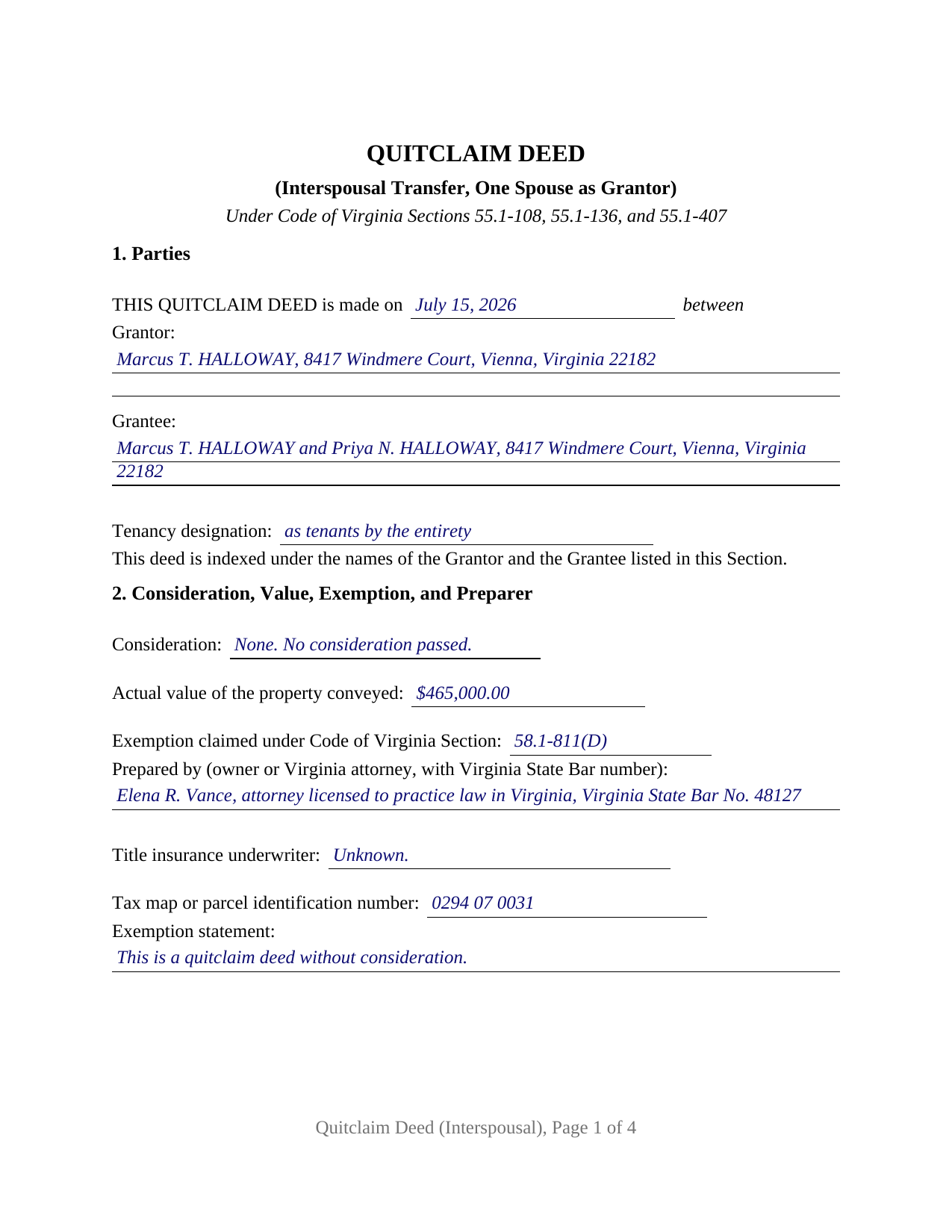
Suffolk City Completed Example of the Quitclaim Deed (Interspousal) Document
Example of a properly completed Virginia Quitclaim Deed (Interspousal) document for reference.
All 3 documents above included • One-time purchase • No recurring fees
Immediate Download • Secure Checkout
Additional Virginia and Suffolk City documents included at no extra charge:
Where to Record Your Documents
Suffolk City Clerk of Circuit Court
Suffolk, Virginia 23434
Hours: Monday through Friday 8:30 to 5:00 / No monetary transactions after 4:30
Phone: 757-514-7803, 7811, 7812
Recording Tips for Suffolk City:
- Bring your driver's license or state-issued photo ID
- Ensure all signatures are in blue or black ink
- Leave recording info boxes blank - the office fills these
- Make copies of your documents before recording - keep originals safe
- Recorded documents become public record - avoid including SSNs
Cities and Jurisdictions in Suffolk City
Properties in any of these areas use Suffolk City forms:
- Suffolk
Hours, fees, requirements, and more for Suffolk City
How do I get my forms?
Forms are available for immediate download after payment. The Suffolk City forms will be in your account ready to download to your computer. An account is created for you during checkout if you don't have one. Forms are NOT emailed.
Are these forms guaranteed to be recordable in Suffolk City?
Yes. Our form blanks are guaranteed to meet or exceed the applicable formatting requirements used for recording in Suffolk City, including margin requirements, font requirements, and other layout standards. This guarantee applies to formatting, not to the legal sufficiency of information entered by the user or the suitability of a form for a particular transaction.
Can I reuse these forms?
Yes. You can reuse the forms for your personal use. For example, if you have multiple properties in Suffolk City you only need to order once.
What do I need to use these forms?
The forms are PDFs that you fill out on your computer. The free Adobe Acrobat Reader is recommended, and most PDF apps also work. You do NOT enter your property information online - you download the blank forms and complete them privately on your own computer.
Are there any recurring fees?
No. This is a one-time purchase. Nothing to cancel, no memberships, no recurring fees.
How much does it cost to record in Suffolk City?
Recording fees in Suffolk City vary. Contact the recorder's office at 757-514-7803, 7811, 7812 for current fees.
Questions answered? Let's get started!
Virginia lets a property owner stand on both sides of a deed. Code of Virginia Section 55.1-108 provides that a person holding an estate or interest in real property may convey it to himself, or to himself and another, including to himself and his spouse as tenants by the entirety, and that being both grantor and grantee in one conveyance is no objection. This interspousal quitclaim deed is built on that section: one spouse signs as grantor, and the grantee entry takes the other spouse alone or names both spouses together.
Marriage alone does not make the estate; the designation does
Spouses in Virginia hold as tenants by the entirety only where the deed says so. Section 55.1-136(A) permits spouses to own property that way for as long as they are married, with the intent that the part of the one dying belongs to the other manifest from a designation as tenants by the entirety or tenants by the entireties. Absent that designation, Section 55.1-135 leaves spouses holding by moieties, as though a distinct moiety had been given to each spouse by a separate conveyance, a tenancy in common in all but name. So Section 1 of the form prints a tenancy designation line beside the grantee entry, and Section 4 asks what tenancy the vesting deed already shows.
A grantor spouse, a grantee spouse, and no second signature line
The form recites exactly one grantor, a married individual signing personally, with a single signature line and one acknowledgment certificate, because a grantee signs no Virginia deed. Section 1 collects the date, the grantor with a mailing address, the grantee entry, and the tenancy designation. A spouse who owned the parcel before the marriage and conveys to the two of them as tenants by the entirety, and a spouse releasing an undivided moiety so that title stands in one name under a written separation agreement, present the one-grantor interspousal pattern this deed recites. The form is not set up to sever an existing entireties estate, a step Section 55.1-136(B) reserves for an instrument that both spouses sign on the grantor side, and it recites no trustee, personal representative, entity, or attorney-in-fact capacity.
Two exemptions, and the words each one asks for
Transfers between spouses commonly pass no money, and Virginia answers that twice. Since July 1, 2026, Section 58.1-811(D) has exempted a quitclaim deed from the state recordation tax where nothing passes between the parties and the deed states that classification. A transfer made under a decree of divorce or of separate maintenance, or under a written instrument incident to a divorce or separation, is exempt instead under Section 58.1-811(A)(15), and Section 58.1-811(C)(1) carries the same transaction out of the grantor tax imposed by Section 58.1-802. Section 2 of the form takes the consideration, the actual value that Section 58.1-801 measures by the most recent assessment, the Code section relied on, and the classification sentence; Section 6 is where a decree or a separation agreement is identified.
The capitalized surname a Virginia clerk looks for
Section 17.1-223(A) gives a clerk authority to reject a deed filed without a cover sheet unless each individual party's surname is underscored or written entirely in capital letters in the first clause identifying the parties, and unless the indexing names of grantor and grantee are listed in that clause. That is why Section 1 of this form reads as a parties clause rather than a data block, and why the completed example prints HALLOWAY in capitals. The same statute keeps consideration and actual value on the first page and puts the title insurance underwriter and the owner-or-attorney preparer statements there as well, while Section 17.1-252 adds the parcel identifier in localities with unique parcel systems. The example runs a Fairfax County transfer through all of it, and the guide takes up cover sheet practice, which changes from one circuit court clerk to the next.
What the download holds
Searchers reach this instrument as an interspousal transfer deed, a quit claim deed to a spouse, or a spousal quitclaim deed; this package prepares the Virginia quitclaim deed for one spouse conveying to the other. Three files arrive: the blank deed as a fillable PDF, the completed example described above, and a plain-language guide covering every blank, the forms in which spouses may hold title, notarization under Title 47.1, and the taxes and fees collected at the recording counter. These materials describe Virginia law generally and are not legal advice.
Important: Your property must be located in Suffolk City to use these forms. Documents should be recorded at the county or independent city recording office listed above.
This Quitclaim Deed (Interspousal) meets all recording requirements specific to Suffolk City.
Our Promise
The documents you receive here are guaranteed to meet or exceed the applicable Suffolk City recording format requirements. If there is a rejection caused by our formatting, we will correct the issue or refund your payment. This guarantee applies to document formatting only and does not extend to information entered by the user, the selection of the form, or the legal effect of the completed document.
Save Time and Money
Get your Suffolk City Quitclaim Deed (Interspousal) form done right the first time with Deeds.com Uniform Conveyancing Blanks. At Deeds.com, we understand that your time and money are valuable resources, and we don't want you to face a penalty fee or rejection imposed by a county recorder for submitting nonstandard documents. We constantly review and update our forms to meet rapidly changing state and county recording requirements for roughly 3,500 counties and local jurisdictions.
4.8 out of 5 - ( 4,847 Reviews )
Alvera A. 5 out of 5 stars
Very easy to find my documents, download and print them!
We appreciate your business and value your feedback. Thank you. Have a wonderful day!
Spencer A. 5 out of 5 stars
Deeds.com made it so easy to file my paper work with the county. It saved me half a days travel and cost me about a tank of gas. This service was well worth the saved travel time and energy. I would highly recommend this service to other individuals. The other companies I spoke with only service law firms, title companies & banks etc. Thanks deed.com, I'll be back and will refer all my friends too.
Thank you so much Spencer, we really appreciate your feedback!
James E. 5 out of 5 stars
Forms were available for immediate download. Examples were helpful in completing form.
We appreciate your business and value your feedback. Thank you. Have a wonderful day!
RUSSELL E. 5 out of 5 stars
Awesome and quick service again, just like always from KvH. Thanks!
We are sincerely grateful for your feedback and are committed to providing the highest quality service. Thank you for your trust in us.
Anne B. 5 out of 5 stars
Great experience! It was so easy and quick. We will definitely use the service again.
We appreciate your business and value your feedback. Thank you. Have a wonderful day!
Pamela W. 5 out of 5 stars
Signing up was easy and the form was amazing. The ability to type on it (I am on a MAC) was beyond my expectations, the ability to save a blank, save my two documents, save the instructions and sample was excellent. The documents are in the mail and we are hopefully they will be approved. Blessings,
Thank you for your feedback. We really appreciate it. Have a great day!
Jim F. 5 out of 5 stars
Site was easy to navigate and helped me to quickly locate the documents I was searching for. Thank you!
Your appreciative words mean the world to us. Thank you.
Michael P. 5 out of 5 stars
excellent and timely service.
Thank you!
David C. 2 out of 5 stars
My biggest complaint is I did not know when my document was ready until I got this survey. An email should be sent to say document is ready.
Sorry about that David. We will look into better email notifications. Hope you have a great day.
Edward O. 5 out of 5 stars
east too do.. hope it works thanks
Thank you!
Kimberly H. 5 out of 5 stars
Very convenient, easy to use, and fast! I highly recommend Deeds.com!
We appreciate your business and value your feedback. Thank you. Have a wonderful day!
Pamela M. 5 out of 5 stars
Saved a great deal of time and hassle. THANKS
Thank you!
Michael D. 5 out of 5 stars
Great service
Thank you!
Oldemar T. 5 out of 5 stars
You guys simplified my life. You offer very convenient services. Thank you.
Thank you!
steven l. 3 out of 5 stars
As a first time user and not having knowledge of how your site worked it was awkward to upload a file and not know what to do next. I found out there is nothing to do next but that after some time looking for a submit button or some kind of confirmation that I was doing the right thing. Ended up being very easy, just wasted time trying to figure out what to do when there was nothing left to do.
Thank you!