Thurston County Quitclaim Deed (Individual Grantor by Attorney-in-Fact) Form
Last validated October 30, 2026 by our Forms Development TeamFormatted for recording in Thurston County, for property anywhere in the county: rural and unincorporated areas as well as Bucoda, East Olympia, Lacey, Littlerock, Olympia, Rainier, Rochester, Tenino and 2 more.
- 3 documents included
- Immediate PDF download
- Formatting guarantee
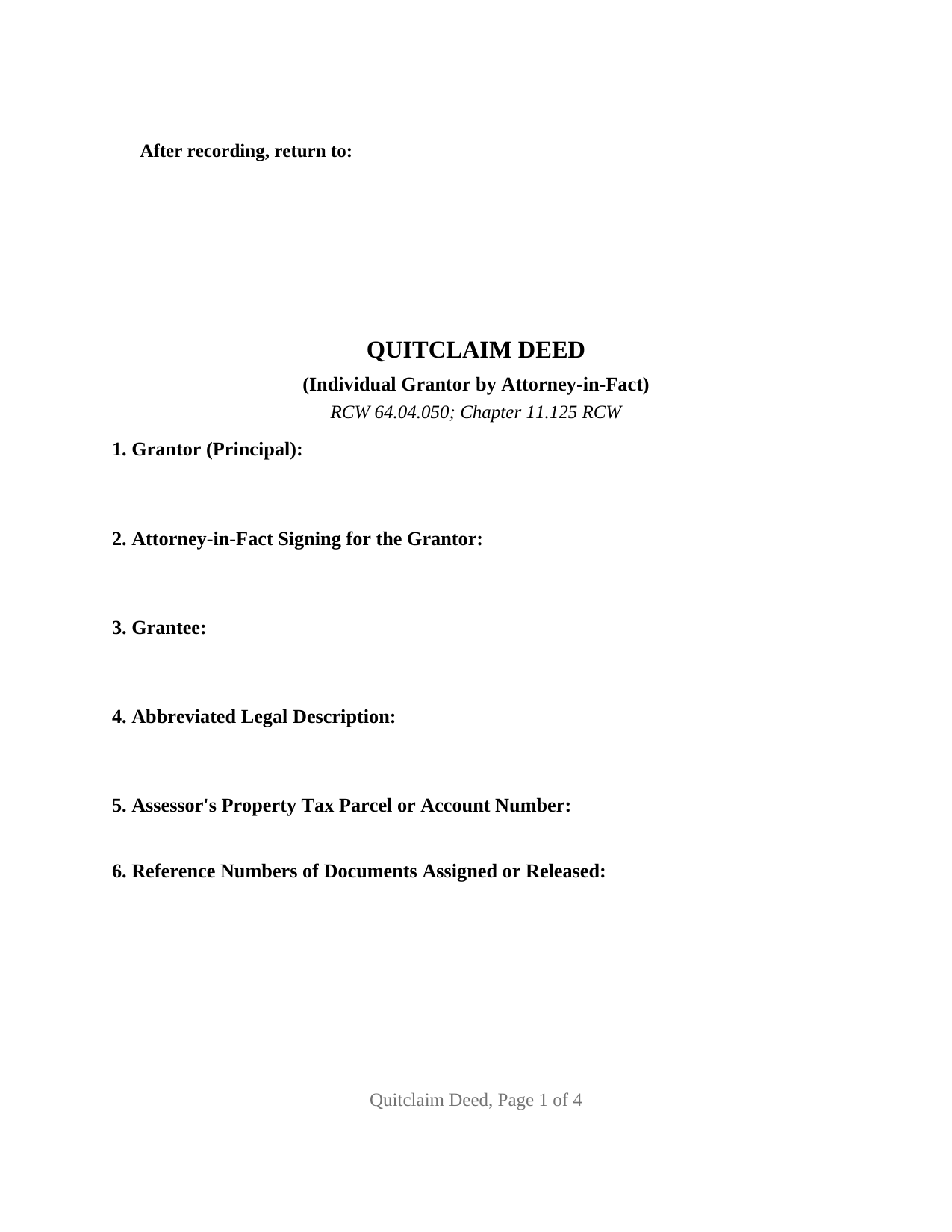
Thurston County Quitclaim Deed (Individual Grantor by Attorney-in-Fact) Form
Fill in the blank Quitclaim Deed (Individual Grantor by Attorney-in-Fact) form formatted to comply with all Washington recording and content requirements.
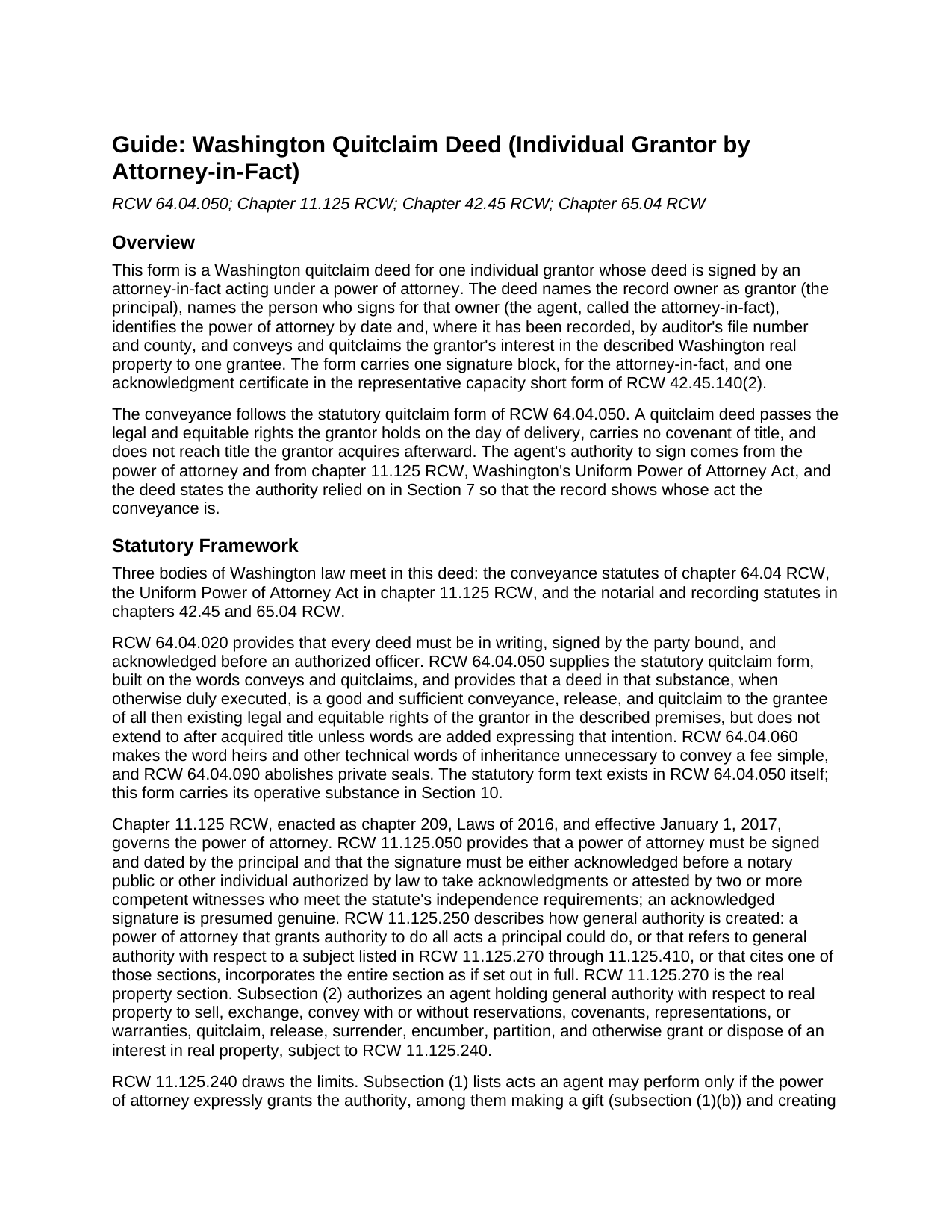
Thurston County Quitclaim Deed (Individual Grantor by Attorney-in-Fact) Guide
Line by line guide explaining every blank on the Quitclaim Deed (Individual Grantor by Attorney-in-Fact) form.
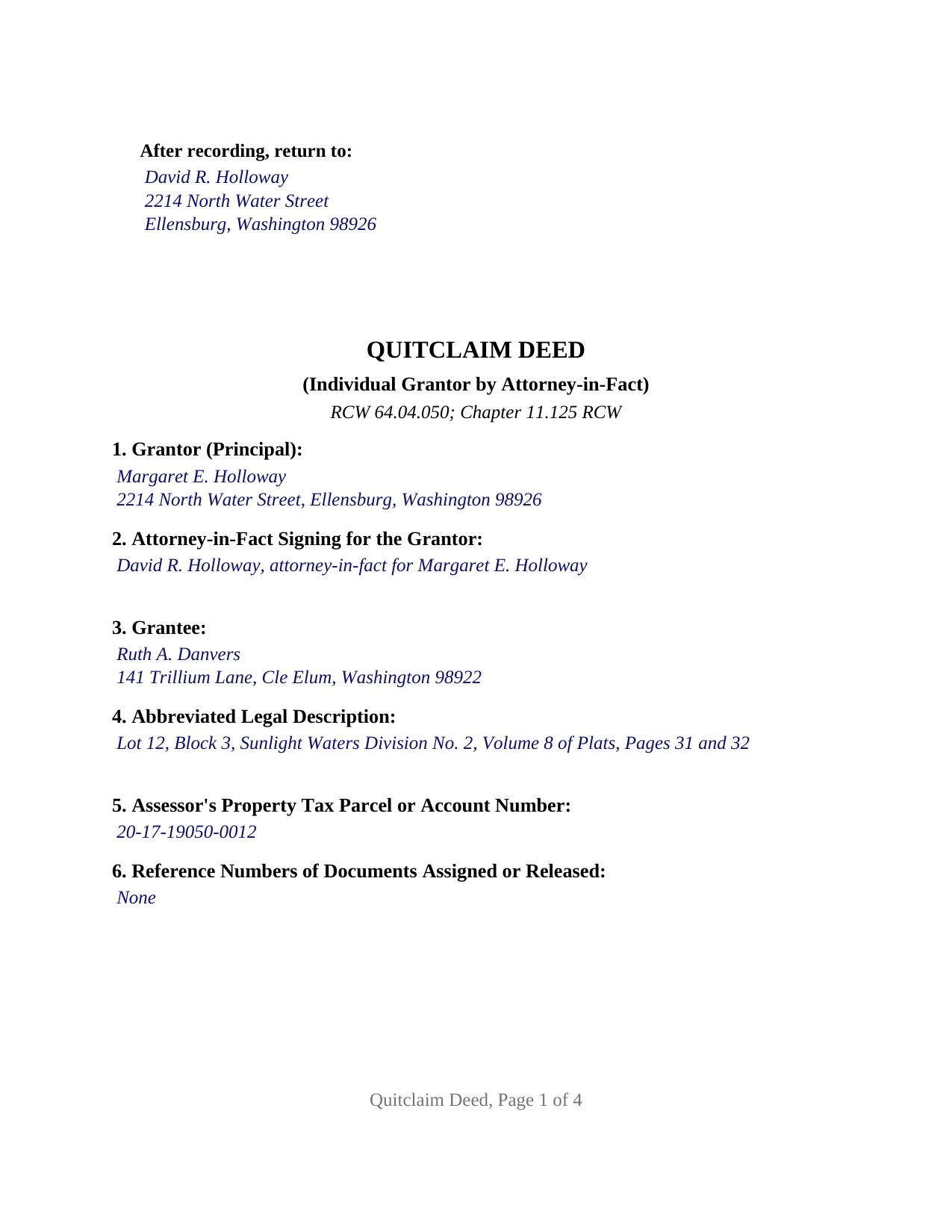
Thurston County Completed Example of the Quitclaim Deed (Individual Grantor by Attorney-in-Fact) Document
Example of a properly completed Washington Quitclaim Deed (Individual Grantor by Attorney-in-Fact) document for reference.
All 3 documents above included • One-time purchase • No recurring fees
Immediate Download • Secure Checkout
Additional Washington and Thurston County documents included at no extra charge:
Where to Record Your Documents
Thurston County Auditor: Recording
Olympia, Washington 98502
Hours: 8:00am-4:30pm M-F / Opening at 9:00am first Friday of the month
Phone: (360) 786-5405
Recording Tips for Thurston County:
- Bring your driver's license or state-issued photo ID
- Ensure all signatures are in blue or black ink
- Request a receipt showing your recording numbers
- Ask about accepted payment methods when you call ahead
- Ask for certified copies if you need them for other transactions
Cities and Jurisdictions in Thurston County
Properties in any of these areas use Thurston County forms:
- Bucoda
- East Olympia
- Lacey
- Littlerock
- Olympia
- Rainier
- Rochester
- Tenino
- Tumwater
- Yelm
Hours, fees, requirements, and more for Thurston County
How do I get my forms?
Forms are available for immediate download after payment. The Thurston County forms will be in your account ready to download to your computer. An account is created for you during checkout if you don't have one. Forms are NOT emailed.
Are these forms guaranteed to be recordable in Thurston County?
Yes. Our form blanks are guaranteed to meet or exceed the applicable formatting requirements used for recording in Thurston County, including margin requirements, font requirements, and other layout standards. This guarantee applies to formatting, not to the legal sufficiency of information entered by the user or the suitability of a form for a particular transaction.
Can I reuse these forms?
Yes. You can reuse the forms for your personal use. For example, if you have multiple properties in Thurston County you only need to order once.
What do I need to use these forms?
The forms are PDFs that you fill out on your computer. The free Adobe Acrobat Reader is recommended, and most PDF apps also work. You do NOT enter your property information online - you download the blank forms and complete them privately on your own computer.
Are there any recurring fees?
No. This is a one-time purchase. Nothing to cancel, no memberships, no recurring fees.
How much does it cost to record in Thurston County?
Recording fees in Thurston County vary. Contact the recorder's office at (360) 786-5405 for current fees.
Questions answered? Let's get started!
Nobody named as grantor signs this Washington quitclaim deed. Record title stands in one individual's name, and an attorney-in-fact signs for that owner under a power of attorney. The form is configured for exactly that: one grantor entry naming the principal, a second naming the agent, a numbered section identifying the power of attorney by date and recording reference, and one certificate taken in representative capacity.
Washington put the quitclaim verb in its agency statute
Chapter 11.125 RCW, the Uniform Power of Attorney Act effective January 1, 2017, spells out what an agent may do with land. RCW 11.125.270(2) provides that language granting general authority with respect to real property lets the agent sell, exchange, convey, quitclaim, release, encumber, or partition an interest in real property. Quitclaim is the statute's own word, so the agent's authority and a deed drawn on RCW 64.04.050 speak in the same verbs. A citation to that section incorporates the whole of it under RCW 11.125.250(3), and RCW 11.125.240(8) supplies the consequence: the agent's act binds the principal and the principal's successors as if the principal had performed it.
Authority a general grant does not carry
Some conveyances take more than that. Under RCW 11.125.240(1) an agent may make a gift, or create or change rights of survivorship, only where the power of attorney expressly grants that power, so a deed for no consideration and a deed vesting title in declared joint tenants each turn on express language. Subsection (4) closes another door: unless the document provides otherwise, an agent who is not an ancestor, spouse, state registered domestic partner, or descendant of the principal may not use the authority to create an interest in the agent. Section 7 collects the granting provision itself.
A certificate that names a person, not a company
The representative short form of RCW 42.45.140(2) usually ends with a company name. On this deed the party on whose behalf the record was executed is a human being, the principal, so the finished certificate reads that the agent acknowledged as attorney-in-fact for the named owner. What the acknowledgment declares comes from RCW 42.45.010(1): signing in a representative capacity carries a declaration of proper authority and of signing as the act of the person identified in the record, and RCW 42.45.010(7) places an agent or attorney-in-fact for a principal within that capacity. RCW 42.45.050 leaves the identity check with the officer, who must be satisfied about the agent actually appearing.
One principal, one agent, one certificate
The form recites exactly one grantor and exactly one signer for that grantor. Three record patterns present the configuration: an owner abroad when a closing date lands, an owner on military assignment, and an owner whose adult child handles the owner's affairs under a durable power of attorney. What the form is not set up as: two grantor entries, a grantor signing personally, a separately labeled block for a joining party, or a certificate in individual capacity. Community real property and homestead conveyances take execution and acknowledgment by both spouses or both state registered domestic partners under RCW 26.16.030(3) and RCW 6.13.060, a two signature arrangement this form does not hold.
Whose signature the treasurer accepts
Two counters stand between this deed and the record. An excise tax affidavit travels with the conveyance to the county treasurer, who verifies the tax before RCW 82.45.090 permits the auditor to accept the instrument. Agency reaches that form too: under WAC 458-61A-102(1) the grantor and grantee, or their agents, sign the affidavit under penalty of perjury, and the Department of Revenue adds that an agent may sign the supplemental statement certain exemptions take, where the appointing documents allow real estate transfers. The power of attorney is itself recordable, RCW 65.04.030 listing powers of attorney to convey real estate among the instruments a county auditor records, and Section 7 carries its auditor's file number and county.
What the deed moves is measured at delivery: the interest the principal holds that day, no covenant of title with it. This purchase delivers the blank deed as a fillable PDF, a completed example filled in for a Kittitas County conveyance between cotenants signed by the owner's adult son, and a plain language guide to every entry, the notarization, the excise tax affidavit, and recording. Searchers also look for a quit claim deed signed under a power of attorney, or an attorney in fact deed. The materials describe Washington law in general terms and are not legal advice.
Important: Your property must be located in Thurston County to use these forms. Documents should be recorded at the county recording office listed above.
This Quitclaim Deed (Individual Grantor by Attorney-in-Fact) meets all recording requirements specific to Thurston County.
Our Promise
The documents you receive here are guaranteed to meet or exceed the applicable Thurston County recording format requirements. If there is a rejection caused by our formatting, we will correct the issue or refund your payment. This guarantee applies to document formatting only and does not extend to information entered by the user, the selection of the form, or the legal effect of the completed document.
Save Time and Money
Get your Thurston County Quitclaim Deed (Individual Grantor by Attorney-in-Fact) form done right the first time with Deeds.com Uniform Conveyancing Blanks. At Deeds.com, we understand that your time and money are valuable resources, and we don't want you to face a penalty fee or rejection imposed by a county recorder for submitting nonstandard documents. We constantly review and update our forms to meet rapidly changing state and county recording requirements for roughly 3,500 counties and local jurisdictions.
4.8 out of 5 - ( 4,865 Reviews )
Andrea R. 5 out of 5 stars
I was pleasantly surprised as I didn't even know you can record a quit claim deed digitally. I am in the mortgage business so I will gladly refer all my clients to this website! Deeds.com was prompt and fast with the entire process. My document was recorded and completed in less than 24 hours! Thank you again!
We appreciate your business and value your feedback. Thank you. Have a wonderful day!
Jerry E. 5 out of 5 stars
7 stars!
Thank you!
Jason U. 5 out of 5 stars
Extremely useful! The guide was excellent with the sample. Used and went exceptionally smoothly.
Thank you for your positive words! We’re thrilled to hear about your experience.
Stephen M. 5 out of 5 stars
Easy to sign up and create an account. Lots of options.
Thank you!
Robert P. 5 out of 5 stars
Easy to use. Documents as stated.
Thank you for your feedback. We really appreciate it. Have a great day!
Dennis D. 5 out of 5 stars
Heard about this service from a lawyer who said their offic used it quite a bit.
Thank you for your feedback. We really appreciate it. Have a great day!
June G. 5 out of 5 stars
AMAZING! Easy to use, reasonable fee - and get MUCH MORE than just a deed form. I ordered a "deed" and received a whole "package," including a guide and the jurisdiction's costs schedule and cover page that would be needed to record the deed - even included a Certificate of Transfer that is not required for a deed but something I needed for a different transaction. The website was extremely easy to use and the cautions about not disclosing personal information were so clear and personal, they made me feel secure in knowing this site was not trying to rip me off. Very professional. Well done.
Thank you for your feedback. We really appreciate it. Have a great day!
Marc T. 5 out of 5 stars
Excellent service
Thank you!
Steve W. 5 out of 5 stars
Perfect
Thank you!
Larry B. 1 out of 5 stars
Poor quality document. Deed did not contain space for mandatory rax info required.
Thank you for your feedback Larry. We do hope that you found something more suitable to your needs elsewhere. Have a wonderful day.
Jim J. 5 out of 5 stars
The forms were easy to use and the fields are tabbed so that you can enter your information and then move quickly to the next entry. The Guide for the documents was very helpful.
Thanks Jim, we appreciate your feedback.
Laverne C. 5 out of 5 stars
Great service. The issue I had was uploading the file of several pages. Once I learned, everything became clear and easier. The support group have been extremely prompt and helpful, I would surely use the service again and recommend the serivce.
Thank you!
Lisa C. 3 out of 5 stars
Please change on the example for the warranty deed the portion that says Source of Title: They don't use book and pages anymore They only use recording numbers. Please show an example with that for Maricopa County AZ Plus your Notary certificates should have a blank part for if it is signed in another state.
Thank you for your feedback. We really appreciate it. Have a great day!
Thomas D. 2 out of 5 stars
The documents themselves are fine and the information provided with them is helpful. I find the actual processing of the documents, however, to be difficult particularly once the document has been saved. First, I note that the box for the date only allows entry of the last 2 digits of the year. Unfortunately, my download only allows me to enter one of the 2 digits required. When I delete it repeatedly, it eventually allows both digits to be entered but puts them in extremely small text and in superscrypt. I have not found a solution to this problem and am not sure the deed can even be recorded with this problem. Another problem is that if you try to revise the document after you have saved it the curser goes to the end of the line after each key entry. This means that there basically is no way to efficiently save the document for reworking later since you will have to delete everything you have entered in the text box unless you only need to make a single keystroke change or are willing to replace the curser after each entry. Try that with a long property description! Please note that I am using a Mac to prepare my documents and perhaps this is part of an "incompatibility problem". However, I didn't see a disclaimer regarding Mac use and so would expect the documents to perform correctly. Overall, I give the program a "2 star" rating because I am experiencing significant difficulties in entering dates in the documents even before saving them and because saving your work for later revision appears to be basically unworkable.
Thank you for your feedback Thomas, we appreciate you being specific about the issues you encountered. Adobe and Mac have a fairly long history of issues working together.
Elliot M V. 5 out of 5 stars
Easy to use
Thank you!