Grays Harbor County Transfer on Death Revocation Form
Last validated September 29, 2026 by our Forms Development TeamFormatted for recording in Grays Harbor County, for property anywhere in the county: rural and unincorporated areas as well as Aberdeen, Amanda Park, Copalis Beach, Copalis Crossing, Cosmopolis, Elma, Grayland, Hoquiam and 13 more.
- 3 documents included
- Immediate PDF download
- Formatting guarantee
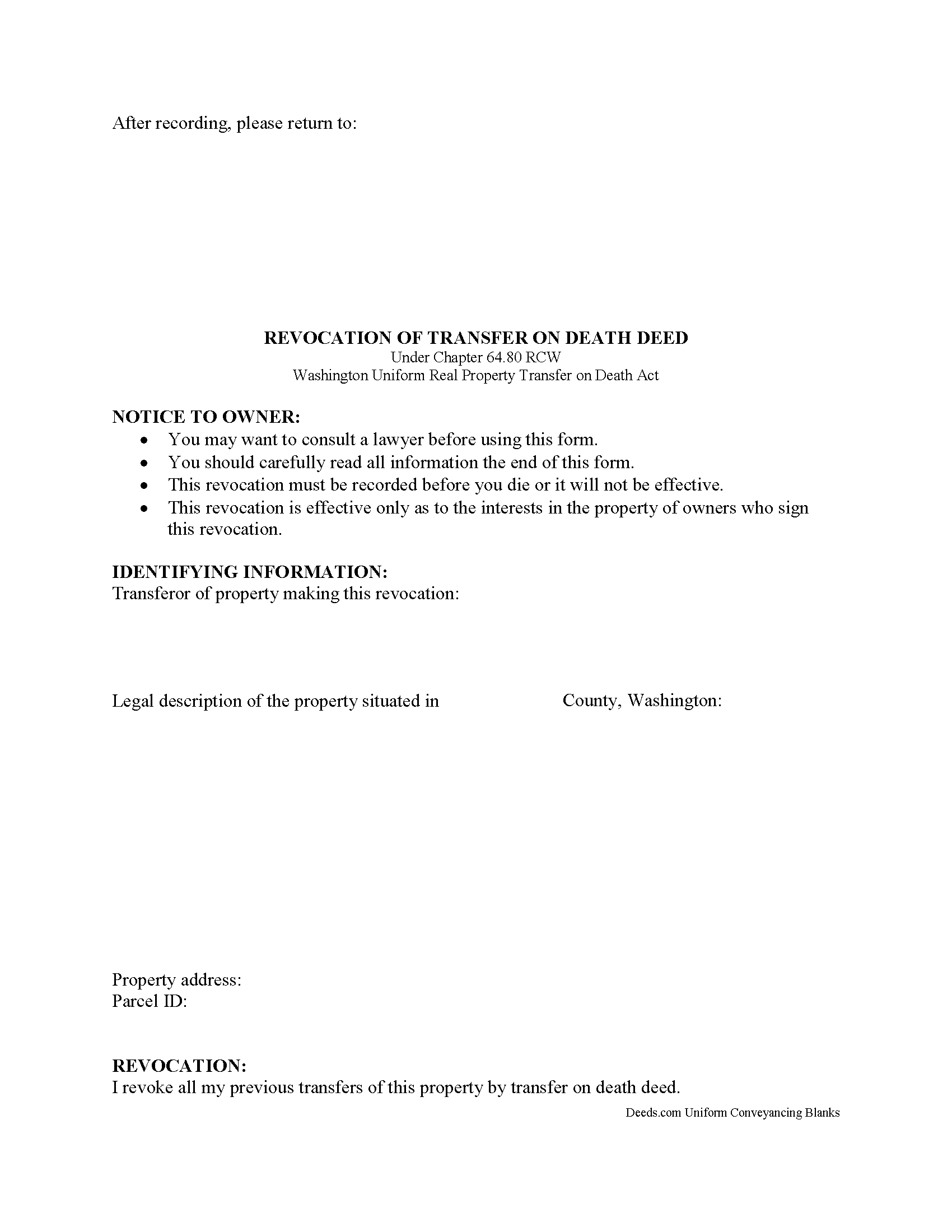
Grays Harbor County Transfer on Death Revocation Form
Fill in the blank form formatted to comply with all recording and content requirements.
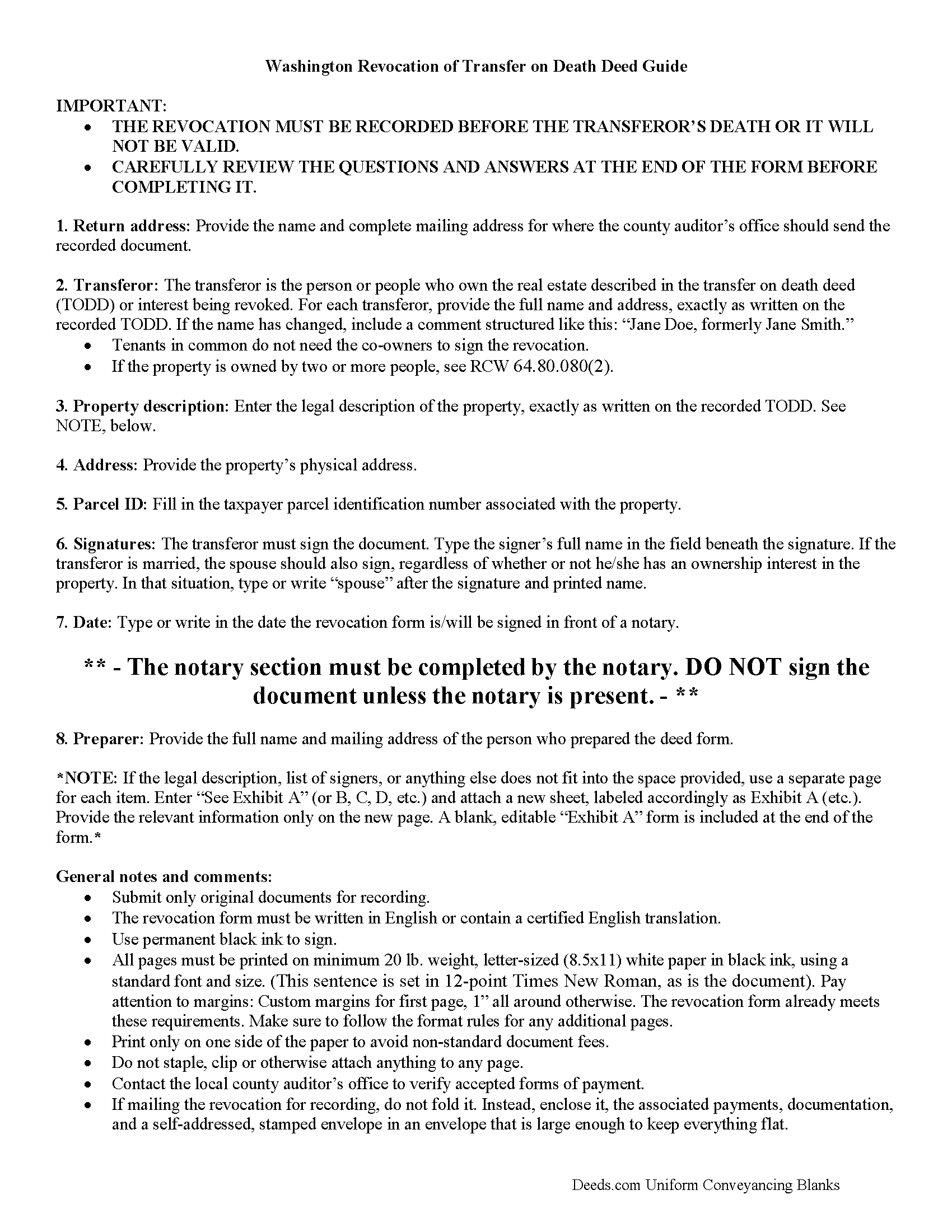
Grays Harbor County Transfer on Death Revocation Guide
Line by line guide explaining every blank on the form.
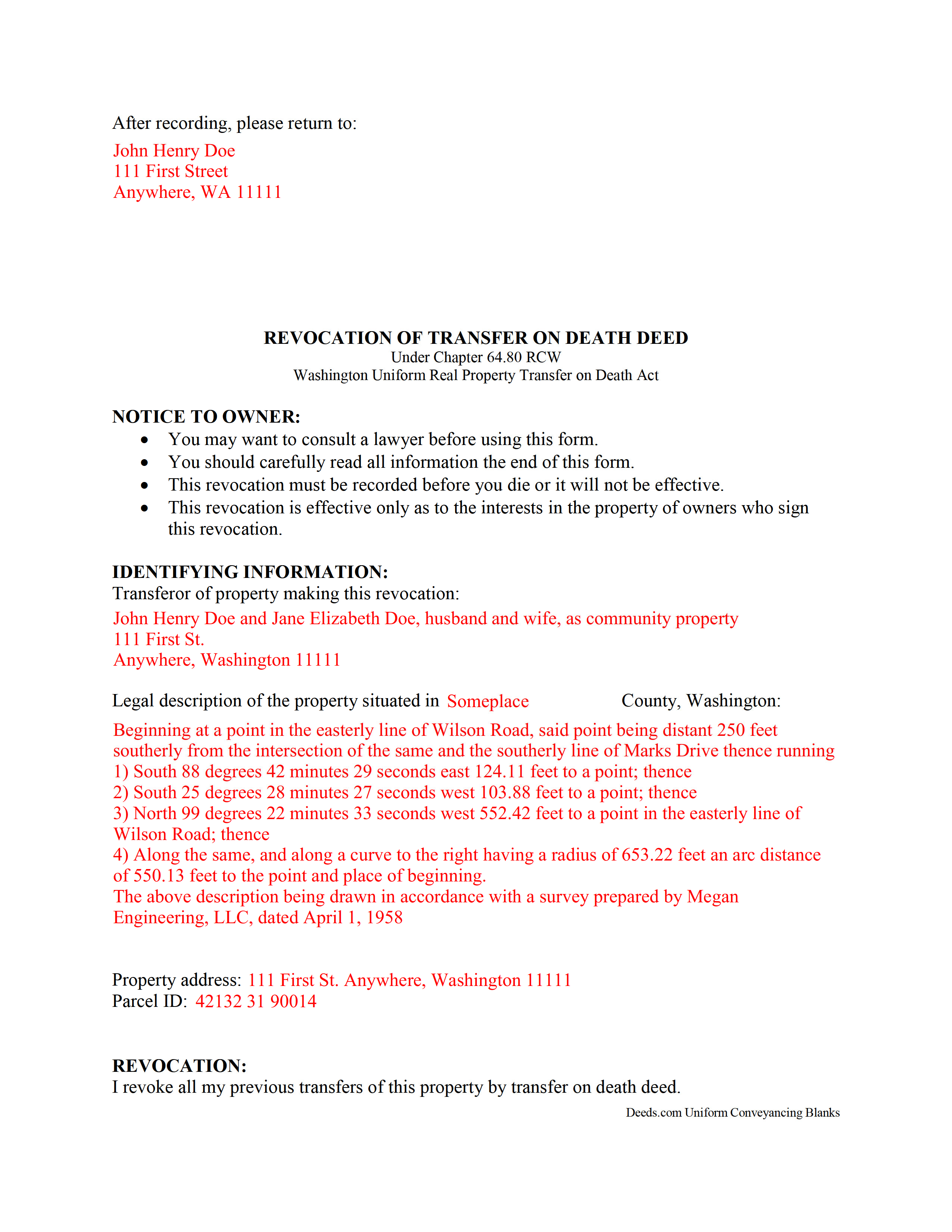
Grays Harbor County Completed Example of the Transfer on Death Revocation Document
Example of a properly completed form for reference.
All 3 documents above included • One-time purchase • No recurring fees
Immediate Download • Secure Checkout
Additional Washington and Grays Harbor County documents included at no extra charge:
Where to Record Your Documents
Grays Harbor County Auditor: Recording
Montesano, Washington 98563
Hours: Monday through Friday 9:00am - 12:00 & 12:30 - 4:30pm
Phone: (360) 964-1557
Recording Tips for Grays Harbor County:
- Bring your driver's license or state-issued photo ID
- Ensure all signatures are in blue or black ink
- Make copies of your documents before recording - keep originals safe
- Recorded documents become public record - avoid including SSNs
- Recording fees may differ from what's posted online - verify current rates
Cities and Jurisdictions in Grays Harbor County
Properties in any of these areas use Grays Harbor County forms:
- Aberdeen
- Amanda Park
- Copalis Beach
- Copalis Crossing
- Cosmopolis
- Elma
- Grayland
- Hoquiam
- Humptulips
- Malone
- Mccleary
- Moclips
- Montesano
- Neilton
- Oakville
- Ocean Shores
- Pacific Beach
- Quinault
- Satsop
- Taholah
- Westport
Hours, fees, requirements, and more for Grays Harbor County
How do I get my forms?
Forms are available for immediate download after payment. The Grays Harbor County forms will be in your account ready to download to your computer. An account is created for you during checkout if you don't have one. Forms are NOT emailed.
Are these forms guaranteed to be recordable in Grays Harbor County?
Yes. Our form blanks are guaranteed to meet or exceed the applicable formatting requirements used for recording in Grays Harbor County, including margin requirements, font requirements, and other layout standards. This guarantee applies to formatting, not to the legal sufficiency of information entered by the user or the suitability of a form for a particular transaction.
Can I reuse these forms?
Yes. You can reuse the forms for your personal use. For example, if you have multiple properties in Grays Harbor County you only need to order once.
What do I need to use these forms?
The forms are PDFs that you fill out on your computer. The free Adobe Acrobat Reader is recommended, and most PDF apps also work. You do NOT enter your property information online - you download the blank forms and complete them privately on your own computer.
Are there any recurring fees?
No. This is a one-time purchase. Nothing to cancel, no memberships, no recurring fees.
How much does it cost to record in Grays Harbor County?
Recording fees in Grays Harbor County vary. Contact the recorder's office at (360) 964-1557 for current fees.
Questions answered? Let's get started!
Revoking a Transfer on Death Deed in Washington
Earlier this year, the Washington legislature voted to join with an increasing number of states and adopt the Uniform Real Property Transfer on Death Act (URPTODA). The law is found at Chapter 64 of the Revised Code of Washington, and went into effect on June 12, 2014. This act allows owners of real property in the state to control the distribution of what is often their most significant asset, their real estate, by executing and recording a transfer on death deed (TODD).
Revocation is an important feature of transfer on death deeds because it allows the owner/transferor to easily respond to a change in circumstances. This option explains why TODDs do not require consideration or notice (64.80.070). At 64.80.080, the statute outlines the three methods available for changing or revoking a recorded transfer on death deed, by executing and recording:
- a new TODD
- a revocation form
- a deed (example: warranty deed) that conveys title to someone else and expressly revokes all or part of the TODD
To preserve a clear chain of title, it makes sense to file a revocation form when changing a previously recorded transfer on death deed or selling the property outright. This extra step will add an end point for the potential transfer, simplifying future title searches prior to selling or mortgaging the property.
Since each situation is unique, contact an attorney with specific questions or for complex circumstances.
(Washington TODR Package includes form, guidelines, and completed example)
Important: Your property must be located in Grays Harbor County to use these forms. Documents should be recorded at the county recording office listed above.
This Transfer on Death Revocation meets all recording requirements specific to Grays Harbor County.
Our Promise
The documents you receive here are guaranteed to meet or exceed the applicable Grays Harbor County recording format requirements. If there is a rejection caused by our formatting, we will correct the issue or refund your payment. This guarantee applies to document formatting only and does not extend to information entered by the user, the selection of the form, or the legal effect of the completed document.
Save Time and Money
Get your Grays Harbor County Transfer on Death Revocation form done right the first time with Deeds.com Uniform Conveyancing Blanks. At Deeds.com, we understand that your time and money are valuable resources, and we don't want you to face a penalty fee or rejection imposed by a county recorder for submitting nonstandard documents. We constantly review and update our forms to meet rapidly changing state and county recording requirements for roughly 3,500 counties and local jurisdictions.
4.8 out of 5 - ( 4,829 Reviews )
Rene S. 5 out of 5 stars
Amazing forms and great value. That may sound like hyperbole talking about legal forms but it's not, you really are getting way more than you pay for here.
Thank you for your feedback. We really appreciate it. Have a great day!
Willie P. 5 out of 5 stars
got the forms needed plus all the information needed to fill them out.
We appreciate your business and value your feedback. Thank you. Have a wonderful day!
Rebecca W. 5 out of 5 stars
Very easy to find and download.
Thank you!
Linda W. 4 out of 5 stars
Got the forms, very straight forward. No problems completing them.
Thanks Linda!
Geoffrey M. 5 out of 5 stars
Very convenient online document recording with great and quick service. Thank you!
Thank you!
Richard T. 5 out of 5 stars
This was a complete set of the necessary forms, with instructions. It will be very useful. Instant download was great.
We appreciate your feedback Richard. Have a wonderful day!
Michael D. 5 out of 5 stars
Your Guide is very good but does not explain precisely where one can find the Instrument Number for the originally filed Claim of Lien.
Thank you for your feedback. We really appreciate it. Have a great day!
Dave S. 5 out of 5 stars
Easy to use and get forms I needed. Corporate need for an invoice/receipt could be a bit easier - have to print screen to get any info.
Thank you for your feedback Dave, we really appreciate it.
Lisa A. 5 out of 5 stars
I am so thankful for the time saved by using Deeds.com. Not having to run downtown and stand in line is awesome!
We are delighted to have been of service. Thank you for the positive review!
Laura L. 5 out of 5 stars
Used a form from this service. Best part about these forms is that they don't let you get in trouble by removing or changing things that should not be changed. It's easy to look at something and think why is this margin so big, why is this field so small and want to change it only to find out it is incredibly important. That's why they are the deed document pros.
Thank you for the thoughtful review! We're so glad to hear you found our forms reliable and well-structured. It’s true—what might look like an odd margin or a small field is often there for a very specific legal or recording reason. We’ve seen how small changes can lead to big headaches, which is why we design our documents to be both user-friendly and compliant with strict recording standards. We really appreciate you recognizing the care that goes into each one. Thanks again for choosing us!
Linda A. 5 out of 5 stars
This was perfect for providing the necessary forms. Easy to enter needed information. I would recommend this for legal documents.
We appreciate your business and value your feedback. Thank you. Have a wonderful day!
Maricela N. 5 out of 5 stars
very easy and quick to get all the forms needed! Thank you!
Thank you for your feedback. We really appreciate it. Have a great day!
Laurie R. 5 out of 5 stars
FIVE STARS !!! Clear instructions Easy to navigate Thanks for making this easy for those of us who are not tech savvy
We appreciate your business and value your feedback. Thank you. Have a wonderful day!
Thomas W. 5 out of 5 stars
easy to use, no problems except in beneficiary box. Need to make the box bigger because I have 4 beneficiaries to list. how do I enlarge the box.
Thanks for reaching out. All available space on the document is being used. As is noted in the guide, if you have information that does not fit in the available space the included exhibit page should be used.
Lori F. 5 out of 5 stars
These folks are so amazing! They were very kind, patient and the communication was above and beyond. Basically, THEY ROCK!
Thank you!