Colusa County Quitclaim Deed (Individual Grantor) Form
Last validated October 20, 2026 by our Forms Development TeamFormatted for recording in Colusa County, for property anywhere in the county: rural and unincorporated areas as well as Arbuckle, Colusa, Grimes, Maxwell, Princeton, Stonyford, Williams.
- 3 documents included
- Immediate PDF download
- Formatting guarantee
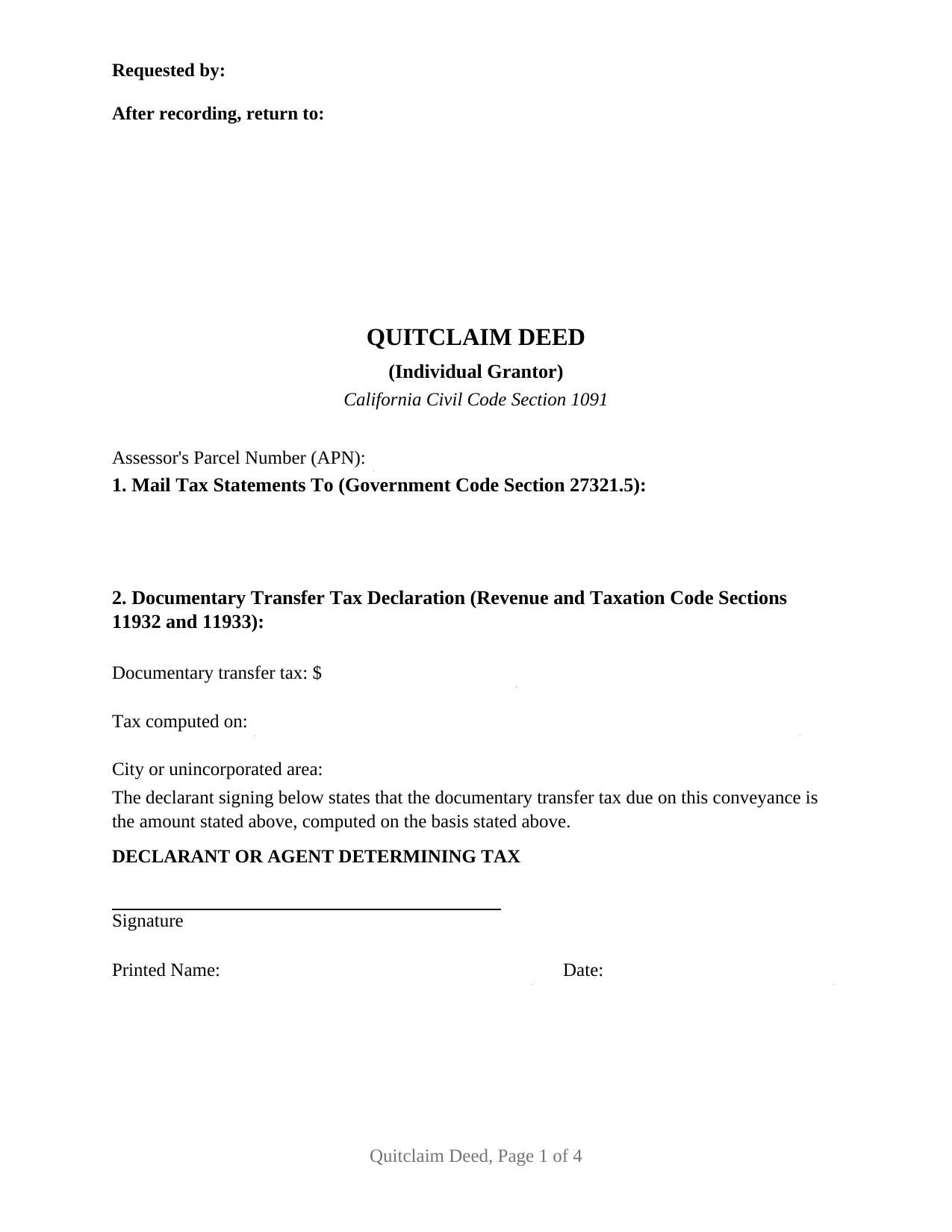
Colusa County Quitclaim Deed (Individual Grantor) Form
Fill in the blank Quitclaim Deed (Individual Grantor) form formatted to comply with all California recording and content requirements.
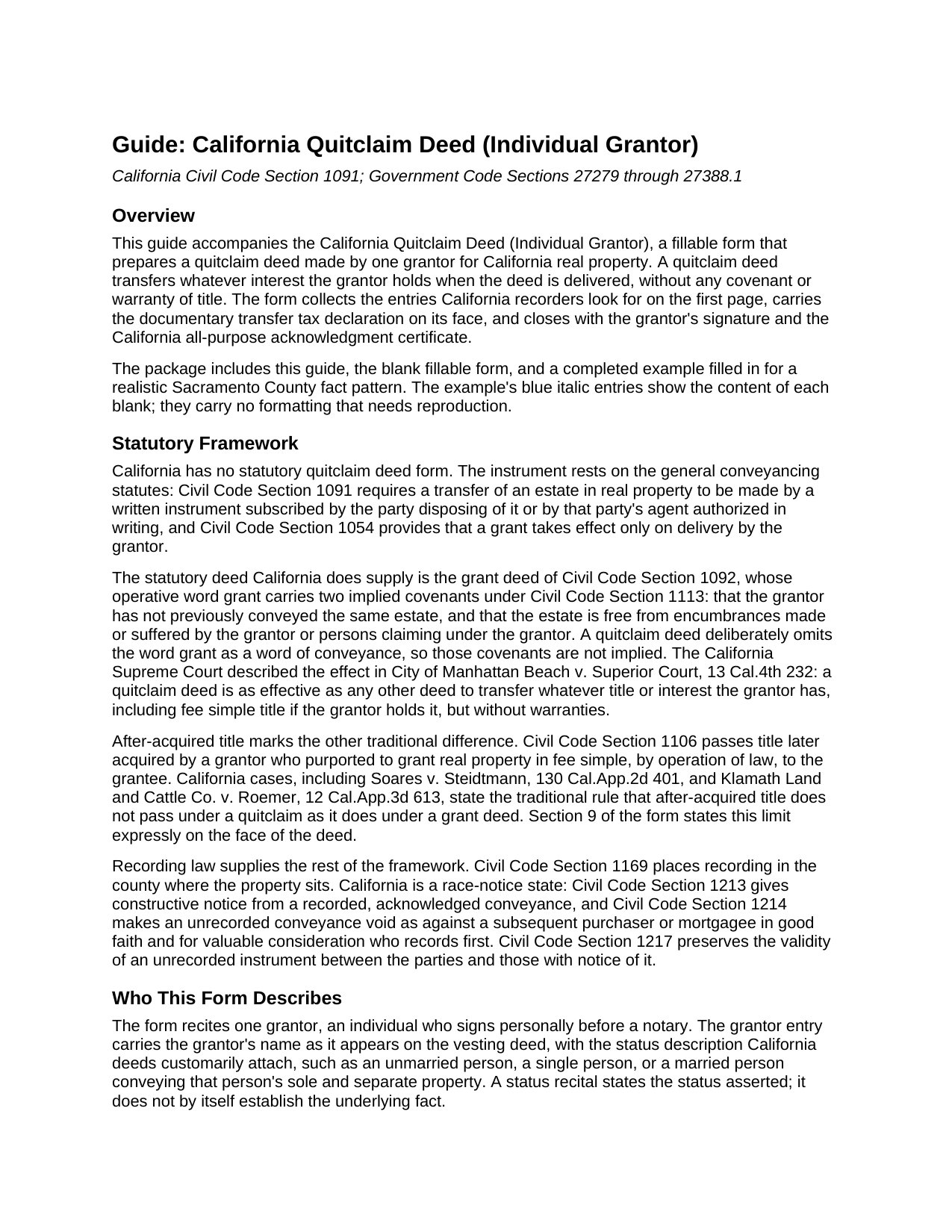
Colusa County Quitclaim Deed (Individual Grantor) Guide
Line by line guide explaining every blank on the Quitclaim Deed (Individual Grantor) form.
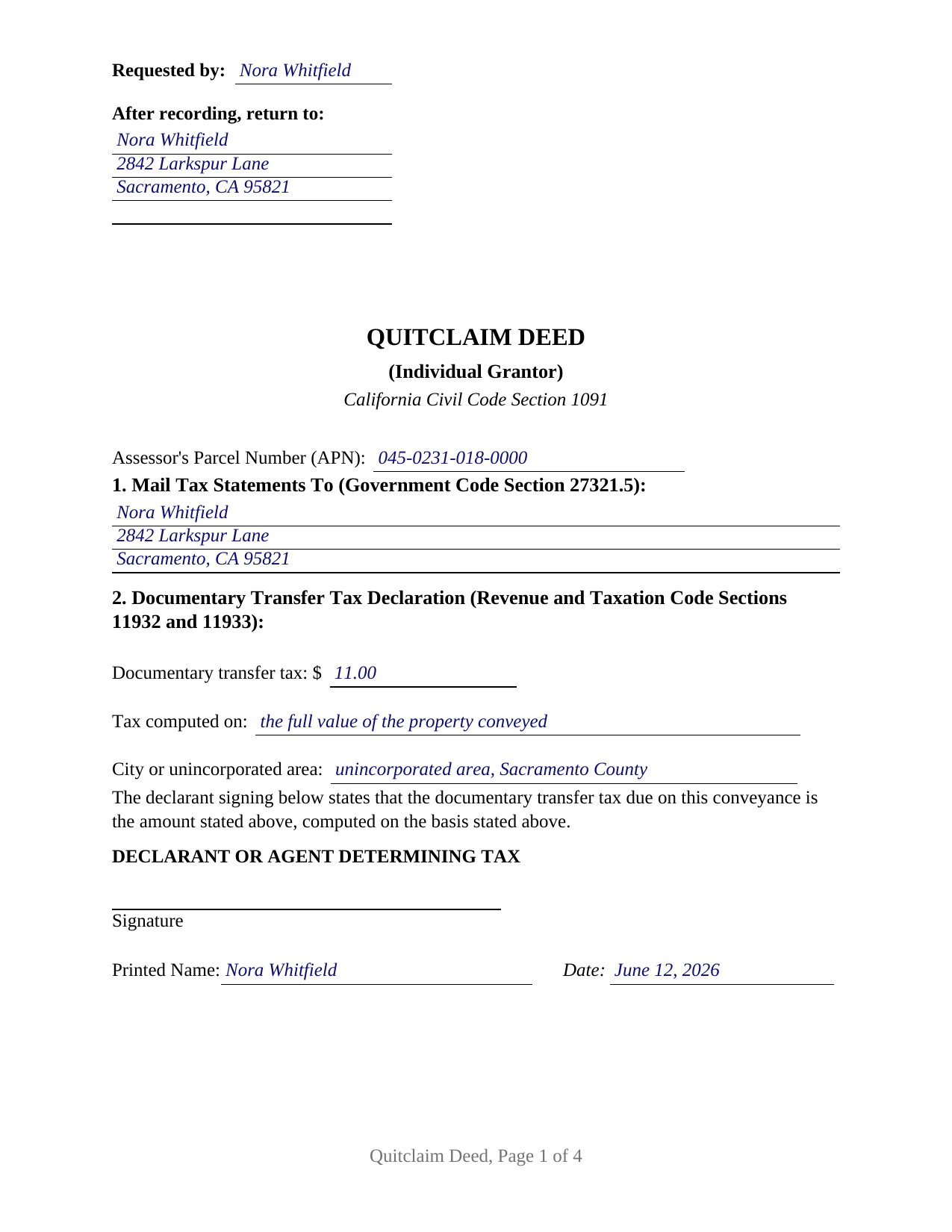
Colusa County Completed Example of the Quitclaim Deed (Individual Grantor) Document
Example of a properly completed California Quitclaim Deed (Individual Grantor) document for reference.
All 3 documents above included • One-time purchase • No recurring fees
Immediate Download • Secure Checkout
Additional California and Colusa County documents included at no extra charge:
Where to Record Your Documents
Colusa County Clerk & Recorder
Colusa, California 95932
Hours: 8:30 - 4:00 Monday to Friday
Phone: 530-458-0500
Recording Tips for Colusa County:
- Bring your driver's license or state-issued photo ID
- Ensure all signatures are in blue or black ink
- Make copies of your documents before recording - keep originals safe
- Recorded documents become public record - avoid including SSNs
- Recording fees may differ from what's posted online - verify current rates
Cities and Jurisdictions in Colusa County
Properties in any of these areas use Colusa County forms:
- Arbuckle
- Colusa
- Grimes
- Maxwell
- Princeton
- Stonyford
- Williams
Hours, fees, requirements, and more for Colusa County
How do I get my forms?
Forms are available for immediate download after payment. The Colusa County forms will be in your account ready to download to your computer. An account is created for you during checkout if you don't have one. Forms are NOT emailed.
Are these forms guaranteed to be recordable in Colusa County?
Yes. Our form blanks are guaranteed to meet or exceed the applicable formatting requirements used for recording in Colusa County, including margin requirements, font requirements, and other layout standards. This guarantee applies to formatting, not to the legal sufficiency of information entered by the user or the suitability of a form for a particular transaction.
Can I reuse these forms?
Yes. You can reuse the forms for your personal use. For example, if you have multiple properties in Colusa County you only need to order once.
What do I need to use these forms?
The forms are PDFs that you fill out on your computer. The free Adobe Acrobat Reader is recommended, and most PDF apps also work. You do NOT enter your property information online - you download the blank forms and complete them privately on your own computer.
Are there any recurring fees?
No. This is a one-time purchase. Nothing to cancel, no memberships, no recurring fees.
How much does it cost to record in Colusa County?
Recording fees in Colusa County vary. Contact the recorder's office at 530-458-0500 for current fees.
Questions answered? Let's get started!
A California quitclaim deed made by one grantor moves whatever interest that grantor holds, and nothing more, with a single signature line and a single notary certificate. This form prepares the individual grantor version of the California quitclaim deed: one owner conveying to the grantee or grantees named in the deed, without any warranty of title.
What a Quitclaim Conveys in California
California never wrote a statutory quitclaim form. The instrument, often searched as a quit claim deed, works through the general conveyance statutes: a written document, subscribed by the grantor, that takes effect on delivery. What separates a quitclaim from California's statutory grant deed is one word. A deed that uses the word grant carries two implied covenants under Civil Code Section 1113; a quitclaim omits that word, so no covenant of title is implied. The California Supreme Court has described a quitclaim as fully effective to transfer whatever title the grantor has, including fee simple title, but without warranties. Title the grantor acquires later does not pass under it, the traditional distinction California cases draw between the two deeds, and this form states that limit on its face.
One Grantor, One Signature Line
The form recites exactly one grantor, an individual signing personally. The grantor section carries one name with the customary status description, the signature section carries one line, and one California all-purpose acknowledgment certificate follows, complete with the boxed notice Civil Code Section 1189 requires at the top of every certificate taken in the state. An individual releasing a possible interest to clear a cloud on title, a family member passing an interest to a relative, and an owner moving title under a settlement present the single grantor pattern this deed recites. The form is not set up as a two grantor instrument, and a conveyance of community real property in which both spouses join presents a two signer pattern outside this form's single signature block.
A First Page Built for the Recording Counter
California recorders read the first page before anything else, and this form arranges it the way Government Code Section 27361.6 describes: the top 2.5 inches reserved for recording information, the requester line and return address in the left 3.5 inches of that space, and the document title below. The first page also carries the two entries state law looks for before acceptance: the name and address for future tax statements under Government Code Section 27321.5, and the documentary transfer tax declaration under Revenue and Taxation Code Sections 11932 and 11933, showing the amount due, the basis of computation, and whether the property lies in a city or an unincorporated area, over the declarant's signature. The guide walks through the county rate, the separate taxes some charter cities impose, and the exemptions that enter a code section instead of a dollar amount, gifts among them.
Signing and Recording
The grantor signs before a notary; California requires acknowledgment before a deed can be recorded and does not accept subscribing witness proof for deeds. Recording happens with the recorder of the county where the property is located. California follows a race-notice rule: the deed is valid between the parties without recording, but an unrecorded conveyance loses to a later good faith purchaser who records first. Recording also brings the fee stack the guide describes, from the base recording fees to the Building Homes and Jobs Act fee, with the documentary transfer tax paid at the counter and the Preliminary Change of Ownership Report accompanying the deed to the assessor.
The download includes the quitclaim deed as a fillable PDF, a completed example showing every entry filled in for a Sacramento County fact pattern, and a plain language guide that explains each section of the form, the notarization, and the recording steps. The package describes the law that governs the document in general terms and is not legal advice about any particular title.
Important: Your property must be located in Colusa County to use these forms. Documents should be recorded at the county recording office listed above.
This Quitclaim Deed (Individual Grantor) meets all recording requirements specific to Colusa County.
Our Promise
The documents you receive here are guaranteed to meet or exceed the applicable Colusa County recording format requirements. If there is a rejection caused by our formatting, we will correct the issue or refund your payment. This guarantee applies to document formatting only and does not extend to information entered by the user, the selection of the form, or the legal effect of the completed document.
Save Time and Money
Get your Colusa County Quitclaim Deed (Individual Grantor) form done right the first time with Deeds.com Uniform Conveyancing Blanks. At Deeds.com, we understand that your time and money are valuable resources, and we don't want you to face a penalty fee or rejection imposed by a county recorder for submitting nonstandard documents. We constantly review and update our forms to meet rapidly changing state and county recording requirements for roughly 3,500 counties and local jurisdictions.
4.8 out of 5 - ( 4,867 Reviews )
Christine S. 5 out of 5 stars
One stop shopping for your Deed needs. Downloaded the forms and filled them out with ease following the step by step instructions. Saved me hundreds of dollars for not having to hire an attorney to do the exact same thing.
Thank you for your feedback. We really appreciate it. Have a great day!
Dorothy B. 5 out of 5 stars
Love your deed service. Simple and easy.
Thank you!
Jane D. 5 out of 5 stars
Very easy to navigate and we get exactly what we need, when we need it! Also, they keep Tra k of previous purchases, so you don't have to repurchase! It's great!
We appreciate your business and value your feedback. Thank you. Have a wonderful day!
John M. 5 out of 5 stars
Just finished downloading all of the forms; so far so good
Thank you for your feedback. We really appreciate it. Have a great day!
Sheldon L. 5 out of 5 stars
Made recording very simple. Opening an account and utilizing your efiling service is an efficient way to record a document. Reasonable price.
Thank you, Sheldon! We’re glad you found the account setup and eRecording process simple and efficient. Making recording easy and affordable is exactly what we aim for. We appreciate you choosing Deeds.com and look forward to helping with your next recording.
James M. 4 out of 5 stars
It would be helpful to have a joint tenant example.
Thank you!
Lori M. 5 out of 5 stars
So easy to use. The directions are very clear.
Thank you!
Beverly L J. 3 out of 5 stars
The process for receiving the quitclaim document worked well. I couldn't use the document. If I had been able to view the document before I had to pay for it, I would have known, but that isn't how your process works. However, that's the only snag I found. Otherwise the process for paying and downloading the document worked well. Thank you.
Thank you for your feedback Beverly. We certainly do not want you to pay for something you are unable to use. To that end we have canceled your order and refunded your payment. We do hope that you find something more suitable to your needs. Have a wonderful day.
Marilyn C. 5 out of 5 stars
Fillable documents, after a download, would be helpful. Very good to have all these forms online and accessible for an overall fee.
Thank you!
ALFRED B. 5 out of 5 stars
I was counting on deeds.com to help me with a closing I was working on. I stumbled with the instructions but when I recovered there were no problems. The instructions were helpful and the deeds etc. were just what I needed. I give deeds five stars. I am 76 years old and when the application asks for the user's name I always think they want my name. WRONG. I am trying to learn computer speak.
Thank you Alfred, have an amazing day!
Cathy S. 5 out of 5 stars
Great forms! Repeat customer here, wouldn't go anywhere else.
We appreciate your business and value your feedback. Thank you. Have a wonderful day!
Debra W. 5 out of 5 stars
I found this site a must. It provided all the forms I needed to file a Quit Claim Deed. I filed what use to be called a Quick Claim Deed 30 years ago. You only had to file the one form. Today it is called a Quit Claim Deed. The pack provided forms that I had no idea had to be filed with the Quit Claim Deed. I would not have known this otherwise if the option hadn't presented itself. Thank you!
Thanks for taking the time to leave your feedback Debra, we really appreciate it.
Mark E. 5 out of 5 stars
Thank you for your Swift response. Have docs I was looking for!
Thank you for your feedback. We really appreciate it. Have a great day!
Priscilla M. 5 out of 5 stars
Instructions are easy to follow which make filling out the forms easy and simple. I would definitely recommend Deeds.com.
Thank you!
Paula M. 5 out of 5 stars
So far it seems good. I am still trying to send information to this company so they can help me with the deed.
Thank you for your feedback. We really appreciate it. Have a great day!