Colusa County Quitclaim Deed (Trustee Grantee) Form
Last validated October 6, 2026 by our Forms Development TeamFormatted for recording in Colusa County, for property anywhere in the county: rural and unincorporated areas as well as Arbuckle, Colusa, Grimes, Maxwell, Princeton, Stonyford, Williams.
- 3 documents included
- Immediate PDF download
- Formatting guarantee
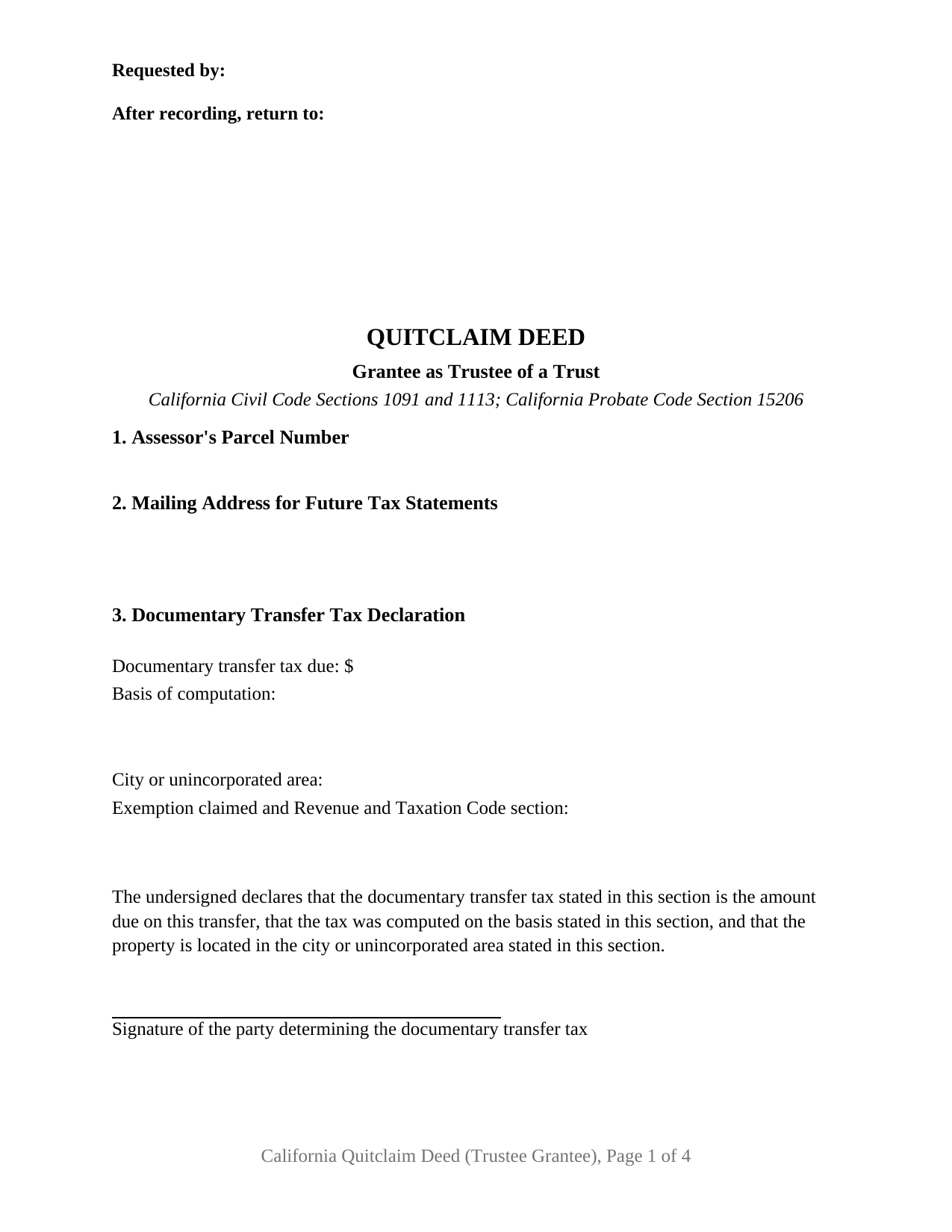
Colusa County Quitclaim Deed (Trustee Grantee) Form
Fill in the blank Quitclaim Deed (Trustee Grantee) form formatted to comply with all California recording and content requirements.
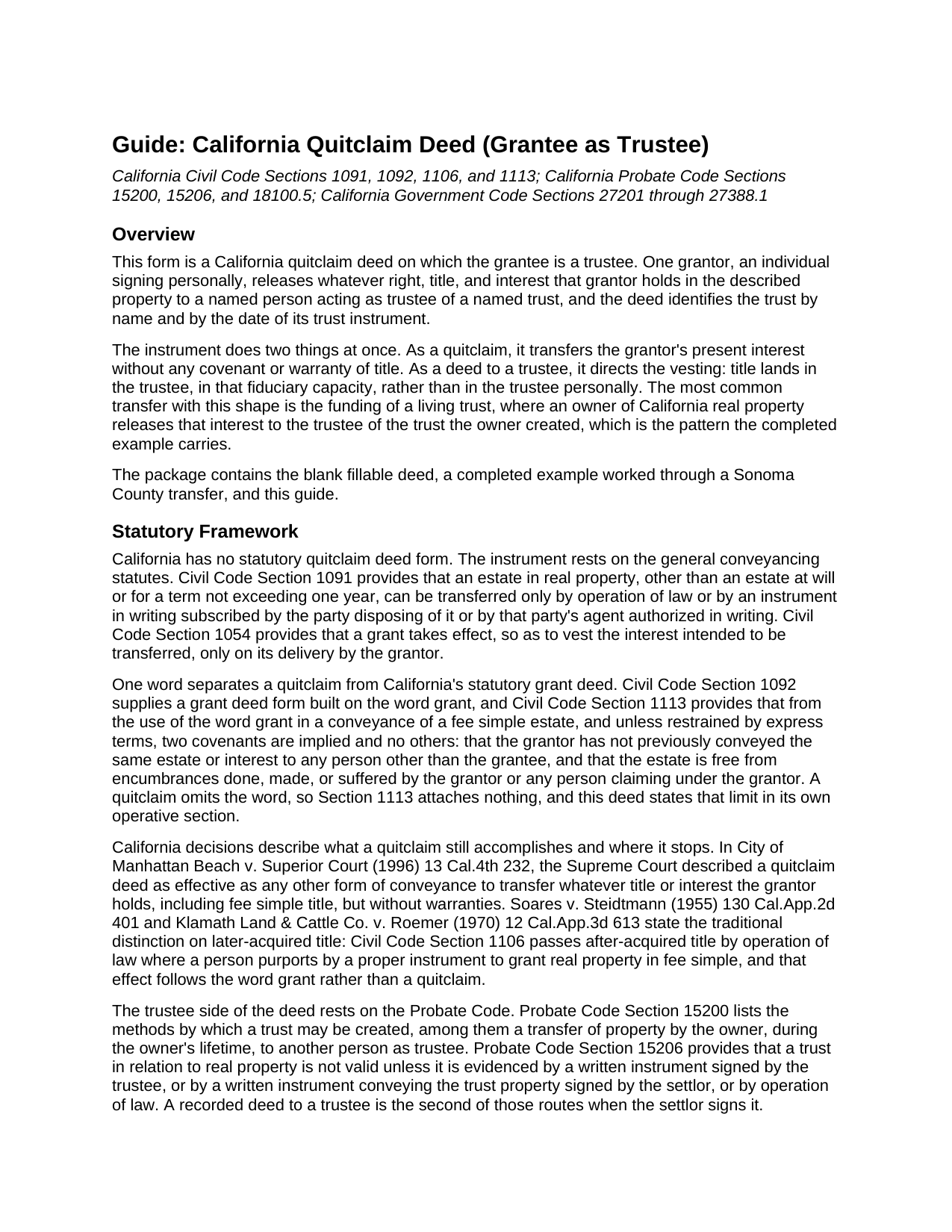
Colusa County Quitclaim Deed (Trustee Grantee) Guide
Line by line guide explaining every blank on the Quitclaim Deed (Trustee Grantee) form.
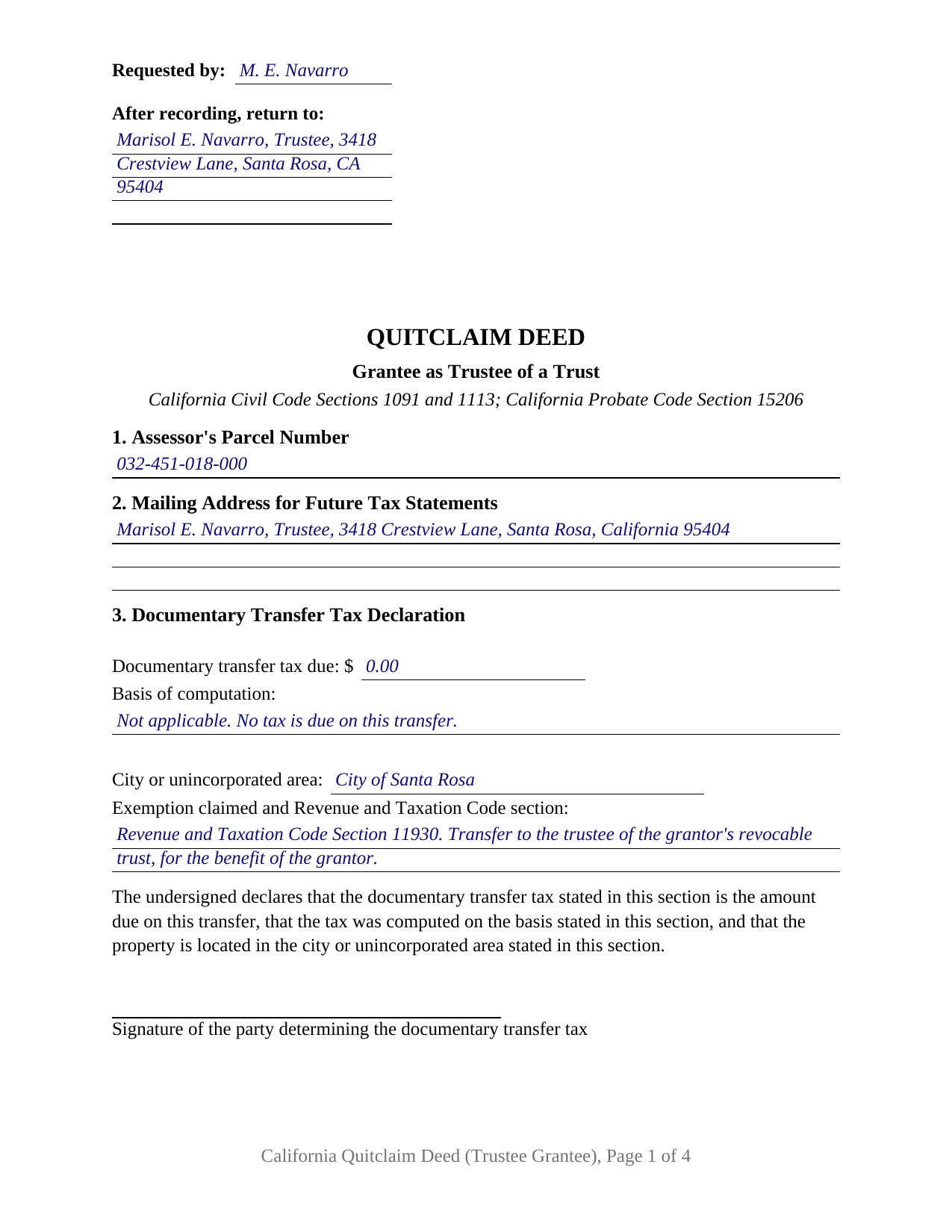
Colusa County Completed Example of the Quitclaim Deed (Trustee Grantee) Document
Example of a properly completed California Quitclaim Deed (Trustee Grantee) document for reference.
All 3 documents above included • One-time purchase • No recurring fees
Immediate Download • Secure Checkout
Additional California and Colusa County documents included at no extra charge:
Where to Record Your Documents
Colusa County Clerk & Recorder
Colusa, California 95932
Hours: 8:30 - 4:00 Monday to Friday
Phone: 530-458-0500
Recording Tips for Colusa County:
- Bring your driver's license or state-issued photo ID
- Ensure all signatures are in blue or black ink
- Bring extra funds - fees can vary by document type and page count
- Check margin requirements - usually 1-2 inches at top
- Leave recording info boxes blank - the office fills these
Cities and Jurisdictions in Colusa County
Properties in any of these areas use Colusa County forms:
- Arbuckle
- Colusa
- Grimes
- Maxwell
- Princeton
- Stonyford
- Williams
Hours, fees, requirements, and more for Colusa County
How do I get my forms?
Forms are available for immediate download after payment. The Colusa County forms will be in your account ready to download to your computer. An account is created for you during checkout if you don't have one. Forms are NOT emailed.
Are these forms guaranteed to be recordable in Colusa County?
Yes. Our form blanks are guaranteed to meet or exceed the applicable formatting requirements used for recording in Colusa County, including margin requirements, font requirements, and other layout standards. This guarantee applies to formatting, not to the legal sufficiency of information entered by the user or the suitability of a form for a particular transaction.
Can I reuse these forms?
Yes. You can reuse the forms for your personal use. For example, if you have multiple properties in Colusa County you only need to order once.
What do I need to use these forms?
The forms are PDFs that you fill out on your computer. The free Adobe Acrobat Reader is recommended, and most PDF apps also work. You do NOT enter your property information online - you download the blank forms and complete them privately on your own computer.
Are there any recurring fees?
No. This is a one-time purchase. Nothing to cancel, no memberships, no recurring fees.
How much does it cost to record in Colusa County?
Recording fees in Colusa County vary. Contact the recorder's office at 530-458-0500 for current fees.
Questions answered? Let's get started!
California real property held in trust is not held by the trust. It is held by the trustee, and a deed that moves an interest into a trust says so on its face. This form prepares the trustee grantee configuration of the California quitclaim deed: one grantor releasing whatever interest that grantor holds to a named person acting as trustee, with the trust identified by name and by the date of its instrument.
A Deed That Names a Trustee, Not a Trust
California law treats a trust as a fiduciary relationship rather than a legal entity, so it cannot take title in its own name. The Court of Appeal put it plainly in Boshernitsan v. Bach (2021): only trustees, and not trusts, can hold legal title to property. The trustee holds legal title while the beneficiaries hold equitable title, and Probate Code Section 15200 lists a transfer of property to another person as trustee among the ways a trust comes into being. Section 5 is built around it, carrying the name of the person taking title with the trustee designation, the trust's name, the date of its instrument, and a mailing address. Deeds naming a trust and stopping there turn up in California grantor indexes, and title companies flag them later.
What Passes to the Trustee, and What Is Promised
Nothing is promised. California packs its everyday deed covenants into a single word: Civil Code Section 1113 implies two covenants, and no others, from the word grant, and a quitclaim, often typed as a quit claim deed, leaves that word out. The operative section states the rest expressly. The grantor remises, releases, and forever quitclaims only the interest held when the deed is delivered; title the grantor picks up afterward does not follow the deed; and title vests in the grantee as trustee of the named trust, to be held and administered under the trust instrument and California law. Under Probate Code Section 15206, a written instrument conveying trust property, signed by the settlor, is one of the ways California evidences a trust in relation to real property. The trust instrument itself is a separate document, prepared apart from this deed and not included here.
One Grantor Signs, and the Trustee Does Not
The form recites one grantor, an individual signing personally, and one grantee taking as trustee. A single signature line follows the operative section, and one California acknowledgment certificate follows it, headed by the boxed identity notice Civil Code Section 1189 requires on every certificate taken in the state. A grantee does not execute a quitclaim, so the trustee has no signature line even where the trustee and the grantor are the same person, as when an owner funds a living trust. Patterns presenting this configuration fill California's records: an owner moving a residence to the trustee of a revocable living trust signed years earlier, a cotenant releasing an undivided interest to the trustee of a family trust, and a later transfer to the trustee where an earlier deed named the trust alone. The form is not set up for two grantors, and a grantee taking title in that person's own right presents a different grantee pattern than this deed recites.
Transfer Tax and the Assessor on a Trust Transfer
A transfer into a trust commonly carries no documentary transfer tax, and the deed states why on its face. Revenue and Taxation Code Section 11930 reaches a conveyance of realty, outright or in trust for the benefit of any person, made by inter vivos gift or by reason of a death, and county recorders apply it to a deed transferring the grantor's interest to a revocable trust for the grantor's benefit. Section 3 carries the tax entries the declaration statutes call for, including the exemption line, over the tax determiner's signature. Property tax runs on a separate provision: Revenue and Taxation Code Section 62(d) excludes from change in ownership a transfer into a revocable trust, or into a trust in which the transferor is the present beneficiary, which the assessor administers through the Preliminary Change of Ownership Report accompanying the deed.
Three files make up the package: the fillable deed, a completed example filled in for a Sonoma County transfer to the trustee of a living trust, and a plain language guide covering every numbered section, the notarial certificate, and what a recorder checks at intake. It states what California law provides in general terms, and it is not legal advice about a particular title or trust.
Important: Your property must be located in Colusa County to use these forms. Documents should be recorded at the county recording office listed above.
This Quitclaim Deed (Trustee Grantee) meets all recording requirements specific to Colusa County.
Our Promise
The documents you receive here are guaranteed to meet or exceed the applicable Colusa County recording format requirements. If there is a rejection caused by our formatting, we will correct the issue or refund your payment. This guarantee applies to document formatting only and does not extend to information entered by the user, the selection of the form, or the legal effect of the completed document.
Save Time and Money
Get your Colusa County Quitclaim Deed (Trustee Grantee) form done right the first time with Deeds.com Uniform Conveyancing Blanks. At Deeds.com, we understand that your time and money are valuable resources, and we don't want you to face a penalty fee or rejection imposed by a county recorder for submitting nonstandard documents. We constantly review and update our forms to meet rapidly changing state and county recording requirements for roughly 3,500 counties and local jurisdictions.
4.8 out of 5 - ( 4,828 Reviews )
Dawn L. 5 out of 5 stars
Not totally satisfied as unable to edit as needed on signature page of the deed. I want to be able to date the document and don't want the verbage "signed, sealed and delivered in the presence of" to appear and cannot remove it. The notary will make his or her own statement below as to the date executed.
Thank you for your feedback. We really appreciate it. Have a great day!
Raecita H. 5 out of 5 stars
This was the first time I had ever had to fill out a Warranty Deed, so if it was not for your example form on how to fill one out, I would be still be here completely lost. I had originally gone to another site for a Warranty Deed & they wanted double the amount of your price & their website had no examples forms. I am so happy with your site & service. Thank you for giving us the opportunity to be able to download the forms as much as we need to because as many mistakes I made,I had to print quite a few to be able to get it done right.
We appreciate your business and value your feedback. Thank you. Have a wonderful day!
Sol B. 5 out of 5 stars
Got me all the info I was looking for Thanks you deeds.com
Thank you!
John G. 5 out of 5 stars
Great on line help with the recording process!
We appreciate your business and value your feedback. Thank you. Have a wonderful day!
Kelli B. 5 out of 5 stars
Amazingly simple and fast. A great service.
Thank you!
Charlotte K. 5 out of 5 stars
Really a simple, quick, professional experience!
Thank you!
Cecil S. 5 out of 5 stars
EXCELLENT SERVICE DONE WELL AND QUICKLY
We appreciate your business and value your feedback. Thank you. Have a wonderful day!
Kimberly E. 2 out of 5 stars
It was very easy to order,download, and print. The only issue I have is that the guide that came with my form really did not help me filling it out. I feel the explanations could have been better and suited more for the standard person. I was still confused when filling it out and will probably have to get a lawyer to make sure it's filled out correctly
Thank you for your feedback. We really appreciate it. Have a great day!
Charlie T. 5 out of 5 stars
I really like the service and will be definitely be using it again to submit future deeds.
Thank you!
LeVivian H. 5 out of 5 stars
I loved the forms. One suggestion a large family msy need more space to type all sisters and brothers names. Very informative. Thanks.
Thank you for your feedback. We really appreciate it. Have a great day!
Sylvia L. 5 out of 5 stars
Very easy...found what I was looking for
We appreciate your business and value your feedback. Thank you. Have a wonderful day!
Marcia G. 5 out of 5 stars
I am so happy with this service. I can not tell you. In about 30 minutes my records were recorded. Excellent!
We appreciate your business and value your feedback. Thank you. Have a wonderful day!
Carolyn G. 5 out of 5 stars
This information was extremely helpful and needed. The price is so worth it also.
Thank you!
Curtis G. 5 out of 5 stars
Easy to use.
Thank you!
Craig M. 5 out of 5 stars
Fantastic! So much easier than going and recording it at the recorders office!
Glad we could help Craig, thanks for the kind words.