Pitkin County Memorandum and Notice of Agreement Form
Last validated November 6, 2026 by our Forms Development TeamFormatted for recording in Pitkin County, for property anywhere in the county: rural and unincorporated areas as well as Aspen, Meredith, Snowmass, Snowmass Village, Woody Creek.
- 3 documents included
- Immediate PDF download
- Formatting guarantee
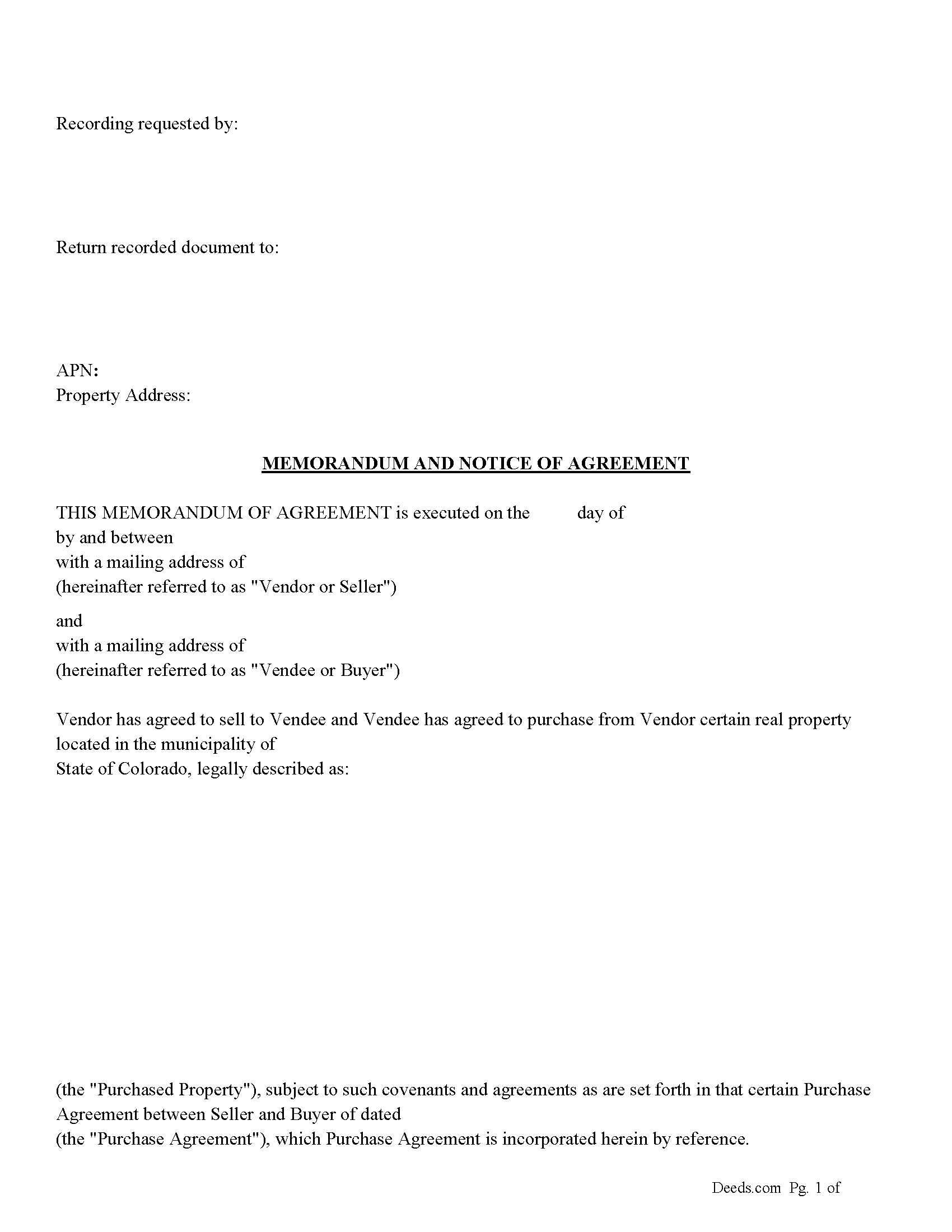
Pitkin County Memorandum and Notice of Agreement Form
Fill in the blank Memorandum and Notice of Agreement form formatted to comply with all Colorado recording and content requirements.
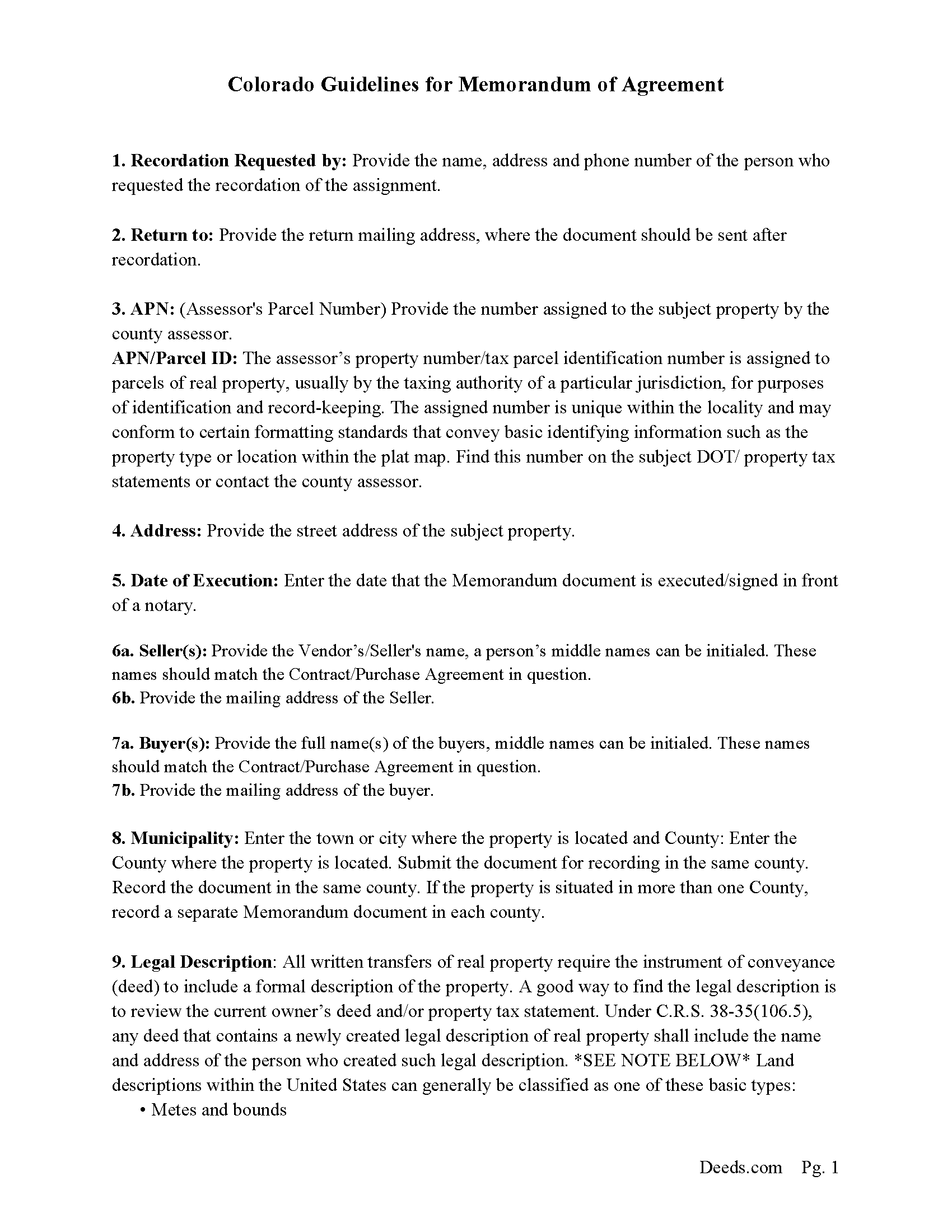
Pitkin County Memorandum and Notice of Agreement Guide
Line by line guide explaining every blank on the Memorandum and Notice of Agreement form.
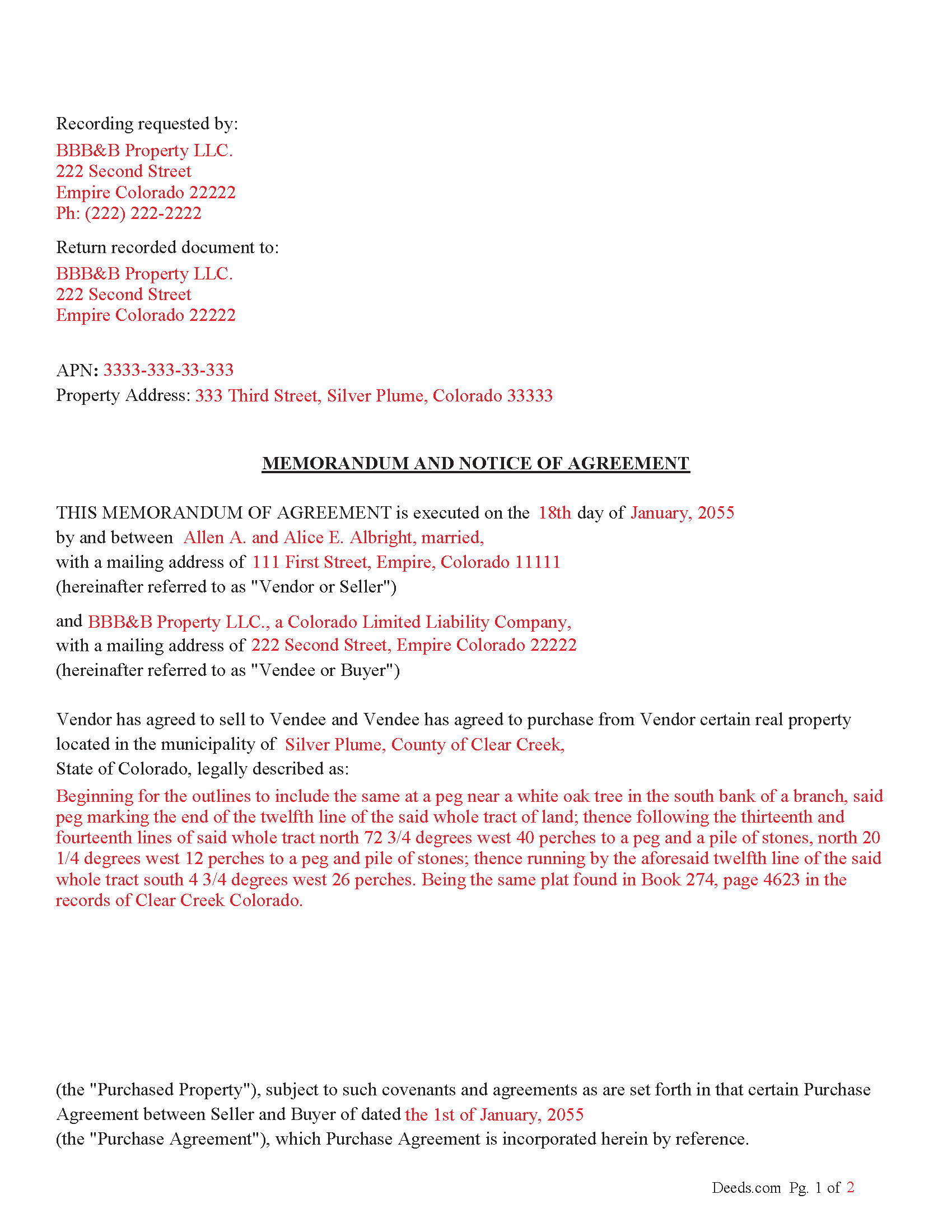
Pitkin County Completed Example of the Memorandum and Notice of Agreement Document
Example of a properly completed Colorado Memorandum and Notice of Agreement document for reference.
All 3 documents above included • One-time purchase • No recurring fees
Immediate Download • Secure Checkout
Additional Colorado and Pitkin County documents included at no extra charge:
Where to Record Your Documents
Pitkin County Clerk and Recorder
Aspen, Colorado 81611
Hours: 8:30 to 4:30 Mon-Thu; Friday until 5:00
Phone: (970) 920-5180
Recording Tips for Pitkin County:
- Bring your driver's license or state-issued photo ID
- Ensure all signatures are in blue or black ink
- Avoid the last business day of the month when possible
- Both spouses typically need to sign if property is jointly owned
- Bring extra funds - fees can vary by document type and page count
Cities and Jurisdictions in Pitkin County
Properties in any of these areas use Pitkin County forms:
- Aspen
- Meredith
- Snowmass
- Snowmass Village
- Woody Creek
Hours, fees, requirements, and more for Pitkin County
How do I get my forms?
Forms are available for immediate download after payment. The Pitkin County forms will be in your account ready to download to your computer. An account is created for you during checkout if you don't have one. Forms are NOT emailed.
Are these forms guaranteed to be recordable in Pitkin County?
Yes. Our form blanks are guaranteed to meet or exceed the applicable formatting requirements used for recording in Pitkin County, including margin requirements, font requirements, and other layout standards. This guarantee applies to formatting, not to the legal sufficiency of information entered by the user or the suitability of a form for a particular transaction.
Can I reuse these forms?
Yes. You can reuse the forms for your personal use. For example, if you have multiple properties in Pitkin County you only need to order once.
What do I need to use these forms?
The forms are PDFs that you fill out on your computer. The free Adobe Acrobat Reader is recommended, and most PDF apps also work. You do NOT enter your property information online - you download the blank forms and complete them privately on your own computer.
Are there any recurring fees?
No. This is a one-time purchase. Nothing to cancel, no memberships, no recurring fees.
How much does it cost to record in Pitkin County?
Recording fees in Pitkin County vary. Contact the recorder's office at (970) 920-5180 for current fees.
Questions answered? Let's get started!
This memorandum (when recorded) serves as proof that a purchase agreement was made.
Who Can Sign a Memorandum?
According to § 38-10-108:
The memorandum must be signed by the party against whom the enforcement of the contract is being sought (usually the person who is being asked to fulfill the contract, typically the Vendee/Buyer).
Alternatively, the memorandum can also be signed by an authorized agent of the party, meaning someone legally designated to act on behalf of the person (such as an attorney or a legal representative).
How Does It Help?
A signed memorandum helps by:
1. Making the Agreement Enforceable: If the contract falls under the statute of frauds (which applies to certain types of contracts, like those for the sale of land or contracts that cannot be performed within one year), the memorandum provides the written evidence required to enforce the agreement.
2. Preventing Fraud and Disputes: By requiring a signed writing, the statute of frauds and the memorandum provision protect against false claims of agreements that were never made. The signed document becomes legal proof that both parties were in agreement.
Important: Your property must be located in Pitkin County to use these forms. Documents should be recorded at the county recording office listed above.
This Memorandum and Notice of Agreement meets all recording requirements specific to Pitkin County.
Our Promise
The documents you receive here are guaranteed to meet or exceed the applicable Pitkin County recording format requirements. If there is a rejection caused by our formatting, we will correct the issue or refund your payment. This guarantee applies to document formatting only and does not extend to information entered by the user, the selection of the form, or the legal effect of the completed document.
Save Time and Money
Get your Pitkin County Memorandum and Notice of Agreement form done right the first time with Deeds.com Uniform Conveyancing Blanks. At Deeds.com, we understand that your time and money are valuable resources, and we don't want you to face a penalty fee or rejection imposed by a county recorder for submitting nonstandard documents. We constantly review and update our forms to meet rapidly changing state and county recording requirements for roughly 3,500 counties and local jurisdictions.
4.8 out of 5 - ( 4,860 Reviews )
Doris S. 5 out of 5 stars
Pleased with efficiency and expediency of website. Added value is the respective county requirements for Florida. I needed a quitclaim deed between family members. Highly recommended. We hope to record signed and executed document next week in Florida. Thank you.
We appreciate your business and value your feedback. Thank you. Have a wonderful day!
Resa J. 5 out of 5 stars
Seamless. Excellent.
Thank you for your feedback Resa. Have a wonderful day!
Judith O. 1 out of 5 stars
Unfortunately, it wasn't the information I needed. I wanted something that could remove my husbands name on our deed, because he passed away last month.
Sorry to hear about your situation Judith. The document you selected is one that would need to be used during the grantor's lifetime. Under the circumstances, we have canceled your order and refunded your payment.
Thoreson P. 5 out of 5 stars
Top notch service.
Thank you!
Max P. 5 out of 5 stars
Excellent. Timely. Efficient. Smooth. Thank you!
We appreciate your business and value your feedback. Thank you. Have a wonderful day!
Cindy H. 5 out of 5 stars
Very easy to use and organized. When I needed the form I needed it immediately. I didn't want to get locked into a monthly subscription. Deeds.com met that need. Thanks!
We appreciate your business and value your feedback. Thank you. Have a wonderful day!
Joseph B. 1 out of 5 stars
Multiple attempts to straight answers to very simple straight forward questions about why my submission is not being accepted have gone unanswered. It's been two days and no answer that solves my problem.
Sorry we were unable to assist you Joseph. We do hope that you find something more suitable to your needs elsewhere. Have a wonderful day.
Robert W. 5 out of 5 stars
very good forms and easy to print and read. I need a notary form from a different state. We are both from the state of Michigan. This would make it easier to complete out of the State of Utah. Thanks Robert W.
Thank you for your feedback. We really appreciate it. Have a great day!
JUDITH G. 5 out of 5 stars
So far, so good! I appreciate a no-hassle website.
Thank you!
Ken J. 5 out of 5 stars
I liked the software, it's very easy to use. Once it's saved as a .pdf document on your computer, the source document is lost when you log out. I wish it could be saved and then edited on their site later instead of having to create a new document from scratch each time.
Thank you for your feedback. We really appreciate it. Have a great day!
Gregory B. 5 out of 5 stars
I believe you need more instruction on the use of the web site. I would type and nothing would appear on the form. When I tried to save a completed form I ended with a blank form with no detail.
Thank you!
Susan A. 5 out of 5 stars
Very convenient. Instructions and samples are a plus because I often see documents incorrectly completed. Take the time to do it right.
We appreciate your business and value your feedback. Thank you. Have a wonderful day!
David C. 5 out of 5 stars
I needed to file an affidavit of succession. I downloaded the forms and filled in the blanks. The instructions and example sheet were very helpful. I got the paper recorded with the county today and all went smoothly. Good product.
Thank you for your feedback. We really appreciate it. Have a great day!
Jesse S. 5 out of 5 stars
I am excited for your service. I'm counting on this working-and calling to see if I can e-file with the County of dealing with, and if so, your service will have saved me more years of stress, worrying about how to correct a deed that was titled incorrectly.
Thank you!
William T. 5 out of 5 stars
Very skeptical at first...but it worked easily and perfectly.
We’re glad you had a positive experience. Thank you.