Pitkin County Release of Deed of Trust WITH Production of Evidence Form
Last validated October 2, 2026 by our Forms Development TeamFormatted for recording in Pitkin County, for property anywhere in the county: rural and unincorporated areas as well as Aspen, Meredith, Snowmass, Snowmass Village, Woody Creek.
- 4 documents included
- Immediate PDF download
- Formatting guarantee
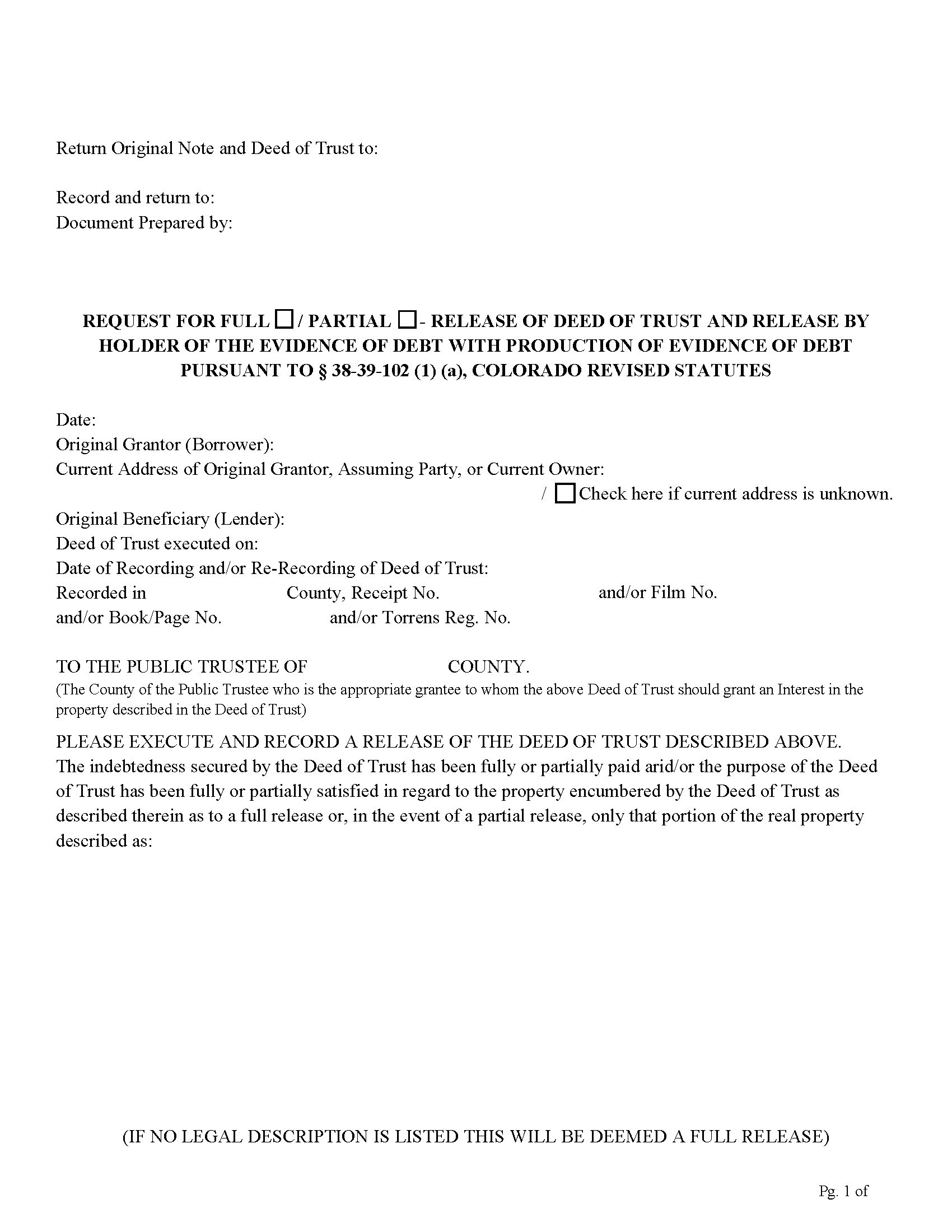
Pitkin County Release of Deed of Trust with Production of Evidence Form
Fill in the blank form formatted to comply with all recording and content requirements.
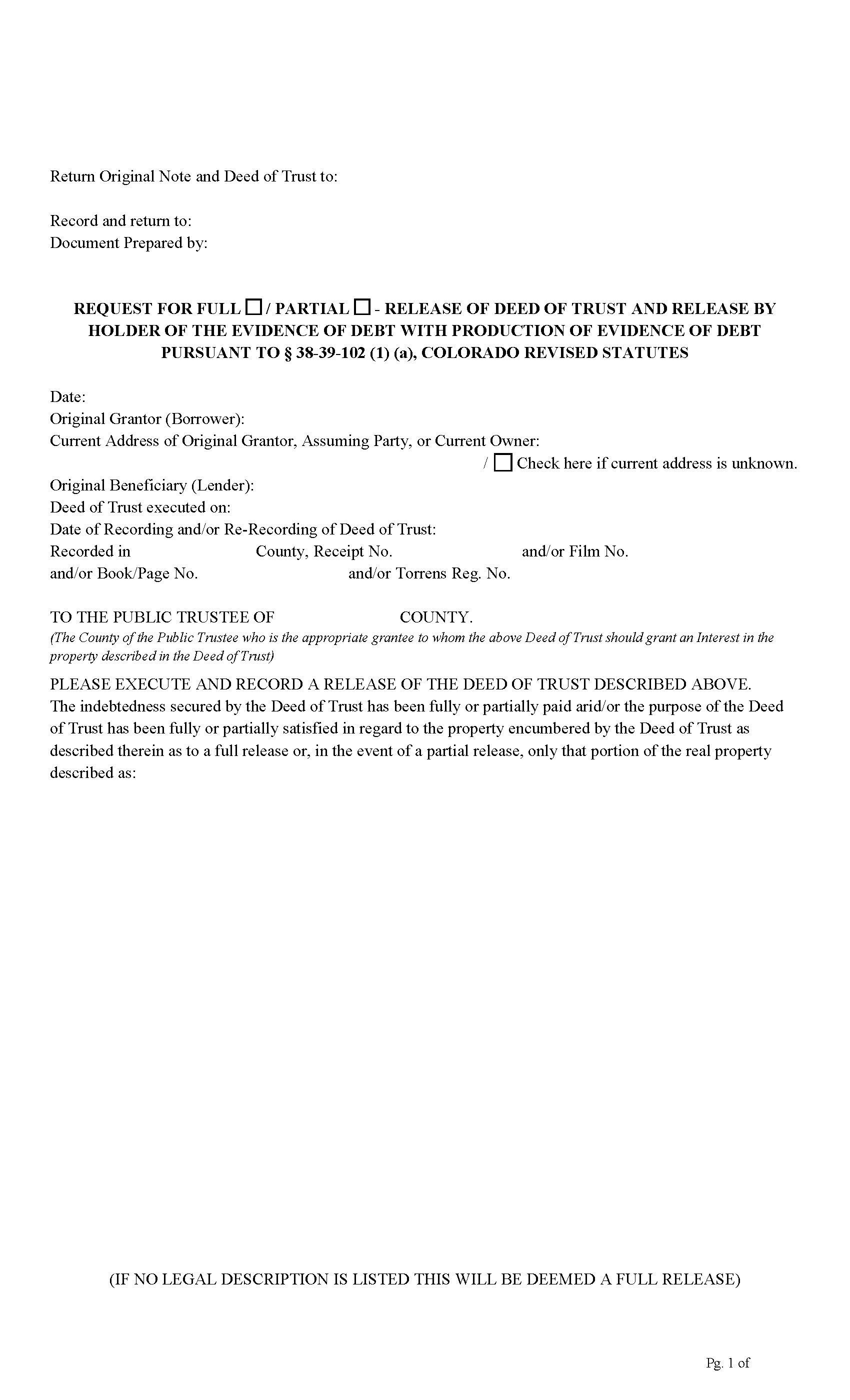
Pitkin County Legal Size Formatted Form
Legal Size Format (8.5 x 14 inch)
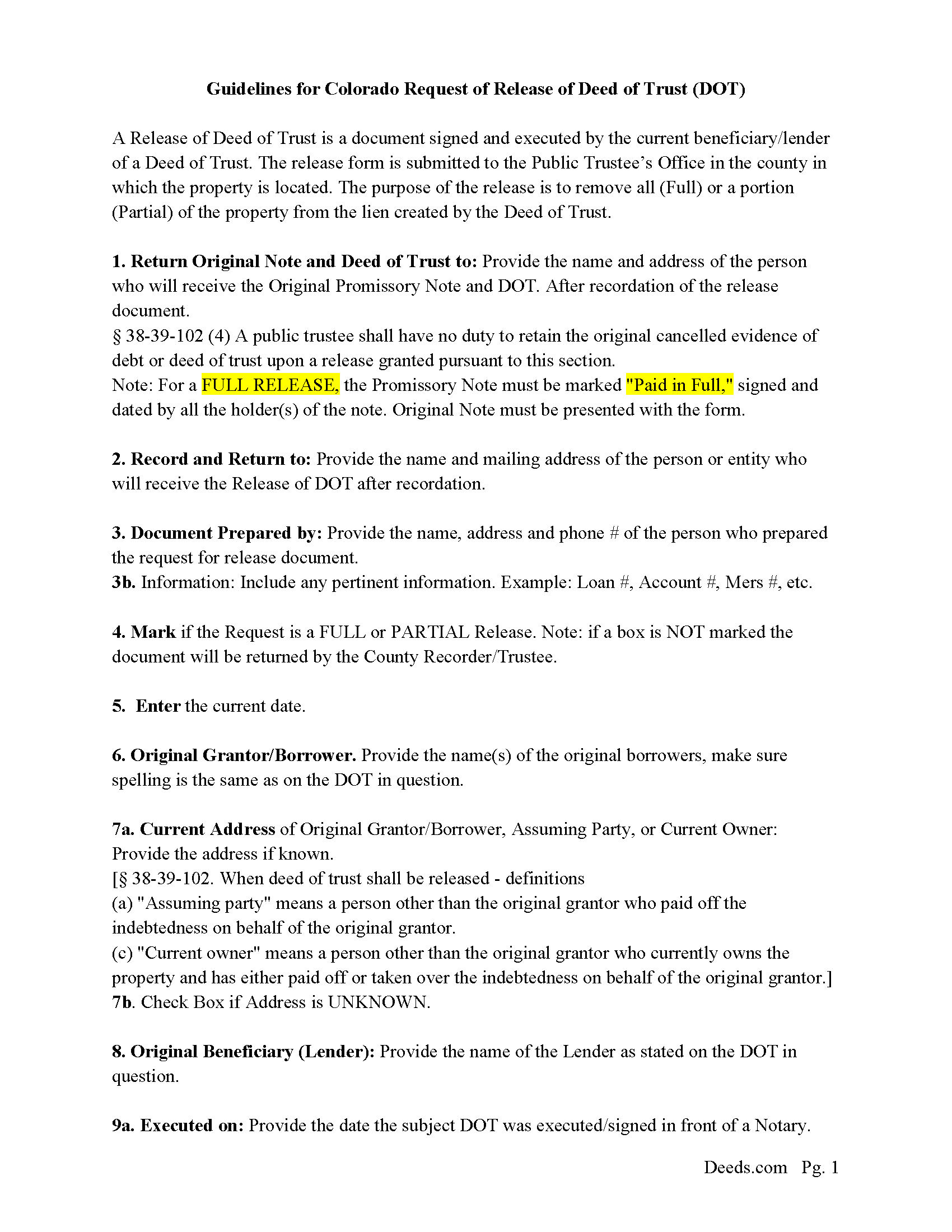
Pitkin County Guidelines for Release of Deed of Trust Form
Line by line guide explaining every blank on the form.
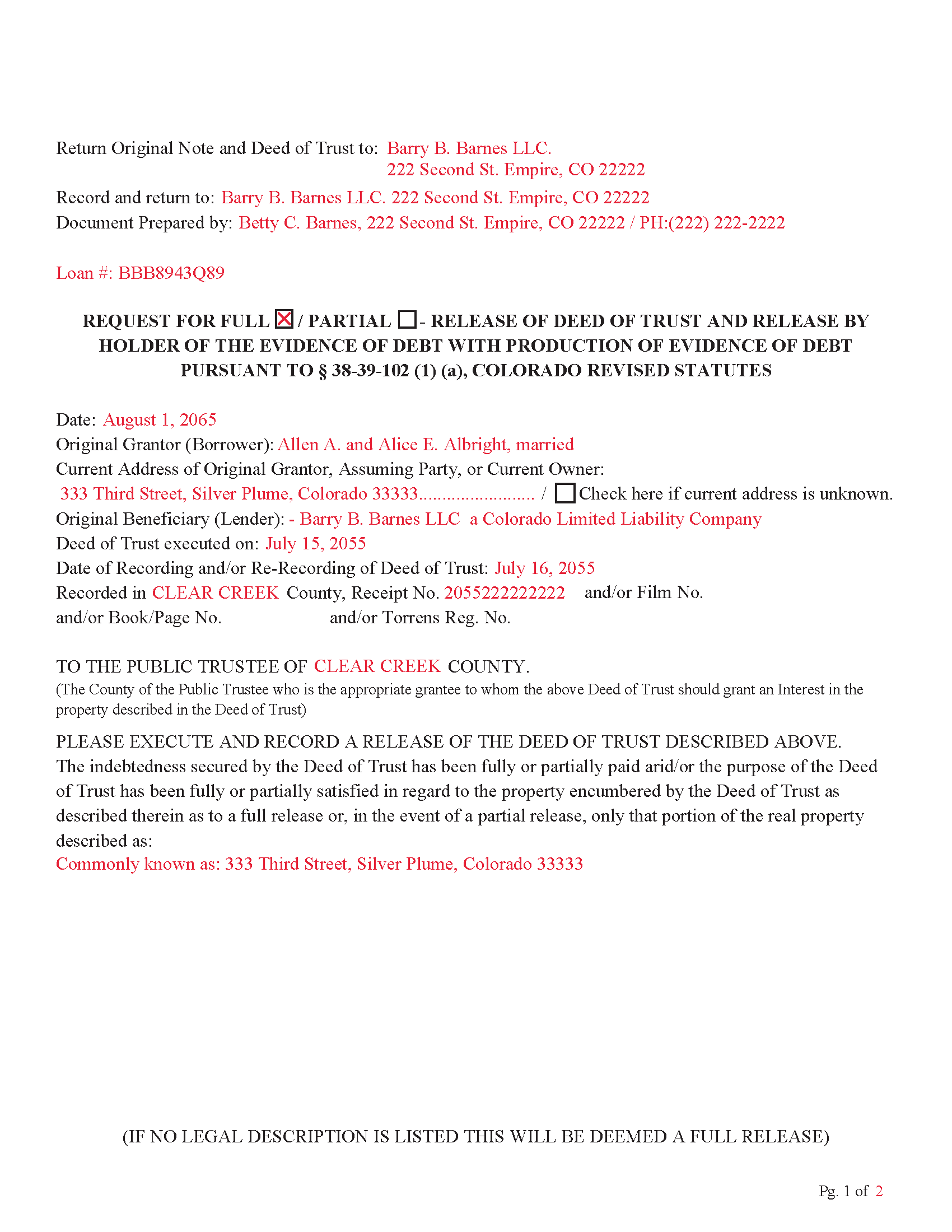
Pitkin County Completed Example of the Release of Deed of Trust Document
Example of a properly completed form for reference.
All 4 documents above included • One-time purchase • No recurring fees
Immediate Download • Secure Checkout
Additional Colorado and Pitkin County documents included at no extra charge:
Where to Record Your Documents
Pitkin County Clerk and Recorder
Aspen, Colorado 81611
Hours: 8:30 to 4:30 Mon-Thu; Friday until 5:00
Phone: (970) 920-5180
Recording Tips for Pitkin County:
- Bring your driver's license or state-issued photo ID
- Ensure all signatures are in blue or black ink
- Ask about their eRecording option for future transactions
- Avoid the last business day of the month when possible
- Both spouses typically need to sign if property is jointly owned
Cities and Jurisdictions in Pitkin County
Properties in any of these areas use Pitkin County forms:
- Aspen
- Meredith
- Snowmass
- Snowmass Village
- Woody Creek
Hours, fees, requirements, and more for Pitkin County
How do I get my forms?
Forms are available for immediate download after payment. The Pitkin County forms will be in your account ready to download to your computer. An account is created for you during checkout if you don't have one. Forms are NOT emailed.
Are these forms guaranteed to be recordable in Pitkin County?
Yes. Our form blanks are guaranteed to meet or exceed the applicable formatting requirements used for recording in Pitkin County, including margin requirements, font requirements, and other layout standards. This guarantee applies to formatting, not to the legal sufficiency of information entered by the user or the suitability of a form for a particular transaction.
Can I reuse these forms?
Yes. You can reuse the forms for your personal use. For example, if you have multiple properties in Pitkin County you only need to order once.
What do I need to use these forms?
The forms are PDFs that you fill out on your computer. The free Adobe Acrobat Reader is recommended, and most PDF apps also work. You do NOT enter your property information online - you download the blank forms and complete them privately on your own computer.
Are there any recurring fees?
No. This is a one-time purchase. Nothing to cancel, no memberships, no recurring fees.
How much does it cost to record in Pitkin County?
Recording fees in Pitkin County vary. Contact the recorder's office at (970) 920-5180 for current fees.
Questions answered? Let's get started!
Use this form to Release a Deed of Trust (fully or partially) with an Original Promissory Note and Original Deed of Trust (If the Deed of Trust is lost, a copy showing all the recording information is acceptable.) Note: if you do NOT have an original Promissory Note then a Release WITHOUT Production of Evidence form must be used.
38-39-102
(1) (a) Except as otherwise provided in paragraph (a) of subsection (3) of this section, a deed of trust to the public trustee, upon compliance with the provisions of the deed of trust, shall be released by the public trustee upon the:
(I) Receipt of a written request from the holder of the evidence of debt secured by the deed of trust, the holder's agent or attorney, or a title insurance company providing an indemnification agreement and affidavit described in paragraph (c) of subsection (3) of this section, which request shall be duly executed and acknowledged;
(Colorado Release of DOT Package includes form, guidelines, and completed example) For use in Colorado only.
Important: Your property must be located in Pitkin County to use these forms. Documents should be recorded at the county recording office listed above.
This Release of Deed of Trust WITH Production of Evidence meets all recording requirements specific to Pitkin County.
Our Promise
The documents you receive here are guaranteed to meet or exceed the applicable Pitkin County recording format requirements. If there is a rejection caused by our formatting, we will correct the issue or refund your payment. This guarantee applies to document formatting only and does not extend to information entered by the user, the selection of the form, or the legal effect of the completed document.
Save Time and Money
Get your Pitkin County Release of Deed of Trust WITH Production of Evidence form done right the first time with Deeds.com Uniform Conveyancing Blanks. At Deeds.com, we understand that your time and money are valuable resources, and we don't want you to face a penalty fee or rejection imposed by a county recorder for submitting nonstandard documents. We constantly review and update our forms to meet rapidly changing state and county recording requirements for roughly 3,500 counties and local jurisdictions.
4.8 out of 5 - ( 4,839 Reviews )
Richard T. 5 out of 5 stars
Easy forms for DIYers
Thank you!
CARMEN R J. 5 out of 5 stars
Thank you intensly
Thank you!
Erik J. 5 out of 5 stars
First time using Deeds.com and feel that your platform is clear and easy to use. I was also pleased with the messaging center and follow-up and also surprised at how quickly our particular deed was recorded and available to view. Having said that, when I first investigated Deeds.com the fee was $15 and as of 1/1/21 it has increased to $19 which I feel is pretty steep for the handling of 1 simple document especially when the turnaround was basically the same day. Your fee was nearly the equivalent of the cost of the Clerk's recording fee. Perhaps you should offer a fee schedule for those of us who are not volume recorders. Just a thought.
Thank you!
Robert S. 5 out of 5 stars
My Quick claim formsi downloaded had not come through so I contacted customer service and they provided me with the instructions on how to retrieve my forms, A plus service.
We are delighted to have been of service. Thank you for the positive review!
Michael D. 5 out of 5 stars
Quick and easy!
Thank you!
star v. 5 out of 5 stars
i have used you guys once and i am happy with the service i will be using you guys again
Thank you for your feedback. We really appreciate it. Have a great day!
Marlene S. 5 out of 5 stars
This service seems simple and reasonably priced. The deed I requested was not available, and they let me know immediately and refunded the fee. I would try to use this service again, if I had need.
Thank you for your feedback. We really appreciate it. Have a great day!
Kenneth R. 5 out of 5 stars
Easy to use and saves money.
Thank you!
Veronica T. 5 out of 5 stars
Great Service! Thank you
We appreciate your business and value your feedback. Thank you. Have a wonderful day!
Jamie P. 5 out of 5 stars
Got it next business day in the morning. Saved me phone call and perhaps a trip to courthouse. Very pleased.
Your satisfaction with our services is of utmost importance to us. Thank you for letting us know how we did!
SHEDDRICK H. 5 out of 5 stars
I got exactly what I paid for. No fraudulent transaction on my card. I like that. This is an excellent service. Straight and to the point help. That e-recording process looks like a winner. When I get my forms filled out I might use that.
We appreciate your business and value your feedback. Thank you. Have a wonderful day!
XIN Y. 5 out of 5 stars
Great e-Recording service. Fast and convenient! All done in the comfort of my home. Love it!!!
We appreciate your business and value your feedback. Thank you. Have a wonderful day!
Dawn Y. 1 out of 5 stars
Obtaining a copy of a deed is FAR too expensive.
Thank you for your feedback Dawn. Have a wonderful day.
Yunyan B. 5 out of 5 stars
Great website, fraction of the price if doing title research elsewhere
Thank you for your feedback. We really appreciate it. Have a great day!
Laurie D. 5 out of 5 stars
Comforting that you include an example of a completed TOD Deed form. Just downloaded all forms for my state & county and I'm SURE this will save a paying for a massive attorney fee!
We are grateful for your feedback and looking forward to serving you again. Thank you!