Kauai County Quitclaim Deed (Married Couple as Grantors) Form
Last validated October 20, 2026 by our Forms Development TeamFormatted for recording in Kauai County, for property anywhere in the county: rural and unincorporated areas as well as Anahola, Eleele, Hanalei, Hanamaulu, Hanapepe, Kalaheo, Kapaa, Kaumakani and 9 more.
- 3 documents included
- Immediate PDF download
- Formatting guarantee
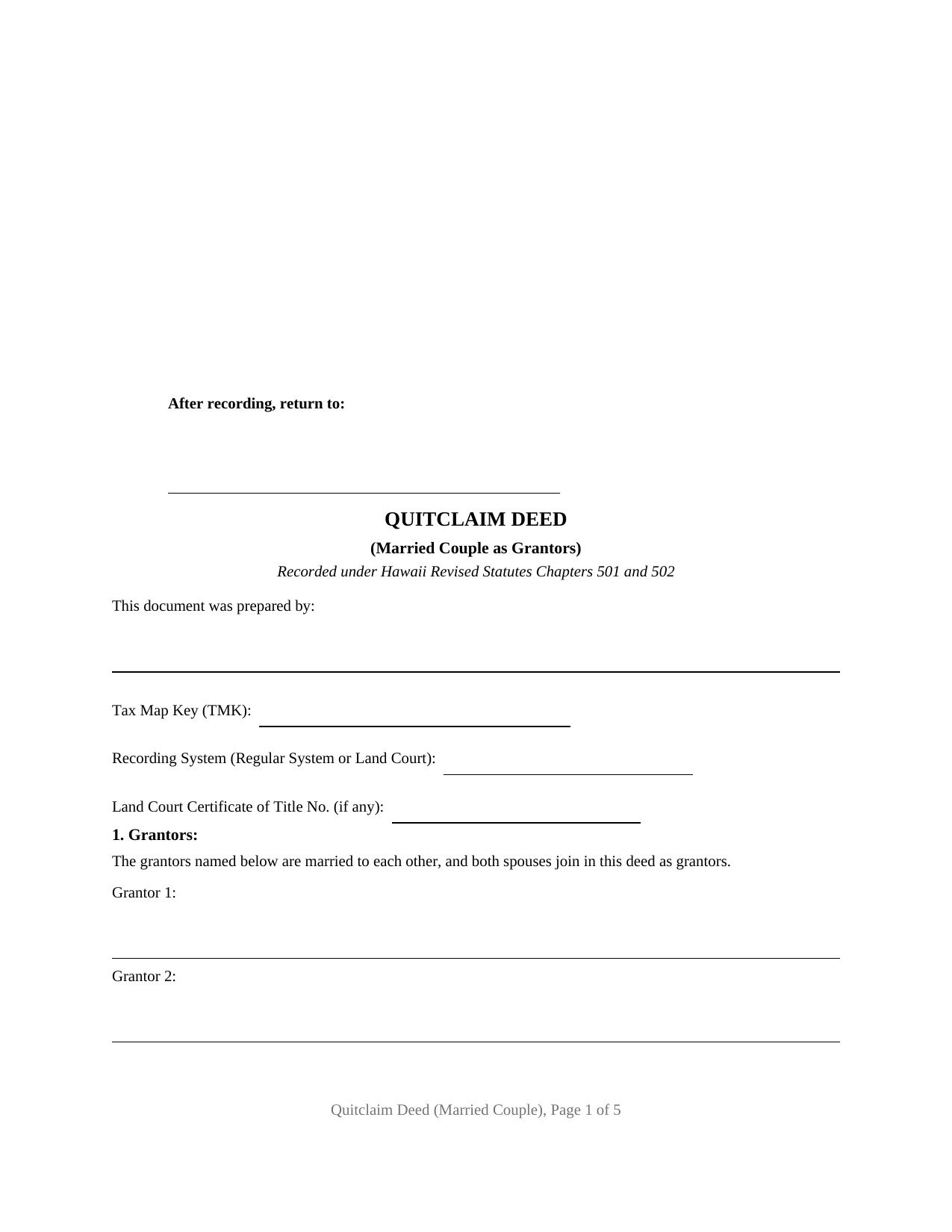
Kauai County Quitclaim Deed (Married Couple as Grantors) Form
Fill in the blank Quitclaim Deed (Married Couple as Grantors) form formatted to comply with all Hawaii recording and content requirements.
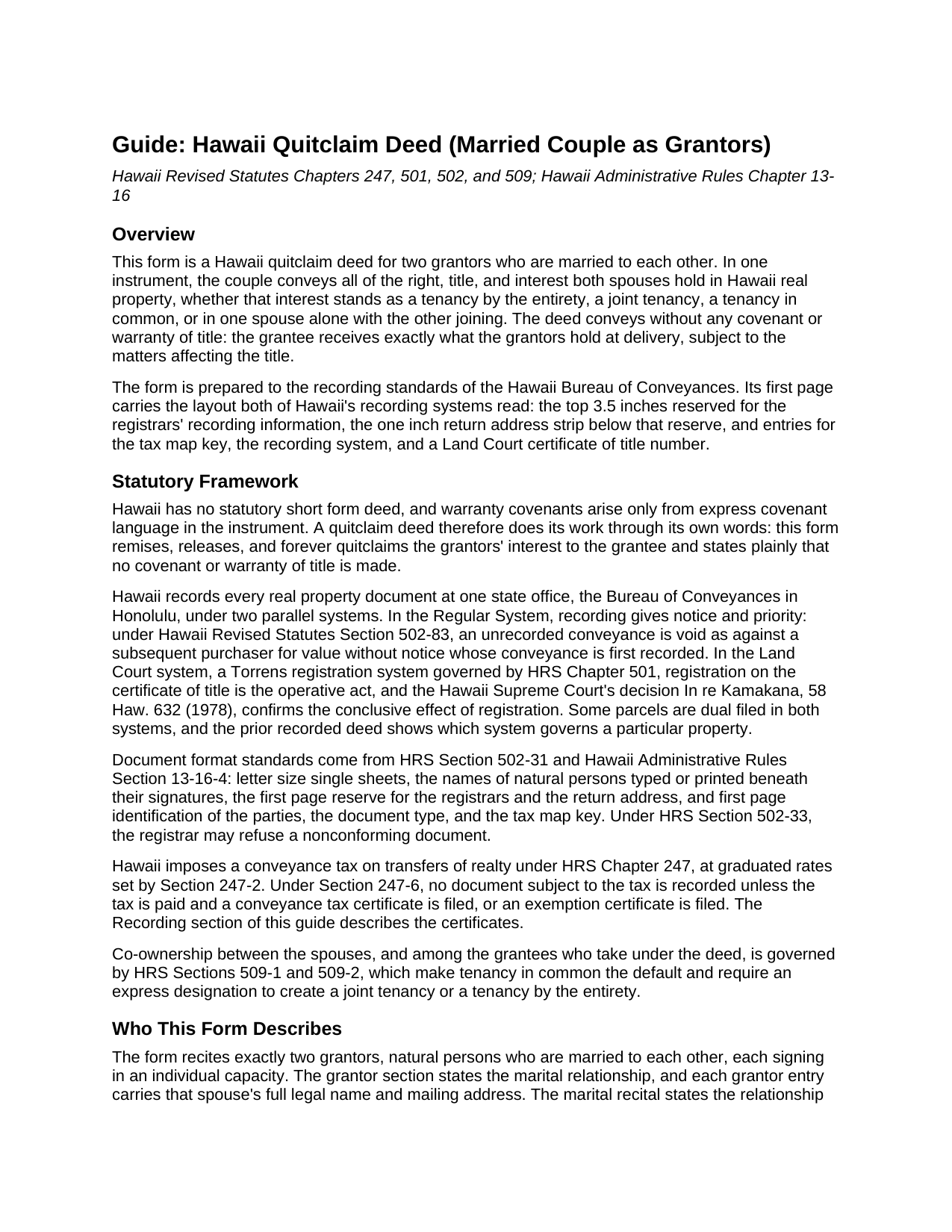
Kauai County Quitclaim Deed (Married Couple as Grantors) Guide
Line by line guide explaining every blank on the Quitclaim Deed (Married Couple as Grantors) form.
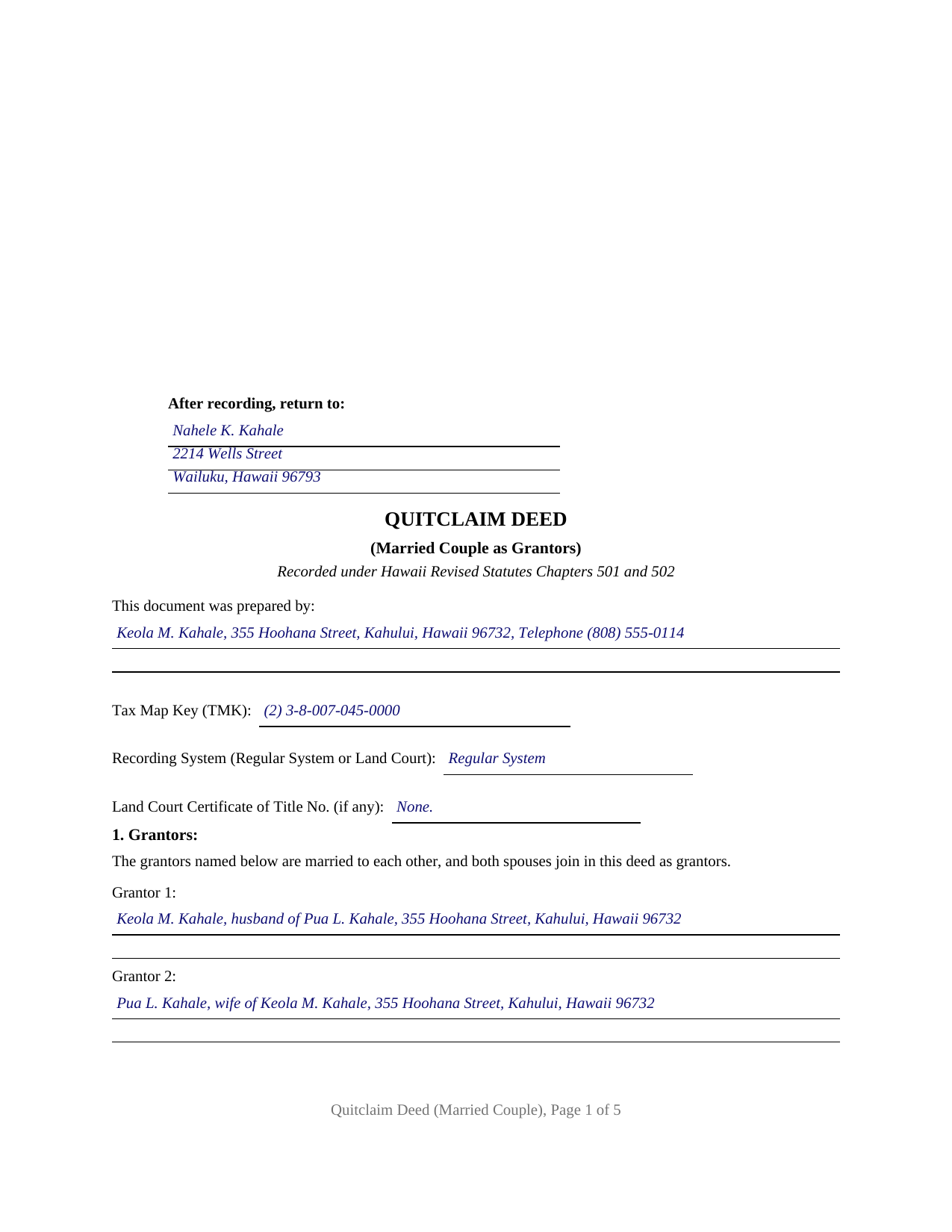
Kauai County Completed Example of the Quitclaim Deed (Married Couple as Grantors) Document
Example of a properly completed Hawaii Quitclaim Deed (Married Couple as Grantors) document for reference.
All 3 documents above included • One-time purchase • No recurring fees
Immediate Download • Secure Checkout
Additional Hawaii and Kauai County documents included at no extra charge:
Where to Record Your Documents
Hawaii Bureau of Conveyances
Honolulu, Hawaii 96813 / 96803
Hours: 7:45am to 4:30pm / Recording: 8:00am to 3:30pm
Phone: (808) 587-0147
Recording Tips for Kauai County:
- Bring your driver's license or state-issued photo ID
- Ensure all signatures are in blue or black ink
- Verify all names are spelled correctly before recording
- White-out or correction fluid may cause rejection
- Ask about their eRecording option for future transactions
Cities and Jurisdictions in Kauai County
Properties in any of these areas use Kauai County forms:
- Anahola
- Eleele
- Hanalei
- Hanamaulu
- Hanapepe
- Kalaheo
- Kapaa
- Kaumakani
- Kealia
- Kekaha
- Kilauea
- Koloa
- Lawai
- Lihue
- Makaweli
- Princeville
- Waimea
Hours, fees, requirements, and more for Kauai County
How do I get my forms?
Forms are available for immediate download after payment. The Kauai County forms will be in your account ready to download to your computer. An account is created for you during checkout if you don't have one. Forms are NOT emailed.
Are these forms guaranteed to be recordable in Kauai County?
Yes. Our form blanks are guaranteed to meet or exceed the applicable formatting requirements used for recording in Kauai County, including margin requirements, font requirements, and other layout standards. This guarantee applies to formatting, not to the legal sufficiency of information entered by the user or the suitability of a form for a particular transaction.
Can I reuse these forms?
Yes. You can reuse the forms for your personal use. For example, if you have multiple properties in Kauai County you only need to order once.
What do I need to use these forms?
The forms are PDFs that you fill out on your computer. The free Adobe Acrobat Reader is recommended, and most PDF apps also work. You do NOT enter your property information online - you download the blank forms and complete them privately on your own computer.
Are there any recurring fees?
No. This is a one-time purchase. Nothing to cancel, no memberships, no recurring fees.
How much does it cost to record in Kauai County?
Recording fees in Kauai County vary. Contact the recorder's office at (808) 587-0147 for current fees.
Questions answered? Let's get started!
A married couple conveying Hawaii real property can release both spouses' interests through one instrument built around a marital recital. This Hawaii Quitclaim Deed (Married Couple as Grantors) is a fillable form that names two grantors, states that they are married to each other, and remises, releases, and forever quitclaims everything both spouses hold, without any covenant or warranty of title, in the format the Hawaii Bureau of Conveyances records.
The marriage written into the deed
The grantor section is this form's defining feature. It recites two natural persons signing in their individual capacities and states that they are married to each other, and each grantor entry carries a full legal name and mailing address. That drafting tracks what Hawaii's recording desk looks for: intake practice for Land Court documents asks for the parties' full names without initials, their marital status, and the full name of a married person's spouse, so the completed example writes each grantor as the spouse of the other by name. Each spouse signs above a printed name line, and an acknowledgment certificate follows for each grantor, carrying the certificate content Hawaii's notary statute and rules prescribe. A sole owner releasing an interest, two co-owners who are not married to each other, a trustee, and an entity grantor each present a different recital and signature pattern, and this form is not set up as any of them.
Both halves of the title in one release
Hawaii spouses hold real property in more than one way: as tenants by the entirety, as joint tenants, as tenants in common, or with record title in one spouse alone. The quitclaim clause in this deed is drafted for that range. It releases all right, title, and interest the grantors hold, whether by the entirety, jointly, in common, or otherwise, so the conveyance carries the couple's whole position in the property without first re-deriving how the vesting deed left it. What the grantee receives is exactly what the grantors held at delivery, with no title assurance of any kind; a quit claim deed, as the instrument is also commonly written, trades warranty protection for a short and direct release. Parents deeding an island property to an adult child, and a couple conveying to a buyer who accepts the title as it stands, present the married-couple pattern this deed recites.
Nominal consideration and the exemption certificate
Hawaii law bars recording a conveyance until its conveyance tax is addressed, and the family transfers that commonly travel on this deed often qualify for a statutory exemption. The exemption categories on the state's Form P-64B include documents between a taxpayer and spouse, and between parent and child, where only nominal consideration passes, along with conveyances for actual and full consideration of one hundred dollars or less. A taxable transfer files a Form P-64A computing the tax on the actual and full consideration instead. Whichever certificate applies travels with the deed to the recording desk; both are Department of Taxation forms, prepared on their own and not part of this download. The included guide describes the certificate requirement, the current recording fees in each of Hawaii's two recording systems, and the stamped self-addressed envelope that accompanies a deed returned by mail.
What arrives and how it records
The deed's first page is drawn to the geometry the statewide office reads: a reserve across the top for the registrars, the return address strip below it, and entries for the tax map key, the recording system, and a Land Court certificate of title number, so one layout serves Regular System and Land Court property alike. The download delivers the blank deed as a fillable PDF, a completed example filled in for a realistic Maui fact pattern in which a husband and wife convey their Kahului parcel to their adult son and acknowledge together in a single notary session, and a plain language guide that walks through every entry, the signing and notarization rules, and recording at the Bureau of Conveyances. The materials describe the form and Hawaii recording law in general terms; they are not legal advice.
Important: Your property must be located in Kauai County to use these forms. Documents should be recorded at the county recording office listed above.
This Quitclaim Deed (Married Couple as Grantors) meets all recording requirements specific to Kauai County.
Our Promise
The documents you receive here are guaranteed to meet or exceed the applicable Kauai County recording format requirements. If there is a rejection caused by our formatting, we will correct the issue or refund your payment. This guarantee applies to document formatting only and does not extend to information entered by the user, the selection of the form, or the legal effect of the completed document.
Save Time and Money
Get your Kauai County Quitclaim Deed (Married Couple as Grantors) form done right the first time with Deeds.com Uniform Conveyancing Blanks. At Deeds.com, we understand that your time and money are valuable resources, and we don't want you to face a penalty fee or rejection imposed by a county recorder for submitting nonstandard documents. We constantly review and update our forms to meet rapidly changing state and county recording requirements for roughly 3,500 counties and local jurisdictions.
4.8 out of 5 - ( 4,839 Reviews )
kabir r. 5 out of 5 stars
Wonderful quitclaim forms, very happy
Thank you!
Susan M. 5 out of 5 stars
Loved my experience with deeds.com! Easy and simple to fill in the form, plus the extra instructions were helpful! I will use them again!
Thank you for your feedback. We really appreciate it. Have a great day!
ronald d. 5 out of 5 stars
I found that the website was laid out well and referenced documents were professionally created.
We appreciate your business and value your feedback. Thank you. Have a wonderful day!
Barbara E. 5 out of 5 stars
The online forms were very helpful and self-explanatory. My husband and I used several as we completed our estate planning documents. Thank you for these forms.
Thank you for your feedback. We really appreciate it. Have a great day!
Daniel L. 4 out of 5 stars
You could make instructions clearer on the download process and when download is complete. You could also group things together for 1 or 2 "big" downloads.
Thank you for your feedback. We really appreciate it. Have a great day!
yaakov f. 5 out of 5 stars
you are awesome never had such a great expriance will be back with other transfers you the best
Great to hear Yaakov! Hope you have a great day!
Terry S. 5 out of 5 stars
Forms were very easy to use using the completed form as an example.
Thank you for your feedback. We really appreciate it. Have a great day!
Steven G. 5 out of 5 stars
Easy to navigate and easy purchase.
edward d. 5 out of 5 stars
used before awesome forms
Thank you!
Melody P. 5 out of 5 stars
Thanks again for such great service!
Thank you!
elizabeth m. 5 out of 5 stars
Wonderful service, forms were great. Completed and ready for recording. Will check back in after recorded.
We appreciate your business and value your feedback. Thank you. Have a wonderful day!
Lisa M. 5 out of 5 stars
Awesome and so easy to use!
We appreciate your business and value your feedback. Thank you. Have a wonderful day!
Jeannine G. 5 out of 5 stars
Very helpful and just what I needed for the job I was doing.
Thank you!
cosmin B. 5 out of 5 stars
It's all good!!!!
Thank you!
Douglas N. 5 out of 5 stars
Great!
Thank you!