Montgomery County Quitclaim Deed (Corrective) Form
Last validated October 15, 2026 by our Forms Development TeamFormatted for recording in Montgomery County, for property anywhere in the county: rural and unincorporated areas as well as Butler, Coffeen, Donnellson, Farmersville, Fillmore, Harvel, Hillsboro, Irving and 9 more.
- 3 documents included
- Immediate PDF download
- Formatting guarantee
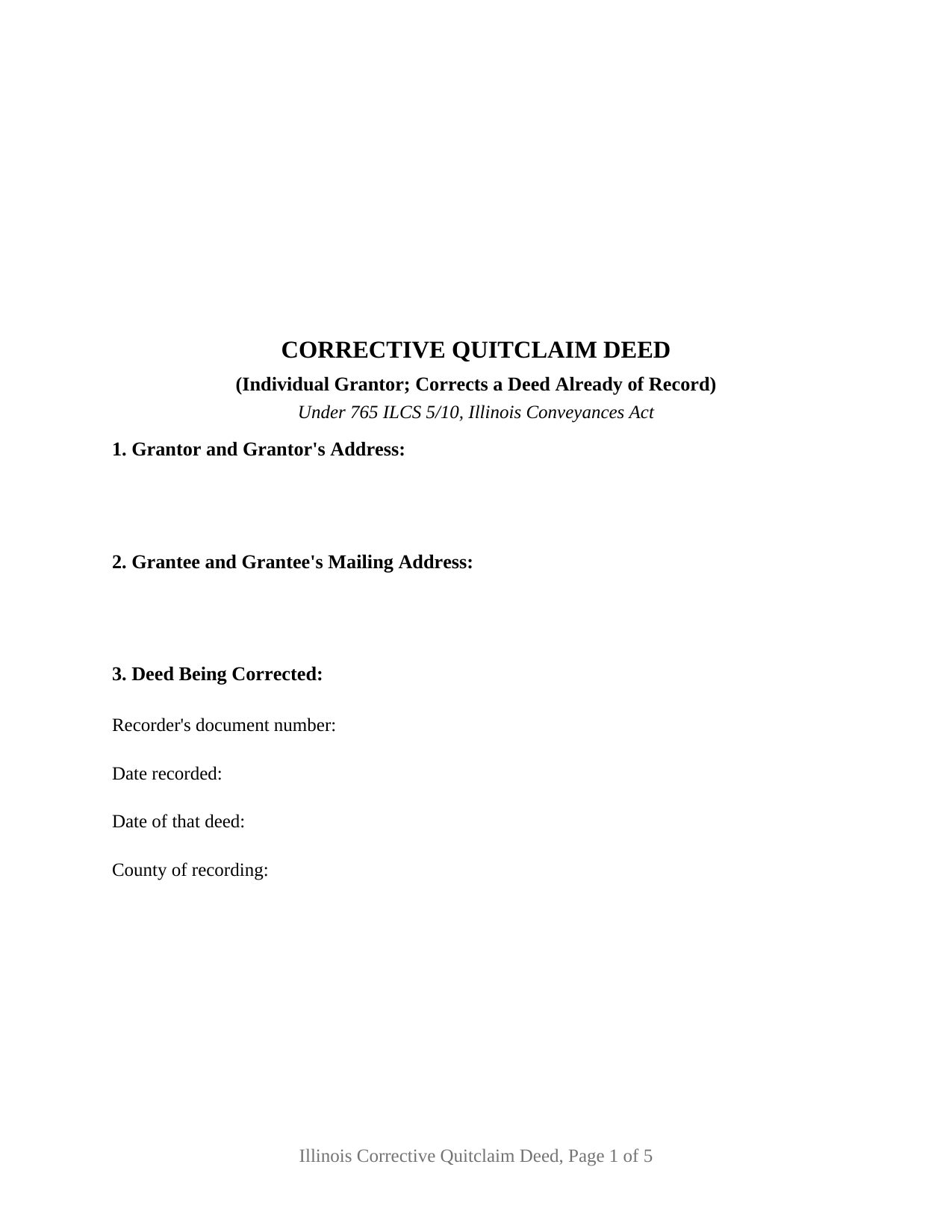
Montgomery County Quitclaim Deed (Corrective) Form
Fill in the blank Quitclaim Deed (Corrective) form formatted to comply with all Illinois recording and content requirements.
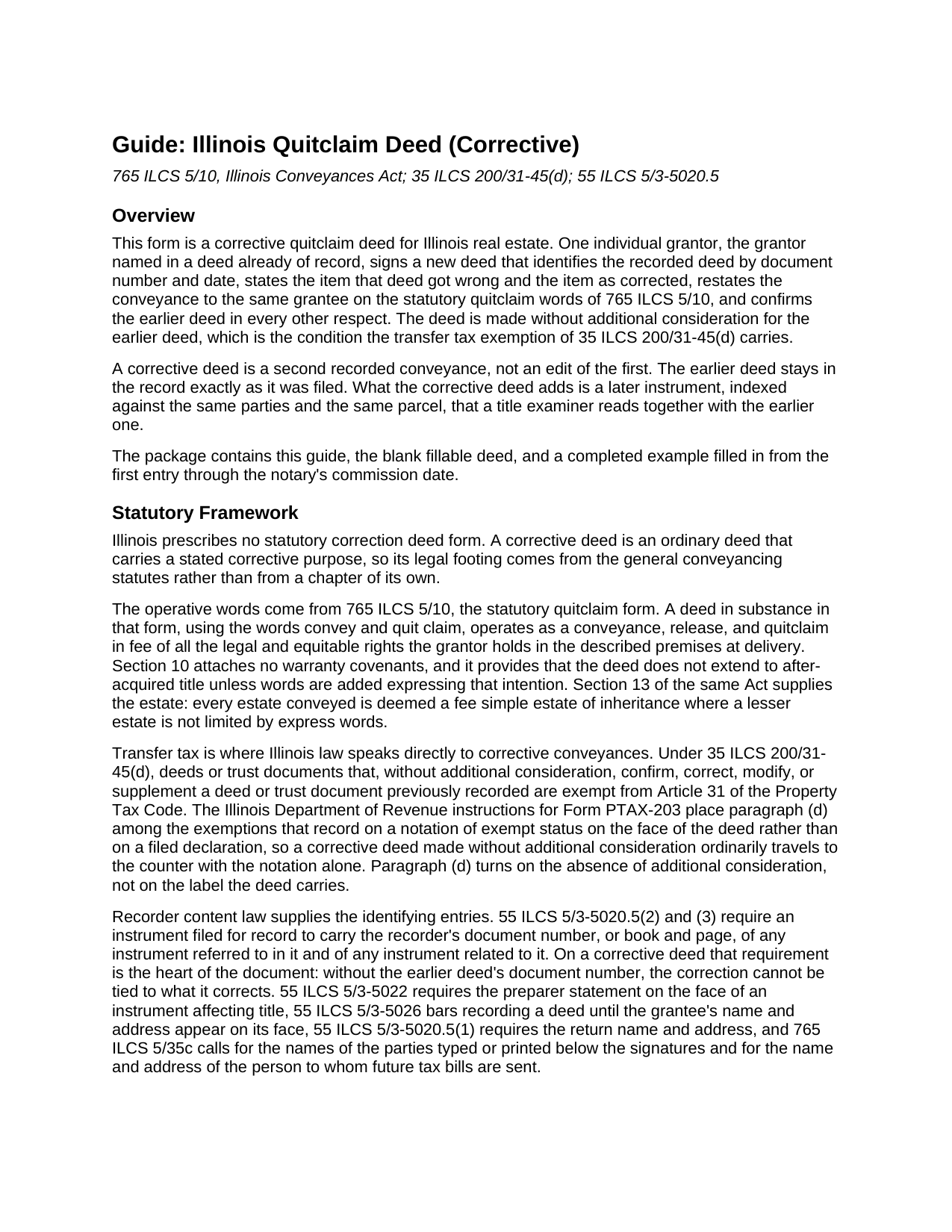
Montgomery County Quitclaim Deed (Corrective) Guide
Line by line guide explaining every blank on the Quitclaim Deed (Corrective) form.
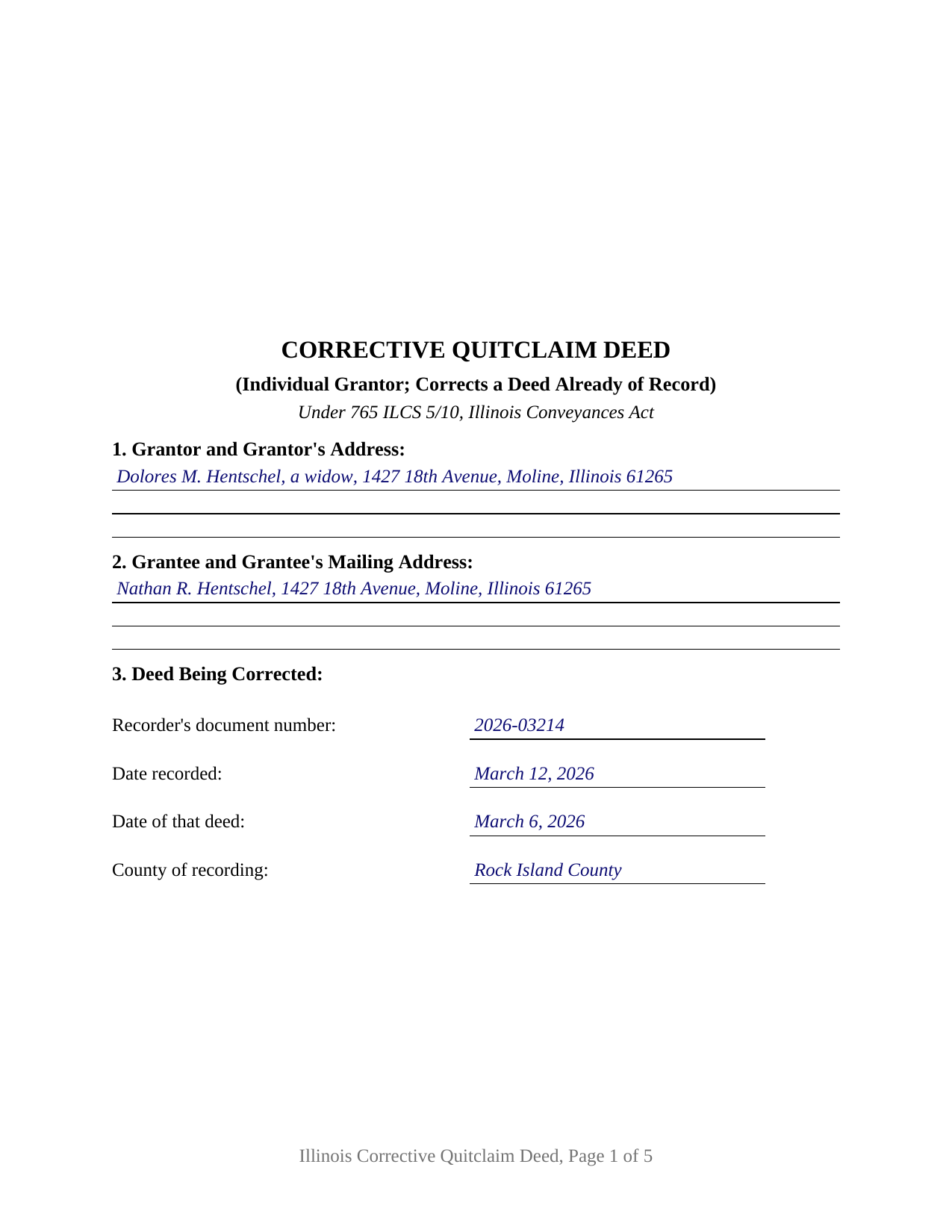
Montgomery County Completed Example of the Quitclaim Deed (Corrective) Document
Example of a properly completed Illinois Quitclaim Deed (Corrective) document for reference.
All 3 documents above included • One-time purchase • No recurring fees
Immediate Download • Secure Checkout
Additional Illinois and Montgomery County documents included at no extra charge:
Where to Record Your Documents
Montgomery County Clerk & Recorder
Hillsboro, Illinois 62049-0595
Hours: 8:00 to 4:00 Monday through Friday
Phone: (217) 532-9530
Recording Tips for Montgomery County:
- Bring your driver's license or state-issued photo ID
- Ensure all signatures are in blue or black ink
- Double-check legal descriptions match your existing deed
- Verify all names are spelled correctly before recording
- White-out or correction fluid may cause rejection
Cities and Jurisdictions in Montgomery County
Properties in any of these areas use Montgomery County forms:
- Butler
- Coffeen
- Donnellson
- Farmersville
- Fillmore
- Harvel
- Hillsboro
- Irving
- Litchfield
- Nokomis
- Ohlman
- Panama
- Raymond
- Taylor Springs
- Waggoner
- Walshville
- Witt
Hours, fees, requirements, and more for Montgomery County
How do I get my forms?
Forms are available for immediate download after payment. The Montgomery County forms will be in your account ready to download to your computer. An account is created for you during checkout if you don't have one. Forms are NOT emailed.
Are these forms guaranteed to be recordable in Montgomery County?
Yes. Our form blanks are guaranteed to meet or exceed the applicable formatting requirements used for recording in Montgomery County, including margin requirements, font requirements, and other layout standards. This guarantee applies to formatting, not to the legal sufficiency of information entered by the user or the suitability of a form for a particular transaction.
Can I reuse these forms?
Yes. You can reuse the forms for your personal use. For example, if you have multiple properties in Montgomery County you only need to order once.
What do I need to use these forms?
The forms are PDFs that you fill out on your computer. The free Adobe Acrobat Reader is recommended, and most PDF apps also work. You do NOT enter your property information online - you download the blank forms and complete them privately on your own computer.
Are there any recurring fees?
No. This is a one-time purchase. Nothing to cancel, no memberships, no recurring fees.
How much does it cost to record in Montgomery County?
Recording fees in Montgomery County vary. Contact the recorder's office at (217) 532-9530 for current fees.
Questions answered? Let's get started!
An Illinois deed cannot be edited once the recorder has stamped it. The record keeps what was filed, transposed digits and all, and the repair is a second instrument that speaks about the first. This corrective quitclaim deed is arranged for that job: the individual who signed the deed of record signs again, names that deed by its document number, states the item it got wrong beside the item as corrected, and restates the conveyance in the statutory words of 765 ILCS 5/10.
Paragraph (d), and the condition it turns on
Illinois transfer tax law names this instrument directly. Under 35 ILCS 200/31-45(d), a deed that, without additional consideration, confirms, corrects, modifies, or supplements a previously recorded deed is exempt from Article 31 of the Property Tax Code, and the Department of Revenue instructions for Form PTAX-203 group that paragraph with the exemptions recorded on a notation of exempt status written on the face of the deed rather than on a filed declaration. What the paragraph turns on is the absence of new money, not the caption: a correction carrying fresh consideration is an ordinary taxable conveyance. Section 10 prints the statement that no additional consideration passes, a blank for the paragraph claimed, and a signature and date for the notation.
The document number that ties the two deeds together
55 ILCS 5/3-5020.5 has every recorded instrument carry the recorder's document number, or book and page, of any instrument it refers to and of any instrument related to it. On most deeds that entry is a courtesy to the next title searcher. On a correction deed it is the entire mechanism, because an instrument that does not name what it corrects floats loose in the grantor and grantee indexes. Section 3 gathers four identifiers of the deed being corrected: the document number, the date of recording, the date of the deed itself, and the county where it was filed. Section 7 then states the item twice, once as the recorded deed put it and once as corrected, so the reach of the change sits on the face of the new deed.
What the corrective configuration carries
The form recites one individual grantor, the person named as grantor in the deed being corrected, and one grantee block carrying the grantee that deed named. Below the operative section sit one signature line and one acknowledgment certificate following the substance of 765 ILCS 5/26, with the express homestead release language of the Illinois statutory forms inside the granting sentence, where 765 ILCS 5/27 requires it to be stated rather than implied. That section corrects the earlier deed in the respects stated in Section 7 and in no other respect, confirms it otherwise, and disclaims any covenant of title. Scrivener's errors presenting this configuration include a transposed lot or block number, a plat document number written incorrectly, a misspelled party name, a wrong permanent index number, an omitted homestead clause, and a defective acknowledgment on the recorded deed. A deed executed by two record owners takes both of their signatures and sits outside this one-signer layout, as does an entity grantor; and where the parcel is an occupied homestead and the grantor is married, 735 ILCS 5/12-904 conditions a valid release of that estate on a writing signed by the individual and that individual's spouse.
Where a signed correction stops
A corrective deed has force because the hand that made the original conveyance restates it voluntarily. Where the grantor has died, cannot be located, or denies that anything was wrong, the question leaves the recorder's counter for a courtroom, and Illinois sets a demanding bar: reformation calls for a mistake of fact, mutual and common to both parties, proved by clear and convincing evidence, the ground on which Skelly v. Ersch reformed a deed in 1922. Nor does the new deed erase the old one or borrow its date. Both instruments stay in the chain, and 765 ILCS 5/30 measures each against creditors and subsequent purchasers without notice from the time it was filed.
Three files come with the purchase: the corrective quitclaim deed as a fillable PDF, a completed example for a Rock Island County deed that described the wrong lot number, and a guide walking every numbered section together with the homestead, notarization, and recording questions a correction raises. None of this is legal advice. It sets out Illinois law in general terms, and one particular error in one chain of title is a question for an Illinois attorney or title company.
Important: Your property must be located in Montgomery County to use these forms. Documents should be recorded at the county recording office listed above.
This Quitclaim Deed (Corrective) meets all recording requirements specific to Montgomery County.
Our Promise
The documents you receive here are guaranteed to meet or exceed the applicable Montgomery County recording format requirements. If there is a rejection caused by our formatting, we will correct the issue or refund your payment. This guarantee applies to document formatting only and does not extend to information entered by the user, the selection of the form, or the legal effect of the completed document.
Save Time and Money
Get your Montgomery County Quitclaim Deed (Corrective) form done right the first time with Deeds.com Uniform Conveyancing Blanks. At Deeds.com, we understand that your time and money are valuable resources, and we don't want you to face a penalty fee or rejection imposed by a county recorder for submitting nonstandard documents. We constantly review and update our forms to meet rapidly changing state and county recording requirements for roughly 3,500 counties and local jurisdictions.
4.8 out of 5 - ( 4,836 Reviews )
Lynnette P. 5 out of 5 stars
The site was easy to navigate, which was great. The communication with the agents was quick and helped me get my forms processed correctly.
Thank you, Lynnette. We’re glad everything moved quickly and stayed clear from start to finish. We’ll be sure to pass the kind words along to the team.
Mike M. 5 out of 5 stars
Get Rid of the places to initial each page on the Trust Deed. The Co. Recorder (Davis) does not require that each page be initialled... If I and the "borrower" had initialed each page, then I would have to use US Mail to get the form from AZ to UT because scans of initials are not acceptable, but only a notarized signature from the borrower is...
Thank you for your feedback. We really appreciate it. Have a great day!
Jim D. 5 out of 5 stars
A bit pricey for someone on a fixed income.
Thank you!
Peggy L. 5 out of 5 stars
Exactly what I needed and so nice to not have to pay a lawyer
We appreciate your business and value your feedback. Thank you. Have a wonderful day!
heather i. 5 out of 5 stars
I don't pay very close attention to what I'm doing all the time which leads to mistakes. Deeds.com was helpful in correcting my error and getting me on my way.
Thank you!
Shelton S. 5 out of 5 stars
This site provided everything I needed to get the job done. Next step is a trip to the County Clerk!
We deeply appreciate the trust you have placed in our services. Thank you for your valuable feedback and for choosing us.
ROBERT H. 5 out of 5 stars
Quick and easy. A very good value even without COVID complications. Since we DO have COVID complications this is perfect.
Thank you for your feedback. We really appreciate it. Have a great day!
leila m. 5 out of 5 stars
Very good service, friendly customer service I absolutely will use the service again
Thank you!
Leticia A. 5 out of 5 stars
Down to the point,covers every angle with great tips:Don't forget Probate.
Thank you!
Santos V. 5 out of 5 stars
Great and easy to understand.
We appreciate your business and value your feedback. Thank you. Have a wonderful day!
Tom L. 5 out of 5 stars
An excellent service that I would be happy to use again.
Thank you for your feedback. We really appreciate it. Have a great day!
Sofia H. 5 out of 5 stars
Where has this site been my entire career? Very helpful. This site made what would normally take three days with a runner, a snap. Five Stars.
Thank you for your feedback. We really appreciate it. Have a great day!
Michael S. 5 out of 5 stars
Well designed easy to use system. Provided all instructions and updates required, as well as catching an extra form required by our county.
We appreciate your business and value your feedback. Thank you. Have a wonderful day!
Patricia C. 5 out of 5 stars
The website works fine. The process of changing my Mineral Deed is sure more expensive in Texas. But I appreciate the convenience of the website and the pages of directions.
We appreciate your business and value your feedback. Thank you. Have a wonderful day!
Gertrude F. 3 out of 5 stars
I like that DEEDS.com has a variety of forms tht I may need. However, I was disappointed that I am not able to save the PDF forms after I fill in the spaces. If I need to edit anything, I have to go back to the blank form and redo the whole thing. Perhap I am doing something wrong.
Thank you!