Hancock County Mortgage Instrument and Promissory Note Form
Last validated November 9, 2026 by our Forms Development TeamFormatted for recording in Hancock County, for property anywhere in the county: rural and unincorporated areas as well as Aurora, Bar Harbor, Bass Harbor, Bernard, Birch Harbor, Blue Hill, Brooklin, Brooksville and 34 more.
- 7 documents included
- Immediate PDF download
- Formatting guarantee
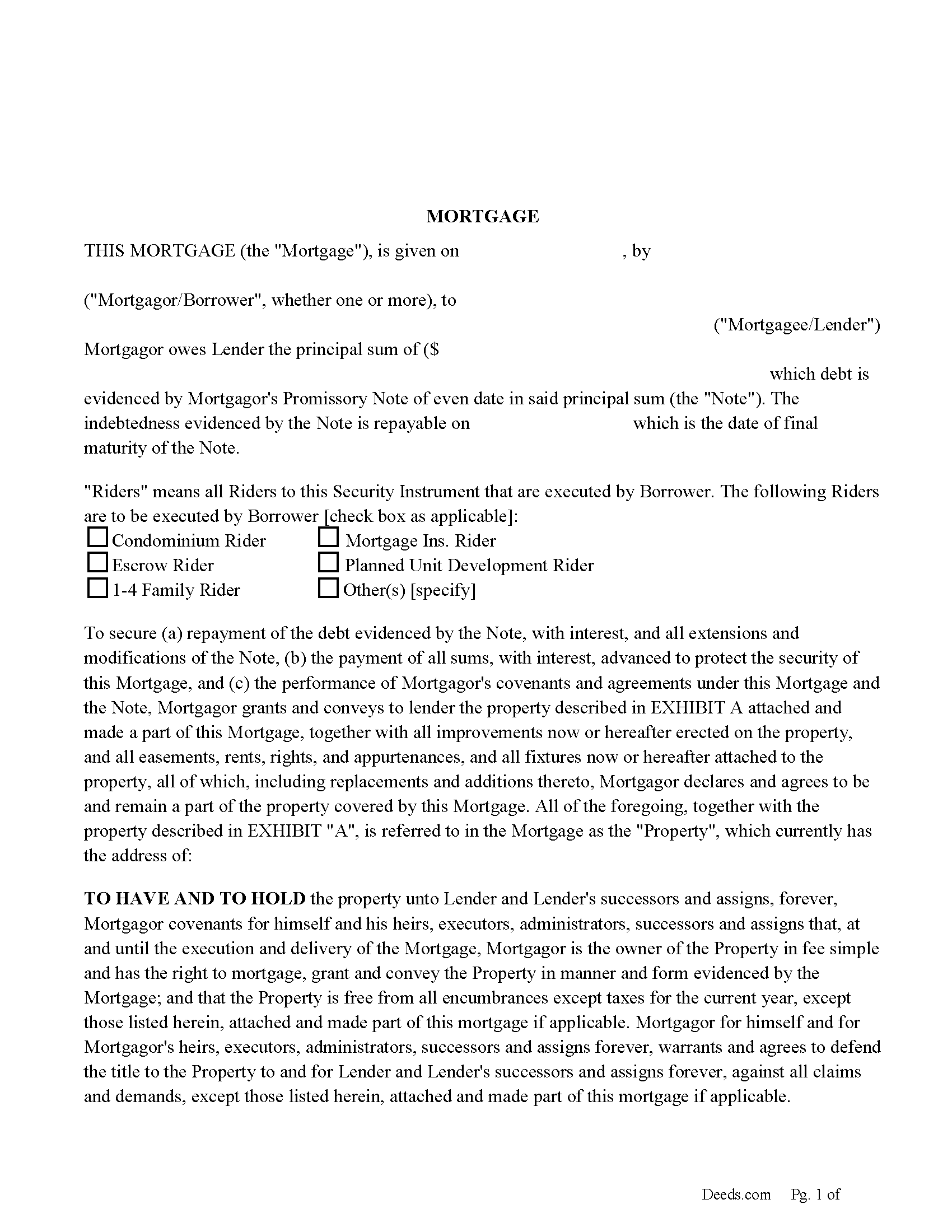
Hancock County Mortgage Form
Fill in the blank form formatted to comply with all recording and content requirements.
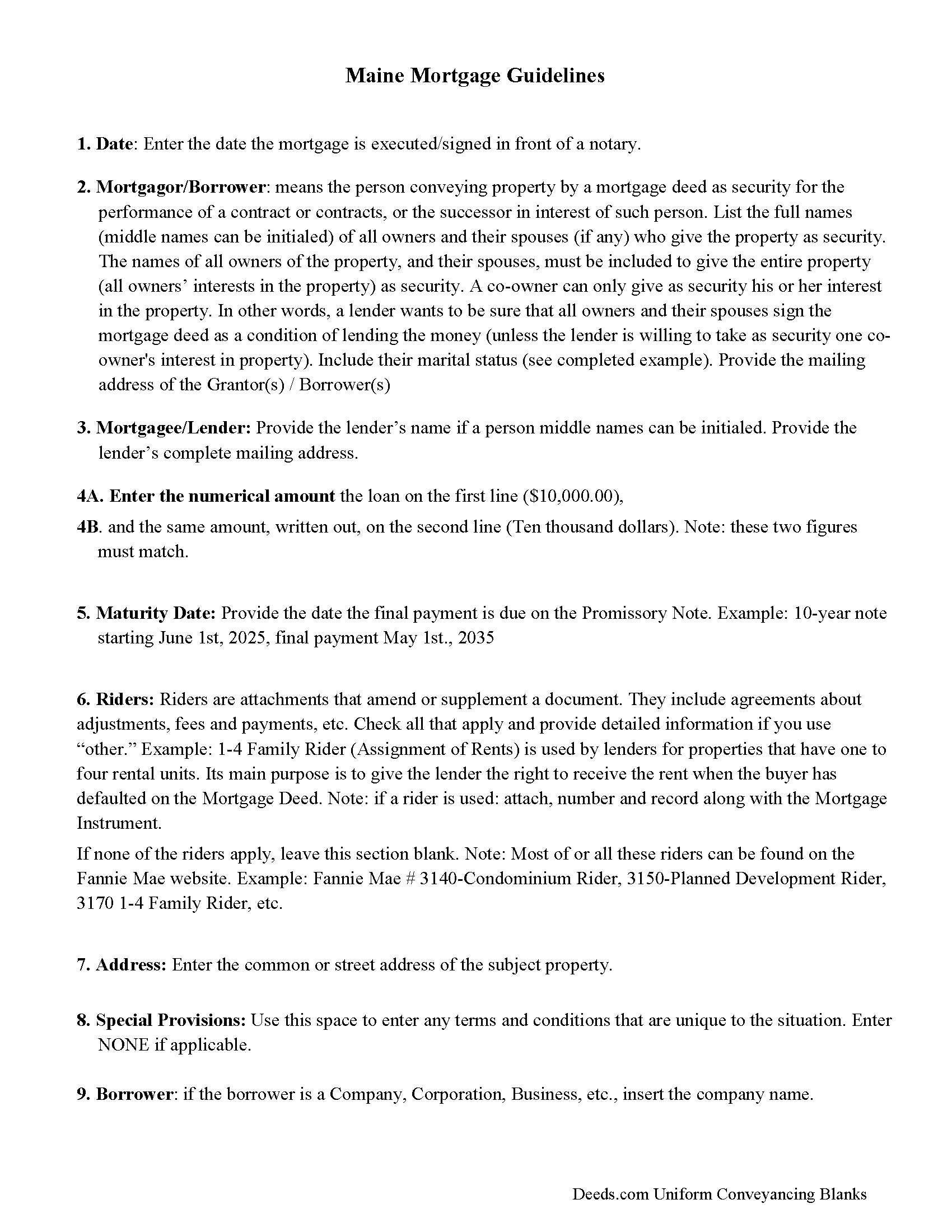
Hancock County Mortgage Form Guidelines
Line by line guide explaining every blank on the form
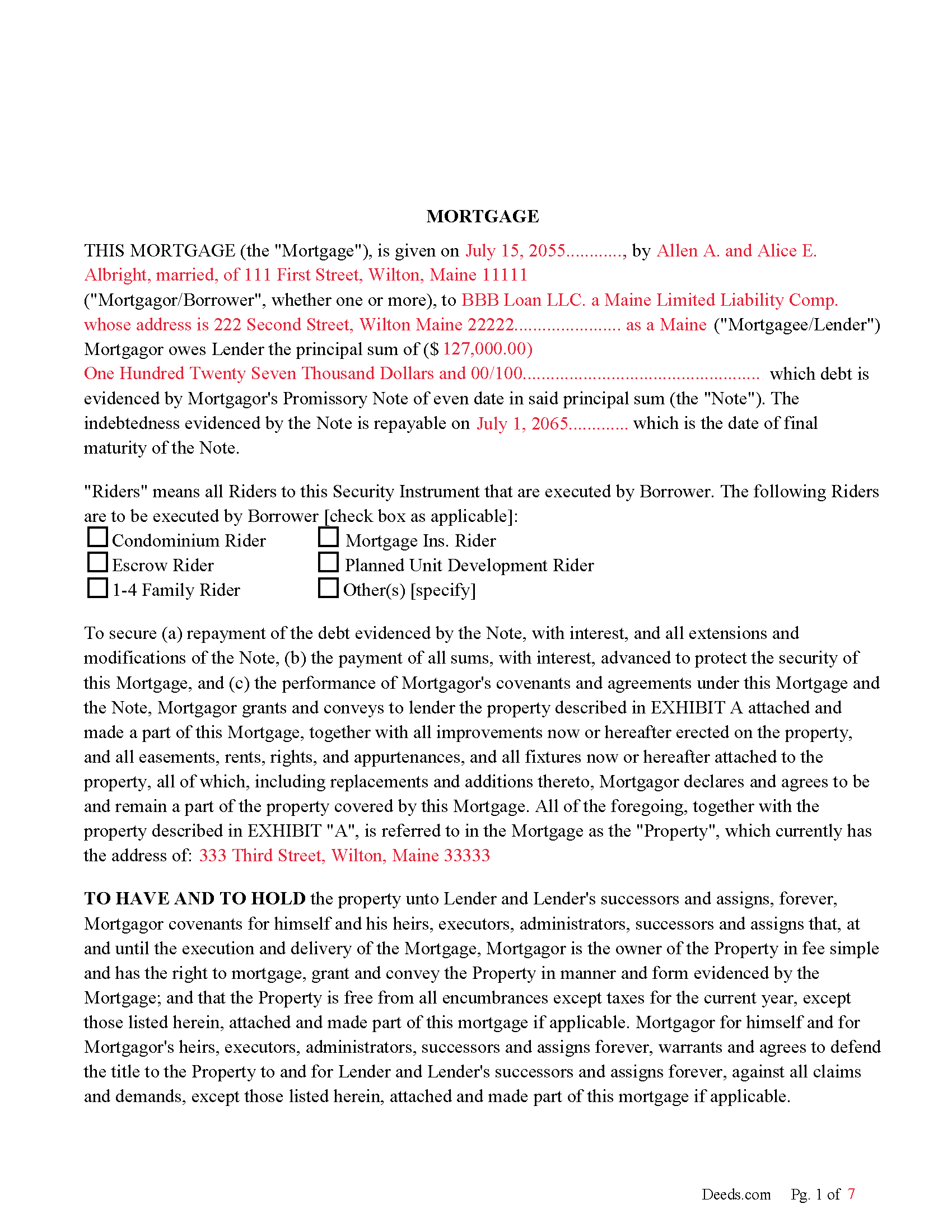
Hancock County Completed Example of the Mortgage Document
Example of a properly completed form for reference.
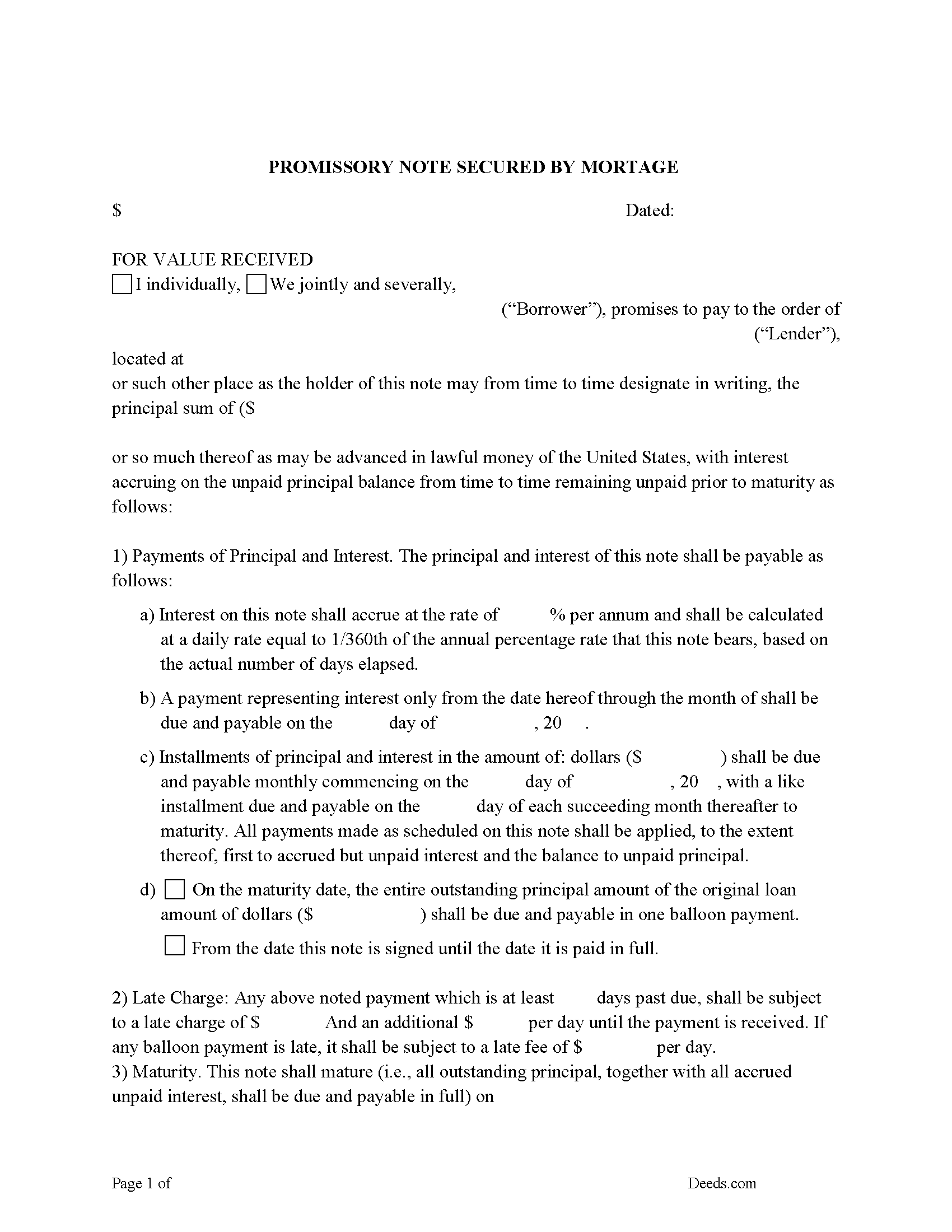
Hancock County Promissory Note Form
Note that is secured by the Mortgage.
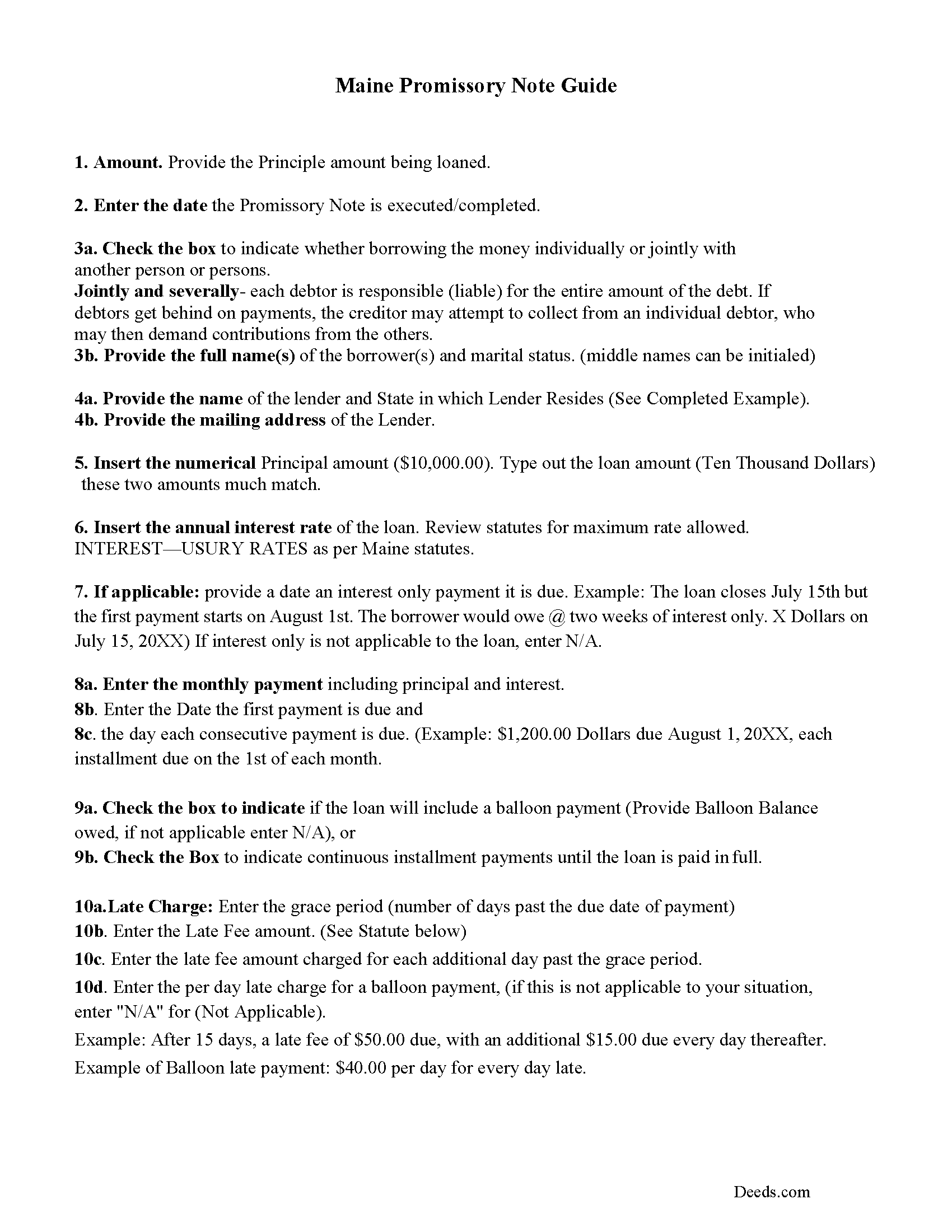
Hancock County Promissory Note Guidelines
Line by line guide explaining every blank on the form.
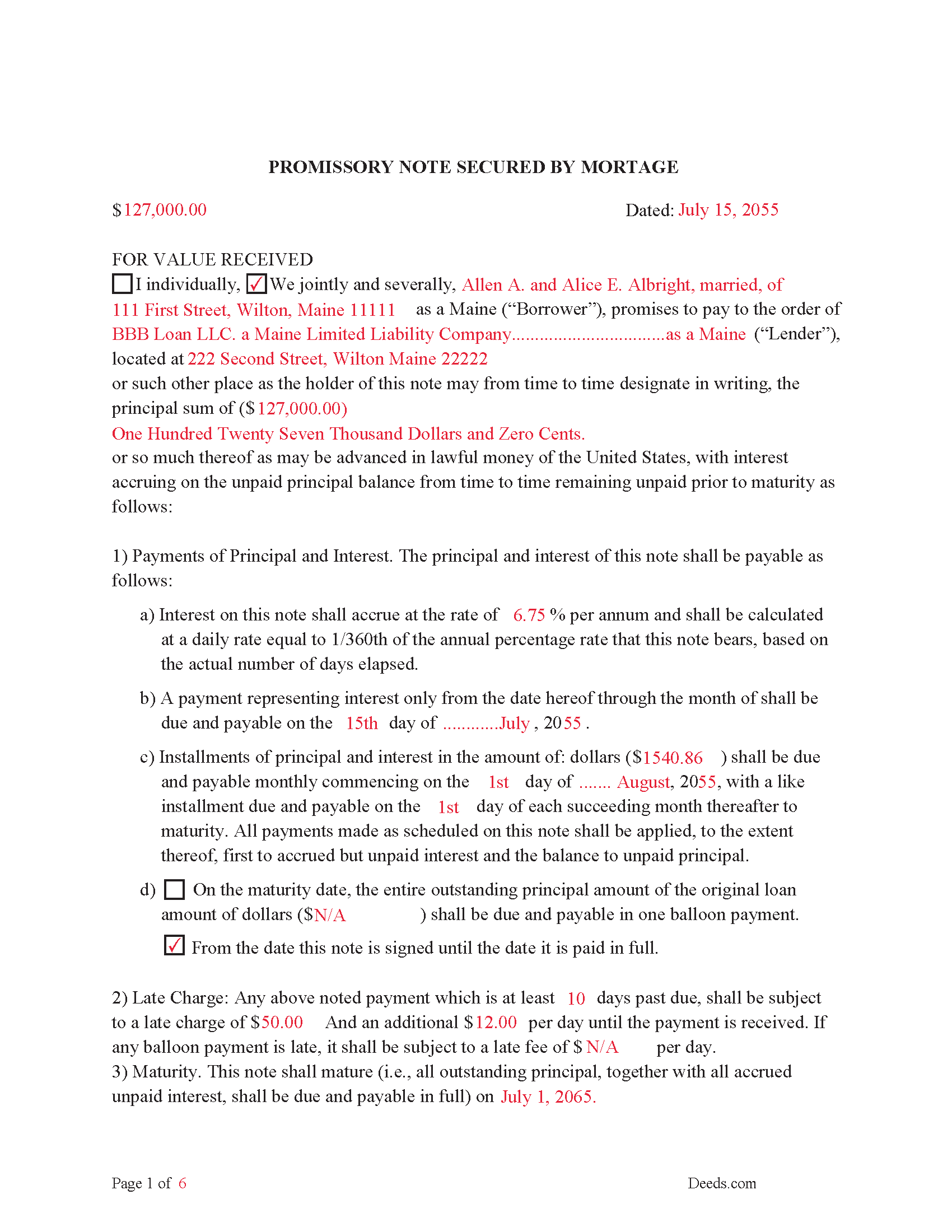
Hancock County Completed Example of the Promissory Note Document
This Promissory Note is filled in and highlighted, showing how the guideline information, can be interpreted into the document.
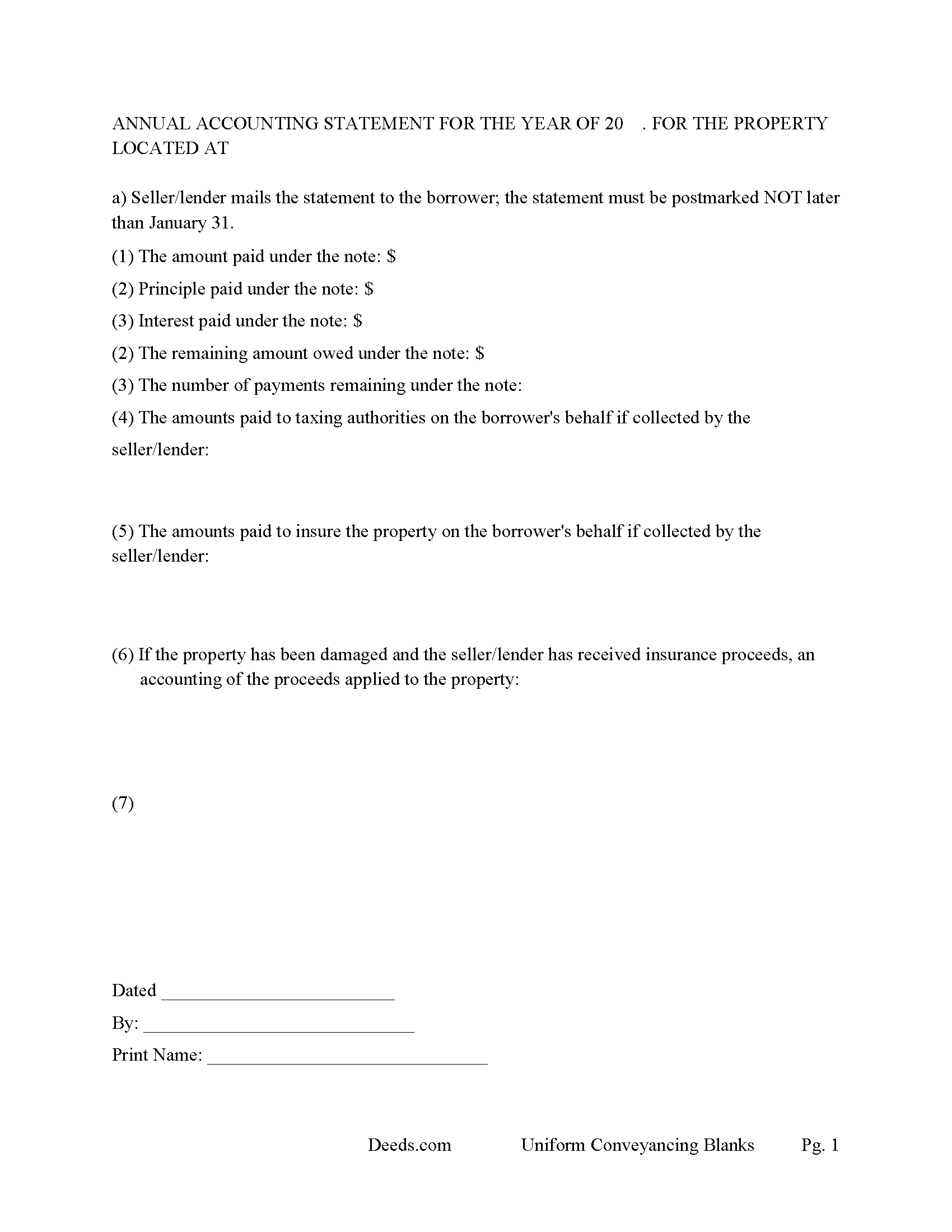
Hancock County Annual Accounting Statement Form
Mail to borrower for fiscal year reporting.
All 7 documents above included • One-time purchase • No recurring fees
Immediate Download • Secure Checkout
Additional Maine and Hancock County documents included at no extra charge:
Where to Record Your Documents
Hancock County Register of Deeds
Ellsworth, Maine 04605
Hours: 7:30 to 4:00 M-F / Recording from 8:30 to 4:00
Phone: (207) 667-8353
Recording Tips for Hancock County:
- Bring your driver's license or state-issued photo ID
- Ensure all signatures are in blue or black ink
- Leave recording info boxes blank - the office fills these
- Make copies of your documents before recording - keep originals safe
- Recorded documents become public record - avoid including SSNs
Cities and Jurisdictions in Hancock County
Properties in any of these areas use Hancock County forms:
- Aurora
- Bar Harbor
- Bass Harbor
- Bernard
- Birch Harbor
- Blue Hill
- Brooklin
- Brooksville
- Bucksport
- Castine
- Corea
- Cranberry Isles
- Deer Isle
- East Blue Hill
- East Orland
- Ellsworth
- Franklin
- Frenchboro
- Gouldsboro
- Hancock
- Harborside
- Hulls Cove
- Islesford
- Little Deer Isle
- Mount Desert
- Northeast Harbor
- Orland
- Penobscot
- Prospect Harbor
- Salsbury Cove
- Sargentville
- Seal Cove
- Seal Harbor
- Sedgwick
- Sorrento
- Southwest Harbor
- Stonington
- Sullivan
- Sunset
- Surry
- Swans Island
- Winter Harbor
Hours, fees, requirements, and more for Hancock County
How do I get my forms?
Forms are available for immediate download after payment. The Hancock County forms will be in your account ready to download to your computer. An account is created for you during checkout if you don't have one. Forms are NOT emailed.
Are these forms guaranteed to be recordable in Hancock County?
Yes. Our form blanks are guaranteed to meet or exceed the applicable formatting requirements used for recording in Hancock County, including margin requirements, font requirements, and other layout standards. This guarantee applies to formatting, not to the legal sufficiency of information entered by the user or the suitability of a form for a particular transaction.
Can I reuse these forms?
Yes. You can reuse the forms for your personal use. For example, if you have multiple properties in Hancock County you only need to order once.
What do I need to use these forms?
The forms are PDFs that you fill out on your computer. The free Adobe Acrobat Reader is recommended, and most PDF apps also work. You do NOT enter your property information online - you download the blank forms and complete them privately on your own computer.
Are there any recurring fees?
No. This is a one-time purchase. Nothing to cancel, no memberships, no recurring fees.
How much does it cost to record in Hancock County?
Recording fees in Hancock County vary. Contact the recorder's office at (207) 667-8353 for current fees.
Questions answered? Let's get started!
Mortgage document and Promissory Note used to finance residential, vacant land, rental property, condominiums, and planned unit developments. This form allows the mortgagee/lender to foreclose traditionally or using the STATUTORY POWER OF SALE (33 M.R.S.A. 501-A) if the property meets certain conditions. This mortgage and promissory note are governed by the laws of the State of Maine and contain strict default terms, this can be advantageous to the lender in case of default.
(Maine Mortgage Package includes forms, guidelines, and completed examples)
For use in Maine only.
Important: Your property must be located in Hancock County to use these forms. Documents should be recorded at the county recording office listed above.
This Mortgage Instrument and Promissory Note meets all recording requirements specific to Hancock County.
Our Promise
The documents you receive here are guaranteed to meet or exceed the applicable Hancock County recording format requirements. If there is a rejection caused by our formatting, we will correct the issue or refund your payment. This guarantee applies to document formatting only and does not extend to information entered by the user, the selection of the form, or the legal effect of the completed document.
Save Time and Money
Get your Hancock County Mortgage Instrument and Promissory Note form done right the first time with Deeds.com Uniform Conveyancing Blanks. At Deeds.com, we understand that your time and money are valuable resources, and we don't want you to face a penalty fee or rejection imposed by a county recorder for submitting nonstandard documents. We constantly review and update our forms to meet rapidly changing state and county recording requirements for roughly 3,500 counties and local jurisdictions.
4.8 out of 5 - ( 4,853 Reviews )
Samantha A. 5 out of 5 stars
Its exactly what it said it was. I received multiple downloads, loaded fast and was pretty easy to navigate.
Thank you for your feedback. We really appreciate it. Have a great day!
Jack A. 5 out of 5 stars
First time user. Great service. If I need other forms, I'll definitely be using Deeds.
We appreciate your business and value your feedback. Thank you. Have a wonderful day!
John M. 5 out of 5 stars
Very satisfied with your service. Considering how complicated real estate titles are, this could not have been simpler. Your website worked perfectly.
Thank you!
Russell F. 5 out of 5 stars
Thanks for the prompt response to my inquiry. I appreciate the extra effort provided by Tom and Melbra. Great job!
Thank you!
Barbara H. 5 out of 5 stars
So far so good. Thanks for making this easy and affordable.
Thank you for your feedback. We really appreciate it. Have a great day!
Karin G. 5 out of 5 stars
All went well. Forms easy to download and instructions were super. Very pleased with the service.
Thank you!
Ernest B. 5 out of 5 stars
Forms were perfect, recorded quickly with no issue.
Thank you!
Eric G. 3 out of 5 stars
Need to offer option to download ALL forms as a single (bookmarked) PDF, rather than as separates... Quite inefficient as is.
Thank you for your feedback. We really appreciate it. Have a great day!
CEDRIC D. 3 out of 5 stars
need more instructions for each form
Thank you for your feedback. We really appreciate it. Have a great day!
Tanya H. 5 out of 5 stars
Could not be happier with deeds.com forms. The guide helped more than one can imagine, great resource.
We appreciate your business and value your feedback. Thank you. Have a wonderful day!
Idiat A. 5 out of 5 stars
Service was fast and easy to use. But let documents appear clearer next time.
Thank you for your feedback. We really appreciate it. Have a great day!
Veda J. 5 out of 5 stars
Good Work!
Thank you!
Michael T. 5 out of 5 stars
Good site. Two things to note. 1. The Documentary Transfer Tax Exemption sheet, the word "computer" is used when I think it should be "computed" Error in state form? 2. The California Trust Guide could have a watermark which is less distracting. Kind of hard to read the print with the DEEDS.COM logo so prominent.
Thank you for your feedback. We really appreciate it. Have a great day!
Bertha V. G. 5 out of 5 stars
Great information and very easy to understand.
Thank you for your feedback. We really appreciate it. Have a great day!
Victor K. 3 out of 5 stars
The form I needed was correct and paginated as required. It was accepted w/o penalties. I was not happy about the information which I found way too scant. One sample form does not cover enough possibilities, more would be helpful. The instruction page is a bit better but sometimes it is not clear enough - sometimes it is not clear what the numbered items in the form correspond to. There is no guidance about the process and it would take very little to provide it. Example about "description", say where to find. There is a bunch of "free forms" attached but no guide on which are needed and when. Example: at the counter I was given a paper "conveyance" form and asked to fill it - I did not know it was needed and what it did and so I had not d
Thank you for your feedback. We really appreciate it. Have a great day!