Hancock County Notice of Furnishing Form
Last validated September 24, 2026 by our Forms Development TeamFormatted for recording in Hancock County, for property anywhere in the county: rural and unincorporated areas as well as Aurora, Bar Harbor, Bass Harbor, Bernard, Birch Harbor, Blue Hill, Brooklin, Brooksville and 34 more.
- 3 documents included
- Immediate PDF download
- Formatting guarantee
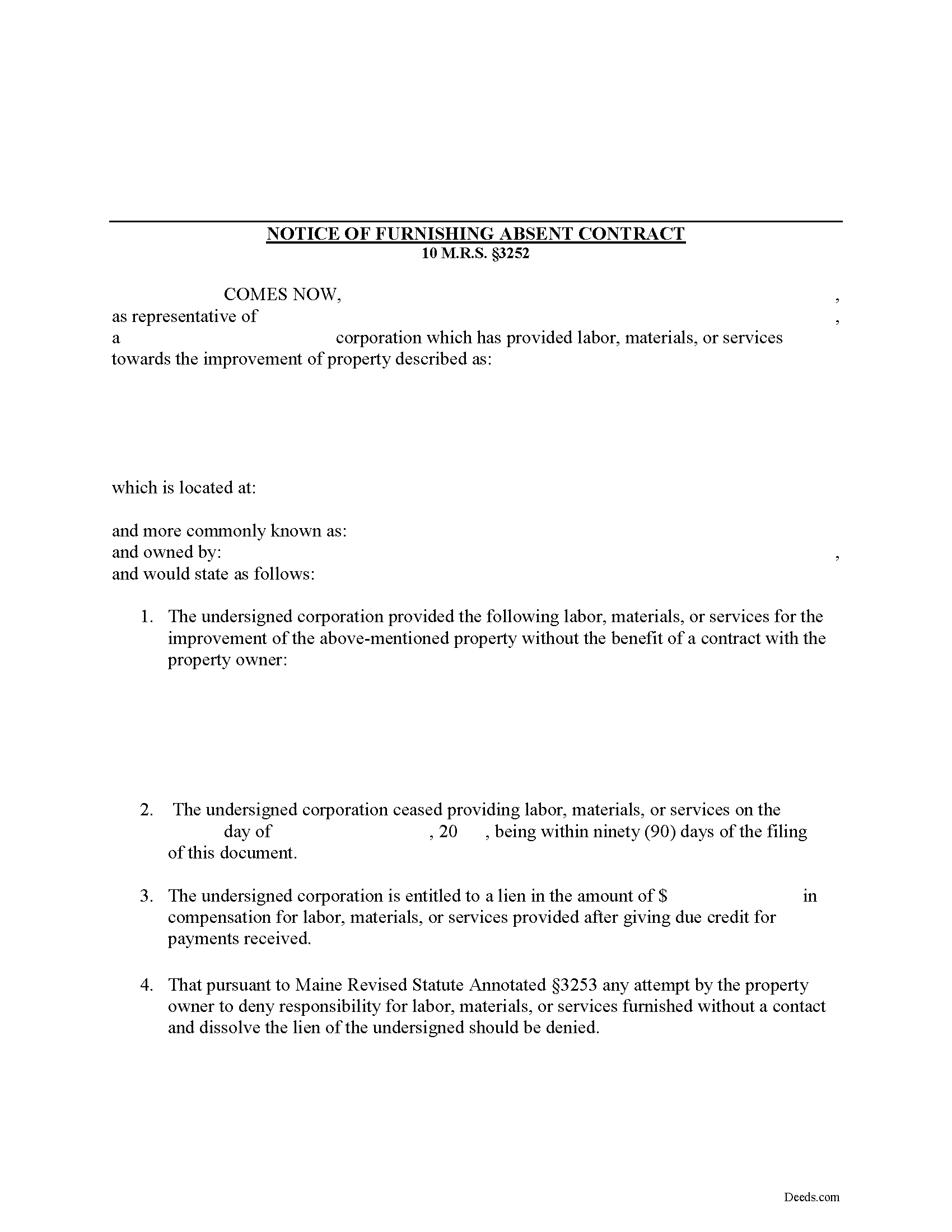
Hancock County Notice of Furnishing Form
Fill in the blank Notice of Furnishing form formatted to comply with all Maine recording and content requirements.
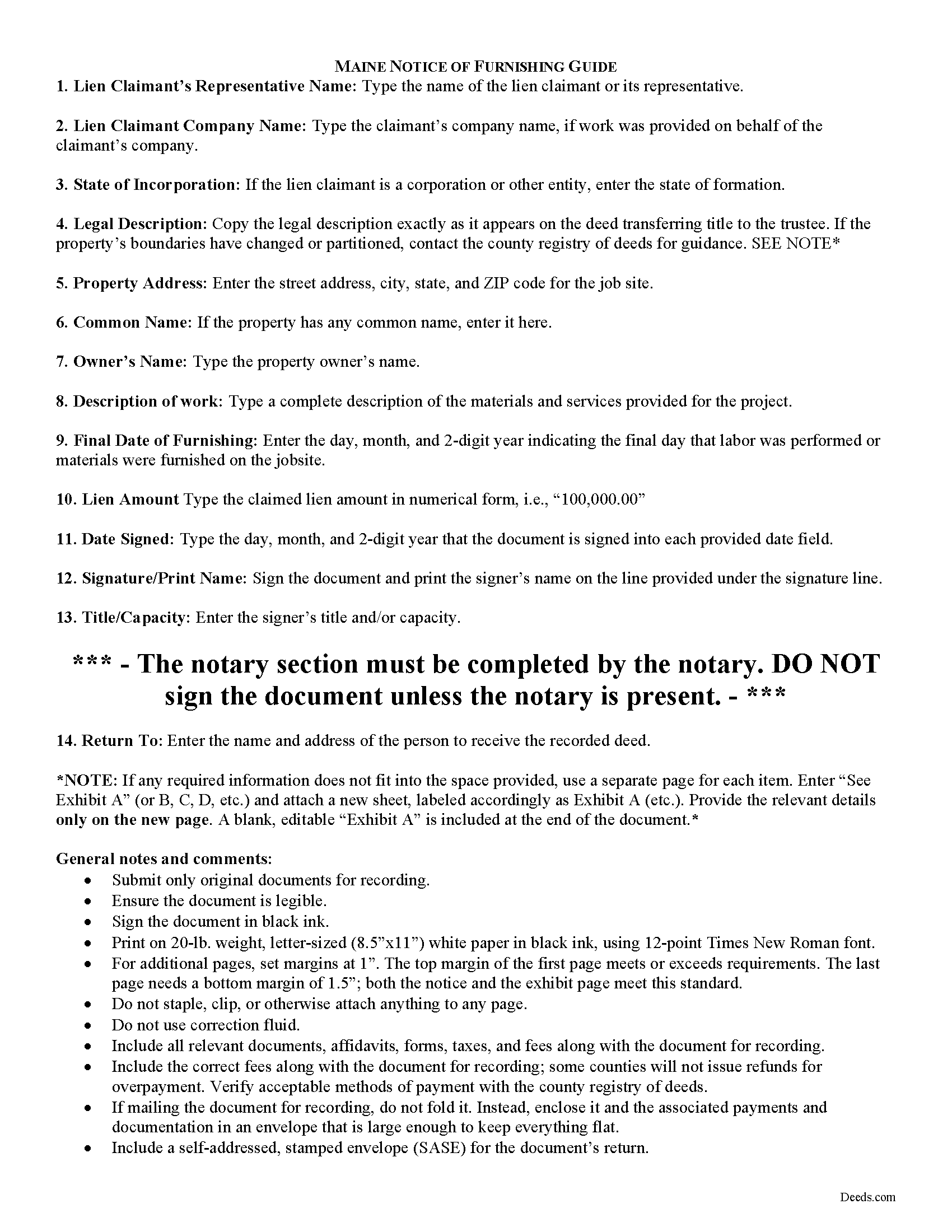
Hancock County Notice of Furnishing Guide
Line by line guide explaining every blank on the form.
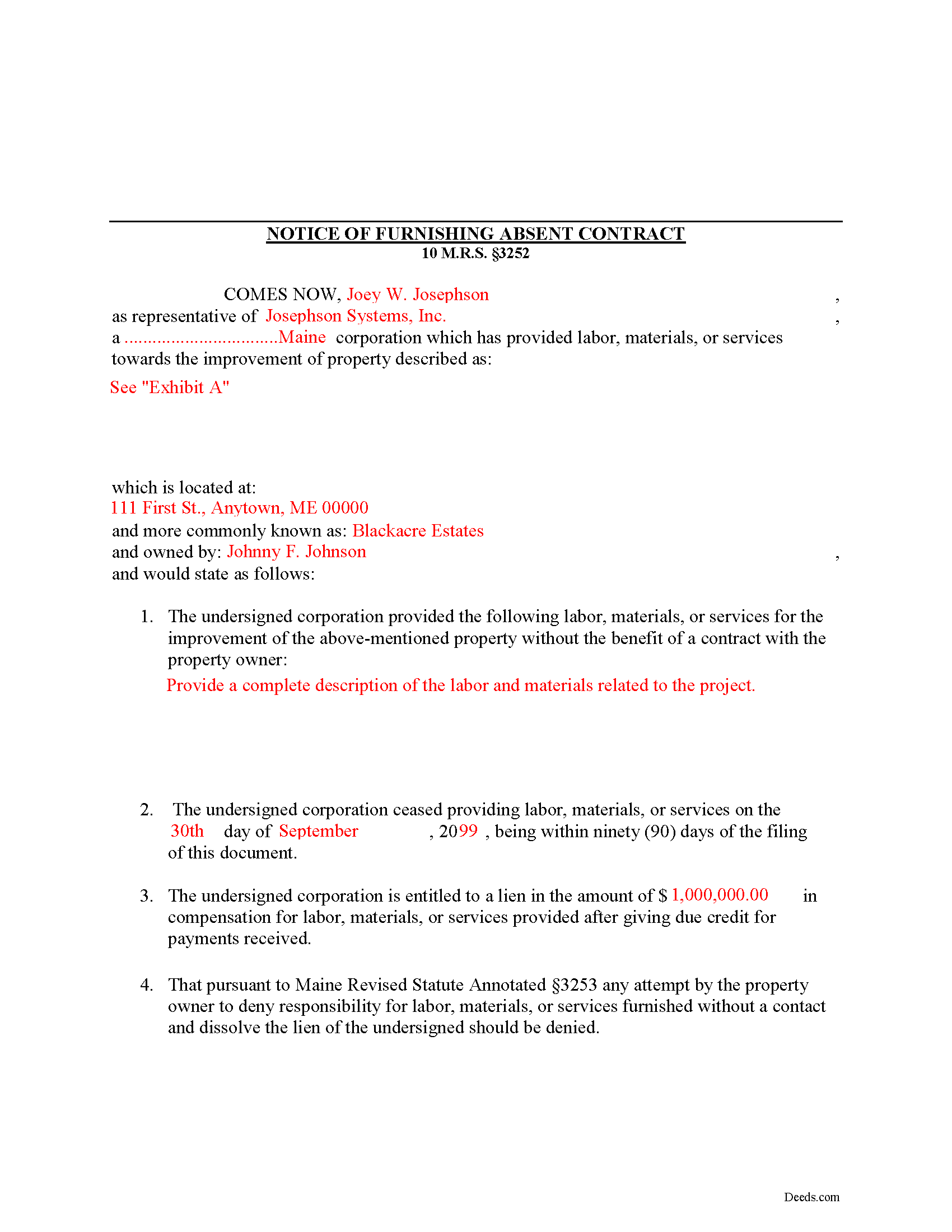
Hancock County Completed Example of the Notice of Furnishing Document
Example of a properly completed form for reference.
All 3 documents above included • One-time purchase • No recurring fees
Immediate Download • Secure Checkout
Additional Maine and Hancock County documents included at no extra charge:
Where to Record Your Documents
Hancock County Register of Deeds
Ellsworth, Maine 04605
Hours: 7:30 to 4:00 M-F / Recording from 8:30 to 4:00
Phone: (207) 667-8353
Recording Tips for Hancock County:
- Bring your driver's license or state-issued photo ID
- Ensure all signatures are in blue or black ink
- Avoid the last business day of the month when possible
- Both spouses typically need to sign if property is jointly owned
- Bring extra funds - fees can vary by document type and page count
Cities and Jurisdictions in Hancock County
Properties in any of these areas use Hancock County forms:
- Aurora
- Bar Harbor
- Bass Harbor
- Bernard
- Birch Harbor
- Blue Hill
- Brooklin
- Brooksville
- Bucksport
- Castine
- Corea
- Cranberry Isles
- Deer Isle
- East Blue Hill
- East Orland
- Ellsworth
- Franklin
- Frenchboro
- Gouldsboro
- Hancock
- Harborside
- Hulls Cove
- Islesford
- Little Deer Isle
- Mount Desert
- Northeast Harbor
- Orland
- Penobscot
- Prospect Harbor
- Salsbury Cove
- Sargentville
- Seal Cove
- Seal Harbor
- Sedgwick
- Sorrento
- Southwest Harbor
- Stonington
- Sullivan
- Sunset
- Surry
- Swans Island
- Winter Harbor
Hours, fees, requirements, and more for Hancock County
How do I get my forms?
Forms are available for immediate download after payment. The Hancock County forms will be in your account ready to download to your computer. An account is created for you during checkout if you don't have one. Forms are NOT emailed.
Are these forms guaranteed to be recordable in Hancock County?
Yes. Our form blanks are guaranteed to meet or exceed the applicable formatting requirements used for recording in Hancock County, including margin requirements, font requirements, and other layout standards. This guarantee applies to formatting, not to the legal sufficiency of information entered by the user or the suitability of a form for a particular transaction.
Can I reuse these forms?
Yes. You can reuse the forms for your personal use. For example, if you have multiple properties in Hancock County you only need to order once.
What do I need to use these forms?
The forms are PDFs that you fill out on your computer. The free Adobe Acrobat Reader is recommended, and most PDF apps also work. You do NOT enter your property information online - you download the blank forms and complete them privately on your own computer.
Are there any recurring fees?
No. This is a one-time purchase. Nothing to cancel, no memberships, no recurring fees.
How much does it cost to record in Hancock County?
Recording fees in Hancock County vary. Contact the recorder's office at (207) 667-8353 for current fees.
Questions answered? Let's get started!
Mechanic's liens are governed under Title 10, Chapter 603 of the Maine Code. In Maine, persons providing labor or furnishing materials or equipment without a contract with the owner should serve the owner with a Notice of Furnishing to protect their lien rights.
If labor, materials or services were not furnished by a contract with the owner of the property affected, the owner may prevent a lien by giving written notice to the person performing or furnishing the same that he will not be obligated to pay for that work. 10 M.R.S. section 3252. The person furnishing labor or materials can act first by serving the Notice of Furnishing before the owner provides a notice of non-responsibility. By doing this, he or she preserves lien rights.
A notice of furnishing identifies the parties, relevant dates and payments, the location and a description of the materials and/or services. Submit the completed, signed, and notarized document to the local office responsible for maintaining land records, and give the property owner a certified copy of the recorded document.
This article is provided for informational purposes only and should not be relied upon as substitute for the advice from an attorney. For any questions regarding the Notice of Furnishing, or any other issues related to liens in Maine, please speak with a licensed attorney.
(Maine NOF Package includes form, guidelines, and completed example)
Important: Your property must be located in Hancock County to use these forms. Documents should be recorded at the county recording office listed above.
This Notice of Furnishing meets all recording requirements specific to Hancock County.
Our Promise
The documents you receive here are guaranteed to meet or exceed the applicable Hancock County recording format requirements. If there is a rejection caused by our formatting, we will correct the issue or refund your payment. This guarantee applies to document formatting only and does not extend to information entered by the user, the selection of the form, or the legal effect of the completed document.
Save Time and Money
Get your Hancock County Notice of Furnishing form done right the first time with Deeds.com Uniform Conveyancing Blanks. At Deeds.com, we understand that your time and money are valuable resources, and we don't want you to face a penalty fee or rejection imposed by a county recorder for submitting nonstandard documents. We constantly review and update our forms to meet rapidly changing state and county recording requirements for roughly 3,500 counties and local jurisdictions.
4.8 out of 5 - ( 4,824 Reviews )
Elaine F. 5 out of 5 stars
Document was easy to use and edit. It was accurate in referring to the appropriate statutes. Would use deeds.com again.
Your satisfaction is important to us. Thank you for the feedback.
Linda B. 5 out of 5 stars
the forms are easy to understand. How do I go about getting the deed recorded and is there a charge.
Thank you for your feedback. We really appreciate it. Have a great day!
Raj J. 5 out of 5 stars
Perfect, thanks
Thank you!
Ginger M. 5 out of 5 stars
Deeds.com shares alot of useful information for home owners home buyers and investors i give it a thumbs up
We appreciate your business and value your feedback. Thank you. Have a wonderful day!
Robert L. 5 out of 5 stars
Fairly easy to use process and somewhat reasonably priced. Printed guide and sample filled in can be very helpful, too.
Thank you for your feedback. We really appreciate it. Have a great day!
JIM H. 5 out of 5 stars
Excellent service Always find the documents in minutes. Supporting docs is a super plus!
Thank you!
Susan A. 5 out of 5 stars
Very convenient. Instructions and samples are a plus because I often see documents incorrectly completed. Take the time to do it right.
We appreciate your business and value your feedback. Thank you. Have a wonderful day!
Anita M. 5 out of 5 stars
This was a very easy process to find the correct documents and download them. The price was also reasonable.
Thank you for your feedback. We really appreciate it. Have a great day!
jennifer e. 5 out of 5 stars
EXCELLENT, PROMPT SERVICE. I will definitely use again .HIGHLY RECOMMEND.
Thank you for your feedback. We really appreciate it. Have a great day!
Jim W. 5 out of 5 stars
ALL I CAN SAY IS WOW. I AM SO GLAD THAT SOMEONE THOUGHT OF THIS OPROCESS FOR NON-TITLE COMPANIES, SMALL COMPANIES, ETC. I REALLY APPRECIATED THE SERVICE WHEN I RECORDED MY FIRST SET OF DOCS HERE. THEY WERE A MESS AND I HAD A LOT OF QUESTIONS. AGAIN THANK YOU!
Thank you for your feedback. We really appreciate it. Have a great day!
Kay Y. 5 out of 5 stars
Fast and easy service.
Your words of encouragement and feedback are greatly appreciated. They motivate us to maintain high standards in our service.
Patricia U. 5 out of 5 stars
Quick and easy document recording from home! Wish I knew about this before!
Thank you for your feedback. We really appreciate it. Have a great day!
Elizabeth W. 5 out of 5 stars
would have been smart to give each pdf a name instead of unintelligible numbers...
Thank you for your feedback. We really appreciate it. Have a great day!
john g. 4 out of 5 stars
no problems got what i needed.
Thanks John.
Aubrey M. 5 out of 5 stars
I am an attorney who was trying to draft some deeds in arizona. The deed templates coupled with the document instructions saved me hours work. At 1st I was skeptical, so spent hours figuring out how to draft the documents, but could have saved so much time If I had just spend the $20 sooner. Would use again is needed a deed format as a basis for my drafting.
Thank you for your feedback. We really appreciate it. Have a great day!