Plymouth County Contractor Full Conditional Lien Waiver Form
Last validated August 27, 2026 by our Forms Development TeamFormatted for recording in Plymouth County, for property anywhere in the county: rural and unincorporated areas as well as Abington, Accord, Brant Rock, Bridgewater, Brockton, Bryantville, Carver, Duxbury and 40 more.
- 3 documents included
- Immediate PDF download
- Formatting guarantee
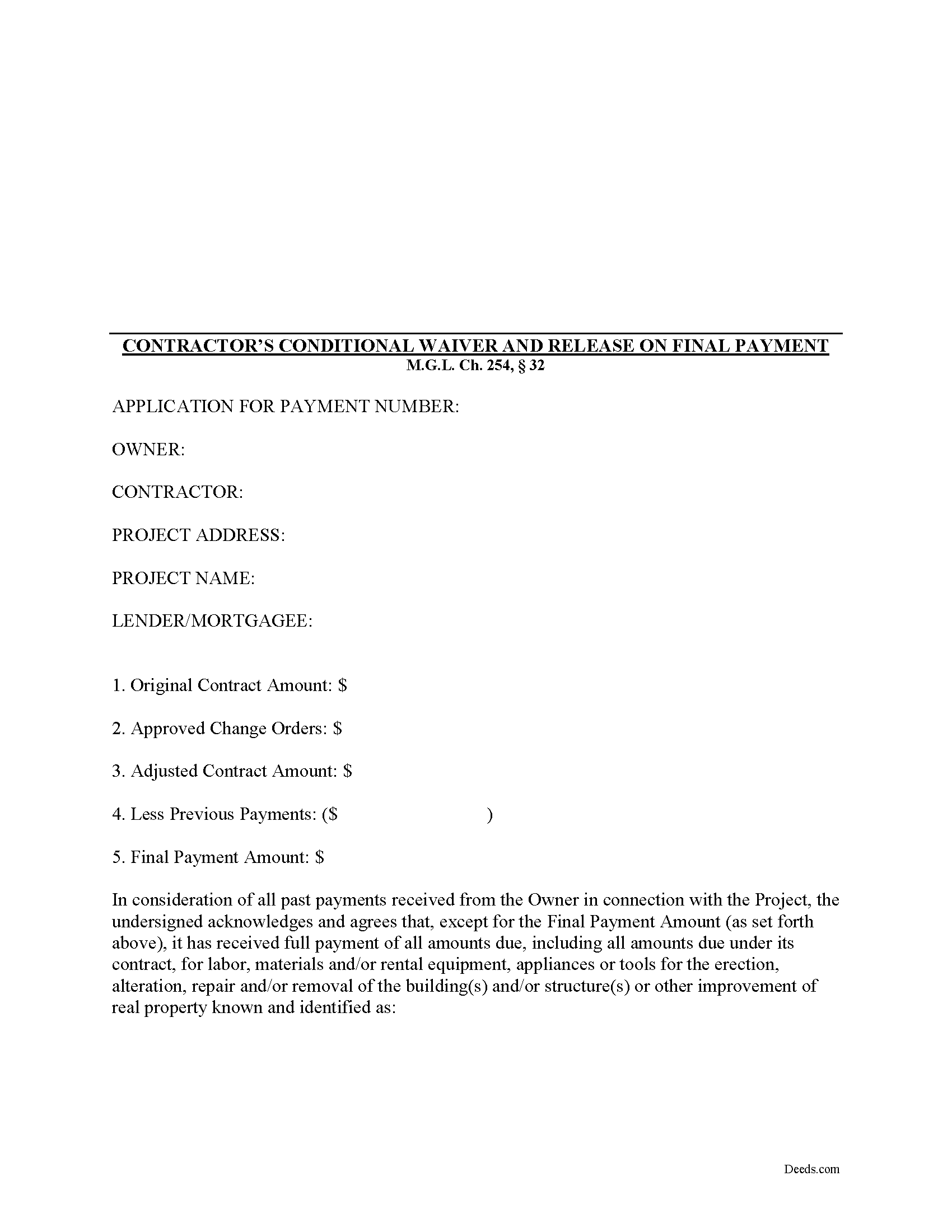
Plymouth County Contractor Full Conditional Lien Waiver Form
Fill in the blank Contractor Full Conditional Lien Waiver form formatted to comply with all Massachusetts recording and content requirements.
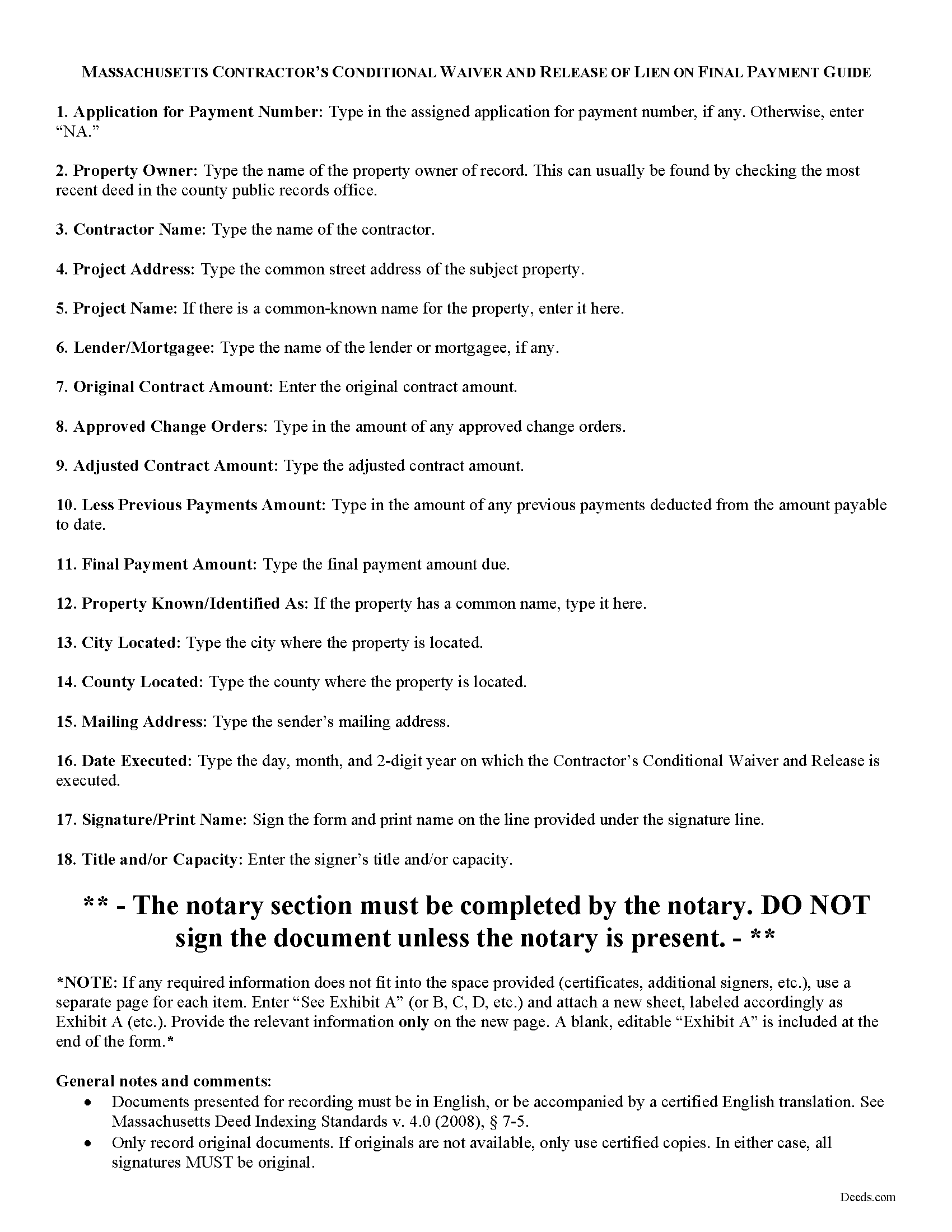
Plymouth County Contractor Full Conditional Lien Waiver Guide
Line by line guide explaining every blank on the form.
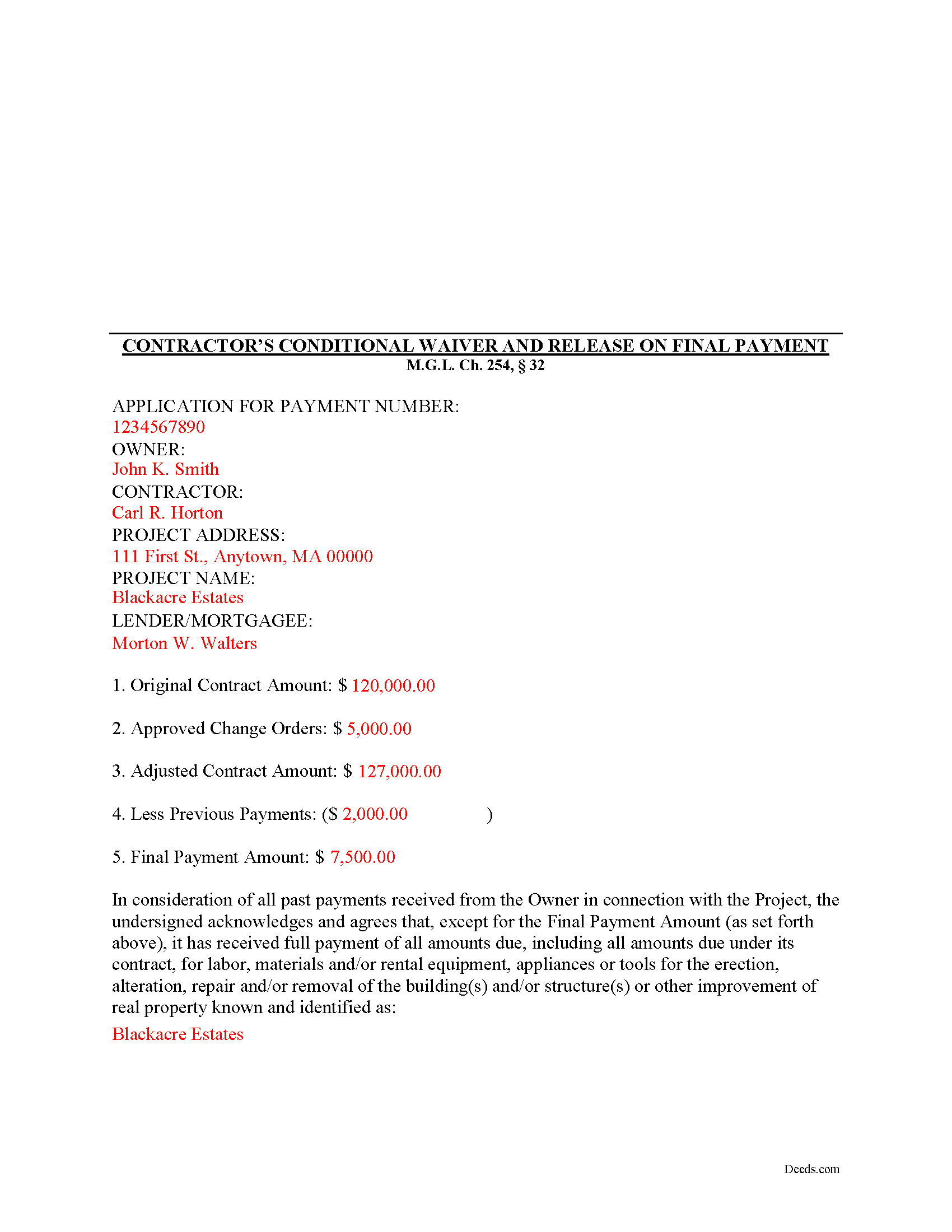
Plymouth County Completed Example of the Contractor Full Conditional Lien Waiver Document
Example of a properly completed form for reference.
All 3 documents above included • One-time purchase • No recurring fees
Immediate Download • Secure Checkout
Additional Massachusetts and Plymouth County documents included at no extra charge:
Where to Record Your Documents
Plymouth - Main Office with Land Court
Plymouth, Massachusetts 02360
Hours: 8:15 to 4:30 M-F / Recording until 4:00
Phone: (508) 830-9200
Brockton Satellite Office
Brockton, Massachusetts 02301
Hours: 8:30 to 12:00 & 12:45 to 4:15 M-F / Recording until 4:00
Phone: (508) 830-9200
Rockland Satellite Office
Rockland, Massachusetts 02370
Hours: 8:30 to 12:00 & 12:45 to 4:15 M-F / Recording until 4:00
Phone: (508) 830-9200
Recording Tips for Plymouth County:
- Bring your driver's license or state-issued photo ID
- Ensure all signatures are in blue or black ink
- Request a receipt showing your recording numbers
- Ask about accepted payment methods when you call ahead
- Ask for certified copies if you need them for other transactions
Cities and Jurisdictions in Plymouth County
Properties in any of these areas use Plymouth County forms:
- Abington
- Accord
- Brant Rock
- Bridgewater
- Brockton
- Bryantville
- Carver
- Duxbury
- East Bridgewater
- East Wareham
- Elmwood
- Green Harbor
- Greenbush
- Halifax
- Hanover
- Hanson
- Hingham
- Hull
- Humarock
- Kingston
- Lakeville
- Manomet
- Marion
- Marshfield
- Marshfield Hills
- Mattapoisett
- Middleboro
- Minot
- Monponsett
- North Carver
- North Marshfield
- North Pembroke
- North Scituate
- Norwell
- Ocean Bluff
- Onset
- Pembroke
- Plymouth
- Plympton
- Rochester
- Rockland
- Scituate
- South Carver
- Wareham
- West Bridgewater
- West Wareham
- White Horse Beach
- Whitman
Hours, fees, requirements, and more for Plymouth County
How do I get my forms?
Forms are available for immediate download after payment. The Plymouth County forms will be in your account ready to download to your computer. An account is created for you during checkout if you don't have one. Forms are NOT emailed.
Are these forms guaranteed to be recordable in Plymouth County?
Yes. Our form blanks are guaranteed to meet or exceed the applicable formatting requirements used for recording in Plymouth County, including margin requirements, font requirements, and other layout standards. This guarantee applies to formatting, not to the legal sufficiency of information entered by the user or the suitability of a form for a particular transaction.
Can I reuse these forms?
Yes. You can reuse the forms for your personal use. For example, if you have multiple properties in Plymouth County you only need to order once.
What do I need to use these forms?
The forms are PDFs that you fill out on your computer. The free Adobe Acrobat Reader is recommended, and most PDF apps also work. You do NOT enter your property information online - you download the blank forms and complete them privately on your own computer.
Are there any recurring fees?
No. This is a one-time purchase. Nothing to cancel, no memberships, no recurring fees.
How much does it cost to record in Plymouth County?
Recording fees in Plymouth County vary. Contact the recorder's office at (508) 830-9200 for current fees.
Questions answered? Let's get started!
Massachusetts Contractor's Full Conditional Lien Waiver
The Contractor's Full Conditional Lien Waiver is useful for situations where a contractor seeks full payment, but will only waive lien rights after the bank pays the check.
Lien waivers are used between contractors (also subcontractors and suppliers) and property owners as a quid-pro-quo arrangement between the contractor and owner. The purpose of a waiver is to influence payment from the owner in return for the contractor waiving future mechanic's lien rights.
In Massachusetts, any promise or agreement that bars the filing of a Notice of Contract is void and unenforceable, but that prohibition does not apply to full or partial lien waivers or dissolutions of liens. M.G.L. Ch. 254, 32. Therefore, the parties can use waivers to facilitate payment and ease concerns of hidden liens.
In general, Massachusetts recognizes four types of lien waivers: Partial Waiver by Contractor, Full Conditional Waiver by Contractor, Partial Waiver by Subcontractor, and Full Conditional Waiver by Subcontractor. Id. As their titles suggest, contractors should use a contractor's waiver and subcontractors should use a waiver designated for a subcontractor. Only offer full waivers on a full and final payment; the waiver is conditioned on the payment clearing the bank.
Lawful waivers identify the parties to the contract, the claimant, the property, the nature of work, payment information, and anything else necessary for clarity or to meet local requirements. The claimant (or authorized representative) must sign the completed waiver in front of a notary, then submit the document to the recording office for the county where the property is located.
Using lien waivers properly can ensure smoother relations between the parties on a construction job and alleviate and feelings of mistrust or concern. This article is provided for informational purposes only and should not be relied upon as a substitute for advice from an attorney. Please speak with a Massachusetts attorney if you have any questions about lien waivers or for any other issues concerning mechanic's liens.
Important: Your property must be located in Plymouth County to use these forms. Documents should be recorded at the county recording office listed above.
This Contractor Full Conditional Lien Waiver meets all recording requirements specific to Plymouth County.
Our Promise
The documents you receive here are guaranteed to meet or exceed the applicable Plymouth County recording format requirements. If there is a rejection caused by our formatting, we will correct the issue or refund your payment. This guarantee applies to document formatting only and does not extend to information entered by the user, the selection of the form, or the legal effect of the completed document.
Save Time and Money
Get your Plymouth County Contractor Full Conditional Lien Waiver form done right the first time with Deeds.com Uniform Conveyancing Blanks. At Deeds.com, we understand that your time and money are valuable resources, and we don't want you to face a penalty fee or rejection imposed by a county recorder for submitting nonstandard documents. We constantly review and update our forms to meet rapidly changing state and county recording requirements for roughly 3,500 counties and local jurisdictions.
4.8 out of 5 - ( 4,828 Reviews )
Joni S. 5 out of 5 stars
Excellent service, no hassle, easy to use, affordable, best service -- hands down. I thought it would be difficult for me to record a deed in Florida while residing in California but you made it so easy. I will tell everyone about your service. Thank you.
Your feedback is greatly appreciated. Thank you for taking the time to share your experience!
DAVID E. 5 out of 5 stars
Very professional and knowledgeable. Great communication.
Your feedback is greatly appreciated. Thank you for taking the time to share your experience!
Jane B. 5 out of 5 stars
Easy to use,thanks
Thank you!
Tiffany Dawn J. 3 out of 5 stars
Would be nice to have a better description on how to complete the forms if it is separated couple and one is signing the deed over to the other. I am still unsure how it should be worded. Disappointed that the guide didn't have better explanations.
Thank you for your feedback. We really appreciate it. Have a great day!
Shari S. 5 out of 5 stars
Deeds.com is a wonderful resource providing helpful information, forms, examples, and instructions. Thank you for your service.
We appreciate your business and value your feedback. Thank you. Have a wonderful day!
JENNIE W. 5 out of 5 stars
This is so much easier than going downtown to file paperwork! Thanks deeds.com!
Thank you!
Alan C. 3 out of 5 stars
I thought the instructions could have been a little better. I didn't know how to do this if the spouses are married but living in separate residences. Also I didn't understand the "Prior Instrument Reference". That should be explained better. Very sketchy instructions.
Thank you for your feedback. We really appreciate it. Have a great day!
Margo M. 4 out of 5 stars
So far help has been good given some of the information you don't have as far as making corrections. This is my first time using your service so maybe I will be better at utilizing it if I have to again.
Thank you for your feedback. We really appreciate it. Have a great day!
George W. 5 out of 5 stars
The process was easy and the forms were a very complete package. FAST AND EASY DOWNLOAD
Thank you George.
Laura L. 5 out of 5 stars
The website looks good and probably like it is easy to use, but I needed a deed in lieu and couldn't fine one.
Thank you for your feedback. We really appreciate it. Have a great day!
Jim B. 5 out of 5 stars
Would be great if you would just put all of these documents into ONE .pdf.
Thank you for your feedback. We really appreciate it. Have a great day!
Susan Mary S. 5 out of 5 stars
Thank you for the thorough assortment of forms!
Thank you for your feedback. We really appreciate it. Have a great day!
Ronald T H. 5 out of 5 stars
Wow ! Easy to use. Thanks Ron Holt
We appreciate your business and value your feedback. Thank you. Have a wonderful day!
Don R. 3 out of 5 stars
From Pennsylvania here. Documents are great and easy to fill out however you are lacking a couple of things. You only provide the option for a Grant Deed when you purchase by your county which is Mercer County for me. Why not give the ability to get a Warranty Deed that better protects the Grantee? Also, being from Pennsylvania and in a county that mined Buituminous Coal we are required to include the Coal Severance Notice and Bituminous Mine Subsidence and Land Conservation Act Notice. You can check the box on your Deed form that they are required and attached but you do not provide the verbiage or form for this. You state that you know what each county requires and include everything required but you do not include these two required Notices. This has been a requirement for years and the wording never changes. I had to look for these Notices and hand type this information and include it on another seperate page after the Notary section on the Deed. The Grantor has to sign the Coal Severance Notice and be witnessed by a Notary so I had to add another place for the Notary and will have to pay twice for witnessed signatures when it could have been included in your document. My Deed from 2003 was done that way and then the Notary statement after that so it was only one notarized witness of signature.
Thank you for your feedback. We really appreciate it. Have a great day!
Tajsha N. 5 out of 5 stars
I would absolutely use this service again. It was very convenient and I was pleasantly surprised at how responsive the staff was letting me know updates to my recording package. Also, my documents recorded immediately. I did have trouble uploading my document in the beginning because I didn't realize it had to be a pdf file. Once I figured that out, it was immediately accepted. Great service!
We appreciate your business and value your feedback. Thank you. Have a wonderful day!