Dukes County Quitclaim Deed (Individual Grantor) Form
Last validated September 29, 2026 by our Forms Development TeamFormatted for recording in Dukes County, for property anywhere in the county: rural and unincorporated areas as well as Chilmark, Cuttyhunk, Edgartown, Menemsha, Oak Bluffs, Vineyard Haven, West Chop, West Tisbury.
- 3 documents included
- Immediate PDF download
- Formatting guarantee
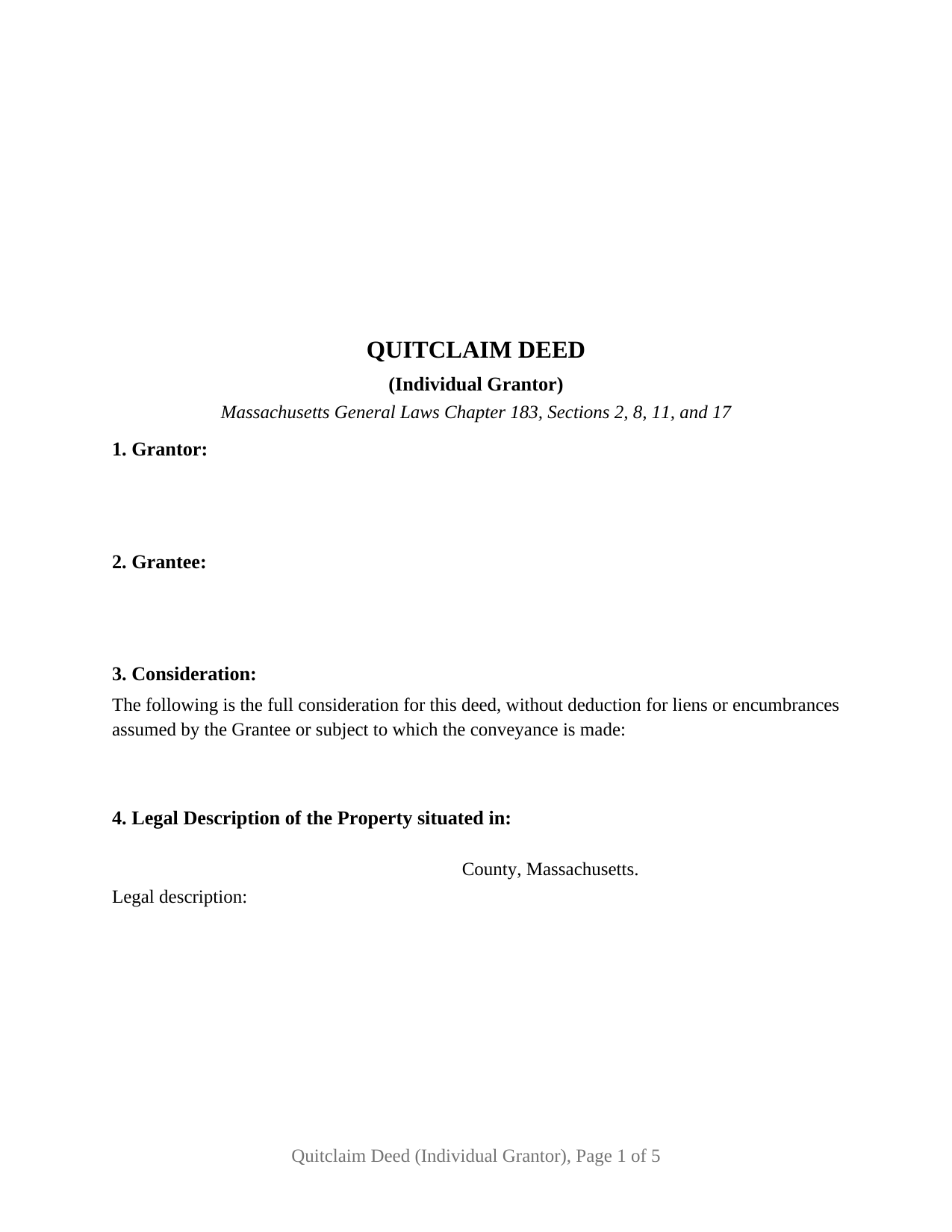
Dukes County Quitclaim Deed (Individual Grantor) Form
Fill in the blank Quitclaim Deed (Individual Grantor) form formatted to comply with all Massachusetts recording and content requirements.
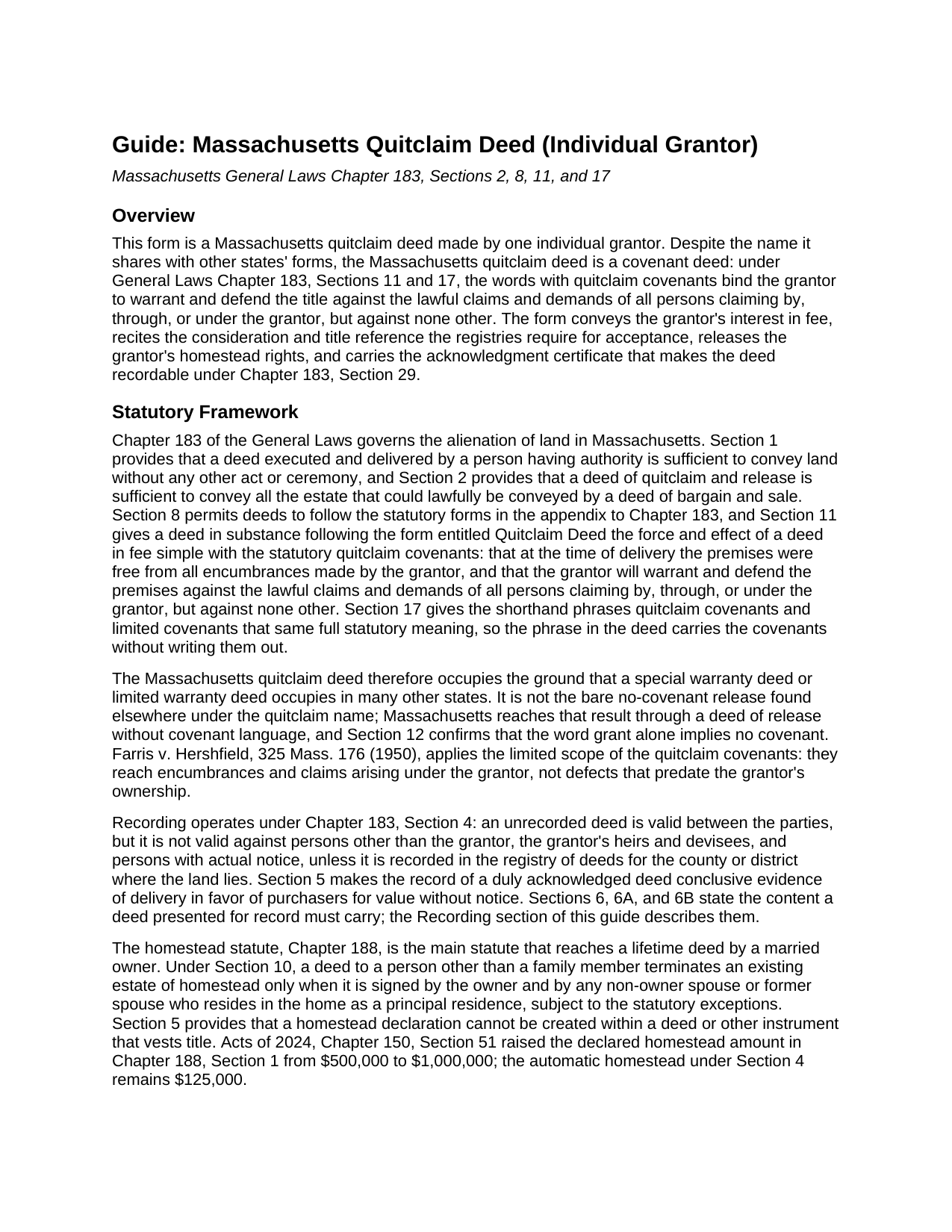
Dukes County Quitclaim Deed (Individual Grantor) Guide
Line by line guide explaining every blank on the Quitclaim Deed (Individual Grantor) form.
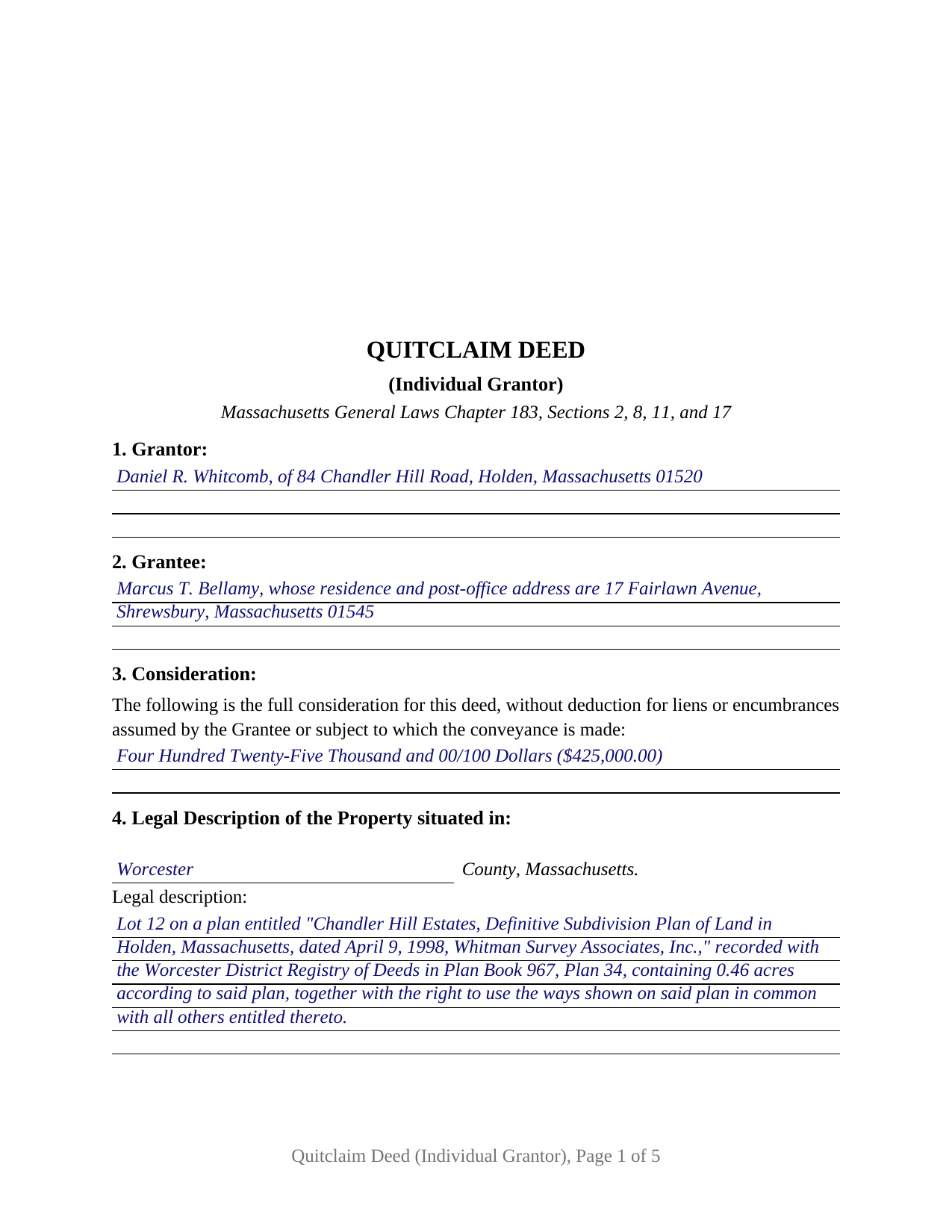
Dukes County Completed Example of the Quitclaim Deed (Individual Grantor) Document
Example of a properly completed Massachusetts Quitclaim Deed (Individual Grantor) document for reference.
All 3 documents above included • One-time purchase • No recurring fees
Immediate Download • Secure Checkout
Additional Massachusetts and Dukes County documents included at no extra charge:
Where to Record Your Documents
Registry of Deeds
Edgartown, Massachusetts 02539
Hours: 8:30 to 4:30 M-F / Recording: 8:30 to 12:30 & 1:30 to 4:00
Phone: (508) 627-4025
Martha's Vineyard Land Bank Commission
Edgartown, Massachusetts 02539
Hours:
Phone: (508) 627-7141
Recording Tips for Dukes County:
- Bring your driver's license or state-issued photo ID
- Ensure all signatures are in blue or black ink
- Avoid the last business day of the month when possible
- Both spouses typically need to sign if property is jointly owned
- Bring extra funds - fees can vary by document type and page count
Cities and Jurisdictions in Dukes County
Properties in any of these areas use Dukes County forms:
- Chilmark
- Cuttyhunk
- Edgartown
- Menemsha
- Oak Bluffs
- Vineyard Haven
- West Chop
- West Tisbury
Hours, fees, requirements, and more for Dukes County
How do I get my forms?
Forms are available for immediate download after payment. The Dukes County forms will be in your account ready to download to your computer. An account is created for you during checkout if you don't have one. Forms are NOT emailed.
Are these forms guaranteed to be recordable in Dukes County?
Yes. Our form blanks are guaranteed to meet or exceed the applicable formatting requirements used for recording in Dukes County, including margin requirements, font requirements, and other layout standards. This guarantee applies to formatting, not to the legal sufficiency of information entered by the user or the suitability of a form for a particular transaction.
Can I reuse these forms?
Yes. You can reuse the forms for your personal use. For example, if you have multiple properties in Dukes County you only need to order once.
What do I need to use these forms?
The forms are PDFs that you fill out on your computer. The free Adobe Acrobat Reader is recommended, and most PDF apps also work. You do NOT enter your property information online - you download the blank forms and complete them privately on your own computer.
Are there any recurring fees?
No. This is a one-time purchase. Nothing to cancel, no memberships, no recurring fees.
How much does it cost to record in Dukes County?
Recording fees in Dukes County vary. Contact the recorder's office at (508) 627-4025 for current fees.
Questions answered? Let's get started!
A Massachusetts quitclaim deed is not the bare, promise-free release that carries the same name in most other states. Under General Laws Chapter 183, Sections 11 and 17, the phrase with quitclaim covenants binds the grantor to warrant and defend the title against the claims of anyone claiming by, through, or under the grantor, but against none other, and that covenant package makes the quitclaim deed the standard conveyancing instrument in Massachusetts practice. This version of the form recites one individual grantor: one owner of record, one signature line, one acknowledgment certificate, and a labeled homestead release block for a non-owner spouse.
A quitclaim with covenants behind it
Chapter 183, Section 11 gives a deed following the statutory Quitclaim Deed form the force of a deed in fee simple with covenants that the premises are free from all encumbrances made by the grantor and that the grantor will warrant and defend against claims arising by, through, or under the grantor. Section 17 packs that entire covenant into the shorthand phrase quitclaim covenants, and this deed both uses the phrase and writes the covenant out, so the instrument reads complete on its face. The result occupies the ground a special warranty deed or limited warranty deed occupies elsewhere: the grantor stands behind the grantor's own period of ownership, while defects that predate it sit outside the covenants, the line the Supreme Judicial Court applied in Farris v. Hershfield. An encumbrances section lists the mortgages, easements, and other matters the conveyance is subject to, and the deed excepts the listed matters from the covenant. A search for a Massachusetts quit claim deed or release deed form lands on this same statutory instrument.
One grantor, one certificate, and the homestead release
The deed recites exactly one grantor of record, who signs before a notary public; the acknowledgment certificate carries the substance of the statutory form in General Laws Chapter 222, Section 15, with the notary's printed name and commission expiration the registries look for. Section 10 of the deed is a separate labeled signature line for a non-owner spouse or former spouse who occupies the property as a principal residence: under Chapter 188, Section 10, a deed to someone outside the family terminates an existing estate of homestead only when that person signs together with the owner. The block carries its own acknowledgment certificate and remains empty when no such spouse exists. A sole owner conveying to a buyer, an unmarried owner passing title to family, and a married owner who holds record title alone with a spouse joining to release homestead all present the single-grantor pattern this deed recites. The form is not set up as a two-grantor, entity, or fiduciary instrument; those configurations recite different signature and capacity patterns.
What the registry looks for
The deed is recorded at the registry of deeds for the county or registry district where the land lies. Chapter 183 states three content rules the registries apply at the counter, and the form carries a blank for each: Section 6 calls for the grantee's full name, residence, and post-office address along with a recital of the full consideration in dollars; Section 6A calls for a title reference identifying the land by a prior recorded deed or plan, the customary being-the-same-premises sentence; and Section 6B calls for the property's street address. The statewide recording fee for a deed is $155, and the deeds excise under Chapter 64D runs $2.28 per $500 of consideration or fraction, $3.24 per $500 in Barnstable County, paid by excise stamps at recording. The completed example shows a Worcester District Registry of Deeds fact pattern with every blank filled the way the registry sees it, from the covenant language to the excise-bearing consideration recital.
What the download includes
The package delivers the fillable quitclaim deed, the completed example, and a guide that walks through each section of the form, the acknowledgment certificate, the homestead release, and the recording steps, including the deeds excise and the assessor transfer reporting that accompany a Massachusetts deed. The materials describe Massachusetts law in general terms and are not legal advice.
Important: Your property must be located in Dukes County to use these forms. Documents should be recorded at the county recording office listed above.
This Quitclaim Deed (Individual Grantor) meets all recording requirements specific to Dukes County.
Our Promise
The documents you receive here are guaranteed to meet or exceed the applicable Dukes County recording format requirements. If there is a rejection caused by our formatting, we will correct the issue or refund your payment. This guarantee applies to document formatting only and does not extend to information entered by the user, the selection of the form, or the legal effect of the completed document.
Save Time and Money
Get your Dukes County Quitclaim Deed (Individual Grantor) form done right the first time with Deeds.com Uniform Conveyancing Blanks. At Deeds.com, we understand that your time and money are valuable resources, and we don't want you to face a penalty fee or rejection imposed by a county recorder for submitting nonstandard documents. We constantly review and update our forms to meet rapidly changing state and county recording requirements for roughly 3,500 counties and local jurisdictions.
4.8 out of 5 - ( 4,825 Reviews )
Regina S. 5 out of 5 stars
5 STARS!!! YOU WERE AWESOME!
We appreciate your business and value your feedback. Thank you. Have a wonderful day!
Robert S. 5 out of 5 stars
Documents available immediately as advertised. Was easy to understand the guide and complete the deed form for notarization and filing for recording.
Thank you!
Jane D. 5 out of 5 stars
Very easy to navigate and we get exactly what we need, when we need it! Also, they keep Tra k of previous purchases, so you don't have to repurchase! It's great!
We appreciate your business and value your feedback. Thank you. Have a wonderful day!
Sharon M. 5 out of 5 stars
I will be going through title, so didn't order deed, but I think your website is wonderful. It's great to offer online services, such a great time saving for me with my work. Thank you, Sharon M.
Thank you for taking the time to leave your feedback Sharon, we really appreciate it. Have a fantastic day!
Chris D. 5 out of 5 stars
Easy and affordable. I would recommend deeds.com
Thank you!
Stacey H. 5 out of 5 stars
This was my first time using Deeds.com and I was very impressed on the professionalism and the expediency of the recording. Will definitely be using them again. Stacey H.
Your satisfaction with our services is of utmost importance to us. Thank you for letting us know how we did!
Sean D. 5 out of 5 stars
I am new to needing this type of service, and the Deeds.Com team has been fantastic. Responsive, professional, and thorough are the first 3 words that come to mind. Deeds.Com will be my first choice for all of our county recorder needs.
Thank you!
Stephen D. 5 out of 5 stars
Very good hope to use in the future.
Thank you for your feedback. We really appreciate it. Have a great day!
Meredith B. 5 out of 5 stars
Clean and easy process. Super attentive and helpful.
Thank you!
Theresa M. 5 out of 5 stars
This company was very thorough in having all the forms that I needed.
Thank you!
Suzanne W. 5 out of 5 stars
Excellent service, knowledgeable, and quick responses. I'll be using this service again for any future filing needs. WAY better than going to the filing office in person!
Thank you so much for the kind words Suzanne, glad we could help.
Pamela W. 5 out of 5 stars
This was so easy! Doing it this way saved me a bundle. I used the example form to make sure mine was correct. I would highly recommend this to anyone.
Thanks Pamela. We're glad the completed example was helpful.
Lowell R. 5 out of 5 stars
Awesome. Quick informative and very easy. I made a mistake the first time, emailed you and was able to get it fixed quickly and got it done.
Thank you for your feedback. We really appreciate it. Have a great day!
Laurie S. 5 out of 5 stars
This was amazingly easy to access.
We appreciate your business and value your feedback. Thank you. Have a wonderful day!
Arthur M. 5 out of 5 stars
A good service that saves a lot of time and precludes making a trip to the County Assessors Office. Valuable service.
Thank you!