Dukes County Easement Deed Form
Last validated September 17, 2026 by our Forms Development TeamFormatted for recording in Dukes County, for property anywhere in the county: rural and unincorporated areas as well as Chilmark, Cuttyhunk, Edgartown, Menemsha, Oak Bluffs, Vineyard Haven, West Chop, West Tisbury.
- 4 documents included
- Immediate PDF download
- Formatting guarantee
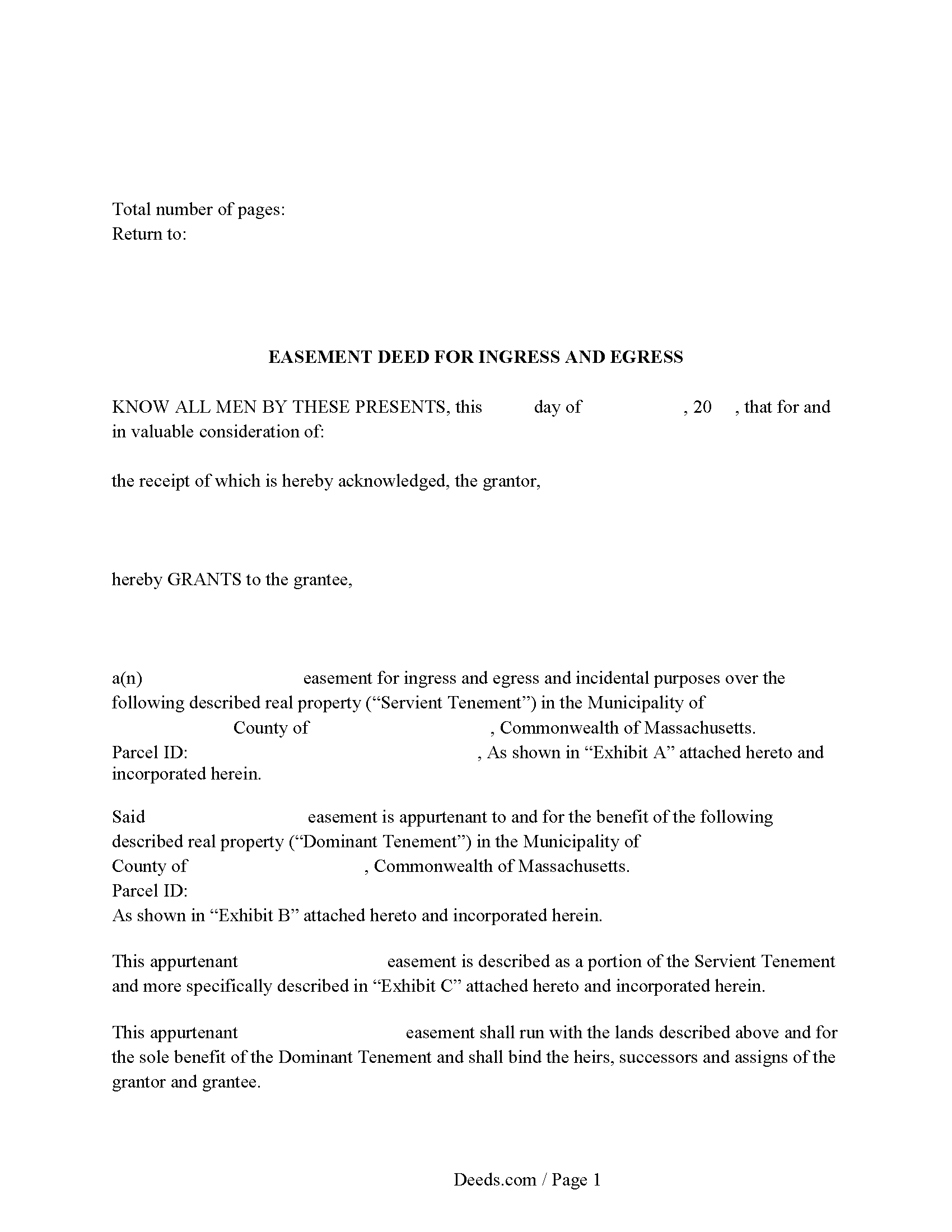
Dukes County Easement Deed Form
Fill in the blank form formatted to comply with all recording and content requirements.
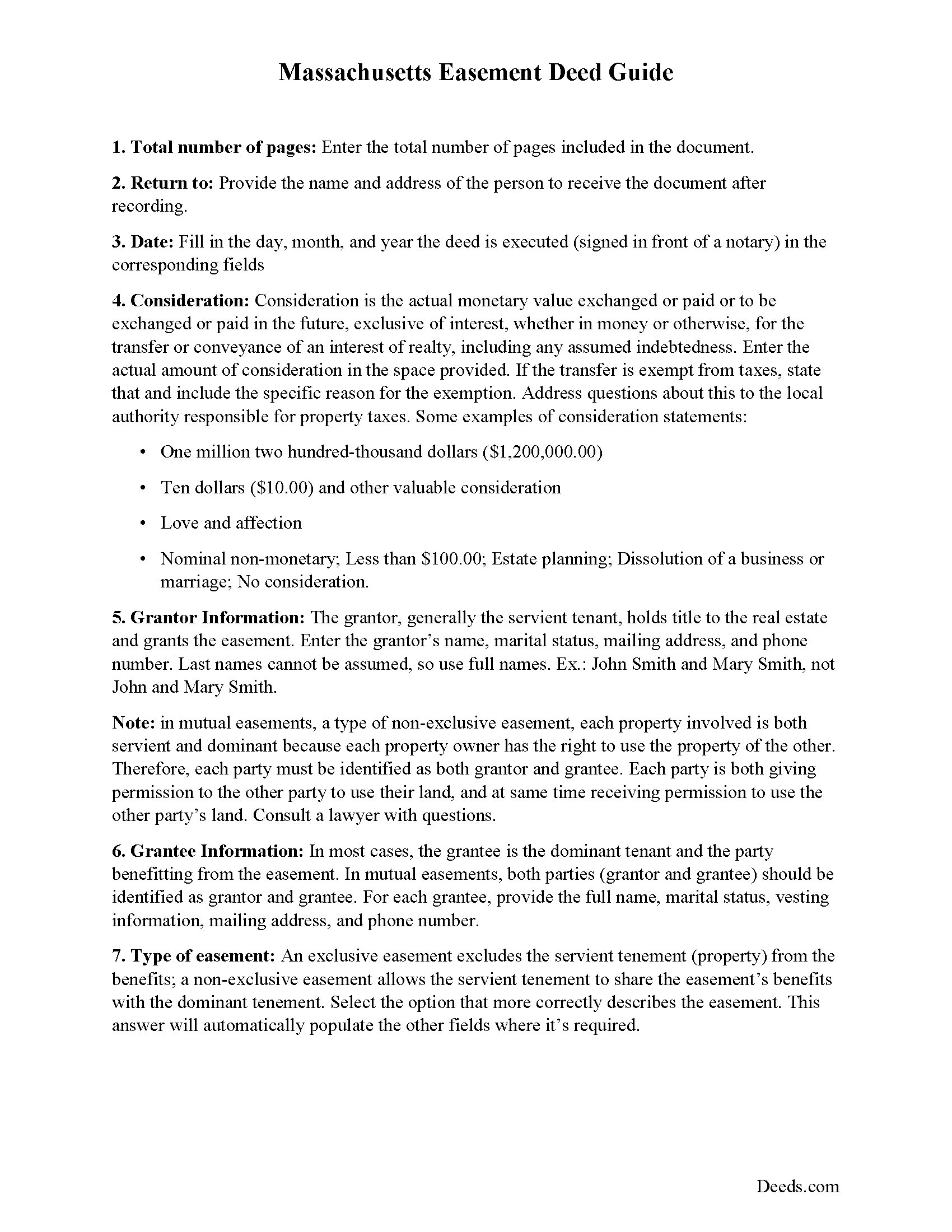
Dukes County Easement Deed Guide
Line by line guide explaining every blank on the form.
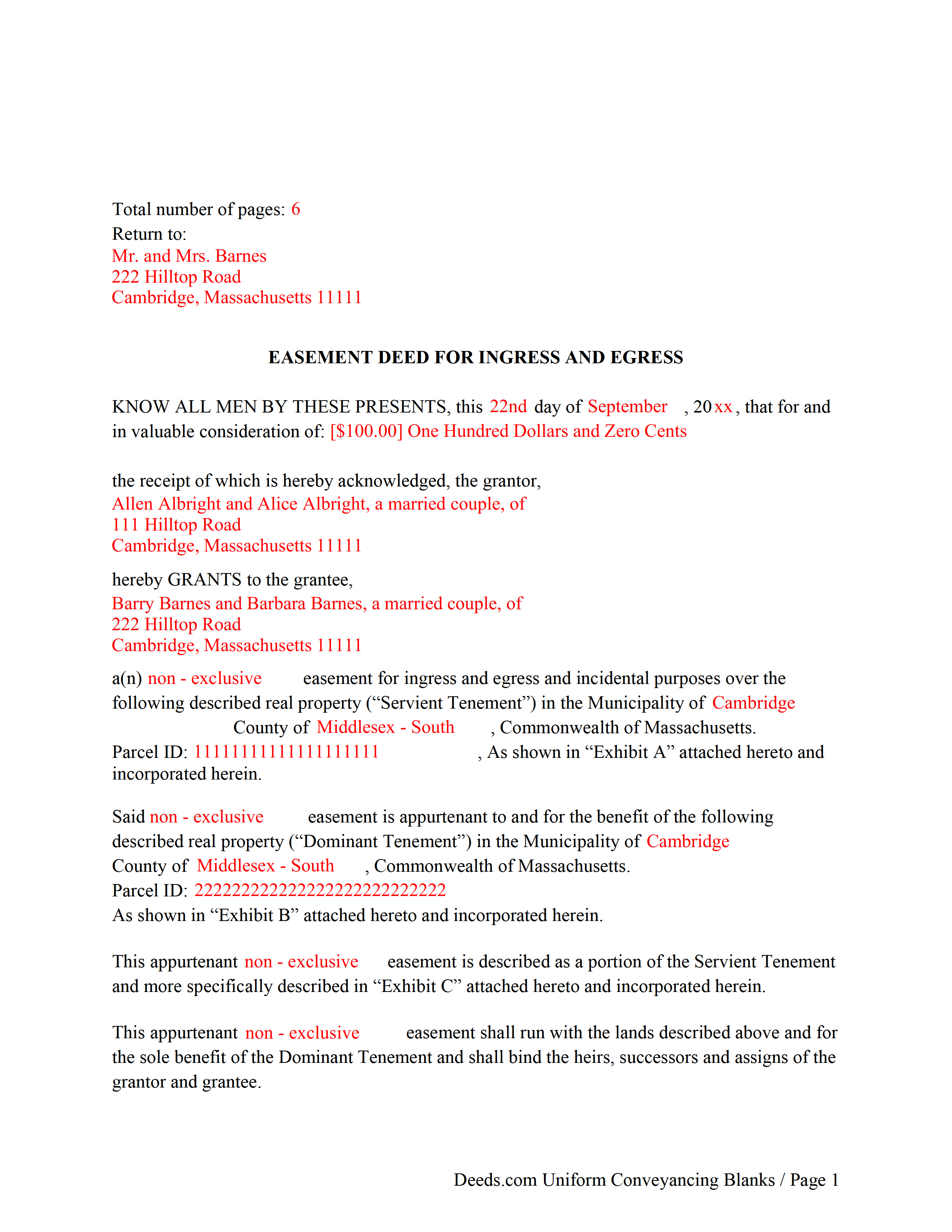
Dukes County Completed Example of the Easement Deed Document
Example of a properly completed form for reference.
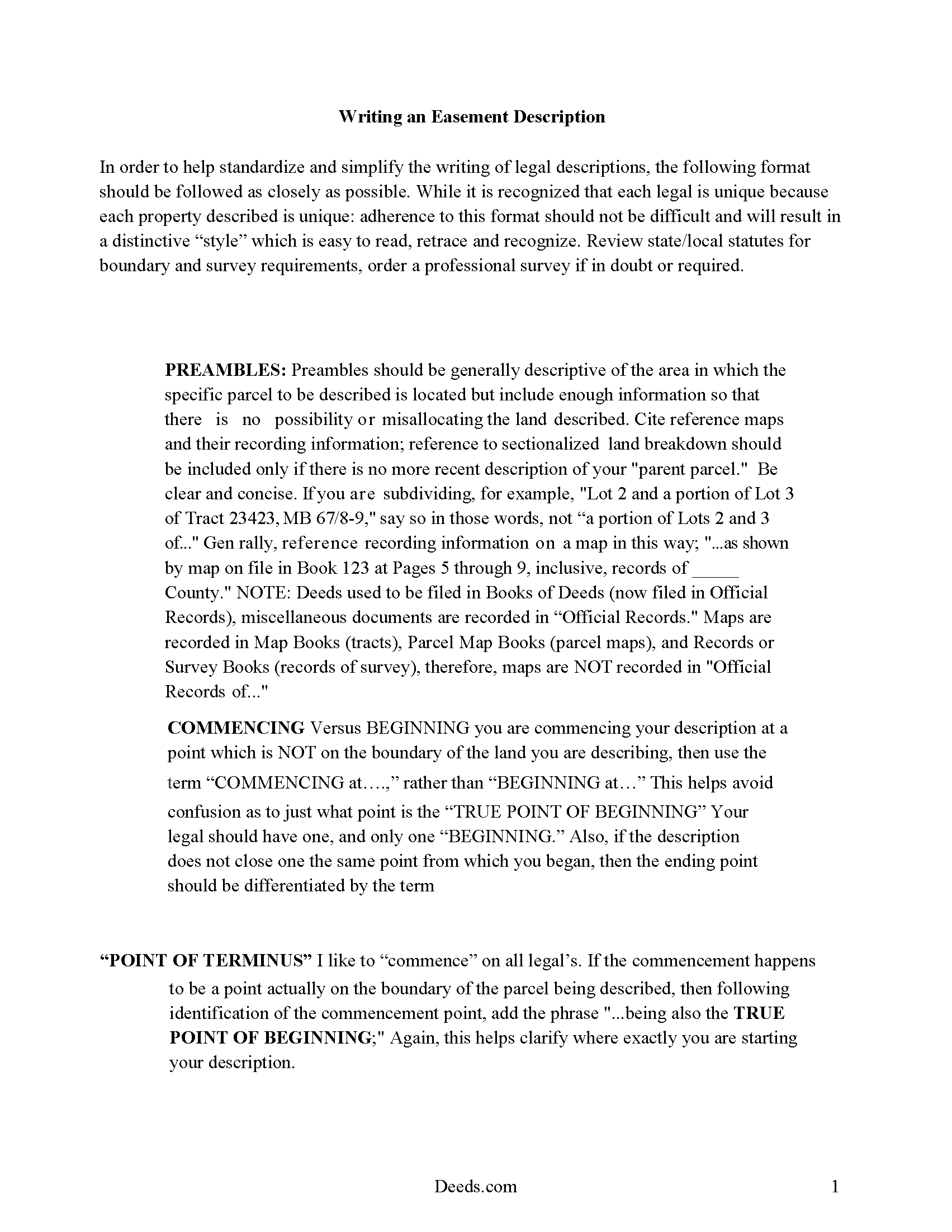
Dukes County Guide to Writing an Easement Description
A Description of the Easement will be required. This will show how to write an acceptable description for a Right of Way Easement, which gives access, to and from - point A to point B.
All 4 documents above included • One-time purchase • No recurring fees
Immediate Download • Secure Checkout
Additional Massachusetts and Dukes County documents included at no extra charge:
Where to Record Your Documents
Registry of Deeds
Edgartown, Massachusetts 02539
Hours: 8:30 to 4:30 M-F / Recording: 8:30 to 12:30 & 1:30 to 4:00
Phone: (508) 627-4025
Martha's Vineyard Land Bank Commission
Edgartown, Massachusetts 02539
Hours:
Phone: (508) 627-7141
Recording Tips for Dukes County:
- Bring your driver's license or state-issued photo ID
- Ensure all signatures are in blue or black ink
- Make copies of your documents before recording - keep originals safe
- Recorded documents become public record - avoid including SSNs
- Recording fees may differ from what's posted online - verify current rates
Cities and Jurisdictions in Dukes County
Properties in any of these areas use Dukes County forms:
- Chilmark
- Cuttyhunk
- Edgartown
- Menemsha
- Oak Bluffs
- Vineyard Haven
- West Chop
- West Tisbury
Hours, fees, requirements, and more for Dukes County
How do I get my forms?
Forms are available for immediate download after payment. The Dukes County forms will be in your account ready to download to your computer. An account is created for you during checkout if you don't have one. Forms are NOT emailed.
Are these forms guaranteed to be recordable in Dukes County?
Yes. Our form blanks are guaranteed to meet or exceed the applicable formatting requirements used for recording in Dukes County, including margin requirements, font requirements, and other layout standards. This guarantee applies to formatting, not to the legal sufficiency of information entered by the user or the suitability of a form for a particular transaction.
Can I reuse these forms?
Yes. You can reuse the forms for your personal use. For example, if you have multiple properties in Dukes County you only need to order once.
What do I need to use these forms?
The forms are PDFs that you fill out on your computer. The free Adobe Acrobat Reader is recommended, and most PDF apps also work. You do NOT enter your property information online - you download the blank forms and complete them privately on your own computer.
Are there any recurring fees?
No. This is a one-time purchase. Nothing to cancel, no memberships, no recurring fees.
How much does it cost to record in Dukes County?
Recording fees in Dukes County vary. Contact the recorder's office at (508) 627-4025 for current fees.
Questions answered? Let's get started!
An easement is a non-possessory and non-ownership right to use another person's property for a specific use. The easement deed is the legal instrument that creates this right. Easements are either affirmative or negative and can be appurtenant or an easement in gross. An appurtenant easement benefits the dominant estate and runs with the land. Easements in gross benefit an individual or legal entity. In Massachusetts, easements can be created by deed, will, or contract; or by prescription or implication. In a conveyance of real estate in Massachusetts, all rights, easements, privileges, and appurtenances belonging to the granted estate are included in the conveyance, unless a contrary intention is stated in the deed (183-15).
According to section 187-1A of the Massachusetts General Laws, an easement of direct sunlight can be acquired over the land of another by direct grant or covenant, or by a solar access permit. The contents of a solar easement should follow the guidelines as set forth in 187-1 of the Massachusetts General Laws. When a person erects a house or other structure with windows overlooking another's land, they do not, by the mere continuance of such windows, acquire an easement of light and air so as to prevent the erection of a building on such land (187-1).
A right or privilege of way or other easement cannot be acquired by adverse use or enjoyment upon or over the land of another, unless the use or enjoyment is continued uninterrupted for twenty years (183-2).
An easement deed should be signed and acknowledged by the grantor. A real estate deed that is required to be recorded in order to provide constructive notice must have a certificate of acknowledgment or proof of execution endorsed on the deed or attached to it. The certificate is recorded with the deed (183-29). An easement deed can be acknowledged by one or more of the grantors or by the attorney executing it. The officer before whom acknowledgements are made should endorse the certificate of acknowledgement on the deed. Acknowledgments made in Massachusetts can be made before a notary public or justice of the peace. Acknowledgments made out of state may be made before any of the officers listed in 183-30b of the Massachusetts General Laws (183-30).
In order for an easement deed to be valid against people other than the grantor, his heirs, and devisees, and persons having actual notice it must be recorded in the registry of deeds in the county or district where the land lies (183-4). The record of an easement deed, duly acknowledged or proved as provided, is conclusive evidence of the delivery of the instrument, in favor of purchasers for value without notice (183-5). Massachusetts has a race-notice recording act, which means that constructive notice is determined by the recording of documents.
(Massachusetts ED Package includes form, guidelines, and completed example)
Important: Your property must be located in Dukes County to use these forms. Documents should be recorded at the county recording office listed above.
This Easement Deed meets all recording requirements specific to Dukes County.
Our Promise
The documents you receive here are guaranteed to meet or exceed the applicable Dukes County recording format requirements. If there is a rejection caused by our formatting, we will correct the issue or refund your payment. This guarantee applies to document formatting only and does not extend to information entered by the user, the selection of the form, or the legal effect of the completed document.
Save Time and Money
Get your Dukes County Easement Deed form done right the first time with Deeds.com Uniform Conveyancing Blanks. At Deeds.com, we understand that your time and money are valuable resources, and we don't want you to face a penalty fee or rejection imposed by a county recorder for submitting nonstandard documents. We constantly review and update our forms to meet rapidly changing state and county recording requirements for roughly 3,500 counties and local jurisdictions.
4.8 out of 5 - ( 4,830 Reviews )
Timothy M. 5 out of 5 stars
I like what I see so far!
Thank you!
Suzette H. 5 out of 5 stars
helped clarify how process works Thanks
Thank you!
Mark M. 5 out of 5 stars
So nice to find the forms I was looking for. Great site!! Thanks
Thank you for your feedback. We really appreciate it. Have a great day!
Larry C. 5 out of 5 stars
Very easy and convenient, thank you so much.
Thank you!
Patricia G. 5 out of 5 stars
Oh my goodness! Y'all are an answer to prayers! You provided all the forms necessary in one convenient packet, and at a VERY reasonable price! I can't thank y'all enough for helping my family & myself with what could've been a difficult and expensive situation! God bless you for your time and talent!
We appreciate your business and value your feedback. Thank you. Have a wonderful day!
Curley B. 5 out of 5 stars
So far, I'm pleased. I am a first-time user, as most of my clients are in California. I look forward to working with you more in the future.
Thank you for your feedback. We really appreciate it. Have a great day!
Marisela S. 5 out of 5 stars
This is my first time and your service appears to be very user-friendly; however, since I am new to this service, I'm not sure if my e-filings were received as I've not heard anything back nor have I received any type of confirmation of receipt.
Thank you for your feedback. We really appreciate it. Have a great day!
Wendy S. 4 out of 5 stars
Good template that met my needs. Much better than another draft template that I found on another site. Would have been helpful if the template had been provided in a Word format instead of PDF so that I could remove the sections that are not applicable.
We appreciate your business and value your feedback. Thank you. Have a wonderful day!
Janet M. 5 out of 5 stars
This site is amazing! What a time saver from driving somewhere and standing around waiting.
Thank you!
davidjrhall e. 5 out of 5 stars
So far its been good. The David Jr Hall Estate Trust is a Business Blind Trust and we are looking forward to working with your platform and seeing how far we can go.
Thank you!
James M. 5 out of 5 stars
Great selection of documents. Easy to use, with guidance material.
Thank you for taking the time to leave your feedback James. We appreciate you.
Shawn H. 5 out of 5 stars
The site provided exactly what I needed when I needed it.
Thank you for your feedback. We really appreciate it. Have a great day!
Dianna B. 5 out of 5 stars
Amazingly easy! I absolutely love it because it is so efficient and I only have to pay for when I use it. I use to have to drive to the recorders office or to a Kiosk station. The turn-around time was really quick as well.
Thank you!
Catherine V. 5 out of 5 stars
I love simple and easy! This is the model that many businesses should use!
Thank you!
Daphne M. 5 out of 5 stars
As always I found Deeds.com to be excellent. Every item required on the forms I chose was explained completely. The fact that documents are available from so many states is amazing. Daphne M.
Thank you for your feedback. We really appreciate it. Have a great day!