Dukes County Quitclaim Deed (Partnership or Limited Partnership Grantor) Form
Last validated October 19, 2026 by our Forms Development TeamFormatted for recording in Dukes County, for property anywhere in the county: rural and unincorporated areas as well as Chilmark, Cuttyhunk, Edgartown, Menemsha, Oak Bluffs, Vineyard Haven, West Chop, West Tisbury.
- 3 documents included
- Immediate PDF download
- Formatting guarantee
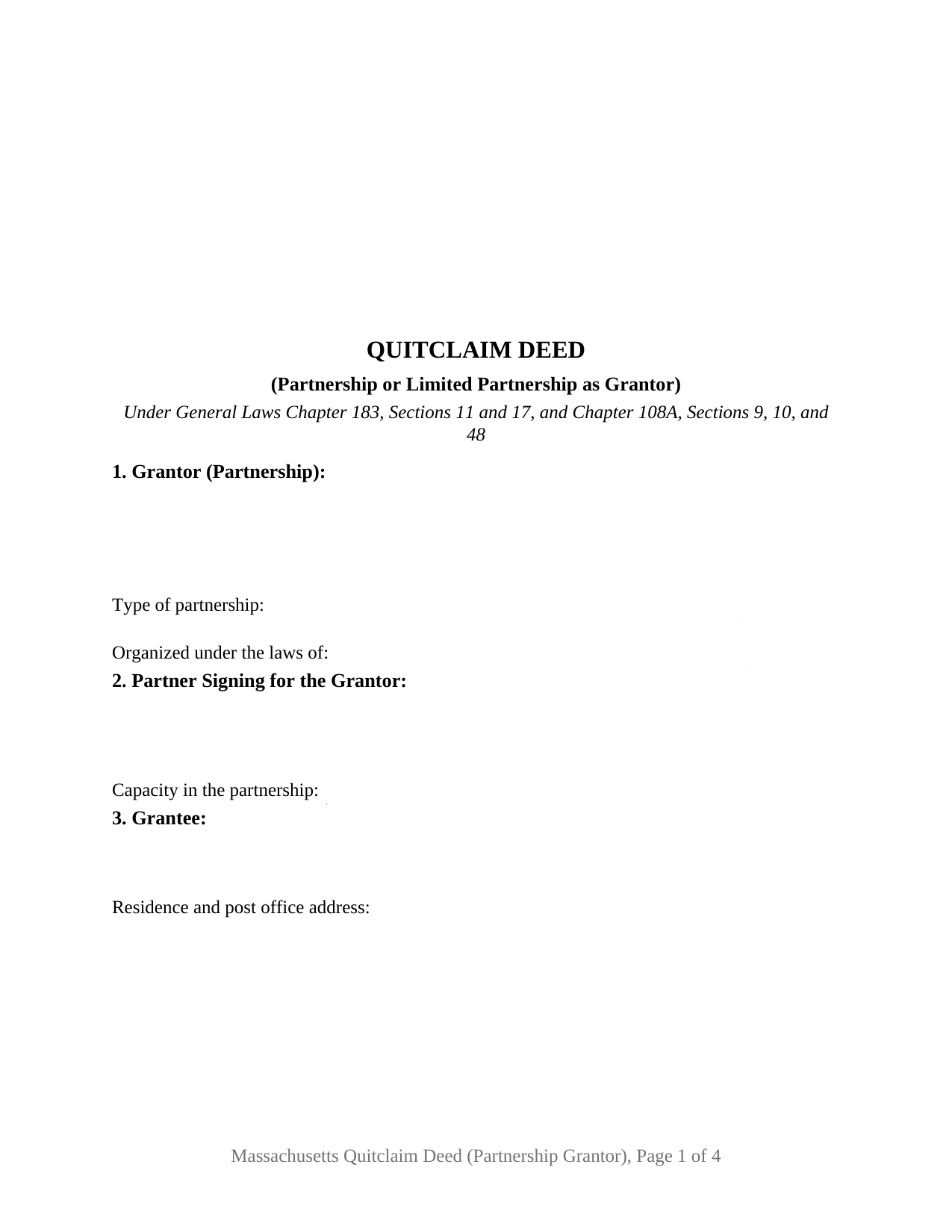
Dukes County Quitclaim Deed (Partnership or Limited Partnership Grantor) Form
Fill in the blank Quitclaim Deed (Partnership or Limited Partnership Grantor) form formatted to comply with all Massachusetts recording and content requirements.
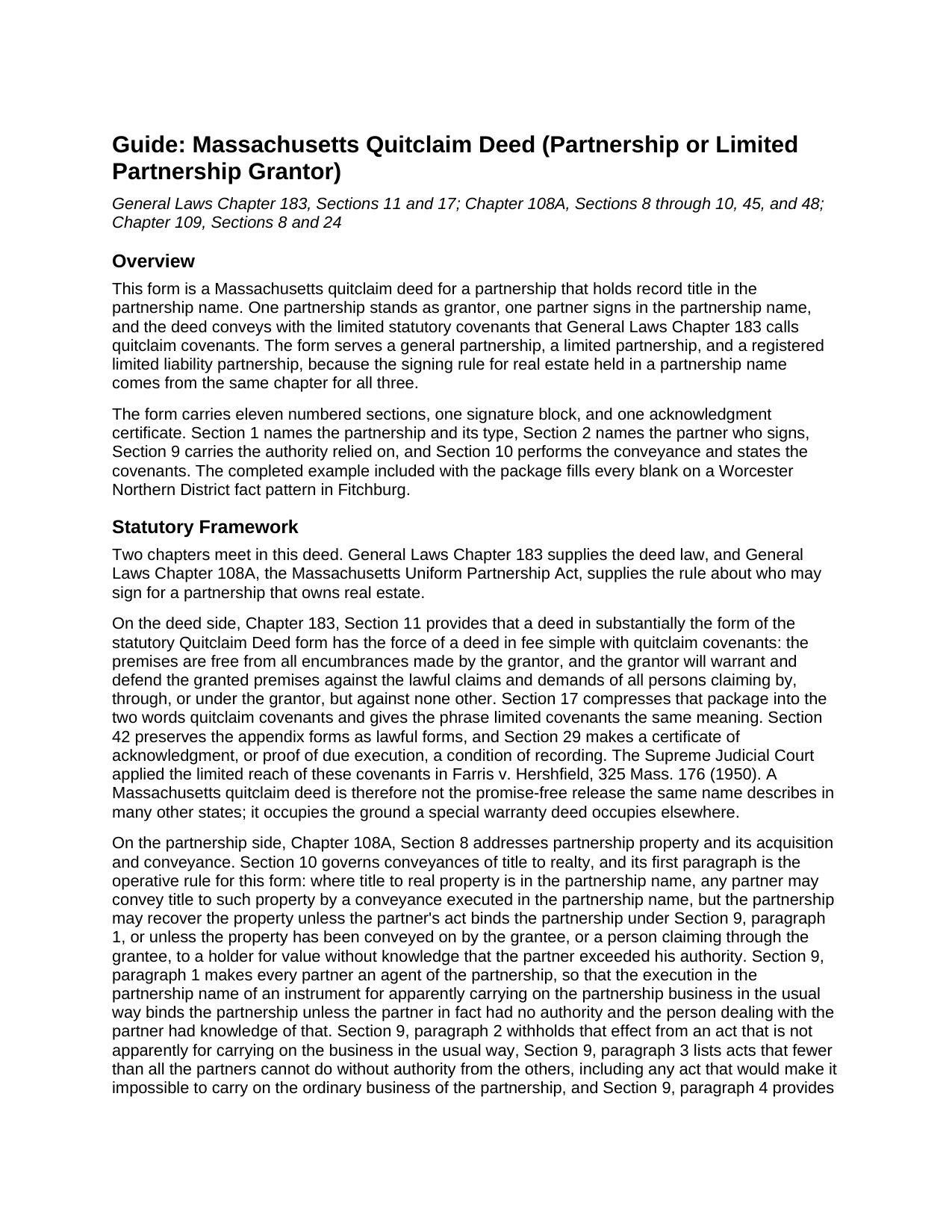
Dukes County Quitclaim Deed (Partnership or Limited Partnership Grantor) Guide
Line by line guide explaining every blank on the Quitclaim Deed (Partnership or Limited Partnership Grantor) form.
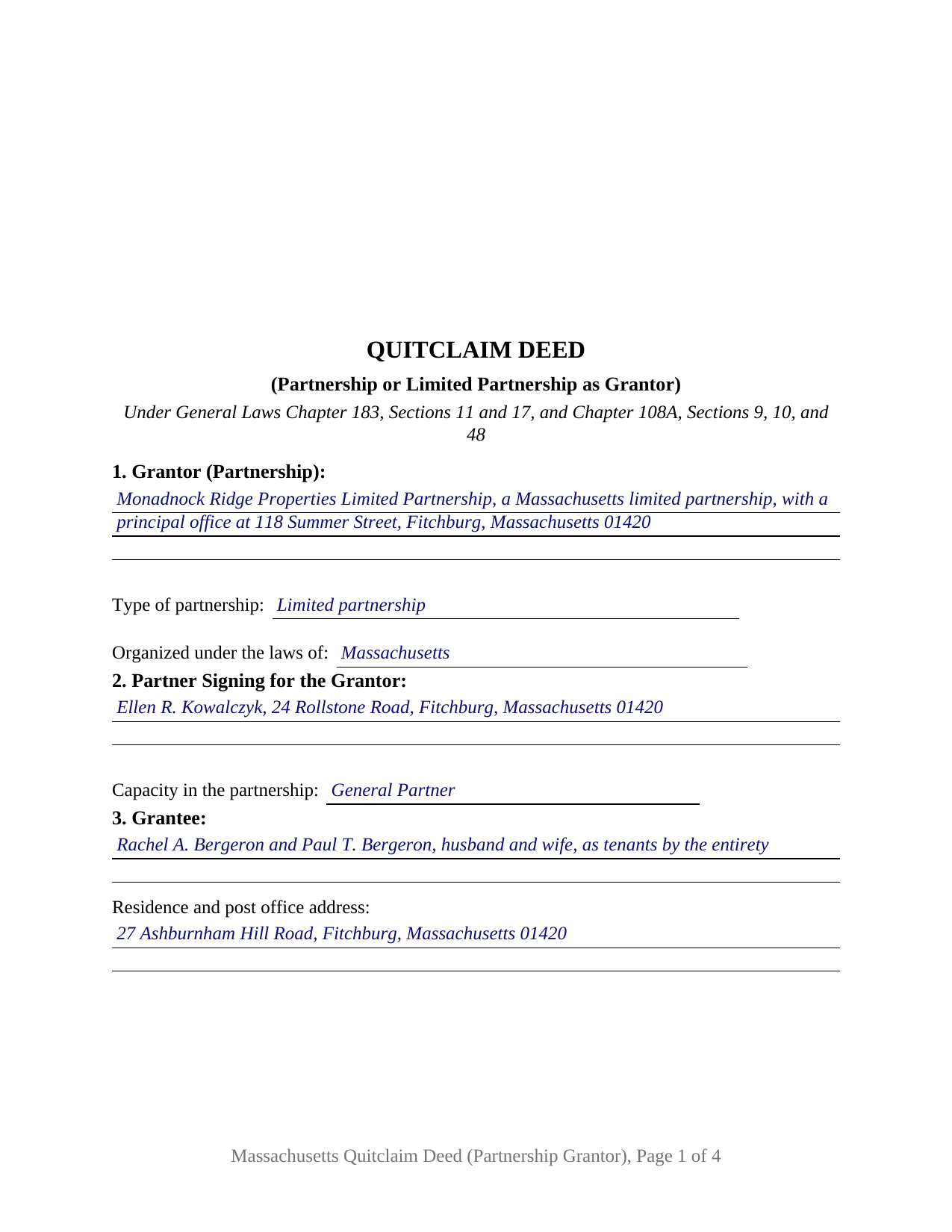
Dukes County Completed Example of the Quitclaim Deed (Partnership or Limited Partnership Grantor) Document
Example of a properly completed Massachusetts Quitclaim Deed (Partnership or Limited Partnership Grantor) document for reference.
All 3 documents above included • One-time purchase • No recurring fees
Immediate Download • Secure Checkout
Additional Massachusetts and Dukes County documents included at no extra charge:
Where to Record Your Documents
Registry of Deeds
Edgartown, Massachusetts 02539
Hours: 8:30 to 4:30 M-F / Recording: 8:30 to 12:30 & 1:30 to 4:00
Phone: (508) 627-4025
Martha's Vineyard Land Bank Commission
Edgartown, Massachusetts 02539
Hours:
Phone: (508) 627-7141
Recording Tips for Dukes County:
- Bring your driver's license or state-issued photo ID
- Ensure all signatures are in blue or black ink
- Ask about their eRecording option for future transactions
- Avoid the last business day of the month when possible
- Both spouses typically need to sign if property is jointly owned
Cities and Jurisdictions in Dukes County
Properties in any of these areas use Dukes County forms:
- Chilmark
- Cuttyhunk
- Edgartown
- Menemsha
- Oak Bluffs
- Vineyard Haven
- West Chop
- West Tisbury
Hours, fees, requirements, and more for Dukes County
How do I get my forms?
Forms are available for immediate download after payment. The Dukes County forms will be in your account ready to download to your computer. An account is created for you during checkout if you don't have one. Forms are NOT emailed.
Are these forms guaranteed to be recordable in Dukes County?
Yes. Our form blanks are guaranteed to meet or exceed the applicable formatting requirements used for recording in Dukes County, including margin requirements, font requirements, and other layout standards. This guarantee applies to formatting, not to the legal sufficiency of information entered by the user or the suitability of a form for a particular transaction.
Can I reuse these forms?
Yes. You can reuse the forms for your personal use. For example, if you have multiple properties in Dukes County you only need to order once.
What do I need to use these forms?
The forms are PDFs that you fill out on your computer. The free Adobe Acrobat Reader is recommended, and most PDF apps also work. You do NOT enter your property information online - you download the blank forms and complete them privately on your own computer.
Are there any recurring fees?
No. This is a one-time purchase. Nothing to cancel, no memberships, no recurring fees.
How much does it cost to record in Dukes County?
Recording fees in Dukes County vary. Contact the recorder's office at (508) 627-4025 for current fees.
Questions answered? Let's get started!
Massachusetts lets one partner sign a partnership out of its real estate, and it keeps a way open to take the land back. Under General Laws Chapter 108A, Section 10, where title stands in the partnership name any partner may convey it by a conveyance executed in that name, yet the partnership may still recover the property unless the signing partner's act bound it under Section 9, or unless the land has moved on to a holder for value who did not know the partner had exceeded his authority. This fillable deed is built around that single signature.
Why one signature carries the partnership
Section 9 is the engine. Every partner is an agent of the partnership, so an instrument executed in the partnership name for apparently carrying on the business in the usual way binds it, unless the partner lacked authority and the person dealing with him knew it. Two limits sit beside that: an act outside the usual course does not bind the partnership without the other partners, and fewer than all the partners cannot do anything that would make it impossible to carry on the ordinary business, a live question where the parcel sold is the partnership's only asset.
Three authority records, one signature block
Where that authority is recorded depends on which partnership signs, and Section 9 of the form has a blank for it. A limited partnership's general partners appear in the certificate of limited partnership filed with the Secretary of the Commonwealth under Chapter 109, Section 8, and Chapter 109, Section 24 gives a general partner the powers and restrictions of a partner in a partnership without limited partners. A registered limited liability partnership can go further: Chapter 108A, Section 45 lets its registration name the partners authorized to execute, acknowledge, deliver and record instruments affecting real property, and Section 48 makes a deed so executed binding in favor of anyone relying in good faith, whatever the partnership agreement or an internal vote says. A general partnership that has filed nothing has no such record, Massachusetts having kept the Uniform Partnership Act and never taken up the statement of partnership authority.
A covenant measured by the partnership's own years
Quitclaim is not a promise-free word here. Chapter 183, Section 11 gives a deed drawn on the statutory form the force of a fee simple conveyance with quitclaim covenants, and Section 17 fixes their reach: encumbrances the grantor made, plus a defense against claims traced through the grantor, and nothing older. Farris v. Hershfield is the Supreme Judicial Court's application of that limit. The promise here belongs to the partnership, not to the partner who signs, and the encumbrances section lifts a listed mortgage or easement out of it.
The partnership patterns this deed recites
Section 1 names one partnership as grantor, with its type and jurisdiction of organization; Section 2 names the partner who signs and the capacity held; and the operative section has that partner sign in the partnership name and not individually, under one printed name and one acknowledgment certificate. A limited partnership conveying a parcel after the partners voted on the price, a registered limited liability partnership conveying the office condominium where the firm practiced, and a two-partner general partnership conveying a storefront held under the partnership name, all present the pattern this deed recites. No homestead line appears on it: Chapter 108A, Section 25 keeps a partner's right in specific partnership property clear of dower, curtesy, and any homestead or exemption claim when the property is taken for a partnership debt. The form is not set up for title standing in the names of individual partners, for two signing partners, for a corporation or limited liability company, or for a fiduciary. Searches for a Massachusetts partnership deed or a quit claim deed from a partnership describe this configuration.
Stamps, and a registry district that is not a county
Recording happens at the registry district covering the land, at the statewide $155 fee, with Chapter 64D stamps on the stated consideration: $2.28 for each $500 or fraction, and $3.24 in Barnstable County. The completed example runs a Worcester Northern District pattern in Fitchburg at $780,000, which draws $3,556.80 in stamps.
This download carries the fillable partnership deed, the completed example, and a guide that walks each numbered section, the acknowledgment certificate, and the recording steps. Massachusetts law is described here in general terms, and this is not legal advice.
Important: Your property must be located in Dukes County to use these forms. Documents should be recorded at the county recording office listed above.
This Quitclaim Deed (Partnership or Limited Partnership Grantor) meets all recording requirements specific to Dukes County.
Our Promise
The documents you receive here are guaranteed to meet or exceed the applicable Dukes County recording format requirements. If there is a rejection caused by our formatting, we will correct the issue or refund your payment. This guarantee applies to document formatting only and does not extend to information entered by the user, the selection of the form, or the legal effect of the completed document.
Save Time and Money
Get your Dukes County Quitclaim Deed (Partnership or Limited Partnership Grantor) form done right the first time with Deeds.com Uniform Conveyancing Blanks. At Deeds.com, we understand that your time and money are valuable resources, and we don't want you to face a penalty fee or rejection imposed by a county recorder for submitting nonstandard documents. We constantly review and update our forms to meet rapidly changing state and county recording requirements for roughly 3,500 counties and local jurisdictions.
4.8 out of 5 - ( 4,829 Reviews )
Jim B. 5 out of 5 stars
Would be great if you would just put all of these documents into ONE .pdf.
Thank you for your feedback. We really appreciate it. Have a great day!
Frank B. 5 out of 5 stars
Great website, super easy to use, user friendly to navigate. Will definitely use for future needs, and will definitely refer to other customers. F. Betancourt Texas
Thank you!
Patricia H. 5 out of 5 stars
I really like this site and it's actually recommended by many County Recorders. I especially like that there's not join up/monthly fee. It's easy to use and the customer support is outstanding. They're very helpful and patient.
Thank you for your feedback. We really appreciate it. Have a great day!
Title H. 1 out of 5 stars
THIS SERVICE IS DIFFICULT TO USE AND TROUBLESOME, IN MY PROFESSIOBAL OPINION; a true NUGHTMARE! As a Title / Petroleum Land Professional (Landman), I use a wide variert of online title research tools and services. Mist are EXTREMELY COMPREHENSIVE, and relatively easy to perform one’s research. I am beginning to beliece that there is no search intrrfaxe here; just a long list of instructions full of circular references that simply tuns the researcher around and around to the same pages repeatedly. This service takes users NOWHERE. Good luck to those seeking to waste their time reading a vast set of redundant words and NO INTERFACE FOR CREATING OR EXECUTING AN AXTUAL SEARCH.
Thank you for sharing your feedback with us. We're genuinely sorry to hear about the difficulties you faced while using our service. As a Title / Petroleum Land Professional, your experience is invaluable to us, and we regret that our website did not meet your expectations.
We are committed to making the necessary changes to enhance our platform and provide a better experience for all users, including professionals like yourself.
Linda W. 5 out of 5 stars
Received feedback in a timely manner and got a quick reponse.
Thank you!
Anabel H. 5 out of 5 stars
Everything went smoothly, quickly and efficiently.
We appreciate your business and value your feedback. Thank you. Have a wonderful day!
matthew h. 5 out of 5 stars
Totally awesome. Useless waste of time looking anywhere else for real estate deed forms. All the stars!!
Thank you!
Caville B. 3 out of 5 stars
Received the documents, but the explanation and process is not as straightforward as I would have liked. The Instructions and Sample document were not always easy to follow. I may just have a real estate lawyer perform the task.
Thank you for your feedback. We really appreciate it. Have a great day!
Clarence O. 5 out of 5 stars
Very easy process to record a Quit Claim Deed. Would definitely recommend!
Thank you!
Tiffany W. 5 out of 5 stars
Exactly what I needed and with the help of ChatGPT who needs a damn lawyer for anything.
We’re glad to hear things went well. Thank you for the review.
James J. 5 out of 5 stars
Downloaded and used the Ladybird Warranty Deed for a county in Florida with no issues. Cost for the download and subsequent recording fee of the deed totaled less than $40. No reason to pay hundreds. I assume the subsequent transfer upon death will go smoothly, but I of course, will never know. The "example" of a completed form was very beneficial. Also, get a copy of the current deed and make sure legal description of real estate is exactly the same on the new deed.
Thank you for your feedback. We really appreciate it. Have a great day!
Clarence R. 5 out of 5 stars
service from your team was quick and very accurate. My experience was excellent.
Thank you!
Michael W. 5 out of 5 stars
Easy to use and fast
Thank you!
John P. 4 out of 5 stars
Working with one document at a time every thing was great, but the program will not let multiple documents save independently. When I saved a document and created another document the changes I made on the second document were on the 1st document. No big deal if your printing, but if your saving to email later, its an issue.
Thank you for your feedback. We really appreciate it. Have a great day!
Gregory B. 5 out of 5 stars
I believe you need more instruction on the use of the web site. I would type and nothing would appear on the form. When I tried to save a completed form I ended with a blank form with no detail.
Thank you!