Dukes County Quitclaim Deed Form
Last validated October 16, 2026 by our Forms Development TeamFormatted for recording in Dukes County, for property anywhere in the county: rural and unincorporated areas as well as Chilmark, Cuttyhunk, Edgartown, Menemsha, Oak Bluffs, Vineyard Haven, West Chop, West Tisbury.
- 3 documents included
- Immediate PDF download
- Formatting guarantee
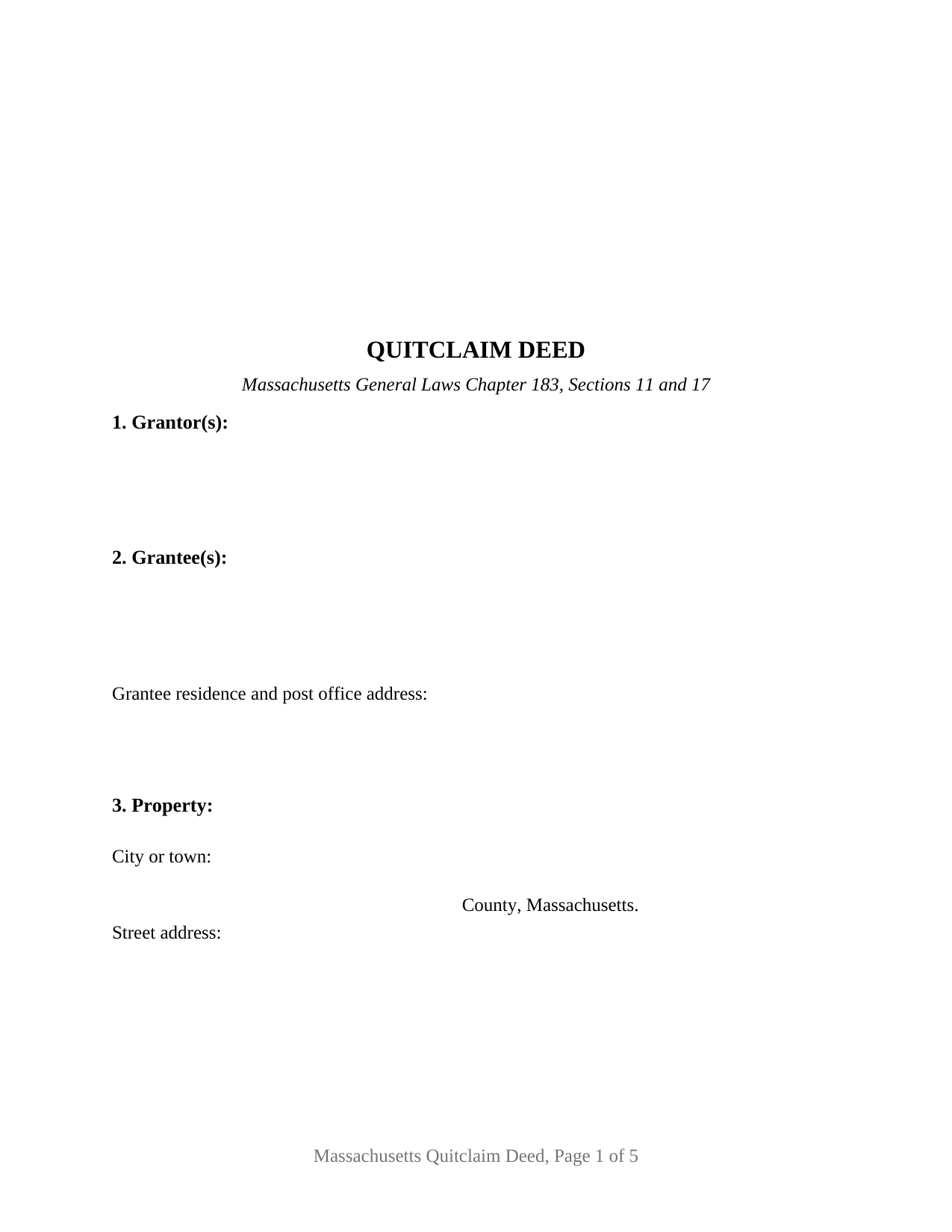
Dukes County Quitclaim Deed Form
Fill in the blank Quitclaim Deed form formatted to comply with all Massachusetts recording and content requirements.
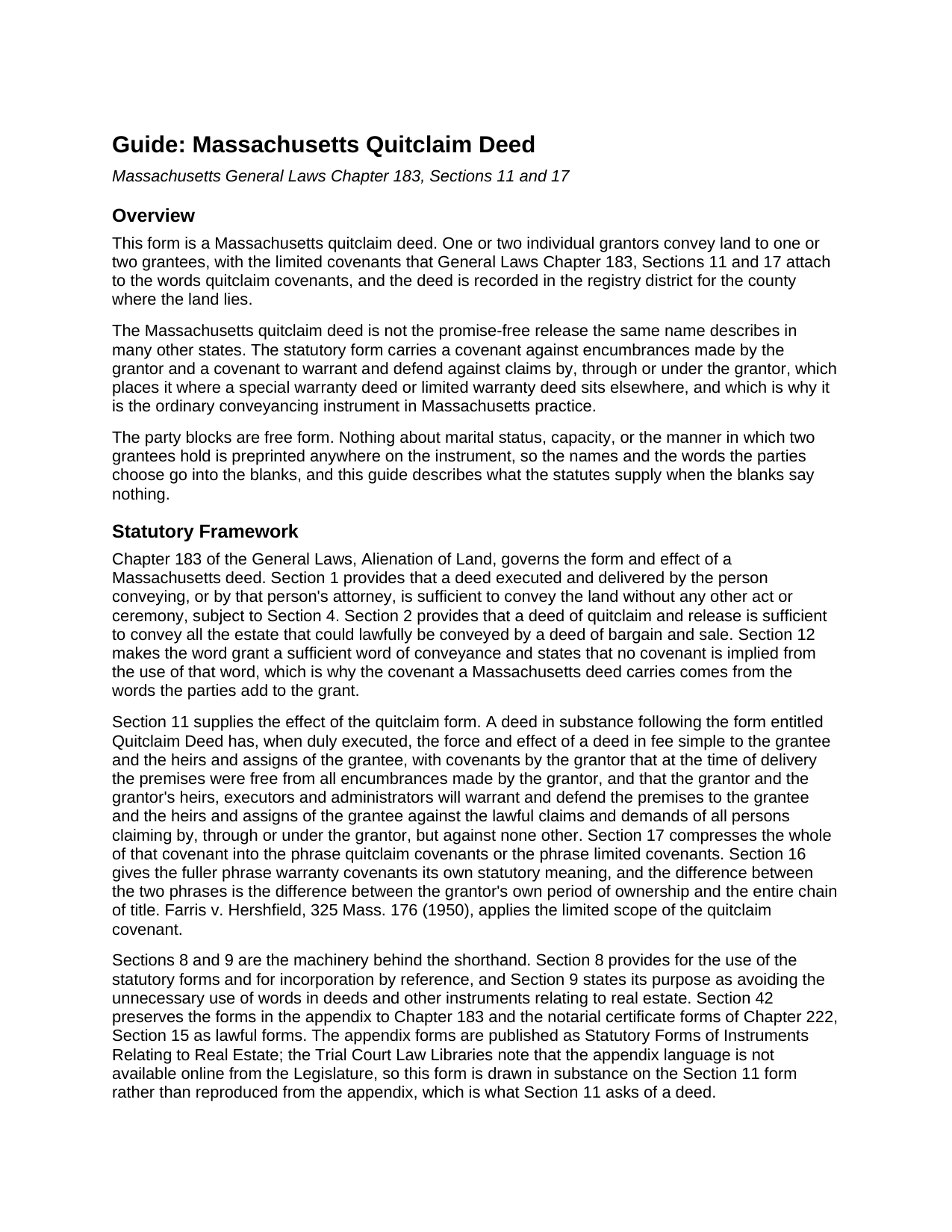
Dukes County Quitclaim Deed Guide
Line by line guide explaining every blank on the Quitclaim Deed form.
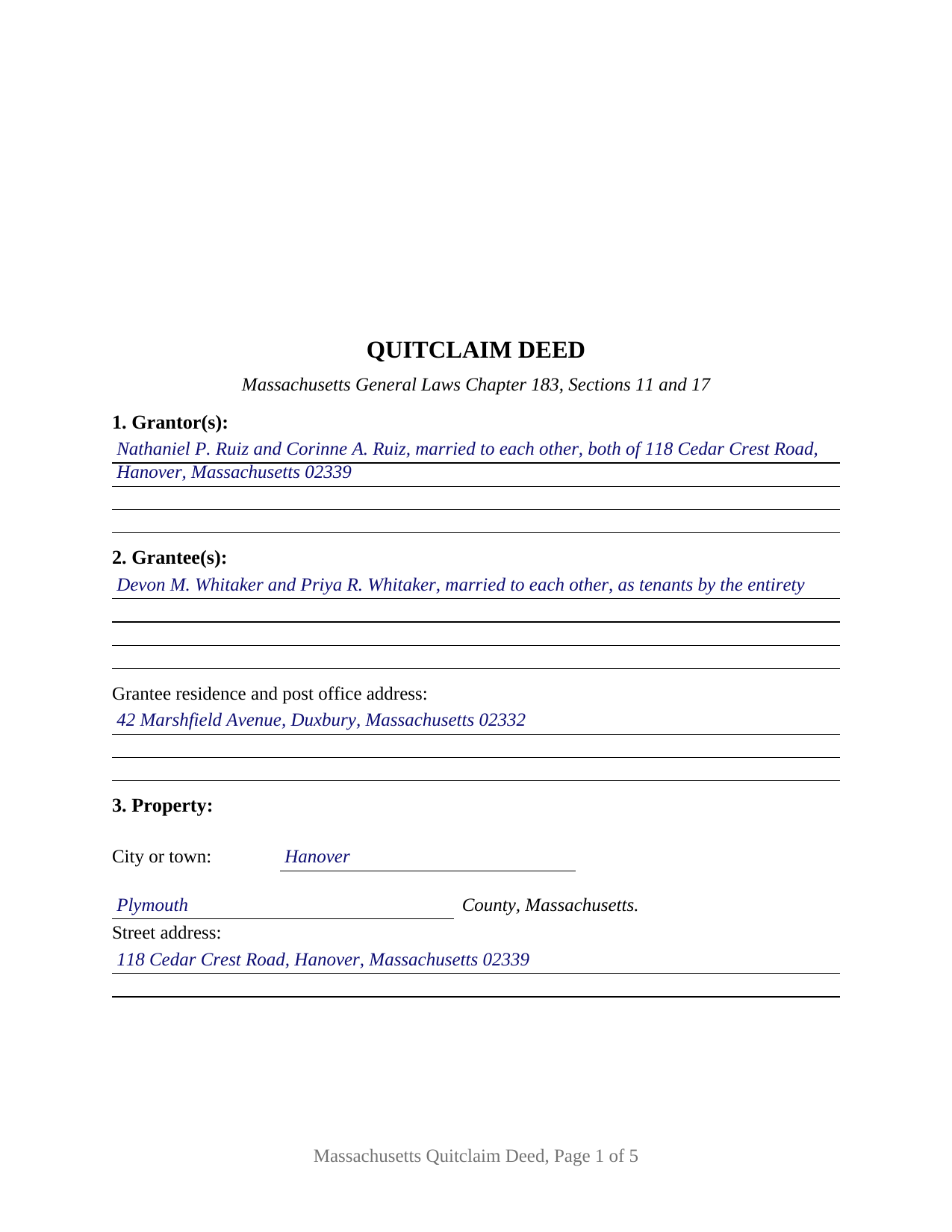
Dukes County Completed Example of the Quitclaim Deed Document
Example of a properly completed Massachusetts Quitclaim Deed document for reference.
All 3 documents above included • One-time purchase • No recurring fees
Immediate Download • Secure Checkout
Additional Massachusetts and Dukes County documents included at no extra charge:
Where to Record Your Documents
Registry of Deeds
Edgartown, Massachusetts 02539
Hours: 8:30 to 4:30 M-F / Recording: 8:30 to 12:30 & 1:30 to 4:00
Phone: (508) 627-4025
Martha's Vineyard Land Bank Commission
Edgartown, Massachusetts 02539
Hours:
Phone: (508) 627-7141
Recording Tips for Dukes County:
- Bring your driver's license or state-issued photo ID
- Ensure all signatures are in blue or black ink
- Recording fees may differ from what's posted online - verify current rates
- Request a receipt showing your recording numbers
- Ask about accepted payment methods when you call ahead
Cities and Jurisdictions in Dukes County
Properties in any of these areas use Dukes County forms:
- Chilmark
- Cuttyhunk
- Edgartown
- Menemsha
- Oak Bluffs
- Vineyard Haven
- West Chop
- West Tisbury
Hours, fees, requirements, and more for Dukes County
How do I get my forms?
Forms are available for immediate download after payment. The Dukes County forms will be in your account ready to download to your computer. An account is created for you during checkout if you don't have one. Forms are NOT emailed.
Are these forms guaranteed to be recordable in Dukes County?
Yes. Our form blanks are guaranteed to meet or exceed the applicable formatting requirements used for recording in Dukes County, including margin requirements, font requirements, and other layout standards. This guarantee applies to formatting, not to the legal sufficiency of information entered by the user or the suitability of a form for a particular transaction.
Can I reuse these forms?
Yes. You can reuse the forms for your personal use. For example, if you have multiple properties in Dukes County you only need to order once.
What do I need to use these forms?
The forms are PDFs that you fill out on your computer. The free Adobe Acrobat Reader is recommended, and most PDF apps also work. You do NOT enter your property information online - you download the blank forms and complete them privately on your own computer.
Are there any recurring fees?
No. This is a one-time purchase. Nothing to cancel, no memberships, no recurring fees.
How much does it cost to record in Dukes County?
Recording fees in Dukes County vary. Contact the recorder's office at (508) 627-4025 for current fees.
Questions answered? Let's get started!
Massachusetts writes short deeds on purpose. General Laws Chapter 183, Section 9 states its own object as avoiding the unnecessary use of words in deeds, and Section 12 makes the single word grant enough to pass land while implying no covenant at all. What a deed promises is whatever the parties add to that word, and the usual addition is two of them: with quitclaim covenants. This fillable form is that instrument in its general configuration, for one or two individual owners conveying to one or two grantees.
The paragraph behind two words
Section 17 gives the phrase quitclaim covenants the force of a paragraph the statute writes out, and Section 11 attaches the same promises to a deed drawn in substance on the form entitled Quitclaim Deed: the premises were free of encumbrances the grantor made, and the grantor defends against claims by, through or under the grantor, but against none other. Older links in the chain stay outside it. Section 8 of this deed carries the shorthand and prints the covenant under it, so the page reads whole on its own. The appendix of statutory forms Section 42 preserves is not published online by the Legislature; Section 11 asks only that a deed follow the form in substance.
One or two names on each side
The granting side takes one or two natural persons signing in their own capacity, and the receiving side takes one or two names, so one instrument carries four count patterns: one to one, one to two, two to one, two to two. Two signature blocks headed GRANTOR and SECOND GRANTOR (if applicable) each carry an acknowledgment certificate, and both stay blank where a single grantor conveys. Nothing about status, capacity or the manner of holding is preprinted: Section 1 takes the names with whatever the deed states about them, and the operative section applies the grant and the covenants to each of two grantors, each granting the whole of that person's right, title and interest. The form is not set up for a corporation, limited liability company or partnership, for a trustee or court-appointed fiduciary, for an attorney-in-fact, or for three or more owners on either side. Searches for a Massachusetts quitclaim deed form or a quit claim deed describe this configuration.
A blank where the statute keeps a default
Chapter 184, Section 7 answers the two-grantee question when the deed does not. Two or more persons take as tenants in common unless the instrument says they take jointly, as joint tenants, in joint tenancy, or to them and the survivor of them, and a tenancy by the entirety belongs to spouses and takes express words of its own. None of it is preprinted here: Section 2 takes the grantee names and whatever designation goes with them, and the operative section conveys in the manner Section 2 states. The completed example fills that line as tenants by the entirety.
What the register reads before accepting
Three sentences of Chapter 183 decide whether a deed is taken at the counter. Section 6 asks that the grantee be named with a residence and post office address, and that the deed recite its full price, before any mortgage the land carries is subtracted. Section 6A asks that the land be locatable from the record, by a same-premises reference to an earlier instrument, a no-new-boundaries statement, or a plan. Section 6B asks for the street address. All three add that a failure spoils neither the deed nor the recording, and two add that no register shall accept an instrument lacking the entry.
Stamps, and a district that is not always the county
The deed is recorded where the land lies, and Chapter 36, Section 12 treats each registry district as a county, so a divided county sends the deed to one district and not the other. The statewide fee for recording a deed is $155, and Chapter 64D stamps are bought at recording on the consideration recited, at $2.28 for each $500 or fraction and $3.24 in Barnstable County, with a Dukes County or Nantucket transfer clearing the island land bank first. The example runs a Plymouth County pattern in Hanover at $645,000, drawing $2,941.20 in stamps.
The download delivers this Massachusetts quitclaim deed as a fillable PDF, a completed example, and a guide covering each numbered section, both certificates, homestead, and recording. The materials describe Massachusetts law in general terms and are not legal advice.
Important: Your property must be located in Dukes County to use these forms. Documents should be recorded at the county recording office listed above.
This Quitclaim Deed meets all recording requirements specific to Dukes County.
Our Promise
The documents you receive here are guaranteed to meet or exceed the applicable Dukes County recording format requirements. If there is a rejection caused by our formatting, we will correct the issue or refund your payment. This guarantee applies to document formatting only and does not extend to information entered by the user, the selection of the form, or the legal effect of the completed document.
Save Time and Money
Get your Dukes County Quitclaim Deed form done right the first time with Deeds.com Uniform Conveyancing Blanks. At Deeds.com, we understand that your time and money are valuable resources, and we don't want you to face a penalty fee or rejection imposed by a county recorder for submitting nonstandard documents. We constantly review and update our forms to meet rapidly changing state and county recording requirements for roughly 3,500 counties and local jurisdictions.
4.8 out of 5 - ( 4,828 Reviews )
Mark & Linda W. 4 out of 5 stars
Quite simple and easy. Only one critique: It would be easier if the names of the PDF would reflect the name of the deed/form such as 'Controlling tax return' rather than '1579101185SF56863.pdf'. However I love downloading forms rather than mail.
Thank you for your feedback. We really appreciate it. Have a great day!
Penelope V. 5 out of 5 stars
This website was very handy and had everything I needed. Thanks!
We appreciate your business and value your feedback. Thank you. Have a wonderful day!
Michael K. 5 out of 5 stars
The link for the note guidelines just shows the same directions as for the mortgage. Other than that, very helpful.
Thank you for your feedback. We really appreciate it. Have a great day!
Linda M. 5 out of 5 stars
Quick easy
Thank you!
Gina B. 5 out of 5 stars
This website is reliable and informative. So glad I can across this website. They provide a wide range of documents that are always provided on the recording county website. Thanks!
Thank you!
marion v. 5 out of 5 stars
Phenomenal website !
Thank you!
ALICIA G. 5 out of 5 stars
To set the service was incredibly easy and the results came back very fast. Very reasonable price.
Thank you for your feedback. We really appreciate it. Have a great day!
Petti V. 5 out of 5 stars
Your site was so easy to use. And I got the form and instructions I needed.
We appreciate your business and value your feedback. Thank you. Have a wonderful day!
Sharon B. 5 out of 5 stars
Easy to use, download, . Would use again.
Thank you for your kind words and for choosing us.
Judith F. 5 out of 5 stars
Was easy to use the eRecording service.
Thank you!
Thanh P. 5 out of 5 stars
Awesome services. Quick and efficient.
Thank you for your kind words Thanh, we appreciate you.
L B W. 4 out of 5 stars
Bottom line - it was certainly worth the $21 (+-?) I paid for the form and instructions, etc. Admittedly the form is a little inflexible in terms of editing for readability but I understand that offering greater flexibility would likely make theft more likely. So I'm happy with what I got. One suggestion - add more info about what's required in the "Source of Title" section.
Thank you for your feedback. We really appreciate it. Have a great day!
Mary Ann H. 5 out of 5 stars
Great service! Good documents. Easy to use! Thank you!
We appreciate your business and value your feedback. Thank you. Have a wonderful day!
Christine R. 4 out of 5 stars
Ordering and directions were easy. The only thing missing in the instructions was how to record by mail. Thanks!
Thank you Christine. We'll work on making it more clear that one can find mailing information in our recording section. Have a great day!
Laura B. 5 out of 5 stars
Downloaded and completed these quit claim forms in less than one cup of coffee, quick easy and stress free.
We appreciate your business and value your feedback. Thank you. Have a wonderful day!