Plymouth County Quitclaim Deed (Trustee Grantor) Form
Last validated October 15, 2026 by our Forms Development TeamFormatted for recording in Plymouth County, for property anywhere in the county: rural and unincorporated areas as well as Abington, Accord, Brant Rock, Bridgewater, Brockton, Bryantville, Carver, Duxbury and 40 more.
- 3 documents included
- Immediate PDF download
- Formatting guarantee
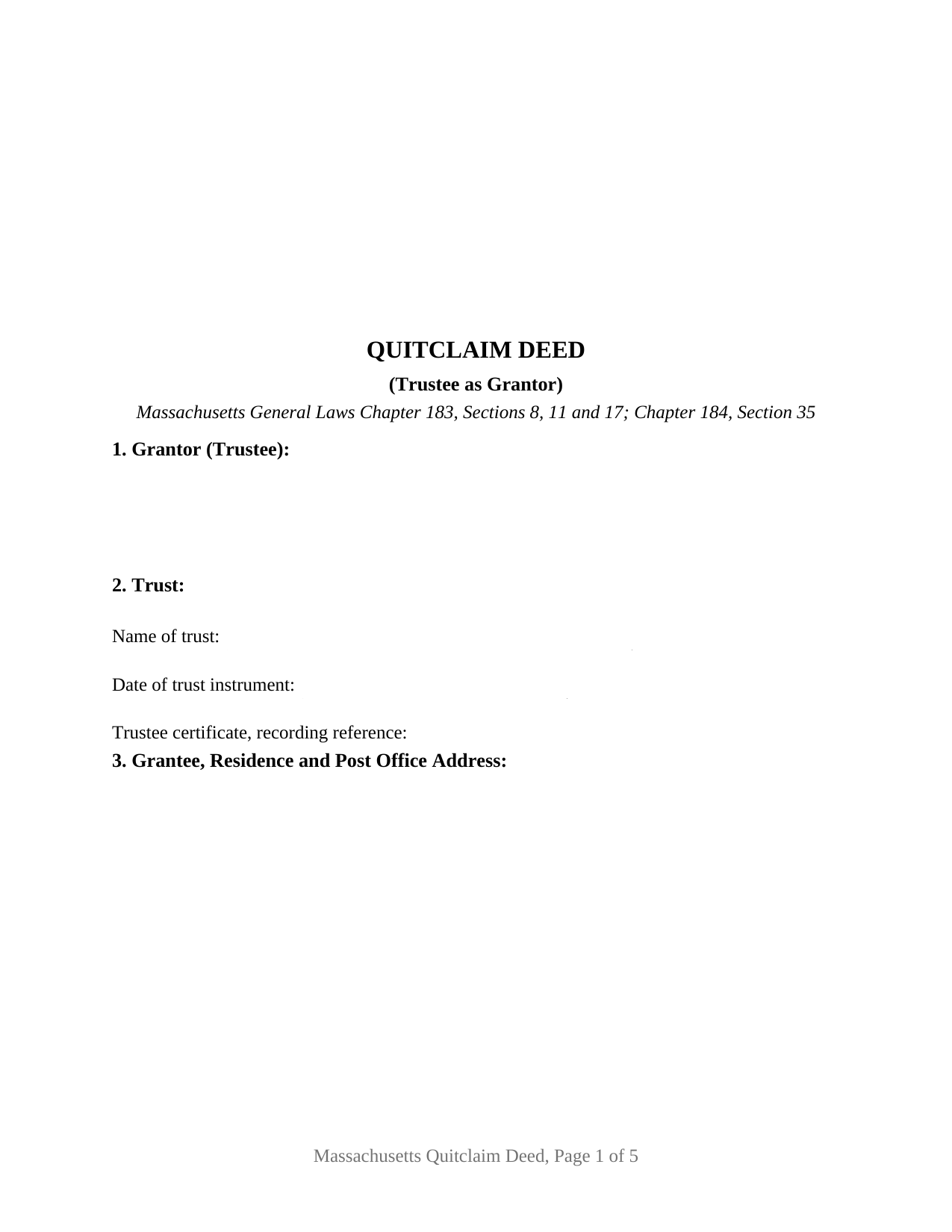
Plymouth County Quitclaim Deed (Trustee Grantor) Form
Fill in the blank Quitclaim Deed (Trustee Grantor) form formatted to comply with all Massachusetts recording and content requirements.
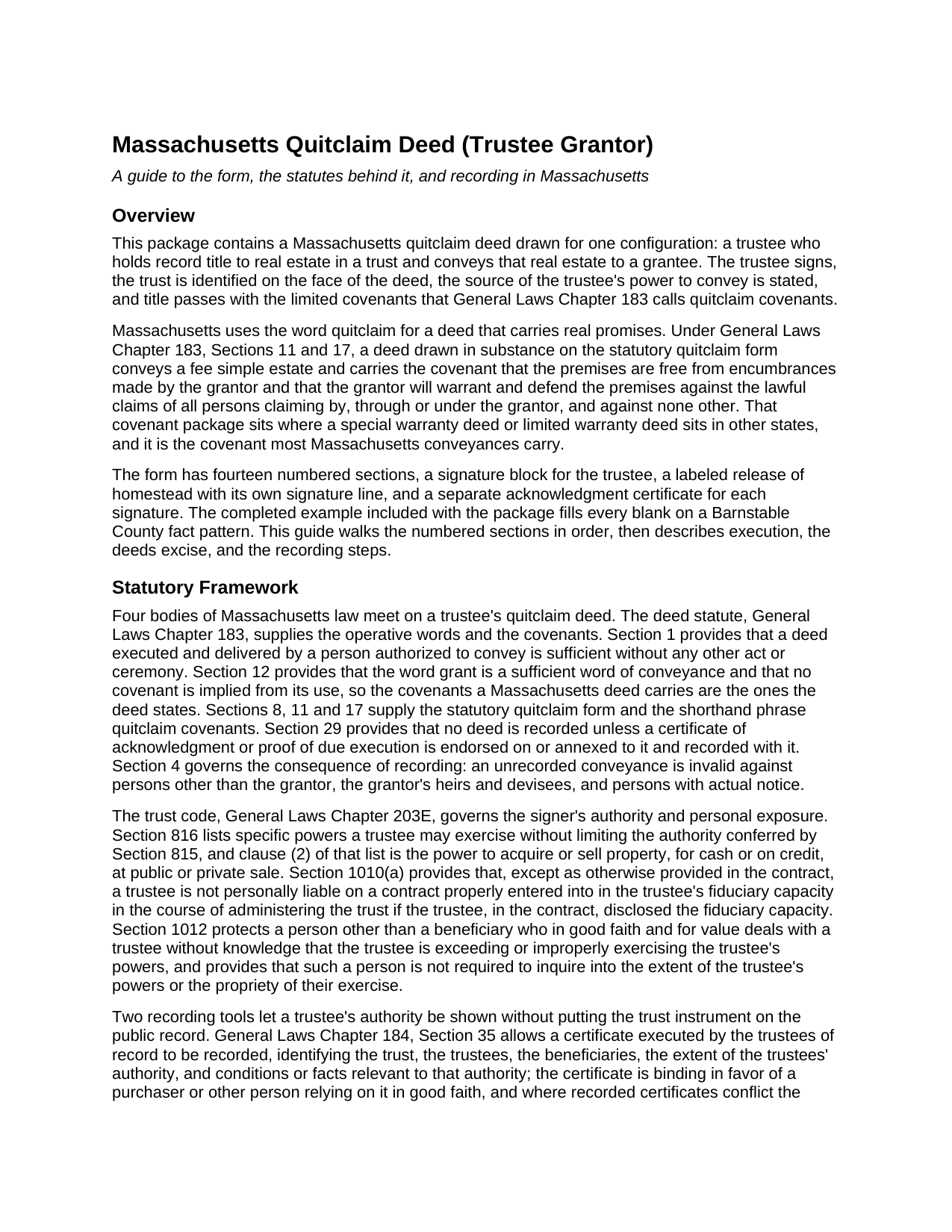
Plymouth County Quitclaim Deed (Trustee Grantor) Guide
Line by line guide explaining every blank on the Quitclaim Deed (Trustee Grantor) form.
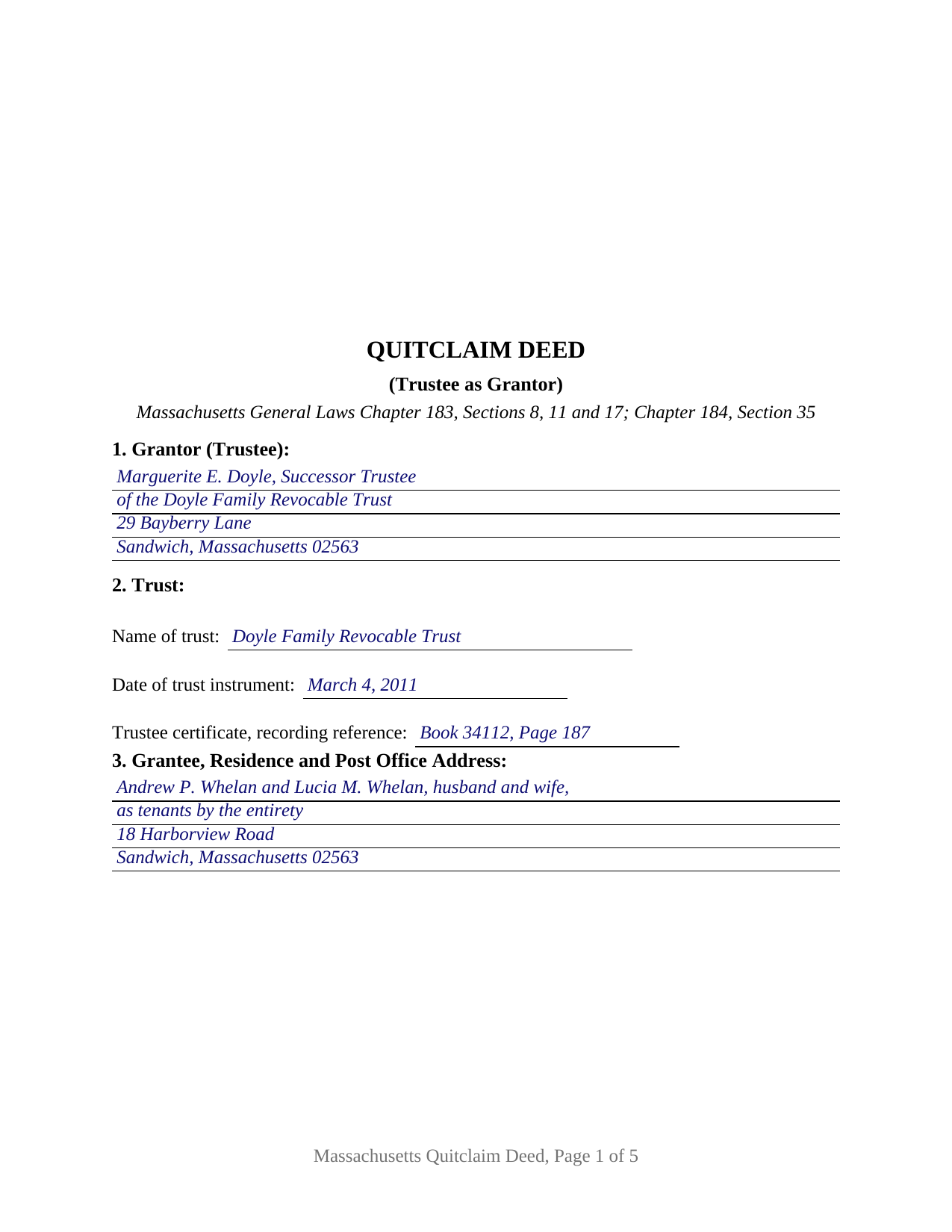
Plymouth County Completed Example of the Quitclaim Deed (Trustee Grantor) Document
Example of a properly completed Massachusetts Quitclaim Deed (Trustee Grantor) document for reference.
All 3 documents above included • One-time purchase • No recurring fees
Immediate Download • Secure Checkout
Additional Massachusetts and Plymouth County documents included at no extra charge:
Where to Record Your Documents
Plymouth - Main Office with Land Court
Plymouth, Massachusetts 02360
Hours: 8:15 to 4:30 M-F / Recording until 4:00
Phone: (508) 830-9200
Brockton Satellite Office
Brockton, Massachusetts 02301
Hours: 8:30 to 12:00 & 12:45 to 4:15 M-F / Recording until 4:00
Phone: (508) 830-9200
Rockland Satellite Office
Rockland, Massachusetts 02370
Hours: 8:30 to 12:00 & 12:45 to 4:15 M-F / Recording until 4:00
Phone: (508) 830-9200
Recording Tips for Plymouth County:
- Bring your driver's license or state-issued photo ID
- Ensure all signatures are in blue or black ink
- Check margin requirements - usually 1-2 inches at top
- Leave recording info boxes blank - the office fills these
- Make copies of your documents before recording - keep originals safe
Cities and Jurisdictions in Plymouth County
Properties in any of these areas use Plymouth County forms:
- Abington
- Accord
- Brant Rock
- Bridgewater
- Brockton
- Bryantville
- Carver
- Duxbury
- East Bridgewater
- East Wareham
- Elmwood
- Green Harbor
- Greenbush
- Halifax
- Hanover
- Hanson
- Hingham
- Hull
- Humarock
- Kingston
- Lakeville
- Manomet
- Marion
- Marshfield
- Marshfield Hills
- Mattapoisett
- Middleboro
- Minot
- Monponsett
- North Carver
- North Marshfield
- North Pembroke
- North Scituate
- Norwell
- Ocean Bluff
- Onset
- Pembroke
- Plymouth
- Plympton
- Rochester
- Rockland
- Scituate
- South Carver
- Wareham
- West Bridgewater
- West Wareham
- White Horse Beach
- Whitman
Hours, fees, requirements, and more for Plymouth County
How do I get my forms?
Forms are available for immediate download after payment. The Plymouth County forms will be in your account ready to download to your computer. An account is created for you during checkout if you don't have one. Forms are NOT emailed.
Are these forms guaranteed to be recordable in Plymouth County?
Yes. Our form blanks are guaranteed to meet or exceed the applicable formatting requirements used for recording in Plymouth County, including margin requirements, font requirements, and other layout standards. This guarantee applies to formatting, not to the legal sufficiency of information entered by the user or the suitability of a form for a particular transaction.
Can I reuse these forms?
Yes. You can reuse the forms for your personal use. For example, if you have multiple properties in Plymouth County you only need to order once.
What do I need to use these forms?
The forms are PDFs that you fill out on your computer. The free Adobe Acrobat Reader is recommended, and most PDF apps also work. You do NOT enter your property information online - you download the blank forms and complete them privately on your own computer.
Are there any recurring fees?
No. This is a one-time purchase. Nothing to cancel, no memberships, no recurring fees.
How much does it cost to record in Plymouth County?
Recording fees in Plymouth County vary. Contact the recorder's office at (508) 830-9200 for current fees.
Questions answered? Let's get started!
A Massachusetts deed signed by a trustee answers a question an ordinary deed never raises: where the authority behind the signature came from, and whose promises the covenants are. This fillable quitclaim deed is drawn for that signature. One trustee holding record title in a trust conveys the real estate to a grantee with the limited covenants General Laws Chapter 183 calls quitclaim covenants, and the instrument states the trust, the date of the trust instrument, and the source of the power to convey.
Authority the record can read
Section 2 names the trust and the date of its instrument, and Section 9 states where the power to convey comes from: an article of the trust instrument, a recorded trustee certificate, a written direction from the beneficiaries of a nominee trust, or the powers the trust code supplies. Chapter 203E, Section 816 lists specific powers a trustee may exercise, clause (2) being the power to acquire or sell property at public or private sale, and Section 1012 protects a buyer dealing with a trustee in good faith and for value, who is not required to inquire into the extent of the trustee's powers. Chapter 184, Section 35 supplies the recorded trustee certificate a title examiner reads in place of the trust instrument, and the deed carries its book and page.
Covenants spoken in a fiduciary capacity
Chapter 183, Sections 11 and 17 give the two words quitclaim covenants their content: the premises are free of encumbrances the grantor made, and the grantor defends the title against claims arising by, through or under the grantor, and against none other. This form writes the promises out and then places them, because Section 11 states that the grantor signs solely as trustee and not individually and that the fiduciary capacity is disclosed on the instrument, the disclosure Chapter 203E, Section 1010(a) describes when it keeps a trustee off a contract personally where that capacity was disclosed. A bold line closes the operative section: the covenants reach claims traced through the trust and its trustee, not earlier links in the chain.
A homestead held through the trust
Chapter 188, Section 1 counts the holder of a present, vested and non-contingent beneficial interest in a trust as an owner, so an estate of homestead can attach to a home a trust holds. Clause (4) of Section 10(a) answers for trust-held title: a deed or a release of homestead executed by the trustee ends the homestead, as does action by a beneficial owner named in the declaration. Subsection (b) keeps a homestead standing on a deed between a trustee and a trust beneficiary unless every person entitled to its benefit executes an express release. Section 12 states the trustee's release, and Section 14 is a labeled release line, with its own certificate, for a person holding a homestead estate in the property; it stays blank on a deed no such person signs.
One trustee, one signature line, one trust
The form recites one trustee as grantor, one signature block above a printed name carrying the capacity, and one certificate for it, the second certificate belonging to the homestead release. A successor trustee selling a settlor's home after the settlor's death, a trustee distributing trust real estate to a beneficiary, and a nominee trust trustee conveying at the beneficiaries' written direction all present the pattern this deed recites. The form is not set up for an owner conveying in an individual right, for two or more record owners, for co-trustees who must act together, for an entity signer, or for a personal representative or attorney-in-fact. Searches for a Massachusetts trustee deed or a quit claim deed out of a trust describe this configuration.
Excise stamps and the registry district
Recording happens in the registry district covering the town where the land sits, at the statewide deed fee of $155, and the Chapter 64D deeds excise is computed on the consideration Chapter 183, Section 6 has the deed recite in full. Most counties collect $2.28 for each $500 or fraction; Barnstable County collects $3.24. The completed example runs a Barnstable County sale in Sandwich at $535,000, which draws $3,466.80 in stamps. Land in Dukes County or on Nantucket clears an island land bank first.
The download delivers this trustee quitclaim deed as a fillable PDF, with the completed example and a guide walking each numbered section, both certificates, the homestead release, and recording. The materials describe Massachusetts law in general terms and are not legal advice.
Important: Your property must be located in Plymouth County to use these forms. Documents should be recorded at the county recording office listed above.
This Quitclaim Deed (Trustee Grantor) meets all recording requirements specific to Plymouth County.
Our Promise
The documents you receive here are guaranteed to meet or exceed the applicable Plymouth County recording format requirements. If there is a rejection caused by our formatting, we will correct the issue or refund your payment. This guarantee applies to document formatting only and does not extend to information entered by the user, the selection of the form, or the legal effect of the completed document.
Save Time and Money
Get your Plymouth County Quitclaim Deed (Trustee Grantor) form done right the first time with Deeds.com Uniform Conveyancing Blanks. At Deeds.com, we understand that your time and money are valuable resources, and we don't want you to face a penalty fee or rejection imposed by a county recorder for submitting nonstandard documents. We constantly review and update our forms to meet rapidly changing state and county recording requirements for roughly 3,500 counties and local jurisdictions.
4.8 out of 5 - ( 4,832 Reviews )
Helen L. 5 out of 5 stars
The website was easy to navigate but only needed one form. The guide was helpful also. Cost want high but contains many documents that I didn't need but may someday. Could not save form after completed but printed copies that needed to be court filed.
We appreciate your business and value your feedback. Thank you. Have a wonderful day!
Vanessa G. 5 out of 5 stars
Quick, painless, and they communicated with me during the entire process. I will certainly be suing them again.
We are delighted to have been of service. Thank you for the positive review!
Shantu S. 5 out of 5 stars
Easy to follow directions and complete the Deed.
Thank you!
GARY S. 5 out of 5 stars
sweet & easy
Thank you!
Anabel H. 5 out of 5 stars
Everything went smoothly, quickly and efficiently.
We appreciate your business and value your feedback. Thank you. Have a wonderful day!
Jeffrey G. 5 out of 5 stars
We had a one-time-only recording to make in the District of Columbia. We could not have e-filed the document without the assistance Deeds.com! The service they provided was wonderful.
Thank you for your feedback. We really appreciate it. Have a great day!
Terry M. 5 out of 5 stars
Very responsive. I was notified very quickly if the deed I was looking for was available.
Thank you!
Robert W. 5 out of 5 stars
Easier than I thought. No problem Nice service
Thank you!
Douglas N. 5 out of 5 stars
Great!
Thank you!
Randy F. 5 out of 5 stars
SO FAR SO GOOD, DOC'S DOWNLOADED WITHOUT A PROBLEM
Thank you!
Deborah B. 5 out of 5 stars
EVERYTHING WENT WELL, HAD NO PROBLEMS DOWNLOADING MY FORMS. THE ORDER QUICK AND EASY. THANKS IF I EVER NEED AND OF THESES FORMS AGAIN I WILL BE BACK.
Thanks Deborah, we really appreciate your feedback.
Kathy B. 5 out of 5 stars
Used this service in 2016 and had NO problems with getting all the correct paperwork submitted and I would definitely recommend this company
Thank you for your feedback. We really appreciate it. Have a great day!
John G. 5 out of 5 stars
Great on line help with the recording process!
We appreciate your business and value your feedback. Thank you. Have a wonderful day!
Patrick K. 5 out of 5 stars
Fast and easy to use. Great update communications
We appreciate your business and value your feedback. Thank you. Have a wonderful day!
Gordon J. 5 out of 5 stars
The experience was generally very satisfactory. I was able to fill out the Trust Deed and send it via email no problem. However, I was not able to send the filled out form of the Note. It always erased my fill-ins when it was sent. I found that very frustrating.
Thank you, Gordon. Glad the Trust Deed worked well. Issues like the one you reported with the Note can sometimes be related to how the file is opened or sent. Using Adobe Reader to fill, save, and send the form is recommended. We also pass along all feedback like this to our team to confirm there are no issues.