Stearns County Quitclaim Deed (Corporation Grantor) Form
Last validated October 8, 2026 by our Forms Development TeamFormatted for recording in Stearns County, for property anywhere in the county: rural and unincorporated areas as well as Albany, Avon, Belgrade, Brooten, Cold Spring, Collegeville, Elrosa, Freeport and 16 more.
- 3 documents included
- Immediate PDF download
- Formatting guarantee
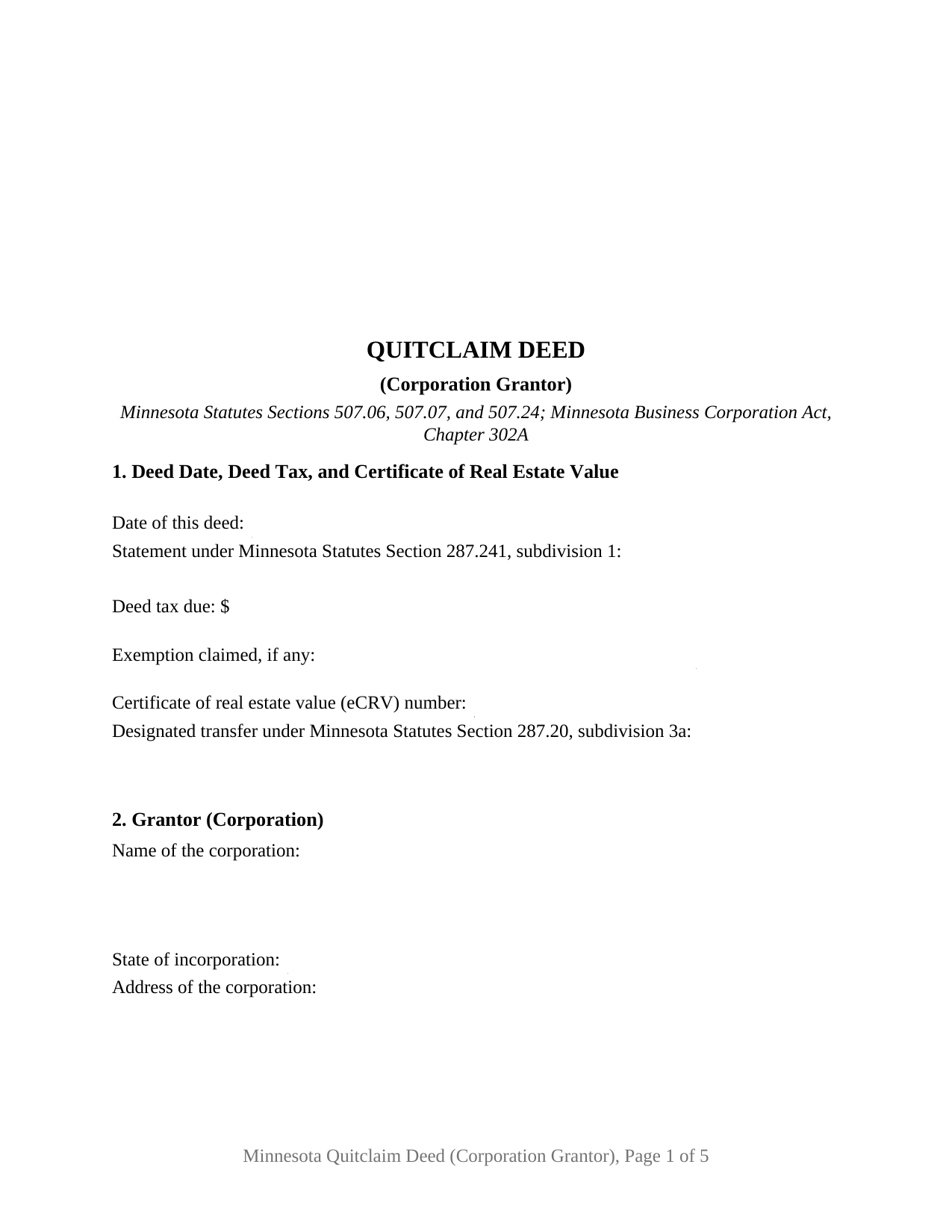
Stearns County Quitclaim Deed (Corporation Grantor) Form
Fill in the blank Quitclaim Deed (Corporation Grantor) form formatted to comply with all Minnesota recording and content requirements.
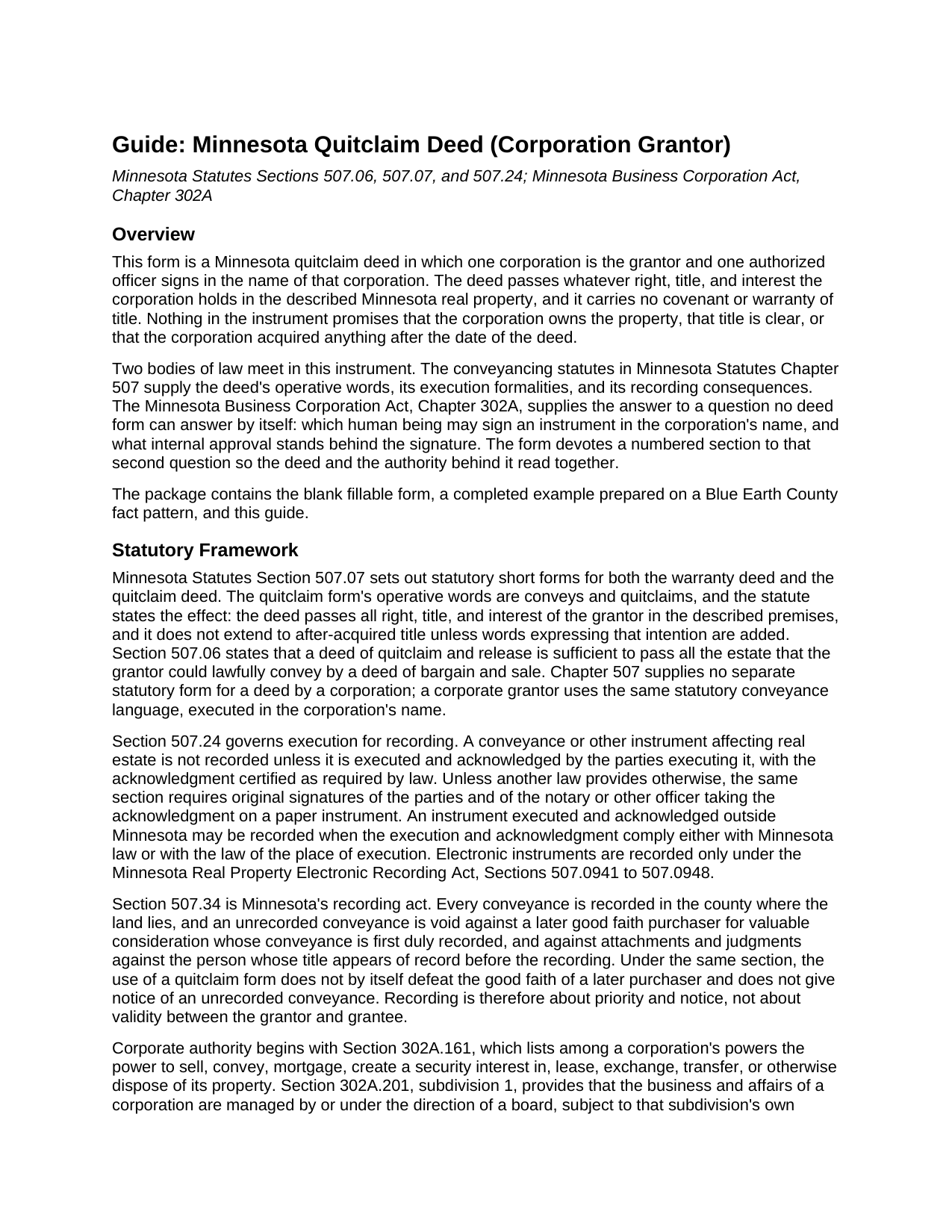
Stearns County Quitclaim Deed (Corporation Grantor) Guide
Line by line guide explaining every blank on the Quitclaim Deed (Corporation Grantor) form.
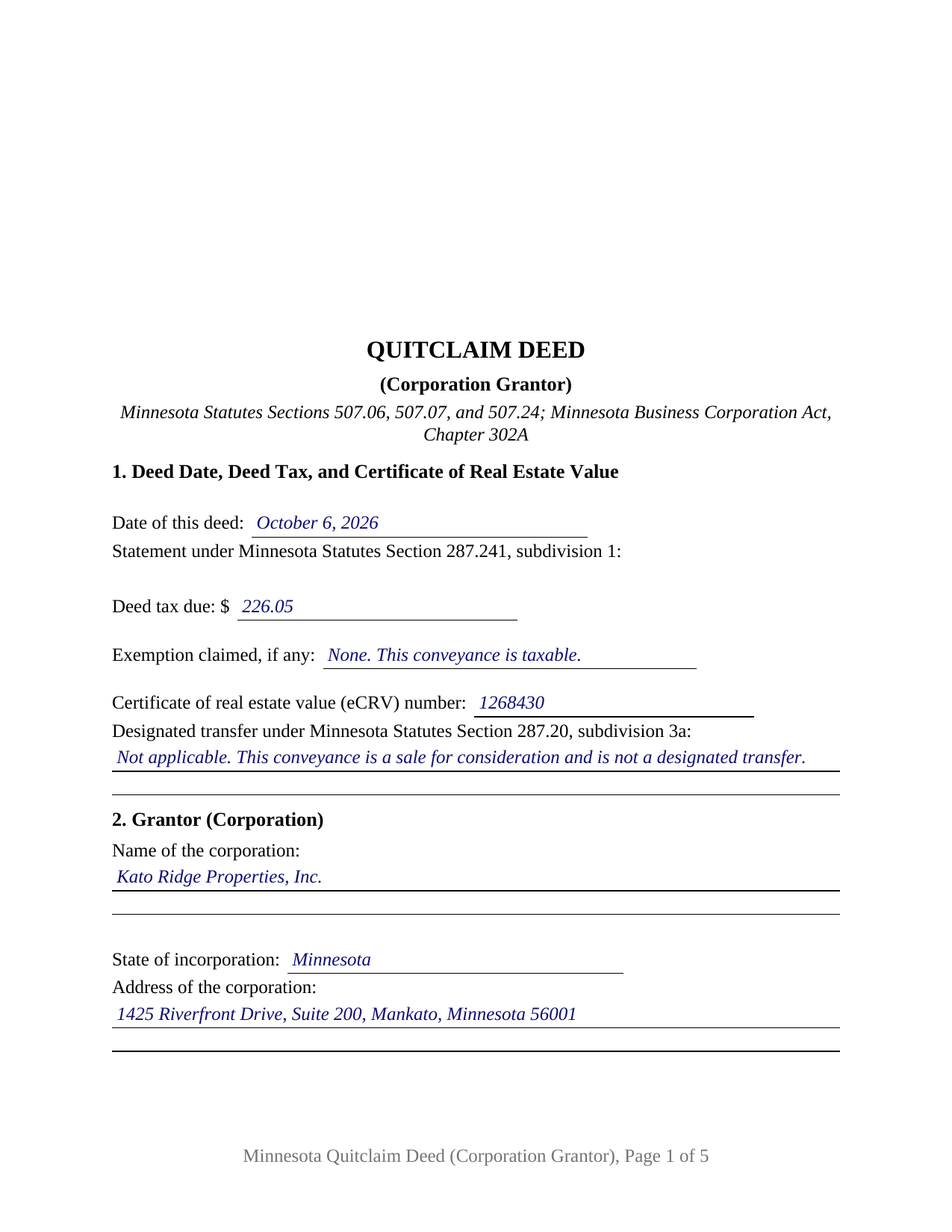
Stearns County Completed Example of the Quitclaim Deed (Corporation Grantor) Document
Example of a properly completed Minnesota Quitclaim Deed (Corporation Grantor) document for reference.
All 3 documents above included • One-time purchase • No recurring fees
Immediate Download • Secure Checkout
Additional Minnesota and Stearns County documents included at no extra charge:
Where to Record Your Documents
Service Center, Room 2203
Waite Park, Minnesota 56387
Hours: 8:00am to 4:30pm M-F
Phone: (320) 656-3855
Recording Tips for Stearns County:
- Bring your driver's license or state-issued photo ID
- Ensure all signatures are in blue or black ink
- Recorded documents become public record - avoid including SSNs
- Recording fees may differ from what's posted online - verify current rates
- Request a receipt showing your recording numbers
Cities and Jurisdictions in Stearns County
Properties in any of these areas use Stearns County forms:
- Albany
- Avon
- Belgrade
- Brooten
- Cold Spring
- Collegeville
- Elrosa
- Freeport
- Greenwald
- Holdingford
- Kimball
- Melrose
- New Munich
- Paynesville
- Richmond
- Rockville
- Roscoe
- Saint Cloud
- Saint Joseph
- Saint Martin
- Saint Stephen
- Sartell
- Sauk Centre
- Waite Park
Hours, fees, requirements, and more for Stearns County
How do I get my forms?
Forms are available for immediate download after payment. The Stearns County forms will be in your account ready to download to your computer. An account is created for you during checkout if you don't have one. Forms are NOT emailed.
Are these forms guaranteed to be recordable in Stearns County?
Yes. Our form blanks are guaranteed to meet or exceed the applicable formatting requirements used for recording in Stearns County, including margin requirements, font requirements, and other layout standards. This guarantee applies to formatting, not to the legal sufficiency of information entered by the user or the suitability of a form for a particular transaction.
Can I reuse these forms?
Yes. You can reuse the forms for your personal use. For example, if you have multiple properties in Stearns County you only need to order once.
What do I need to use these forms?
The forms are PDFs that you fill out on your computer. The free Adobe Acrobat Reader is recommended, and most PDF apps also work. You do NOT enter your property information online - you download the blank forms and complete them privately on your own computer.
Are there any recurring fees?
No. This is a one-time purchase. Nothing to cancel, no memberships, no recurring fees.
How much does it cost to record in Stearns County?
Recording fees in Stearns County vary. Contact the recorder's office at (320) 656-3855 for current fees.
Questions answered? Let's get started!
Minnesota names the officer who signs a corporation's deeds. Section 302A.305 of the Minnesota Statutes puts signing and delivering deeds in the name of the corporation among the chief executive officer's duties, and then attaches exceptions to it. The Minnesota Quitclaim Deed (Corporation Grantor) is built on that sentence: one corporation is named as Grantor, one officer signs for it, and a numbered section records where the power behind the signature comes from. Whatever interest the corporation holds in the described Minnesota real property passes to the Grantee, without warranty of title.
The signing duty, and what moves it
The clause granting that duty withdraws it in three situations: where the law requires another person to exercise the authority, where the articles or bylaws expressly delegate it, and where the board delegates it to another officer or agent. Section 302A.351 opens a fourth path, letting an officer delegate the powers of an office without board approval unless the articles, bylaws, or a board resolution prohibit it. Over all of them sits Section 302A.201, subdivision 1, under which a corporation's business and affairs are managed by or under the direction of a board. Section 5 takes the source relied on, and Section 12 takes the signer's title.
The approval question above the signature line
Section 302A.661 sorts corporate conveyances by size and by ordinariness. Subdivision 1 lets a corporation act by a majority of the directors present, with no shareholder approval, when it disposes of all or substantially all of its property and assets in the usual and regular course of business. Subdivision 2 covers the opposite case, where such a disposition outside that ordinary course takes the affirmative vote of holders of a majority of the voting power. Section 5 carries a second blank for that answer, so the deed states it on its face.
One corporation, one signature, one certificate
The form recites exactly one corporation as Grantor, with entries for its name, state of incorporation, and address, and exactly one authorized officer, whose block carries a signature, printed name, date, and officer title. Section 8 speaks the Section 507.07 statutory words conveys and quitclaims from the corporation and adds that the signing officer acts in the corporation's name and solely in a representative capacity. A single certificate follows the signature, drawn from the Section 358.66 short form for a signer acting in a representative capacity, so its blanks record the officer's name, the authority held, and the corporation the signature was made for. A corporation selling a parcel it has stopped using, a corporation moving one to an organization it owns entirely, and a corporation putting its current name on the record where an older instrument reads differently all present the single corporate grantor pattern this deed recites. It is not set up for two officers signing together, nor for a conveyance into a corporation. No spousal joinder block appears, because Section 507.02 speaks to a married owner and the record owner here is a corporation.
What conveys and quitclaims delivers
Section 507.07 supplies the statutory short form and the effect of its operative words: all right, title, and interest of the grantor passes, and title acquired afterward does not, unless added words say so. Chapter 507 carries no separate form for a corporate deed, so a corporation conveys with those same words, acknowledged under Section 507.24.
Deed tax on a reorganization, and the six month tail
Consideration usually drives the tax, at 0.0033 of net consideration above $3,000 under Section 287.21. One designated transfer category in Section 287.20, subdivision 3a, is written for corporate paper: clause (5), a transfer of substantially all the assets of one or more entities under a reorganization as that section defines it. It carries the $1.65 minimum, and Section 272.115, subdivision 6, sets the eCRV filing aside when the deed itself says on page one that a designated transfer is what it makes. Section 1 prints that entry beside the Section 287.241 tax statement. The Department of Revenue notes the tail: a change in the grantee entity's ownership within six months of recording makes deed tax retroactively due.
A corporate quit claim deed and a quitclaim deed from a corporation name this same instrument. The package delivers the fillable form, a completed example built on a Blue Earth County sale by a Mankato corporation, and a guide covering every numbered section, the chapter 302A authority provisions, and the county recording steps. The materials are informational and are not legal advice.
Important: Your property must be located in Stearns County to use these forms. Documents should be recorded at the county recording office listed above.
This Quitclaim Deed (Corporation Grantor) meets all recording requirements specific to Stearns County.
Our Promise
The documents you receive here are guaranteed to meet or exceed the applicable Stearns County recording format requirements. If there is a rejection caused by our formatting, we will correct the issue or refund your payment. This guarantee applies to document formatting only and does not extend to information entered by the user, the selection of the form, or the legal effect of the completed document.
Save Time and Money
Get your Stearns County Quitclaim Deed (Corporation Grantor) form done right the first time with Deeds.com Uniform Conveyancing Blanks. At Deeds.com, we understand that your time and money are valuable resources, and we don't want you to face a penalty fee or rejection imposed by a county recorder for submitting nonstandard documents. We constantly review and update our forms to meet rapidly changing state and county recording requirements for roughly 3,500 counties and local jurisdictions.
4.8 out of 5 - ( 4,836 Reviews )
Ann E Grace S. 5 out of 5 stars
Forms and instructions are very easy to access. Thank you!
Thank you for your feedback. We really appreciate it. Have a great day!
Wendy B. 5 out of 5 stars
Really appreciate you he quick response and solution to my problem!! Thank you!!
Thank you for your feedback. We really appreciate it. Have a great day!
James J. 4 out of 5 stars
The form itself was very good and easy to use. The only problem I had was the Sample they provided. Using a different name in every spot doesnt help determine what goes where. Using "Theodore Rockafeller" as Lien Claimant in one spot and Jebediah Finklestein in another then Harvey Johnson in the last spot is confusing if you really need a helpful sample.
Thank you for your feedback James. We will have staff review the completed example to see if we can make it more helpful. Have a great day!
Charlotte A. 4 out of 5 stars
This information gave me enough to complete a quit claim deed yesterday
Thank you for your positive words! We’re thrilled to hear about your experience.
Colleen P. 3 out of 5 stars
It was frustrating to get the scans done but that might have been due to a learning curve. After 4 tries they were accepted. I couldn't figure out how to delete or close the failed attempts. Waiting to see if Recorder office has changed the title.
Thank you for your feedback. We really appreciate it. Have a great day!
WAYNE C. 5 out of 5 stars
Wonderful forms, been coming here for years (since 2012) for my deed forms and they have never failed.
We appreciate your business and value your feedback. Thank you. Have a wonderful day!
sonja E. 5 out of 5 stars
It's very easy to find your way around on deeds.com, Excellent layout on this website and user friendly!
Thank you!
Rebecca C. 5 out of 5 stars
I actually like this site, Its quick and user friendly.
We appreciate your business and value your feedback. Thank you. Have a wonderful day!
Pauline G. 5 out of 5 stars
Found just what I needed!!! Instructions were easy to follow and I accomplished the task like a professional. Thank you Deeds.com!!!!
We appreciate your business and value your feedback. Thank you. Have a wonderful day!
Thomas G. 5 out of 5 stars
fast and easy
Thank you!
Filomena G. 5 out of 5 stars
very helpful
Thank you!
Robert W. 5 out of 5 stars
Easier than I thought. No problem Nice service
Thank you!
Ellen d. 5 out of 5 stars
Wonderful tool to have available on line!
We appreciate your business and value your feedback. Thank you. Have a wonderful day!
Linda T. 5 out of 5 stars
All downloaded now I just have to fill them out. Will let you know how it does. Thanks for the service. Linda
Thank you for your feedback. We really appreciate it. Have a great day!
edward s. 5 out of 5 stars
This is the go to place for quick work. They are awesome.
Thank you!