Copiah County Correction Deed Form
Last validated October 13, 2026 by our Forms Development TeamFormatted for recording in Copiah County, for property anywhere in the county: rural and unincorporated areas as well as Crystal Springs, Gallman, Georgetown, Hazlehurst, Wesson.
- 3 documents included
- Immediate PDF download
- Formatting guarantee
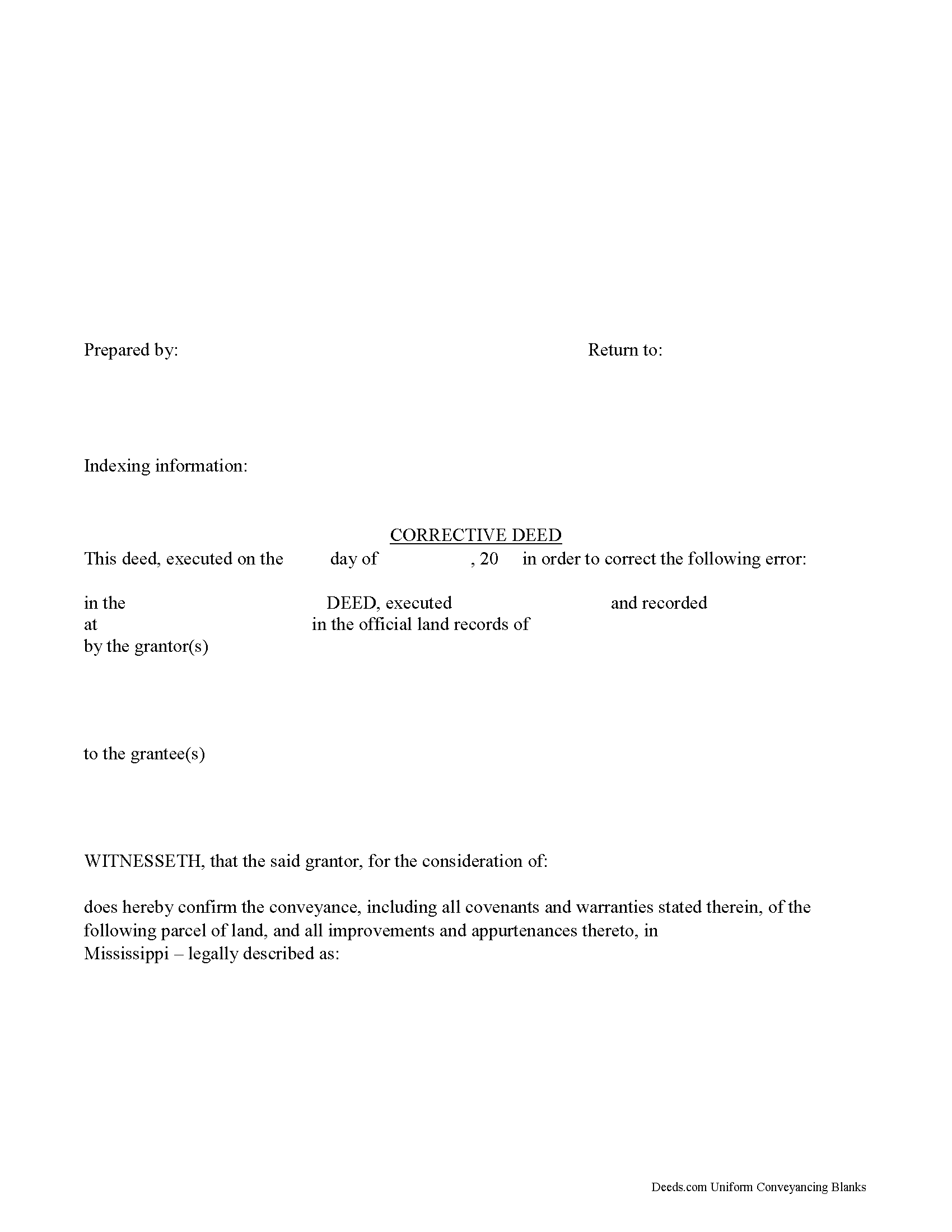
Copiah County Corrective Deed Form
Fill in the blank form formatted to comply with all recording and content requirements.
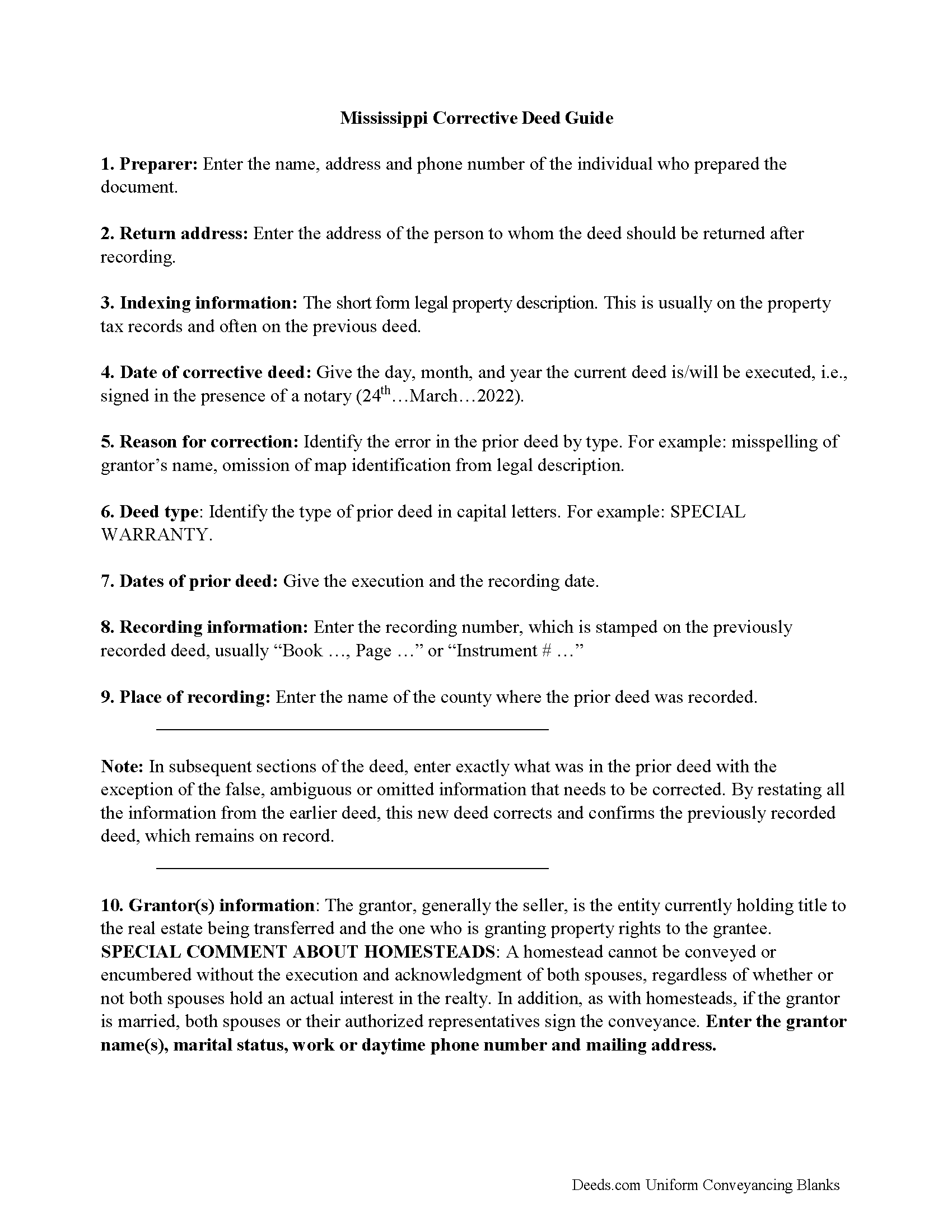
Copiah County Correction Deed Guide
Line by line guide explaining every blank on the form.
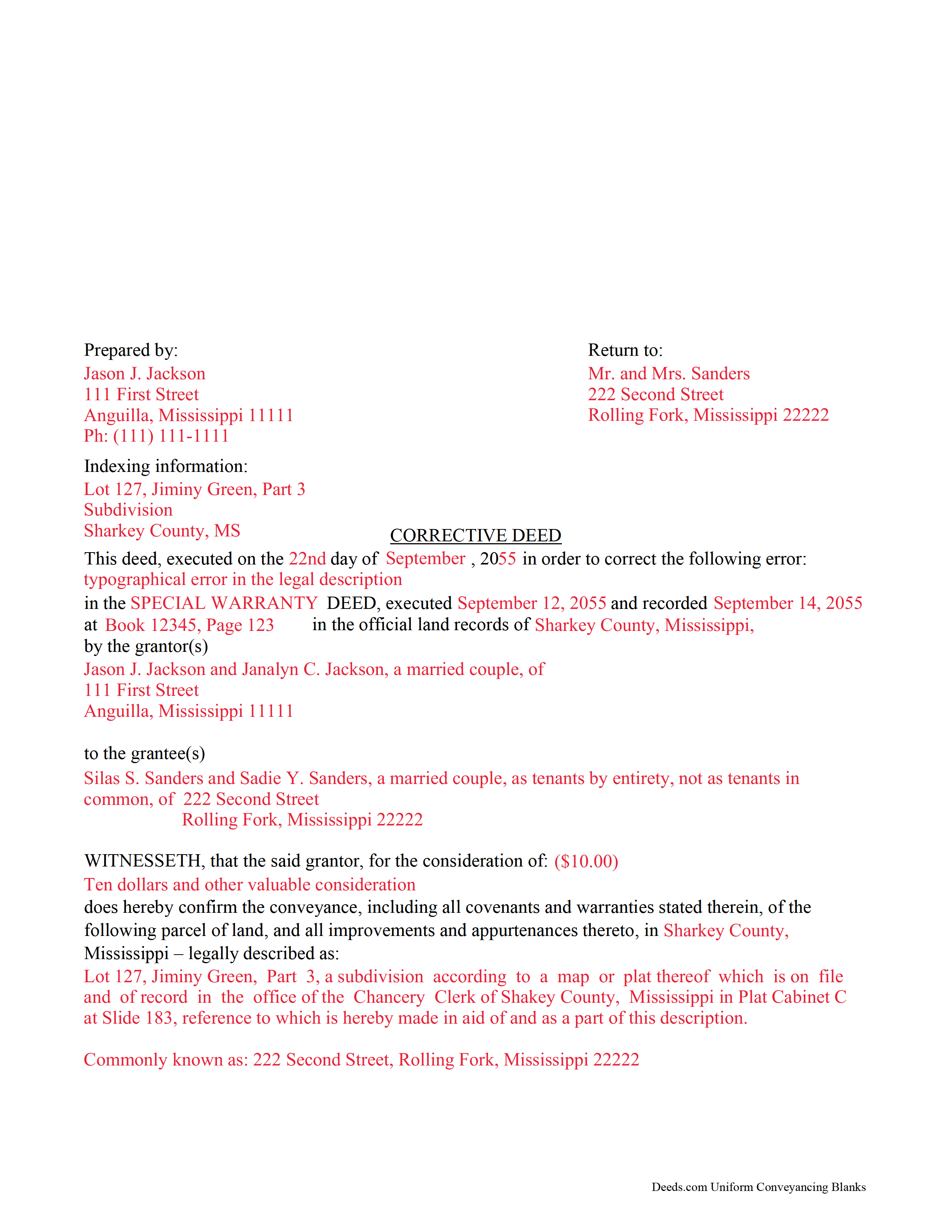
Copiah County Completed Example of the Correction Deed Document
Example of a properly completed form for reference.
All 3 documents above included • One-time purchase • No recurring fees
Immediate Download • Secure Checkout
Additional Mississippi and Copiah County documents included at no extra charge:
Where to Record Your Documents
Copiah County Chancery Clerk
Hazelhurst, Mississippi 39083
Hours: 8:00am-5:00pm M-F
Phone: (601) 894-3021
Recording Tips for Copiah County:
- Bring your driver's license or state-issued photo ID
- Ensure all signatures are in blue or black ink
- Documents must be on 8.5 x 11 inch white paper
- Double-check legal descriptions match your existing deed
- Verify all names are spelled correctly before recording
Cities and Jurisdictions in Copiah County
Properties in any of these areas use Copiah County forms:
- Crystal Springs
- Gallman
- Georgetown
- Hazlehurst
- Wesson
Hours, fees, requirements, and more for Copiah County
How do I get my forms?
Forms are available for immediate download after payment. The Copiah County forms will be in your account ready to download to your computer. An account is created for you during checkout if you don't have one. Forms are NOT emailed.
Are these forms guaranteed to be recordable in Copiah County?
Yes. Our form blanks are guaranteed to meet or exceed the applicable formatting requirements used for recording in Copiah County, including margin requirements, font requirements, and other layout standards. This guarantee applies to formatting, not to the legal sufficiency of information entered by the user or the suitability of a form for a particular transaction.
Can I reuse these forms?
Yes. You can reuse the forms for your personal use. For example, if you have multiple properties in Copiah County you only need to order once.
What do I need to use these forms?
The forms are PDFs that you fill out on your computer. The free Adobe Acrobat Reader is recommended, and most PDF apps also work. You do NOT enter your property information online - you download the blank forms and complete them privately on your own computer.
Are there any recurring fees?
No. This is a one-time purchase. Nothing to cancel, no memberships, no recurring fees.
How much does it cost to record in Copiah County?
Recording fees in Copiah County vary. Contact the recorder's office at (601) 894-3021 for current fees.
Questions answered? Let's get started!
Use the corrective deed to amend a previously recorded warranty, special warranty, or quitclaim deed with an error that could affect future title transfer.
A corrective deed is, in effect, an explanation and correction of an error in a prior instrument. As such, it passes no title, but only reiterates and confirms the prior conveyance. It should be executed from the original grantor to the original grantee, and it needs to be recorded in order to be legally valid.
The corrective deed must reference the original conveyance it is correcting by type of error, date of execution and recording, and recording number and location. Beyond that, it restates the information given in the prior deed, thus serving as its de facto replacement. The prior deed, which constitutes the actual conveyance of title, remains on record and will receive a marginal cross-reference to the subsequent recording of a corrective deed.
Deeds of correction are most appropriate for minor errors and omissions in the original deed, such as misspelled names, omission of marital status, or typos in the legal description. More substantial changes, such as adding a name to the title or adding/subtracting a portion of land to the legal description of the property, usually require a new deed of conveyance instead of a mere corrective deed. When in doubt, seek legal counsel to determine the most appropriate instrument for a case that involves such a material change.
(Mississippi CD Package includes form, guidelines, and completed example)
Important: Your property must be located in Copiah County to use these forms. Documents should be recorded at the county recording office listed above.
This Correction Deed meets all recording requirements specific to Copiah County.
Our Promise
The documents you receive here are guaranteed to meet or exceed the applicable Copiah County recording format requirements. If there is a rejection caused by our formatting, we will correct the issue or refund your payment. This guarantee applies to document formatting only and does not extend to information entered by the user, the selection of the form, or the legal effect of the completed document.
Save Time and Money
Get your Copiah County Correction Deed form done right the first time with Deeds.com Uniform Conveyancing Blanks. At Deeds.com, we understand that your time and money are valuable resources, and we don't want you to face a penalty fee or rejection imposed by a county recorder for submitting nonstandard documents. We constantly review and update our forms to meet rapidly changing state and county recording requirements for roughly 3,500 counties and local jurisdictions.
4.8 out of 5 - ( 4,828 Reviews )
Viola G. 4 out of 5 stars
no as easy as anticipated but convenient.
We are grateful for your feedback and looking forward to serving you again. Thank you!
SUZANNE W. 5 out of 5 stars
Very quick and efficient. Received recorded document within hours after beginning the process. Very reasonable fees. Highly recommended!
Thank you!
A. S. 3 out of 5 stars
First, I am glad that you gave a blank copy, an example copy, and a 'guide'. It made it much easier to do. Overall I was very happy with your products and organization... however, things got pretty confusing and I have a pretty 'serious' law background in Real Estate and Civil law. With that said, I spent about 10+ hours getting my work done, using the Deed of Trust and Promissory note from you and there were a few problems: First, it would be FANTASTIC if you actually aligned your guide to actually match the Deed or Promissory Note. What I mean is that if the Deed says 'section (E)' then your guide shouldn't be 'randomly' numbered as 1,2,3, for advice/instructions, but should EXACTLY match 'section (E)'. Some places you have to 'hunt' for what you are looking for, and if you did it based on my suggestion, you wouldn't need to 'hunt' and it would avoid confusion. 2nd: This one really 'hurt'... you had something called the 'Deed of Trust Master Form' yet you had basically no information on what it was or how to use it. The only information you had was a small section at the top of the 'Short Form Deed of Trust Guide'. Holy Cow, was that 'section' super confusing. I still don't know if I did it correctly, but your guide says only put a return address on it and leave the rest of the 16 or so page Deed of Trust beneath it blank... and then include your 'Deed of Trust' (I had to assume the short form deed that I had just created) as part of it. I had to assume that I had to print off the entire 17 page or so title page and blank deed. I also had to assume that the promissory note was supposed to be EXHIBIT A or B on the Short Form Deed. It would be great if someone would take a serious look at that short section in your 'Short Form Deed of Trust Guide' and realize that those of us using your products are seriously turning this into a county clerk to file and that most of us, probably already have a property that has an existing Deed... or at least can find one in the county records if necessary... and make sure that you make a distinction between the Deed for the property that already exists, versus the Deed of Trust and Promissory note that we are trying to file. Thanks.
Thank you for your feedback. We'll have staff review the document for clarity. Have a great day!
SAMANTHA P. 5 out of 5 stars
Very easy very clear very informative of direct information stating the obvious and the underlining of both contexts. Right place for the right Tools to establish ,verify ,correct then guidance for not only myself, but for our legacy that should and will be live on to be know. Thank you deeds.com!
Thank you!
Dean P. 5 out of 5 stars
Very fast, efficient, and convenient - thanks Deeds.com! I would recommend this service to everyone needing to record documents, especially out-of-state customers such as myself.
Thank you for your feedback. We really appreciate it. Have a great day!
LIsa B. 5 out of 5 stars
Deeds.com made this process of electronic document recording so easy! The communication was quick, friendly, helpful and efficient. I am out of state and have administrative items to handle for my father who has Alzheimer's. Deeds.com is a great service. I highly recommend them, and will use them again when the time comes.
Thank you!
Bobbie N. 5 out of 5 stars
Thank you so much for making the site so easy to use.
Thank you for your feedback. We really appreciate it. Have a great day!
James V. 5 out of 5 stars
Easy, quick and very proficient. I am glad I used Deeds.
Thank you!
Linda H. 5 out of 5 stars
This was so easy to download, open the files and then complete the document on the computer then printing out. I waited to review this until we took it to Courthouse for the Recorder of Deeds and the legal task is now done. An attorney would probably have charge $300. This is a real deal packet!
Thanks for sharing your experience, Linda. It’s great to hear the documents were easy to complete and accepted by the recorder with no issues.
Niranjan C. 5 out of 5 stars
Whole process was very easy and quick. Forms were easy to fill, examples were quite appropriate. Recommended.
Thank you!
Shawn H. 5 out of 5 stars
The site provided exactly what I needed when I needed it.
Thank you for your feedback. We really appreciate it. Have a great day!
Joyce B. 5 out of 5 stars
Thanks, the documents were easy to follow and complete.
Thank you for your feedback. We really appreciate it. Have a great day!
Katherin K. 4 out of 5 stars
Helpful, but some of the blanks aren't large enough, particularly when the grantor is an affiant under a small estate affidavit, and that's the reason for $0 consideration.
Thanks, Katherin — we appreciate the helpful feedback. We’re reviewing the blank sizing and ways to better support small estate affidavit situations, including explanations for $0 consideration.
Gene K. 5 out of 5 stars
I am still in the trial stage. I am an older lawyer. Any help I can get is worth it. Once you get used to the format and data fill in the deed thing is excellent. Very professional if not a little slow. I have only done three deeds in one state so I will have to see how it goes. I like the product and their attitude towards pleasing the customer. We'll see when I try the recording part.
We appreciate your business and value your feedback. Thank you. Have a wonderful day!
ALFRED B. 5 out of 5 stars
The product was just what I needed. Not being the sharpest computer user I stumbled a little but after reading more carefully I navigated the process and I am very satisfied with my experience. deeds certainly saved me a lot of time.
Thank you!