Copiah County Quitclaim Deed Form
Last validated October 4, 2026 by our Forms Development TeamFormatted for recording in Copiah County, for property anywhere in the county: rural and unincorporated areas as well as Crystal Springs, Gallman, Georgetown, Hazlehurst, Wesson.
- 3 documents included
- Immediate PDF download
- Formatting guarantee
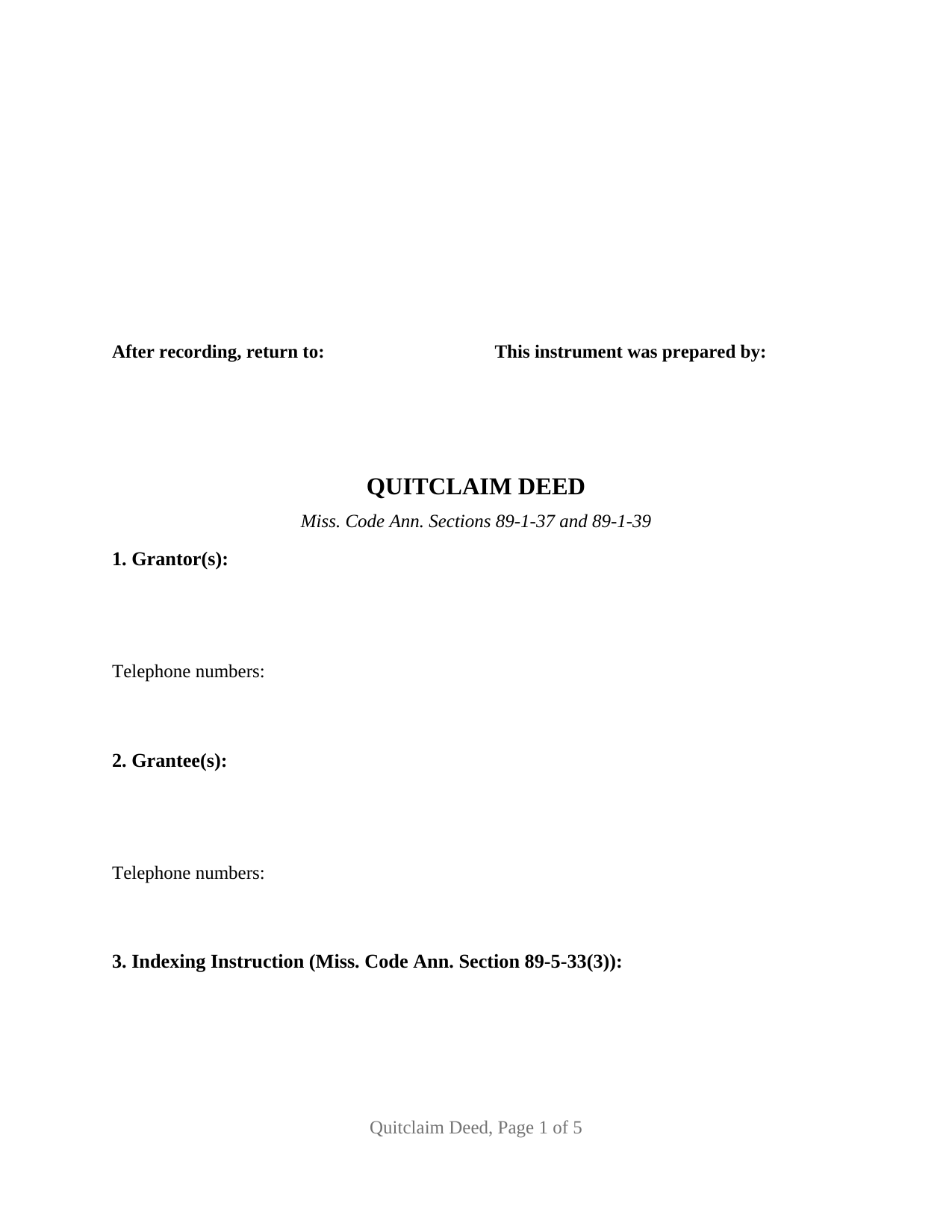
Copiah County Quitclaim Deed Form
Fill in the blank Quitclaim Deed form formatted to comply with all Mississippi recording and content requirements.
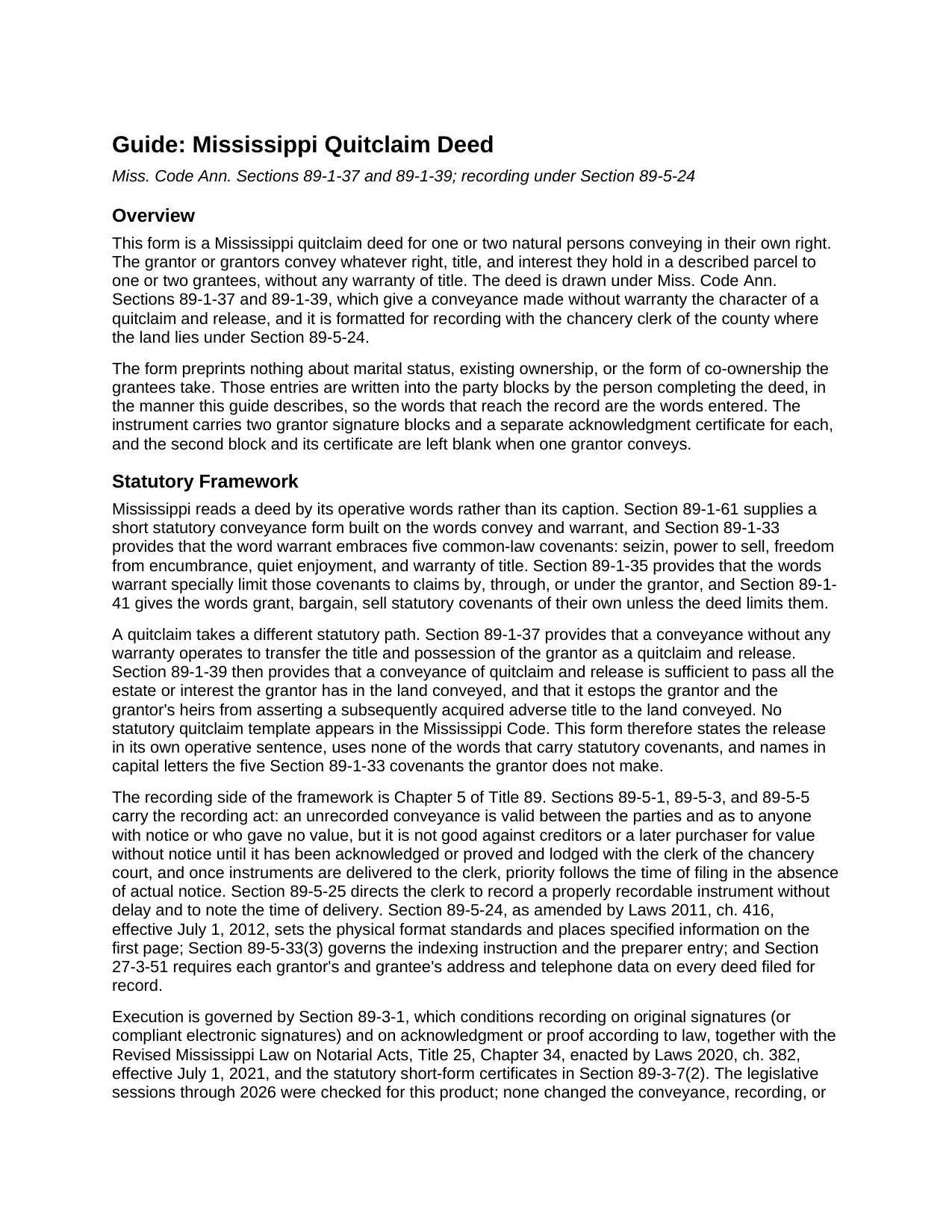
Copiah County Quitclaim Deed Guide
Line by line guide explaining every blank on the Quitclaim Deed form.
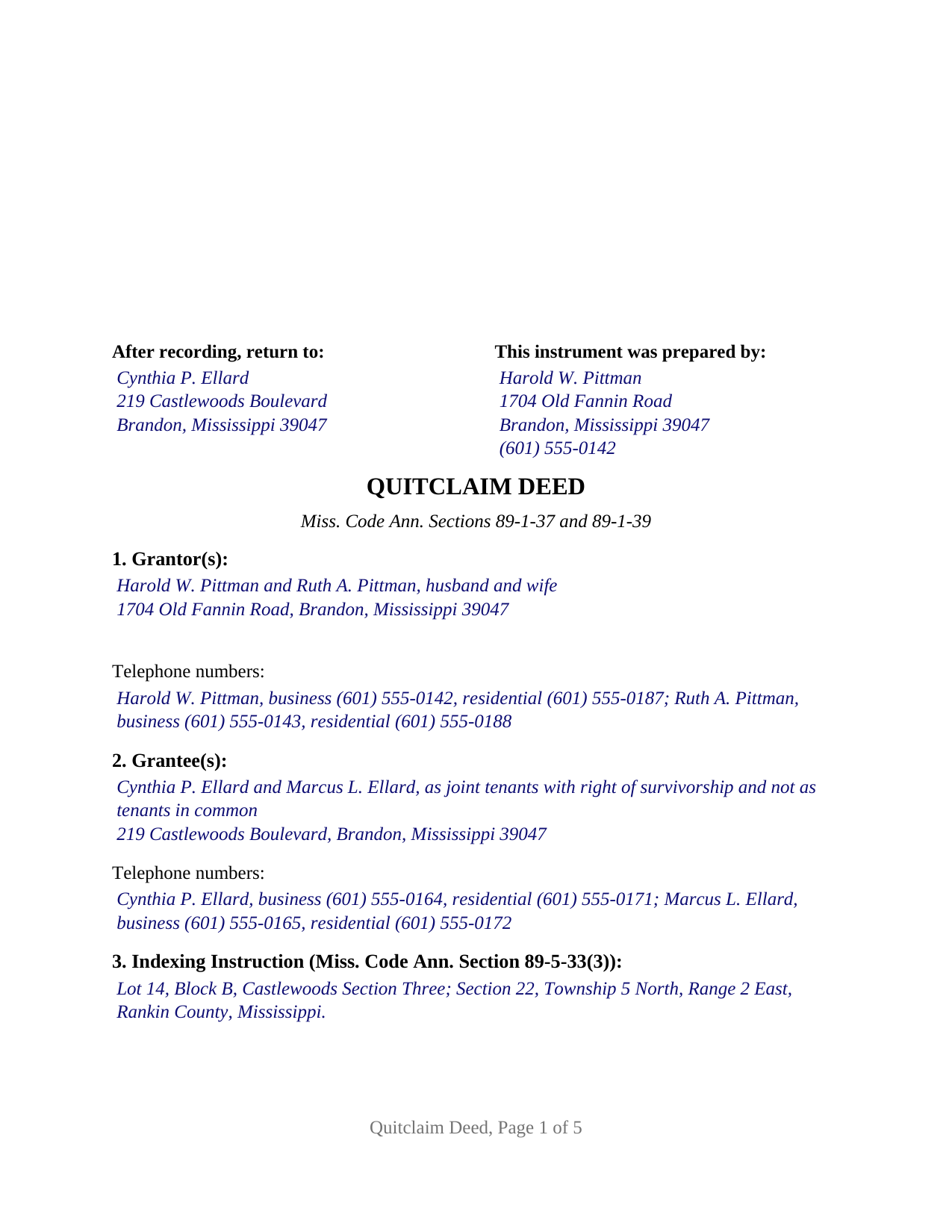
Copiah County Completed Example of the Quitclaim Deed Document
Example of a properly completed Mississippi Quitclaim Deed document for reference.
All 3 documents above included • One-time purchase • No recurring fees
Immediate Download • Secure Checkout
Additional Mississippi and Copiah County documents included at no extra charge:
Where to Record Your Documents
Copiah County Chancery Clerk
Hazelhurst, Mississippi 39083
Hours: 8:00am-5:00pm M-F
Phone: (601) 894-3021
Recording Tips for Copiah County:
- Bring your driver's license or state-issued photo ID
- Ensure all signatures are in blue or black ink
- Make copies of your documents before recording - keep originals safe
- Recorded documents become public record - avoid including SSNs
- Recording fees may differ from what's posted online - verify current rates
Cities and Jurisdictions in Copiah County
Properties in any of these areas use Copiah County forms:
- Crystal Springs
- Gallman
- Georgetown
- Hazlehurst
- Wesson
Hours, fees, requirements, and more for Copiah County
How do I get my forms?
Forms are available for immediate download after payment. The Copiah County forms will be in your account ready to download to your computer. An account is created for you during checkout if you don't have one. Forms are NOT emailed.
Are these forms guaranteed to be recordable in Copiah County?
Yes. Our form blanks are guaranteed to meet or exceed the applicable formatting requirements used for recording in Copiah County, including margin requirements, font requirements, and other layout standards. This guarantee applies to formatting, not to the legal sufficiency of information entered by the user or the suitability of a form for a particular transaction.
Can I reuse these forms?
Yes. You can reuse the forms for your personal use. For example, if you have multiple properties in Copiah County you only need to order once.
What do I need to use these forms?
The forms are PDFs that you fill out on your computer. The free Adobe Acrobat Reader is recommended, and most PDF apps also work. You do NOT enter your property information online - you download the blank forms and complete them privately on your own computer.
Are there any recurring fees?
No. This is a one-time purchase. Nothing to cancel, no memberships, no recurring fees.
How much does it cost to record in Copiah County?
Recording fees in Copiah County vary. Contact the recorder's office at (601) 894-3021 for current fees.
Questions answered? Let's get started!
A Mississippi deed does its work at delivery, but the chancery clerk's file stamp decides something else: the minute from which the conveyance stands against creditors and later buyers. That timing carries extra weight on a deed that arrives with no covenants behind it, which is what this fillable quitclaim deed prepares, for natural persons conveying whatever right, title, and interest they hold in a described parcel.
Delivery moves the title, the clerk's minute fixes the priority
Miss. Code Ann. Sections 89-5-1, 89-5-3, and 89-5-5 carry the state's recording rule. An unrecorded conveyance binds the parties to it and anyone who has notice or who did not pay value, and it is not good against creditors or a later purchaser for value without notice until it has been acknowledged or proved and lodged with the clerk of the chancery court. Once competing instruments reach the clerk, filing time settles priority where actual notice is absent, and Section 89-5-25 tells the clerk to record without delay and note the hour the document arrived. A grantee here has no covenant to sue on later, so the record at that minute is the whole of what passed.
What passes when no covenant does
Mississippi reads deeds by their operative words. Section 89-1-61 sets out a short statutory form running on convey and warrant, and Section 89-1-33 packs five covenants into that one word: seizin, power to sell, freedom from encumbrance, quiet enjoyment, and warranty of title. This instrument uses none of them. Section 89-1-37 provides that a conveyance without any warranty operates to transfer the title and possession of the grantor as a quitclaim and release, and Section 89-1-39 makes that release sufficient to pass all the estate or interest the grantor has, while estopping the grantor and the grantor's heirs from asserting a subsequently acquired adverse title. No statutory quitclaim template exists in the Mississippi Code, so Section 9 states the release and a capitalized paragraph disclaims those five covenants by name. Searches spelled quit claim deed, in two words, land here as well.
One or two people on either side
The party blocks are deliberately unprinted. Section 1 holds one or two grantor names with whatever status wording the parties state; Section 2 holds one or two grantee names and, where two take, the words fixing how they hold, from the tenancy in common Section 89-1-7 supplies by default to the survivorship estates that section allows only where they manifestly appear. Nothing about marriage, capacity, or vesting is preprinted; the entry written into a blank is what reaches the record. Execution matches those counts: a GRANTOR block and a SECOND GRANTOR block, each with a printed name line and its own acknowledgment certificate, so two signers may appear on different dates or before notaries in different states, and the second block and certificate stay blank on a one grantor fill. The form is not laid out for a signer acting for someone else, whether an entity officer, a trustee, an agent under a power of attorney, or a fiduciary appointed by a court, nor for three or more owners on either side, nor for a spouse who signs only to answer the homestead statute while conveying nothing.
Written to the chancery clerk's intake
Mississippi conditions recording on data the deed itself carries. Section 27-3-51 attaches a mailing address and business and residential telephone numbers to every grantor and grantee, and a clerk may hand back a deed without them. Section 89-5-33(3) wants the indexing instruction distinctly set apart, so it holds Section 3 alone, and the same subsection governs the preparer entry on page one, Bar number included for an attorney preparer. Section 89-5-24 supplies the physical standards: three inches of page one belong to the clerk, the subsection (2) items (preparer, return address, title, parties, indexing instruction) placed beneath, ten point minimum type, twenty pound white paper, a printed name under each signature. Recording runs twenty-five dollars for five pages under Section 25-7-9, and this deed prints in exactly five. Where the parcel is homestead and a conveying owner is married and living with a spouse, Section 89-1-29 calls for that spouse's signature, and spouses who both convey sign as the two grantors.
Three files download together: the blank quitclaim deed as a fillable PDF, a completed example carrying a Rankin County conveyance through both certificates, and a plain-language guide to every numbered section, the grantee vesting words, signing, and recording. The materials are informational and are not legal advice.
Important: Your property must be located in Copiah County to use these forms. Documents should be recorded at the county recording office listed above.
This Quitclaim Deed meets all recording requirements specific to Copiah County.
Our Promise
The documents you receive here are guaranteed to meet or exceed the applicable Copiah County recording format requirements. If there is a rejection caused by our formatting, we will correct the issue or refund your payment. This guarantee applies to document formatting only and does not extend to information entered by the user, the selection of the form, or the legal effect of the completed document.
Save Time and Money
Get your Copiah County Quitclaim Deed form done right the first time with Deeds.com Uniform Conveyancing Blanks. At Deeds.com, we understand that your time and money are valuable resources, and we don't want you to face a penalty fee or rejection imposed by a county recorder for submitting nonstandard documents. We constantly review and update our forms to meet rapidly changing state and county recording requirements for roughly 3,500 counties and local jurisdictions.
4.8 out of 5 - ( 4,845 Reviews )
Marcus W. 5 out of 5 stars
I was very pleased and satisfied with the ease of use, expeditious turnaround and costs involved to eRecord my documentation to the Probate Court. I live in another city and state and your service allowed me to get what I needed done. in a matter of a few hours from the time I submitted my package for filing, within an hour. I received noted and stamped confirmation from the county clerks office the document was now on file with them. I highly recommend Deeds.com and will be utilizing your online services for any future legal documentation.
We appreciate your business and value your feedback. Thank you. Have a wonderful day!
Jay F. 5 out of 5 stars
Had what I needed
Great to hear — thank you for taking the time to write a review.
Patricia And James J. 5 out of 5 stars
No review provided.
Thank you for your feedback. We really appreciate it. Have a great day!
Emili C. 5 out of 5 stars
Thank you! I received my forms promptly and they are easy to follow along for filling out. The examples gave me confidence that they were done correctly.
Thank you for your feedback. We really appreciate it. Have a great day!
Clifford A. 5 out of 5 stars
Very efficient and smooth process. Thank you!
Thank you!
Michael J. 5 out of 5 stars
Great site, very easy to use. Thanks
Thank you for your feedback. We really appreciate it. Have a great day!
Joyce M. 5 out of 5 stars
Great website, but not helpful in locating my deed dated 1747.
Thank you for your feedback. We really appreciate it. Have a great day!
Timothy B. 3 out of 5 stars
Excellent sample deed, very helpful. Unfortunately, the fill-able template only allowed for one BENEFICIARY.
Thank you for your feedback. We really appreciate it. Have a great day!
Darlene P. 5 out of 5 stars
Deeds.com was a money saver for me. It made a daunting task of preparing a Quit Claim Deed a very simple task. I was happy that my documentation was accepted by my state and County first round. Thank you Deeds.com
We appreciate your business and value your feedback. Thank you. Have a wonderful day!
Sherry C. 5 out of 5 stars
The experience was great. It was so easy to get my document recorded and it was done the same day!
Thank you!
Joyce S. 5 out of 5 stars
Download very easy. Forms are just what I need. Thanks
Thank you for your feedback. We really appreciate it. Have a great day!
Michael S. 5 out of 5 stars
So convenient.
Knowing our customers are happy is our top priority. Thank you for the wonderful feedback!
Clinton M. 5 out of 5 stars
Very informative. I submitted my form.The county accepted it. Thank you.
Thank you for your feedback. We really appreciate it. Have a great day!
Heather R. 5 out of 5 stars
Fast and convenient service.
Thank you Heather, we appreciate your feedback.
Roberta U. 5 out of 5 stars
Thanks for the quick reply Will use in future. Thanksgivings
Thank you!